Your Browsing History
- Free 30-day Returns
$59.01
Ships from China.
Meet Your Seller
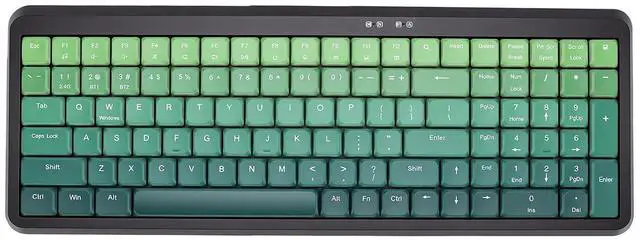
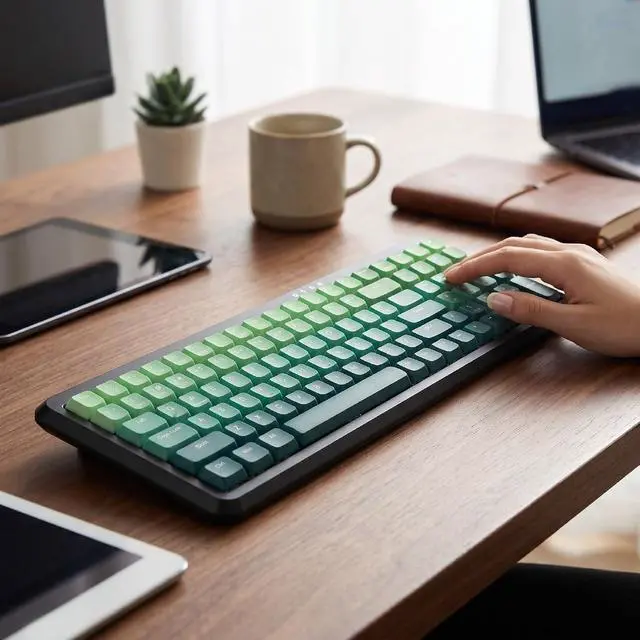
Wireless Keyboard, BT 2.4G Dual Mode, Compact Portable Ergonomic Keyboard, Low Noise, for Computer Desktop Laptop Multi Device (Dual Mode Black Green Gradient)
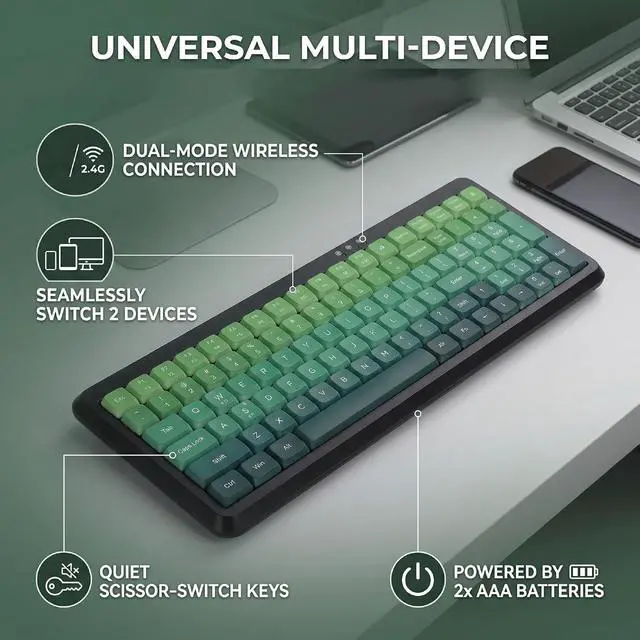
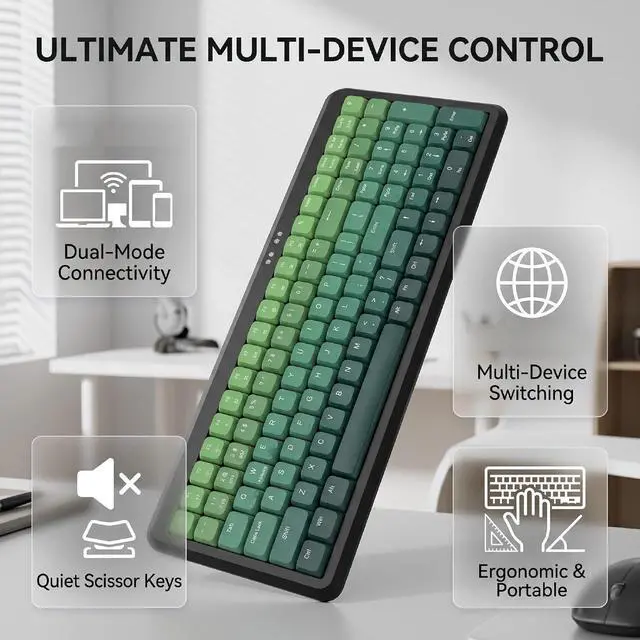
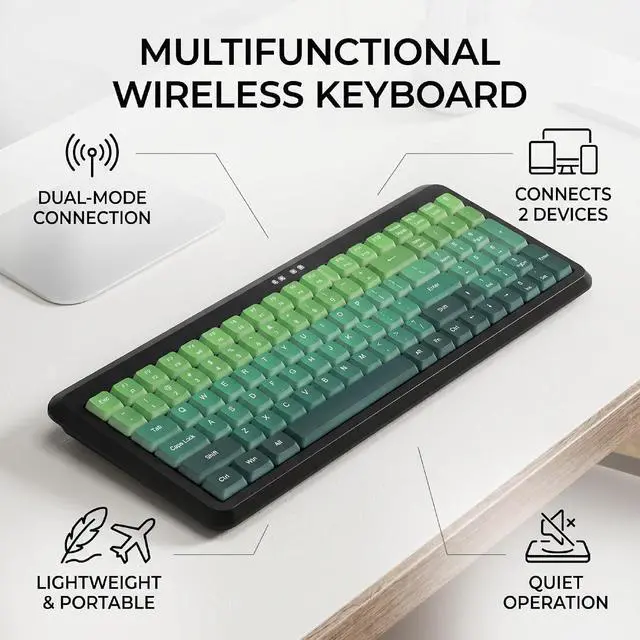
- Dual mode wireless keyboard: This BT keyboard supports both BT and 2.4G wireless connections, allowing seamless switching between multiple devices. BT is ideal for mobile devices like tablets and smartphones, while 2.4G ensures stable, low latency performance for offices work or gaming.; Multi device connectivity: The wireless keyboard can pair with two devices simultaneously and switch between them instantly with a simple shortcut. Perfect for users who frequently alternate between computers, tablets, and phones for work or entertainment.; Ergonomic design: With adjustable height settings and large anti-slip pads, this 2.4G keyboard provides comfortable typing for extended periods. Its lightweight build makes it easy to carry for travel or remote work.; Wide compatibility: The BT keyboard is support for mainstream systems, meeting the device usage habits of different users.; Quiet operation: Designed with low noise scissor switches, this wireless keyboard minimizes typing sounds, creating a distraction free environment in offices, libraries, or shared spaces.
+
+
Overview
Specs
Reviews
Any questions? Our AI mode will help you find out quickly.
Try me now
Specification: Item
Type: Wireless
Keyboard Material: ABS
Connection Method: 2.4G +BT
Battery
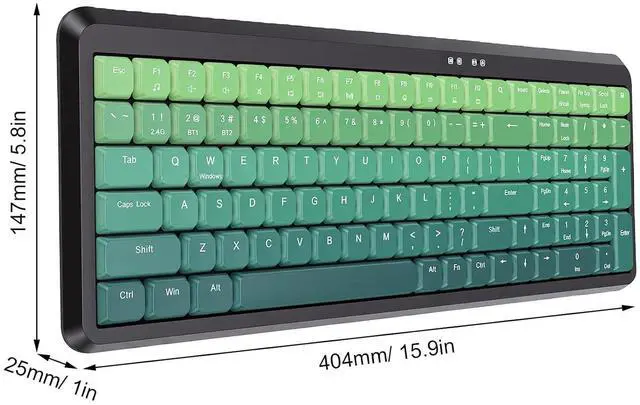
Size: Approx. 404 x 147 x 25mm/ 15.9 x 5.8 x 1.0 in
Weight: Approx. 570g/ 20.1 oz How to
Use:
1. Install 2 AAA batteries (not included). Insert the USB receiver into your computer's USB port. Press FN + 2.4G on the keyboard to start using it.
2. Install 2 AAA batteries (not included). Press FN + BT1/BT2 on the keyboard to activate BT mode. Turn on the BT function on your device and pair it with 'BT 5.2 KB' to start using it.
Package List: 1 x Keyboard 1 x Receiver
Type: Wireless
Keyboard Material: ABS
Connection Method: 2.4G +BT
Battery
Specifications
: 2 x AAA Battery (not included)Size: Approx. 404 x 147 x 25mm/ 15.9 x 5.8 x 1.0 in
Weight: Approx. 570g/ 20.1 oz How to
Use:
1. Install 2 AAA batteries (not included). Insert the USB receiver into your computer's USB port. Press FN + 2.4G on the keyboard to start using it.
2. Install 2 AAA batteries (not included). Press FN + BT1/BT2 on the keyboard to activate BT mode. Turn on the BT function on your device and pair it with 'BT 5.2 KB' to start using it.
Package List: 1 x Keyboard 1 x Receiver
Warranty & Returns
Warranty, Returns, And Additional Information
Warranty
- Please contact the Seller directly for warranty information. Warranty information may also be found on the Manufacturer's website.
- CONTACT
Return Policies
- Return for refund within: 30 days
- Return for replacement within: non-replaceable
- This item is covered by CoreDepot Return Policy
Manufacturer Contact Info
- For a directory of all our manufacturers, please click below.
- Manufacturers Directory
LOADING...