Your Browsing History
- Free 30-day Returns
$112.62
Ships from China.
Meet Your Seller
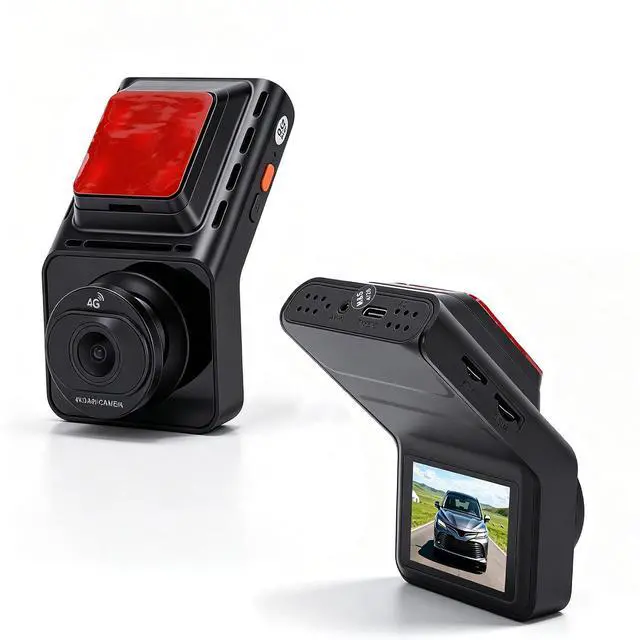
Car Camera, Vehicle Recorder, Dash cam
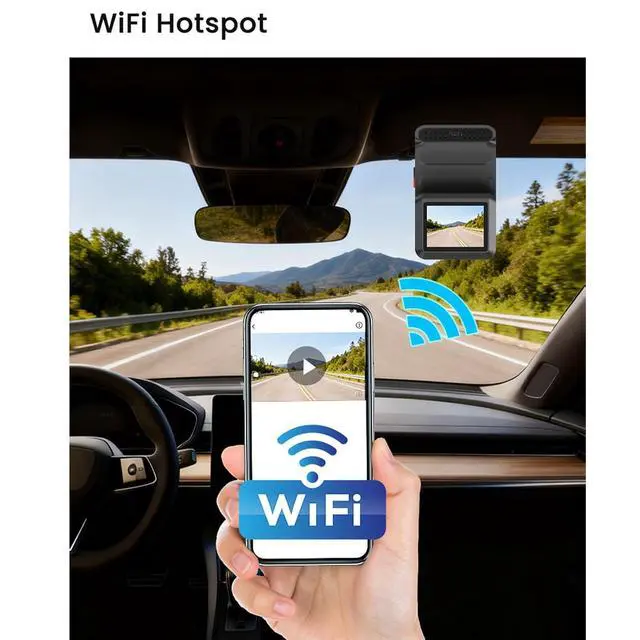
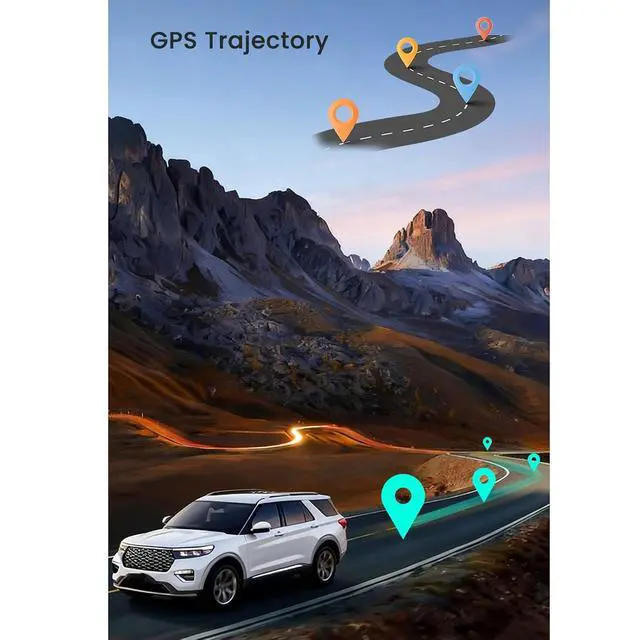
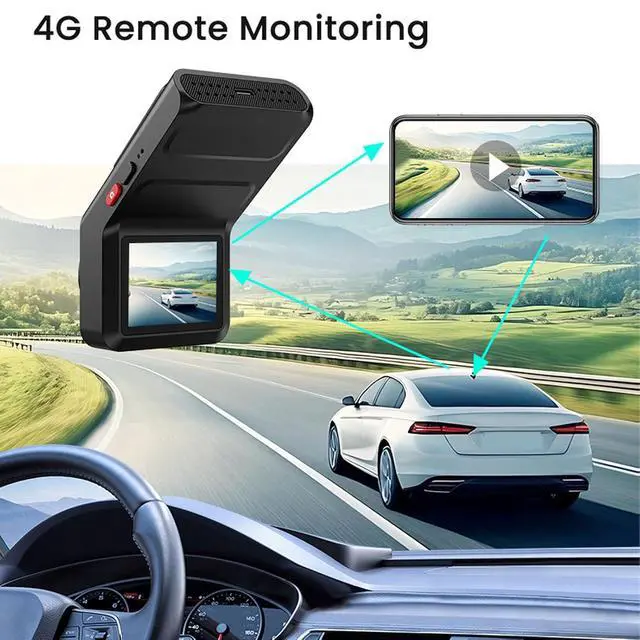
- Stunning Clarity: Experience breathtaking 4K clear recording that captures every detail on the road. The 140° wide angle lens ensures expansive coverage, so you won't miss any moments while driving.; Remote Monitoring: With 4G connectivity, this dash cam keeps you connected to your vehicle 24/7. The intelligent parking guard feature alerts your phone in case of any collisions, allowing you to view real time photos and location updates right on your mobile app, providing peace of mind wherever you are.; Advanced Security Features: Equipped with BSD (Blind Spot Detection) technology, the dash cam notifies you when objects enter your blind spot, automatically capturing photos. Enhanced ADAS ensures you're warned about lane deviation, significantly improving driving security.; Versatile Night View: Utilizing sophisticated lighting enhancement technology, our dash cam guarantees clear night time recordings. This innovation means you can confidently drive in low light conditions, ensuring that your security doesn't diminish when darkness falls, all while maximizing recording efficiency.; User Friendly Display: The 2.0 inch high definition display allows easy viewing and operation. Effortlessly adjust settings and switchover to reverse camera mode, enhancing your parking experience. This intuitive interface combines practicality with elegance for a seamless user experience.
+
+
Overview
Specs
Reviews
Any questions? Our AI mode will help you find out quickly.
Try me now
Specification: Item
Type: 4K
Car DVR Material: ABS, Aluminum Alloy
Display Size: 2.0 inch
Charging Interface: Type
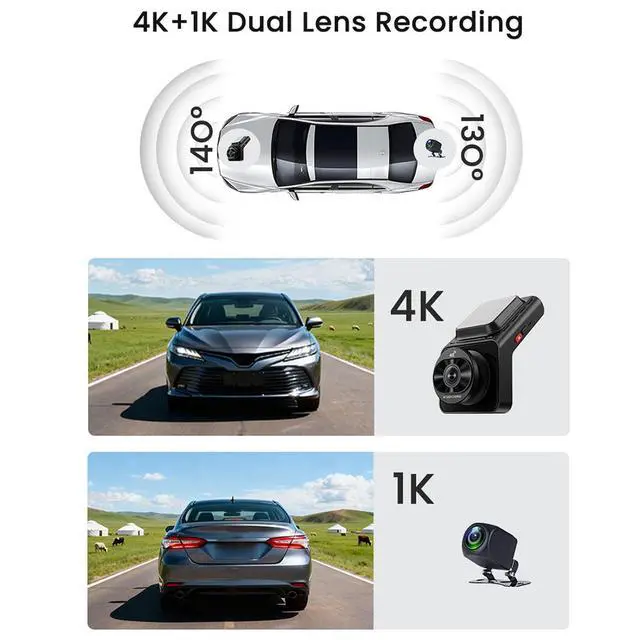
C Front Lens: 4K at 25fps 140°
Wide Angle Rear Lens: 1080P at 25fps 130°
Wide Angle Storage: Supports up to 512GB memory card (Not
Included) APP Name: CloudSpirit
Loop Recording: Supported
Working Temperature: -20°C to +70°C
Net Bands:
WCDMA: B1, B5, B8;
FDD-LTE: B1, B3, B5, B8;
TDD-LTE: B38, B39, B40, B41 4G
Function Applicable Regions: Europe, Africa, Southeast Asia, Australia (Not available in
America) BSD Blind Spot Monitoring: Supported
WiFi: 2.4G
Parking Monitoring: Supported How to
Use:
1. Turn off the car engine.
2. Insert a memory card into the dash cam. Use a Class 10 or higher memory card.
3. Securely mount the dash cam at a suitable position on the front windshield. Before installation, wipe the area clean to remove any dust. Do not remove the adhesive tape backing directly. Confirm the dash cam is working properly before peeling off the tape and pressing it firmly into place.
4. Connect the yellow wire to the car's constant power fuse (BAT+), the red wire to ACC, and the black wire to ground.
5. Connect the power cable to the Type C port of the dash cam.
Note: When routing the power cable, you can neatly tuck it along the edge of the windshield.
6. Install the rear camera above the license plate and make sure it is aligned correctly. Cables can be laid along the roof or side panels of a vehicle.
7. Adjust the lens position to ensure it is level with the ground.
8. Start the engine and check whether the dash cam is functioning properly. Open the mobile app and connect to the dash cam to verify that the image is clear and level with the ground.
packing list: 1 x Dash Cam 1 x Dash Cam Power Cable 1 x Instruction Manual 1 x Reverse Camera 1 x Reverse Camera Power Cable 2 x Screws 1 x Adhesive Tape 1 x Spacer

Type: 4K
Car DVR Material: ABS, Aluminum Alloy
Display Size: 2.0 inch
Charging Interface: Type
C Front Lens: 4K at 25fps 140°
Wide Angle Rear Lens: 1080P at 25fps 130°
Wide Angle Storage: Supports up to 512GB memory card (Not
Included) APP Name: CloudSpirit
Loop Recording: Supported
Working Temperature: -20°C to +70°C
Net Bands:
WCDMA: B1, B5, B8;
FDD-LTE: B1, B3, B5, B8;
TDD-LTE: B38, B39, B40, B41 4G
Function Applicable Regions: Europe, Africa, Southeast Asia, Australia (Not available in
America) BSD Blind Spot Monitoring: Supported
WiFi: 2.4G
Parking Monitoring: Supported How to
Use:
1. Turn off the car engine.
2. Insert a memory card into the dash cam. Use a Class 10 or higher memory card.
3. Securely mount the dash cam at a suitable position on the front windshield. Before installation, wipe the area clean to remove any dust. Do not remove the adhesive tape backing directly. Confirm the dash cam is working properly before peeling off the tape and pressing it firmly into place.
4. Connect the yellow wire to the car's constant power fuse (BAT+), the red wire to ACC, and the black wire to ground.
5. Connect the power cable to the Type C port of the dash cam.
Note: When routing the power cable, you can neatly tuck it along the edge of the windshield.
6. Install the rear camera above the license plate and make sure it is aligned correctly. Cables can be laid along the roof or side panels of a vehicle.
7. Adjust the lens position to ensure it is level with the ground.
8. Start the engine and check whether the dash cam is functioning properly. Open the mobile app and connect to the dash cam to verify that the image is clear and level with the ground.
packing list: 1 x Dash Cam 1 x Dash Cam Power Cable 1 x Instruction Manual 1 x Reverse Camera 1 x Reverse Camera Power Cable 2 x Screws 1 x Adhesive Tape 1 x Spacer
Warranty & Returns
Warranty, Returns, And Additional Information
Warranty
- Please contact the Seller directly for warranty information. Warranty information may also be found on the Manufacturer's website.
- CONTACT
Return Policies
- Return for refund within: 30 days
- Return for replacement within: non-replaceable
- This item is covered by CoreDepot Return Policy
Manufacturer Contact Info
- For a directory of all our manufacturers, please click below.
- Manufacturers Directory
LOADING...