• $64.84
  • Free 30-day Returns
  • Ships from China.
    Price alert
    Shop it at NeweggBusiness.

    Meet Your Seller

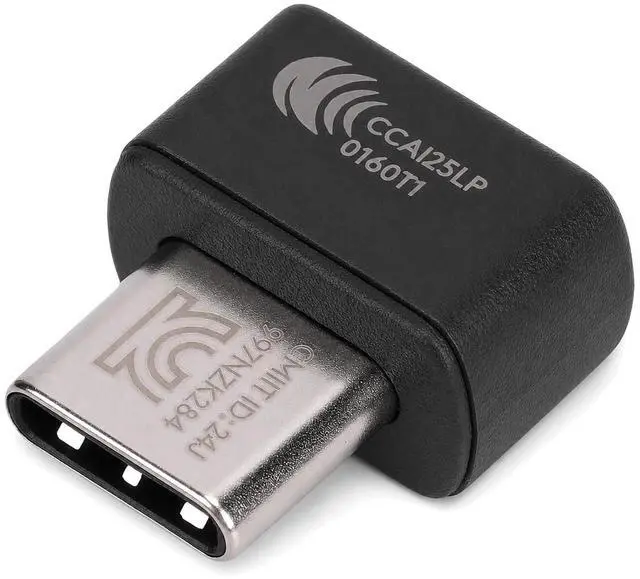
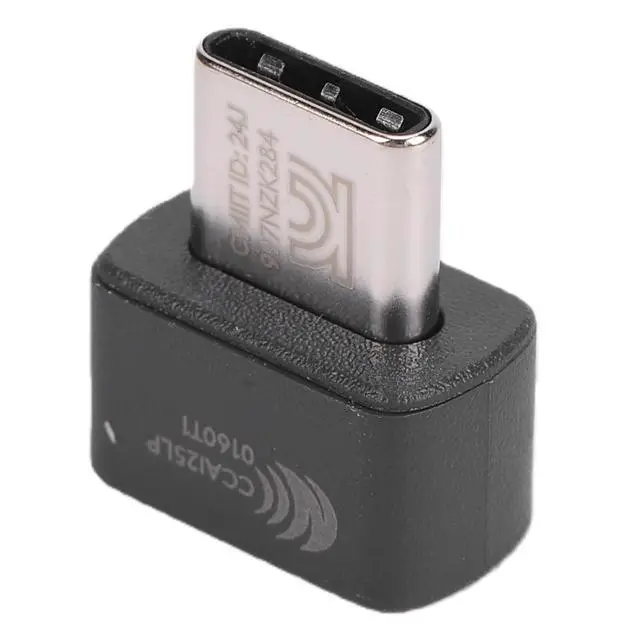
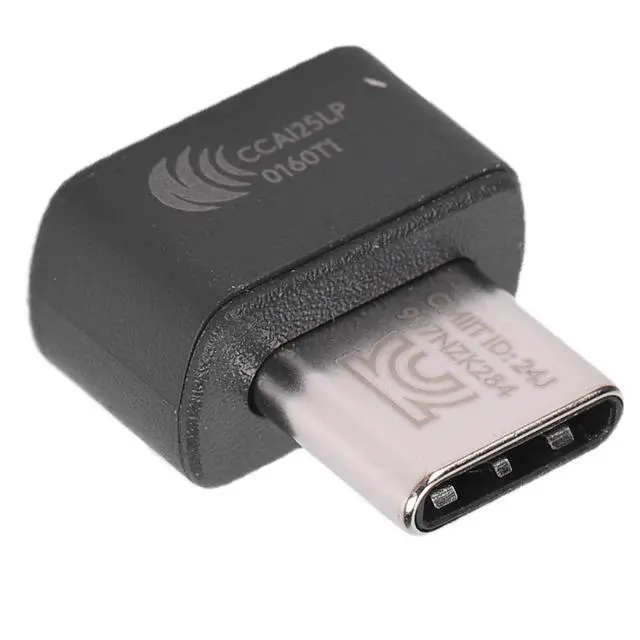
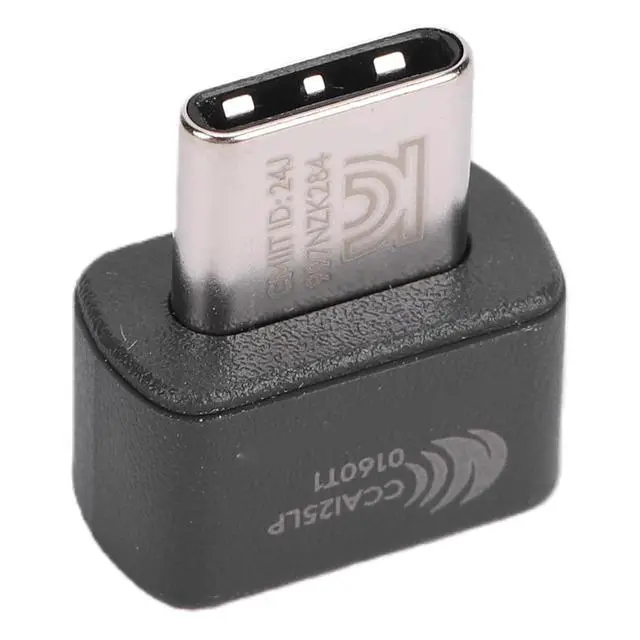
    USB Unifying Receiver 2.4 GHz Wireless Technology USBC Adapter for tech Bolt Mouse & Keyboard

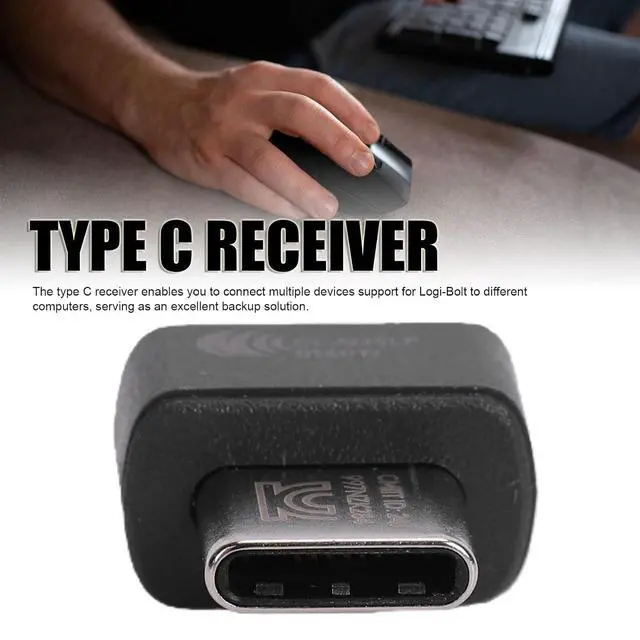
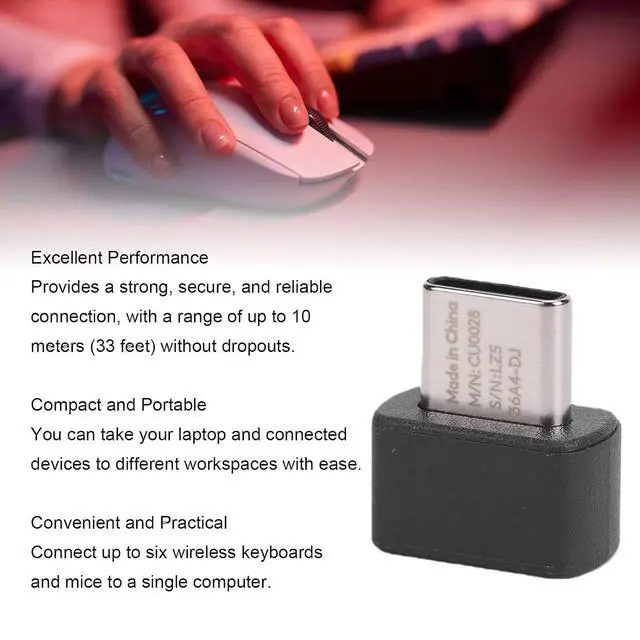
    • Wide Compatibility: The type C receiver is compatible with various devices, like fit for M240 Lift M550 M650 M650L M750 M750L mouse, fit for K75M K98M K98S K650 K855 K865 K868 K950 keyboard and fit for MK370 MK650 MK855 MK950 keyboard mouse combo.; Robust And Secure Wireless Performance: Designed for high performance, the type C receiver offers a strong and secure wireless connection up to 10 meters. This reliability is essential for crowded wireless environments, ensuring you enjoy uninterrupted connectivity with devices running support for , support for OS X, support for Linux, or support for Chrome OS.; Versatile Multi Device Connectivity: The type C receiver enables you to connect multiple devices support for -Bolt to different computers, serving as an excellent backup solution.; Simplified Device Management: Connect up to six wireless keyboards and support for -Bolt to a single computer using just one type C receiver. This feature eliminates the clutter of multiple USB receivers while allowing you to set up wireless input devices in various work areas.; Compact And Portable Design: With its small size, the type C receiver makes it incredibly convenient to carry. You can effortlessly take your laptop and connected devices between different workspaces.
    +
    +
    Overview
    Specs
    Reviews
    avatar

    Any questions? Our AI mode will help you find out quickly.

    Product description
    Spec: Item
    Type: Type C
    Receiver Material: ABS
    Application: Fit for M240 Lift M550 M650 M650L M750 M750L M575 Commercial M575S MX Anywhere 3S 3s 4 POP Mouse Fit for K75M K98M K98S K650 K855 K865 K868 K950 K980 MX Keys S Wave Keys POP Keyboard K860 Commercial MX Keys Commercial POP Keys MX Mechanical Keyboard Fit for MK370 MK650 MK855 MK950 POP COMBO MX Keys S Combo PEBBLE 2 COMBO Wave Combo Keyboard Mouse Combo How to
    Use: Pairing
    Instructions:
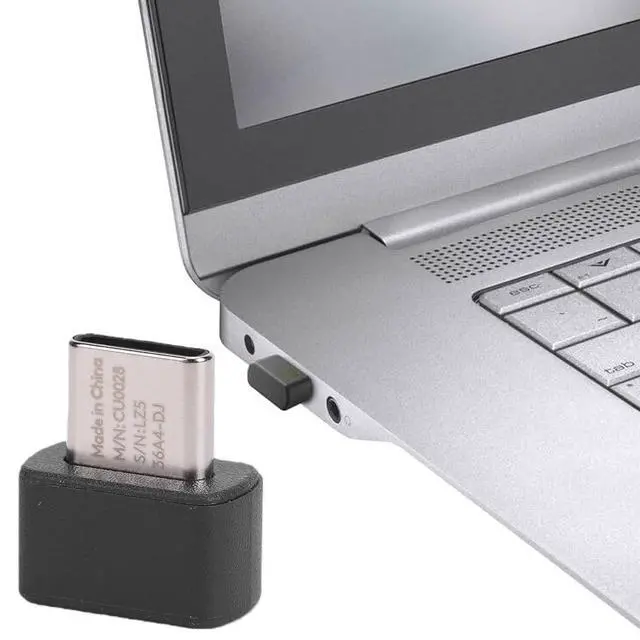
    1. Insert the receiver into the computer.
    2. Turn on the mouse or keyboard.
    3. Open the driver software.
    4. Add device.
    5. Enter pairing mode.
    6. Press and hold the key on the bottom of the mouse or keyboard for 3-5 seconds to pair.
    7. Follow the on screen instructions for device verification.
    8. Complete the pairing process. (If the keyboard does not have a switch, remove and reinstall the battery to power it on. )
    packing list: 1 x
    Receiver Notice: Not all wireless devices are support for Bolt receiver. Make sure the device support for Bolt connection feature, usually indicated by the logo. The receiver provides powerful and secure wireless connection technology, can be used as a spare or to connect multiple devices. When connecting two computers simultaneously, you can use support for Flow transfer function and support for Bolt technology mouse to easily transfer files between screens.

    Warranty & Returns

    Warranty, Returns, And Additional Information

    Warranty

    • Please contact the Seller directly for warranty information. Warranty information may also be found on the Manufacturer's website.
    • CONTACT

    Return Policies

    • Return for refund within: 30 days
    • Return for replacement within: non-replaceable
    • This item is covered by CoreDepot Return Policy

    Manufacturer Contact Info

    LOADING...