• $85.14
  • Free 30-day Returns
  • Ships from China.
    Price alert
    Shop it at NeweggBusiness.

    Meet Your Seller

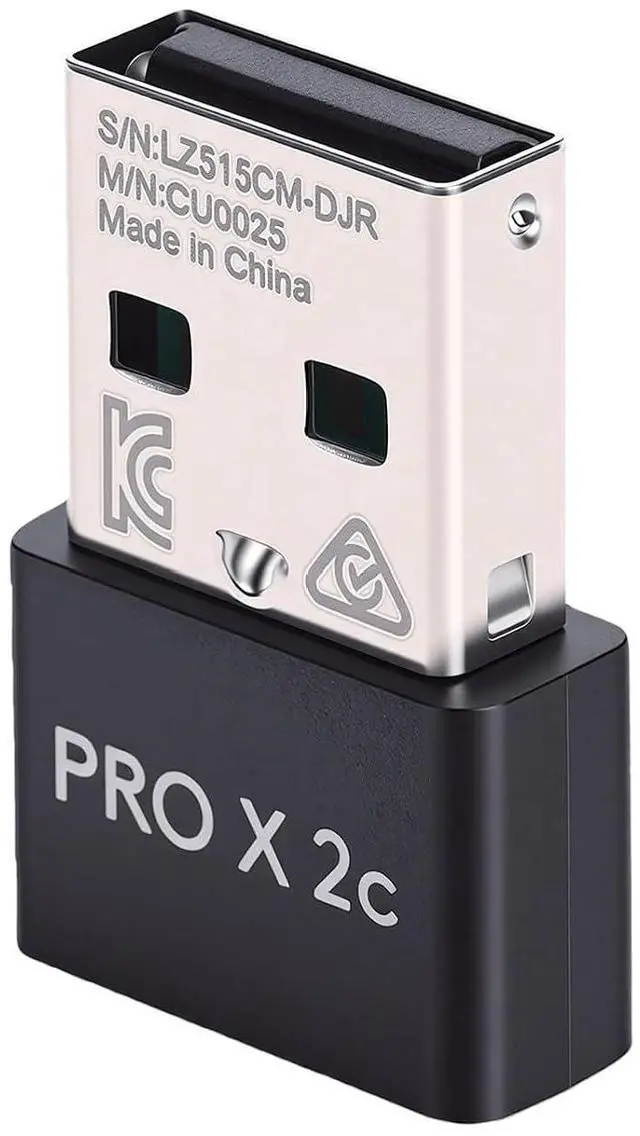
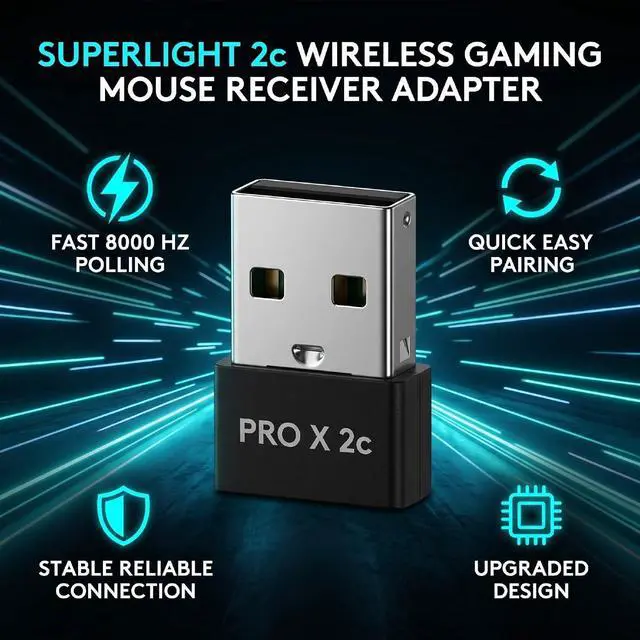
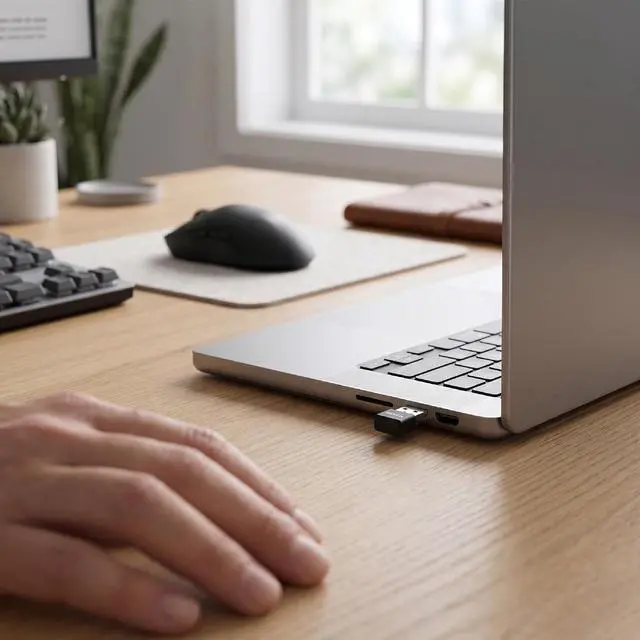
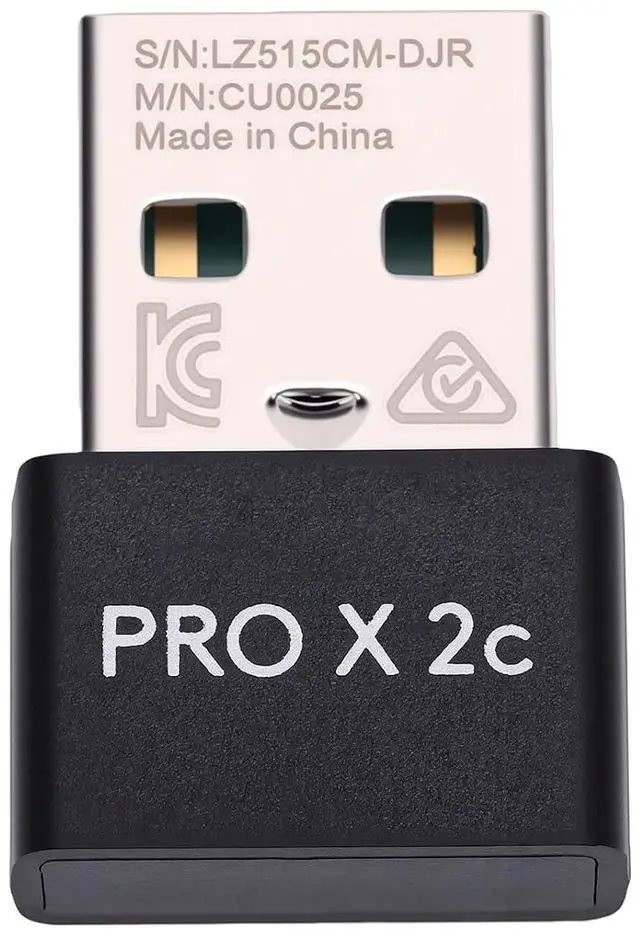
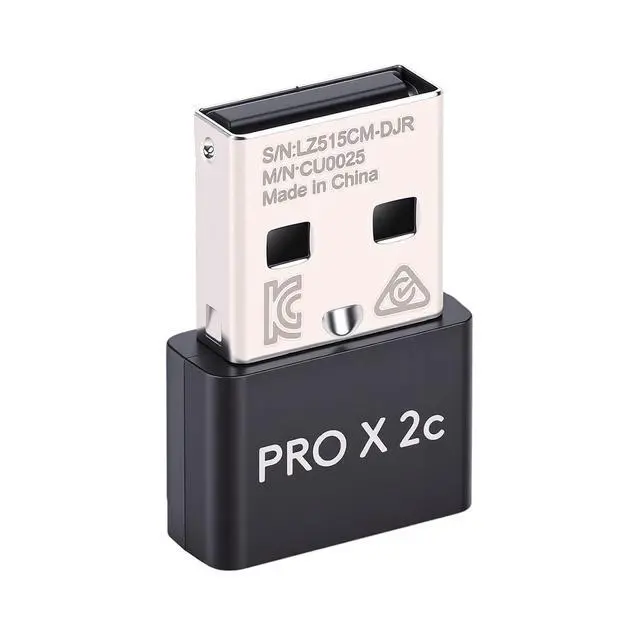
    Gaming USB Dongle Replacement for G PRO X Superlight 2c, 8000Hz, Anti Interference, Wireless Mouse Receiver Adapter

    • HIGH COMPATIBILITY: Designed specifically replacement For G PRO X SUPERLIGHT 2c Gaming Mouse, bringing you a reliable usage experience.; FAST RESPONSE RATE: Achieve an incredible polling rate boost from 1000Hz to 8000Hz (0.125ms response time), delivering wired like response speeds. Ideal for professional e sports player and players who are extremely sensitive to latency.; QUICK AND EASY PAIRING: Pair your mouse in just about a minute, providing a seamless, lag free connection for both gaming and everyday use, ensuring you stay focused on your performance.; STABLE AND EFFICIENT: Features automatic pairing technology, allowing easy reconnection with a new receiver via software if the original is lost, ensuring continuous usability.; UPGRADED DESIGN: Equipped with adaptive frequency hopping technology to automatically switch channels in crowded wireless environments, reducing interference and maintaining a reliable connection.
    +
    +
    Overview
    Specs
    Reviews
    avatar

    Any questions? Our AI mode will help you find out quickly.

    Spec: Item
    Type: Mouse Receiver
    Adapter Material: ABS
    Application: Replacement For G PRO X SUPERLIGHT 2c Gaming Mouse How to
    Use: Pairing
    method:
    1. Download the software on your computer: After
    downloading the software:
    1. Turn off the wireless mouse and unplug the wired connection between the wireless mouse and the host. Use a different wired mouse to open the software, and plug the receiver into the computer.
    2. Click on the box in the upper left corner that displays the model, choose the corresponding USB option.
    3. After selecting, a re pairing key will appear in the lower right corner of the box. Click on re pair, then proceed to the next step.
    4. When the system prompts you to turn off the mouse power and then turn it on, switch on the power of the wireless mouse. After about 10 seconds, when the pairing is successful, move the wireless mouse to confirm.
    Package List: 1 x Mouse
    Receiver Adapter Note:

    Warranty & Returns

    Warranty, Returns, And Additional Information

    Warranty

    • Please contact the Seller directly for warranty information. Warranty information may also be found on the Manufacturer's website.
    • CONTACT

    Return Policies

    • Return for refund within: 30 days
    • Return for replacement within: non-replaceable
    • This item is covered by CoreDepot Return Policy

    Manufacturer Contact Info

    LOADING...