Spec: Item
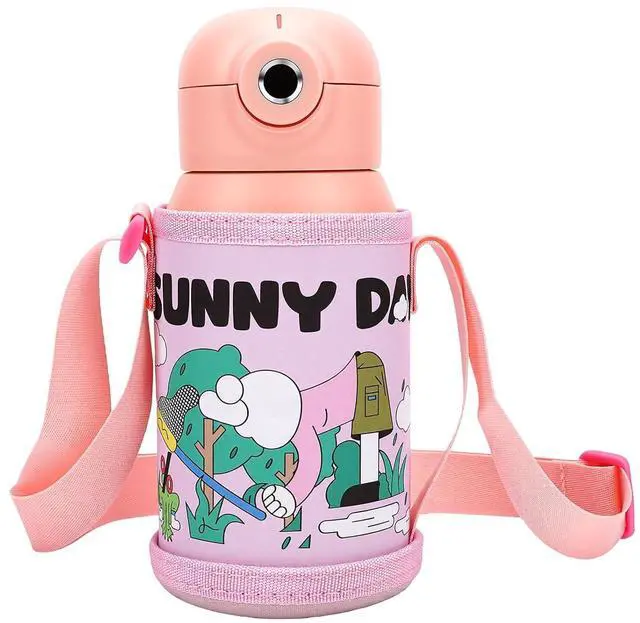
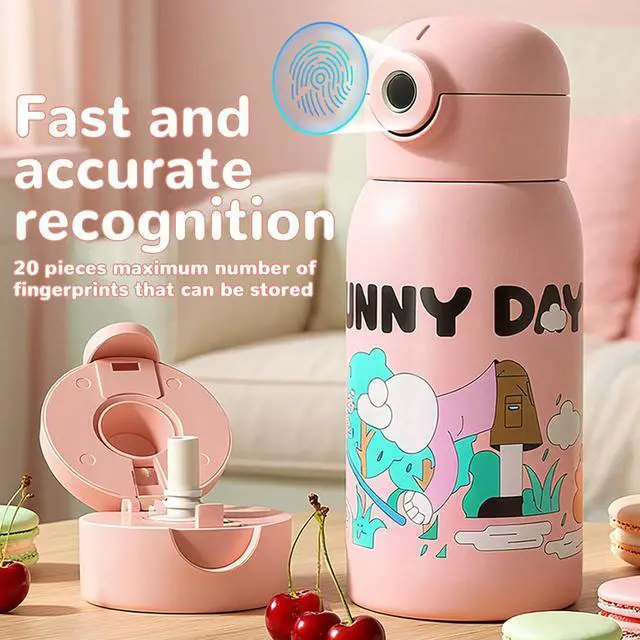
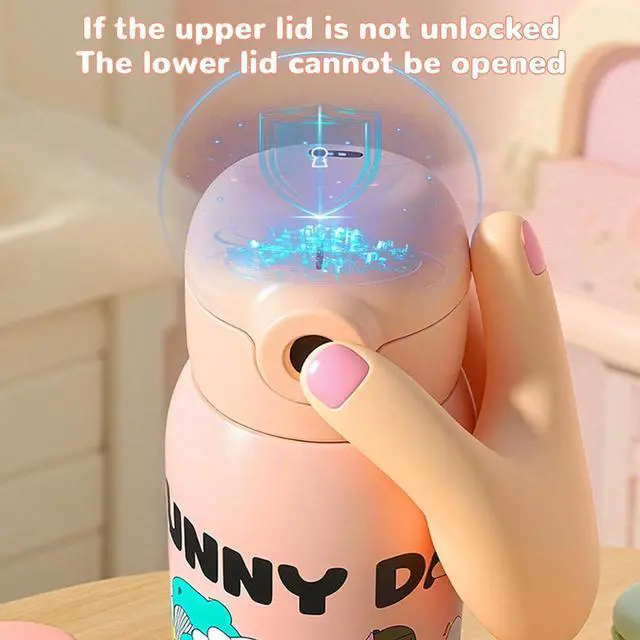
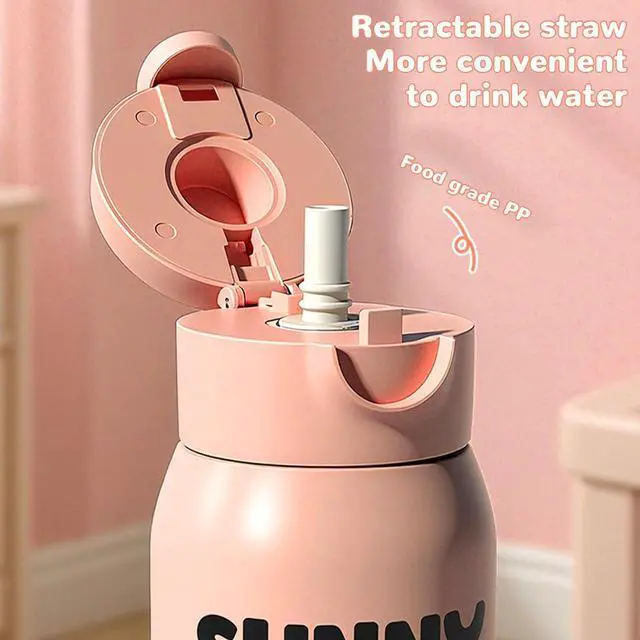
Type: Fingerprint Unlockable Insulated Water Bottle Material: Stainless Steel, Leather, PP, Rubber
Battery Type: Li Ion
Battery (Built-in) Battery Capacity: 150mAh
Battery Life: 60
Days Fingerprint Capacity: 20
Water Capacity: 500ml
Package List: 1 x Fingerprint Unlockable Insulated Water Bottle 1 x Shoulder Strap 1 x Charging Cable How to
Use: Initial
Registration: 1. Press the fingerprint screen until the blue light stays on, then release. The pink light will flash. Enter the default factory password " 2.2" (the "2" means touch twice, waiting for the blue light to turn on and the pink light to flash, then touch twice again). 2. When the blue light flashes, registration for the first fingerprint begins. Touch the screen with the desired fingerprint 8 times. The blue light will then turn on. When it starts to flash again, registration for the second fingerprint begins. Repeat the same process of touching 8 times. Once the blue light stops flashing, both fingerprints are successfully registered.
Adding Additional Fingerprints: 1. Press and hold the fingerprint screen with an already registered fingerprint until the blue light stays on, then release it. The blue light will start flashing. 2. Touch the fingerprint screen 8 times with the fingerprint you wish to add. The blue light will turn off, indicating that the fingerprint has been successfully added.
Modifying Emergency Unlock Password: 1. Press and hold the fingerprint screen with an already registered fingerprint until the pink light turns on, then release it. The pink light will start flashing. Enter the initial password " 2.2". The blue light will turn on, then the pink light will turn on, and afterward, the pink light will flash. 2. Enter your new personal password (also 2 digits with a brief pause for the blue light to flash once). After successfully entering the new password, please make sure to remember it. (It is





 here!
here!