

Your Browsing History

Meet Your Seller


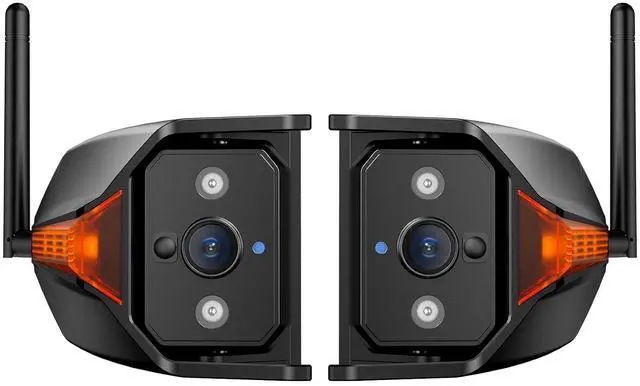


AUTO-VOX RV Backup Camera Wireless with Left and Right Side Cameras, Adjustable Viewing Angle, IR Night Vision, Compatible Only with 3 Channel Monitor for Motorhome, Fifth Wheel, Travel Trailer
Limited time offer, ends 10/15 By Truespan Living
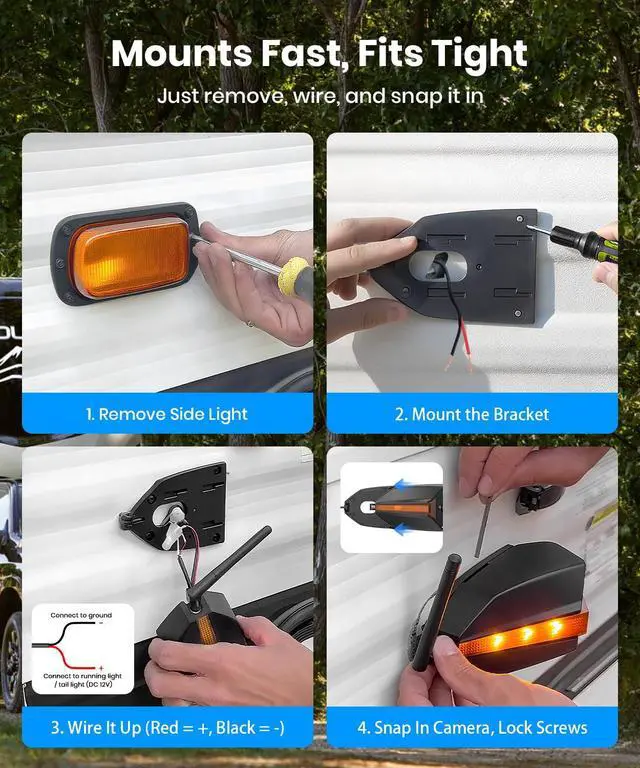
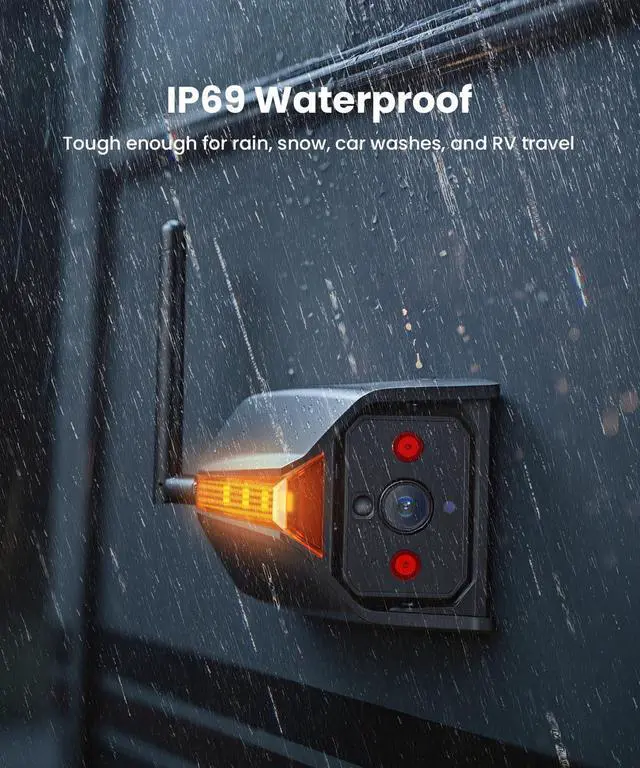
- Product description Install This Side View Camera in 4 Simple Steps 1.Remove Marker Light Switch off the power before starting. Unscrew the existing fasteners and gently detach the factory side marker light from the vehicle. 2.Route Wires and Mount Feed cables through the bracket, align in place, drill pilot holes if needed, and fasten with the included self tapping screws. 3.Connect Power Wires Connect the red wire to the reverse light positive and the black wire to ground. Check polarity before turning the power back on. 4.Secure and Adjust Camera Insert the camera into the bracket until it locks into position. Tighten the security screw and fine tune the viewing angle as required. Brighter Side Marker IP69 Waterproof Widely Use AUTO-VOX RV Driving Assist Camera System Rear RV Backup Camera Left & Right RV Side Camera Triple View RV Camera Included Components Rear Camera ×1, Monitor Included Included Components Side Camera ×2, Monitor Not Included Included Components Rear Camera ×1, Side Camera ×2, Monitor Included Mounting Position Pre-wired Mount / Below Tail Light Mounting Position Side Marker Light Mounting Position Rear Pre-wired Mount+Left/Right Side Marker Light Adjustable Angle ±20° Adjustable Angle Adjustable Angle ±20° Adjustable Angle Adjustable Angle 3 Cams Adjustable ±20° for Flexible View Image Resolution HD 1080P Image Resolution HD 1080P Image Resolution HD
+
+
Overview
Specs
Reviews

Any questions? Our AI mode will help you find out quickly.
Try me now
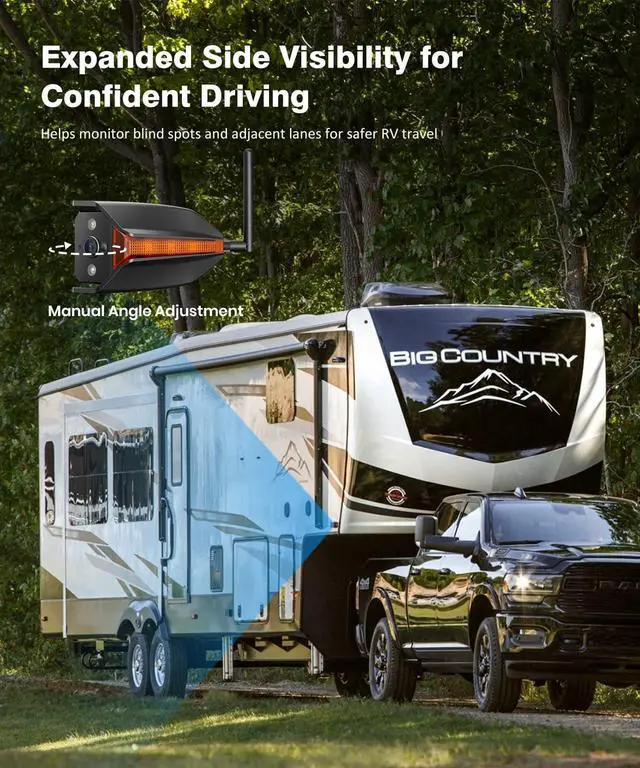
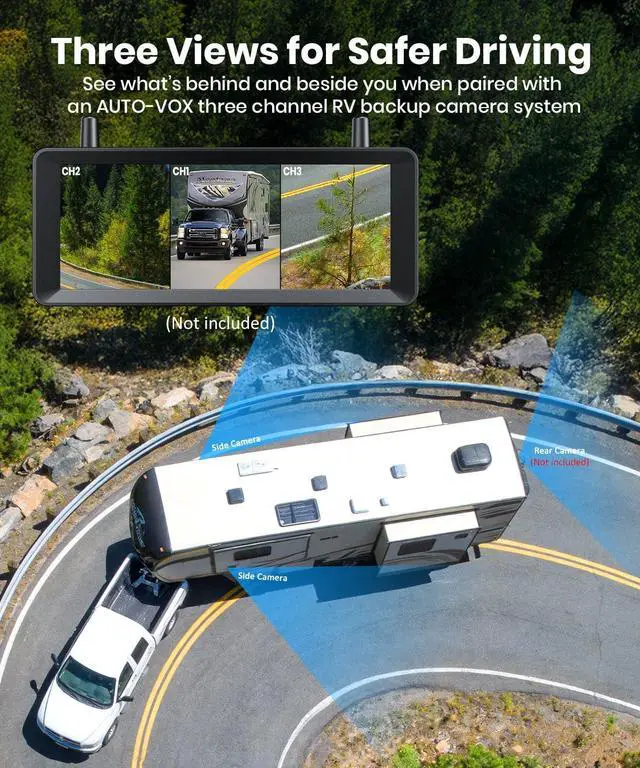
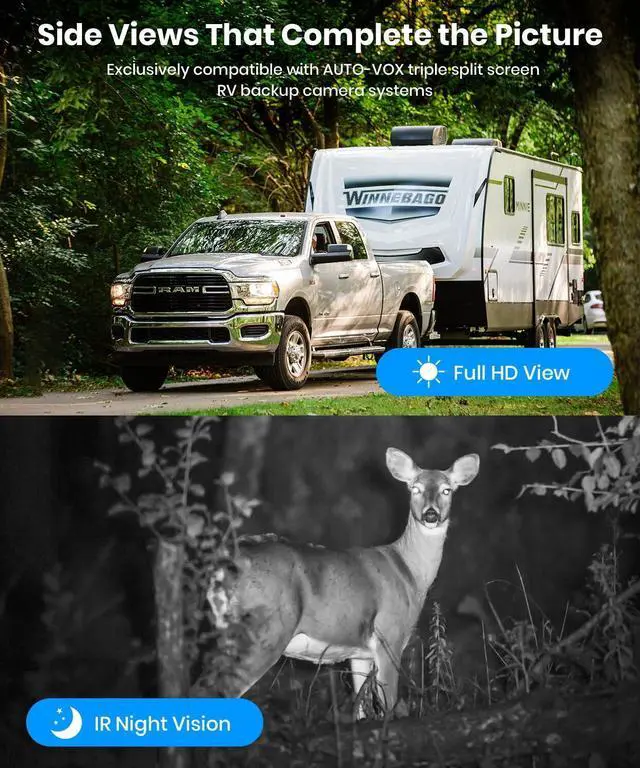
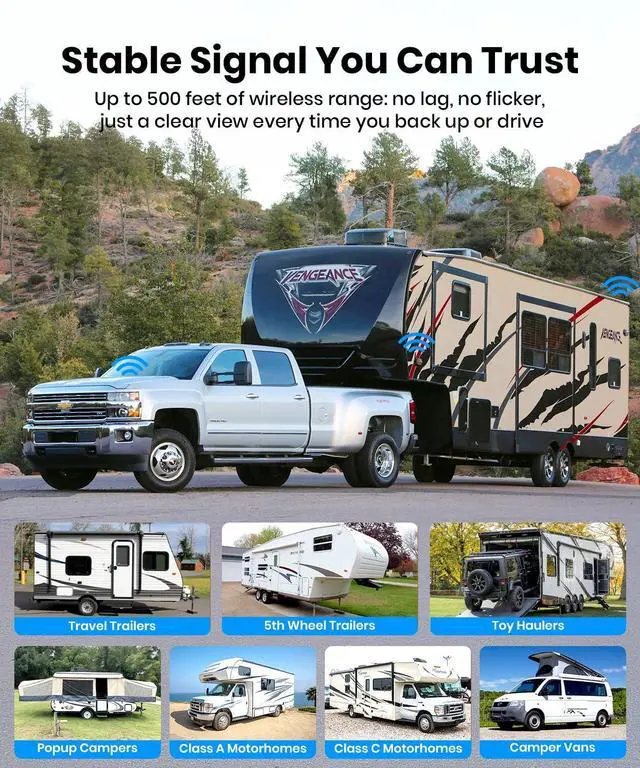
Side Lane Awareness Made Simple: This side wireless backup camera set gives you a clear view along the sides of your RV so you can better judge nearby lanes and rear side traffic. It helps reduce blind spots during lane changes, highway merging, and tight turns. Especially useful when passing slower vehicles, exiting campgrounds, or driving on winding mountain roads; Quick Install Using Existing Marker Light: Installation is straightforward and designed for RV owners. Remove the original side marker light, connect the wiring, and mount the wireless RV camera in the same position. The camera connects wirelessly to the compatible
AUTO-VOX 3 channel monitor (ASIN: B0GBW7JJC9) and includes a built in marker light to keep your RV visible to other drivers in low light or poor weather; 1080P Image with
Reliable Night Performance: The high definition lens delivers a clear and stable side or rear image in daylight and low light conditions, making your RV reverse camera more dependable whenever you drive. Infrared night vision helps you spot vehicles, cyclists, or obstacles when parking at night or checking the next lane after sunset; Works with Triple Split
Screen Systems: This side view camera is built to pair with the AUTO-VOX RV rear view camera system equipped with a three way split monitor.
AUTO-VOX 3 channel monitor (ASIN: B0GBW7JJC9) and includes a built in marker light to keep your RV visible to other drivers in low light or poor weather; 1080P Image with
Reliable Night Performance: The high definition lens delivers a clear and stable side or rear image in daylight and low light conditions, making your RV reverse camera more dependable whenever you drive. Infrared night vision helps you spot vehicles, cyclists, or obstacles when parking at night or checking the next lane after sunset; Works with Triple Split
Screen Systems: This side view camera is built to pair with the AUTO-VOX RV rear view camera system equipped with a three way split monitor.
Warranty & Returns
Warranty, Returns, And Additional Information
Warranty
- Please contact the Seller directly for warranty information. Warranty information may also be found on the Manufacturer's website.
- CONTACT
Return Policies
- Return for refund within: 30 days
- Return for replacement within: non-replaceable
- This item is covered by Truespan Living Return Policy
Manufacturer Contact Info
- For a directory of all our manufacturers, please click below.
- Manufacturers Directory
LOADING...