Your Browsing History
Meet Your Seller
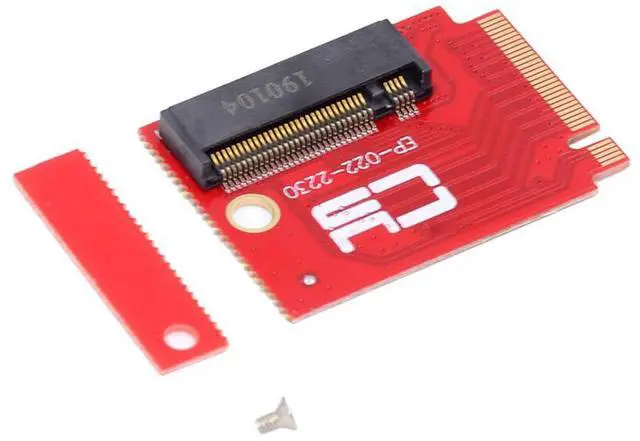
xiwai NVME M.2 M-Key 2230 to 2280 SSD NGFF Adapter Card Extension SSD Drives Upgrade Converter Boards Expansion Compatible with 22x30mm to 22x80mm Handheld ROG Ally Gaming
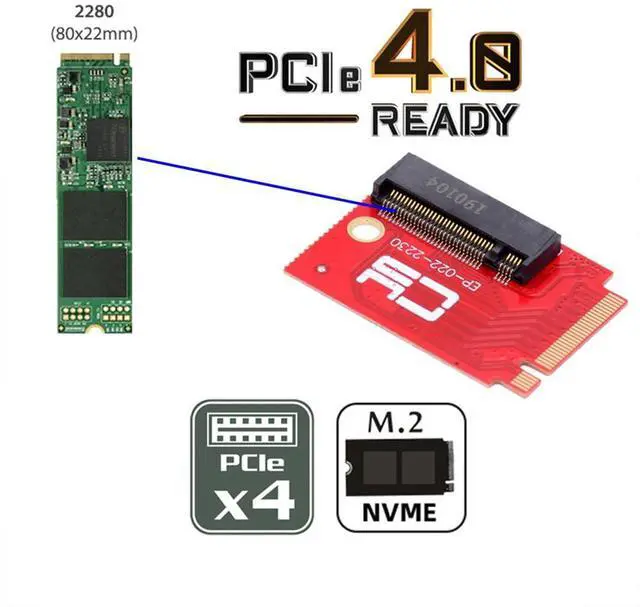
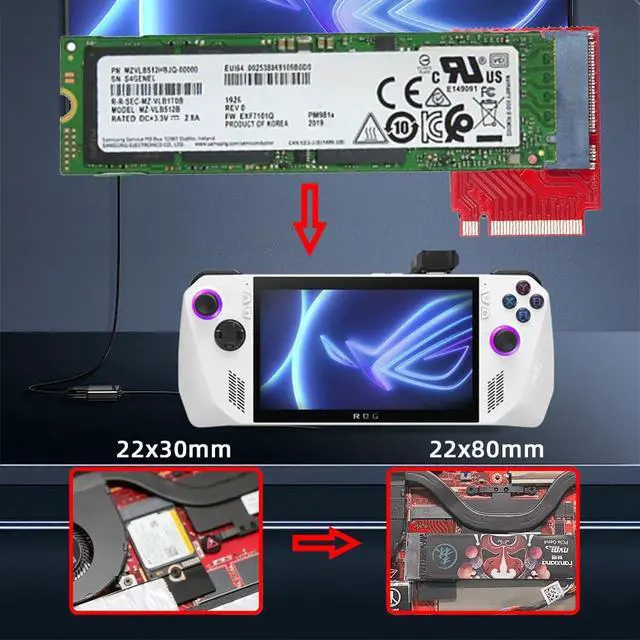
- We have managed to squeeze a full-fat 2280 M.2 SSD inside the new ROG Ally with our PCI-Express 4.0 x4 adapter.
- If you have just collected your Ally handheld games console and would like to expand its storage or have found yourself running out of space for your library of games.
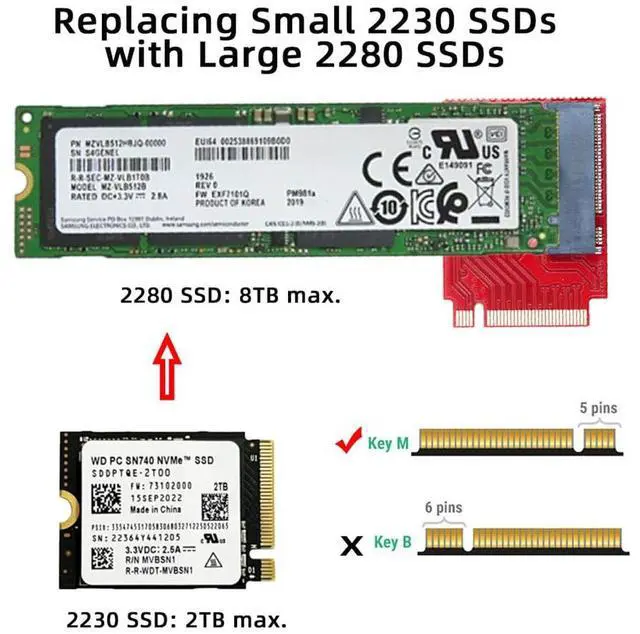
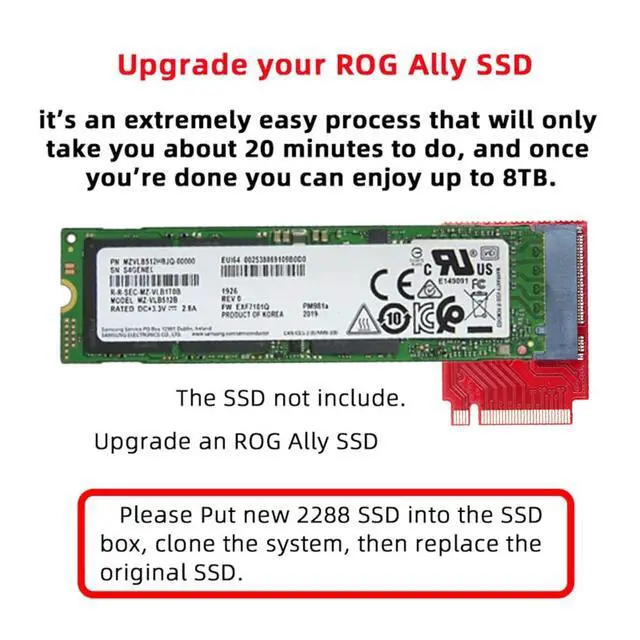
- It's an extremely easy process that will only take you about 20 minutes to do, and once youre done you can enjoy up to 8TB of space.
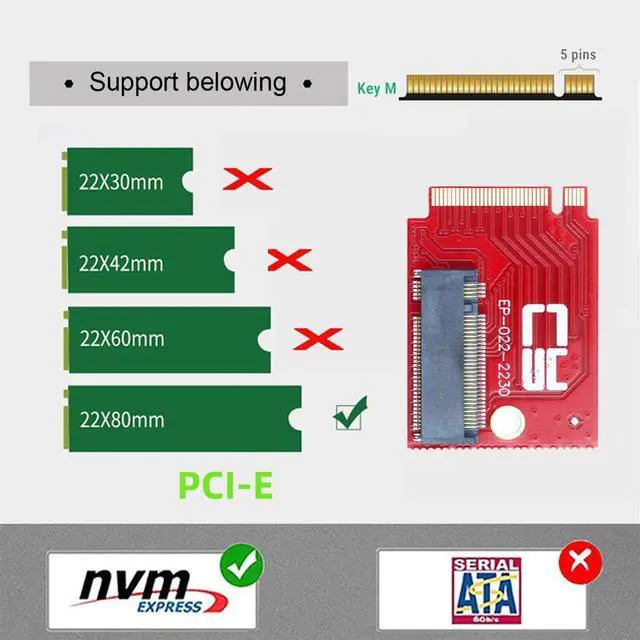
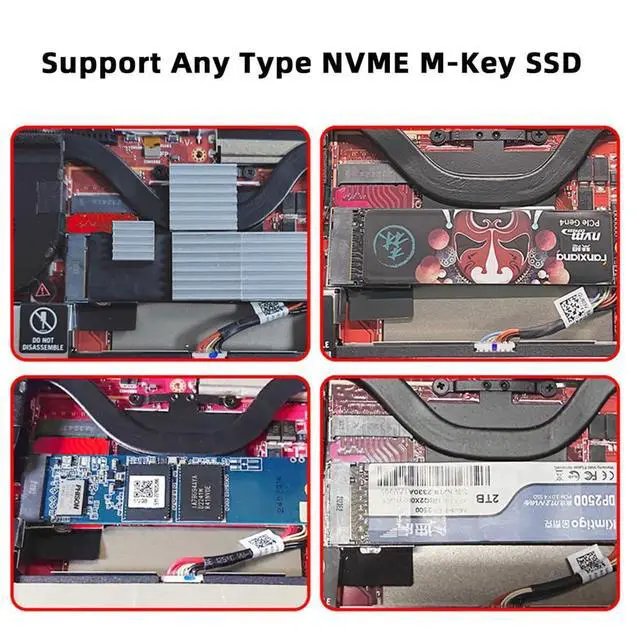
- Compatible with ROG Ally Gaming 2230 NVME to 2280 NVME extension, It can't convert NVME to SATA, also can't convert SATA to NVME.
- Please put new 2280 SSD into the SSD box, Clone the system, Then replace the original 2230 SSD.
+
+
Overview
Specs
Reviews
Any questions? Our AI mode will help you find out quickly.
Try me now
We have managed to squeeze a full-fat 2280 M. 2 SSD inside the new ROG Ally with our PCI-Express 4.0 x4 adapter.
If you have just collected your Ally handheld games console and would like to expand its storage or have found yourself running out of space for your library of games.
It's an extremely easy process that will only take you about 20 minutes to do, and once youre done you can enjoy up to 8TB of space.
Compatible with ROG Ally Gaming 2230 NVME to 2280 NVME extension, It can't convert NVME to SATA, also can't convert SATA to NVME.
Please put new 2280 SSD into the SSD box, Clone the system, Then replace the original 2230 SSD.

If you have just collected your Ally handheld games console and would like to expand its storage or have found yourself running out of space for your library of games.
It's an extremely easy process that will only take you about 20 minutes to do, and once youre done you can enjoy up to 8TB of space.
Compatible with ROG Ally Gaming 2230 NVME to 2280 NVME extension, It can't convert NVME to SATA, also can't convert SATA to NVME.
Please put new 2280 SSD into the SSD box, Clone the system, Then replace the original 2230 SSD.
Warranty & Returns
Warranty, Returns, And Additional Information
Warranty
- Please contact the Seller directly for warranty information. Warranty information may also be found on the Manufacturer's website.
- CONTACT
Return Policies
- Return for refund within: 45 days
- Return for replacement within: 30 days
- This item is covered by TechDen Return Policy
Manufacturer Contact Info
- For a directory of all our manufacturers, please click below.
- Manufacturers Directory
LOADING...