Your Browsing History
Meet Your Seller
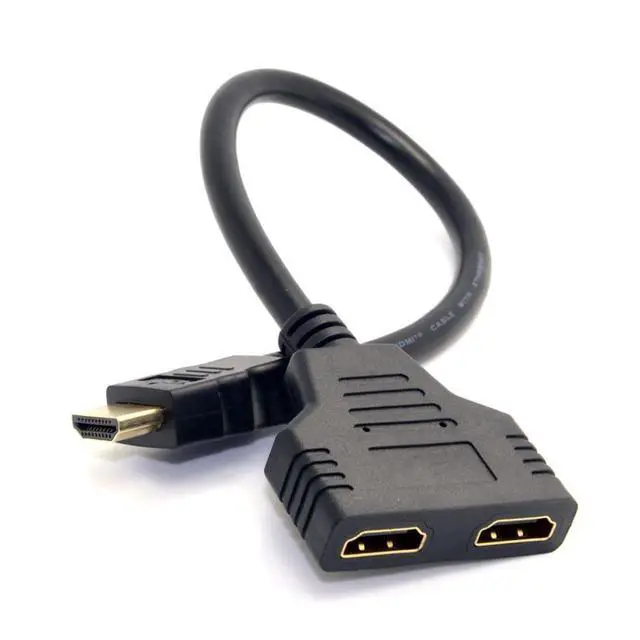
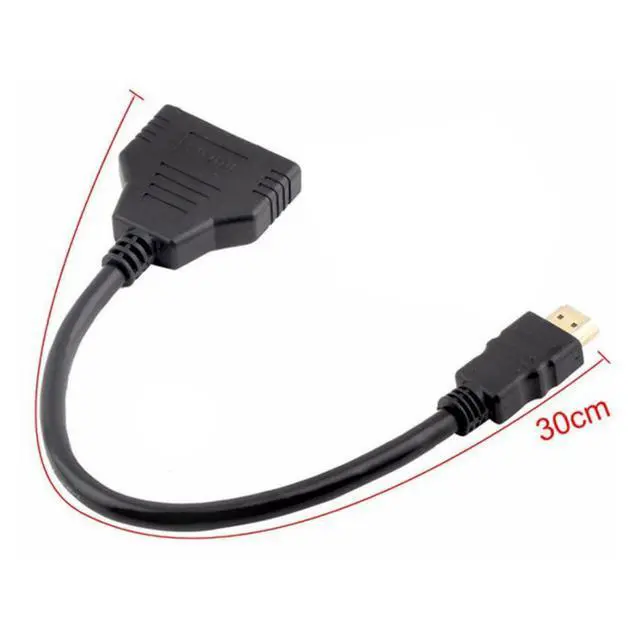
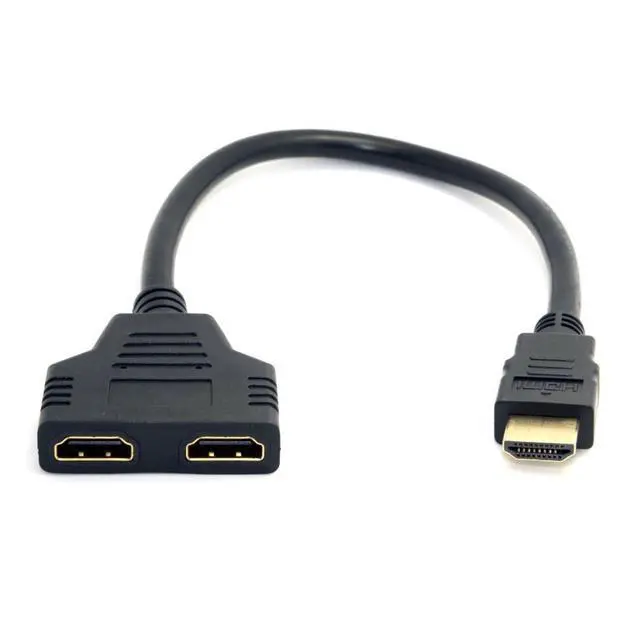
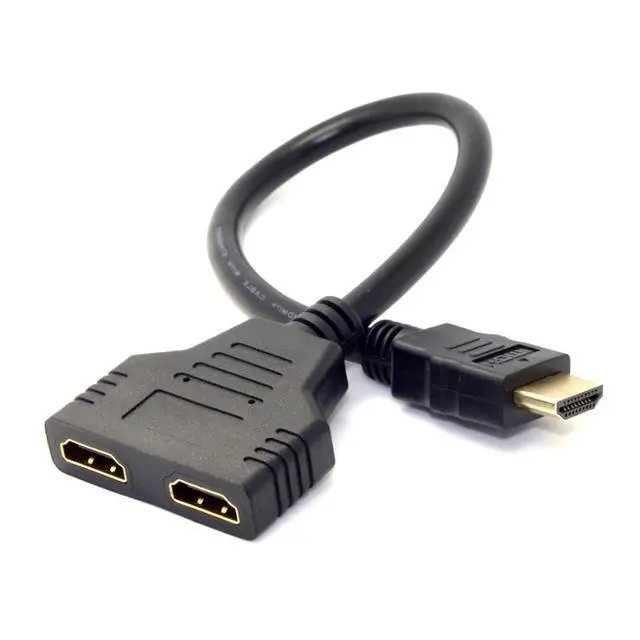
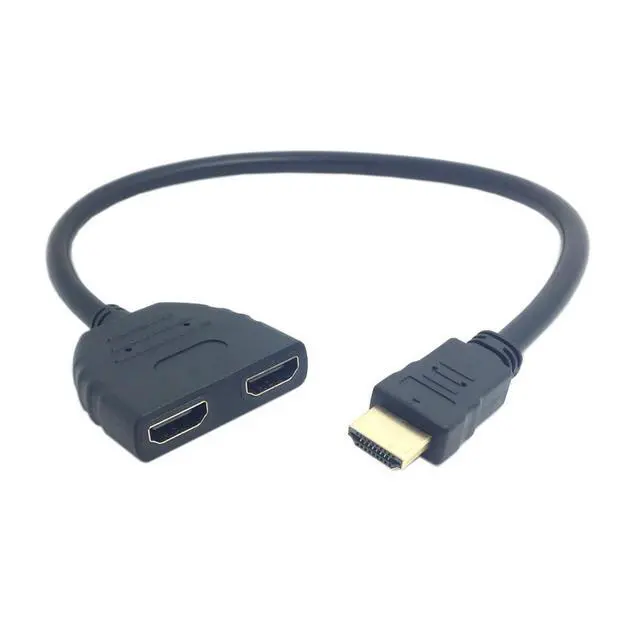
HDMI 1 Male to 2 Female Y Splitter Switch Extension Adapter Cable for for PC HDTV Laptop 1080P
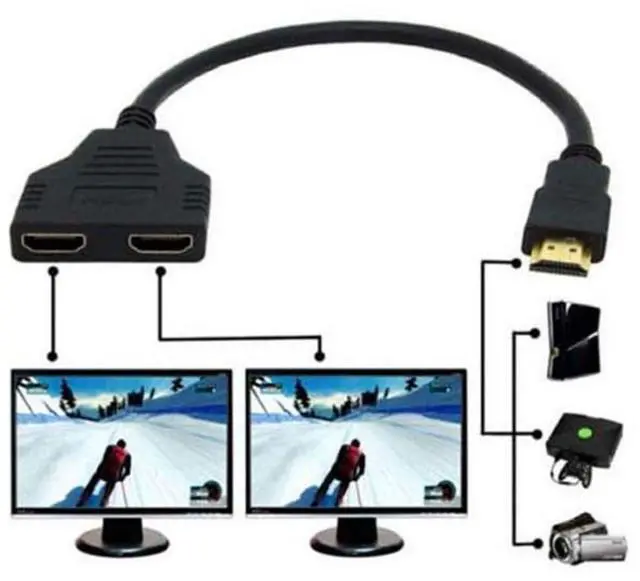
- 1) You can only connect one input device ( i.e. DVD player,cable box or satellite receiver ) to two output device( i.e. TV or projecto r). and only one output device can be displayed at the same time.
- 2) You can't connect two input device ( i.e. PC,DVD player, cable box or satellite receiver) to one output device(i.e. Monitor, TV or projector ).
- 3) This product requires two TVs or display devices of the exact same model and brand to display video simultaneously. If the two TVs or display devices are different models, they will not be compatible.
- 4) If the two TVs or monitors are of different models and brands, only one can be used alternately, otherwise there will be no image.
- 5) Plug and play, no need to pre-install drivers. Just connect your HDMI devices and enjoy.
+
+
Overview
Specs
Reviews
Any questions? Our AI mode will help you find out quickly.
Try me now
1) You can only connect one input device ( i. e. DVD player, cable box or satellite receiver ) to two output device( i. e. TV or projecto r). and only one output device can be displayed at the same time.
2) You can't connect two input device ( i. e. PC, DVD player, cable box or satellite receiver) to one output device(i. e. Monitor, TV or projector ).
3) This product requires two TVs or display devices of the exact same model and brand to display video simultaneously. If the two TVs or display devices are different models, they will not be compatible.
4) If the two TVs or monitors are of different models and brands, only one can be used alternately, otherwise there will be no image.
5) Plug and play, no need to pre-install drivers. Just connect your HDMI devices and enjoy.

2) You can't connect two input device ( i. e. PC, DVD player, cable box or satellite receiver) to one output device(i. e. Monitor, TV or projector ).
3) This product requires two TVs or display devices of the exact same model and brand to display video simultaneously. If the two TVs or display devices are different models, they will not be compatible.
4) If the two TVs or monitors are of different models and brands, only one can be used alternately, otherwise there will be no image.
5) Plug and play, no need to pre-install drivers. Just connect your HDMI devices and enjoy.
Warranty & Returns
Warranty, Returns, And Additional Information
Warranty
- Please contact the Seller directly for warranty information. Warranty information may also be found on the Manufacturer's website.
- CONTACT
Return Policies
- Return for refund within: 45 days
- Return for replacement within: 30 days
- This item is covered by TechDen Return Policy
Manufacturer Contact Info
- For a directory of all our manufacturers, please click below.
- Manufacturers Directory
LOADING...