Your Browsing History
Meet Your Seller
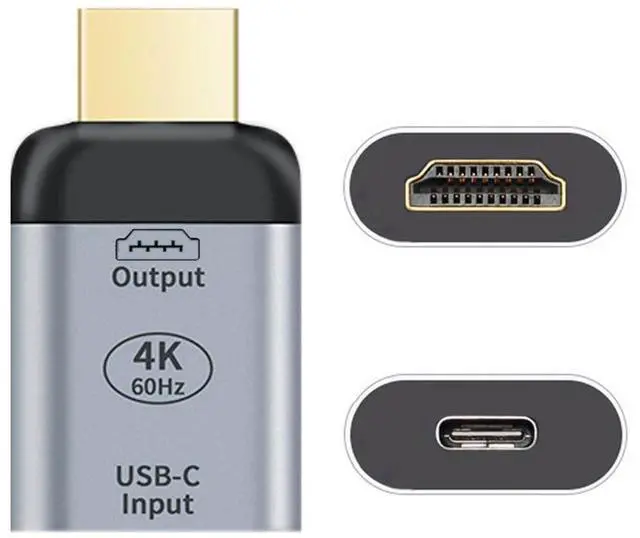
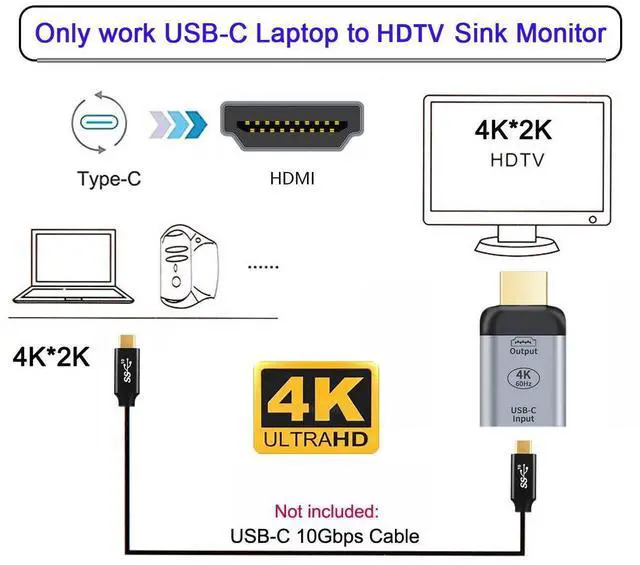
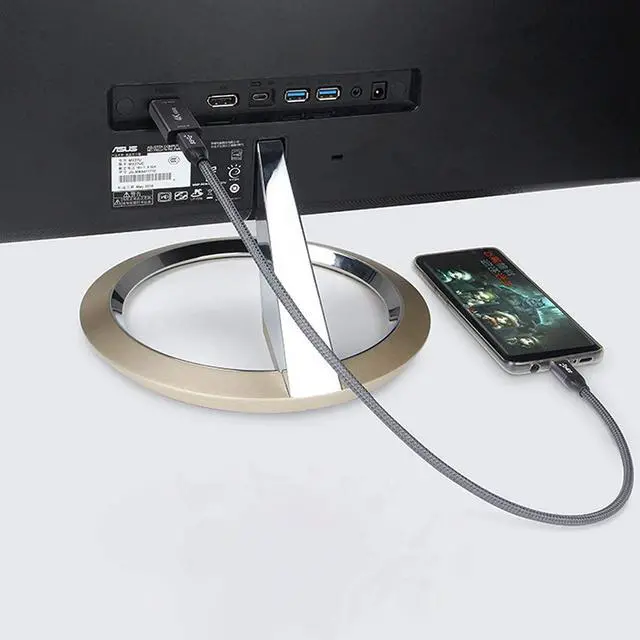
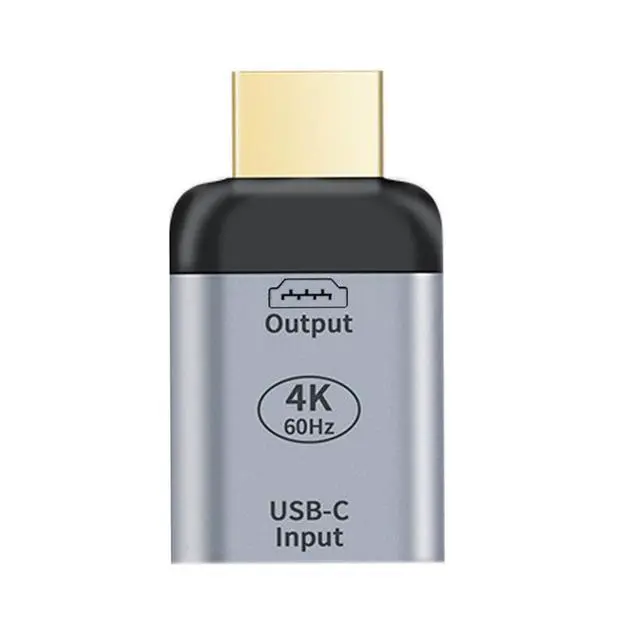
USB C to HDMI Converter USB C Source to HDMI Sink HDTV Adapter (The HDMI Must be Connected to The Monitor, not The Host.You Need to use The 10Gbps USB C to C Cable,Other Cable not Work)
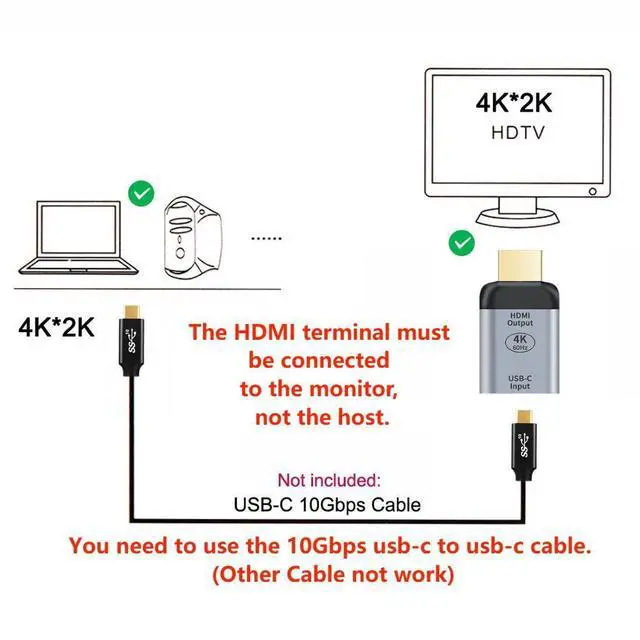
- You need to use the 10Gbps usb-c to usb-c cable. (Other Cable not work)
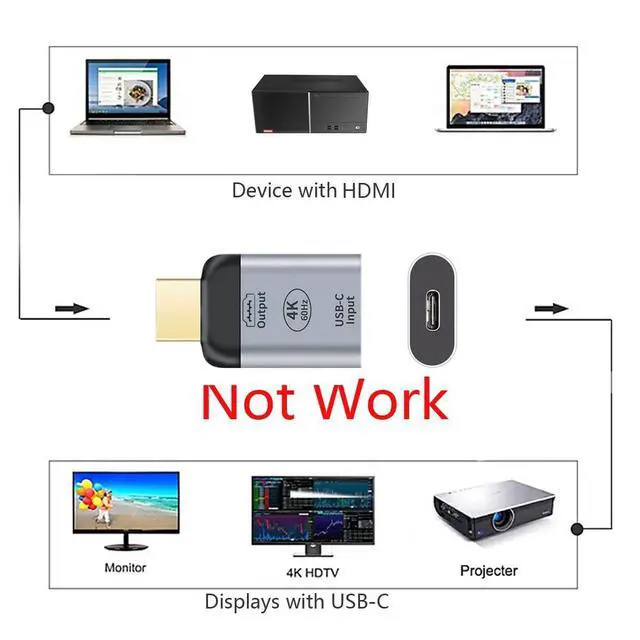
- The HDMI terminal must be connected to the monitor, not the host.
- Note: The input device needs to be used with a CC data cable that supports USB3.1 Gen2 full function.
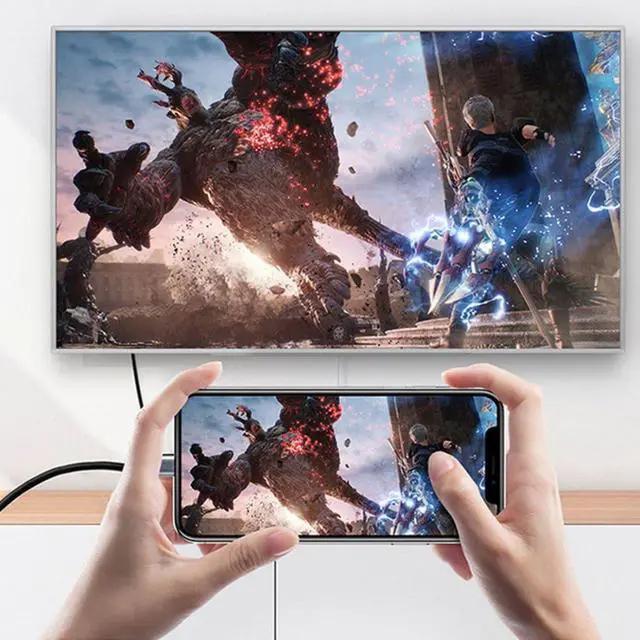
- This adapter allows you to mirror your laptop display to your HDMI-enabled TV or display.
- USB-C to HDMI Adapter lets you connect your laptop with USB-C port to any HDMI display.
+
+
Overview
Specs
Reviews
Any questions? Our AI mode will help you find out quickly.
Try me now
You need to use the 10Gbps usb-c to usb-c cable. (Other Cable not work)
The HDMI terminal must be connected to the monitor, not the host.
Note: The input device needs to be used with a CC data cable that supports USB 3.1 Gen2 full function.
This adapter allows you to mirror your laptop display to your HDMI-enabled TV or display.
USB-C to HDMI Adapter lets you connect your laptop with USB-C port to any HDMI display.
The HDMI terminal must be connected to the monitor, not the host.
Note: The input device needs to be used with a CC data cable that supports USB 3.1 Gen2 full function.
This adapter allows you to mirror your laptop display to your HDMI-enabled TV or display.
USB-C to HDMI Adapter lets you connect your laptop with USB-C port to any HDMI display.
Warranty & Returns
Warranty, Returns, And Additional Information
Warranty
- Please contact the Seller directly for warranty information. Warranty information may also be found on the Manufacturer's website.
- CONTACT
Return Policies
- Return for refund within: 45 days
- Return for replacement within: 30 days
- This item is covered by TechDen Return Policy
Manufacturer Contact Info
- For a directory of all our manufacturers, please click below.
- Manufacturers Directory
LOADING...