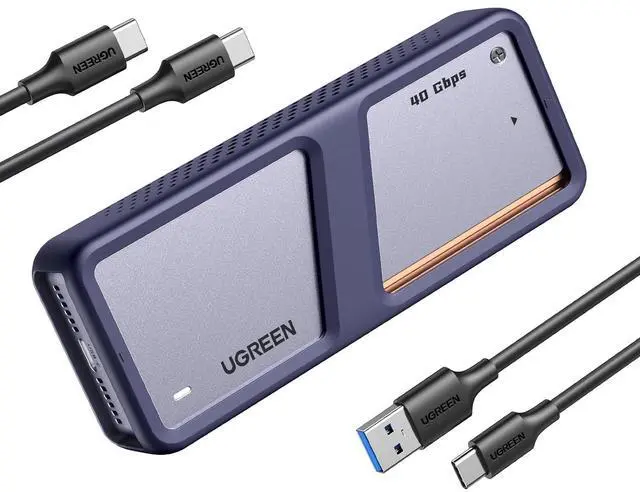
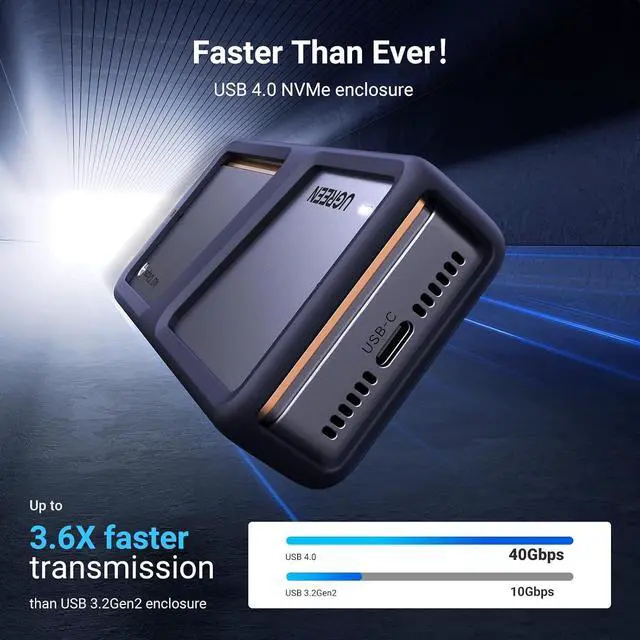
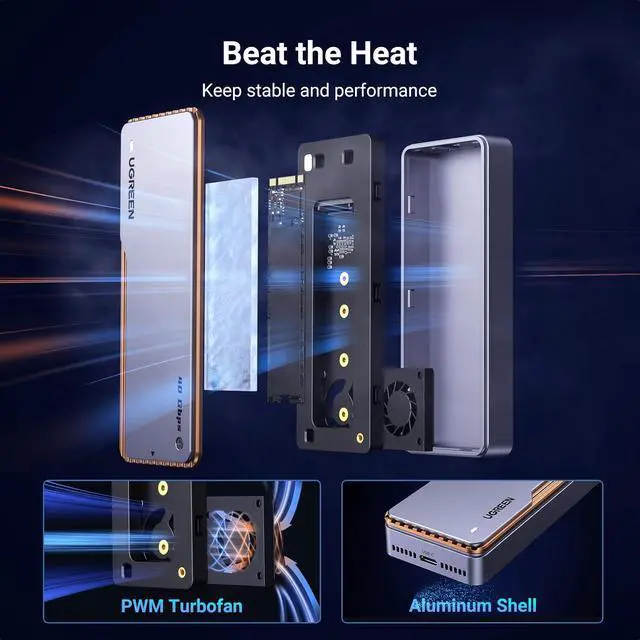
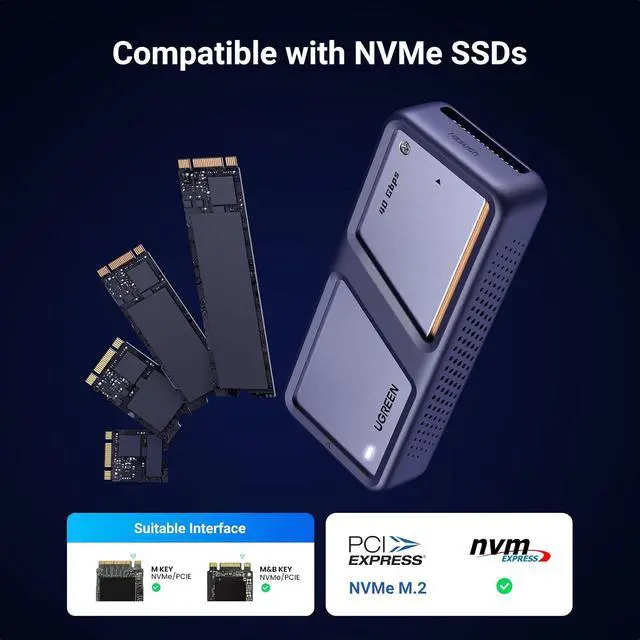
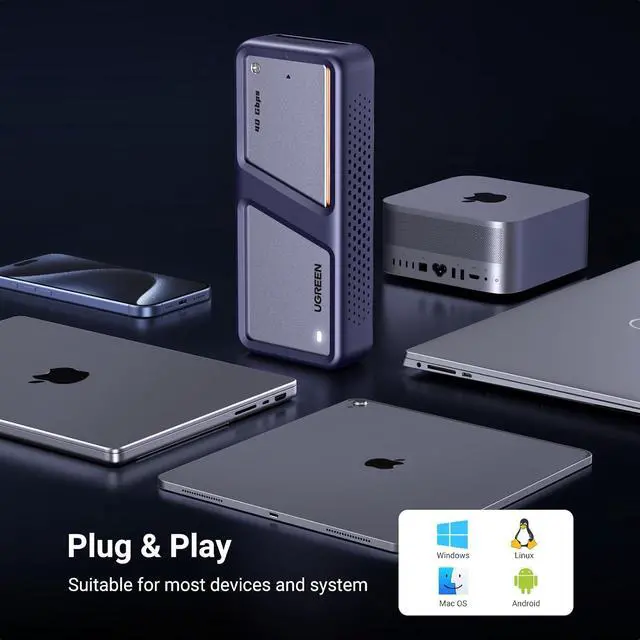
Product description UGREEN 40Gbps M. 2 NVMe Enclosure with Cooling Fan Function Brief 40Gbps Data Transfer NVMe Compatible Installation Guide Exclusive Triple Heat Dissipation Mechanism 1 Aluminum Shell 2 Thermal Pad 3 Cooling Fan Export your 4K videos Reborn Your Computer Enjoy Leisure Time Gaming Time Why can't my computer recognize my SSD? 1. Verify that the product, hard drive, and computer are properly connected and that the hard drive is correctly installed. 2. A new hard drive must be partitioned and formatted for the first time; otherwise, the computer will not recognize the drive letter.
3. Verify that the system supports large-capacity hard drives. 32-bit Windows XP does not support hard drives larger than 2TB. 4. Verify that the hard drive format matches the system's supported format. If not, format the hard drive to a supported format: Windows supports NTFS/exFAT/FAT32, while Linux and macOS support exFAT. 5. Test by connecting the product to another USB port on the computer. For a desktop computer, connect the product to the USB port on the back of the unit. 6. Replace the product cable and test again. 7. Replace the hard drive and test again. 8. Test again by connecting the product and hard drive to another computer. Why does the enclosure heat up during using? The enclosure uses an aluminum alloy shell with a PWM turbo cooling fan to help transfer heat from the hard drive to the outside to prevent the internal temperature from heating up. The maximum operating temperature of the enclosure is below 60°C, which is a safe range. Why does the read and write speed of the enclosure decrease after running for a while? The maximum transfer rate of the enclosure can reach 40Gbps. High-speed transfer makes the hard disk heat up. If the temperature is too high, the controller of the enclosure and SSD may activate thermal throttling protection, automatically reducing the transfer speed to protect the hardware from damage.
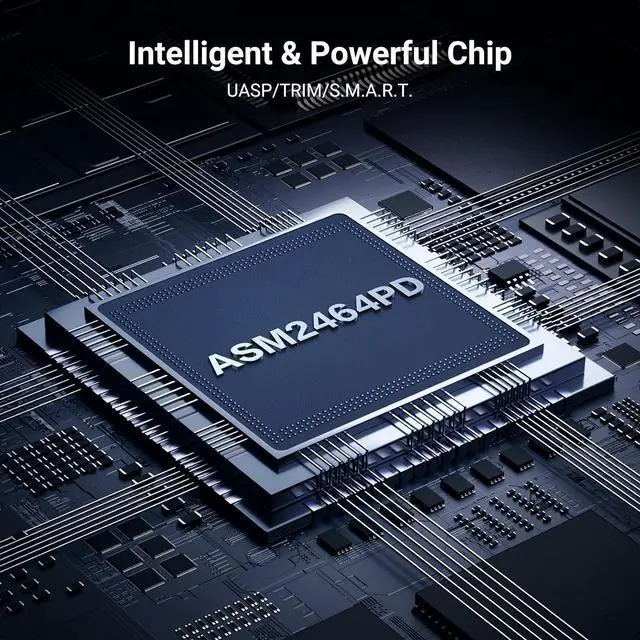
Why does the enclosure only reach 10Gbps on Mac mini M4/M4 Pro? The front two USB 3 ports on Mac mini M4/M4 Pro only support up to 10Gbps. To achieve 40Gbps, please connect the enclosure to the TB4/USB 4 ports on the back of the Mac mini. UGREEN M2 Enclosures 40Gbps M. 2 Enclosure Buying Options 40Gbps M. 2 Enclosure Add to Cart 40Gbps M. 2 Enclosure Buying Options 1TB Portable SSD40Gbps Buying Options 80Gbps M. 2 Enclosure Buying Options 40Gbps Dual-Bay Cloner Buying Options 20Gbps M. 2 Enclosure Buying Options Customer Reviews 4.0 out of 5 stars 1, 246 4.2 out of 5 stars 193 4.0 out of 5 stars 521 3.9 out of 5 stars 60 4.2 out of 5 stars 328 3.6 out of 5 stars 22 4.5 out of 5 stars 474 Price $ 75.99 $75. 99 $ 159.99 $159. 99 $ 64.99 $64. 99 $ 249.99 $249. 99 $ 169.99 $169. 99 $ 119.99 $119. 99 $ 27.99 $27. 99 ssd Not Included Not Included Not Included Included Not Included Not Included Not Included Compatibility NVMe SSDs NVMe SSDs NVMe SSDs / NVMe SSDs NVMe SSDs NVMe SSDs Max Transfer Speed 40 Gbps 40 Gbps 40 Gbps 40 Gbps 80 Gbps 40 Gbps 20 Gbps USB Interface USB 4.0 USB C 4.0 USB C 4.0 USB 4.0 Thunderbolt 5 USB 4.0 USB C 3.2 Gen 2 x 2 Material Aluminum Aluminum Aluminum Aluminum Aluminum Aluminum Aluminum Max Capacity 8TB 8TB 8TB 1TB 8TB 16TB 8TB Chipset ASM2464PD JHL7440+RTL9210 ASM2464PD JHL7040 JHL9480 ASM2464PDX RTL9220 Supports SSD Sizes 2230/ 2242/ 2260/2280 2280 2230/ 2242/ 2260/2280 / 2280 2230/ 2242/ 2260/2280 2230/ 2242/ 2260/2280 Cable Included C to C + C to A C to C Cable C to C Cable + C to A Cable Build-in-USB 4.0 Cable C to C C to C C to C Silicone Case Plug&Play





 here!
here!