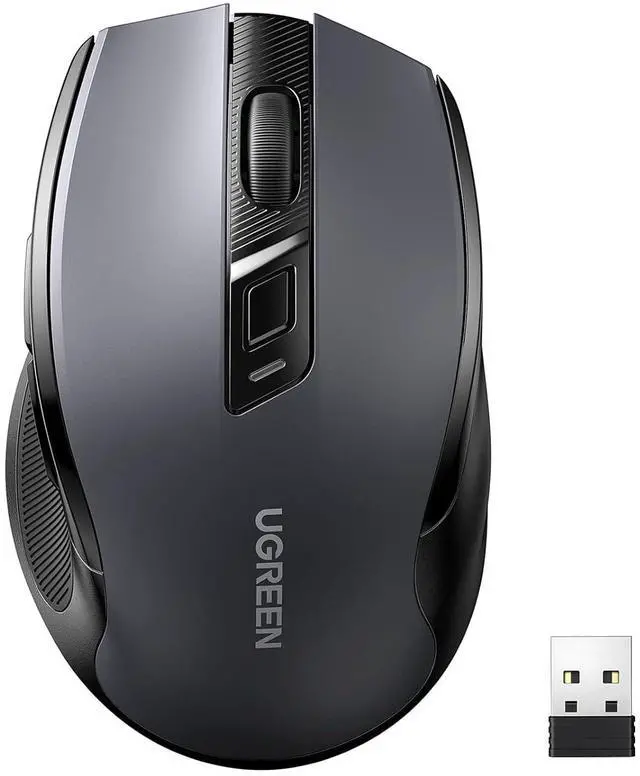
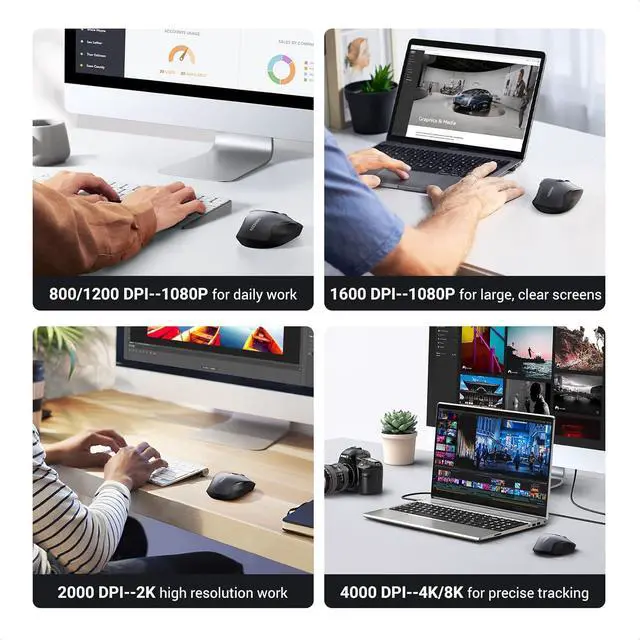
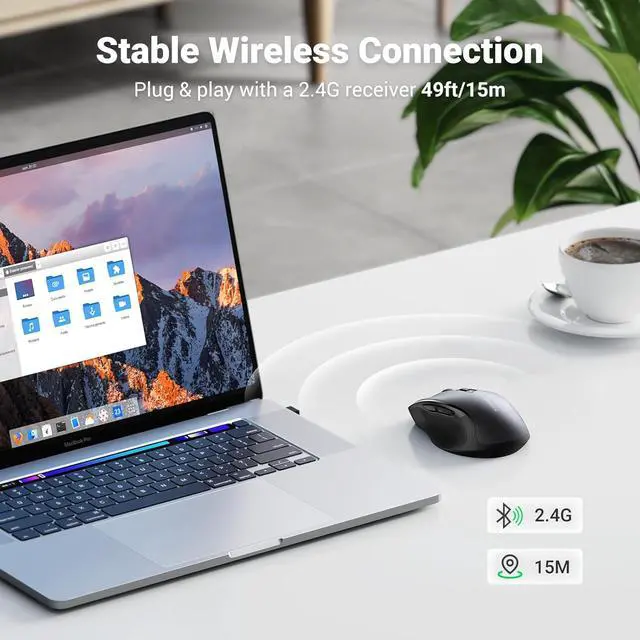
Product description Full-size Design Smooth lines, non-slip sides, comfortable grip, scientific wrist protection. Extremely Smooth Scroll Wheel Provides skin-friendly feel with silicone scroll. Achieves perfect speed and precision. Energy-saving Design Two sleep modes to save power, longer battery life, and wake up when you move. Plug and play Simply remove the receiver on the back, plug into USB port, and connect in seconds. 18-Month Battery The computer mice is powered by a 1AA battery, not included. Ergo Design Smooth Every Operation Auto Sleep Plug & Play Long Battery Life How to adjust mouse sensitivity (default 1600DPI) Click to play video How to switch between Windows system and Mac OS Click to play video 4000 DPI Wide Compatibility UGREEN Wireless Mouse Comparison Table Vertical Mouse Wireless Buying Options Bluetooth Wireless Mouse Buying Options Bluetooth Wireless Mouse Buying Options Bluetooth Wireless Mouse Buying Options Ergonomic Wireless Mouse Buying Options Slim Wireless Mouse Buying Options Keyboard Mouse Combo Buying Options Customer Reviews 4.4 out of 5 stars 2, 875 4.2 out of 5 stars 2, 575 4.2 out of 5 stars 2, 575 4.2 out of 5 stars 2, 575 4.5 out of 5 stars 13, 126 4.6 out of 5 stars 2, 230 4.1 out of 5 stars 99 Price $ 19.99 $19.
99 $ 12.99 $12. 99 $ 9.99 $9. 99 Connectivity BT 5.0 & 2.4G USB BT 5.0 & 2.4G USB BT 5.0 & 2.4G USB BT 5.0 & 2.4G USB 2.4G USB 2.4G USB 2.4G USB DPI Level 1000/16000/2000/4000 1000/1600/2000/4000 1000/1600/2000/4000 1000/1600/2000/4000 800/1200/1600/2000/4000 1000/1600/2000/4000 800/1200/1600/2000/4000 Design Ergonomic Ergonomic Ergonomic Ergonomic Ergonomic Slim Ergonomic Battery Type 18 Months 18 Months 18 Months 18 Months 18 Months 18 Months 18 Months Back/Forward Button Silent Click Why is the scroll wheel oriented differently on a Mac? Macs set the scrolling direction for the mouse and trackpads to natural by default, which is different from Windows OS.
You can follow the below steps to change the Mac mouse scrolling direction.
Step 1: On your Mac, click on the Apple logo from the top.
Step 2: Click System Settings.
Step 3: Next, Click the Mouse option from the side pane.
Step 4: Then, select the "Point and Click" option.
Step 5: Turn on/off the toggle next to Natural Scrolling to change the scrolling direction of the mouse.





 here!
here!