Your Browsing History
Meet Your Seller
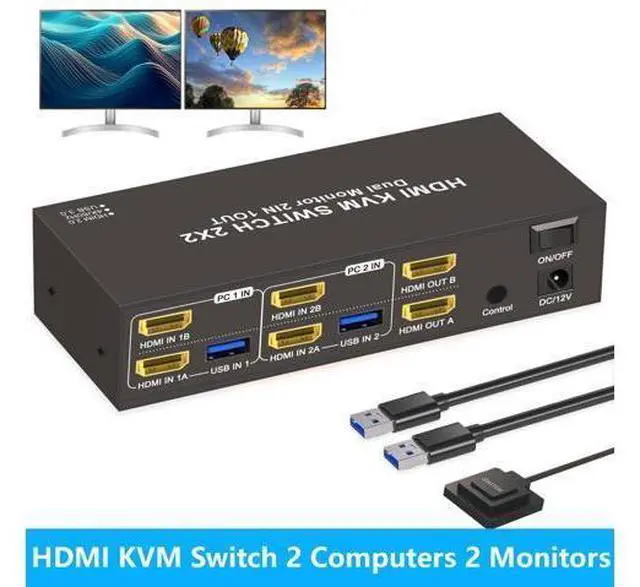
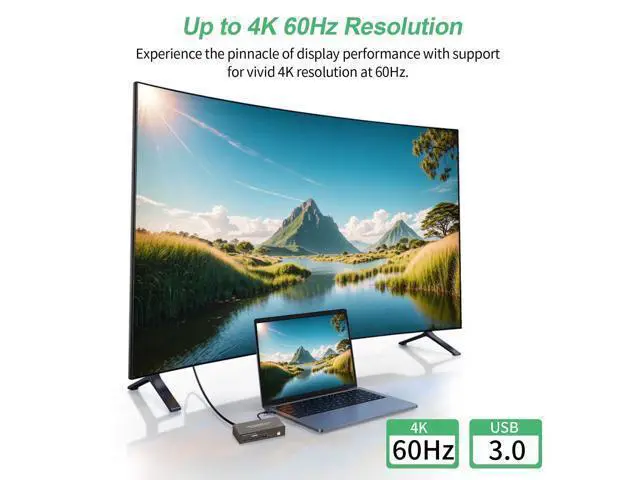
Hitoor HDMI KVM Switch 2 Computers 2 Monitors, Dual Monitor HDMI KVM Switch 2 in 2 Out, 4K 60Hz, Dual HDMI Outputs with 4 USB 3.0 Ports to Share Keyboard Mouse Printer etc, Supports Extended/Copy Mode
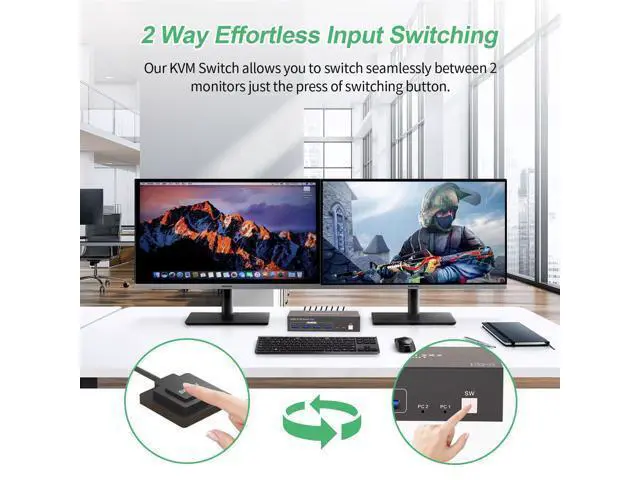
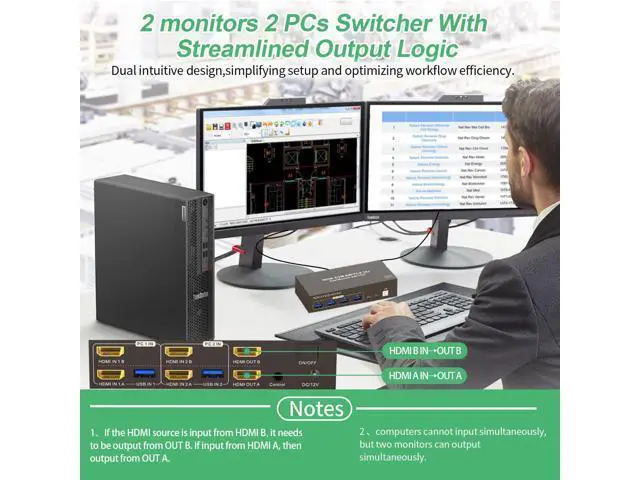
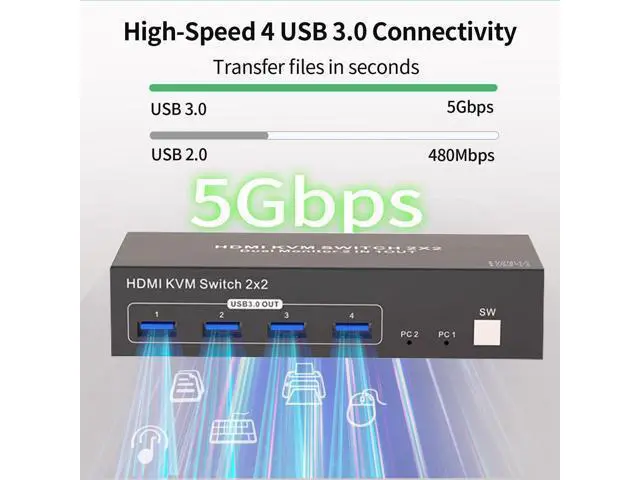
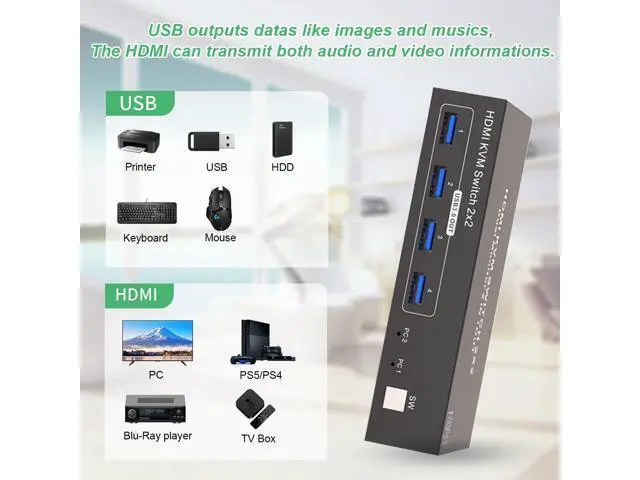
- Precautions for Dual Monitor HDMI KVM Switch (2 PCs, 2 Monitors) 1.Display Delay During Switching: When switching between computers, the monitors may briefly go black for a few seconds--this is normal and expected. 2.USB And HDMI Ports: USB ports are for data transfer only (e.g., images and music). For both video and audio, use the HDMI ports. 3.Port Matching for HDMI Input/Output: When connecting HDMI sources, ensure they match the corresponding outputs. For example, if the input is from HDMI IN B, use HDMI OUT B; if from HDMI IN A, use HDMI OUT A. 4.Extended & Mirrored Modes: This KVM supports both extended and mirrored display modes, but your computer must support these as well. Note that the KVM switch only transmits signals; it doesn't modify display settings on your device. 5.Power for Stability: For stable operation, connect the KVM switch to the included power supply. 6.Dual Monitor Setup: To use dual monitors, connect both HDMI ports on one PC. For example, connect HDMI IN 1B and HDMI IN 1A on PC 1 IN, and connect HDMI OUT B and HDMI OUT A on the output side. This setup allows HDMI OUT B to display HDMI IN B's output, and HDMI OUT A to display HDMI IN 1A's output. Q & A Q: Does this KVM switch have a hotkey switching function? A: No, it does not have a hotkey switching function. However, it comes with an extended remote switch button that can extend up to 1 meter, allowing you to hide the KVM switch and still easily switch between computers. Q1: Is an external power
+
+
Overview
Specs
Reviews
Any questions? Our AI mode will help you find out quickly.
Try me now
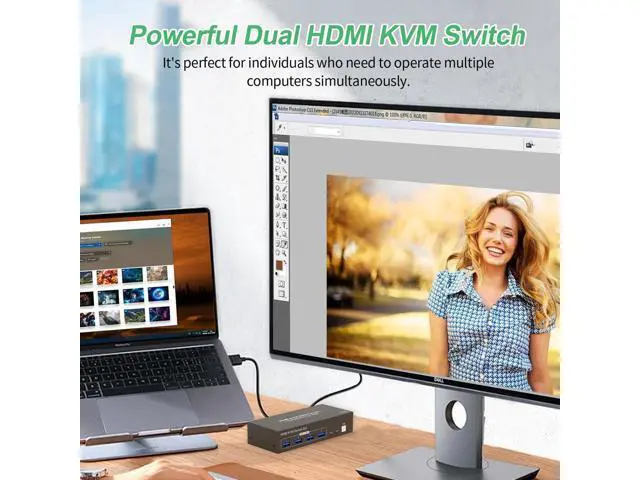
[Dual Monitor HDMI KVM Switch] Achieve seamless multitasking with this KVM switch, which lets 2 PCs share 2 monitors along with a keyboard and mouse setup. Supporting both extended and mirrored display modes.; [Convenient Dual Switching Options] Easily swi
Warranty & Returns
Warranty, Returns, And Additional Information
Warranty
- Please contact the Seller directly for warranty information. Warranty information may also be found on the Manufacturer's website.
- CONTACT
Return Policies
- Return for refund within: 30 days
- Return for replacement within: 30 days
- This item is covered by Nexlly Return Policy
Manufacturer Contact Info
- For a directory of all our manufacturers, please click below.
- Manufacturers Directory
LOADING...