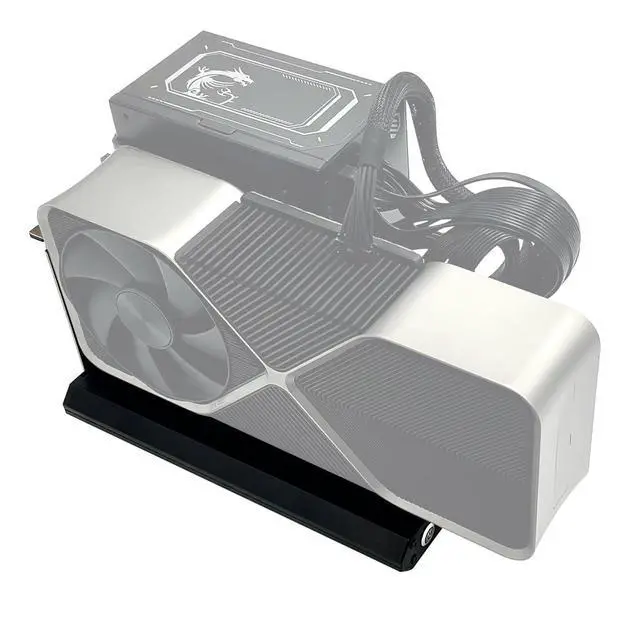
JMT ADT-K45UT-BK10 USB4 Docking Station 80Gbps PCIe 4.0 x4 High Speed Graphics Card External Conversion Adapter
Product Details
Model Number: K45UT-BK10
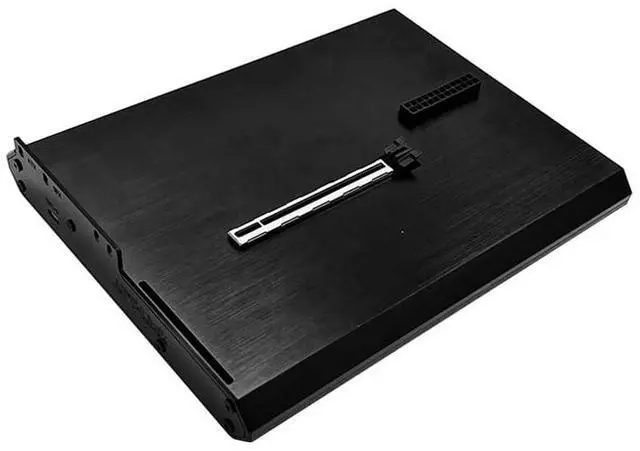
Product Name: External Graphics Card Dock Transfer Speed: PCIe 4.0 x4, 80 Gbps bidirectional bandwidth
Cable Length: Includes a 50cm compatible data cable
Intended Use: For connecting external graphics cards or other PCIe devices Switches and Indicator Lights on the
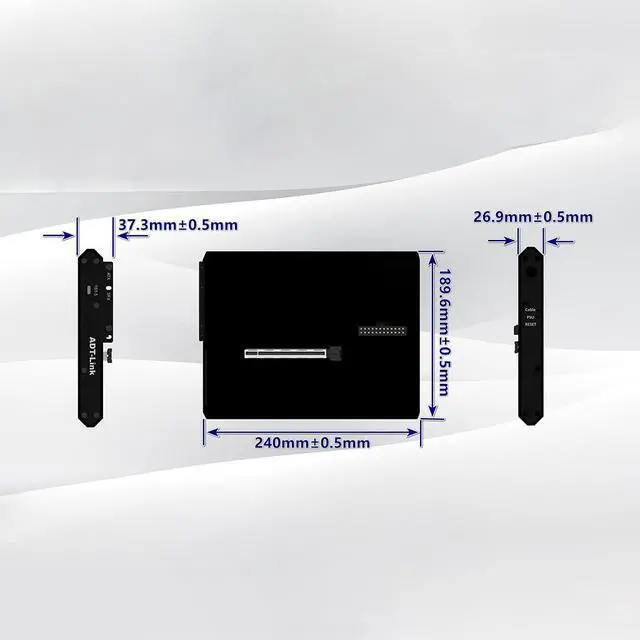
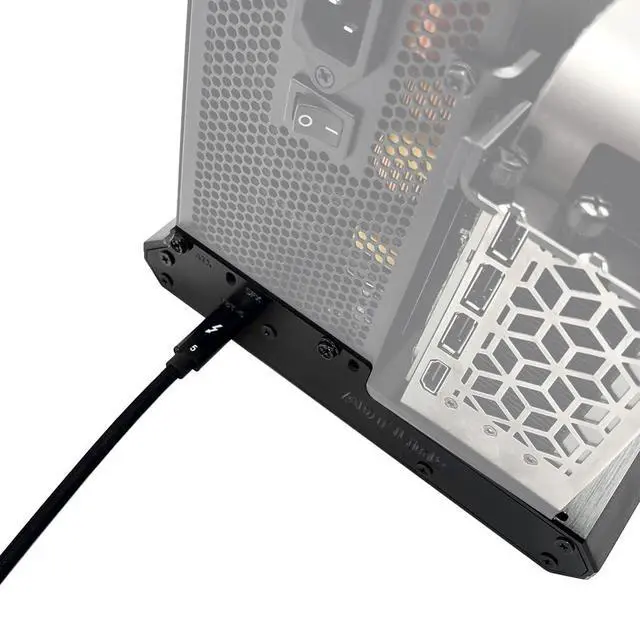
Graphics Card Dock: There is a toggle switch on the side of the graphics card dock. When the computer is powered on, connecting both ends of the dock to the computer via a data cable will automatically power on the dock, and the toggle switch will light up accordingly. The Cable light indicates cable detection. When you connect both ends of the dock to the computer using a cable, the Cable light will automatically turn on. The PSU light indicates the power supply status. If the light is on, the power supply is functioning normally; if not, please check whether the power switch is turned on or the cables are properly connected. Additionally, the PSU light may remain on after turning off the power switch; this is normal. The power supply contains capacitors, and the light will turn off once the capacitors have fully discharged. Under normal circumstances, the RESET light will flash once when connected to the computer. If it remains constantly lit, it indicates that the graphics card dock has not booted properly. Please update your computer drivers or check the relevant settings in your motherboard BIOS.
During operation, pressing the power button should cause the Cable light and PSU light to turn on, while the RESET light turns offthis is the normal state.





 here!
here!