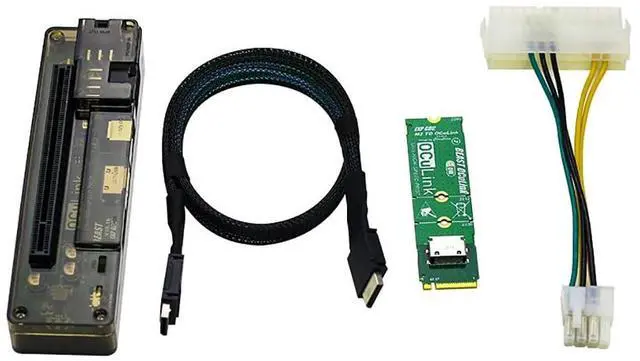
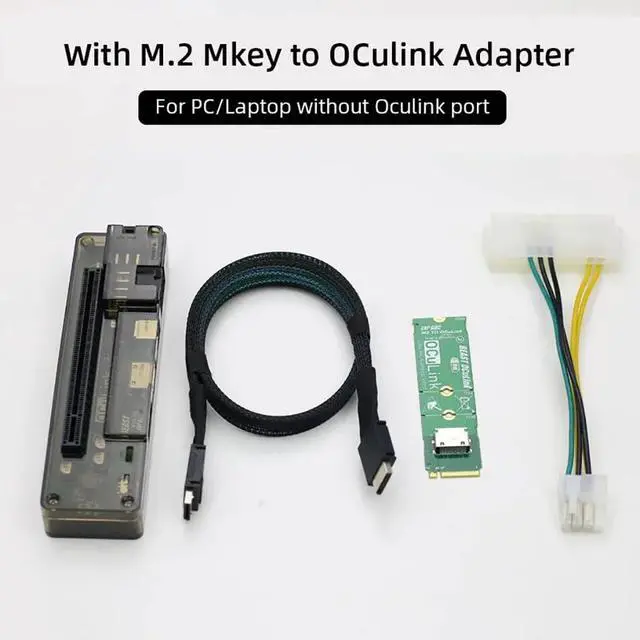
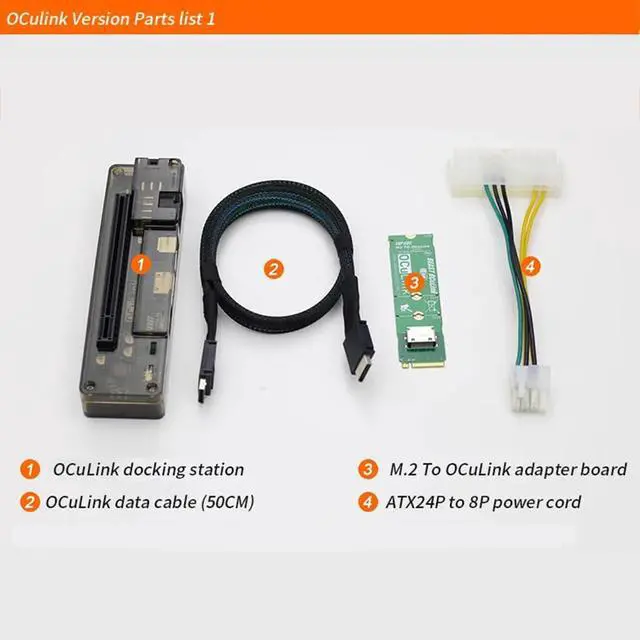
JMT M. 2 M Key to OCulink-compatible GPU Docking Station PCIe 4.0 X4 64GB/s for Mini PC Notebook Laptop to External Video Graphic Card M. 2 Adapter Card(with OCulink-compatible Port )
Optional Produduct Detail: OCulink-compatible version
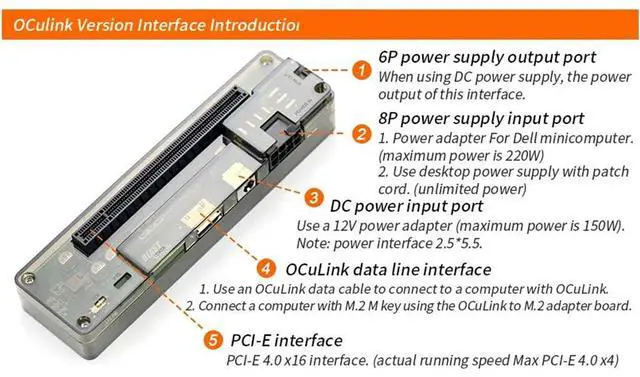
Board interface: 1.6P power supply output port When using DC power supply, the power output of this interface 2.8P power supply input port 1. Power adapter for Dell minicomputer ( maximum power is 220W) 2. Use desktop power supply with patch cord ( unlimited power). 3. DC power input port Use a 12V power adapter ( maximum power is 150W)
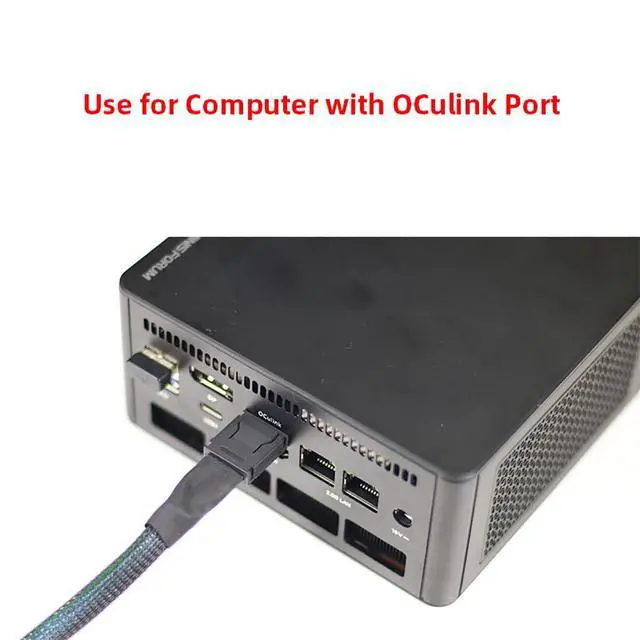
Note: power interface 2.5 * 5.5. 4. OCulink-compatible data line interface 1. Use an OCulink-compatible data cable to connect to a computer with OCulink-compatible interface.
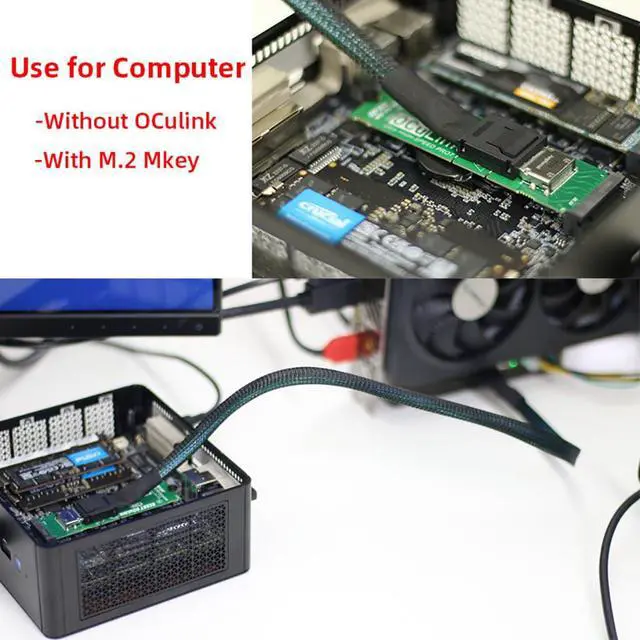
2. Connect a computer with M. 2 M key using the OCulink-compatible to M. 2 adapter board. 5. PCI-E interface PCI-E 4.0 x16 interface. ( actual running speed Max PCI-E 4.0 X4) M. 2 M Key Docking Station parameter£º
Product Size: 140*38*26mm
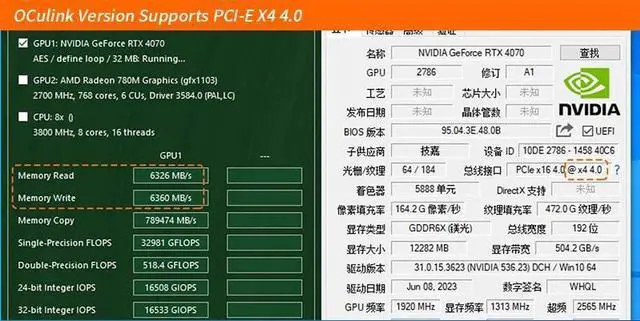
Speed: PCIe 4.0 X4 64GB/s max.
Data Line length: About 50cm.
Supported Power Supplier: DC/FLEX/SFX/ATX
Power: DC/8P
Installation Mode: Disassembling/OCulink-compatible interface does not need to be disassembled.





 here!
here!