Your Browsing History
Meet Your Seller
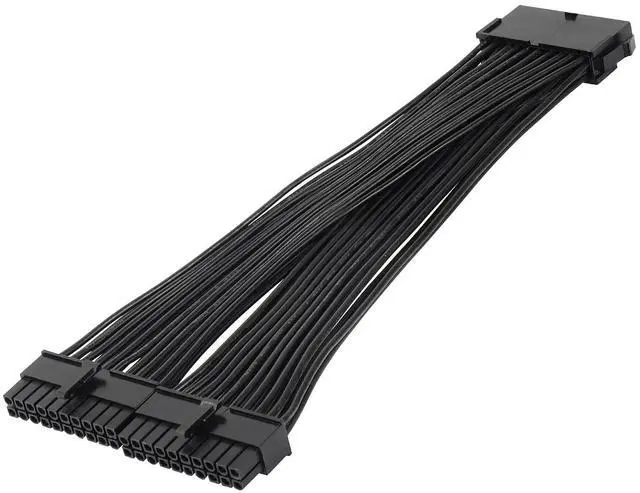
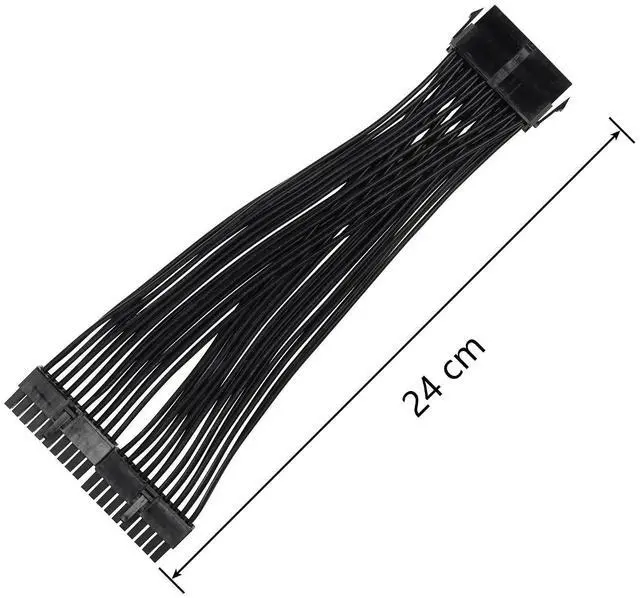
24cm ATX 20 Pin Power Supply Splitter Cable,18AWG ATX 20Pin Female to 2 Male PSU
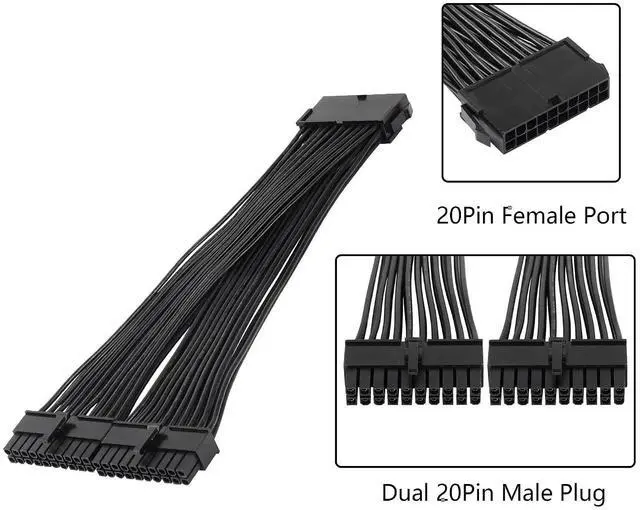
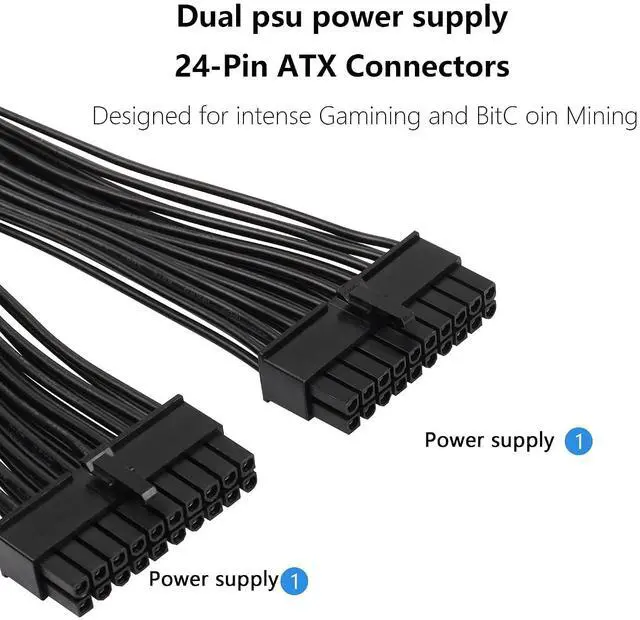
- ATX 20pin male to 2 female splitter cable allows you to connect a PSU to 2 ATX motherboards
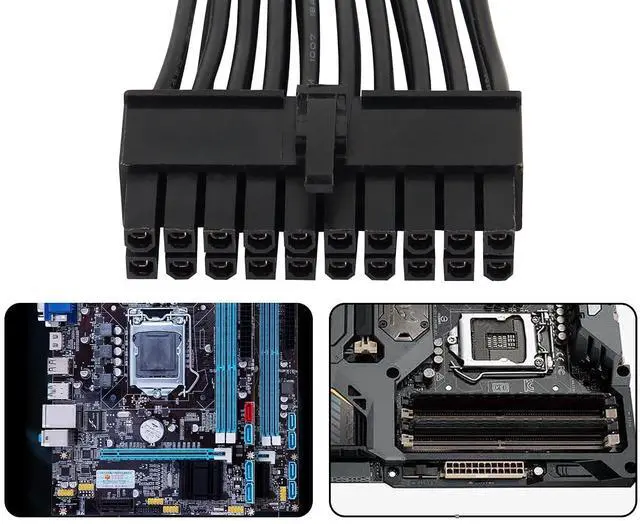
- The ATX 20PIN female connector is connected to the 20IN plug of the PSU power supply, and the dual 20PIN connectors on the other end can be plugged into 2 motherboard interfaces
- Using 18awg copper wire, it has good conductivity, corrosion resistance and oxidation resistance, which can greatly extend the life of the wire
- Adopt lock design to prevent accidental disconnection, plug and play, convenient and quick
- NOTE:When connecting the wire, you must first cut off the main power switch and unplug the power cord. After the installation is complete, plug in the power cord and turn on the computer

+
+
Overview
Specs
Reviews
Any questions? Our AI mode will help you find out quickly.
Try me now
ATX 20pin male to 2 female splitter cable allows you to connect a PSU to 2 ATX motherboards
The ATX 20PIN female connector is connected to the 20IN plug of the PSU power supply, and the dual 20PIN connectors on the other end can be plugged into 2 motherboard interfaces
Using 18awg copper wire, it has good conductivity, corrosion resistance and oxidation resistance, which can greatly extend the life of the wire
Adopt lock design to prevent accidental disconnection, plug and play, convenient and quick
NOTE: When connecting the wire, you must first cut off the main power switch and unplug the power cord. After the installation is complete, plug in the power cord and turn on the computer
The ATX 20PIN female connector is connected to the 20IN plug of the PSU power supply, and the dual 20PIN connectors on the other end can be plugged into 2 motherboard interfaces
Using 18awg copper wire, it has good conductivity, corrosion resistance and oxidation resistance, which can greatly extend the life of the wire
Adopt lock design to prevent accidental disconnection, plug and play, convenient and quick
NOTE: When connecting the wire, you must first cut off the main power switch and unplug the power cord. After the installation is complete, plug in the power cord and turn on the computer
Warranty & Returns
Warranty, Returns, And Additional Information
Warranty
- Please contact the Seller directly for warranty information. Warranty information may also be found on the Manufacturer's website.
- CONTACT
Return Policies
- Return for refund within: 30 days
- Return for replacement within: 30 days
- This item is covered by GearZap Return Policy
Manufacturer Contact Info
- For a directory of all our manufacturers, please click below.
- Manufacturers Directory
LOADING...