• $160.73
  • Free 30-day Returns
  • Price alert
    Shop it at NeweggBusiness.

    Meet Your Seller

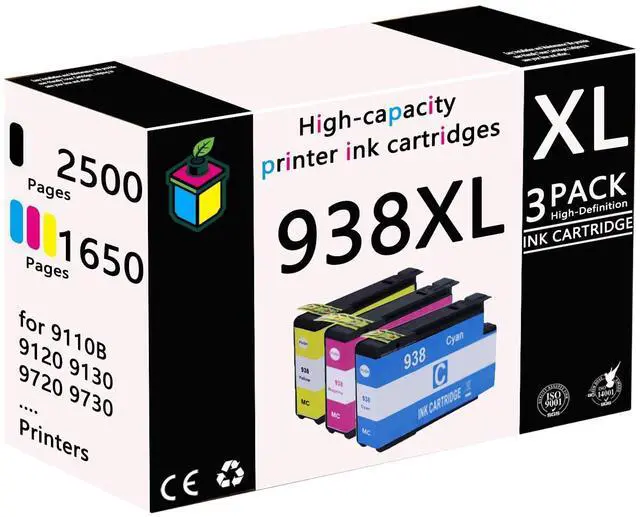
    938XL High Yield Ink Cartridge Replacement for HP 938 938XL Ink Cartridge for HP OfficeJet Pro 9110b 9120 9130 9720 9730 Printers,Color

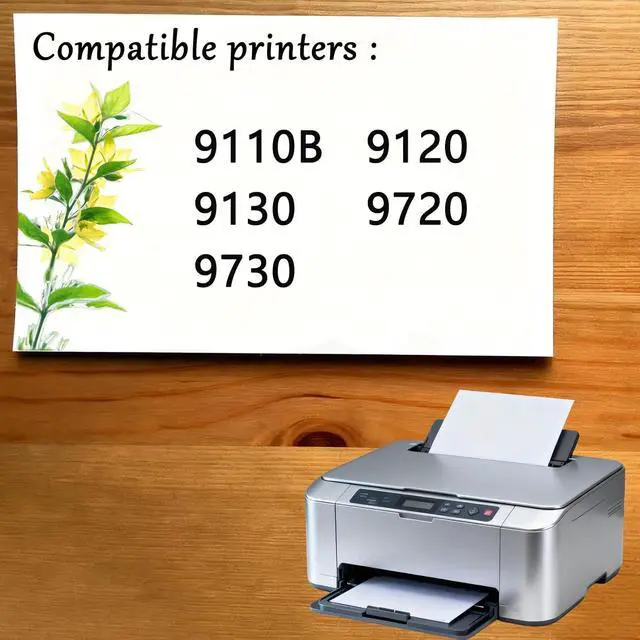
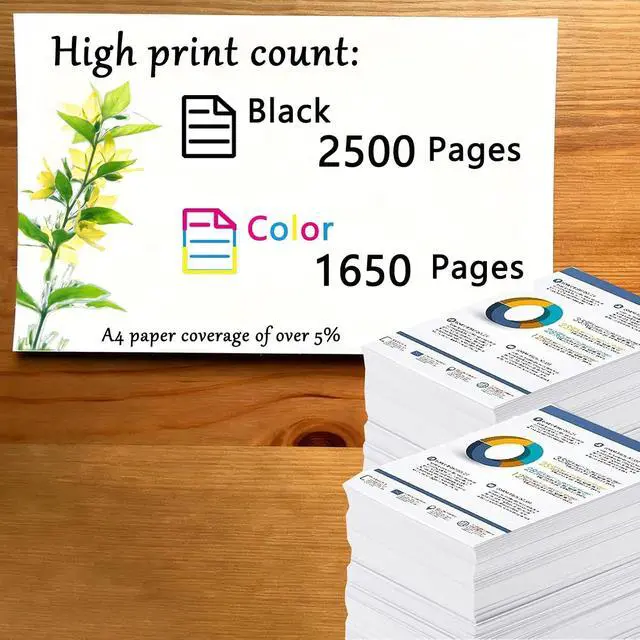
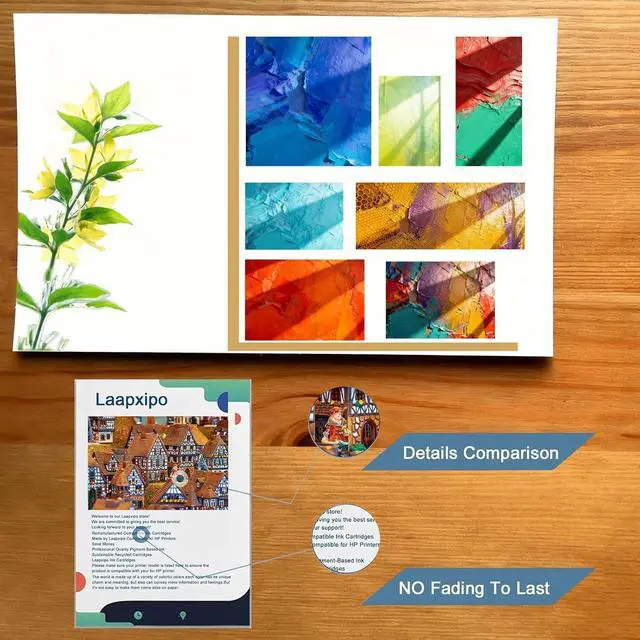
    • Smart Chip: Equipped with smart chip,Strong recognition,Long-lasting and and durable Effectively improve the durability and stability of the ink cartridge!; Compatible Printersfor HP OfficeJet Pro 9110b 9120 9130 9720 9730 Printers; High Page Yieldfor HP 938XL Ink Cartridges Combo Pack Page Yield (approx): Up to 2500 Pages for HP 938XL black,1650 Pages for HP ink 938XL color combo pack(at 5% coverage); Accurate ink control for clearer printing: using advanced ink control technology, ink droplet size is uniform, text edges are sharp, and image color transitions are natural. Whether it is documents or photos, high-quality effects can be presented; Leak proof design, more secure to use: excellent sealing performance, less prone to ink leakage during transportation and installation, avoiding contamination of printers and desktops, and reducing maintenance costs
    +
    +
    Overview
    Specs
    Reviews
    avatar

    Any questions? Our AI mode will help you find out quickly.

    suitable for daily use in office, school, work and home printing -- Product Description Compatible Cartridge Replacement for HP 938XL Ink Cartridges -- Why choose us? 1. Our ink cartridges useLatest upgraded chips the equipped chips and advanced anti-clogging nozzles to prevent clogging. 2. To ensure that text and graphics are clear and sharp, print the color results you want on the paper. 3. And we The ink cartridges have high color saturation - good leak resistance - good compatibility - convenient and affordable.
    -- Installation steps: 1. After the printer is turned on, open the front cover of the printer and press the ink button. 2. Put the ink cartridge back to the replacement cartridge position. 3. Open the ink cartridge cover 4. Take out the original ink cartridge 5. Push the ink cartridge down into place 6. Close the box cover and the printer cover 7. After the above operations are completed, press the ink button on the printer to complete all the ink cartridge replacement processes.
    Notice: Please check to confirm the ink printer model and ink cartridge model before purchasing.
    -- Warm Tips: 1. Make sure not to touch the chip on the ink cartridge for best performance. 2. Please note that if a non-original message prompt appears, just click "OK" or "Continue" to continue and start using the cartridge.

    Warranty & Returns

    Warranty, Returns, And Additional Information

    Warranty

    • Please contact the Seller directly for warranty information. Warranty information may also be found on the Manufacturer's website.
    • CONTACT

    Return Policies

    Manufacturer Contact Info

    LOADING...