• $30.29
  • Free 30-day Returns
  • Ships from China.
    Price alert
    Shop it at NeweggBusiness.

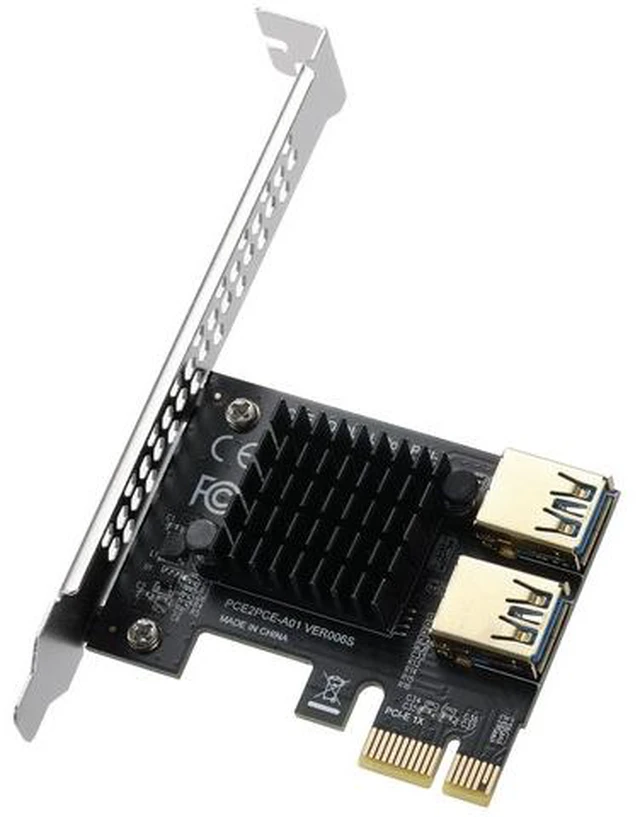
    PCI-E 1 to 2 Riser Card - PCIE Riser Card Supports External USB 3.0 Adapter for Mining

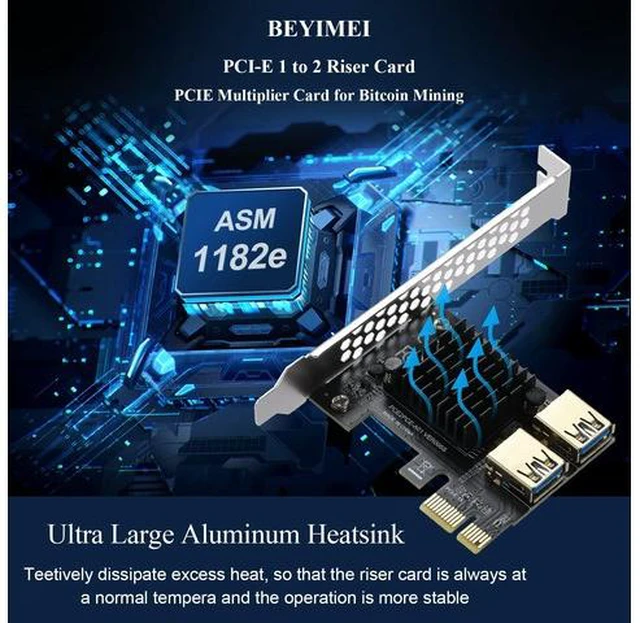
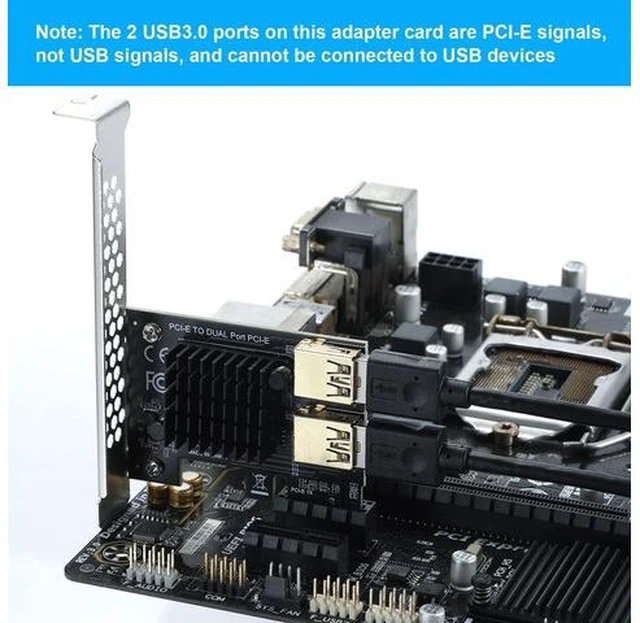
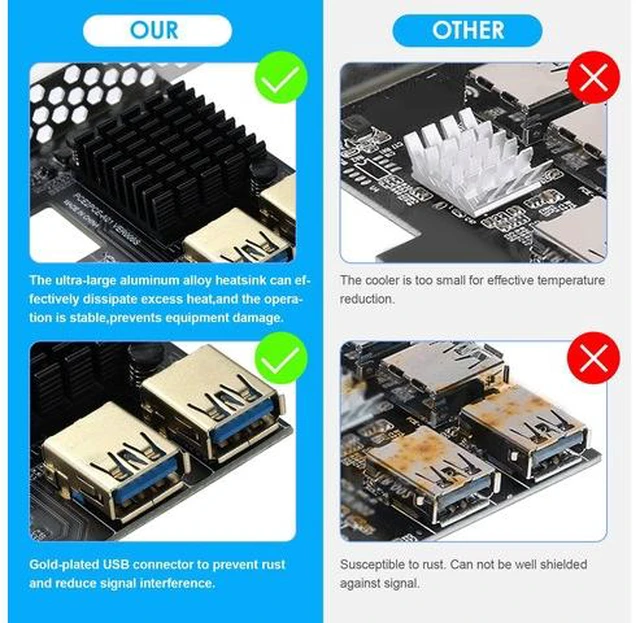
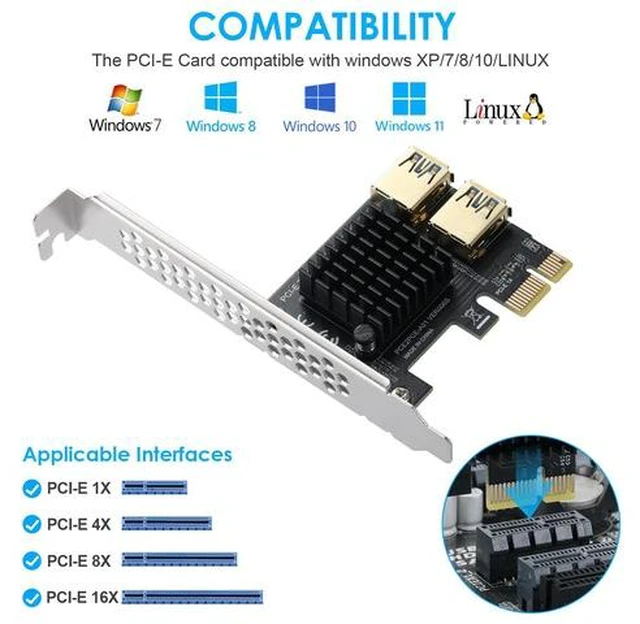
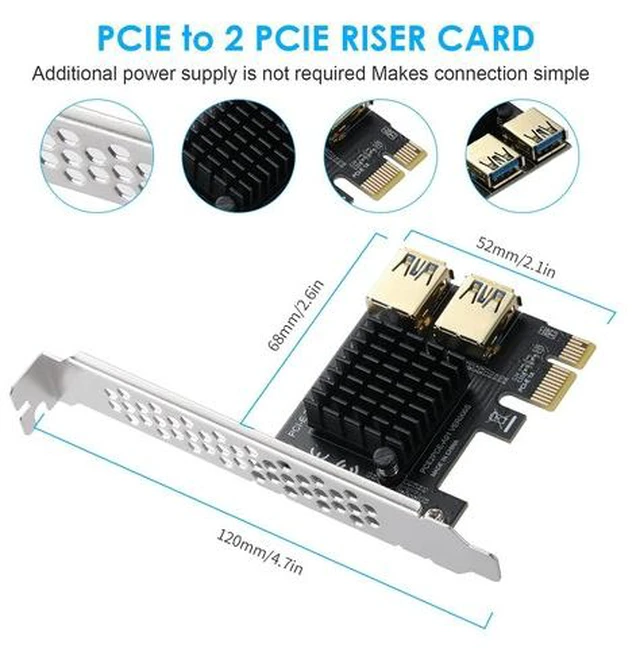
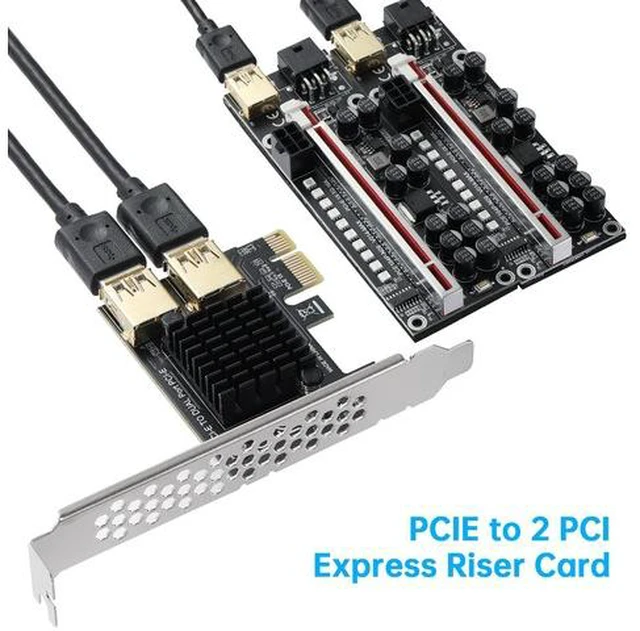
    • Pcie 1X to 2 PCIE: PCI-E 1X to 2 PCIE multiplier cards, 1 interface can be expanded to 2 PCIE ports, effectively solving the problem of the lack of PCI-E interfaces on the motherboard.; [Note]: The 2 USB ports are PCI-E signals, please do not insert USB devices, otherwise the USB devices and riser cards will be damaged.; [High Stability]: The main control board uses PCI-E interface to directly supply power, no external power cord is required, so that the main control board is not disturbed by the outside world, and the stability is higher!; [Easy installation]: The mainboard must be powered off before installation. A line is directly connected to the slot, effectively reducing interface interference, ensuring data reliability and improving work efficiency!; [Compatibility]: Compatible with PCIE 4X/ 8X/ 16X. System support: DOS/Linux/ Win7/ Win8/ Win10/ Win11
    +
    +
    Overview
    Specs
    Reviews

    Any questions? Ask CelesteSM will help you find out quickly.

    Specification:
    Model: PCIE 1 to 2 PCIE
    USB Bus interface: PCI-E x 1 (compatible with 4x / 8x / 16x / graphics card interface)
    Interface: PCI-E USB interface * 2 ChipASM1182e
    Compatible system: DOS / Linux / WinXP / Win7 / Win8 / Win10 / Win11.
    NOTE: The 2 USB ports on this adapter card are PCI-E signals, not USB signals, so they cannot be connected to USB devices. Turn off your computer and any other attached peripherals before use. Unplug the power cord from the computer.. Since the low-end motherboard chipset does not support multiple graphics cards, it is recommended to use a motherboard with a B250 or higher chipset. Before use, please calculate whether the power supply has enough power and whether the graphics card has enough cooling space.
    Package: PCIE 1 to 2 PCIE USB Card

    Warranty & Returns

    Warranty, Returns, And Additional Information

    Warranty

    • Please contact the Seller directly for warranty information. Warranty information may also be found on the Manufacturer's website.
    • CONTACT

    Return Policies

    Manufacturer Contact Info

    LOADING...