shipping Holiday Shipping Details & Extended Holiday Returns
  • $59.99
  • Free 30-day Returns
  • Price alert
    Sold by Fegfrght

    Shipped by Fegfrght

    Shop it at NeweggBusiness.

    Meet Your Seller

    UGREEN Bluetooth 6.0 Receiver with LDAC, Hi-Res Wireless Audio Adapter with Low Latency, for Old Stereo/Speakers/Wired Speakers/Home Audio Music Streaming Stereo System

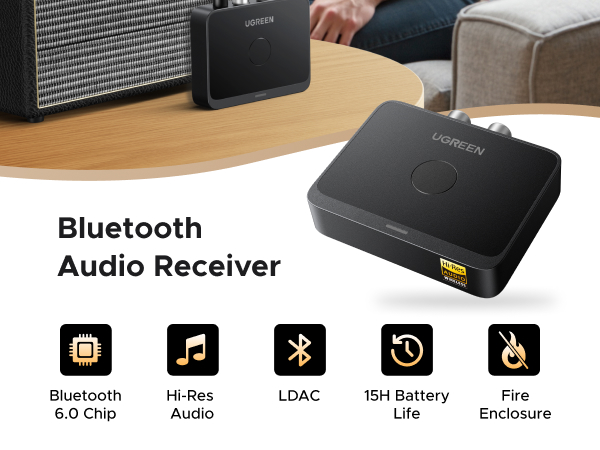
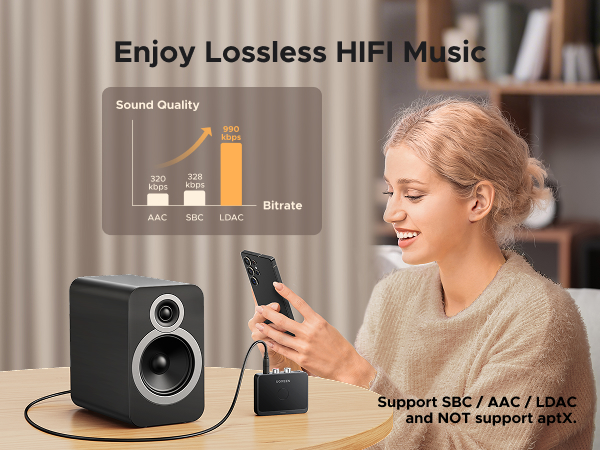
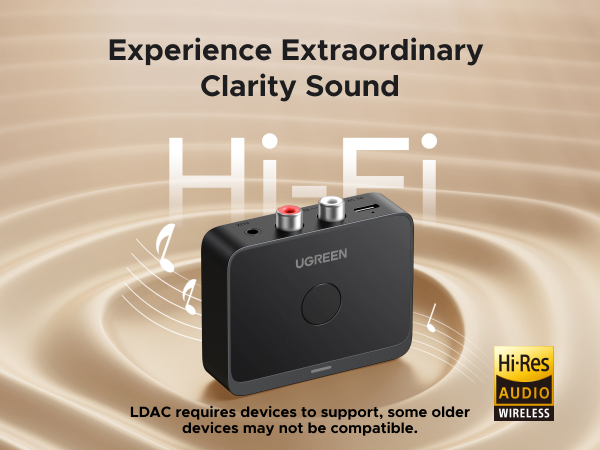
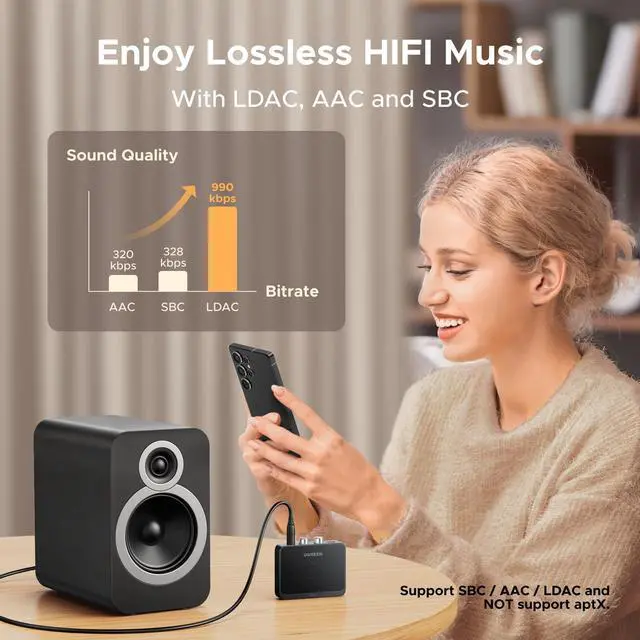
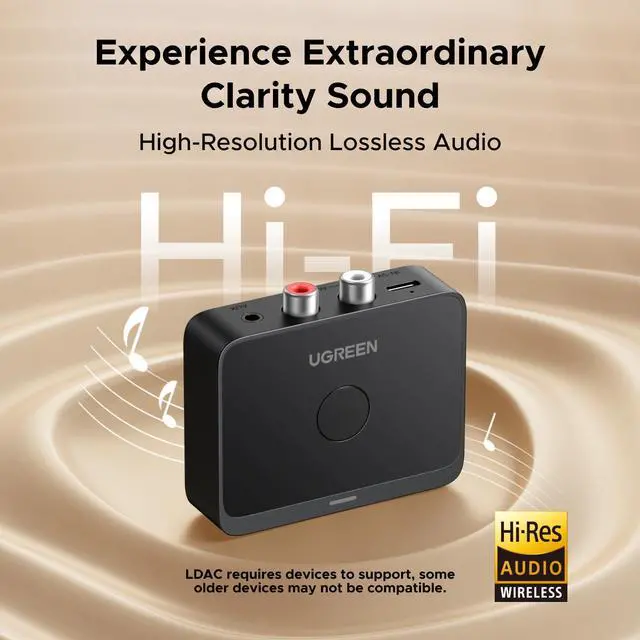
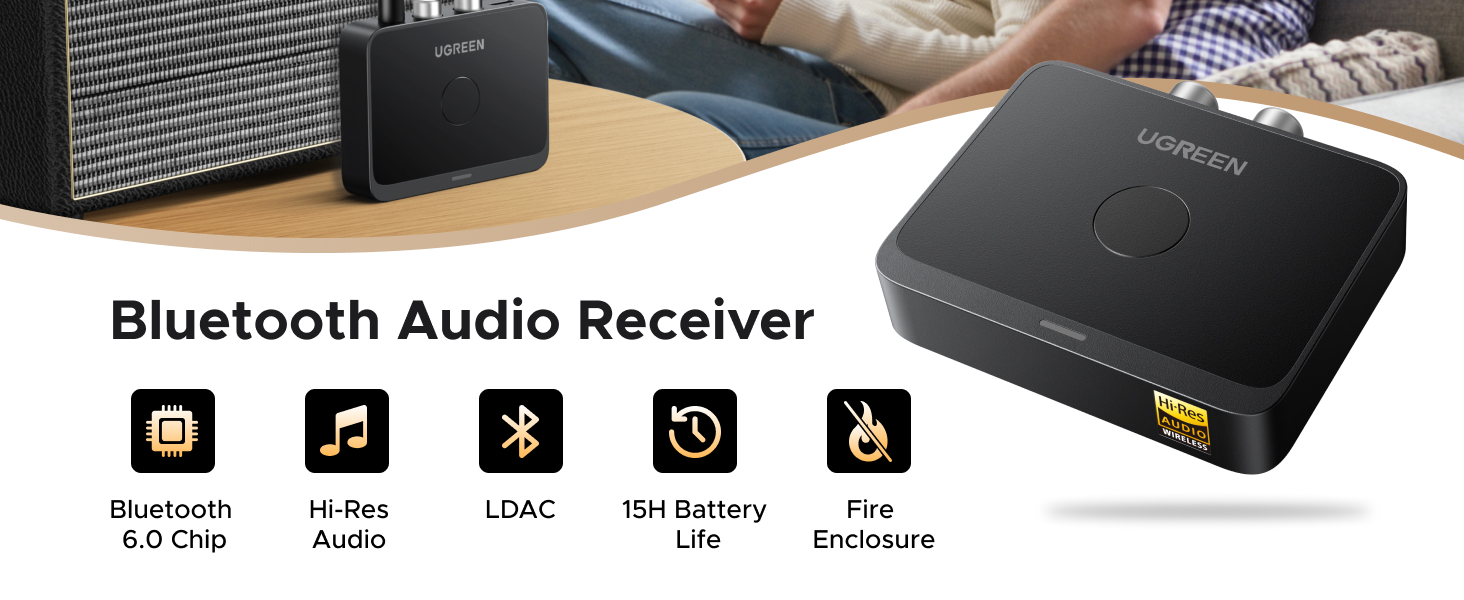
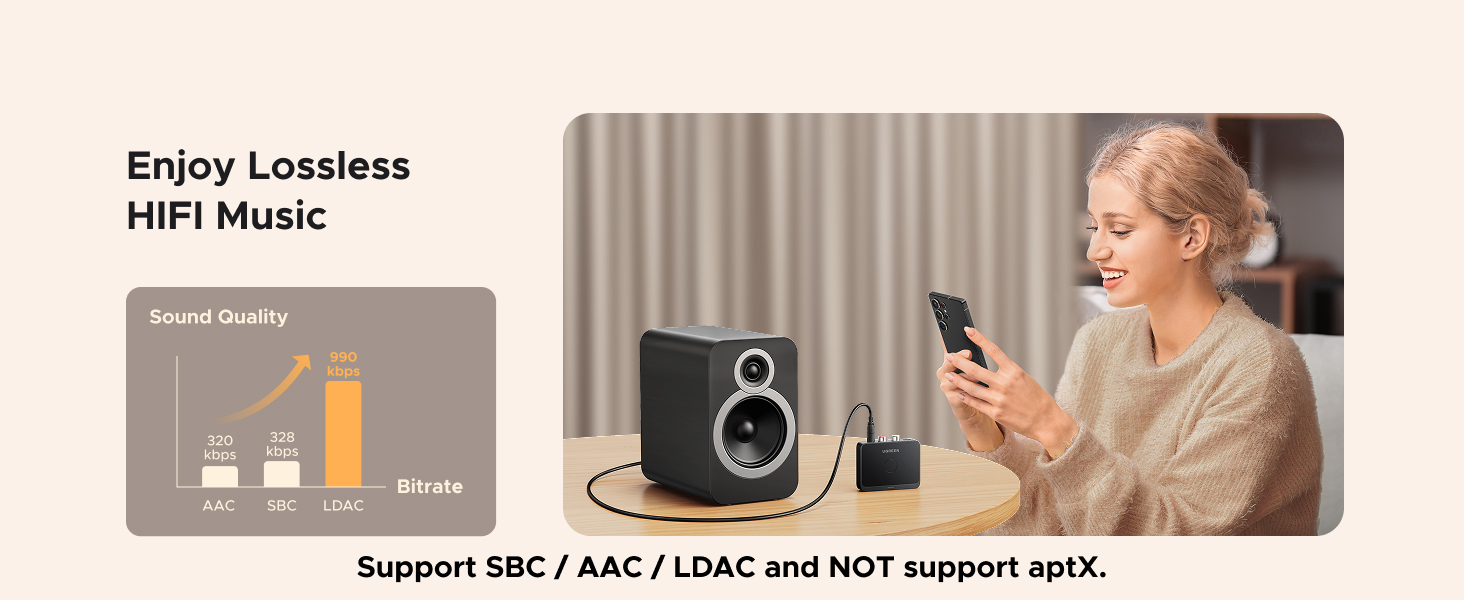
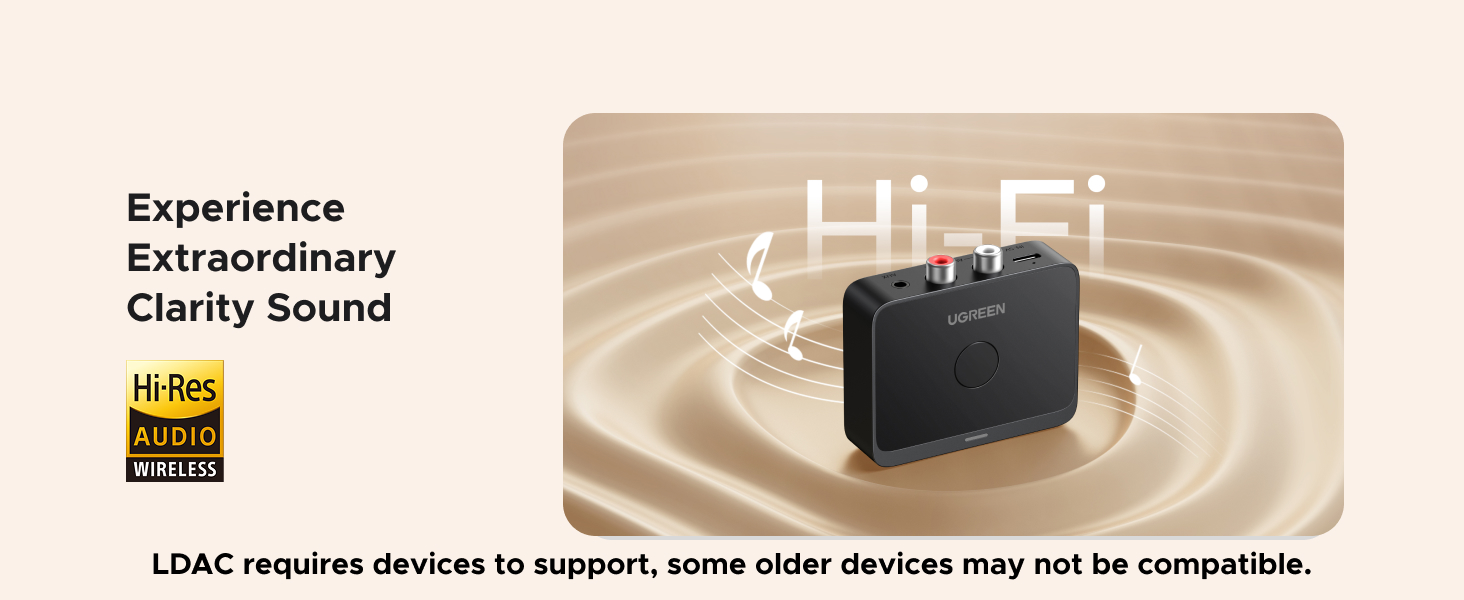
    • High sound quality LDAC decoding: The Bluetooth audio adapter features the LDAC audio codec, audio sampling rates up to 24bit/96KHz, delivering uncompromised high-definition sound quality; the audio receiver also obtained Hi-Res Audio Gold Label professional sound quality certification. Whether listening to classical or pop, experience audio at its best. (LDAC requires devices to support, some older devices may not be compatible.)
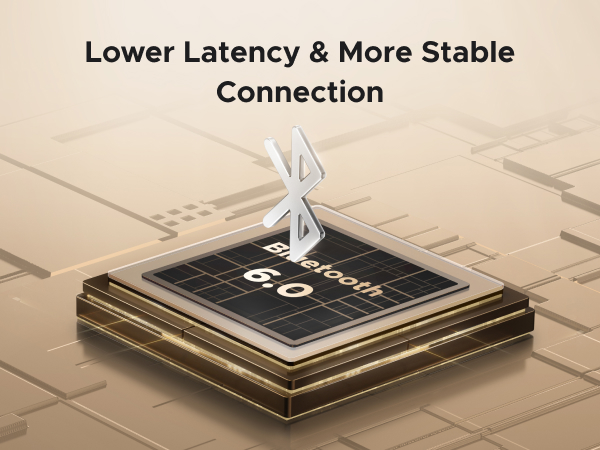
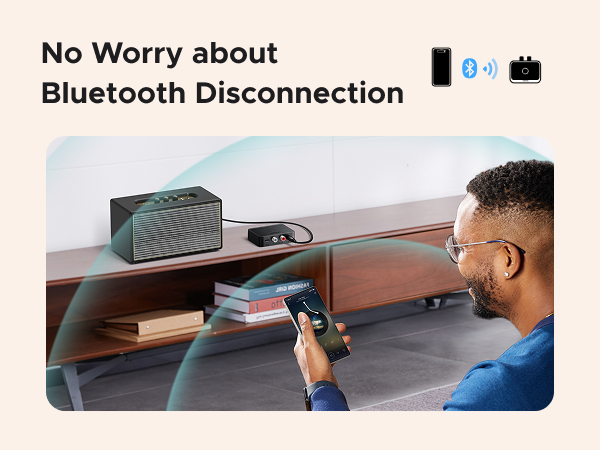
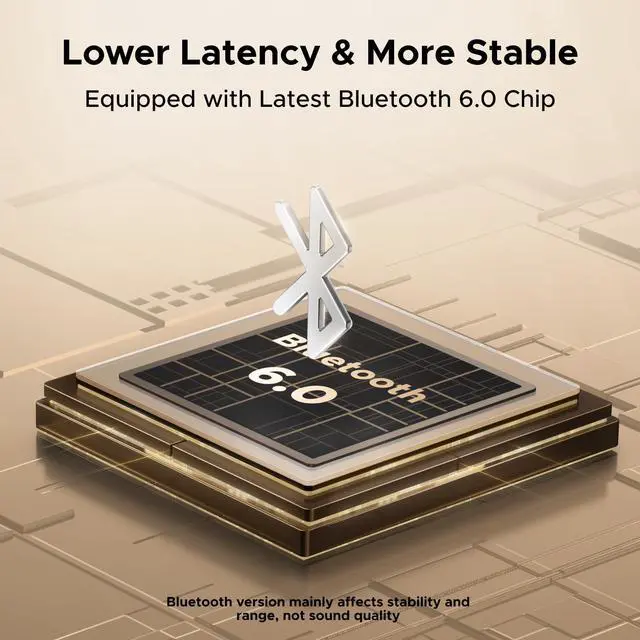
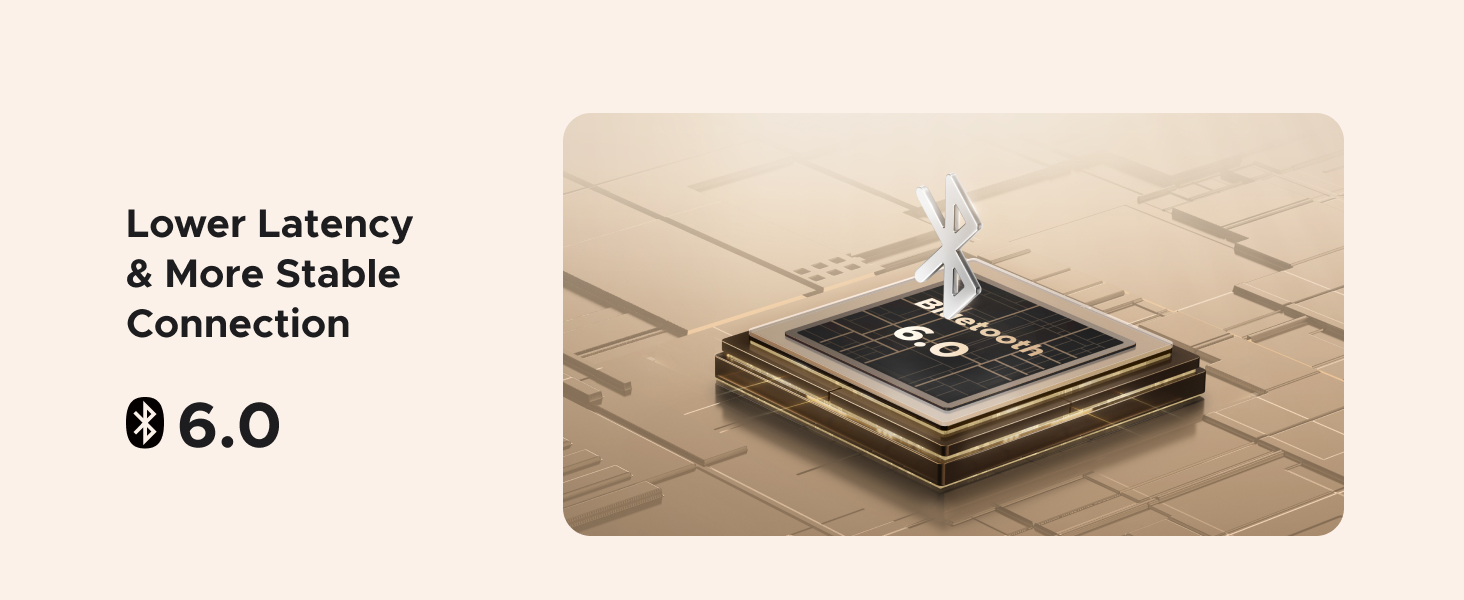
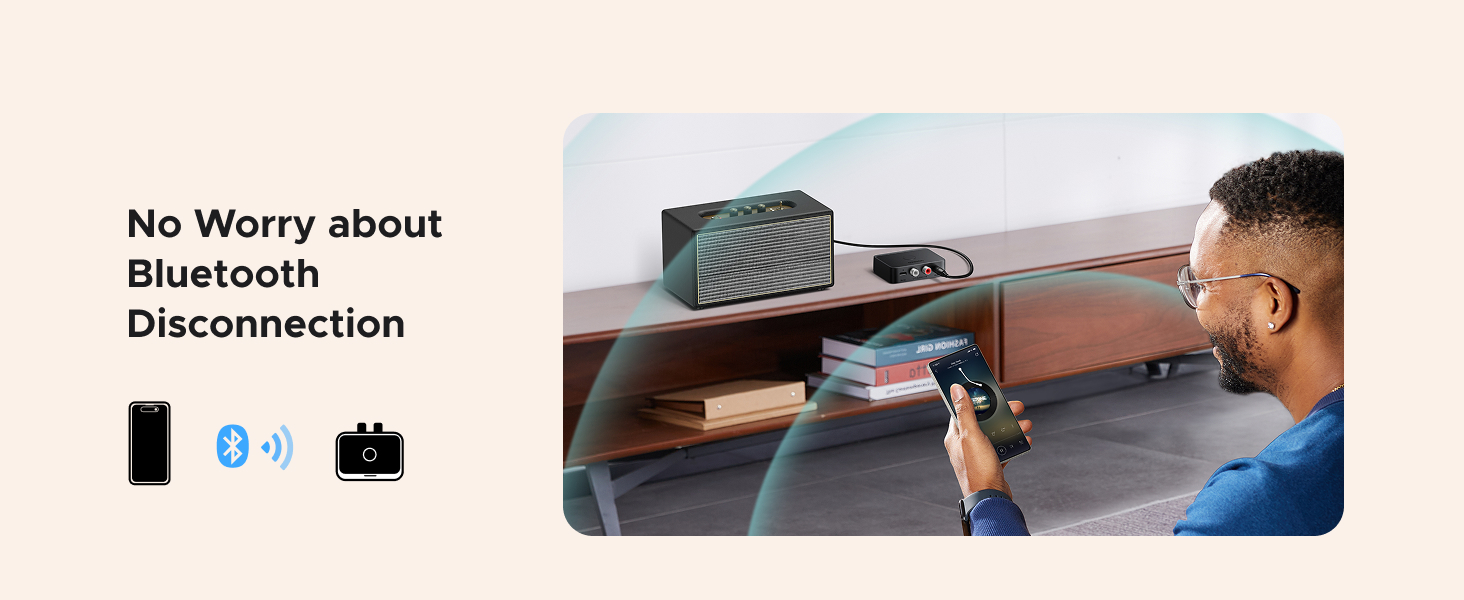
    • Latest Bluetooth 6.0 Chip Technology: Equipped with the latest Bluetooth 6.0 chip, this bluetooth audio receiver provides a more stable and lower latency wireless audio transmission, and reduces the possibility of signal interruption and power consumption.(Bluetooth version mainly affects connection stability and range, not sound quality )
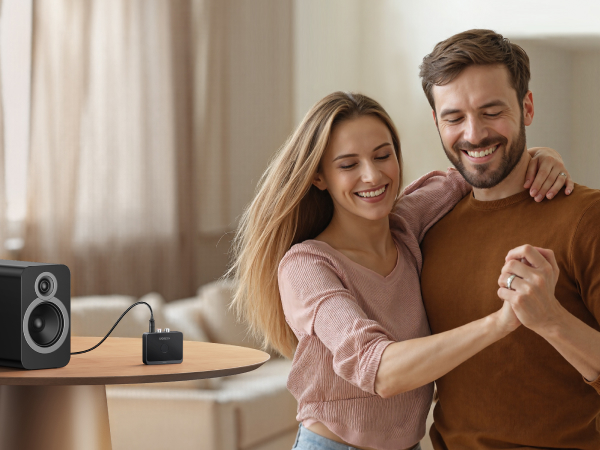
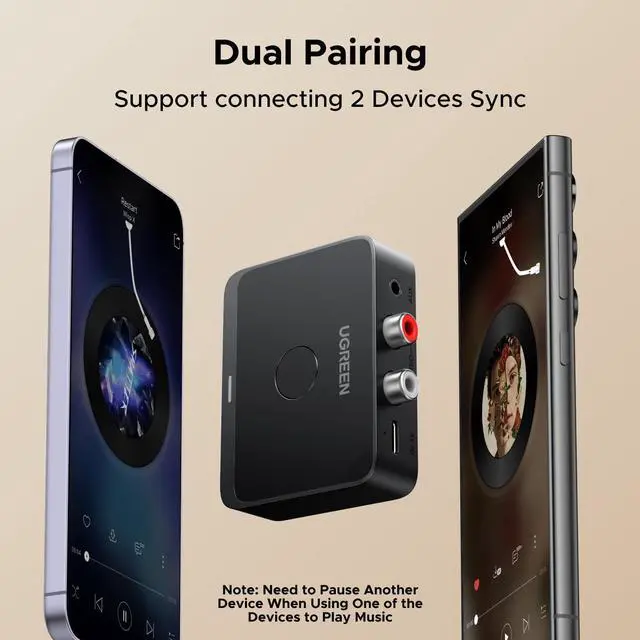
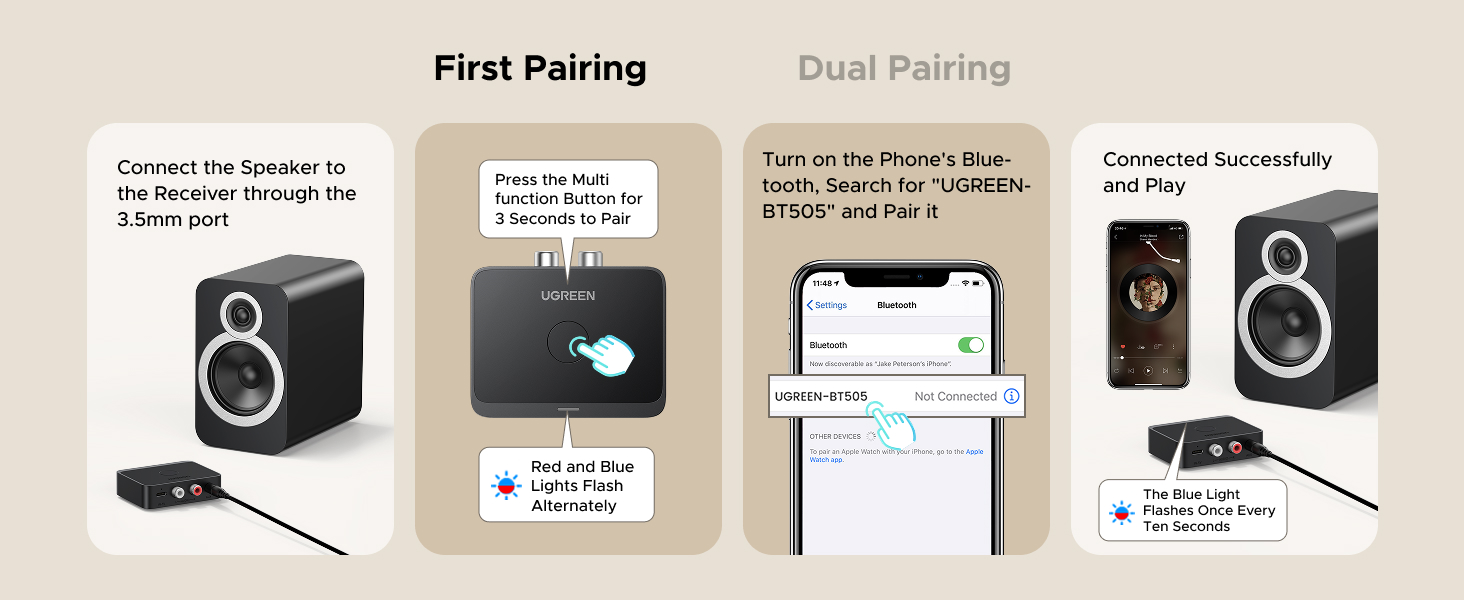
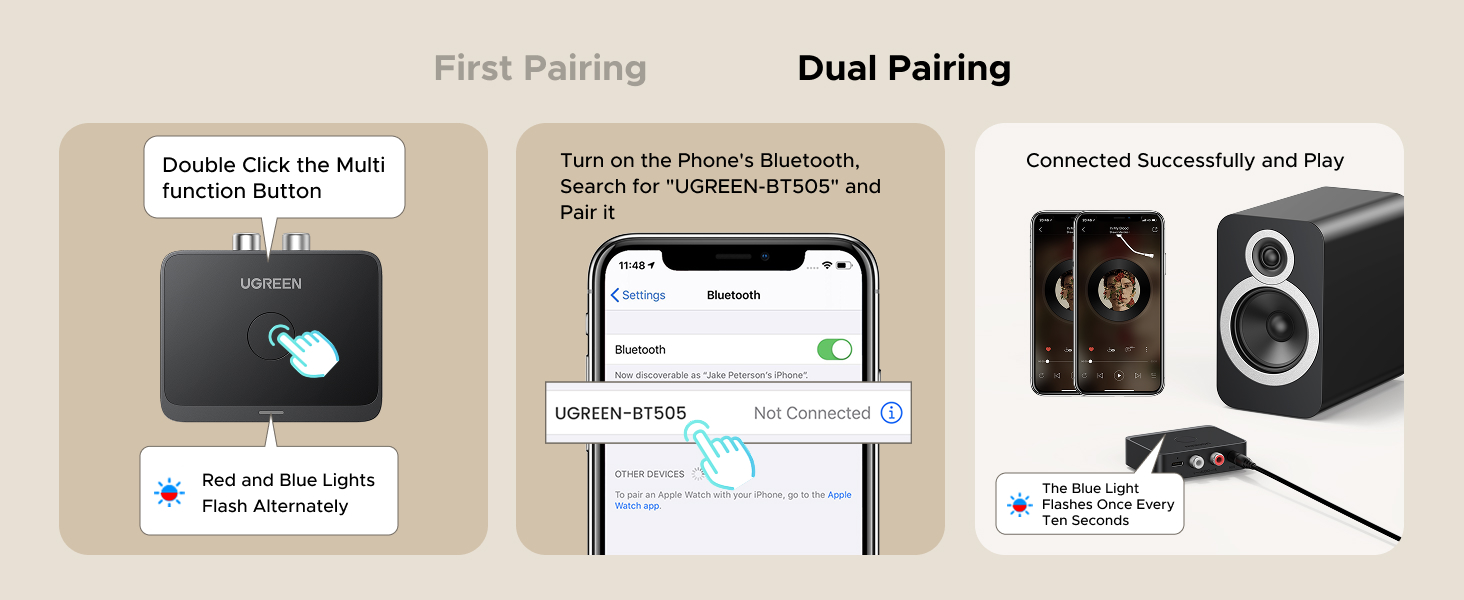
    • Dual Pairing: This bluetooth receiver for home stereo supports connecting two phones simultaneously, letting you share musical experiences with close lovers or friends. However, when one device plays music, the other device needs to be paused first
    • Long Battery Life: The bluetooth stereo adapter provides up to 15 hours of uninterrupted playback time for long-time use; it supports USB C charging and can be fully charged in 2 hours, and can be used while charging
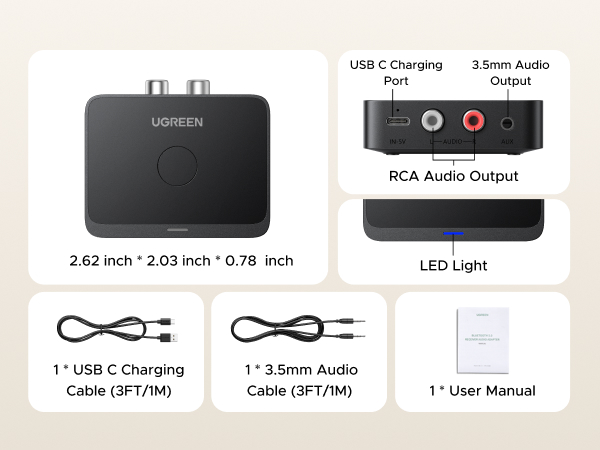
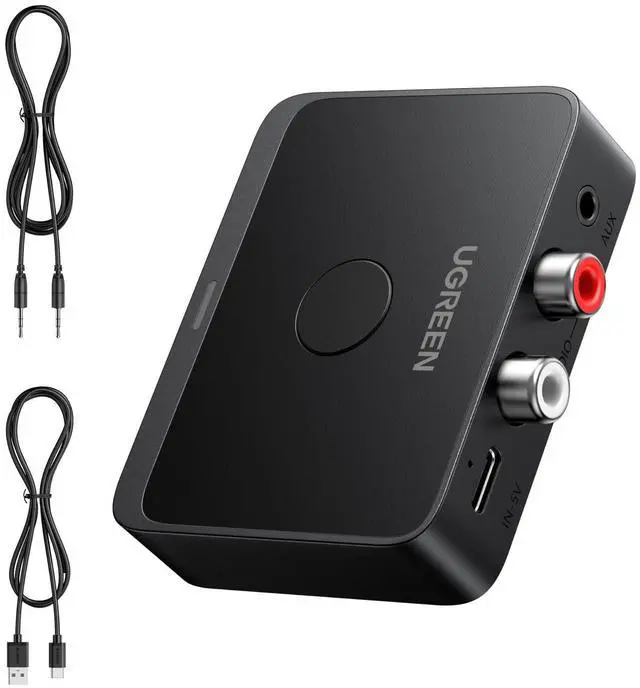
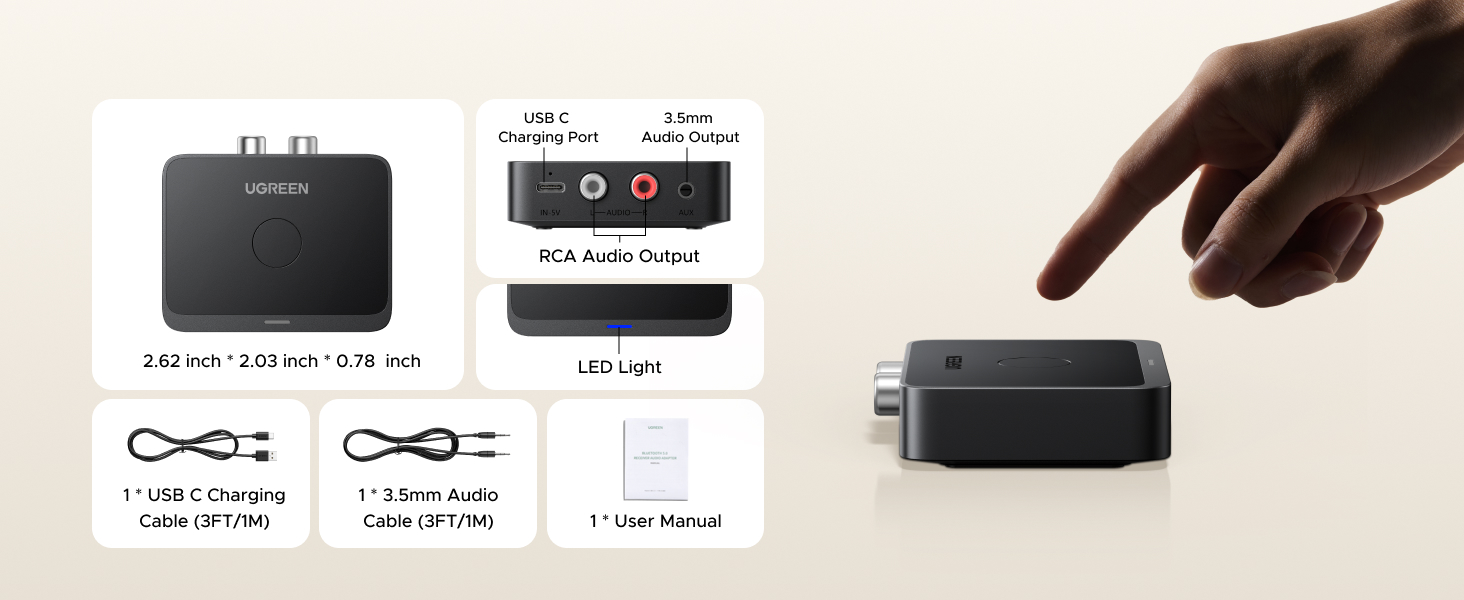
    • What's In the Box: 1x UGREEN Bluetooth Receiver Adapter , 1 x USB C Charging Cable (3ft/1m), 1 x 3.5mm Audio Cable (3ft/1m), 1 x User Manual (DO NOT include RAC cable and charger)
    +
    +
    Overview
    Specs
    Reviews
    avatar

    Any questions? Our AI beta will help you find out quickly.

    bluetooth receiver
    bluetooth receiver

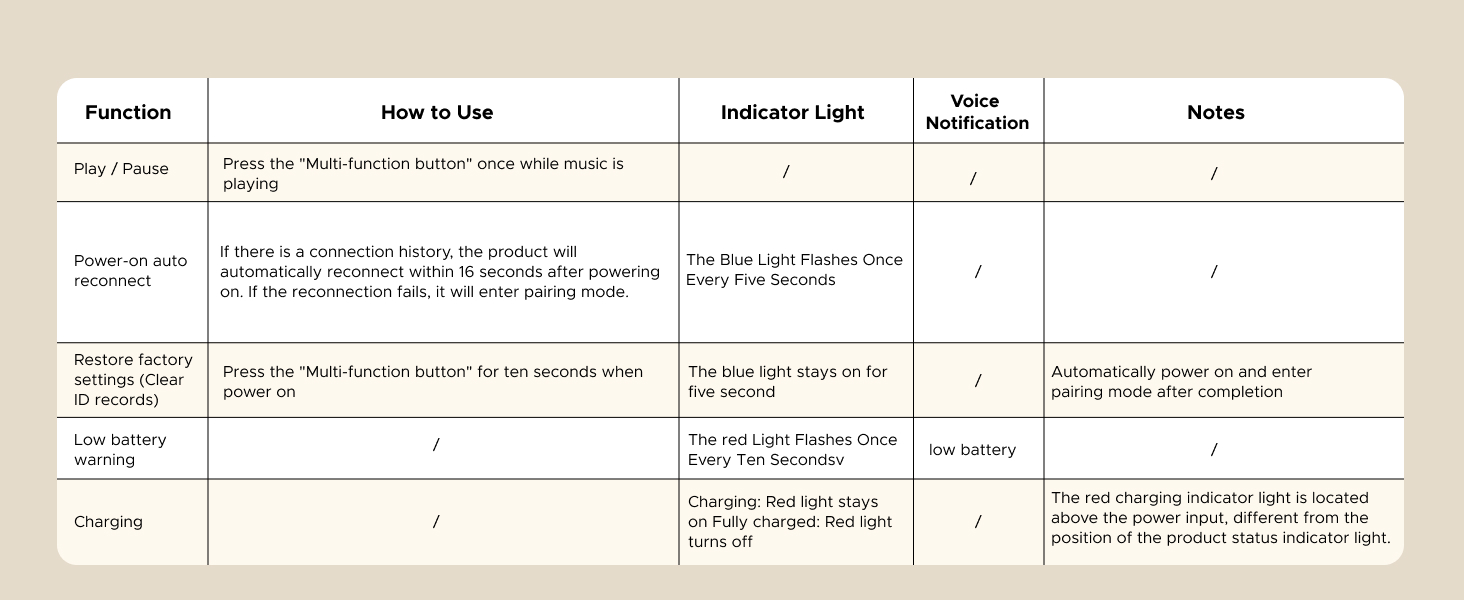
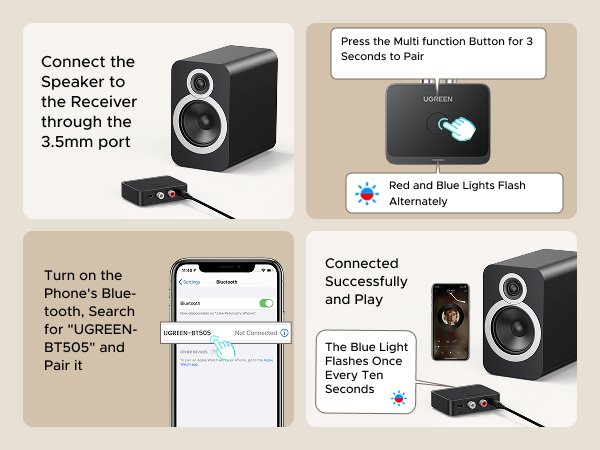
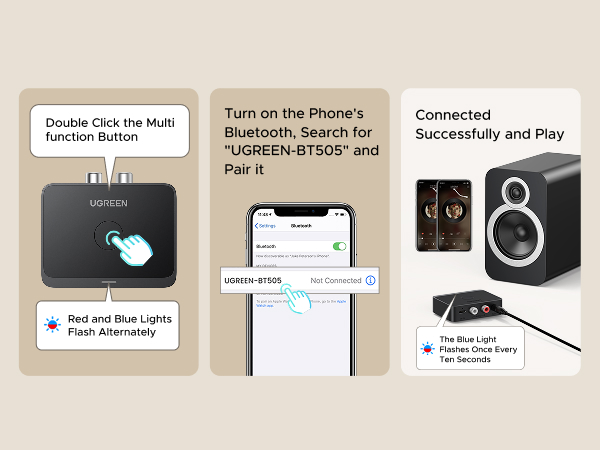
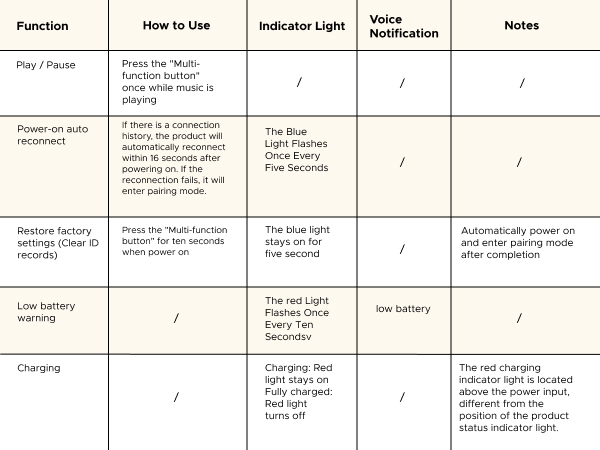
    How to Use the Product?
    bluetooth receiver

    Q1: How to confirm whether your phone supports LDAC?

    A1: Most smartphones with Android 8.0 or above support LDAC. iPhones, however, only support SBC/AAC codecs and do not support LDAC. You can also check your phone's user manual or contact the official after-sales service for confirmation.

    Q2: How to check if LDAC is enabled on the device?

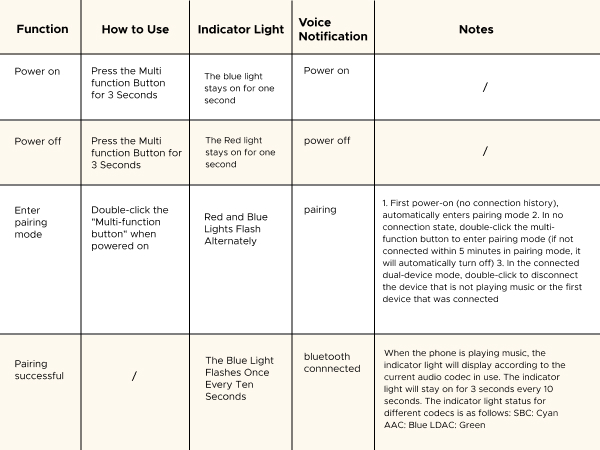
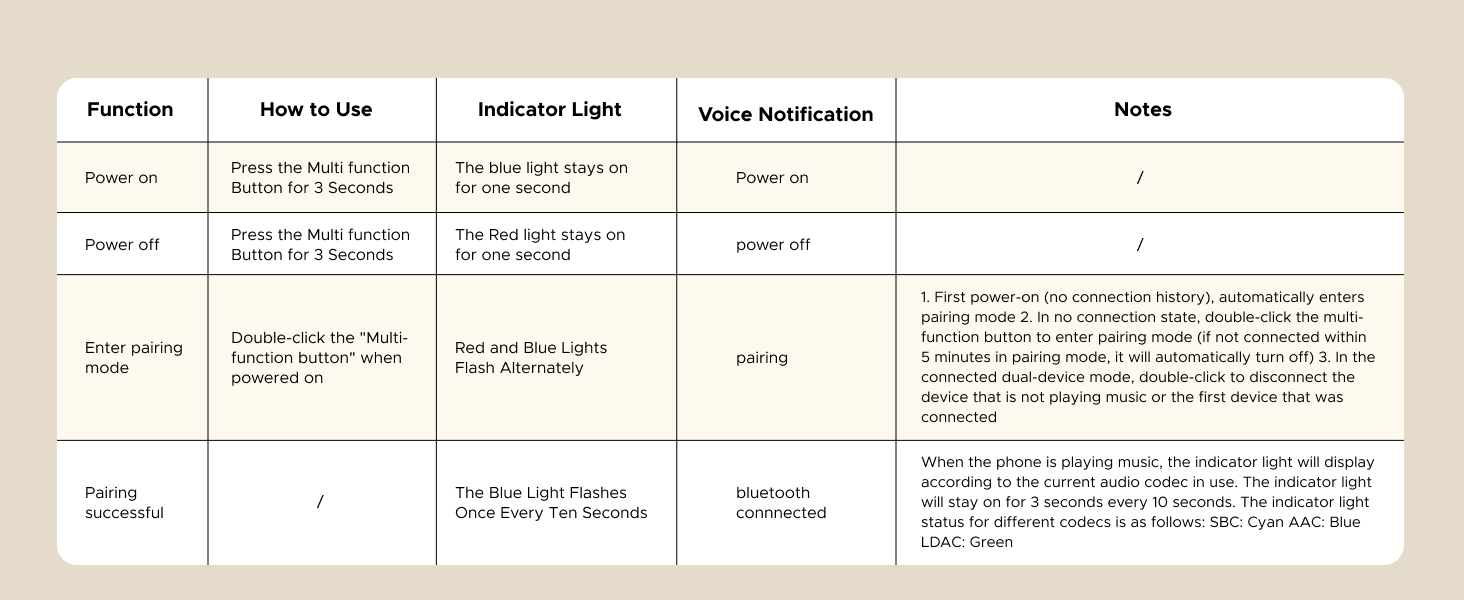
    A2: The product will automatically prioritize LDAC by default. When LDAC is active and audio is playing, the product's indicator light will turn green. On some smartphones, LDAC may need to be enabled manually—please contact your phone manufacturer for instructions on how to enable it.

    Q3: Why need to choose a bitrate?

    A3:LDAC has higher requirements for connection distance and environment. Please select an appropriate bitrate on your phone based on your current surroundings. If there are obstacles nearby or the distance between the product and your phone is relatively long, we recommend switching to a lower bitrate to ensure smooth audio playback without interruptions.

    Q4: What can I do if the volume is lower than expected after pairing?

    A4: For Android phones: Go to Settings > Bluetooth > Connected device settings (e.g., UGREEN-BT505 – note that the Bluetooth name may vary by product), then enable the "Volume Sync" feature and adjust the volume again.

    For iPhones: Go to Settings > Sounds & Haptics > Headphone Safety, then turn off "Reduce Loud Sounds" and adjust the volume again.

    bluetooth receiver
    bluetooth receiver

    How to Use the Product?
    bluetooth receiver

    Q1: How to confirm whether your phone supports LDAC?

    A1: Most smartphones with Android 8.0 or above support LDAC. iPhones, however, only support SBC/AAC codecs and do not support LDAC. You can also check your phone's user manual or contact the official after-sales service for confirmation.

    Q2: How to check if LDAC is enabled on the device?

    A2: The product will automatically prioritize LDAC by default. When LDAC is active and audio is playing, the product's indicator light will turn green. On some smartphones, LDAC may need to be enabled manually—please contact your phone manufacturer for instructions on how to enable it.

    Q3: Why need to choose a bitrate?

    A3:LDAC has higher requirements for connection distance and environment. Please select an appropriate bitrate on your phone based on your current surroundings. If there are obstacles nearby or the distance between the product and your phone is relatively long, we recommend switching to a lower bitrate to ensure smooth audio playback without interruptions.

    Q4: What can I do if the volume is lower than expected after pairing?

    A4: For Android phones: Go to Settings > Bluetooth > Connected device settings (e.g., UGREEN-BT505 – note that the Bluetooth name may vary by product), then enable the "Volume Sync" feature and adjust the volume again.

    For iPhones: Go to Settings > Sounds & Haptics > Headphone Safety, then turn off "Reduce Loud Sounds" and adjust the volume again.

    High sound quality LDAC decoding: The Bluetooth audio adapter features the LDAC audio codec, audio sampling rates up to 24bit/96KHz, delivering uncompromised high-definition sound quality; the audio receiver also obtained Hi-Res Audio Gold Label professional sound quality certification. Whether listening to classical or pop, experience audio at its best


    Product information

    Special Feature LDAC Decoding for Hi-Res Audio
    Brand UGREEN
    Connectivity Technology 3.5mm, RCA
    Power Source Battery Powered
    Wireless Communication Standard Bluetooth
    Product Dimensions 2.8 x 2.6 x 0.94 inches
    Item Weight 4.2 ounces
    Item model number 55545
    Batteries 1 Lithium Metal batteries required. (included)
    Date First Available April 26, 2025
    Manufacturer Ugreen Group Limited

    Additional Features

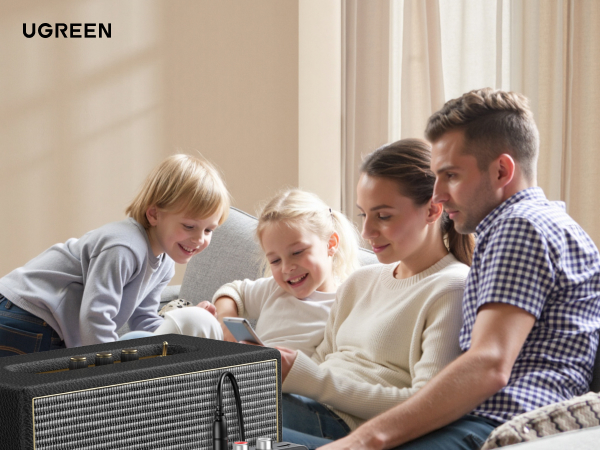
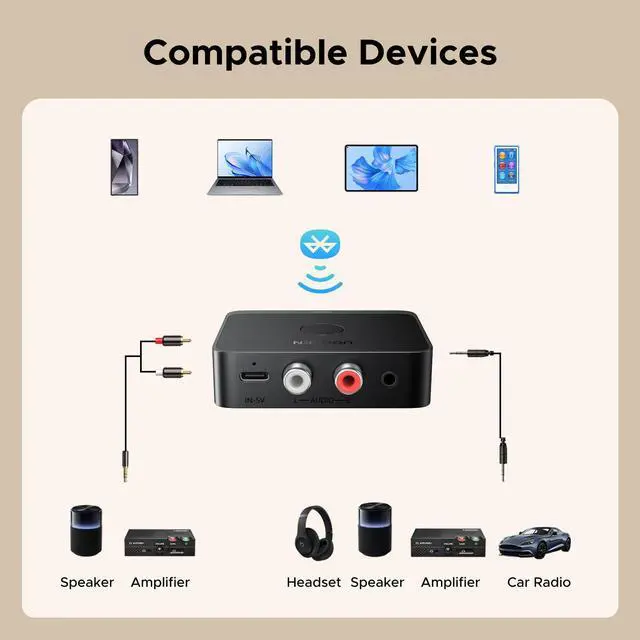
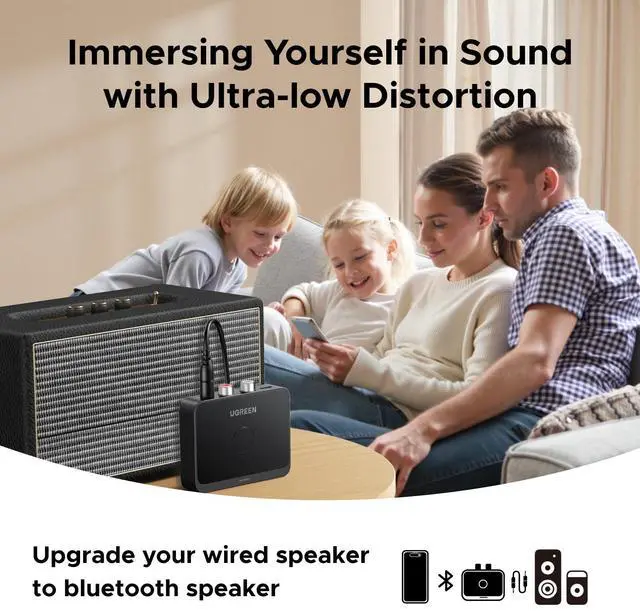
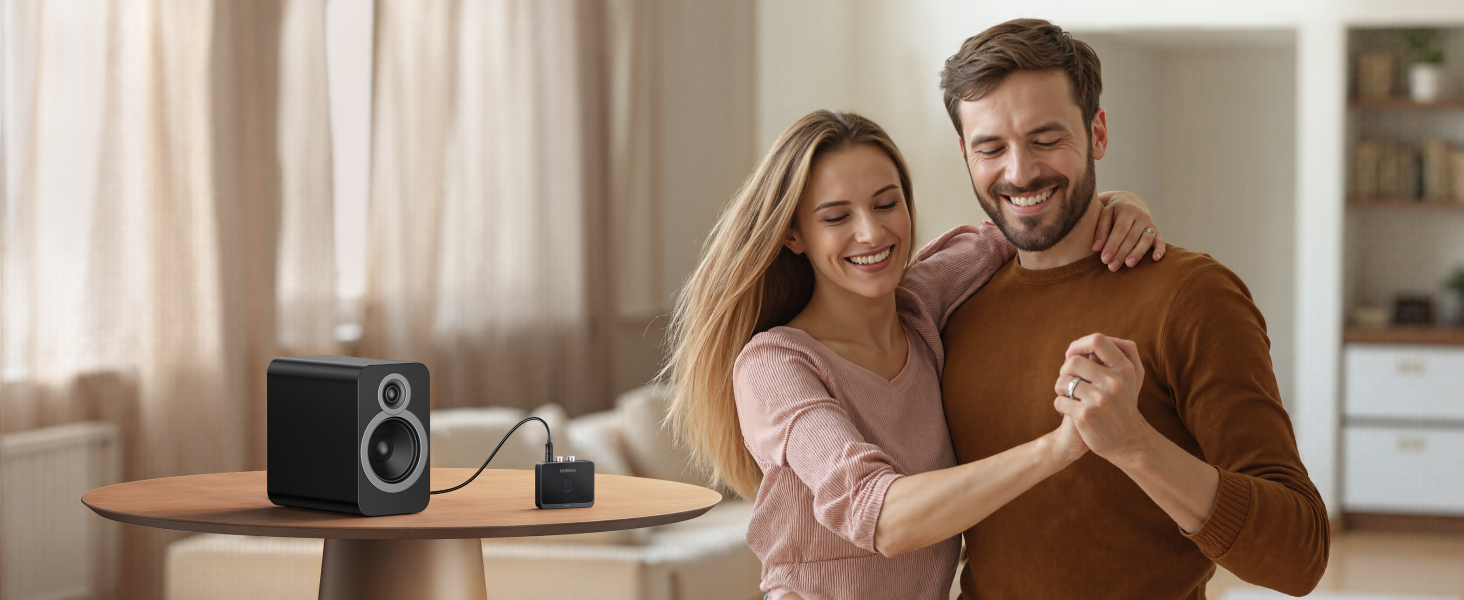
    • AUX 3.5mm/RCA audio receiver : There are 3.5mm or RCA output port for home old stereo speakers/wired headphones and more to connect mobile phones, computers, tablets to play music via Bluetooth. Turning ordinary audio equipment into Bluetooth devices and enjoying the music feast. (If the volume is too low, enable Volume Sync in your Bluetooth device settings.)
    • Note: When the product is powered on and the Bluetooth connection is disconnected, iPhones and Galaxy cannot reconnect automatically. Manual reconnection is required. (However, the device will automatically reconnect when powered off and on.)

    Warranty & Returns

    Warranty, Returns, And Additional Information

    Warranty

    • Please contact the Seller directly for warranty information. Warranty information may also be found on the Manufacturer's website.
    • CONTACT

    Return Policies

    • Return for refund within: 30 days
    • Return for replacement within: 30 days
    • This item is covered by Fegfrght Return Policy

    Manufacturer Contact Info

    LOADING...