






![MaedHawk 5.3 Car Bluetooth Aux Adapter, [Stable Connection] 3.5mm Bluetooth Adapter Wireless Audi...](http://c1.neweggimages.com/sellingpilot/modules/product/a-plus/614e58d3f9729faab25823caf0ed52ed1f12e437dd74e796f2c1ce51fe14396a.jpg)
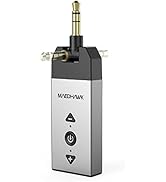
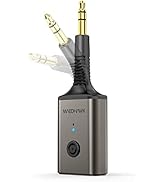
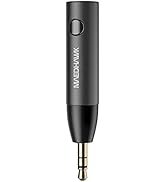


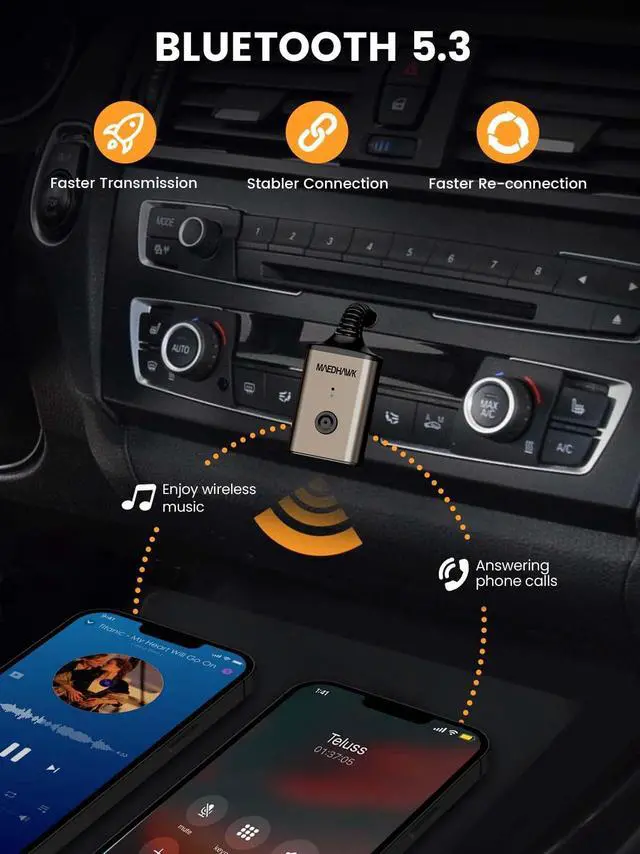
Add Bluetooth to Your Car

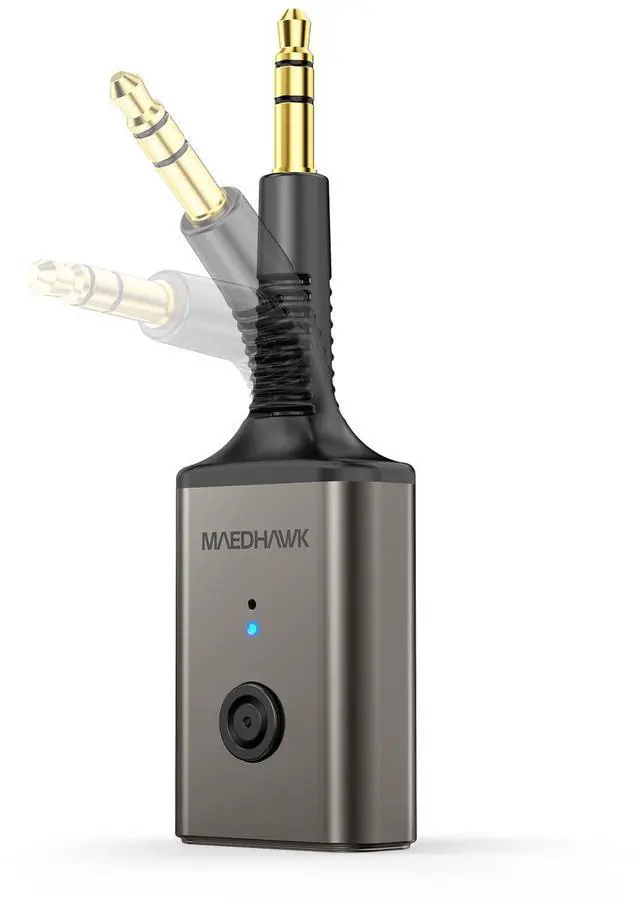
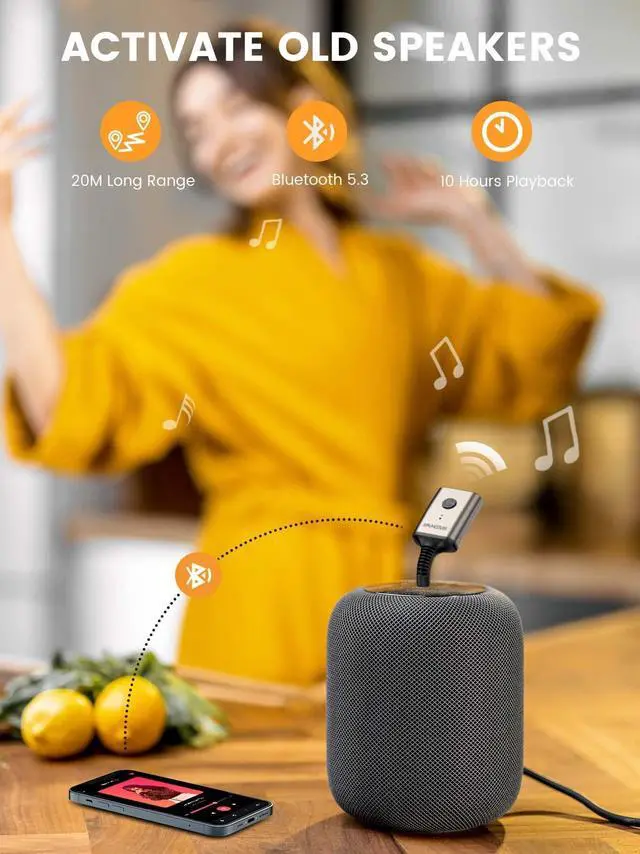
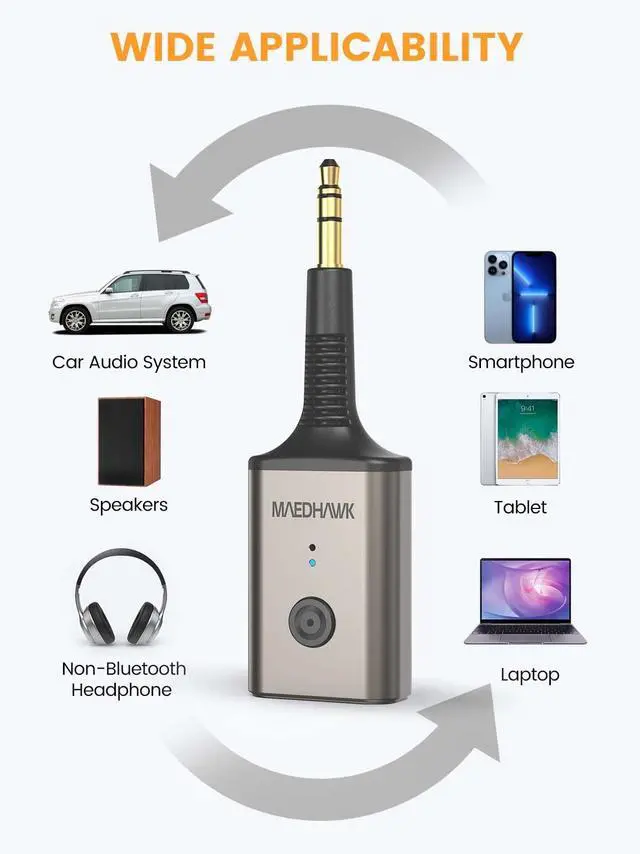
Bluetooth Adapter for Car or Home Stereo Sound System


How to Connect Maedhawk Bluetooth 5.3 Receiver

POWER ON
- Press and hold the MFB button for 2-3 seconds to turn it on and it will enter pairing mode automatically.

PAIR WITH SMART PHONE
- Turn on the Bluetooth of your cell phone and search for Bluetooth devices.
- Tap the name of "Maedhawk BTR007" to connect once you see it.

PLUG IT INTO THE AUX PORT
- Just simply plug the Bluetooth car device to the Aux port of your car or other home stereos.
- Enjoy your wonderful jorney on the go.

ENJOY MUSIC WIRELESSLY
- Play the music from the app of your smart phones at will.
- Phone call and voice navigation are supported as well.
Device Guide

Why it will not charge or function while plugged in to the usb-c cable?
You can check to see if you are using a charging head with too high of voltage. In order to protect the battery better, too high voltage will not charge. We recommend using 5V USB chargers.
Tis: Does not charge with newer 30 W Google power brick
Why does the sound get stuck or disconnected when playing?
Please check whether it is within the effective distance and there is no obstacle between the straight lines of the mobile phone Bluetooth receiver.
Does it work with my Bluetooth Bose headphones?
Headphones are not universal AUX 3.5 port is not compatible, such as Bose, Beats or other special interface headphones.
MaedHawk BTR007 is not a Bluetooth transmitter. Cannot be used on TVs, computers, Bluetooth headsets, airplanes, airpods.
Why do I have to turn on the machine manually to automatically reconnect eveytime?
Because the BTR007 Bluetooth aux adapter is equipped with a built-in battery and it must be powered on before it can be automatically reconnected.

Add Bluetooth to Your Car

Bluetooth Adapter for Car or Home Stereo Sound System


How to Connect Maedhawk Bluetooth 5.3 Receiver
POWER ON
- Press and hold the MFB button for 2-3 seconds to turn it on and it will enter pairing mode automatically.
PAIR WITH SMART PHONE
- Turn on the Bluetooth of your cell phone and search for Bluetooth devices.
- Tap the name of "Maedhawk BTR007" to connect once you see it.
PLUG IT INTO THE AUX PORT
- Just simply plug the Bluetooth car device to the Aux port of your car or other home stereos.
- Enjoy your wonderful jorney on the go.
ENJOY MUSIC WIRELESSLY
- Play the music from the app of your smart phones at will.
- Phone call and voice navigation are supported as well.
Device Guide

Why it will not charge or function while plugged in to the usb-c cable?
You can check to see if you are using a charging head with too high of voltage. In order to protect the battery better, too high voltage will not charge. We recommend using 5V USB chargers.
Tis: Does not charge with newer 30 W Google power brick
Why does the sound get stuck or disconnected when playing?
Please check whether it is within the effective distance and there is no obstacle between the straight lines of the mobile phone Bluetooth receiver.
Does it work with my Bluetooth Bose headphones?
Headphones are not universal AUX 3.5 port is not compatible, such as Bose, Beats or other special interface headphones.
MaedHawk BTR007 is not a Bluetooth transmitter. Cannot be used on TVs, computers, Bluetooth headsets, airplanes, airpods.
Why do I have to turn on the machine manually to automatically reconnect eveytime?
Because the BTR007 Bluetooth aux adapter is equipped with a built-in battery and it must be powered on before it can be automatically reconnected.
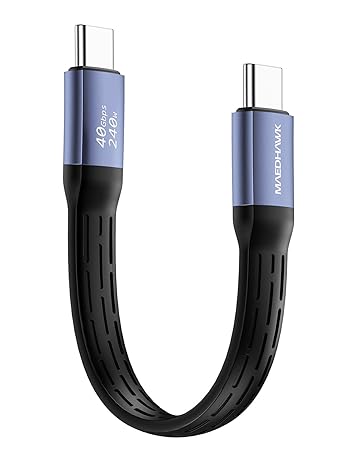
Maedhawk 240 USB-C Cable
Maedhawk U5 Bluetooth adapter
![MaedHawk 5.3 Car Bluetooth Aux Adapter, [Stable Connection] 3.5mm Bluetooth Adapter Wireless Audi...](//c1.neweggimages.com/sellingpilot/modules/product/a-plus/614e58d3f9729faab25823caf0ed52ed1f12e437dd74e796f2c1ce51fe14396a.jpg)
Wireless Bluetooth adapters
