





Thoughtful Care for All Ages
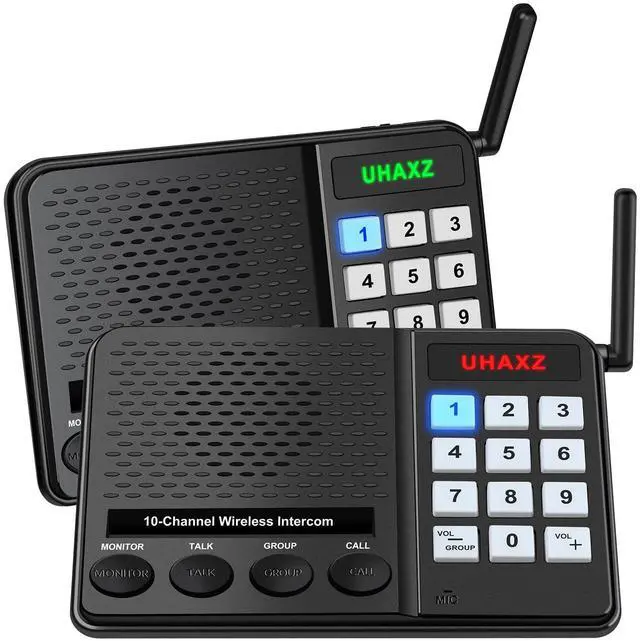
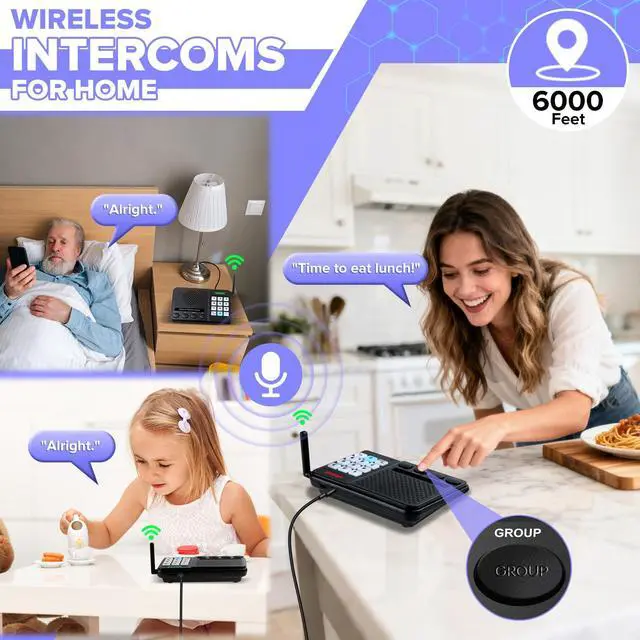
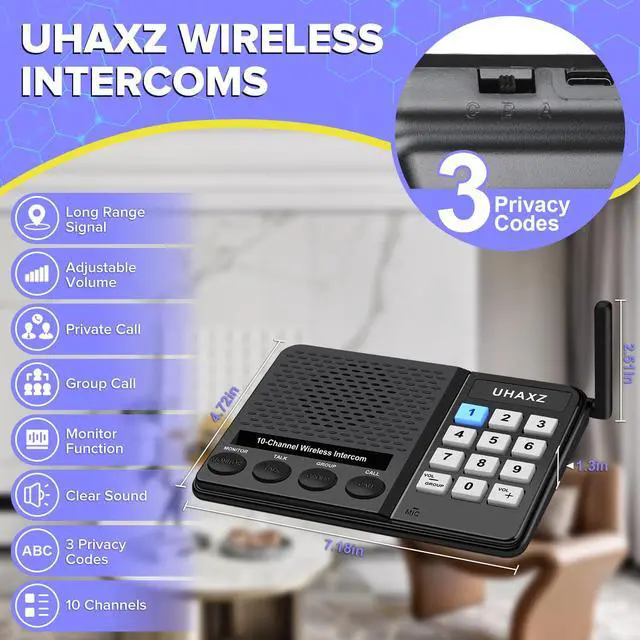
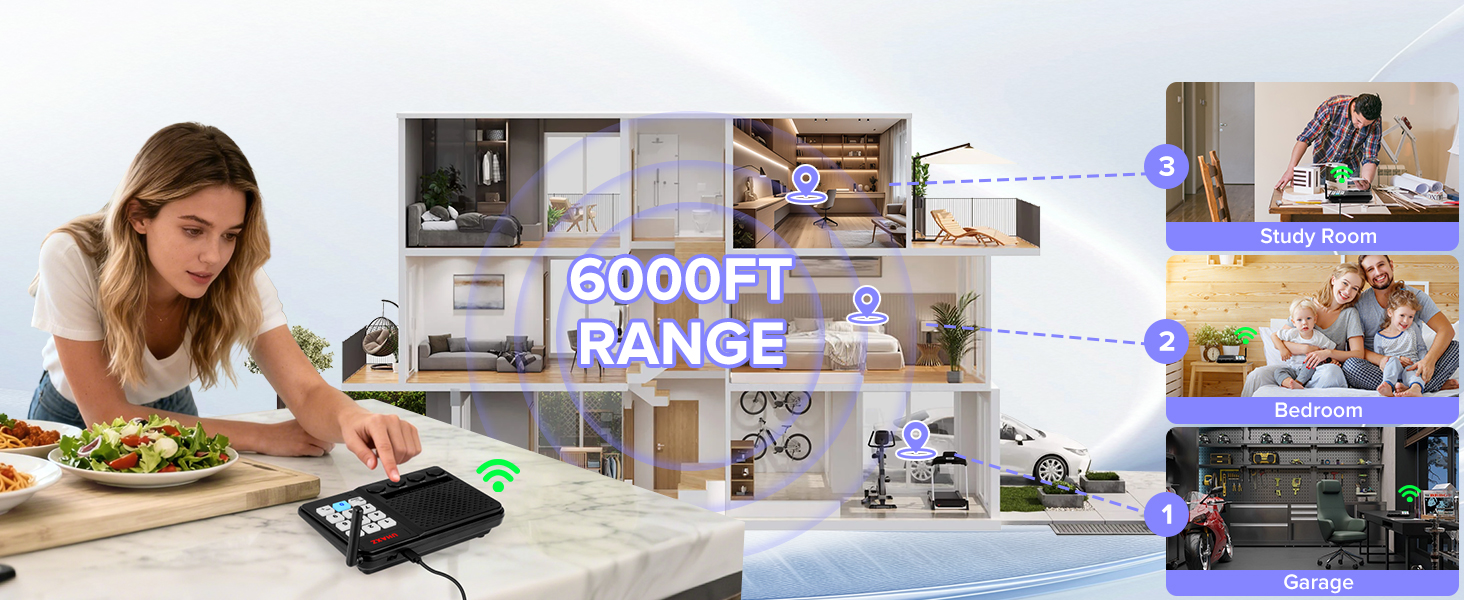
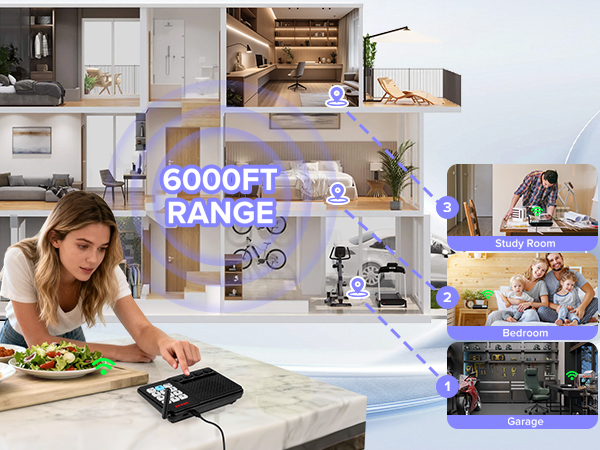
UHAXZ Intercom offers crystal clear audio over long range(Actual range may vary with obstacles)
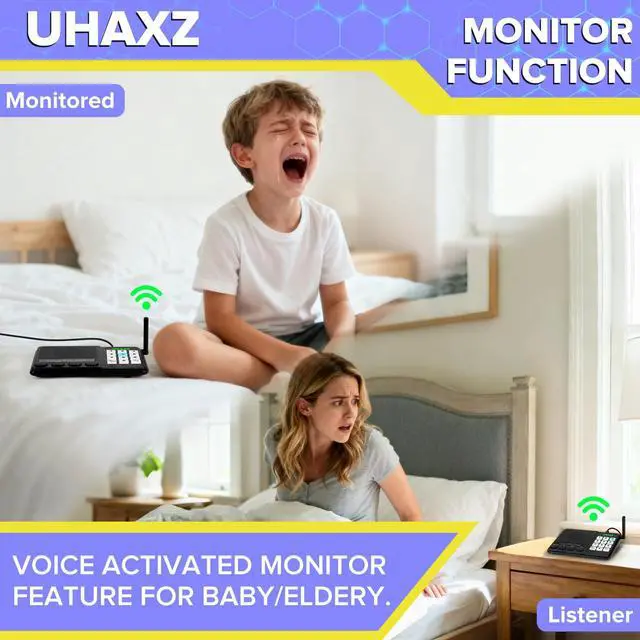
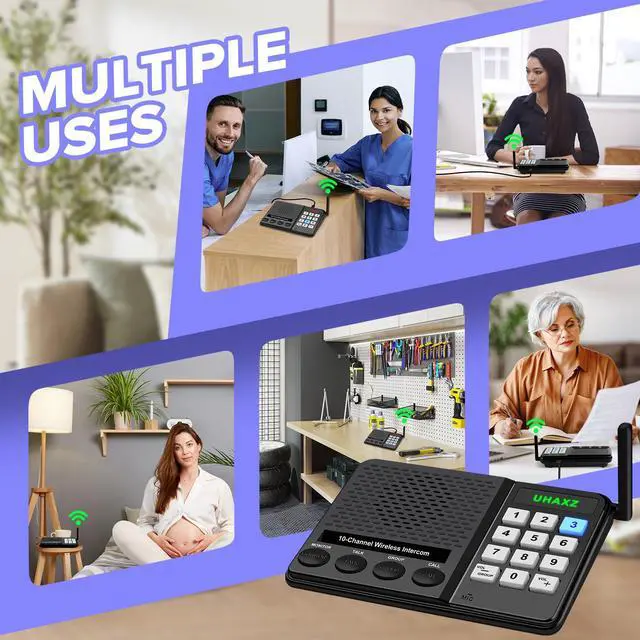
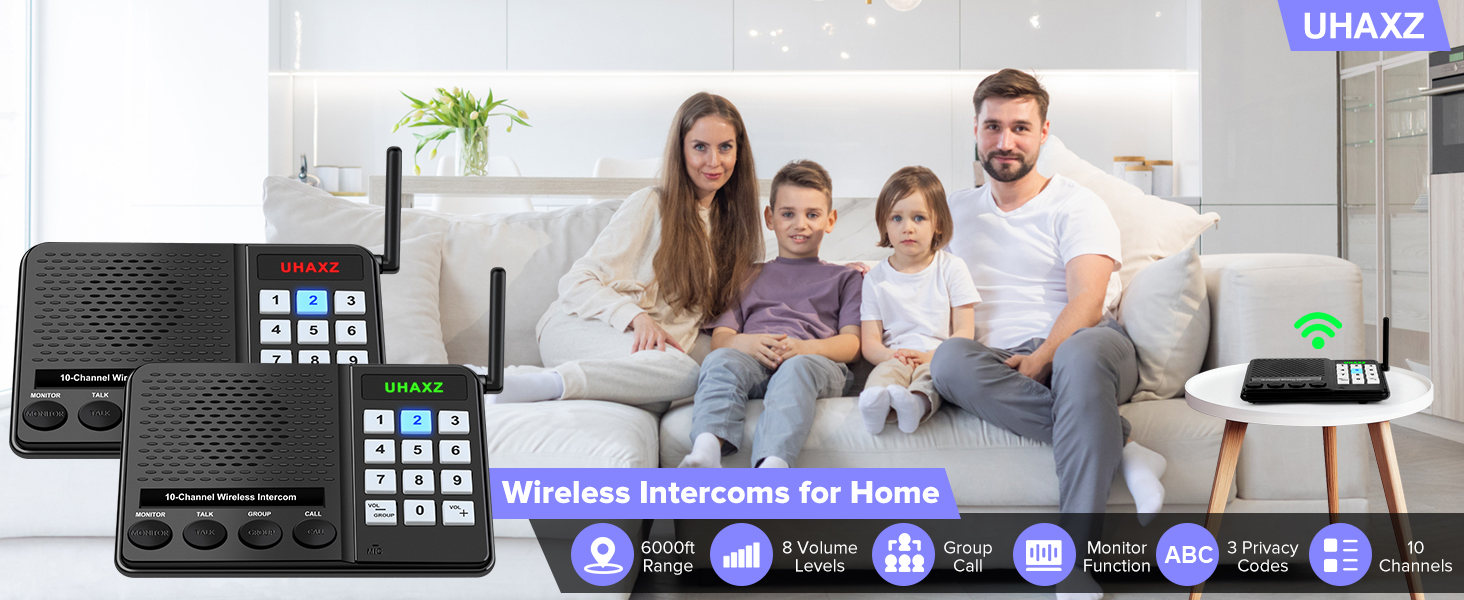
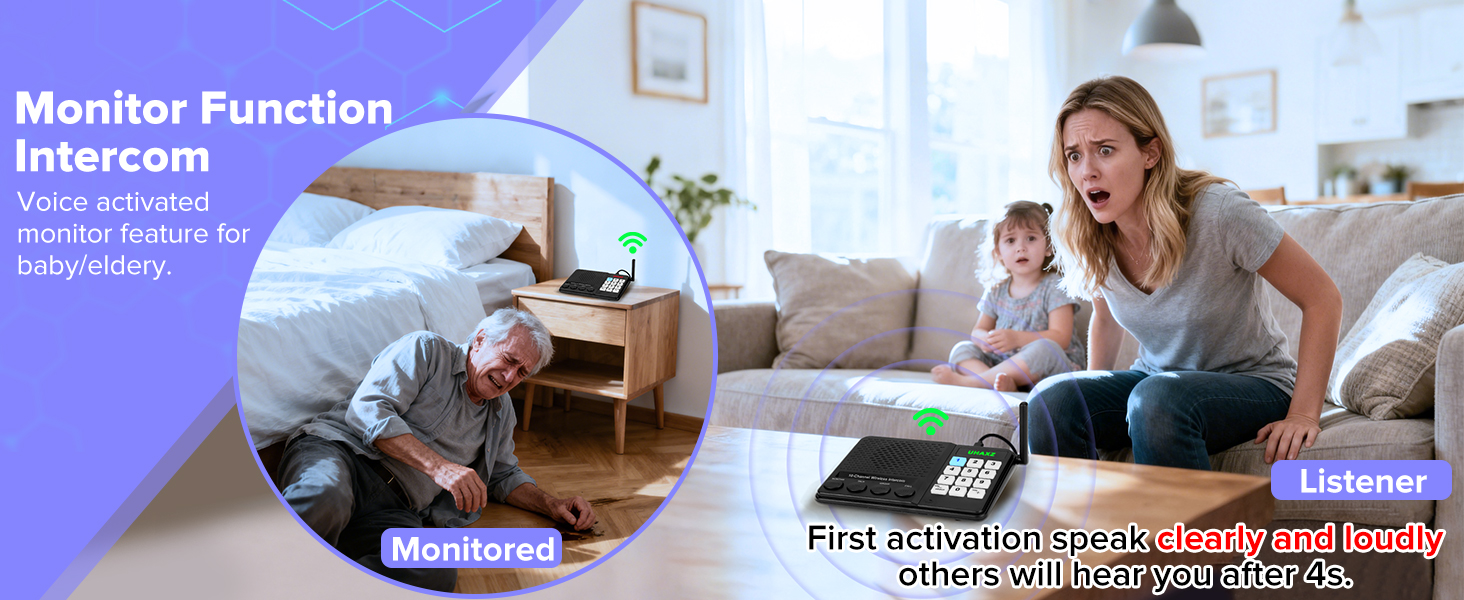
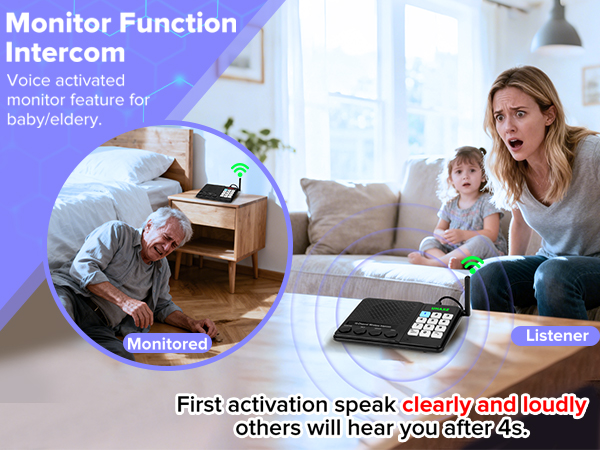
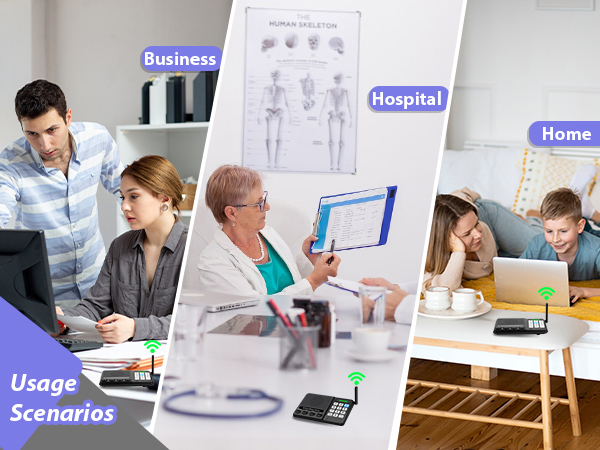
Keep your children and elderly family members safe with effortless monitoring. They can reach out for assistance instantly, helping you stay connected and care for them.
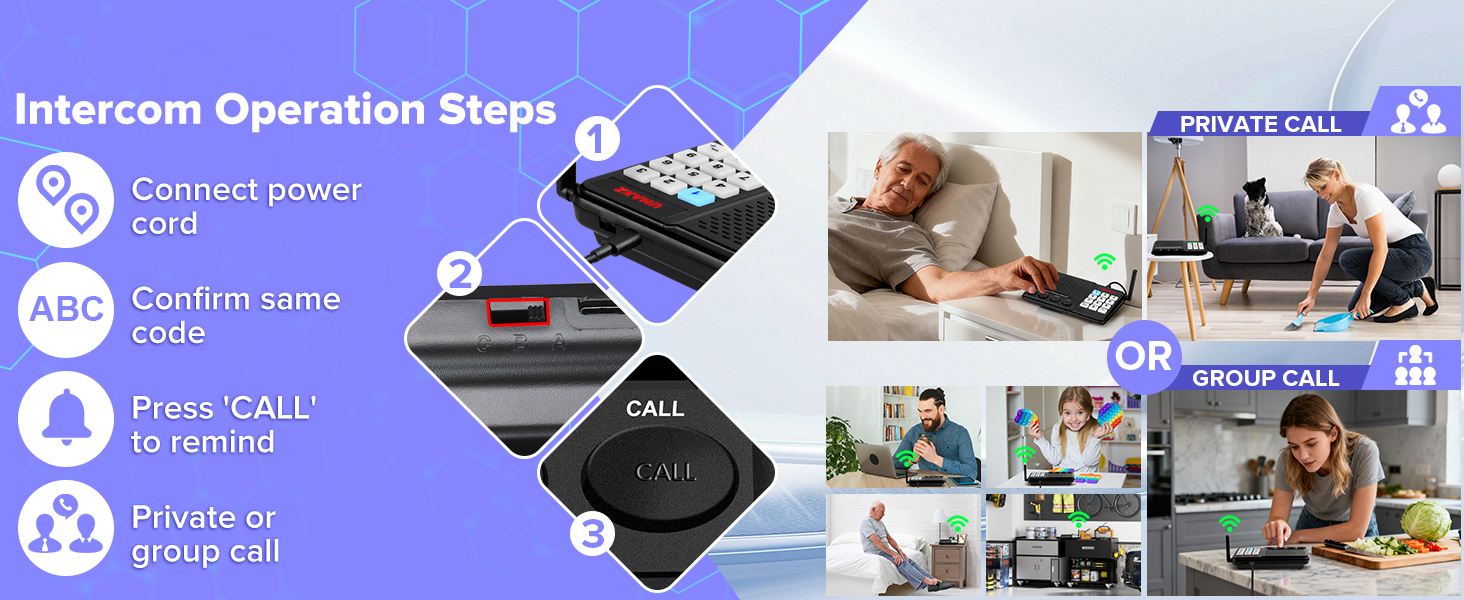
Intercoms wireless for home
Merchant VideoUse Steps
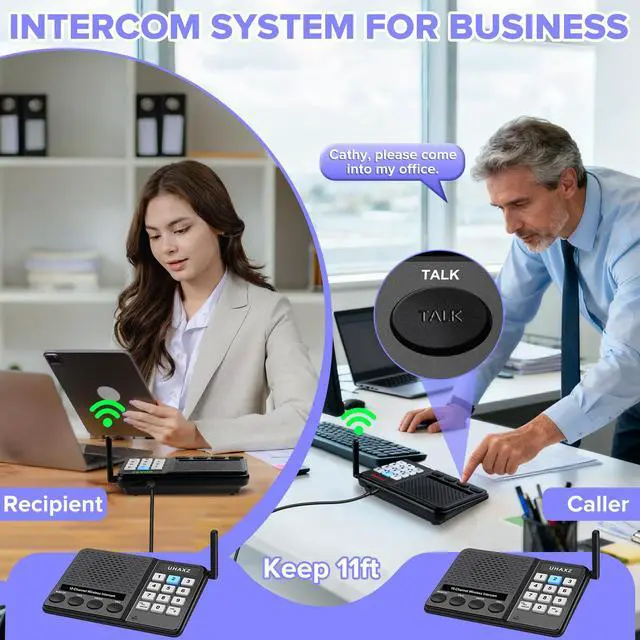
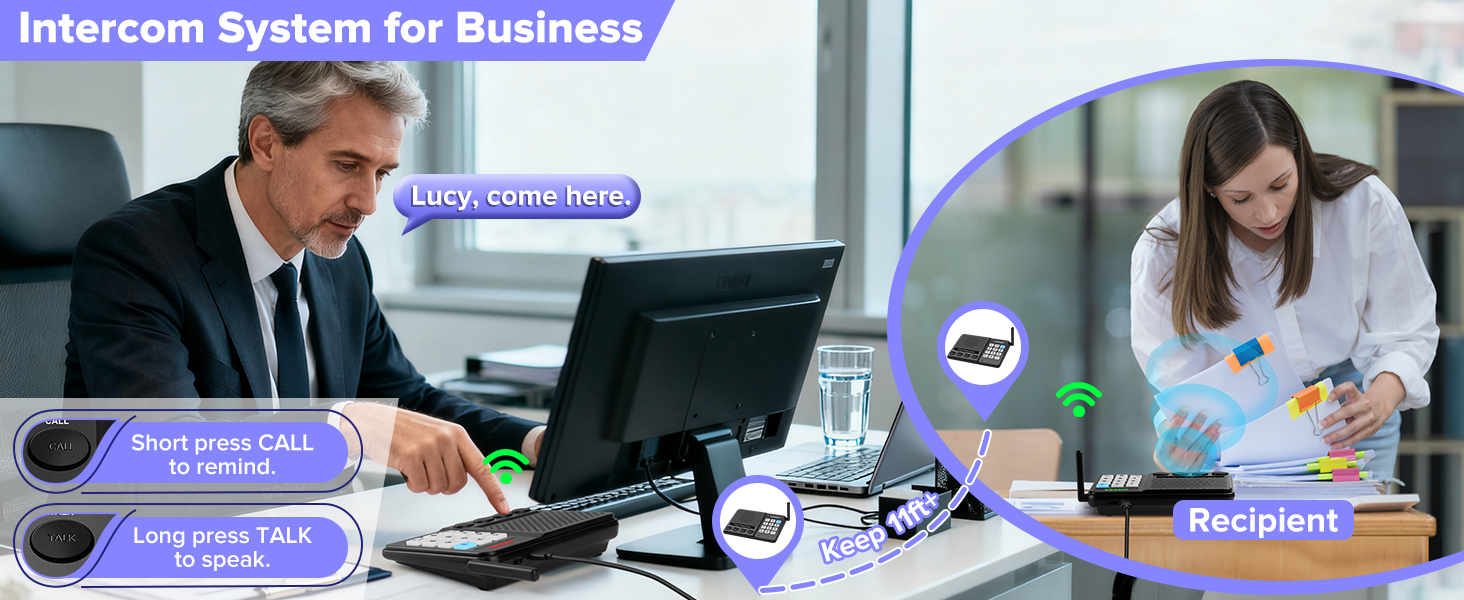
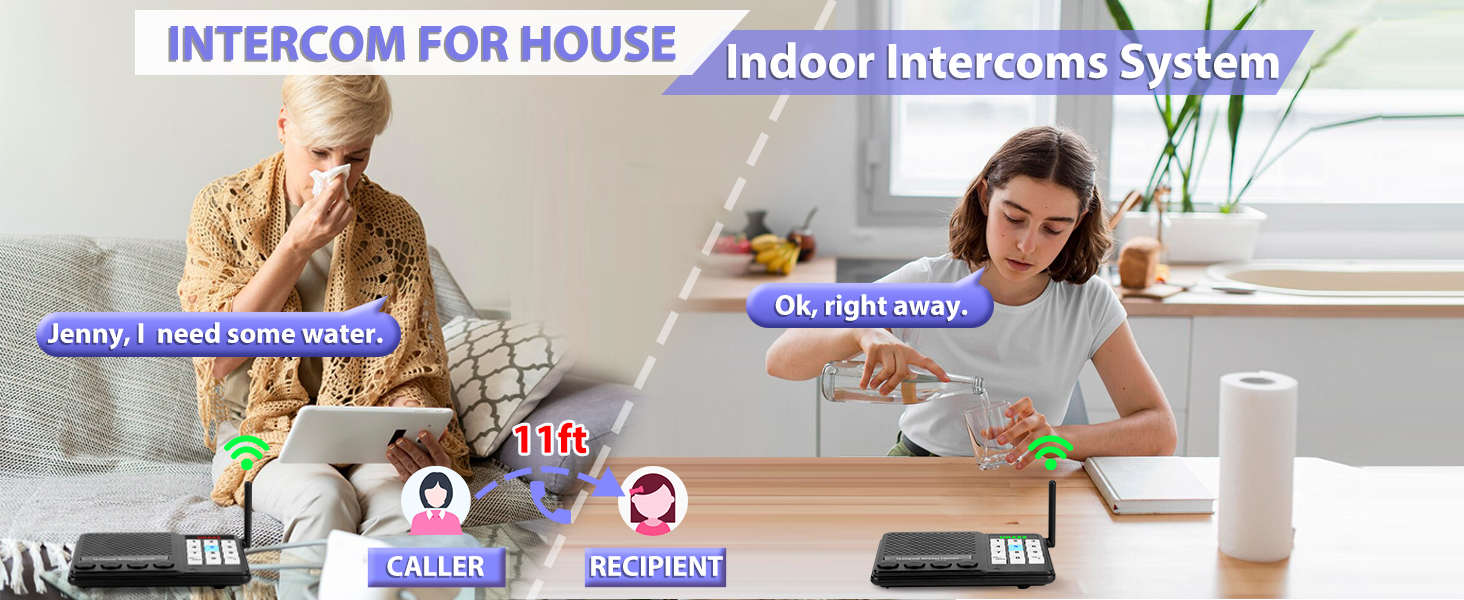
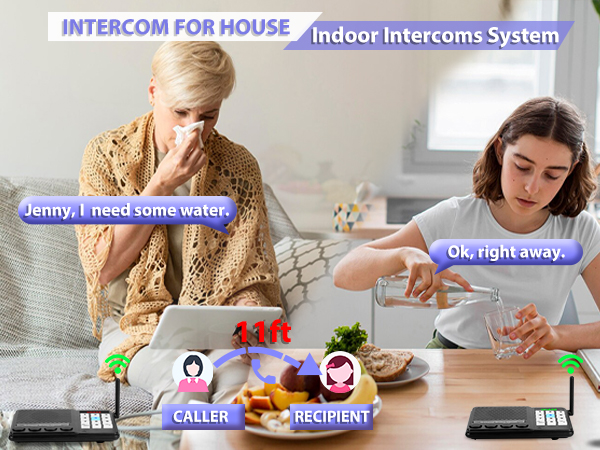
Note: Mics and speakers are sensitive. Keep units 11+ ft apart or use volume 3-4. For visual guidance, watch our instructional video.
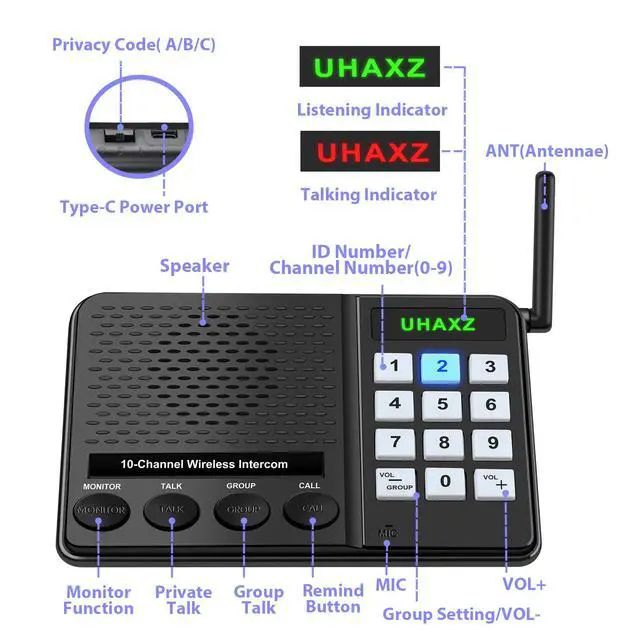
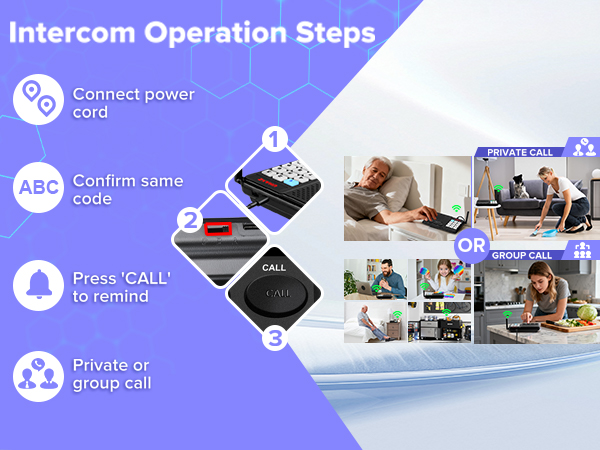
1.Connect power and set all intercoms to the same code (A/B/C).
2. Press 'CALL' to remind others, them start private call, group call, or monitor function.
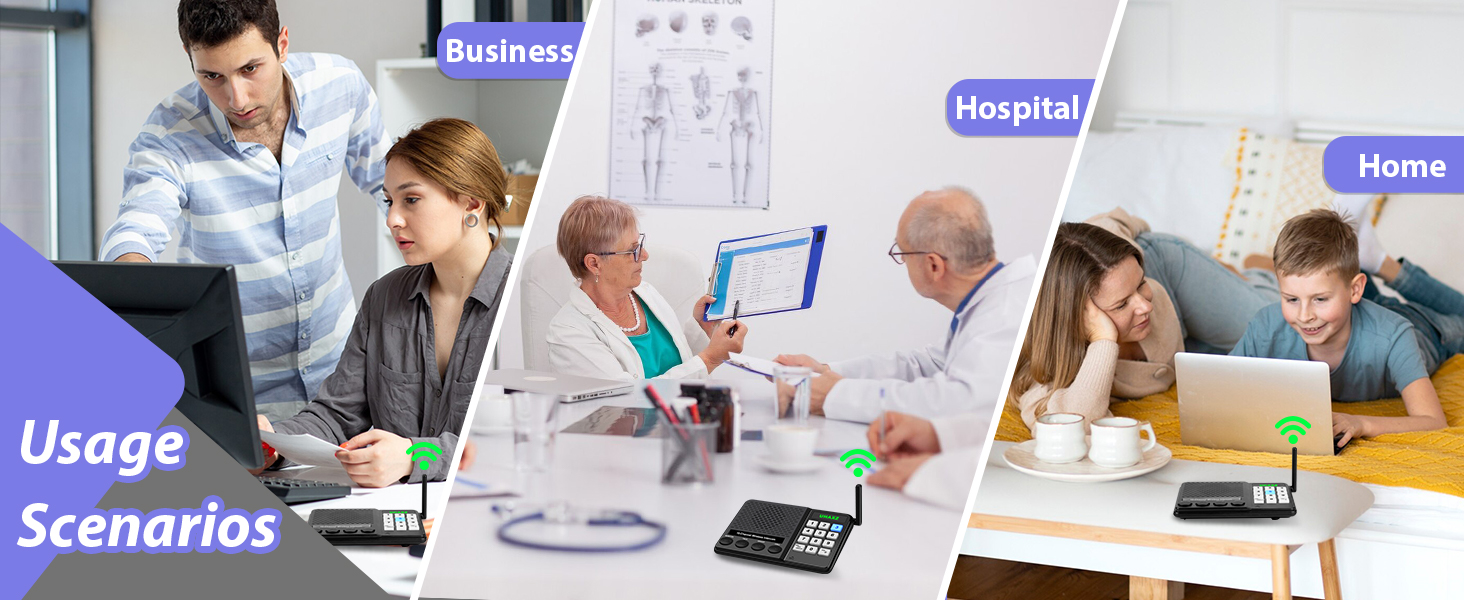
Why can't the intercoms power on?
1.Make sure power adapter & cable are plugged in tight.
2.Use only our 5V/1A adapter.
3.Try another cable to figure out if it's the cord or the intercom, then get back to us.
Why does my home intercom make that loud static?
1.Keep all intercoms at least 11 ft apart.
2.Keep them 3 ft away from high-power appliances.
3.Lower the volume to reduce interference.
4.Switch all units to a different code, like from A to B.
Why can't the intercom call another intercom?
Make sure all units show the same privacy code (A/B/C).
Check that they're all on the same channel (0-9).
Why can't I hear anything at the beginning of intercom's 'MONITOR' mode?
Speak loudly to activate — there's a 4-second delay, so your first words may cut off.
Why do wireless intercom's all the number keys flash blue when I change the privacy code?
Slide the switch fully to A/B/C. If not set correctly, all buttons will flash blue.
AT UHAXZ
Our doorbells and intercoms keep every room, every moment linked.
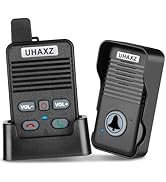
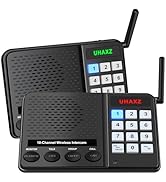
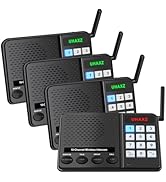
Recommended Intercom/Doorbell
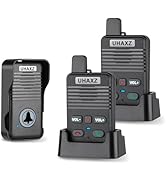
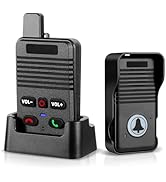
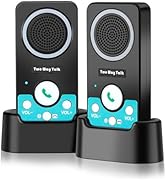
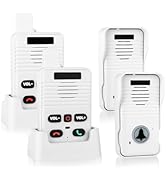
Intercoms And Doorbells

ABOUT UHAXZ
UHAXZ, derived from "Unity, Home, Advanced Experience Zone", empowers modern households through intuitive security and communication solutions. Specializing in doorbells and intercoms, our brand merges reliability with user-centric design to elevate everyday safety and connectivity.
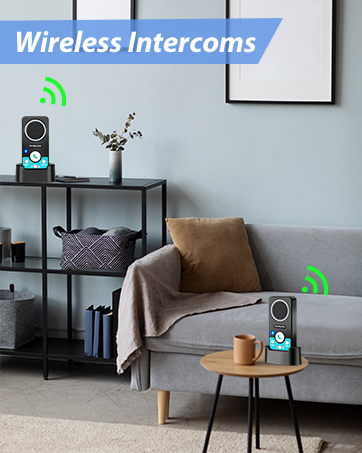
Intercoms Wireless for Home
Low battery reminder.
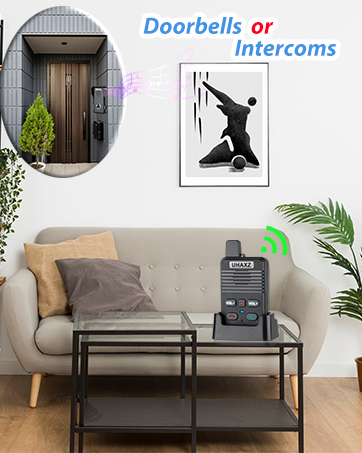
Full Duplex Doorbell
Hands-free and convenient.
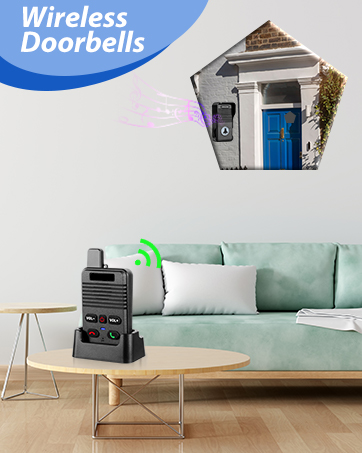
Long Range Wireless Doorbell
Extensible for more doorbells.
AT UHAXZ
Our doorbells and intercoms keep every room, every moment linked.
Recommended Intercom/Doorbell
Intercoms And Doorbells
ABOUT UHAXZ
UHAXZ, derived from "Unity, Home, Advanced Experience Zone", empowers modern households through intuitive security and communication solutions. Specializing in doorbells and intercoms, our brand merges reliability with user-centric design to elevate everyday safety and connectivity.
Intercoms Wireless for Home
Low battery reminder.
Full Duplex Doorbell
Hands-free and convenient.
Long Range Wireless Doorbell
Extensible for more doorbells.
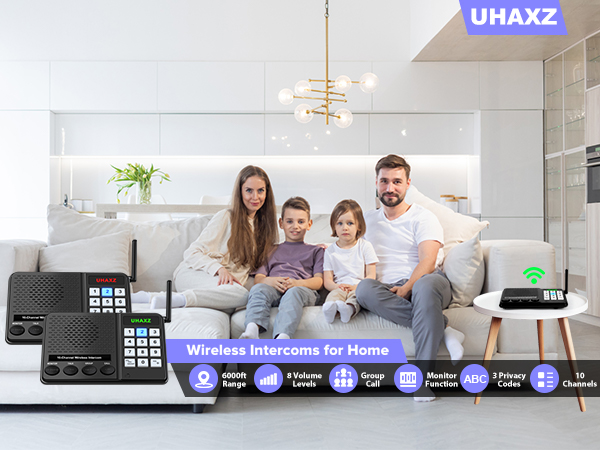
Thoughtful Care for All Ages
UHAXZ Intercom offers crystal clear audio over long range(Actual range may vary with obstacles)
Keep your children and elderly family members safe with effortless monitoring. They can reach out for assistance instantly, helping you stay connected and care for them.
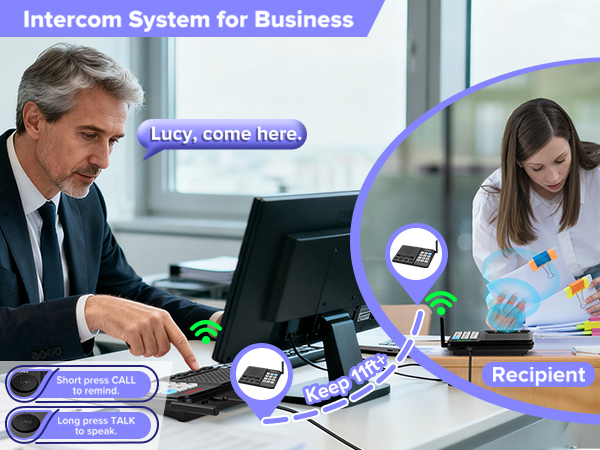
Intercoms wireless for home
Merchant VideoUse Steps
Note: Mics and speakers are sensitive. Keep units 11+ ft apart or use volume 3-4. For visual guidance, watch our instructional video.
1.Connect power and set all intercoms to the same code (A/B/C).
2. Press 'CALL' to remind others, them start private call, group call, or monitor function.
Why can't the intercoms power on?
1.Make sure power adapter & cable are plugged in tight.
2.Use only our 5V/1A adapter.
3.Try another cable to figure out if it's the cord or the intercom, then get back to us.
Why does my home intercom make that loud static?
1.Keep all intercoms at least 11 ft apart.
2.Keep them 3 ft away from high-power appliances.
3.Lower the volume to reduce interference.
4.Switch all units to a different code, like from A to B.
Why can't the intercom call another intercom?
Make sure all units show the same privacy code (A/B/C).
Check that they're all on the same channel (0-9).
Why can't I hear anything at the beginning of intercom's 'MONITOR' mode?
Speak loudly to activate — there's a 4-second delay, so your first words may cut off.
Why do wireless intercom's all the number keys flash blue when I change the privacy code?
Slide the switch fully to A/B/C. If not set correctly, all buttons will flash blue.