

• $29.99
  • Free 30-day Returns
  • Price alert
    Sold by BelTie
    Top Rated
    5 (4 seller ratings)

    Shipped by BelTie

    Shop it at NeweggBusiness.

    Meet Your Seller

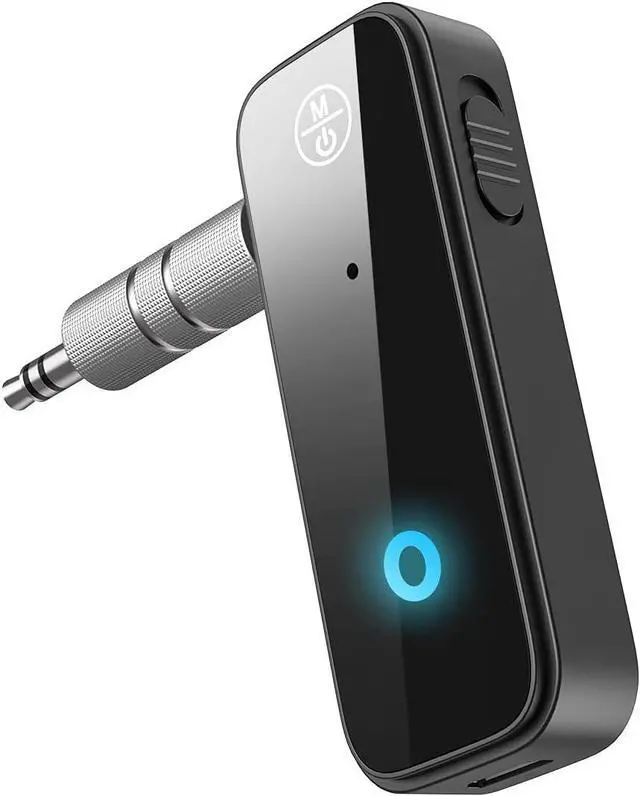
    Bluetooth 5.4 Adapter 3.5mm Jack Aux Dongle, 2-in-1 Wireless Transmitter Receiver for Car,TV Audio,Headphones,Speakers,Projector.

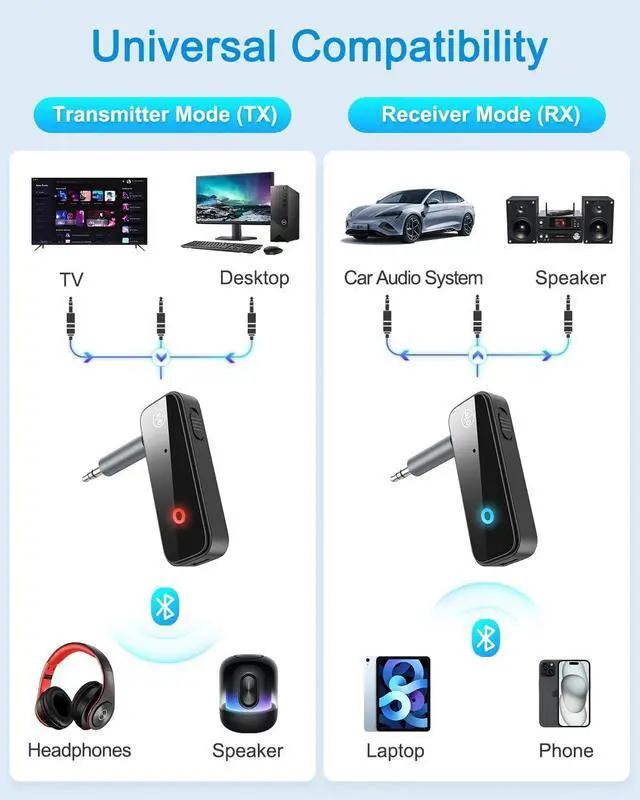
    • 2-in-1 Bluetooth Transmitter & Receiver:This 2-in-1 wireless audio adapter supports both transmitter and receiver modes. In transmitter mode, it streams audio from TV, CD player, PC to Bluetooth headphones, AirPods or speakers. In receiver mode, it upgrades wired car stereos, home audio and headphones to wireless, enabling hassle-free music streaming.
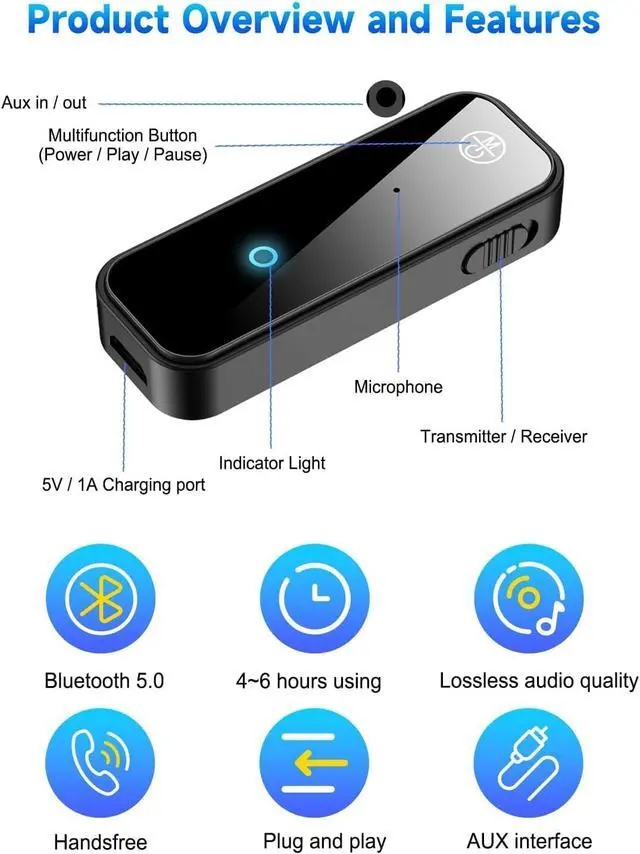
    • Bluetooth 5.4 for Stable & Long-Distance Transmission:Adopts advanced Bluetooth 5.4 technology for faster pairing, stable connection and up to 33ft long-range transmission without delay or dropout. Enjoy uninterrupted, clear audio whether youre driving, watching TV or traveling.
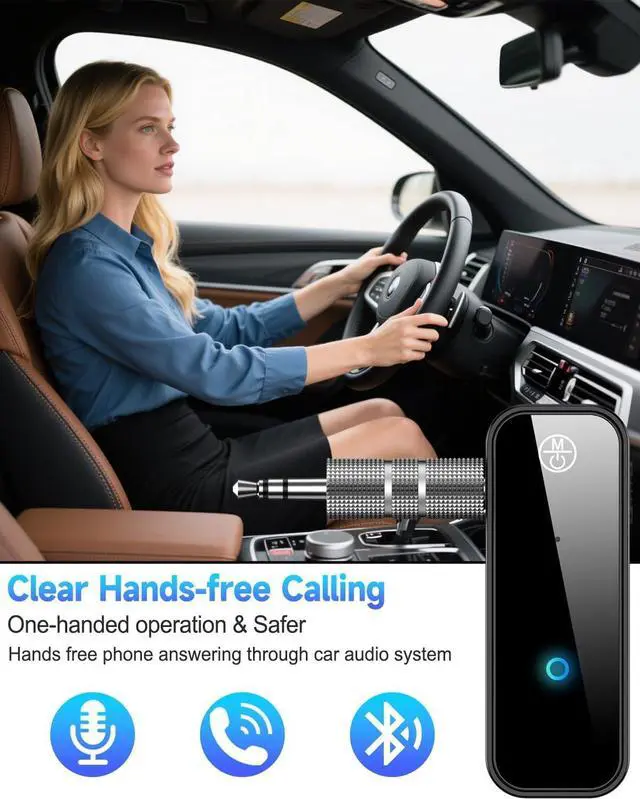
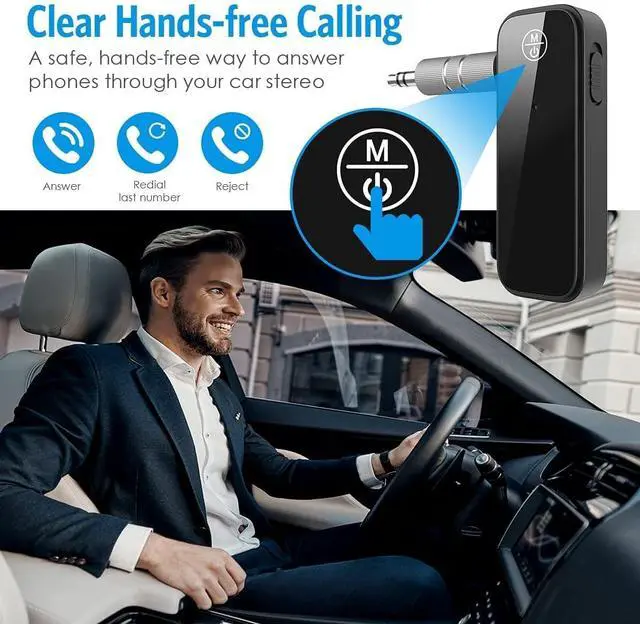
    • Built-in HD Microphone & Hands-Free Calling:Equipped with a high-definition microphone and one easy-to-use control button. You can answer/end calls, play/pause music and control volume with one simple press, keeping your hands on the wheel and driving safer.
    • Plug & Play & Ultra-Portable Compact Design:Features an ON/OFF switch; automatically enters pairing mode when turned on for instant use. The ultra-compact, lightweight body is easy to carry and store in your car, pocket or bag, perfect for daily use and travel.
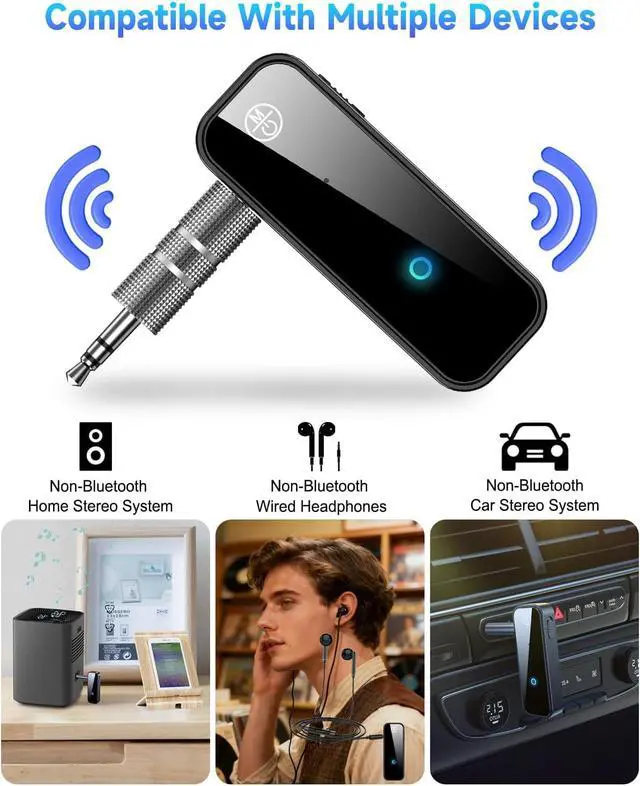
    • Wide Compatibility & Reliable Performance:Works with most 3.5mm AUX-enabled devices such as car stereos, home speakers, wired headphones and more. Compatible with smartphones, tablets, laptops and TVs. Please fully charge before first use and avoid obstacles for optimal Bluetooth connection.
    +
    +
    Overview
    Specs
    Reviews
    avatar

    Any questions? Our AI beta will help you find out quickly.

    bluetooth 5.0 adapter
    bluetooth car adapter
    2-in-1 Bluetooth Transmitter for TV
    Transmit mode

    Transmit Mode

    1. Charge the battery of the C28 unit using the Micro USB cable provided.
    2. Plug the C28 into the AUX 3.5 mm jack of the stereo system.
    3. Slide the mode switch to the Tx position.
    4. Press and hold the multi-function button to turn the unit on. A fast blinking red light indicates it is ready for pairing.
    5. Plug in your car's AUX jack or whatever device you want to connect. The first time you need to pair manually, the light will stay red after a successful pairing. When pairing again, the C28 will connect automatically.

    Receive Mode

    Receive Mode

    1. Use the included Micro USB cable to charge the battery of the C28 unit.
    2. Plug the C28 into the AUX 3.5 mm jack of the stereo system.
    3. Slide the mode switch to the Rx position.
    4. Press and hold the multi-function button to turn the unit on. A rapidly flashing blue light indicates that it is ready for pairing.
    5. Search for C28 in your phone device's Bluetooth function, pair and connect! Note: The first time you need to pair manually, the C28 will connect automatically when you pair again.

    Transmit Mode

    Transmit Success

    Suitable for computer/TV/projector

    Receive Success

    Receive Success

    Suitable for speakers, headphones

    bluetooth 5.0 adapter
    bluetooth car adapter
    2-in-1 Bluetooth Transmitter for TV
    Transmit mode

    Transmit Mode

    1. Charge the battery of the C28 unit using the Micro USB cable provided.
    2. Plug the C28 into the AUX 3.5 mm jack of the stereo system.
    3. Slide the mode switch to the Tx position.
    4. Press and hold the multi-function button to turn the unit on. A fast blinking red light indicates it is ready for pairing.
    5. Plug in your car's AUX jack or whatever device you want to connect. The first time you need to pair manually, the light will stay red after a successful pairing. When pairing again, the C28 will connect automatically.

    Receive Mode

    Receive Mode

    1. Use the included Micro USB cable to charge the battery of the C28 unit.
    2. Plug the C28 into the AUX 3.5 mm jack of the stereo system.
    3. Slide the mode switch to the Rx position.
    4. Press and hold the multi-function button to turn the unit on. A rapidly flashing blue light indicates that it is ready for pairing.
    5. Search for C28 in your phone device's Bluetooth function, pair and connect! Note: The first time you need to pair manually, the C28 will connect automatically when you pair again.

    Transmit Mode

    Transmit Success

    Suitable for computer/TV/projector

    Receive Success

    Receive Success

    Suitable for speakers, headphones

    Product information

    Special Feature Bluetooth 5 . 0,Bluetooth Transmitter,Compact,Portable,Rechargeable
    Brand AEEKCARS
    Connectivity Technology Auxiliary
    Power Source Battery Powered
    Material Plastic
    Product Dimensions 3.85 x 2.5 x 0.58 inches
    Item Weight 1.44 ounces
    Item model number C-28
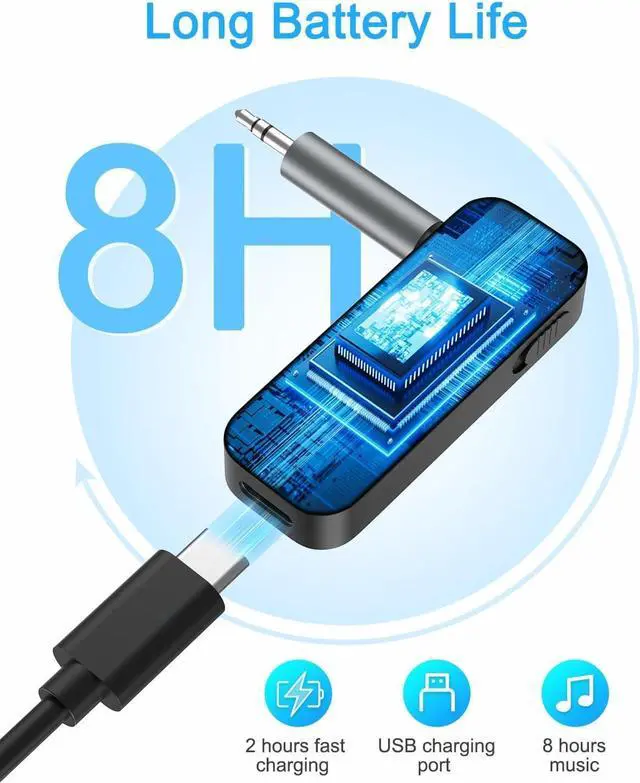
    Batteries 1 Lithium Ion batteries required. (included)
    Is Discontinued By Manufacturer No
    Date First Available July 6, 2022
    Manufacturer FMIIFMS

    Warranty & Returns

    Warranty, Returns, And Additional Information

    Warranty

    • Please contact the Seller directly for warranty information. Warranty information may also be found on the Manufacturer's website.
    • CONTACT

    Return Policies

    • Return for refund within: 30 days
    • Return for replacement within: 30 days
    • This item is covered by BelTie Return Policy

    Manufacturer Contact Info

    LOADING...