






What shall i do if ML200 Bluetooth Receiver can't pair My Phones or other Bluetooth Device?
Set ML200 into the pairing mode, the LED flashes Blue and Red alternately fast.
Normally first-time use ML200 will auto enter the pairing mode.
If cannot get them paired, please set the ML200 Bluetooth receiver to factory default.
How do I reset the ML200?
Restore factory default of ML200 by press and hold the Bluetooth button for about for 8 seconds to reset the device (LED flash purple three times, then red and blue flash quickly).
Why can't my phone automatically connect back to ML200?
For some phone, when you turn off the phone’s Bluetooth and turn it back on, you need to click ML200 in the Bluetooth list to connect (it will not automatically connect)
Does the ML200 Bluetooth music receiver support TV?
No, ML200 is a Bluetooth receiver, not Bluetooth transmitter, you couldn’t use it for your TV.
Can the ML200 pair with Bluetooth headphones or speakers?
1Mii ML200 is not a Bluetooth transmitter and cannot be paired with Bluetooth headphones or speakers.
1Mii Bluetooth Receivers
 ML200 |  DS200Pro Black |  DS200Pro Blue |  DS220 |  DS500 | |
|---|---|---|---|---|---|
Customer Reviews | — | — | — | — | — |
Price | — | — | — | — | — |
Type | Bluetooth Music Receiver | HiFi Bluetooth Music Receiver | HiFi Bluetooth Music Receiver | HiFi Bluetooth Music Receiver | HiFi Bluetooth Music Receiver |
BT Version | Bluetooth 5.1 | Bluetooth 5.3 | Bluetooth 5.3 | Bluetooth 5.3 | Bluetooth 5.3 |
Input | Bluetooth | Bluetooth | Bluetooth | Bluetooth + USB | Bluetooth + USB |
Output | 3.5mm AUX /RCA | RCA + Optical | RCA + Optical | RCA + Optical | RCA + Optical+Coaxial |
Audio Codecs | AAC/SBC | LDAC/aptX HD/LL/aptX/AAC/SBC | LDAC/aptX HD/LL/aptX/AAC/SBC | LDAC/aptX HD/LL/aptX/AAC/SBC | LDAC/aptX HD/LL/aptX/AAC/SBC |
Volume Control / Track | X | X | X | ? | ? |
Screen Display | X | X | X | ? | ? |
EQ Features | X | X | X | ? | ? |
Used for | Car/AV Receiver/Home Stereo | AV Receiver/Home Stereo | AV Receiver/Home Stereo | AV Receiver/Home Stereo | AV Receiver/Home Stereo |

one sound, one me

1Mii is a high-tech enterprise composed of a group of innovative industrial designers, aesthetic masters, a team of PhDs in acoustic tuning, and musicians.
Each 1Mii product has been rigorously tested by the 1Mii professional acoustic laboratory to ensure it meets the brand's values: one sound, one me.
At present, 1Mii has more than 10 million users, products cover audio accessories, Bluetooth headphones, and HiFi audiophile devices.

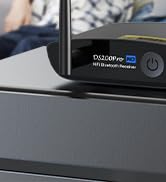
HiFi LDAC Bluetooth Receiver
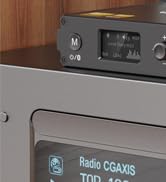
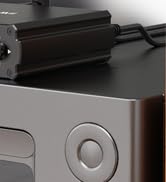
HiFi Bluetooth DAC Receiver
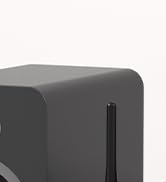

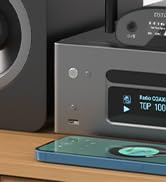
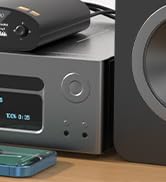
LDAC Bluetooth DAC Receiver
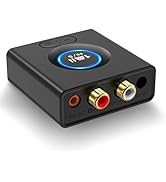
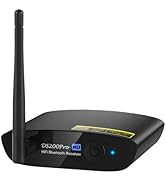
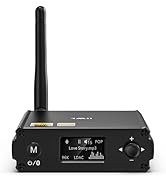
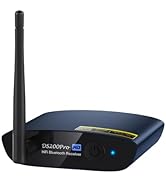
1Mii Bluetooth Receiver


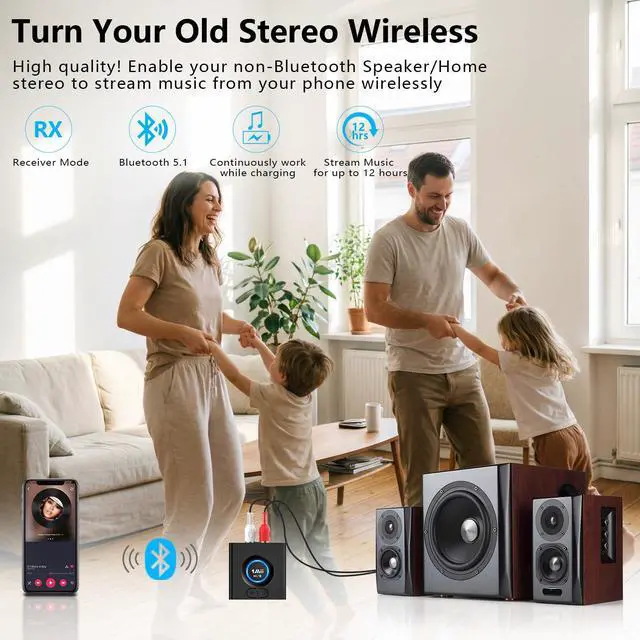
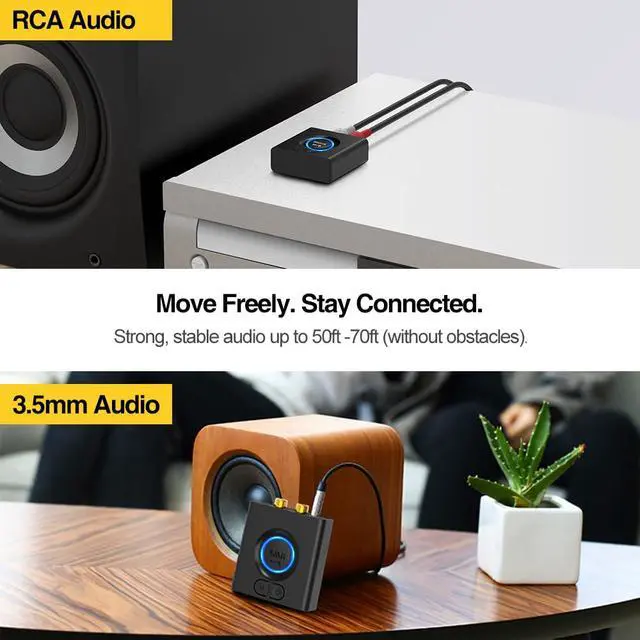
Long Range Bluetooth Music Streaming
Enjoy stable, long-distance Bluetooth music streaming, up to 50–70 feet indoors (without obstacles).
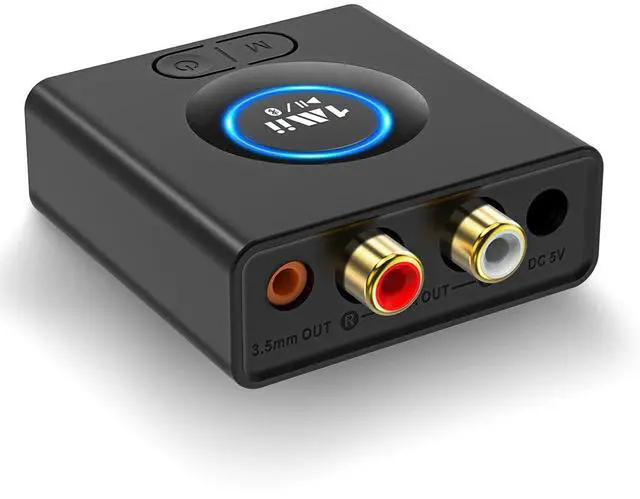
Compact and Powerful Bluetooth Receiver
its ultra-compact design lets you take it anywhere with ease.


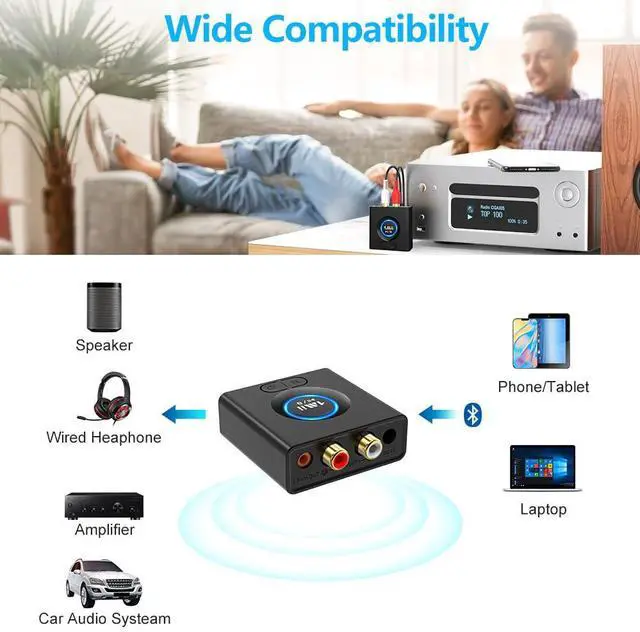
Speaker Connection
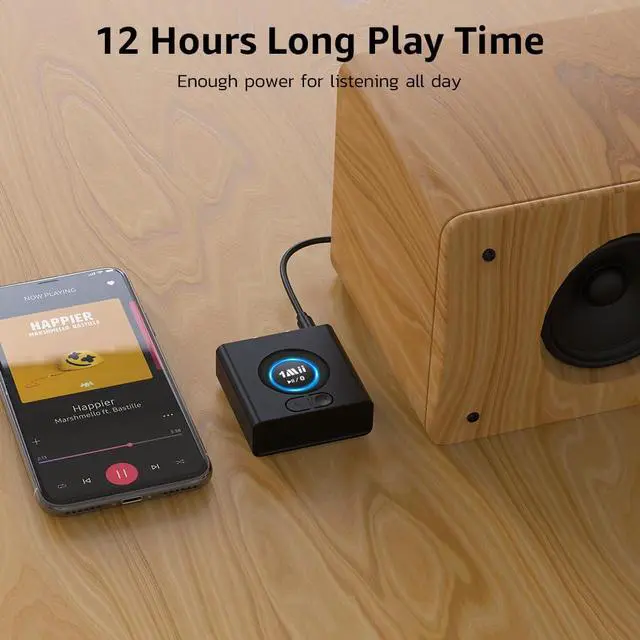
Connect the ML200 to your speakers using a 3.5 mm or RCA cable.
Pair Your Phone
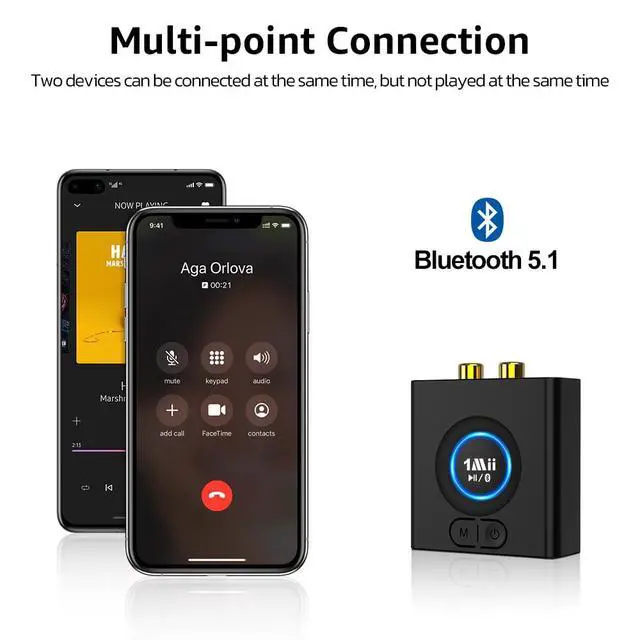
Press and hold the “Bluetooth” button to enter pairing mode, then connect your phone or tablet.
Play & Enjoy
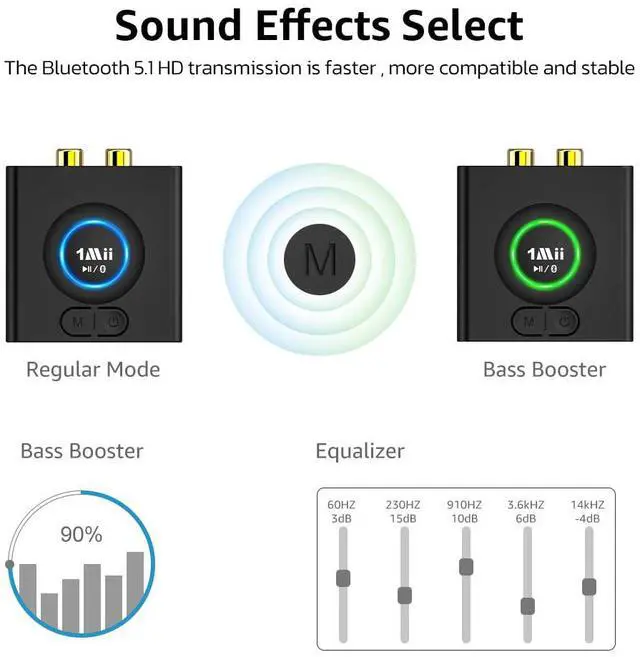
Experience immersive sound with deep, dynamic bass — press “M” to activate Bass Mode.
What shall i do if ML200 Bluetooth Receiver can't pair My Phones or other Bluetooth Device?
Set ML200 into the pairing mode, the LED flashes Blue and Red alternately fast.
Normally first-time use ML200 will auto enter the pairing mode.
If cannot get them paired, please set the ML200 Bluetooth receiver to factory default.
How do I reset the ML200?
Restore factory default of ML200 by press and hold the Bluetooth button for about for 8 seconds to reset the device (LED flash purple three times, then red and blue flash quickly).
Why can't my phone automatically connect back to ML200?
For some phone, when you turn off the phone’s Bluetooth and turn it back on, you need to click ML200 in the Bluetooth list to connect (it will not automatically connect)
Does the ML200 Bluetooth music receiver support TV?
No, ML200 is a Bluetooth receiver, not Bluetooth transmitter, you couldn’t use it for your TV.
Can the ML200 pair with Bluetooth headphones or speakers?
1Mii ML200 is not a Bluetooth transmitter and cannot be paired with Bluetooth headphones or speakers.
1Mii Bluetooth Receivers
ML200 | DS200Pro Black | DS200Pro Blue | DS220 | DS500 |
|---|---|---|---|---|
| Customer Reviews | ||||
| — | — | — | — | — |
| Price | ||||
| — | — | — | — | — |
| Type | ||||
| Bluetooth Music Receiver | HiFi Bluetooth Music Receiver | HiFi Bluetooth Music Receiver | HiFi Bluetooth Music Receiver | HiFi Bluetooth Music Receiver |
| BT Version | ||||
| Bluetooth 5.1 | Bluetooth 5.3 | Bluetooth 5.3 | Bluetooth 5.3 | Bluetooth 5.3 |
| Input | ||||
| Bluetooth | Bluetooth | Bluetooth | Bluetooth + USB | Bluetooth + USB |
| Output | ||||
| 3.5mm AUX /RCA | RCA + Optical | RCA + Optical | RCA + Optical | RCA + Optical+Coaxial |
| Audio Codecs | ||||
| AAC/SBC | LDAC/aptX HD/LL/aptX/AAC/SBC | LDAC/aptX HD/LL/aptX/AAC/SBC | LDAC/aptX HD/LL/aptX/AAC/SBC | LDAC/aptX HD/LL/aptX/AAC/SBC |
| Volume Control / Track | ||||
| X | X | X | ? | ? |
| Screen Display | ||||
| X | X | X | ? | ? |
| EQ Features | ||||
| X | X | X | ? | ? |
| Used for | ||||
| Car/AV Receiver/Home Stereo | AV Receiver/Home Stereo | AV Receiver/Home Stereo | AV Receiver/Home Stereo | AV Receiver/Home Stereo |
one sound, one me
1Mii is a high-tech enterprise composed of a group of innovative industrial designers, aesthetic masters, a team of PhDs in acoustic tuning, and musicians.
Each 1Mii product has been rigorously tested by the 1Mii professional acoustic laboratory to ensure it meets the brand's values: one sound, one me.
At present, 1Mii has more than 10 million users, products cover audio accessories, Bluetooth headphones, and HiFi audiophile devices.
HiFi LDAC Bluetooth Receiver
HiFi Bluetooth DAC Receiver
LDAC Bluetooth DAC Receiver
1Mii Bluetooth Receiver