






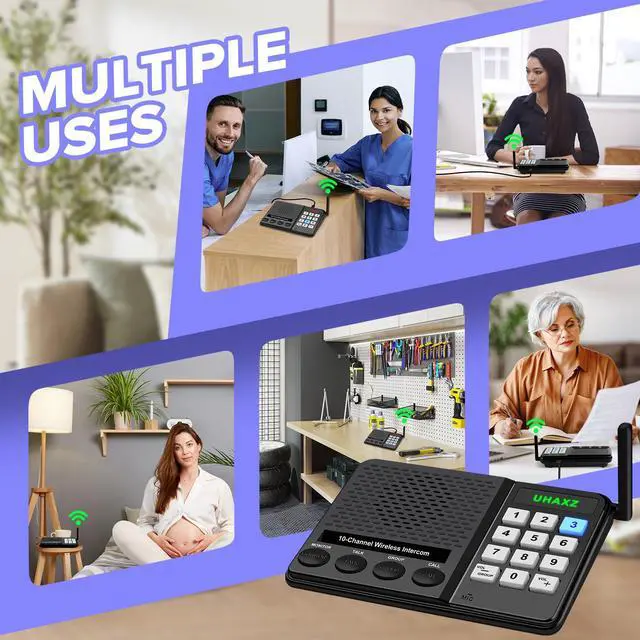


Thoughtful Care for All Ages
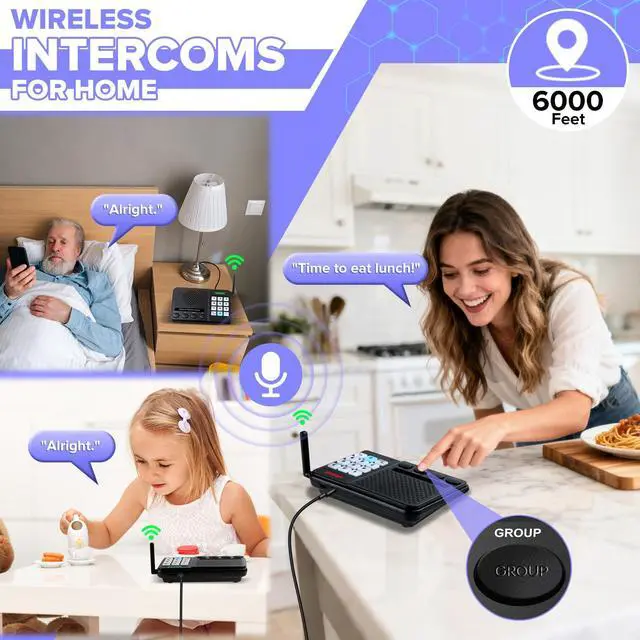
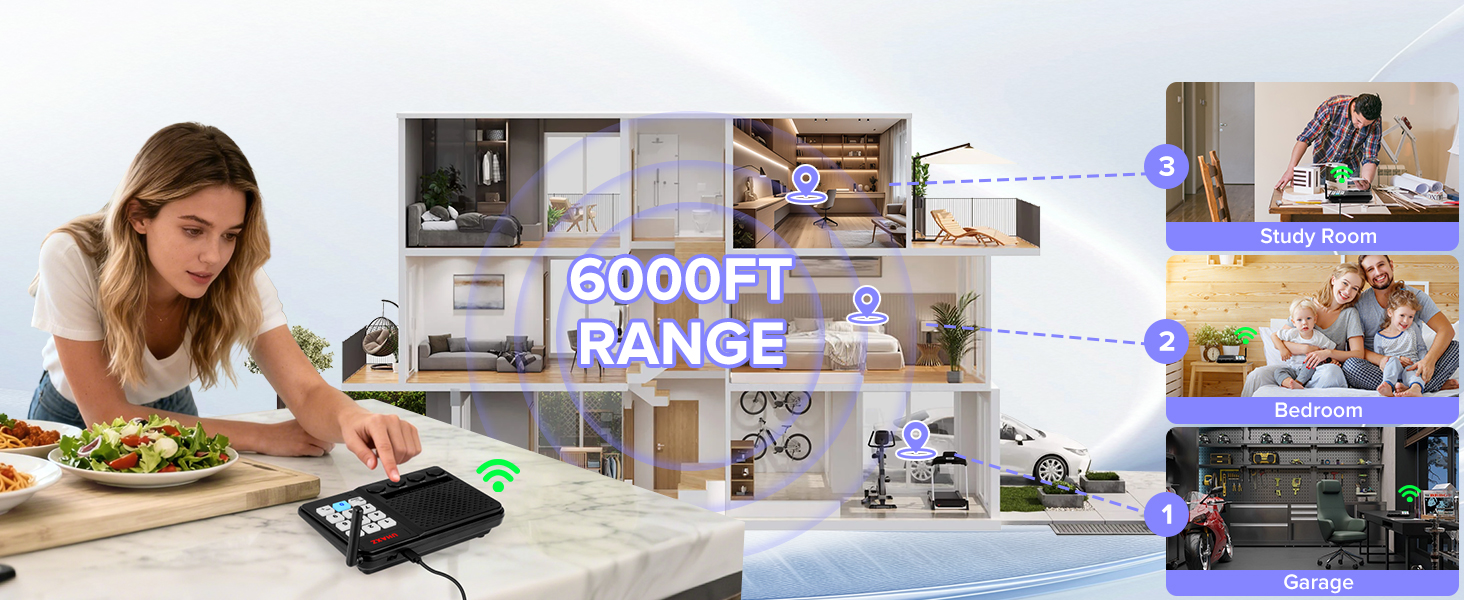
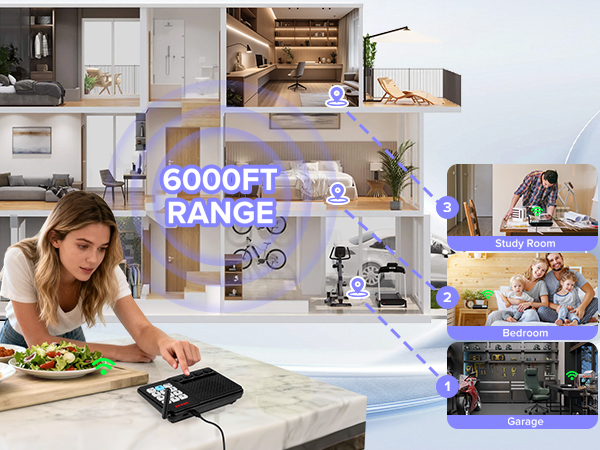
UHAXZ Intercom offers crystal clear audio over long range(Actual range may vary with obstacles)
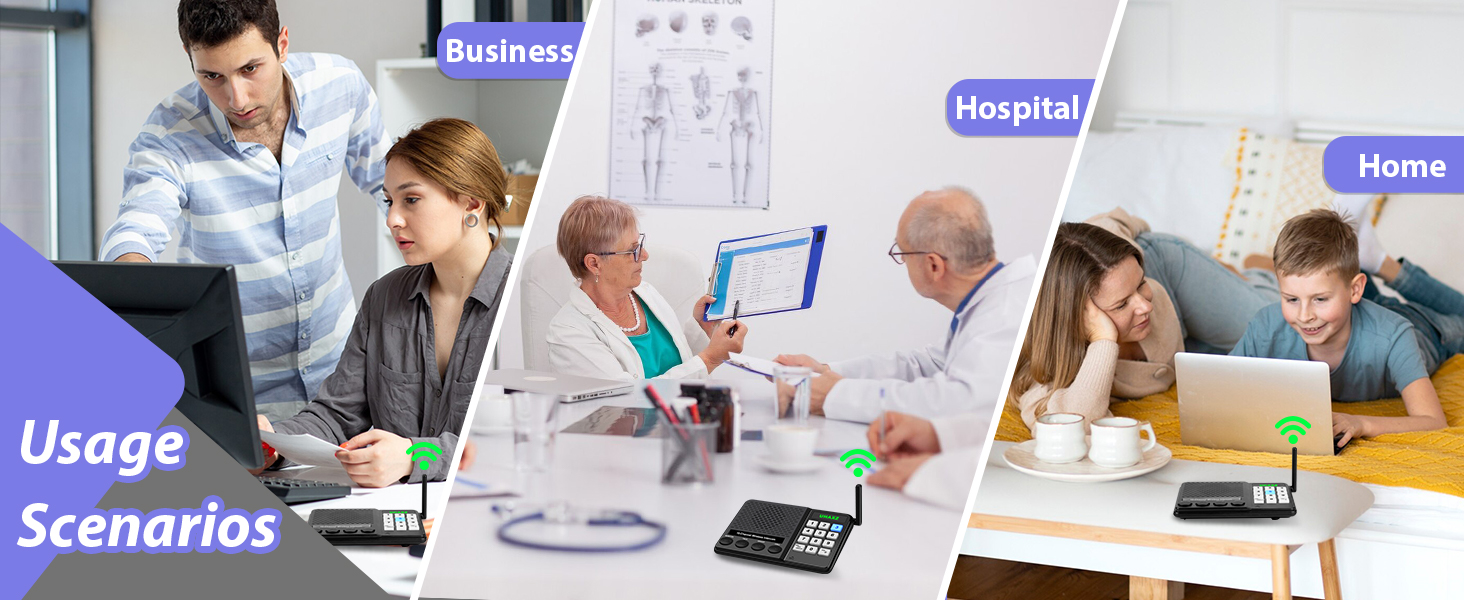
UHAXZ Intercom’s smart design lets you care for your whole family and stay connected from any room

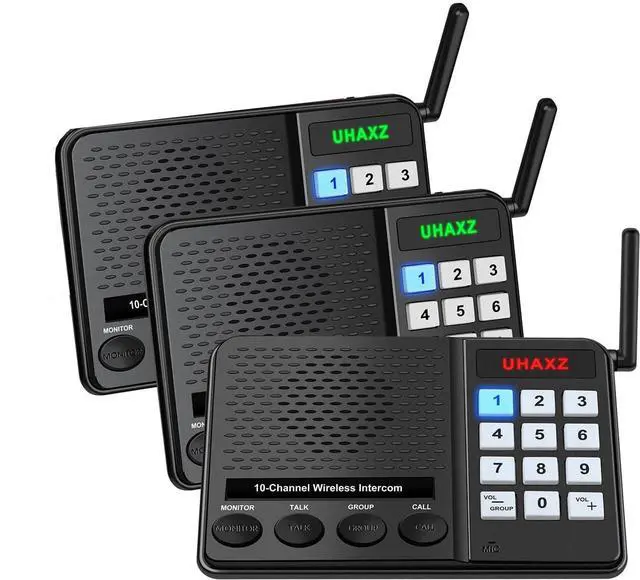
Intercoms wireless for home
Merchant VideoUse Steps
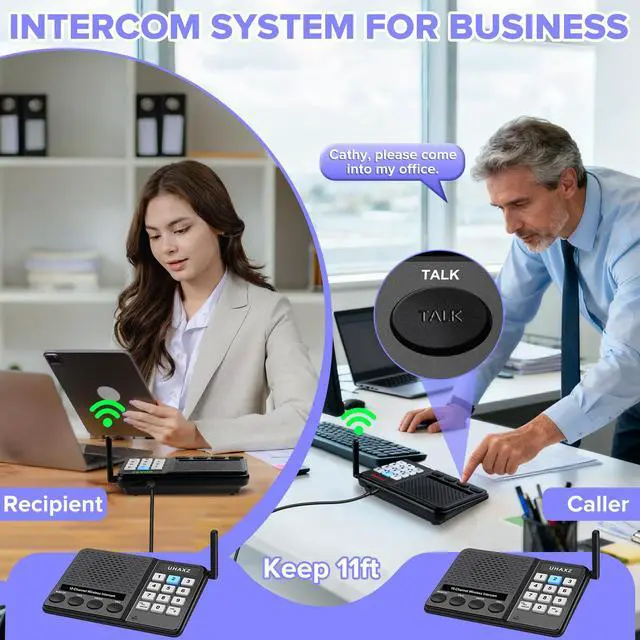
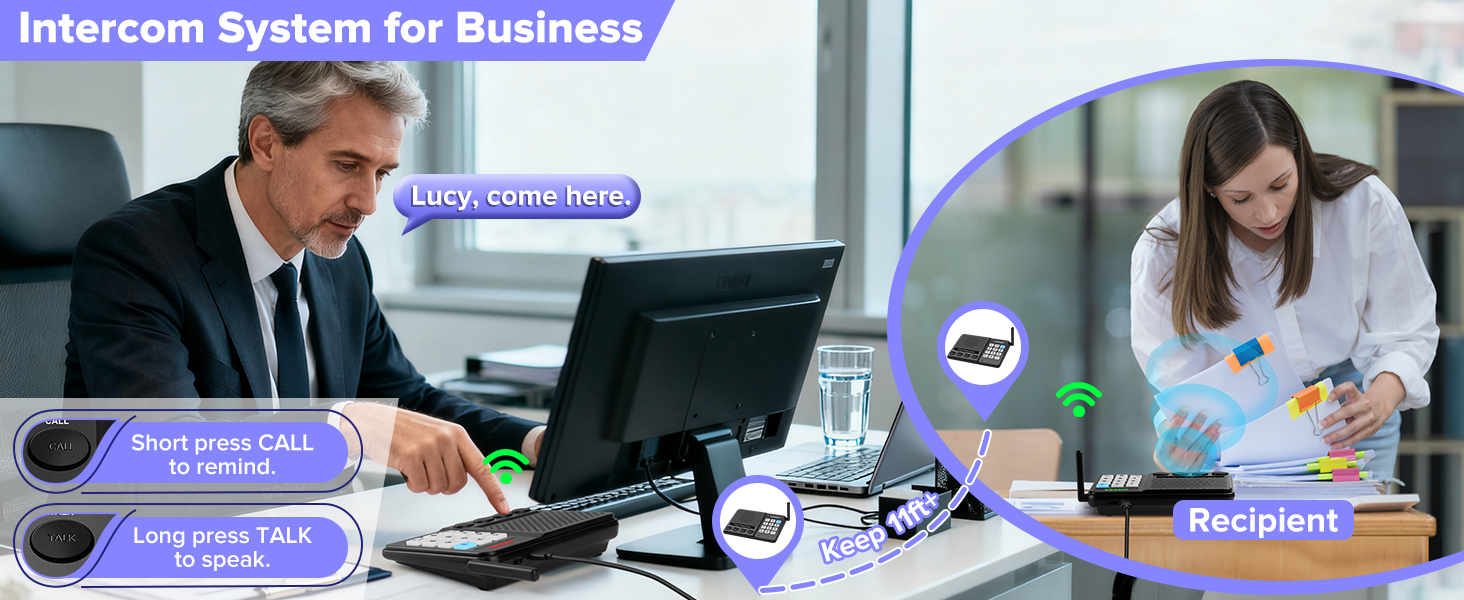
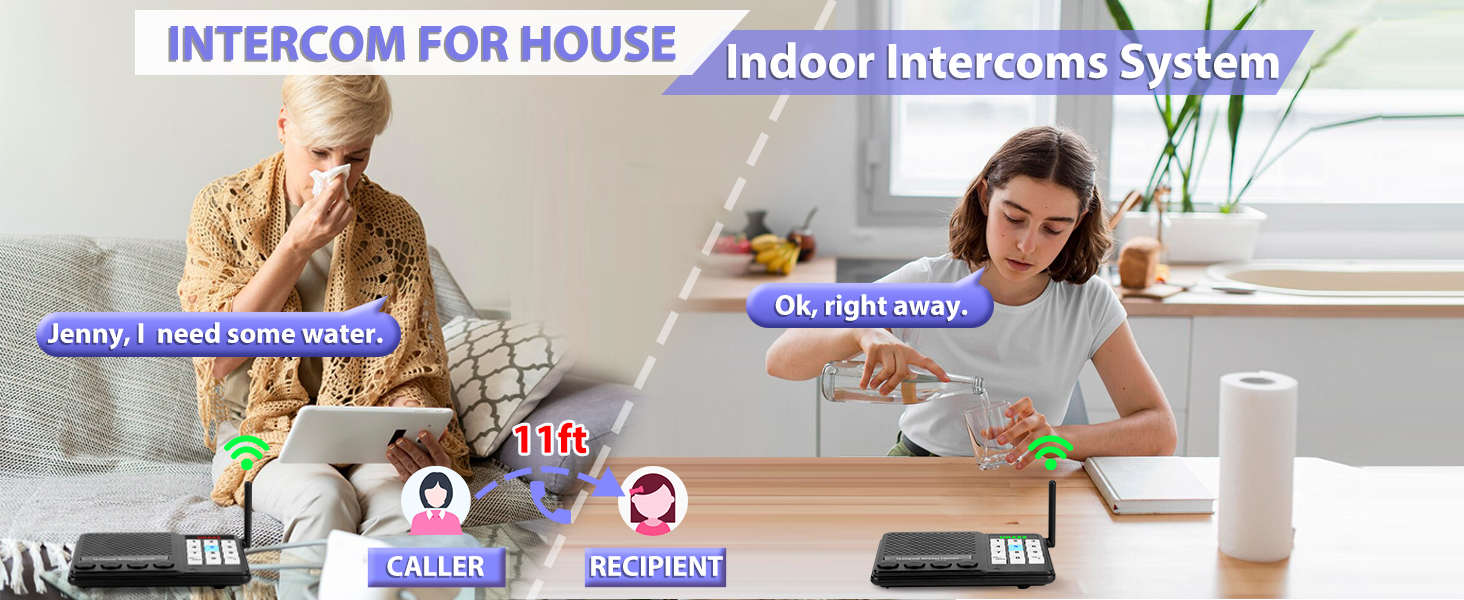
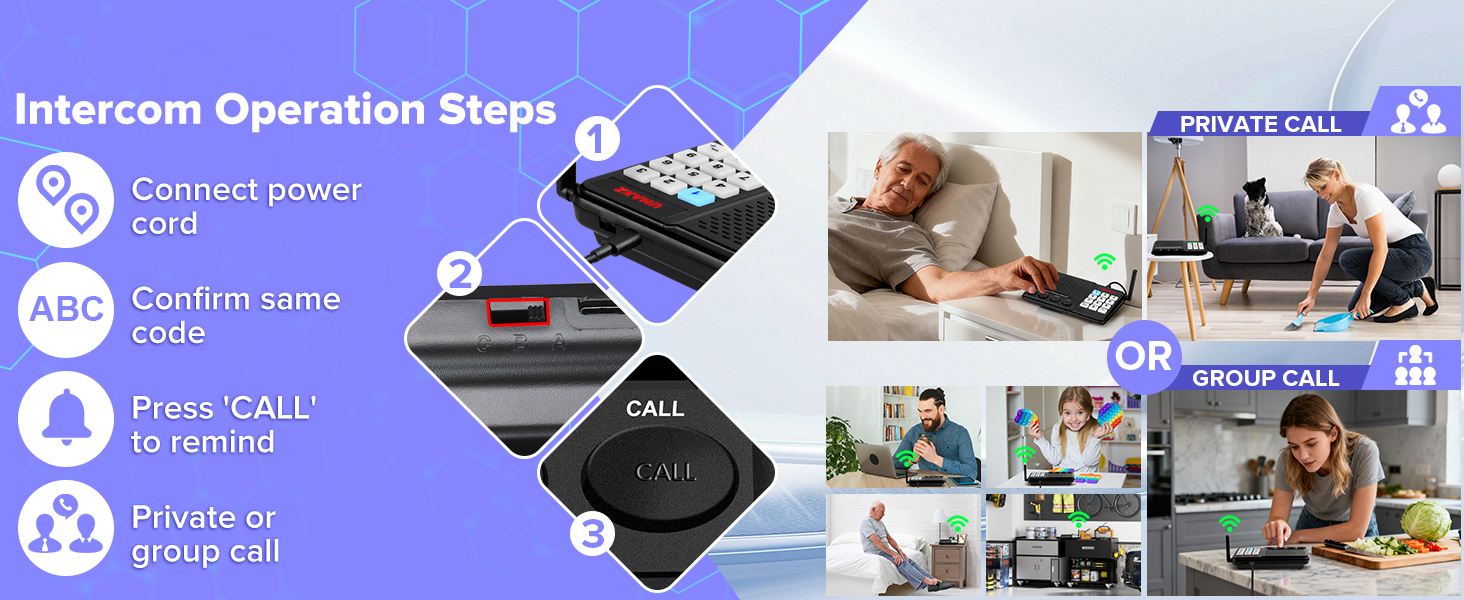
Note: Mics and speakers are sensitive. Keep units 11+ ft apart or use volume 3-4. For visual guidance, watch our instructional video.
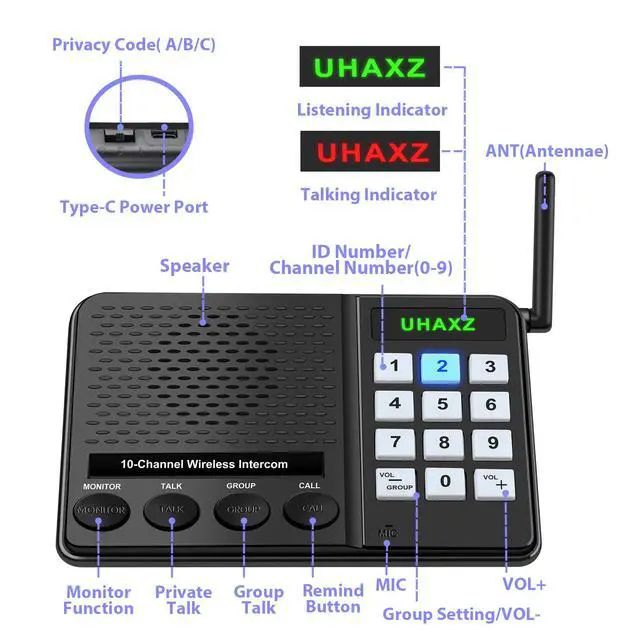
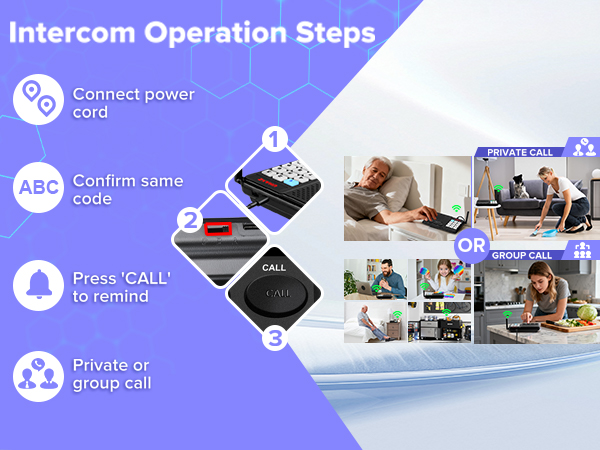
1.Connect power and set all intercoms to the same code (A/B/C).
2. Press 'CALL' to remind others, them start private call, group call.
Why can't the intercoms power on?
1.Make sure power adapter & cable are plugged in tight.
2.Use only our 5V/1A adapter.
3.Try another cable to figure out if it's the cord or the intercom, then get back to us.
Why does my home intercom make that loud static?
1.Keep all intercoms at least 11 ft apart.
2.Keep them 3 ft away from high-power appliances.
3.Lower the volume to reduce interference.
4.Switch all units to a different code, like from A to B.
Why can't the intercom call another intercom?
Make sure all units show the same privacy code (A/B/C).
Check that they're all on the same channel (0-9).
Why is there no reaction when I start the intercom’s care feature?
Monitor mode: same code channel. Press 'monitor' button once, [UHAXZ] red. Speak loudly. 4s delay — first words may cut off. Normal.
Why do wireless intercom's all the number keys flash blue when I change the privacy code?
Slide the switch fully to A/B/C. If not set correctly, all buttons will flash blue.

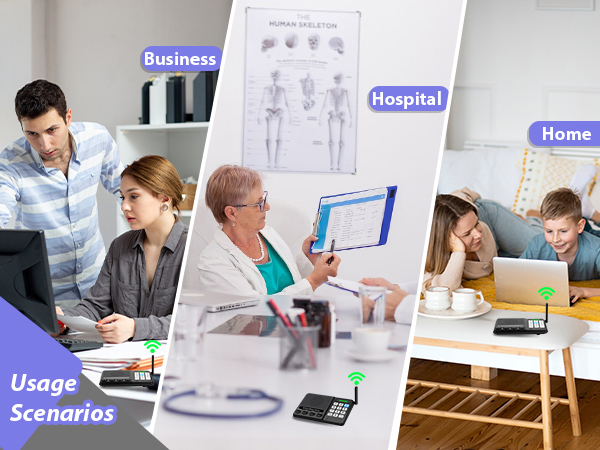
Thoughtful Care for All Ages
UHAXZ Intercom offers crystal clear audio over long range(Actual range may vary with obstacles)
UHAXZ Intercom’s smart design lets you care for your whole family and stay connected from any room

Intercoms wireless for home
Merchant VideoUse Steps
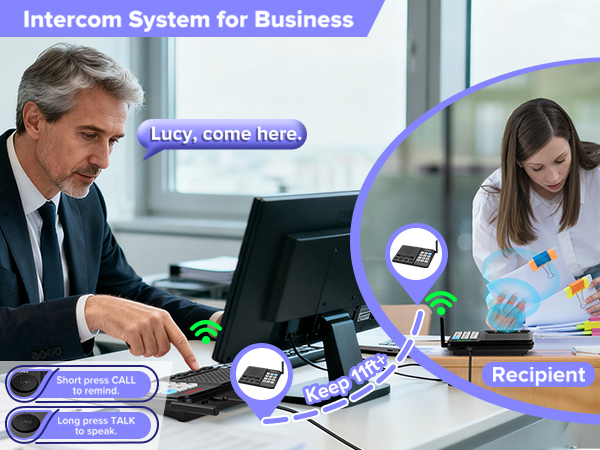
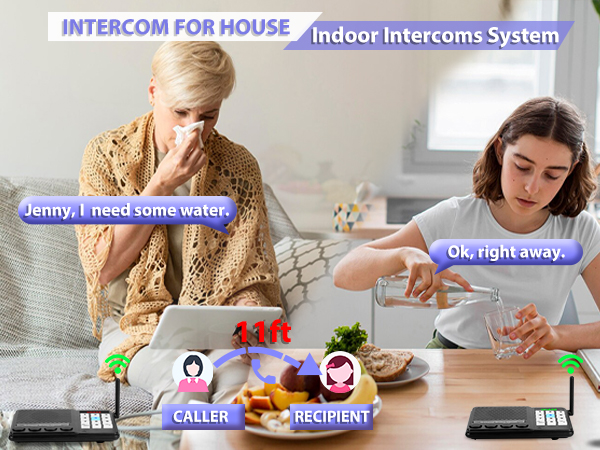
Note: Mics and speakers are sensitive. Keep units 11+ ft apart or use volume 3-4. For visual guidance, watch our instructional video.
1.Connect power and set all intercoms to the same code (A/B/C).
2. Press 'CALL' to remind others, them start private call, group call.
Why can't the intercoms power on?
1.Make sure power adapter & cable are plugged in tight.
2.Use only our 5V/1A adapter.
3.Try another cable to figure out if it's the cord or the intercom, then get back to us.
Why does my home intercom make that loud static?
1.Keep all intercoms at least 11 ft apart.
2.Keep them 3 ft away from high-power appliances.
3.Lower the volume to reduce interference.
4.Switch all units to a different code, like from A to B.
Why can't the intercom call another intercom?
Make sure all units show the same privacy code (A/B/C).
Check that they're all on the same channel (0-9).
Why is there no reaction when I start the intercom’s care feature?
Monitor mode: same code channel. Press 'monitor' button once, [UHAXZ] red. Speak loudly. 4s delay — first words may cut off. Normal.
Why do wireless intercom's all the number keys flash blue when I change the privacy code?
Slide the switch fully to A/B/C. If not set correctly, all buttons will flash blue.