






Use Steps
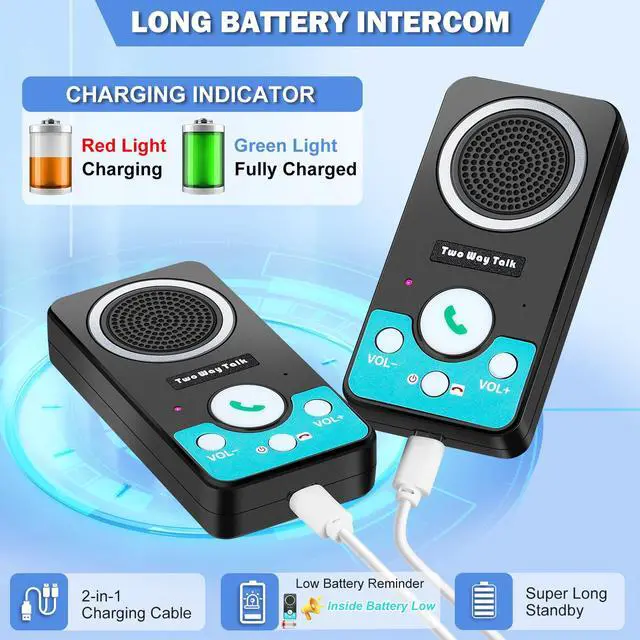
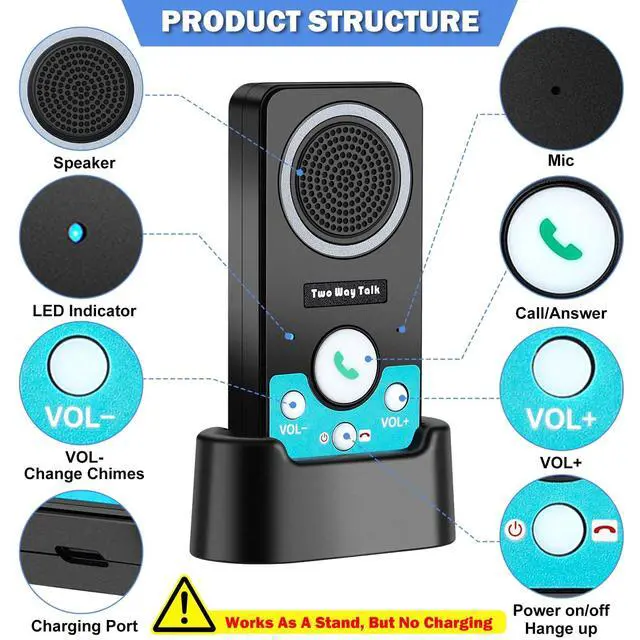
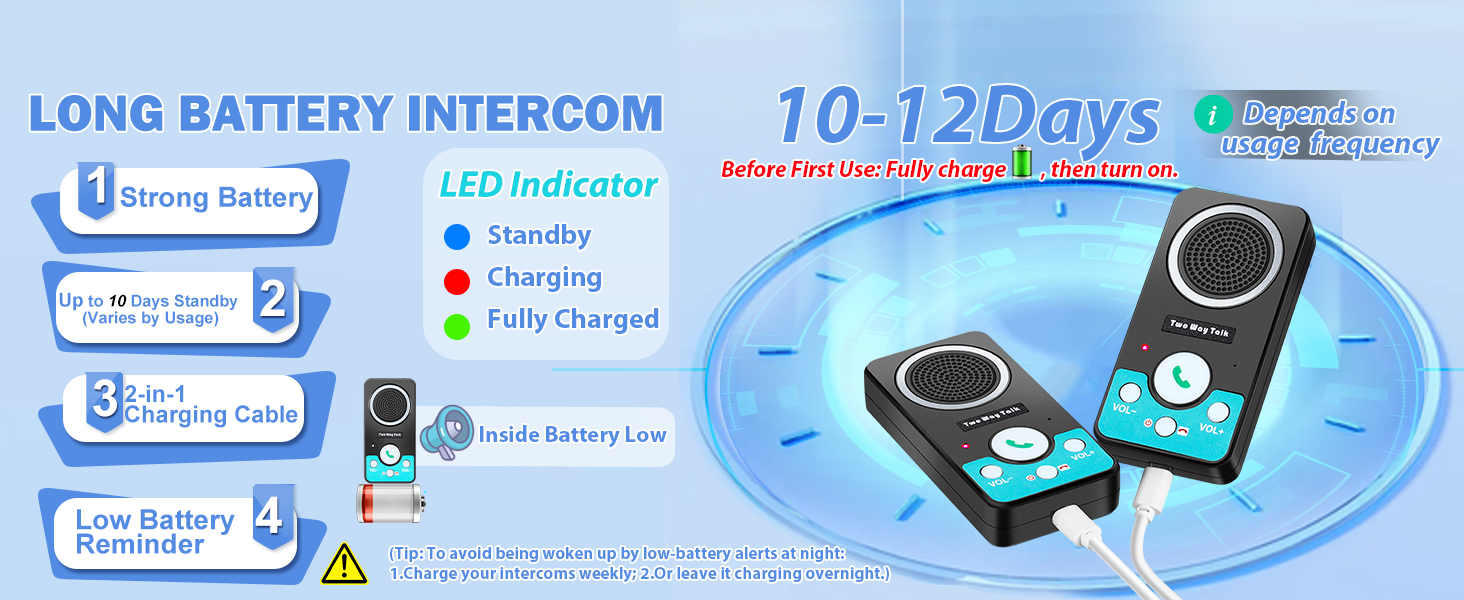
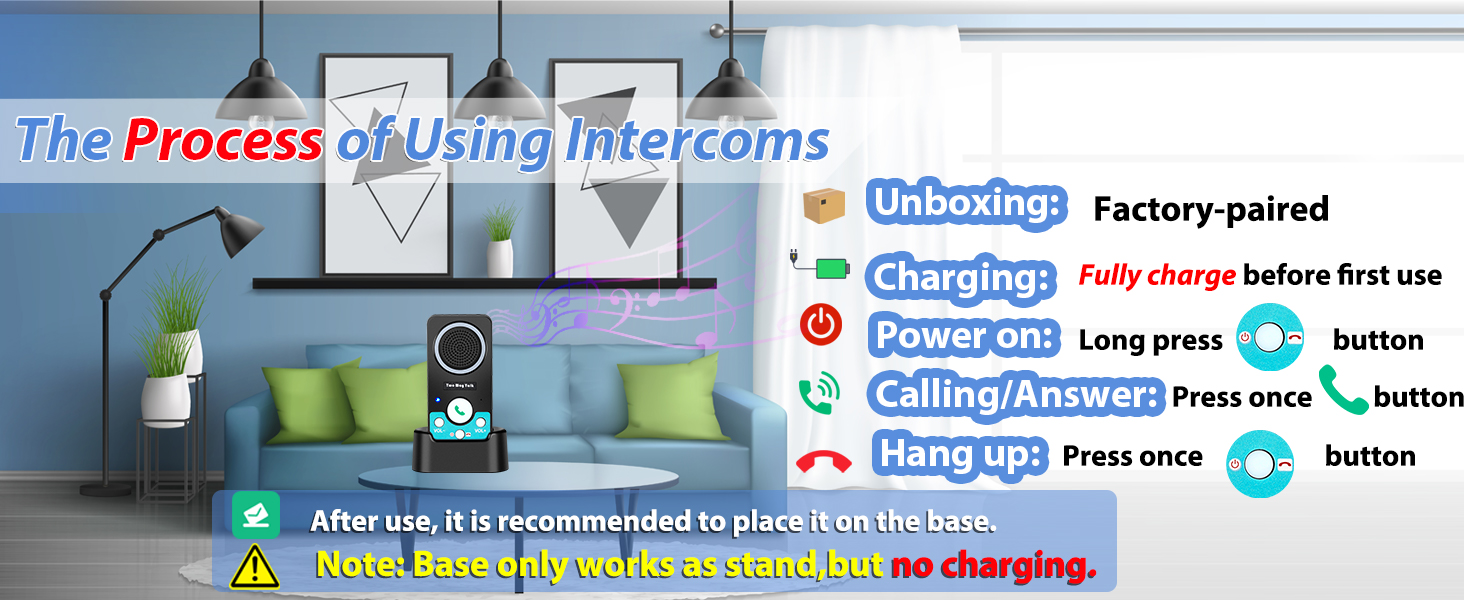
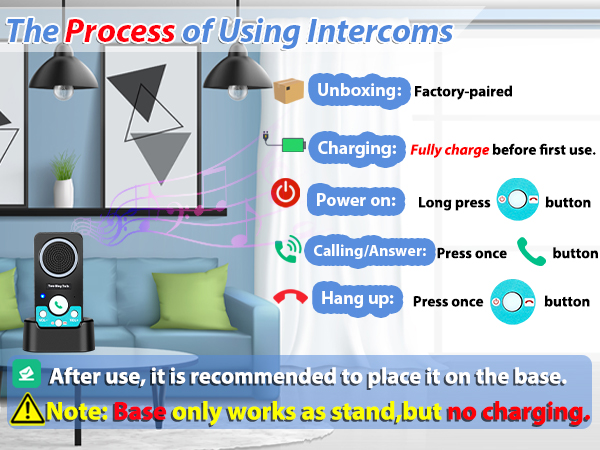
1.Fully charge(LED is green light) before first use.Base is non-charging, stand only
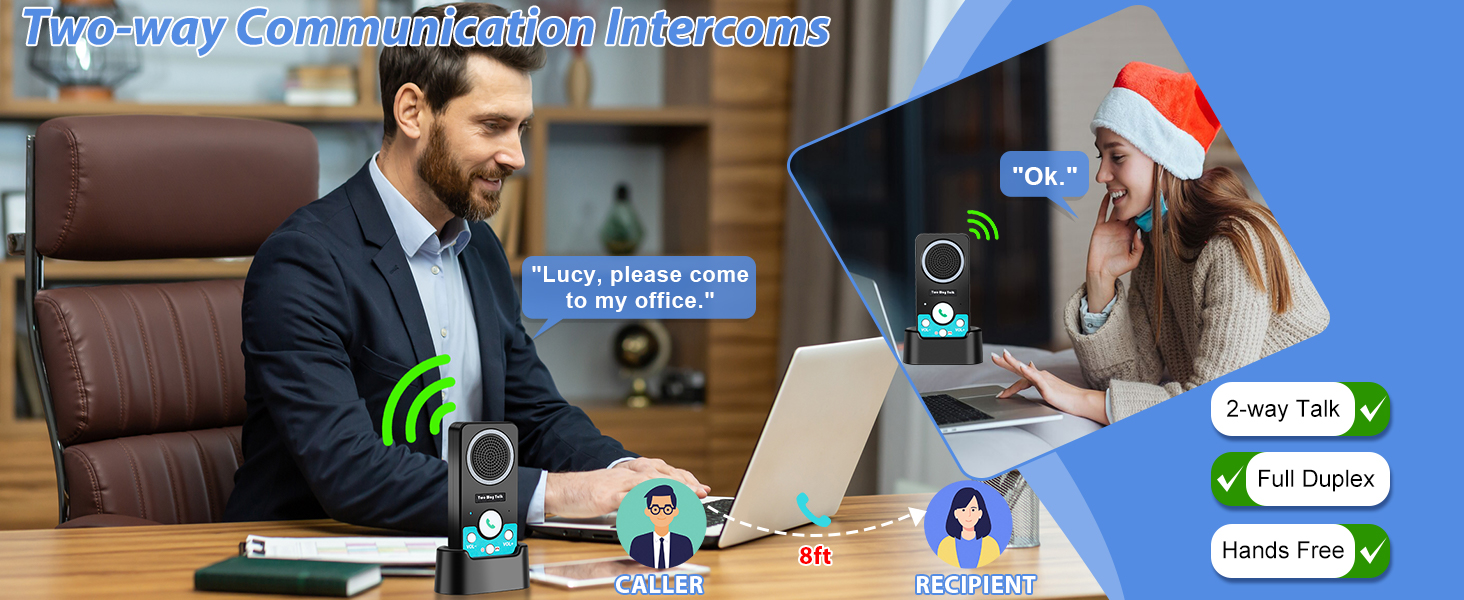
2.Hold power until "Power On," press green button once, wait for partner press once,hands-free call(no holding)
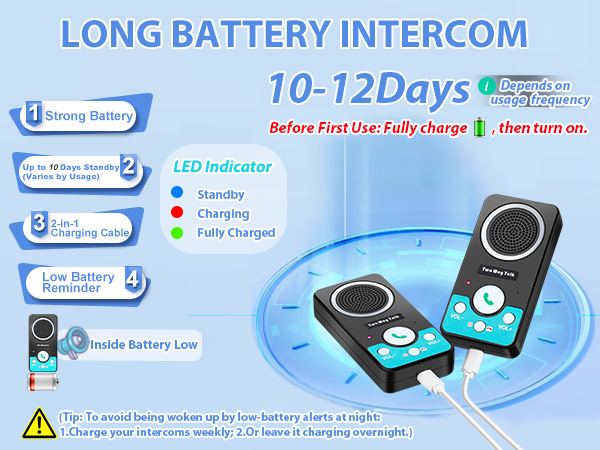
Low battery reminder:"Inside battery low".Avoid nighttime alerts: Charge weekly or overnight

How to pair your wireless intercom?
Merchant VideoFor doorbell charging, use the included cable and charging brick
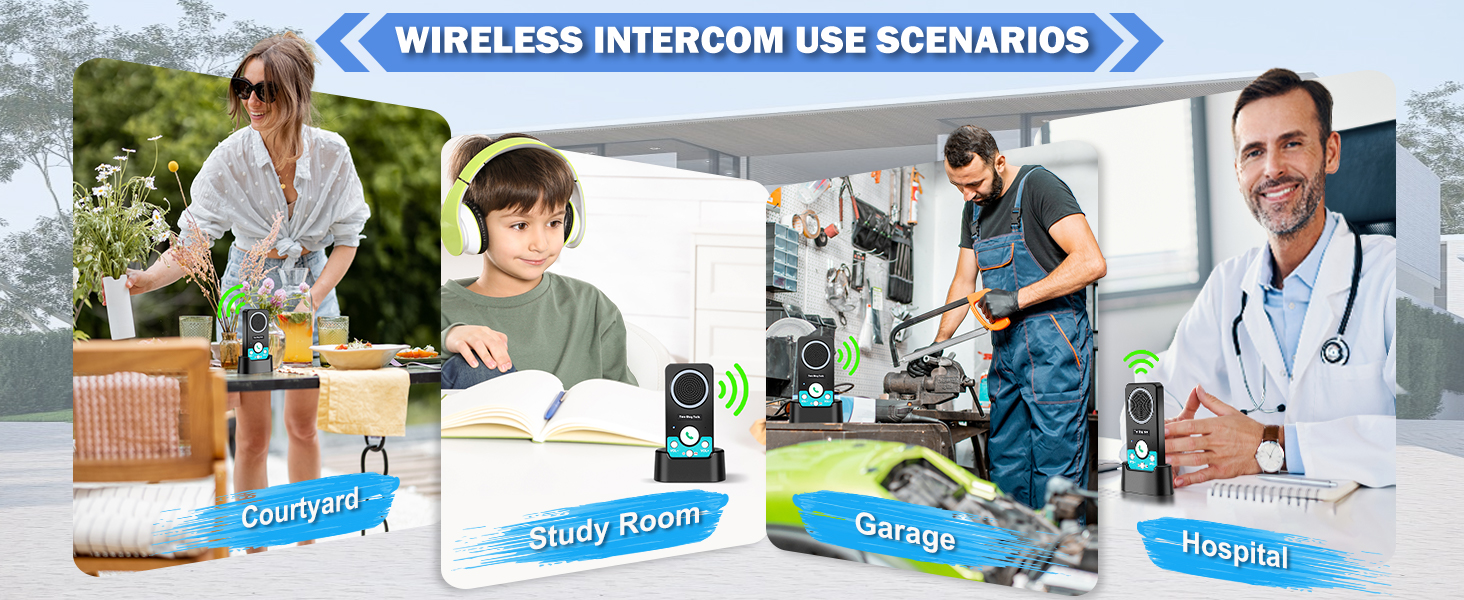
Why aren't the wireless intercoms system working after I get the package?
First, fully charge your intercoms. When the LED light turns green, hold the power button until you hear "Power On". Then you can start using intercoms.
Why won't my home intercom work, even after being fully charged and showing a green light?
2 possible reasons:
1.When battery runs out completely, it will automatic shutdown: power intercoms back on. Hold the power button until you hear "Power On"
2.Intercom code is cleared: re-pair intercoms. Watch our video: "How to Pair Your Intercoms?"
How do intercoms make calls?
Fully charge before first use, hold power until "Power On", press the green button once, waiting for your partner press theirs once, then talk hands-free—No need to keep holding down the button.
Why is my intercom making loud static/screeching noises?
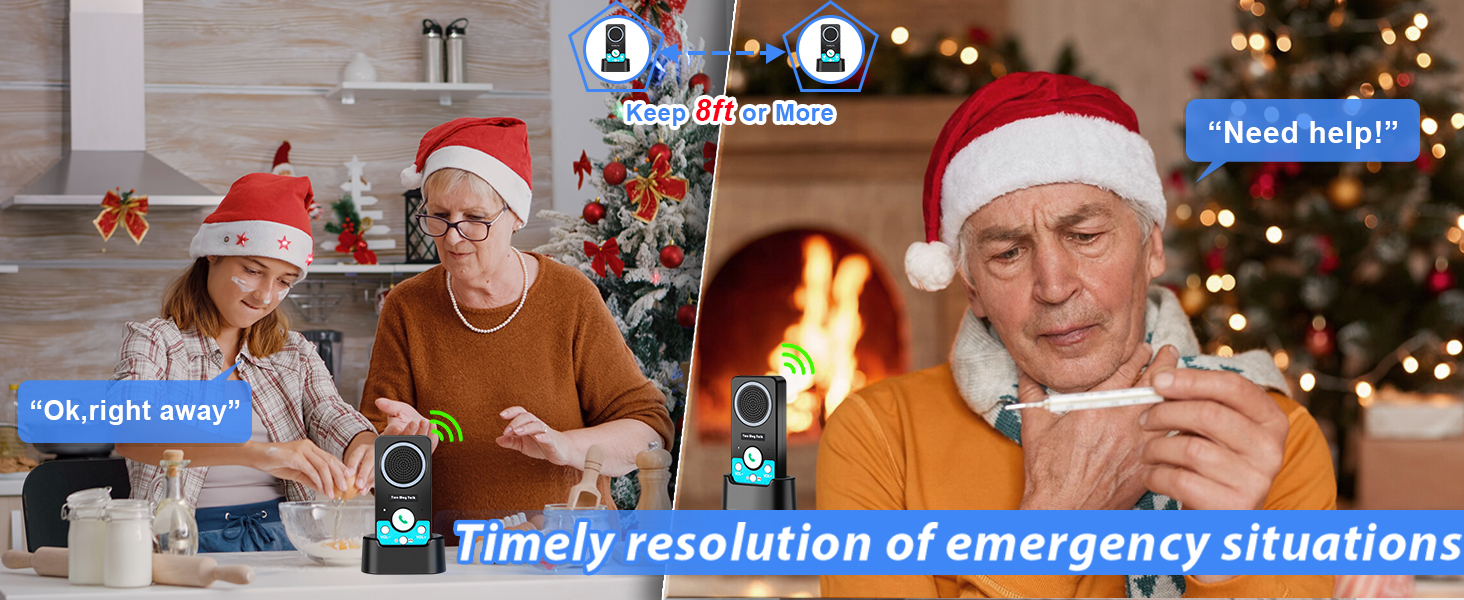
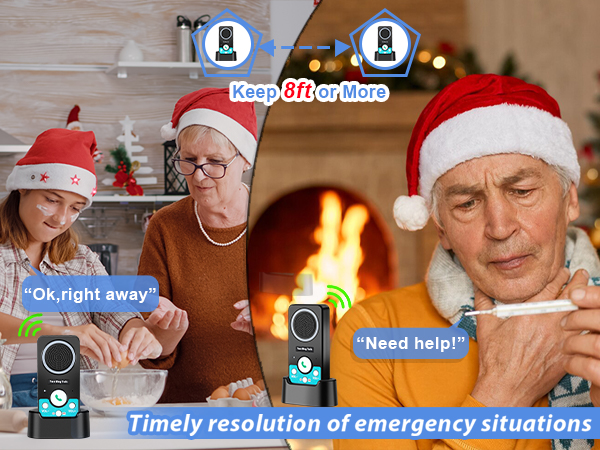
These intercom have sensitive mics and speakers. Keep them at least 8 ft apart – closer distances can cause that high-pitched squeal.
For clearer conversations:
Use volume level 3-4, or try spacing them farther apart if needed.
Why do I hear a strange woman's voice when my intercoms are on standby?
It's the low battery alert saying: "Inside battery low."
It says this twice, then repeats every hour until the battery runs out.
( To avoid nighttime alerts: 1.Charge weekly; 2.Or leave charging overnight)
UHAXZ Other Intercoms and Doorbells
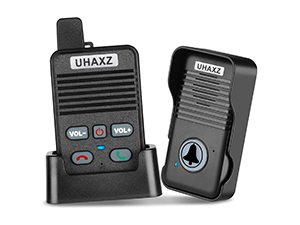 Wireless door bell |  Wireless doorbell |  Wireless Intercoms |
|---|---|---|
Color Black+Grey button | Color Black+Black button | Color Black |
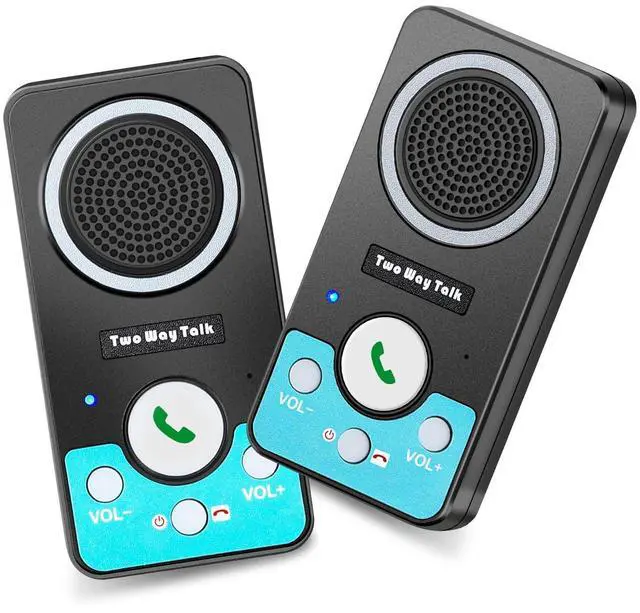
Packaging Content 1 Receiver+1 Transmitter | Packaging Content 1 Receiver+1 Transmitter | Packaging Content 2 Intercoms |

AT UHAXZ
Our doorbells and intercoms keep every room, every moment linked.
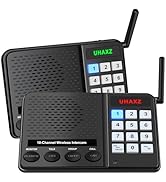
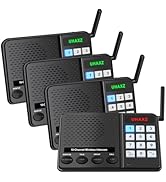
Recommended Intercom/Doorbell
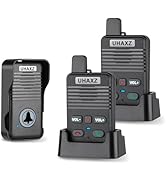
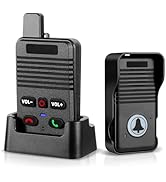
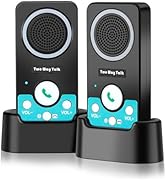
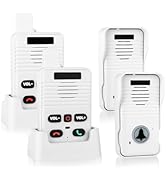
Intercoms And Doorbells

ABOUT UHAXZ
UHAXZ, derived from "Unity, Home, Advanced Experience Zone", empowers modern households through intuitive security and communication solutions. Specializing in doorbells and intercoms, our brand merges reliability with user-centric design to elevate everyday safety and connectivity.
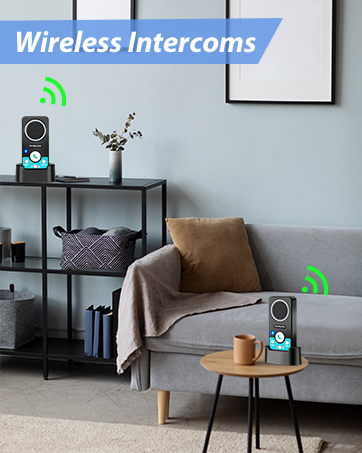
Intercoms Wireless for Home
Low battery reminder.
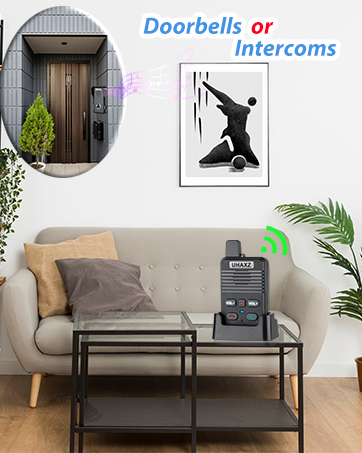
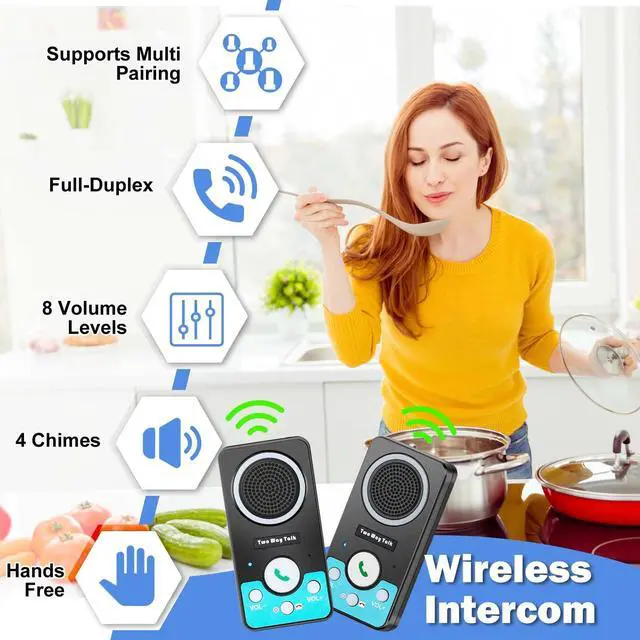
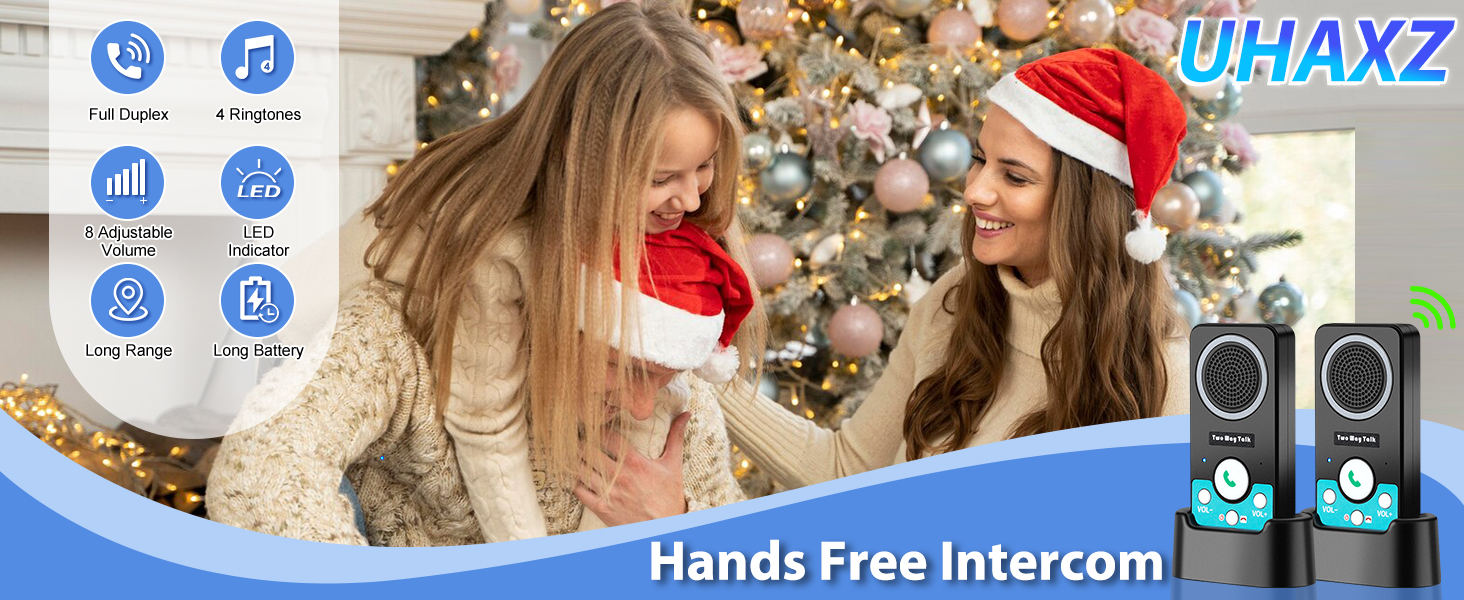
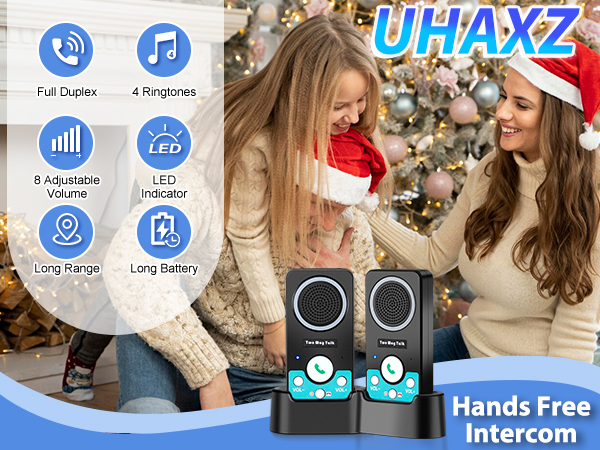
Full Duplex Doorbell
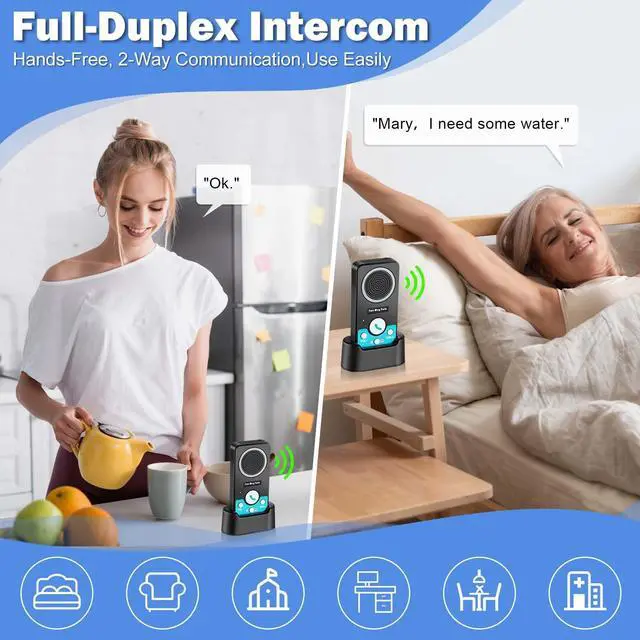
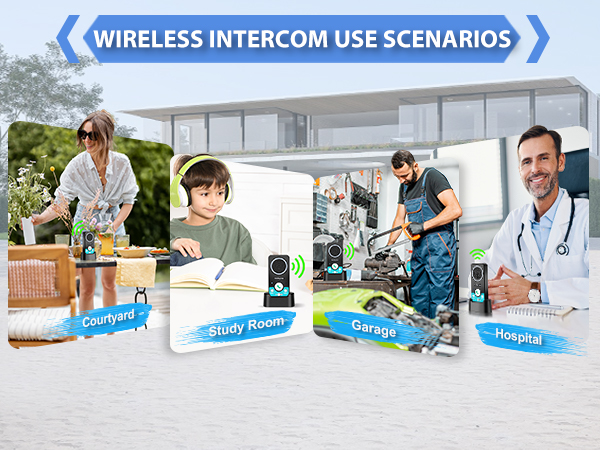
Hands-free and convenient.
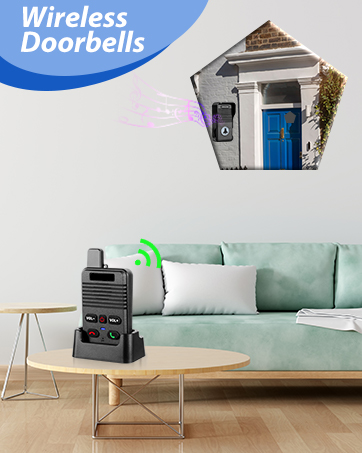
Long Range Wireless Doorbell
Extensible for more doorbells.
Use Steps
1.Fully charge(LED is green light) before first use.Base is non-charging, stand only
2.Hold power until "Power On," press green button once, wait for partner press once,hands-free call(no holding)
Low battery reminder:"Inside battery low".Avoid nighttime alerts: Charge weekly or overnight
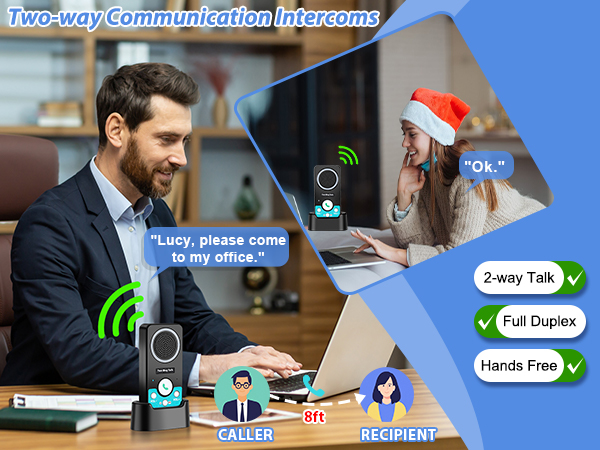
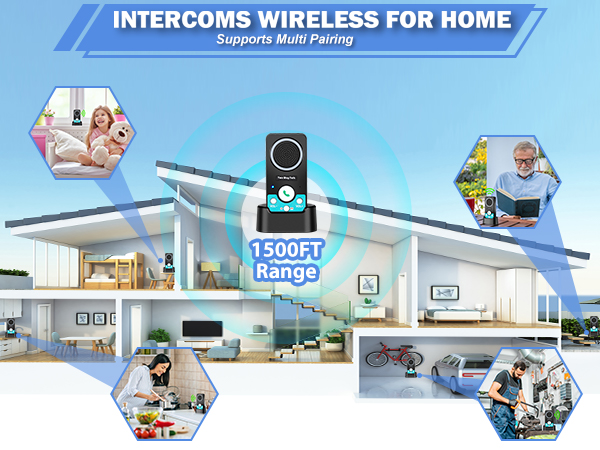
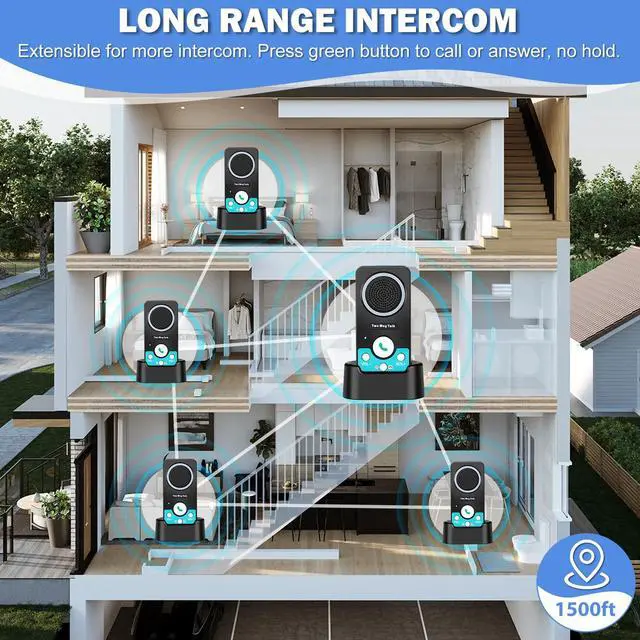
Wireless intercom is 100-150 ft through wall.
(Obstacles will affect the actual range of operation).

How to pair your wireless intercom?
Merchant VideoFor doorbell charging, use the included cable and charging brick
Why aren't the wireless intercoms system working after I get the package?
First, fully charge your intercoms. When the LED light turns green, hold the power button until you hear "Power On". Then you can start using intercoms.
Why won't my home intercom work, even after being fully charged and showing a green light?
2 possible reasons:
1.When battery runs out completely, it will automatic shutdown: power intercoms back on. Hold the power button until you hear "Power On"
2.Intercom code is cleared: re-pair intercoms. Watch our video: "How to Pair Your Intercoms?"
How do intercoms make calls?
Fully charge before first use, hold power until "Power On", press the green button once, waiting for your partner press theirs once, then talk hands-free—No need to keep holding down the button.
Why is my intercom making loud static/screeching noises?
These intercom have sensitive mics and speakers. Keep them at least 8 ft apart – closer distances can cause that high-pitched squeal.
For clearer conversations:
Use volume level 3-4, or try spacing them farther apart if needed.
Why do I hear a strange woman's voice when my intercoms are on standby?
It's the low battery alert saying: "Inside battery low."
It says this twice, then repeats every hour until the battery runs out.
( To avoid nighttime alerts: 1.Charge weekly; 2.Or leave charging overnight)
UHAXZ Other Intercoms and Doorbells
AT UHAXZ
Our doorbells and intercoms keep every room, every moment linked.
Recommended Intercom/Doorbell
Intercoms And Doorbells
ABOUT UHAXZ
UHAXZ, derived from "Unity, Home, Advanced Experience Zone", empowers modern households through intuitive security and communication solutions. Specializing in doorbells and intercoms, our brand merges reliability with user-centric design to elevate everyday safety and connectivity.
Intercoms Wireless for Home
Low battery reminder.
Full Duplex Doorbell
Hands-free and convenient.
Long Range Wireless Doorbell
Extensible for more doorbells.