



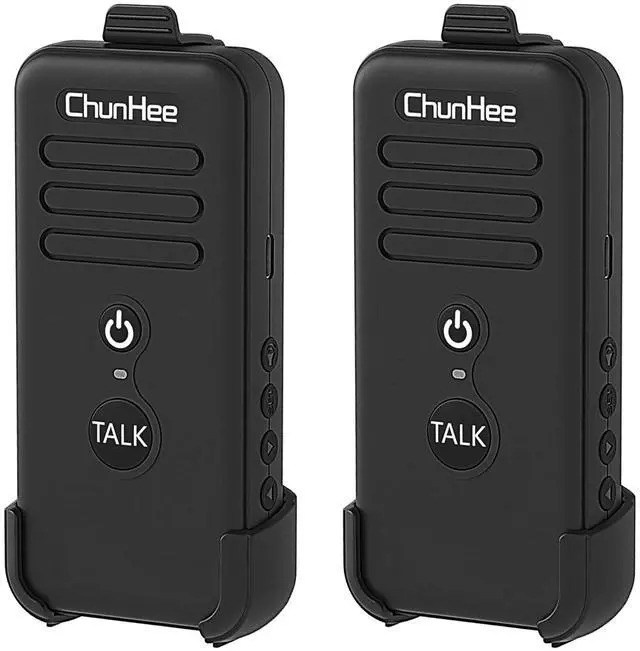


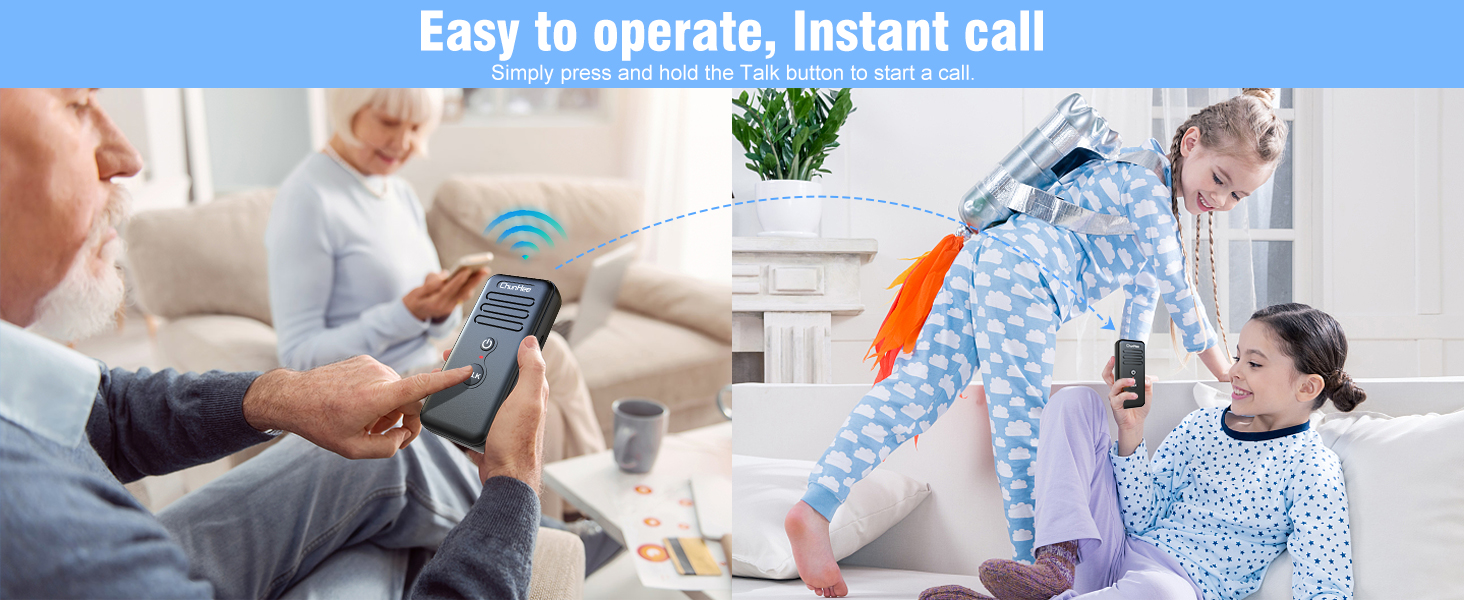
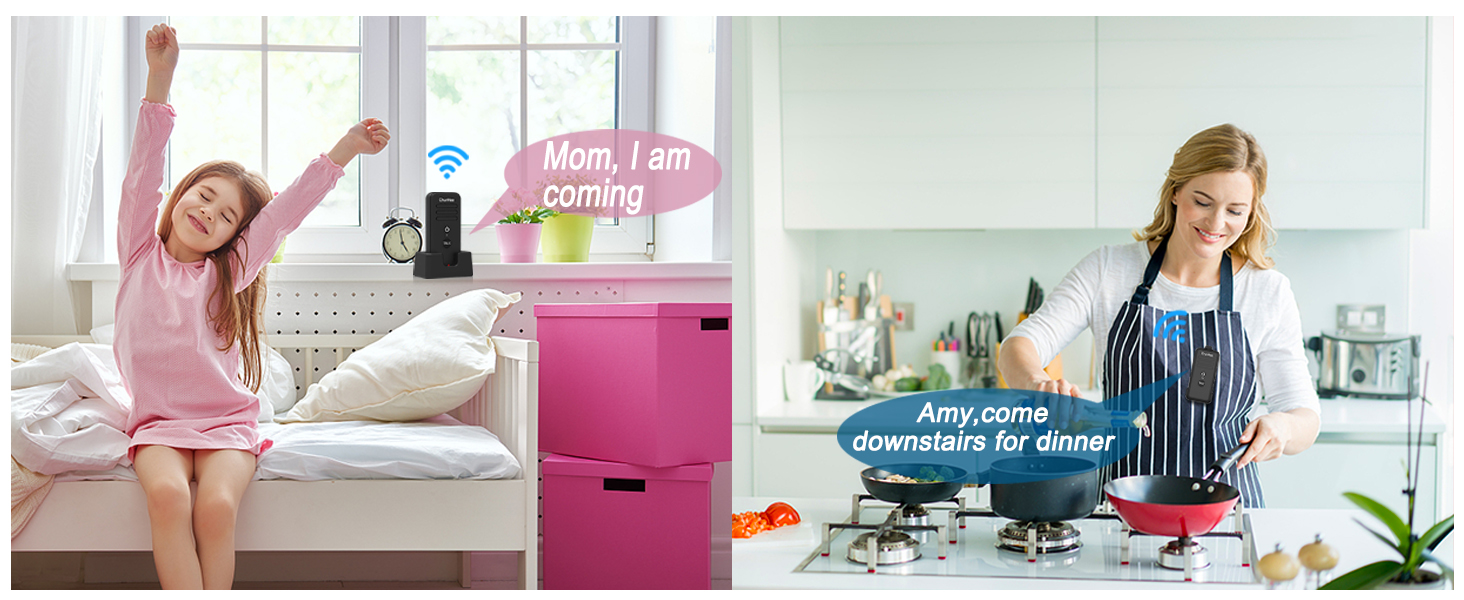
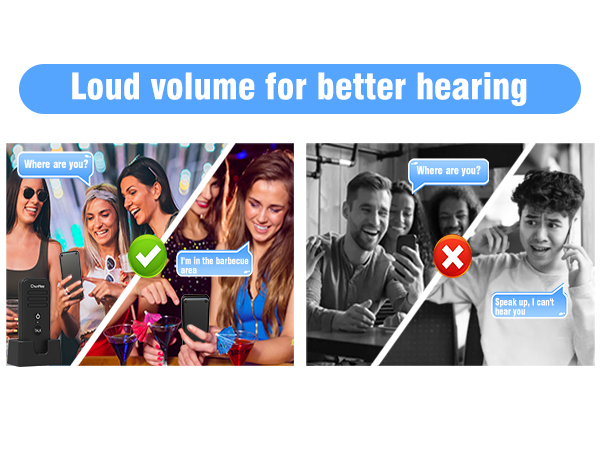
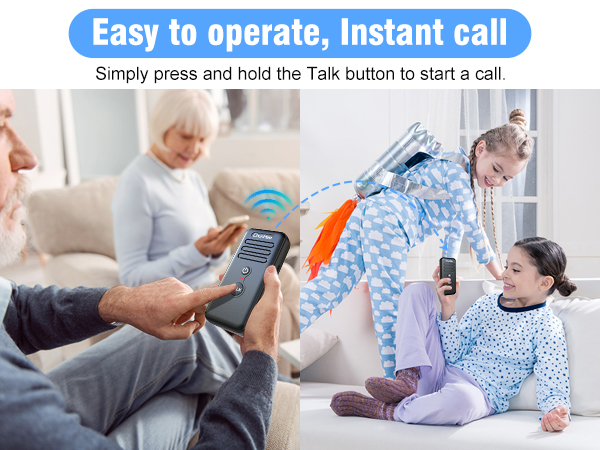
When press the talk button, will the other person hear you speaking immediately?
The other person will hear your voice immediately (Prohibit both parties holding the talk button at the same time).
The two-way radio experience channel noise, increased background noise, or reduced communication distance.
Stay away from electronic devices and high-voltage wires that may cause interference while using the two-way radio. If interference occurs, try switching to another channel to reduce the interference.
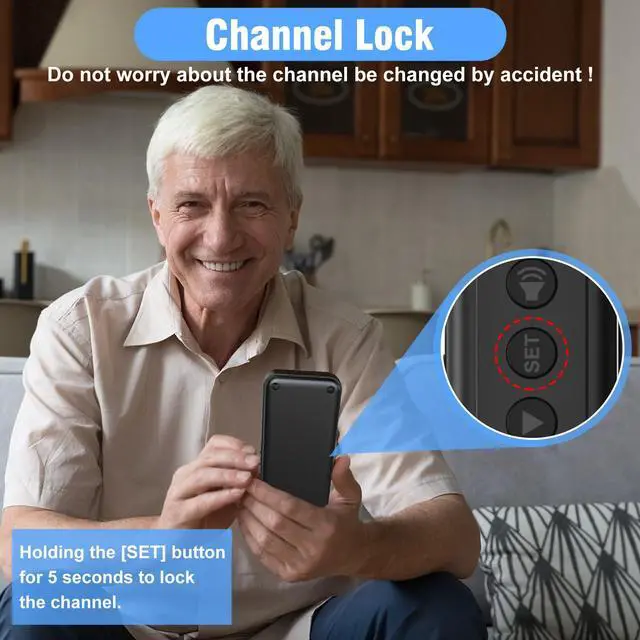
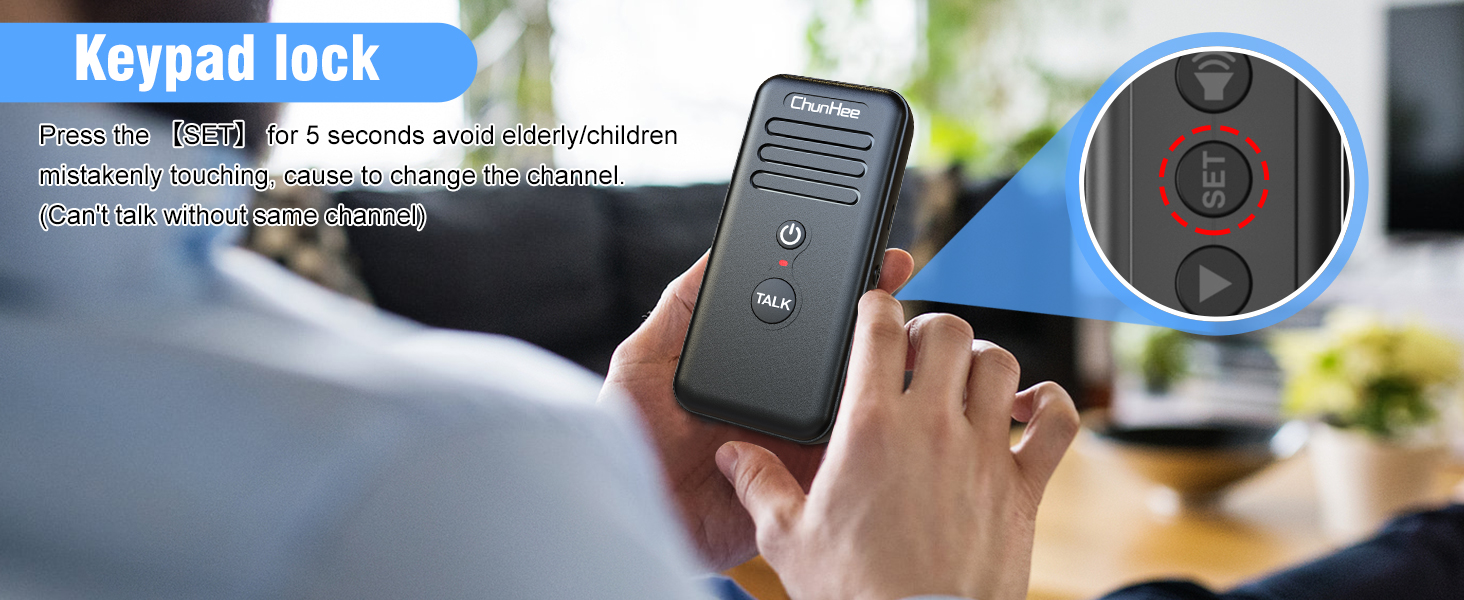
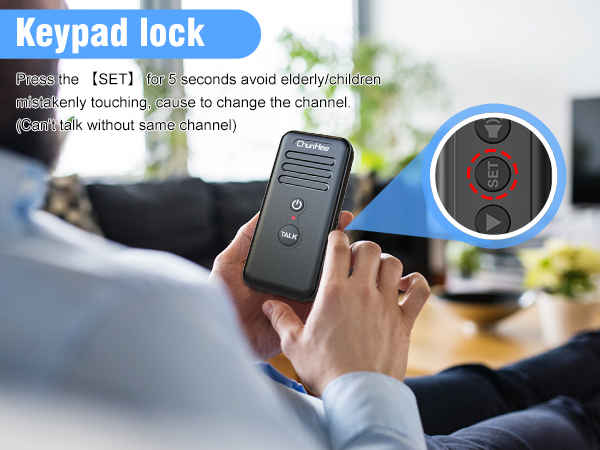
How to open the channel lock function?
Holding the SET button on the right side of the intercom for 5 seconds, you will hear a 'DI' sound from the intercom that means the channel is locked. If you need to change the channel, please holding it for 5 seconds again till hear a 'DI-DI' sound.
Does not work
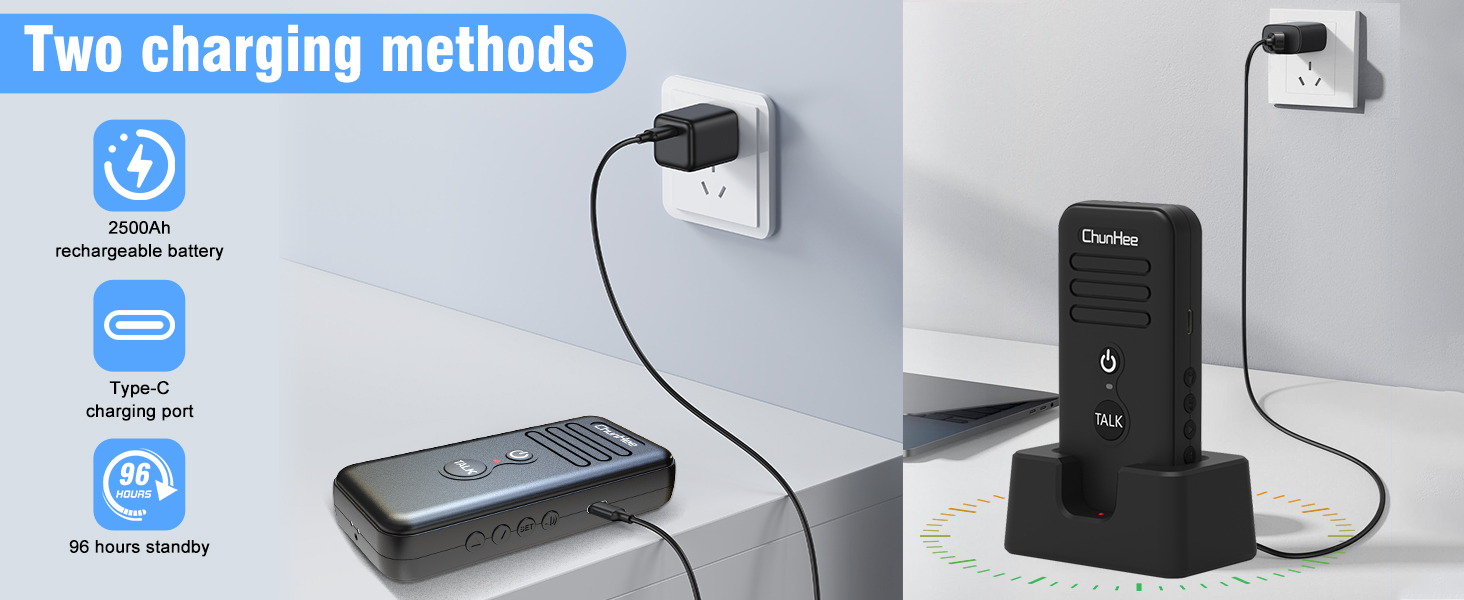
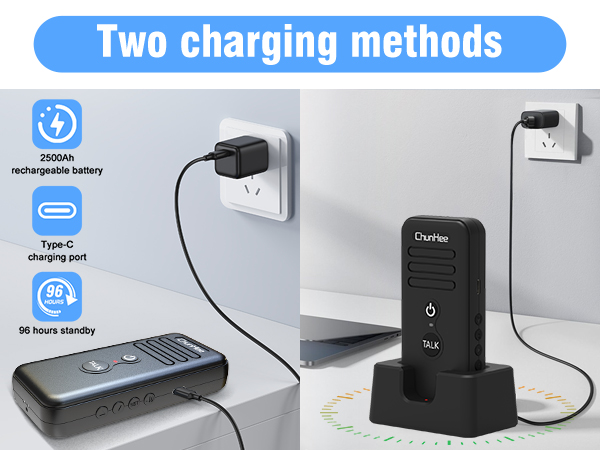
Check if both intercoms are powered. Charge the devices for at least 1 hour, then try again.
No sound during communication.
1. Check if the channel is at the same channel
2. Other models devices can not work together.
3. Please try to turn it on again then adjust the volume.


ChunHee was founded in 2016 by a group of excellent engineers and designers. We are focusing on home communication systems product design.
We built a passion for high-quality smart communication supplies with the goal of giving you the most effective communication with your family or business members.
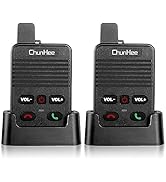
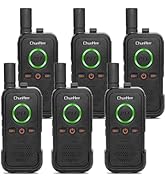
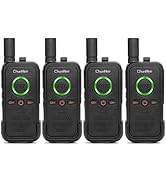
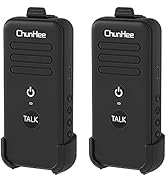
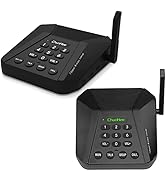
Intercom with Charge Base
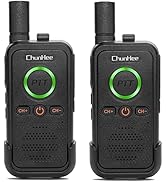
Portable Intercom
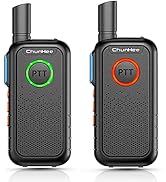
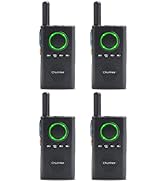
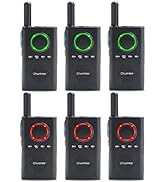
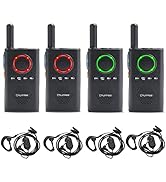
Mini Intercom
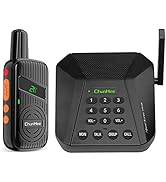
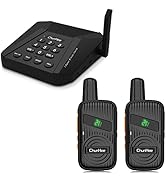
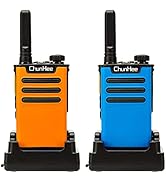
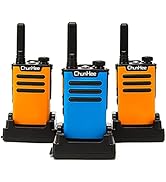
CI05 Home & Office Intercom
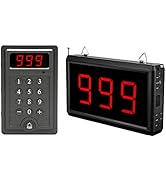
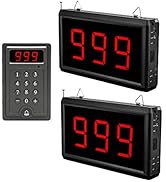
Wireless Calling System
How did we get our start?
ChunHee was founded in 2016 by a group of excellent engineers and designers. We are focusing on home communication systems product design.
What problem are we solving?
We hope customers can build intimate relationships with family members and make the elderly, kids, pregnant, or others who need care get quick responses.
We focus on building a communication system for the business to make communication more efficient.
What makes our products unique?
We cooperate with excellent engineers, designers, and manufacturers, they are focusing on smart products for over a decade.
ChunHee was founded in 2016 by a group of excellent engineers and designers. We are focusing on home communication systems product design.
We built a passion for high-quality smart communication supplies with the goal of giving you the most effective communication with your family or business members.
Intercom with Charge Base
Portable Intercom
Mini Intercom
CI05 Home & Office Intercom
Wireless Calling System
How did we get our start?
ChunHee was founded in 2016 by a group of excellent engineers and designers. We are focusing on home communication systems product design.
What problem are we solving?
We hope customers can build intimate relationships with family members and make the elderly, kids, pregnant, or others who need care get quick responses.
We focus on building a communication system for the business to make communication more efficient.
What makes our products unique?
We cooperate with excellent engineers, designers, and manufacturers, they are focusing on smart products for over a decade.
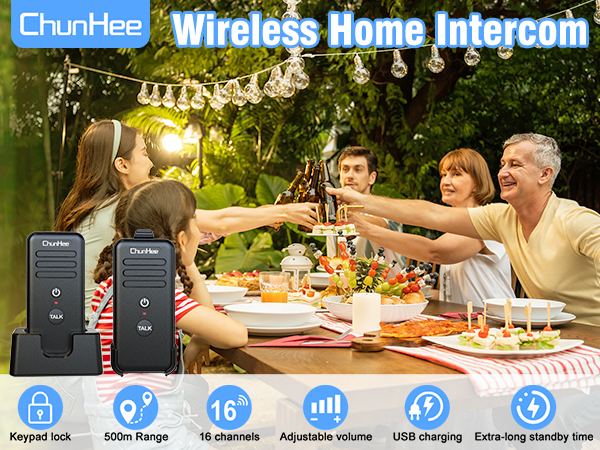

When press the talk button, will the other person hear you speaking immediately?
The other person will hear your voice immediately (Prohibit both parties holding the talk button at the same time).
The two-way radio experience channel noise, increased background noise, or reduced communication distance.
Stay away from electronic devices and high-voltage wires that may cause interference while using the two-way radio. If interference occurs, try switching to another channel to reduce the interference.
How to open the channel lock function?
Holding the SET button on the right side of the intercom for 5 seconds, you will hear a 'DI' sound from the intercom that means the channel is locked. If you need to change the channel, please holding it for 5 seconds again till hear a 'DI-DI' sound.
Does not work
Check if both intercoms are powered. Charge the devices for at least 1 hour, then try again.
No sound during communication.
1. Check if the channel is at the same channel
2. Other models devices can not work together.
3. Please try to turn it on again then adjust the volume.