





Aux Bluetooth Receiver for Car


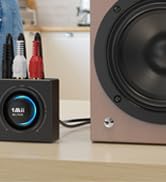
RCA Bluetooth Aduio Receiver
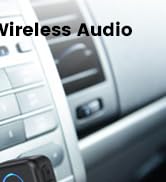
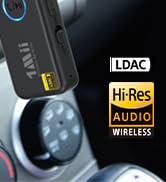
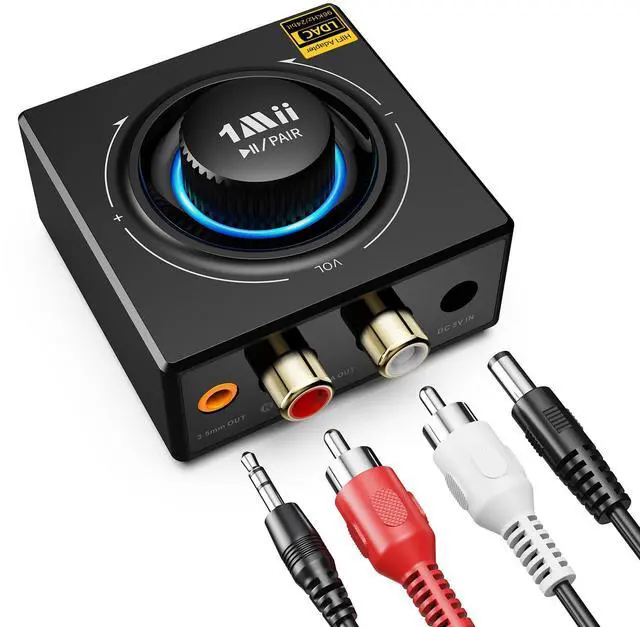
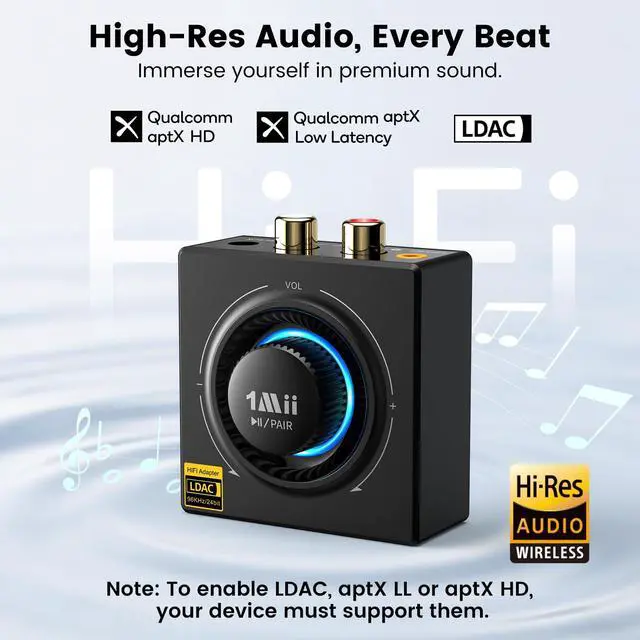
LDAC Aux Bluetooth Receiver
LDAC Bluetooth Audio Receiver
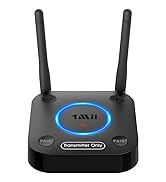
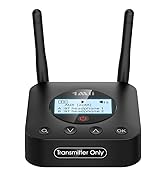
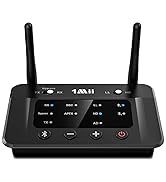
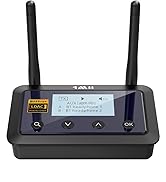
Bluetooth Transmitter for TV
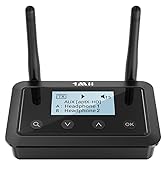
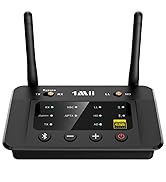
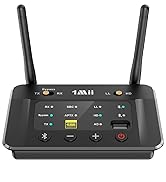
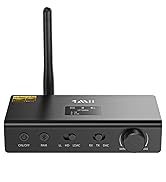
Bluetooth Transmitter Receiver

1Mii is a high-tech enterprise built on innovation and craftsmanship, bringing together a team of leading industrial designers, aesthetic masters, PhDs in acoustic tuning, and musicians.
Every 1Mii product undergoes rigorous testing in our state-of-the-art acoustic lab, ensuring it upholds the brand's core value: one sound, one me


How to Connect with RCA Bluetooth Adapter?

Plug
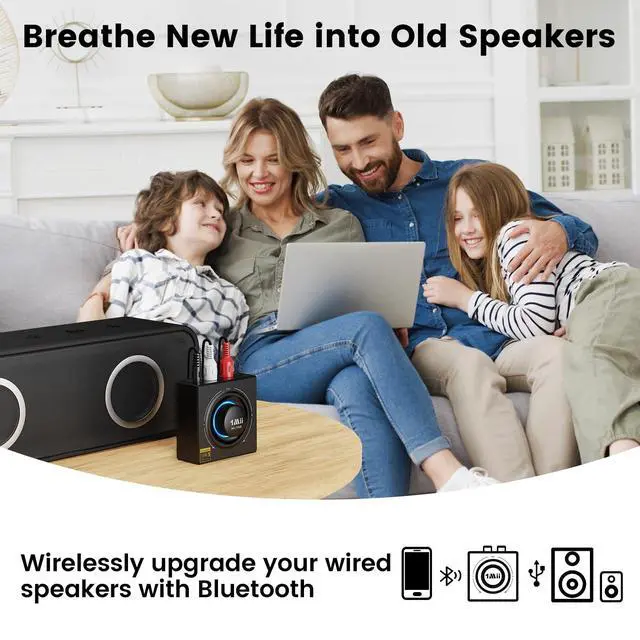
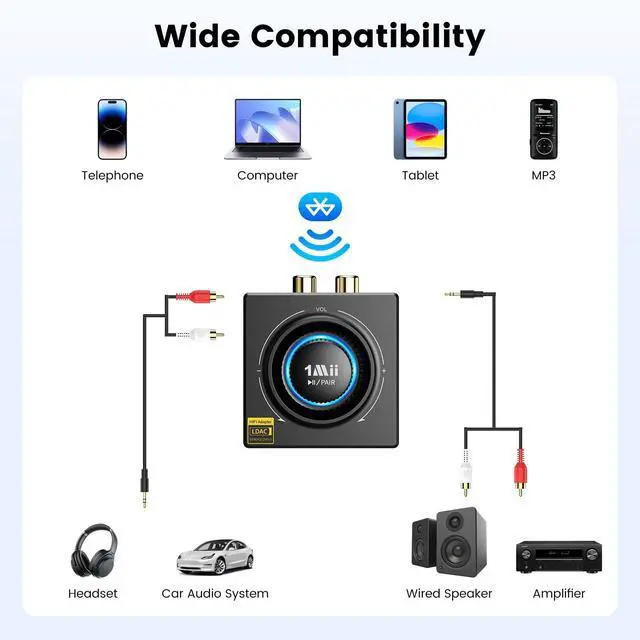
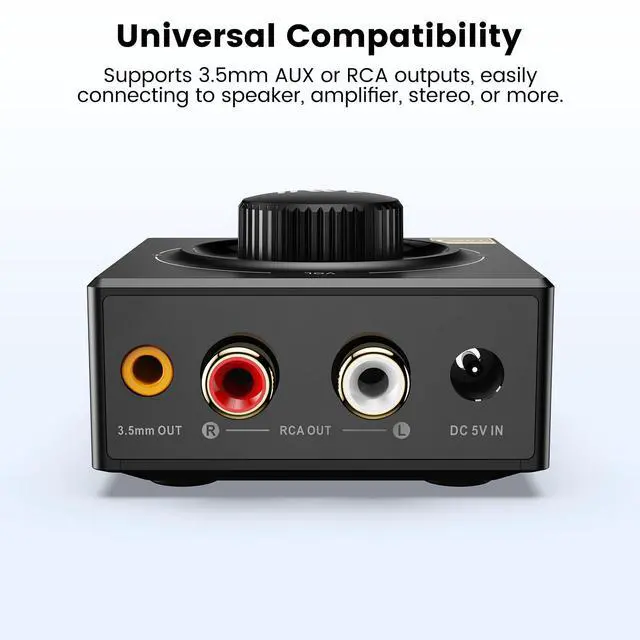
Plug in the power, then connect the 3.5mm AUX/RCA cable to the B06T3+ and the speaker.

Pair 1
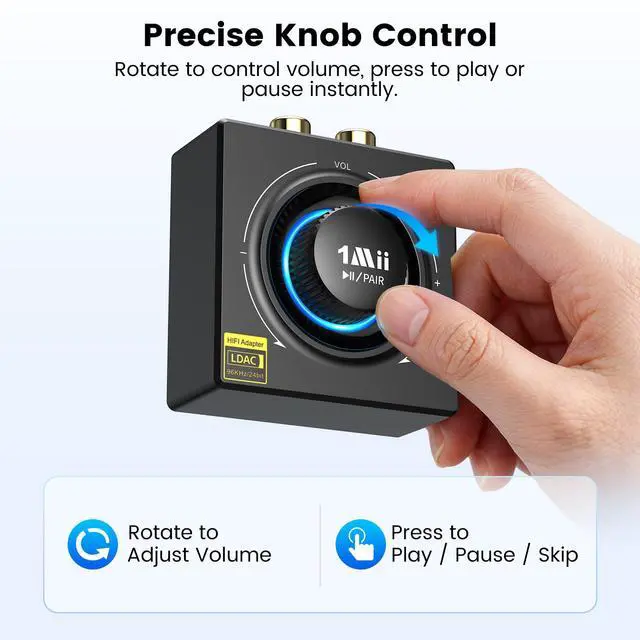
Press and hold the MFB for 2 seconds.(Red and blue light flashes alternately)

Pair 2
Open the Bluetooth settings on your phone and select B06T3+ to pair it with your device.

Play
You can play music from any apps on your Bluetooth device through the speaker.


Reminder


How to Connect with RCA Bluetooth Adapter?
Plug
Plug in the power, then connect the 3.5mm AUX/RCA cable to the B06T3+ and the speaker.
Pair 1
Press and hold the MFB for 2 seconds.(Red and blue light flashes alternately)
Pair 2
Open the Bluetooth settings on your phone and select B06T3+ to pair it with your device.
Play
You can play music from any apps on your Bluetooth device through the speaker.


Reminder
| Q1 | Which phones support LDAC? |
|---|---|
| A1 | 1) Android phones: Most devices running Android 8.0 or above support LDAC. 2) iPhone: iPhone devices do not support LDAC, and will connect using AAC or SBC instead. |
| Q2 | How does LDAC show on the Bluetooth device? |
| A2 | 1) Android devices: Go to Bluetooth settings ? Connected device ? Audio codec to see if LDAC is in use. 2) iPhones devices: iPhones do not support LDAC. |
| Q3 | Why won’t my B06T3+ pair with Bluetooth or often disconnects? |
| A3 | Please restore factory settings by pressing and holding the "MFB" button for about 12 seconds. The LED will flash purple 3 times to confirm the reset. Then reconnect your device and try again. |
| Q4 | Why is the volume low even at max on my phone? |
| A4 | 1) Android phone: Settings ? Bluetooth ? B06T3+ ? Volume Sync "ON". 2) iPhone: Settings ? Sounds & Haptics ? Headphone Safety ? Reduce Loud Sounds "OFF". |
| Q5 | Why is LDAC playback sometimes stuck? |
| A5 | 1) Connect B06T3+ to your phone. 2) Tap B06T3+ ? Settings ? LDAC Playback Quality. 3) Select “Compatible Audio and Connection Quality”. |
| Q6 | Why is the sound not good? |
| A6 | 1) Make sure all cables are fully connected. 2) Stay within range and away from Wi-Fi interference. 3) Reset the adapter and reconnect if needed. |
Aux Bluetooth Receiver for Car
RCA Bluetooth Aduio Receiver
LDAC Aux Bluetooth Receiver
LDAC Bluetooth Audio Receiver
Bluetooth Transmitter for TV
Bluetooth Transmitter Receiver
1Mii is a high-tech enterprise built on innovation and craftsmanship, bringing together a team of leading industrial designers, aesthetic masters, PhDs in acoustic tuning, and musicians.
Every 1Mii product undergoes rigorous testing in our state-of-the-art acoustic lab, ensuring it upholds the brand's core value: one sound, one me