








Aux Bluetooth Receiver for Car


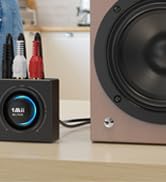
RCA Bluetooth Aduio Receiver

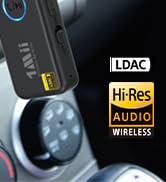
LDAC Aux Bluetooth Receiver

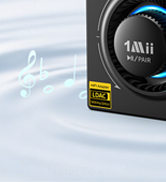
LDAC Bluetooth Audio Receiver
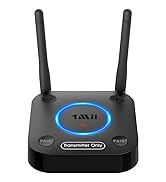
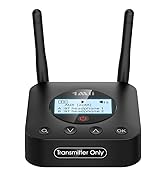
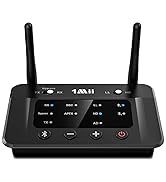
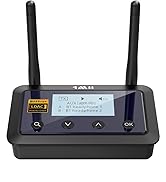
Bluetooth Transmitter for TV
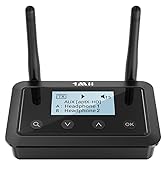
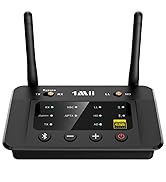
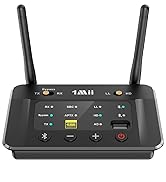
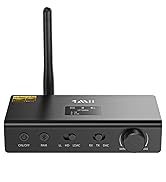
Bluetooth Transmitter Receiver

1Mii is a high-tech enterprise built on innovation and craftsmanship, bringing together a team of leading industrial designers, aesthetic masters, PhDs in acoustic tuning, and musicians.
Every 1Mii product undergoes rigorous testing in our state-of-the-art acoustic lab, ensuring it upholds the brand's core value: one sound, one me
bluetooth receiver for car

Add Bluetooth to Your Existing Audio
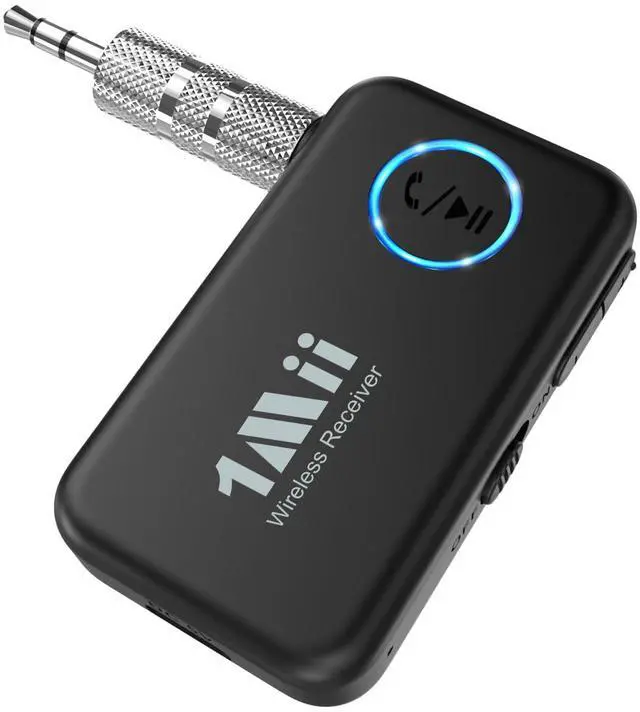
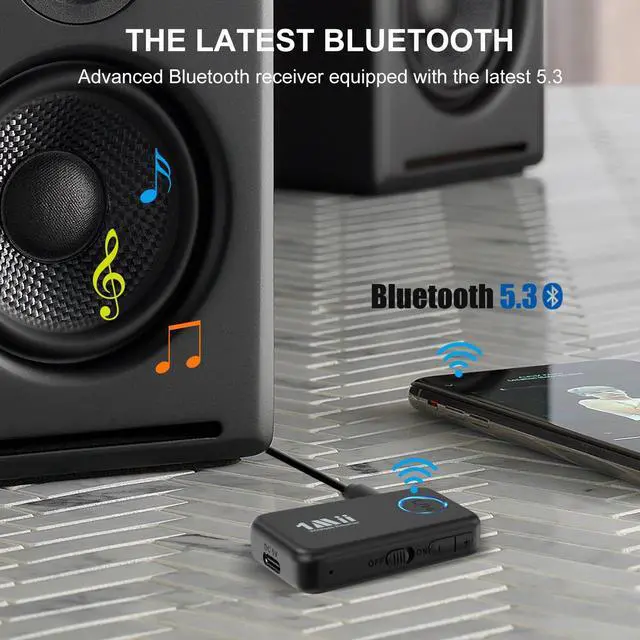
1Mii AUX Bluetooth 5.3 Receiver
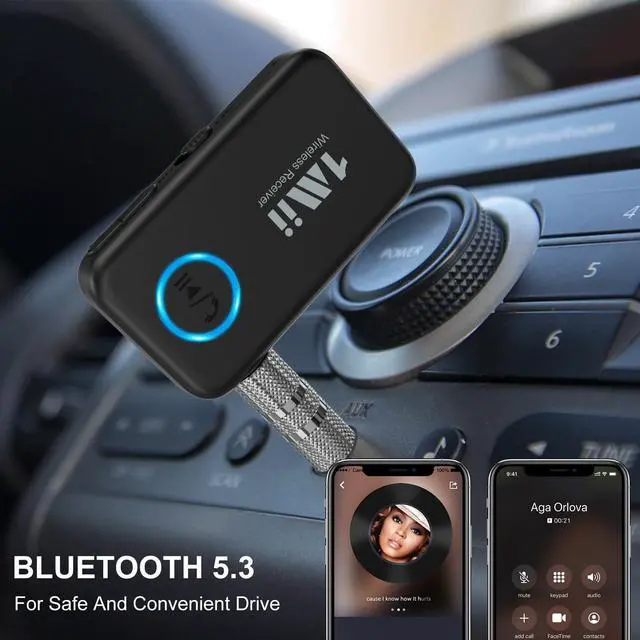
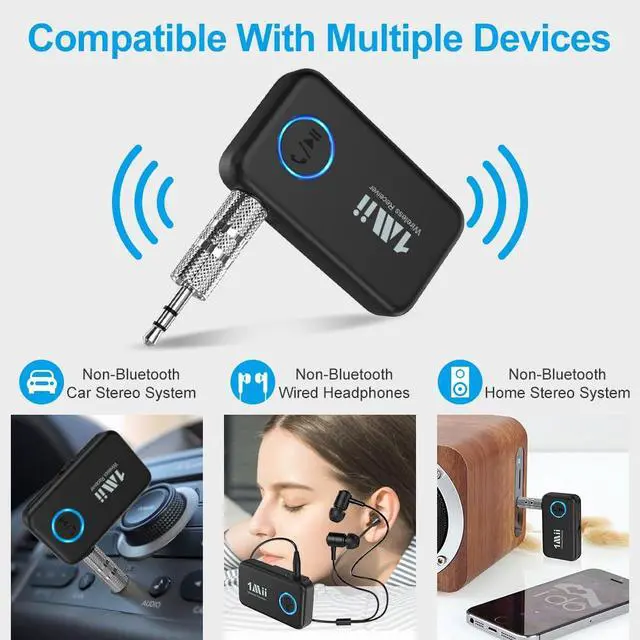
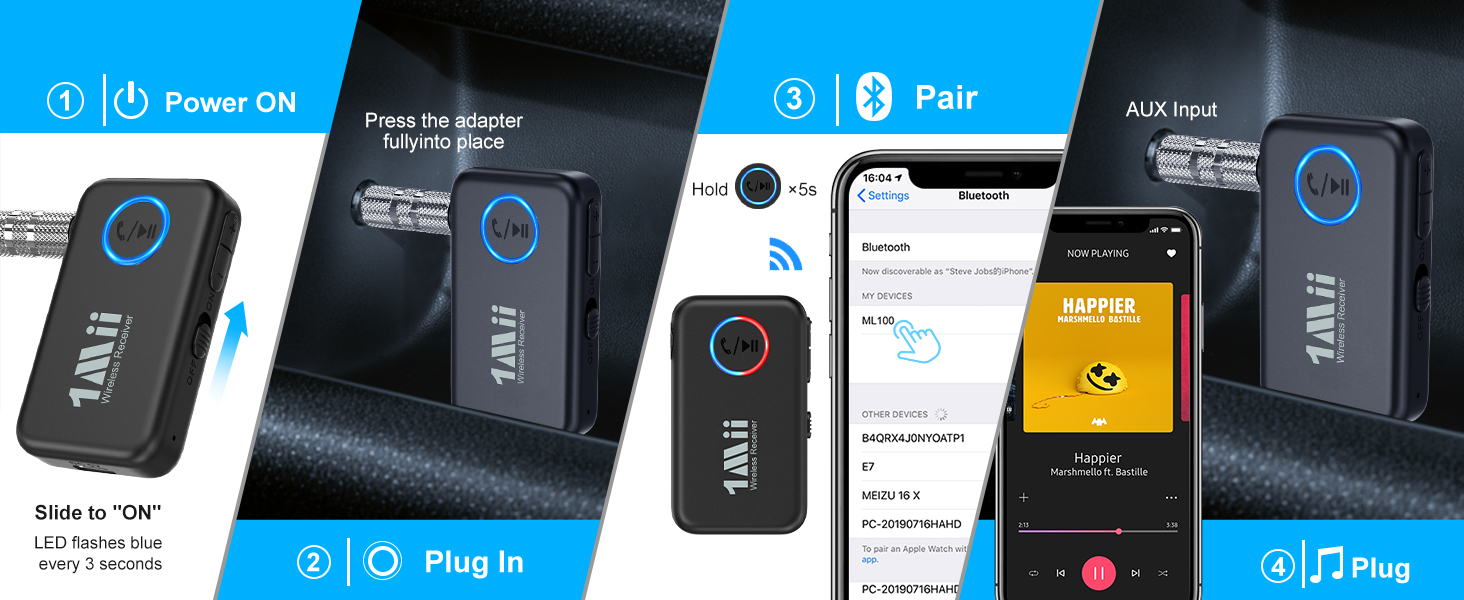
1Mii Bluetooth stereo receiver come with 3.5mm audio port and 3.5mm audio plug, so it can compatible with your non-Bluetooth devices like car stereo/wired headphones/home stereo. It is very easy to stream your music from your smartphone to the old stereo.
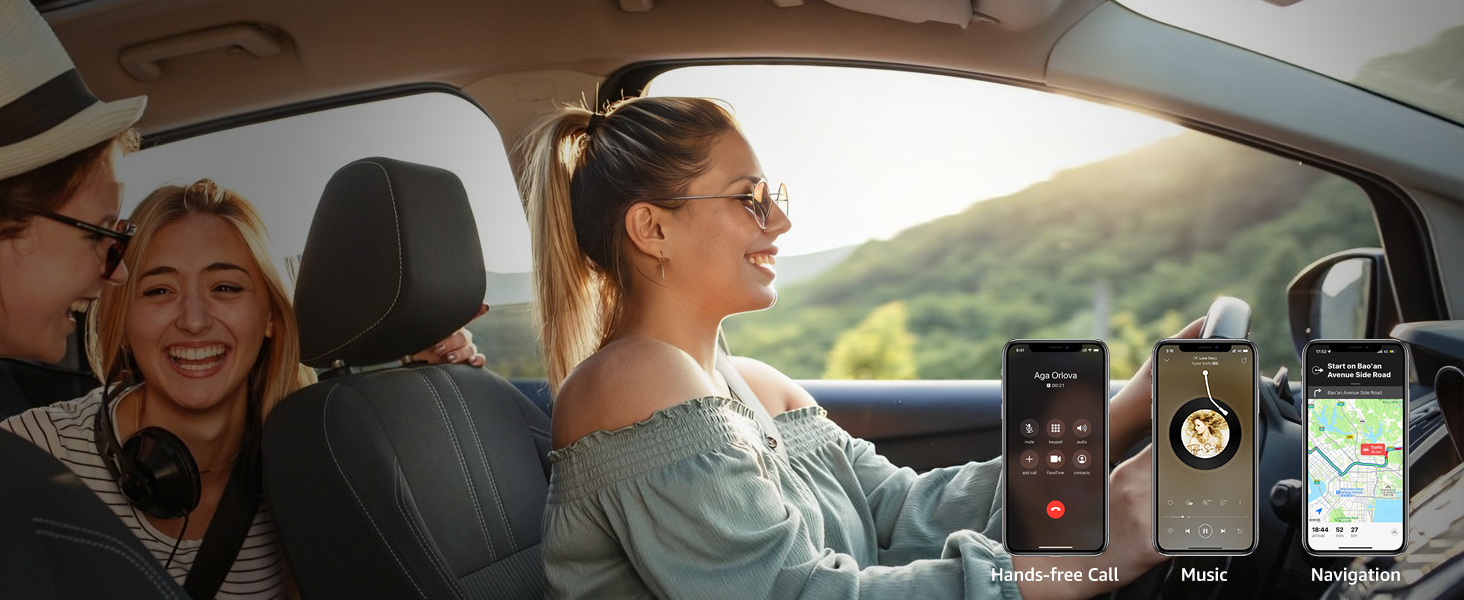
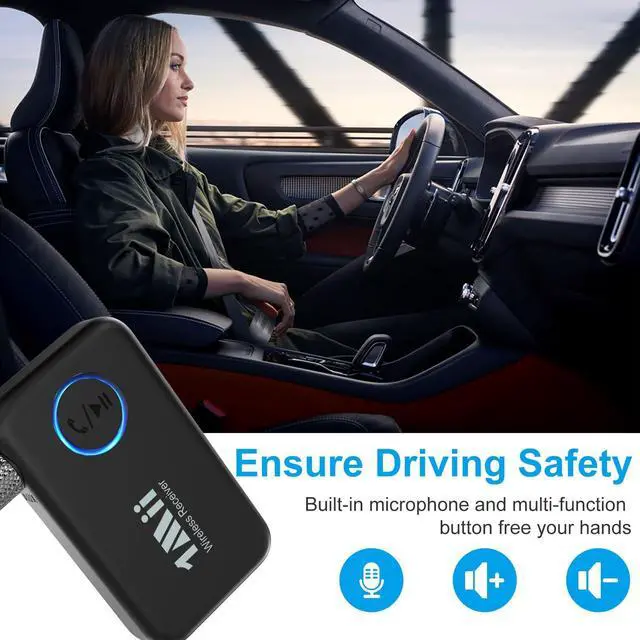
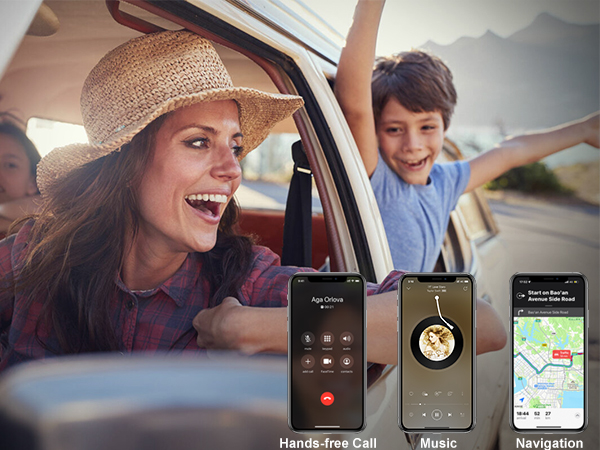
Built-in Mic for Safer Hands-Free Calls
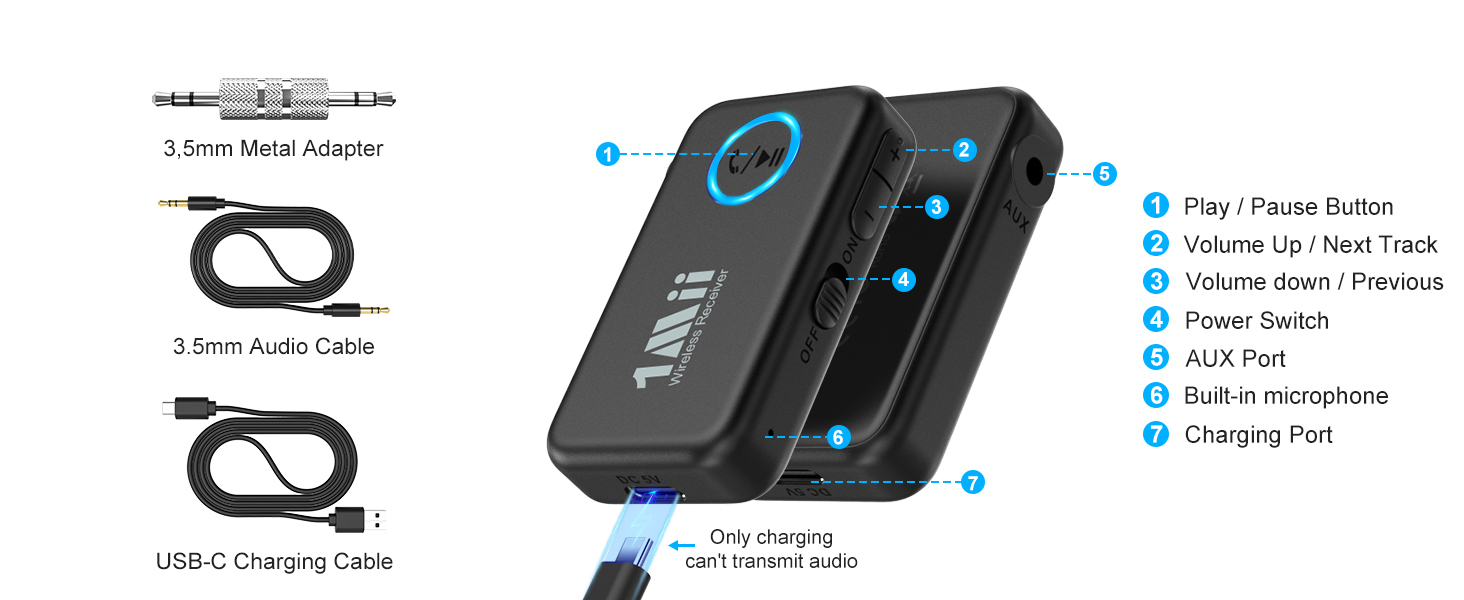
ML100’s built-in mic supports hands-free calling and navigation apps, helping you drive safely.
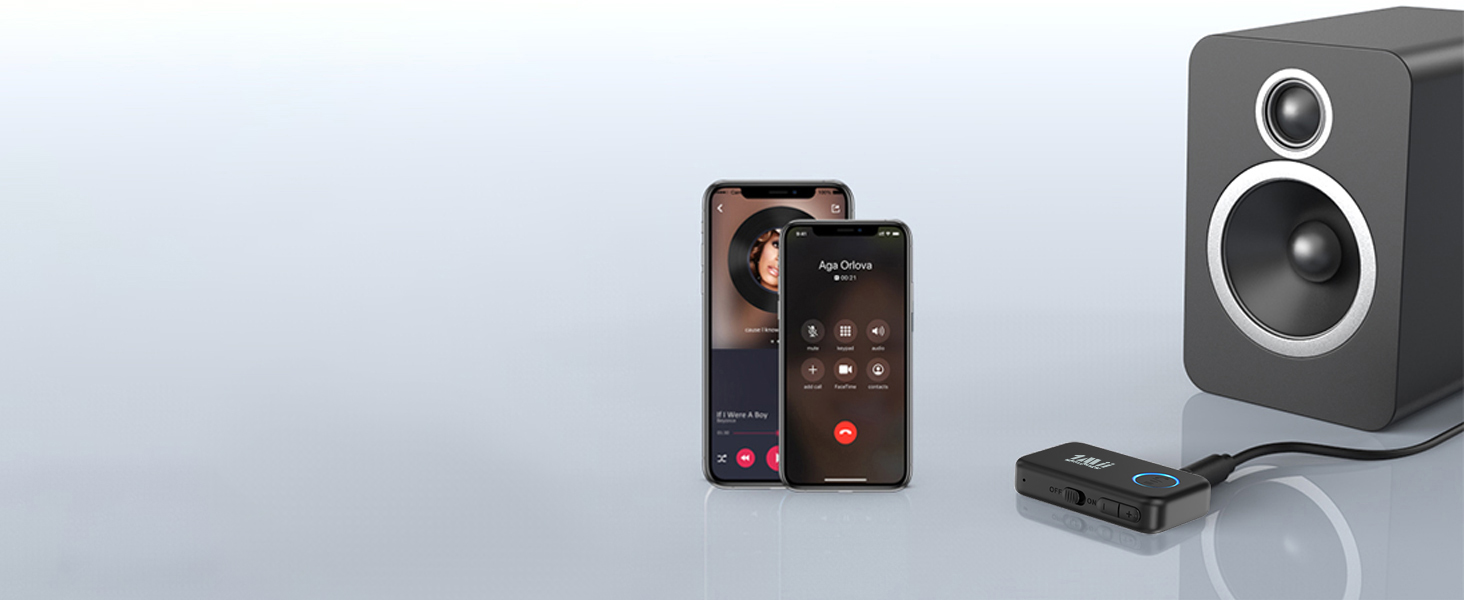
Pair Two Devices at the Same Time
Easily switch between them to stream music from either source.
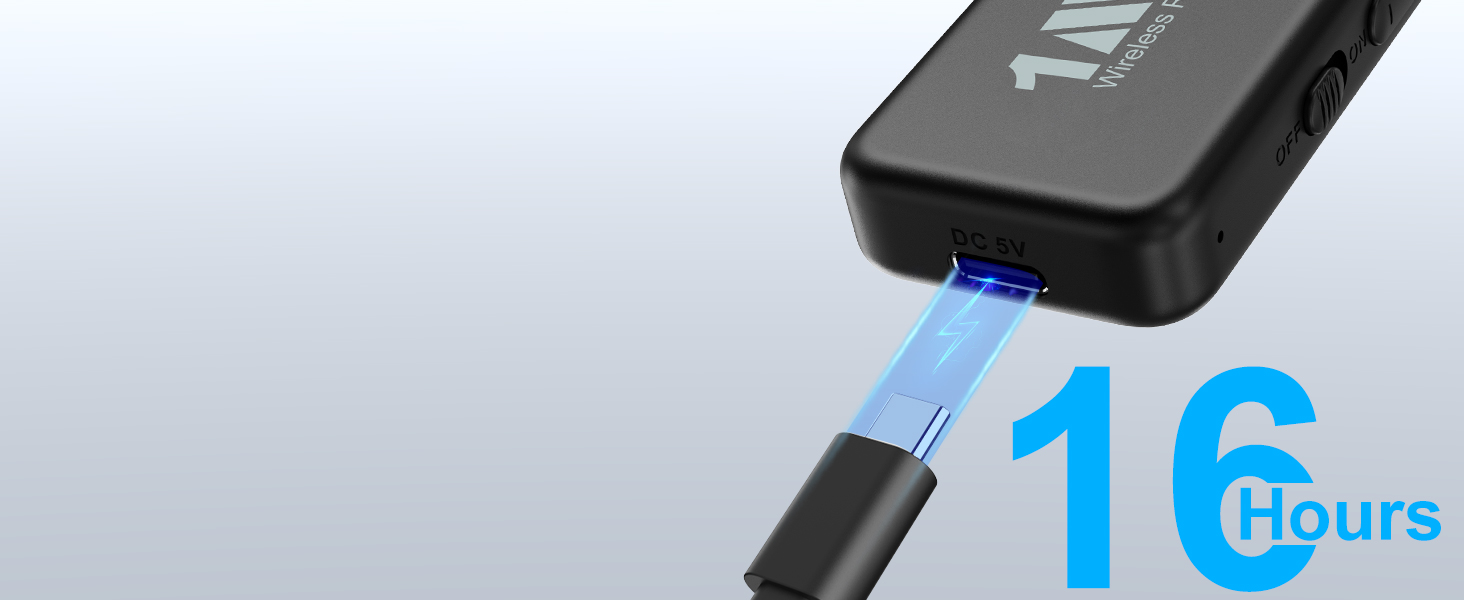
Up to 16 Hours Playtime per Charge
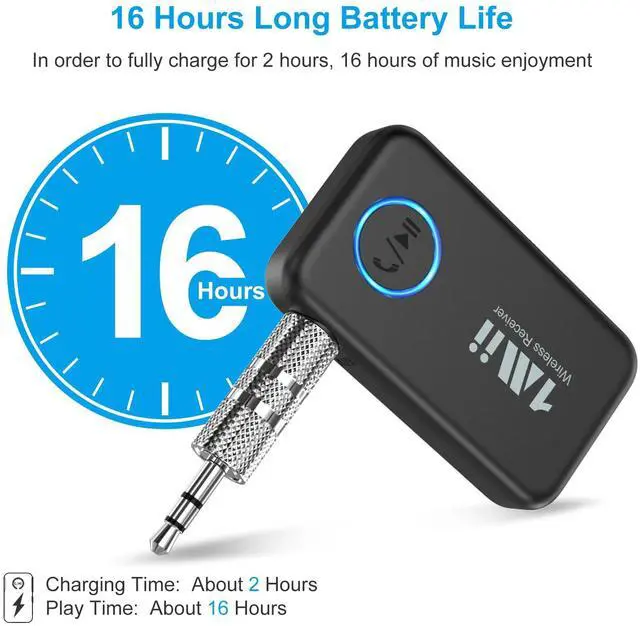
Provides up to 16 hours of playtime and fully recharges in about 2 hours for daily use.
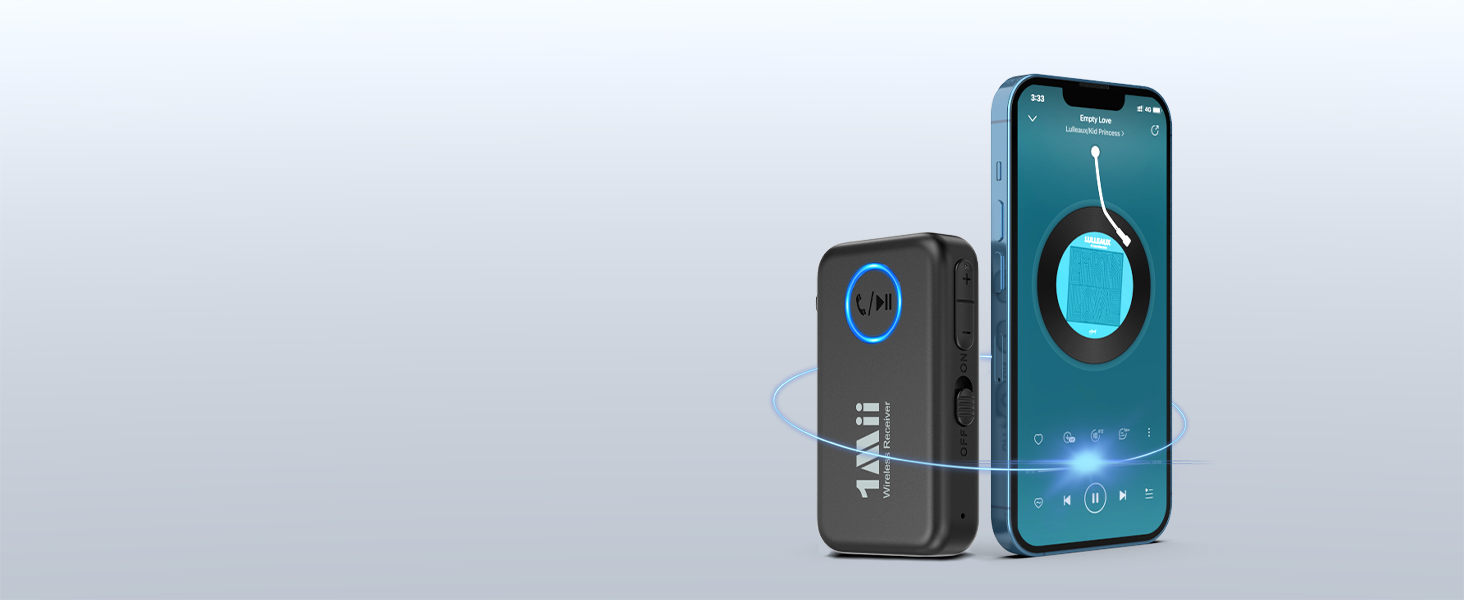
Stable 33 ft / 10 m Wireless Range
Note: actual distance may be affected by Wi-Fi interference, walls, or obstacles.
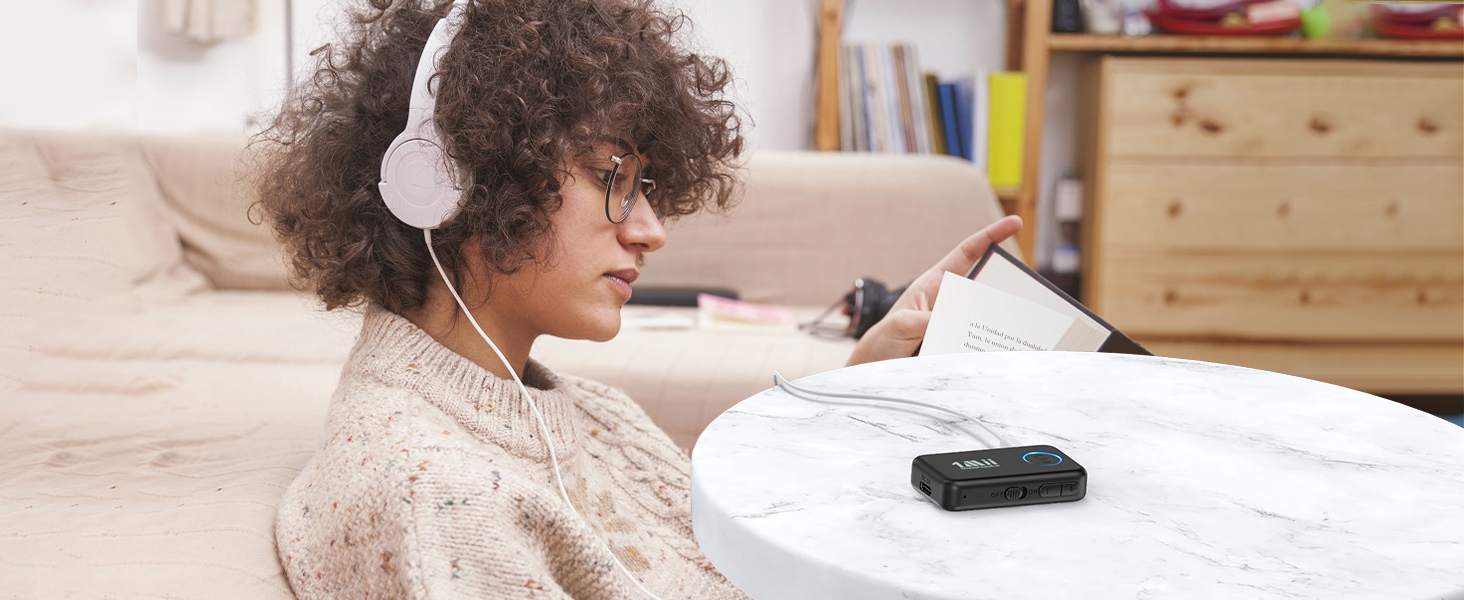
Add Bluetooth on Wired Audio Devices
Use ML100 to add wireless audio to wired earbuds, headphones, active speakers, or home stereos.


1Mii ML100
1Mii Bluetooth Receiver
5.3 | Bluetooth | 5.3 |
10M | Wireless Distance | 10M |
16H | Playtime | 10H |
250mAh | Battery Life | 250mAh |
Dual Link | ||
Built-in Mic | ||
AAC / SBC | Bluetooth Codec | LDAC / AAC / SBC |
5.3 | Bluetooth | 6.0 |
10M | Wireless Distance | 30M |
16H | Playtime | No |
250mAh | Battery Life | No Battery |
Dual Link | ||
Built-in Mic | ||
AAC / SBC | Bluetooth Codec | AAC / SBC |


bluetooth receiver for car

Add Bluetooth to Your Existing Audio
1Mii AUX Bluetooth 5.3 Receiver
1Mii Bluetooth stereo receiver come with 3.5mm audio port and 3.5mm audio plug, so it can compatible with your non-Bluetooth devices like car stereo/wired headphones/home stereo. It is very easy to stream your music from your smartphone to the old stereo.
Built-in Mic for Safer Hands-Free Calls
ML100’s built-in mic supports hands-free calling and navigation apps, helping you drive safely.
Pair Two Devices at the Same Time
Easily switch between them to stream music from either source.
Up to 16 Hours Playtime per Charge
Provides up to 16 hours of playtime and fully recharges in about 2 hours for daily use.
Stable 33 ft / 10 m Wireless Range
Note: actual distance may be affected by Wi-Fi interference, walls, or obstacles.
Add Bluetooth on Wired Audio Devices
Use ML100 to add wireless audio to wired earbuds, headphones, active speakers, or home stereos.


| Q1 | Can I use this on an airplane? Will it work with Bluetooth headphones? |
|---|---|
| A1 | No, ML100 is a Bluetooth receiver and does not have transmitting capability. It is designed to plug into non-Bluetooth devices such as car stereos, wired headphones, home stereos, or wired speakers, so it can receive audio from Bluetooth devices like phones, laptops, or tablets for music streaming. |
| Q2 | Why is there static noise? |
| A2 | 1) The AUX jack may be loose or not making good contact. Please switch to a metal adapter or a different audio cable. 2) Electrical noise may occur. It is best not to use the device while charging. 3) The device may be affected by surrounding environmental interference, such as Wi-Fi. 4) If the issue continues, please contact our support team. |
| Q3 | Why is the connection unstable or disconnecting? |
| A3 | 1) Please make sure the device is fully charged. For first-time use, it is recommended to charge for at least 1 hour. 2) The Bluetooth range is limited to 33 ft / 10 meters, and the distance may be affected by walls, Wi-Fi signals, and other interference. 3) If disconnection occurs multiple times, please restore the device to factory settings and pair again. 4) If the issue continues, please contact our support team. |
| Q4 | How to reset the ML100 to factory settings? |
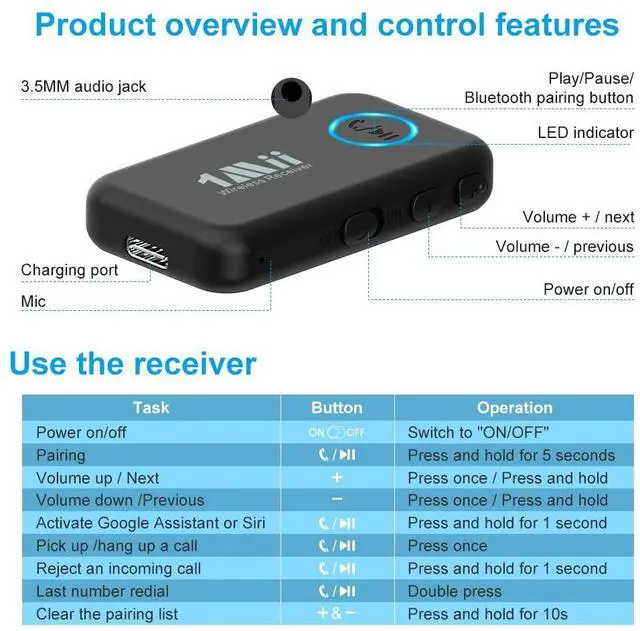
| A4 | Please restore the factory settings : Hold "+" and "-" button for about 10 seconds, LED flashes purple for 3 times. Then reconnect and use. |
| Q5 | Why is the volume low even at max on my phone? |
| A5 | 1) Android phone: Settings ? Bluetooth ? ML100 ? Volume Sync "ON". 2) iPhone: Settings ? Sounds & Haptics ? Headphone Safety ? Reduce Loud Sounds "OFF". |
| Q6 | Why is the sound quality poor? |
| A6 | 1) Ensure all cables and connectors are fully inserted. 2) Check if the ML100 battery is low and charge it promptly. |
| Q7 | Why is the ML100 Bluetooth receiver not working? |
| A7 | Please ensure the ML100 is fully charged before use, as the battery may run out after extended usage. If the battery is sufficient but the receiver still cannot pair, try resetting the device before reconnecting. |
| Q8 | Why is the microphone not working? |
| A8 | During phone calls, you need to select ML100 in your device’s Bluetooth audio settings. |
1Mii Bluetooth Receiver
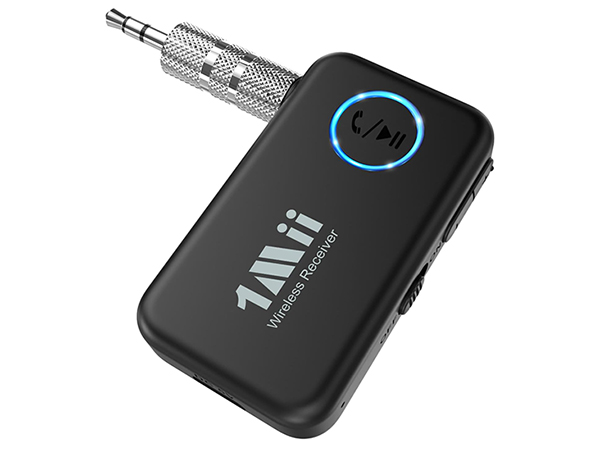
1Mii ML100
Bluetooth
5.3
Wireless Distance
10M
Playtime
16H
Battery Life
250mAh
Dual Link
Built-in Mic
Bluetooth Codec
AAC / SBC
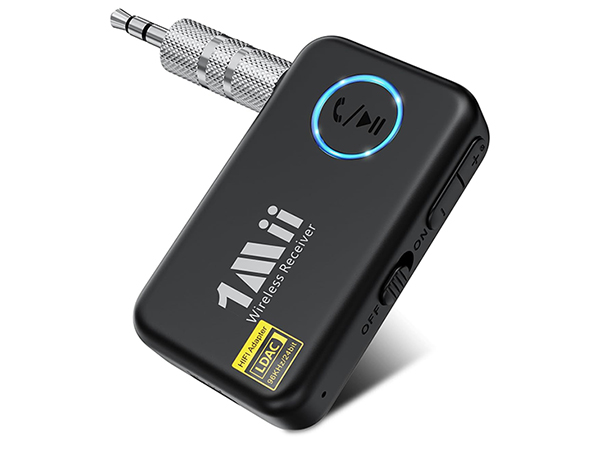
1Mii ML100Pro
Bluetooth
5.3
Wireless Distance
10M
Playtime
10H
Battery Life
250mAh
Dual Link
Built-in Mic
Bluetooth Codec
LDAC / AAC / SBC
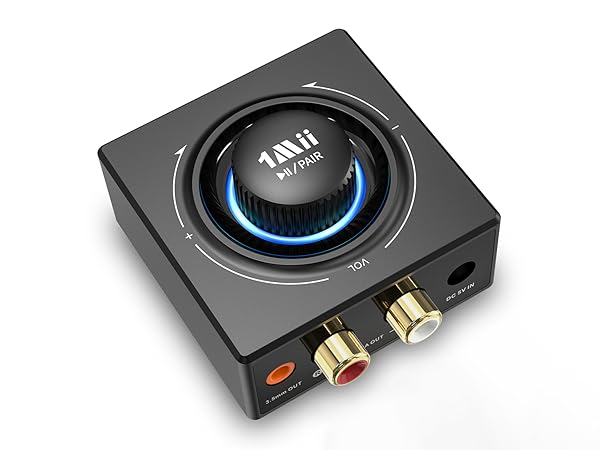
1Mii B06T3
Bluetooth
6.0
Wireless Distance
30M
Playtime
No
Battery Life
No Battery
Dual Link
Built-in Mic
Bluetooth Codec
AAC / SBC

Aux Bluetooth Receiver for Car
RCA Bluetooth Aduio Receiver
LDAC Aux Bluetooth Receiver
LDAC Bluetooth Audio Receiver
Bluetooth Transmitter for TV
Bluetooth Transmitter Receiver
1Mii is a high-tech enterprise built on innovation and craftsmanship, bringing together a team of leading industrial designers, aesthetic masters, PhDs in acoustic tuning, and musicians.
Every 1Mii product undergoes rigorous testing in our state-of-the-art acoustic lab, ensuring it upholds the brand's core value: one sound, one me