










![[Upgraded] 1Mii B06Pro Long Range Bluetooth Receiver, HiFi Wireless Audio Adapter, Bluetooth 5.3 ...](http://c1.neweggimages.com/sellingpilot/modules/product/a-plus/49bbee7bcb63368ca38340bd1a04be17154c277a499d23977bcd2bd3307b8272.jpg)
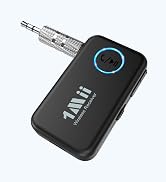
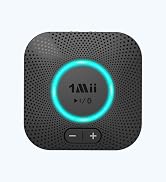
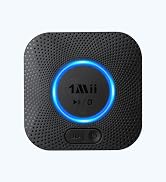
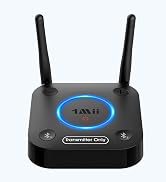
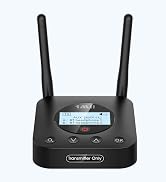
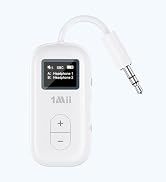
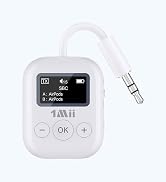
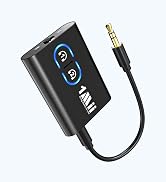
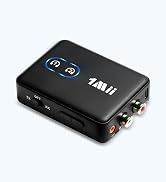
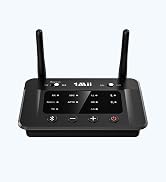
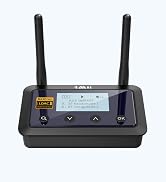
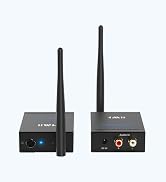
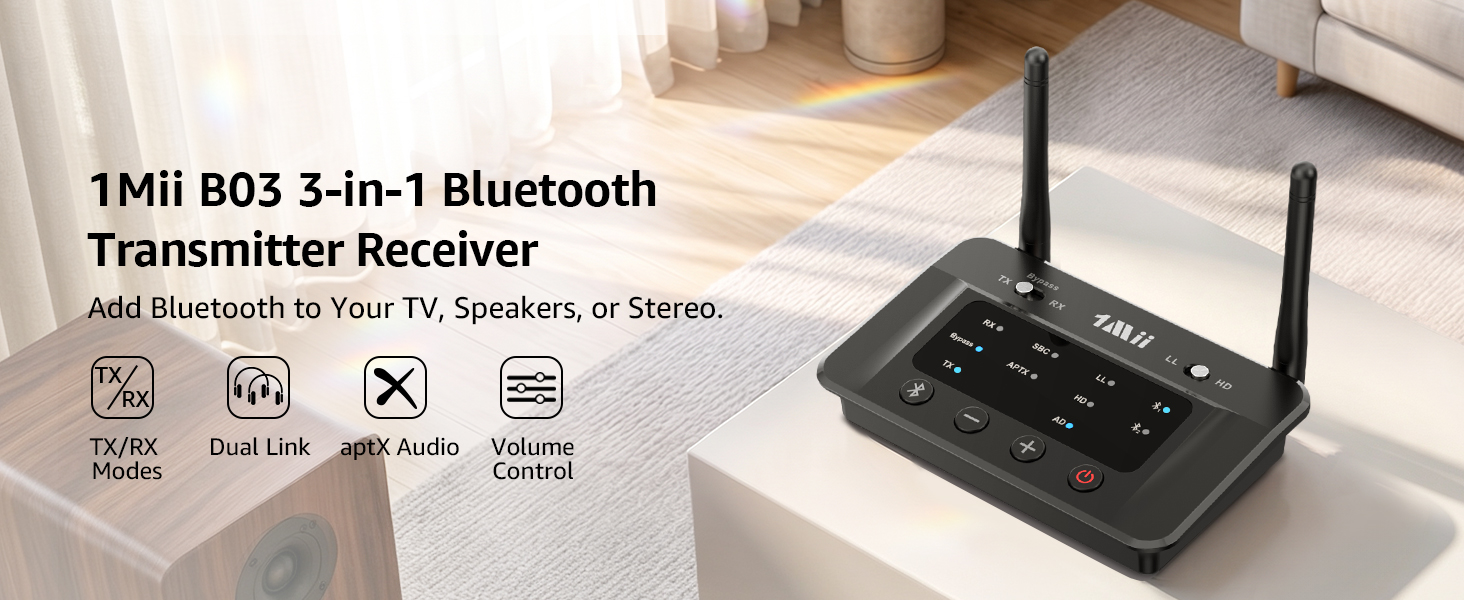
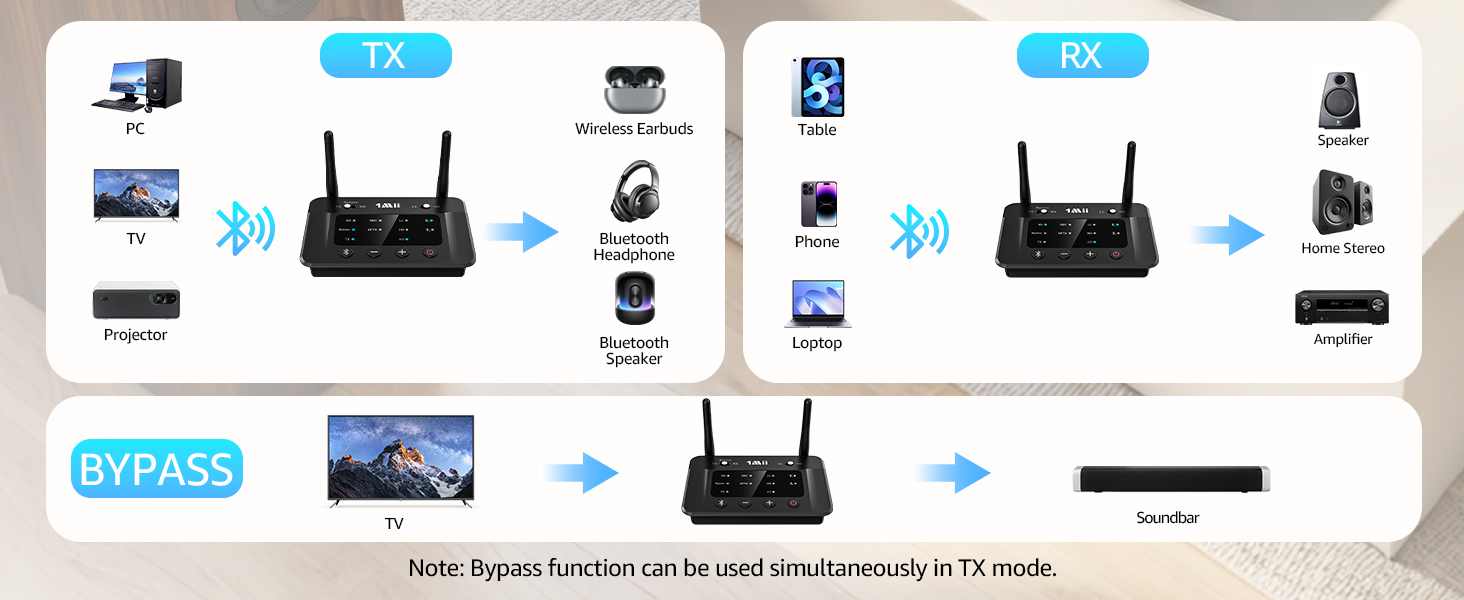
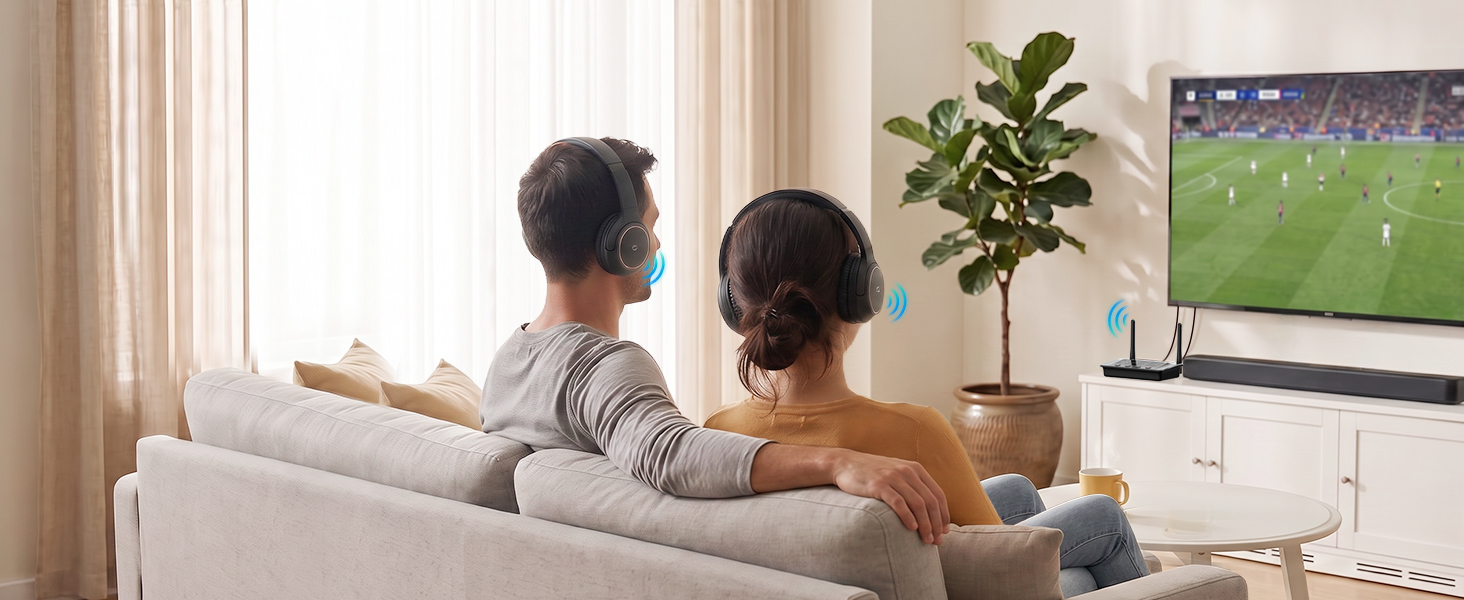
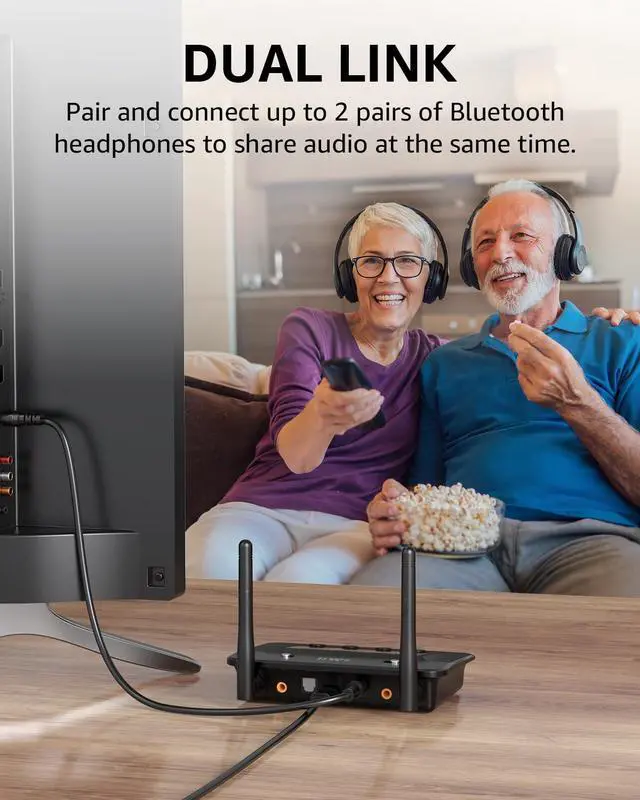
Share Audio with 2 Headphones in TX Mode
Transmit TV or PC audio to two Bluetooth headphones for shared wireless listening.
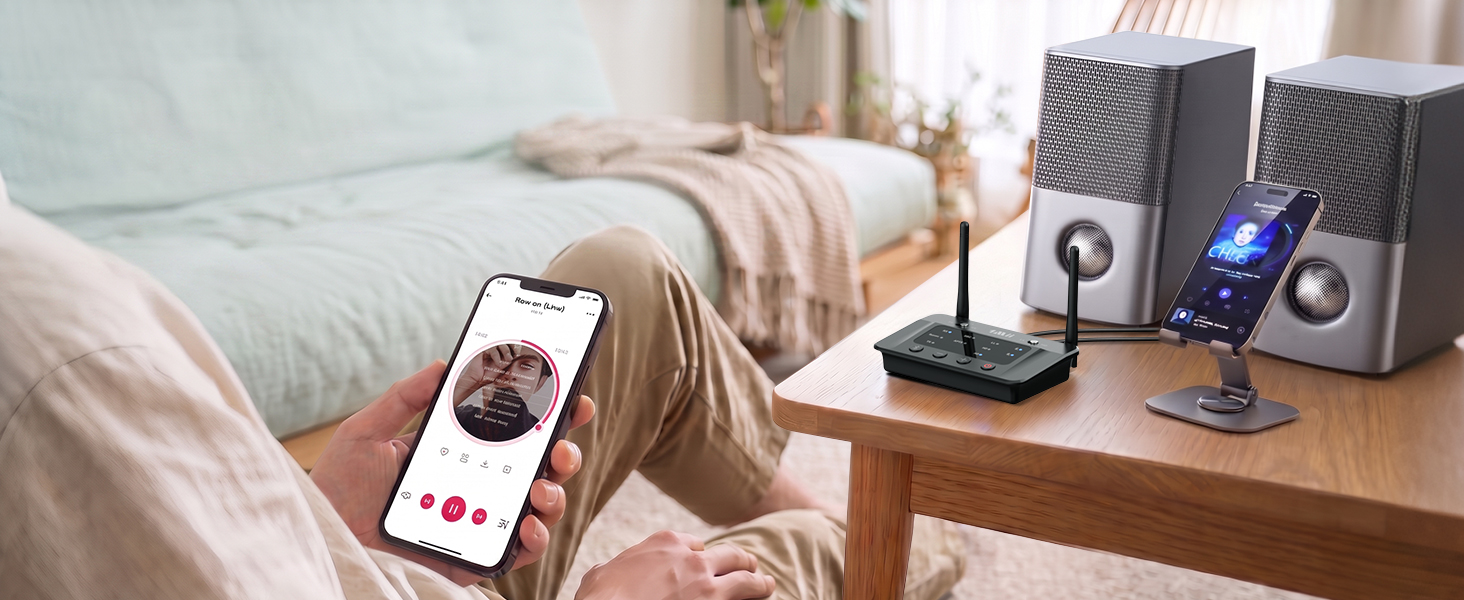
Stream from 2 Devices in Receiver Mode
Connect two phones or tablets and switch audio easily without repeated pairing.
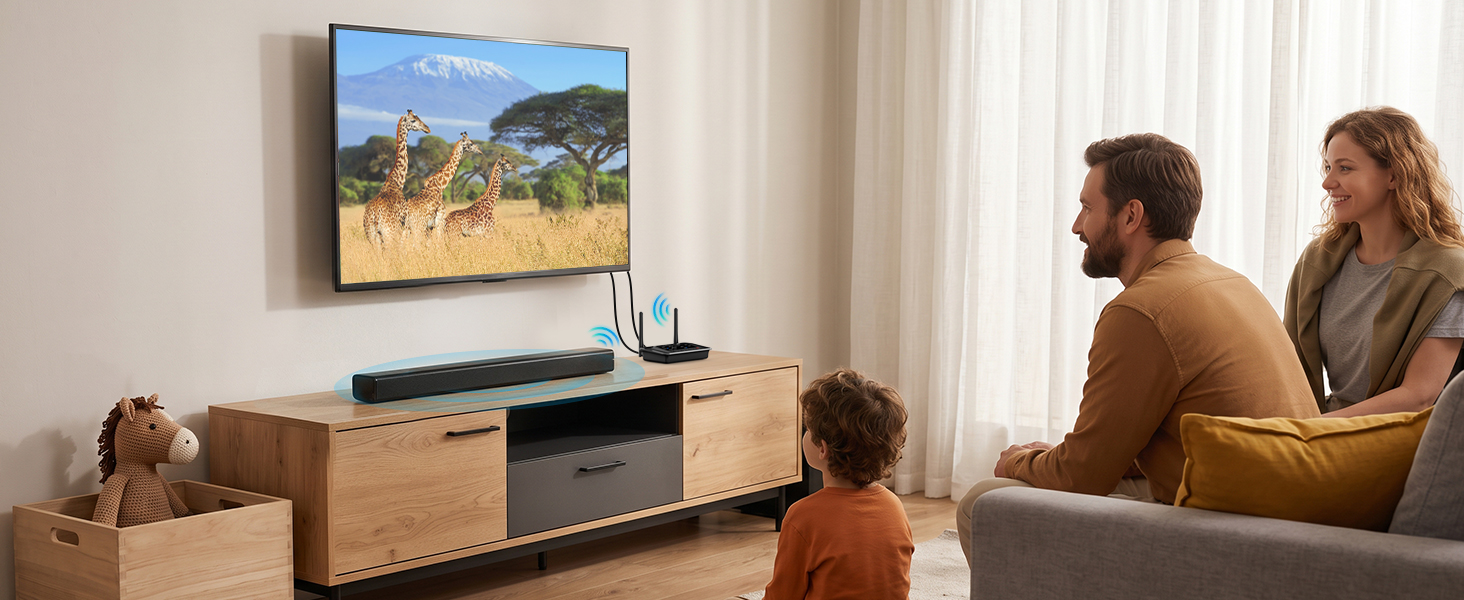
Enjoy Clear, Detailed Sound with aptX
Delivers rich detail and low-latency wireless audio for music, movies, and gaming.
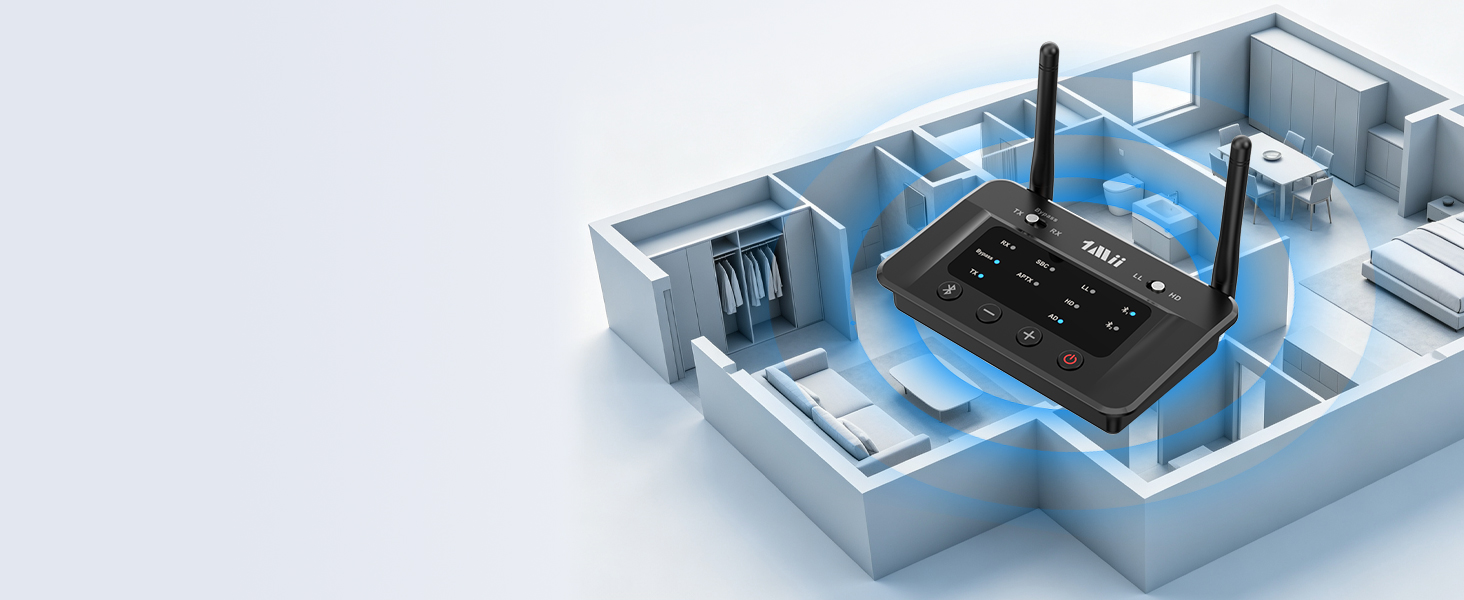
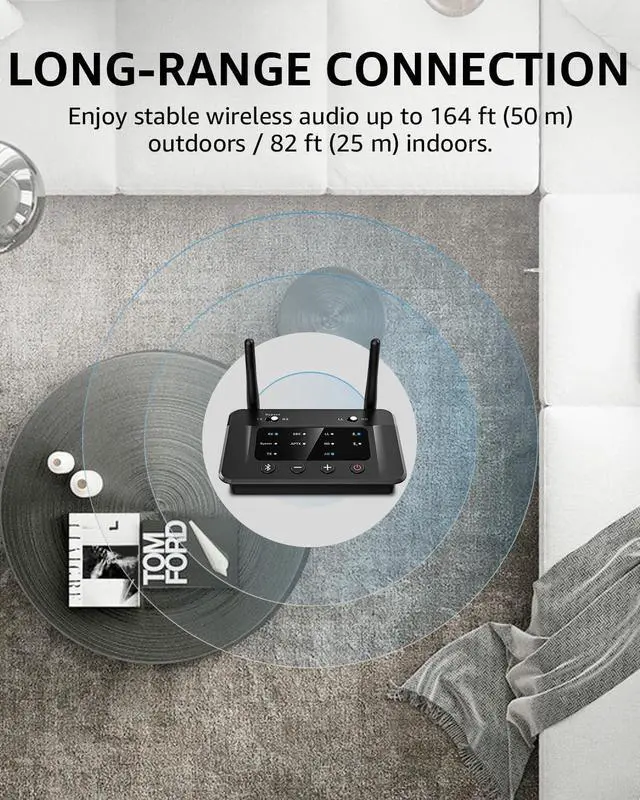
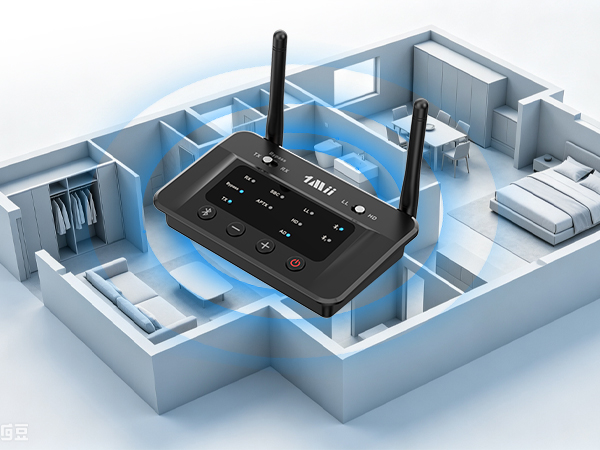
Stable Audio Across Larger Spaces
Enjoy up to 164 ft (50 m) outdoors and 82 ft (25 m) indoors for stable wireless audio.
Transmitter Mode: Quick Setup & Connection Guide
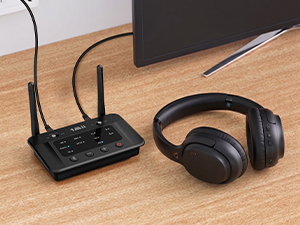
Plug & Pair
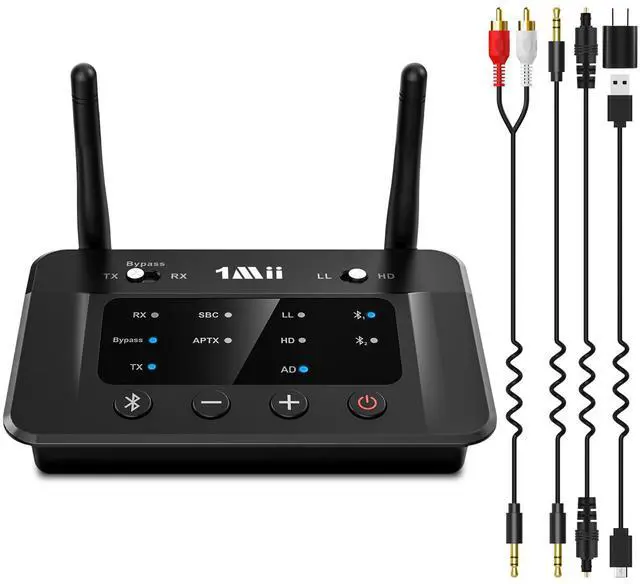
Connect B03 to power, then use AUX/RCA/Optical to connect it to your TV. Set B03 and your Bluetooth headphones/speaker to pairing mode.

Pairing Success Tip 1
For a stable connection, please disable your phone’s Bluetooth prior to pairing to avoid potential interference.

Pairing Success Tip 2
Please make sure your headphones are in pairing mode, as this step resolves most setup issues.

TV Settings
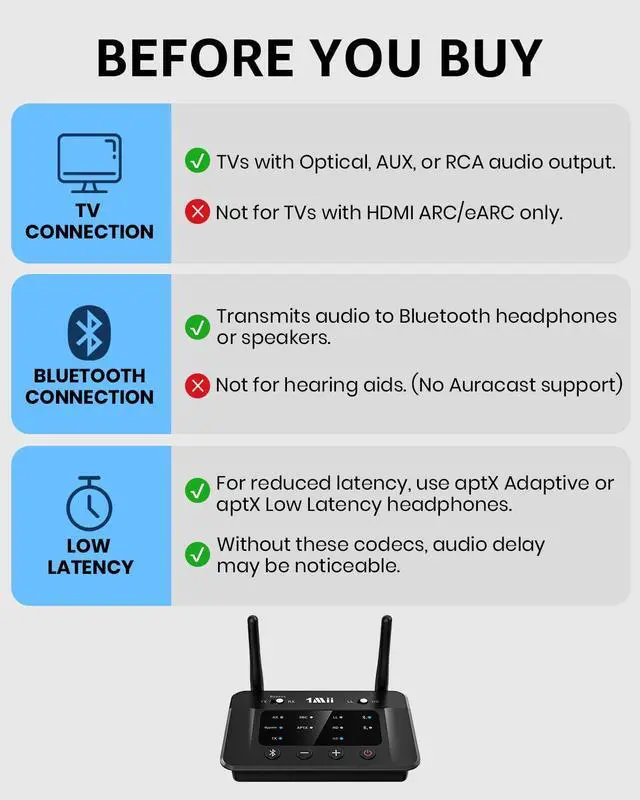
To use optical/coaxial output, navigate to "Settings" > "Sound/Audio" > "Sound Output" and select "Optical/Digital." No setup needed for 3.5mm.
How can I reduce audio delay while watching TV?
Use Bluetooth headphones/speakers or Bluetooth receiver that support aptX Adaptive or aptX Low Latency to reduce audio delay. Standard Bluetooth devices may cause noticeable audio and video synchronization delay.
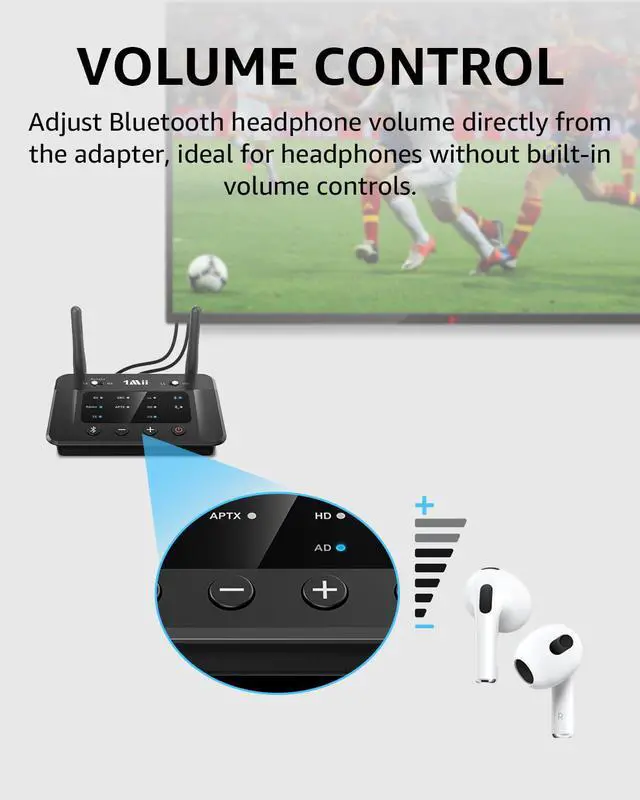
How do I adjust the volume?
You can adjust the volume directly on your Bluetooth headphones if they have built-in volume controls. Otherwise, use the volume buttons on the transmitter.
Does this Bluetooth transmitter work with hearing aids?
No. This product is not compatible with hearing aids. It is designed for Bluetooth headphones, Bluetooth speakers, and Bluetooth receiver.
Can I connect two Bluetooth headphones at the same time?
Yes. The Bluetooth transmitter can connect to two Bluetooth headphones simultaneously, allowing two people to listen to the same TV audio.
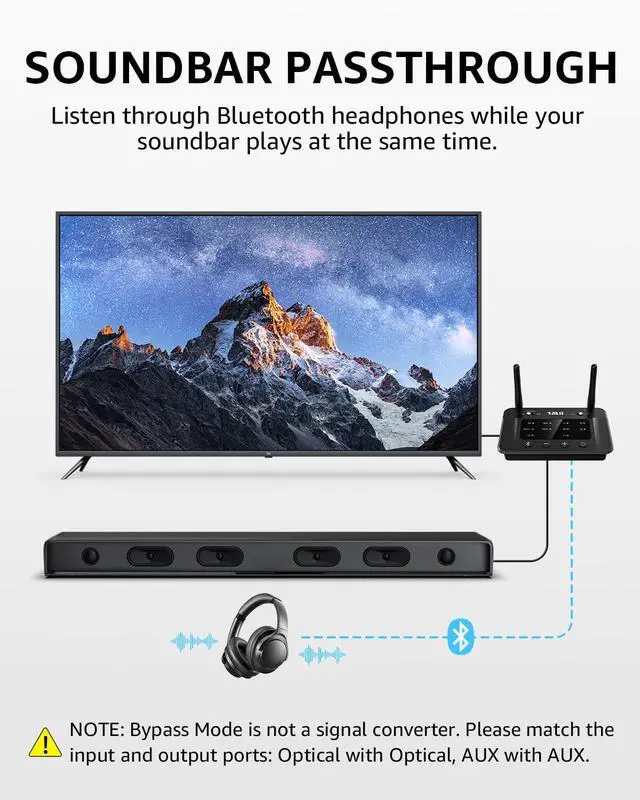
Can I use a soundbar and Bluetooth headphones at the same time?
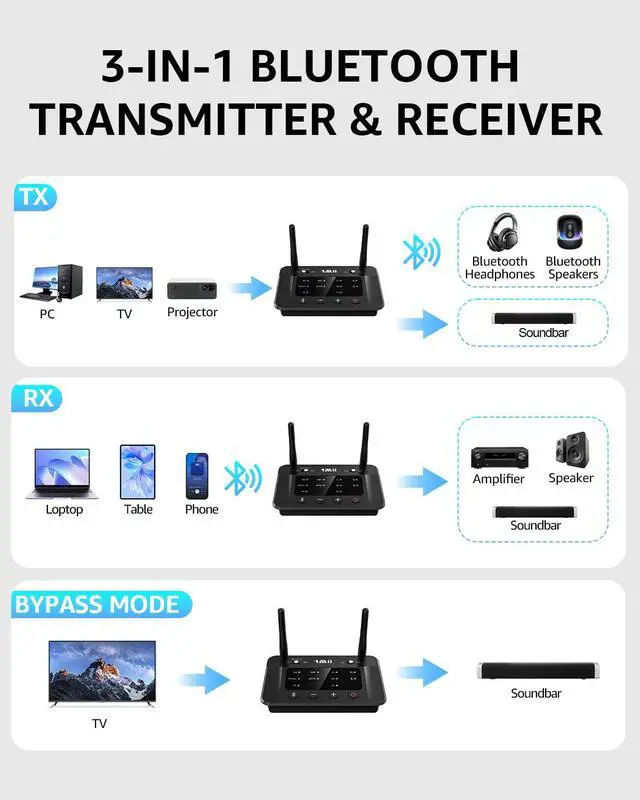
Yes. Use the bypass output and keep the input and output connection type the same: Optical input to Optical output, or AUX input to AUX output.
SPECIFICATIONS
1Mii Bluetooth Transmitter Receiver
 1Mii B03 |  1Mii B03+ | 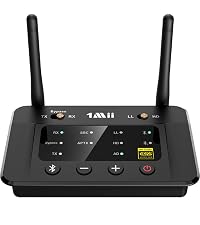 1Mii B03Pro | 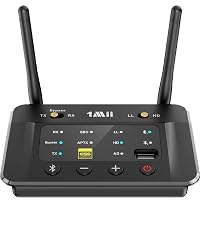 1Mii B03S | 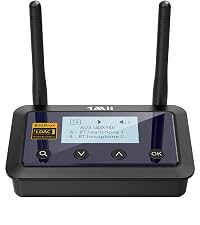 1Mii B03Pro+ | |
|---|---|---|---|---|---|
Customer Reviews | — | — | — | — | — |
Price | — | — | — | — | — |
Type | Bluetooth Transmitter Receiver | Bluetooth Transmitter Receiver | Bluetooth Transmitter Receiver | Bluetooth Transmitter Receiver | Bluetooth Transmitter Receiver |
Bluetooth Version | 5.3 | 5.3 | 5.3 | 5.3 | 5.3 |
Output | AUX/RCA/Optical/Bluetooth | AUX/RCA/Optical/Bluetooth | AUX/RCA/Optical/Bluetooth | AUX/RCA/Optical/Bluetooth | AUX/RCA/Optical/Bluetooth |
Input | AUX/RCA/Optical/Bluetooth | AUX/RCA/Optical/Bluetooth | AUX/RCA/Optical/Bluetooth | AUX/RCA/Optical/Bluetooth | AUX/RCA/Optical/Bluetooth |
Bluetooth Audio Codec | aptX HD/LL/AD/aptX/AAC/SBC | aptX HD/LL/AD/aptX/AAC/SBC | aptX HD/LL/AD/aptX/AAC/SBC | aptX HD/LL/AD/aptX/AAC/SBC | LDAC/aptX HD/LL/aptX/AAC/SBC |
Volume Control | ? | ? | ? | ? | ? |
Screen Display | ? | ? | ? | ? | ? |
Extra Audiophile DAC | ? | ? | ? | ? | ? |
Support USB Drive Input | ? | ? | ? | ? | ? |
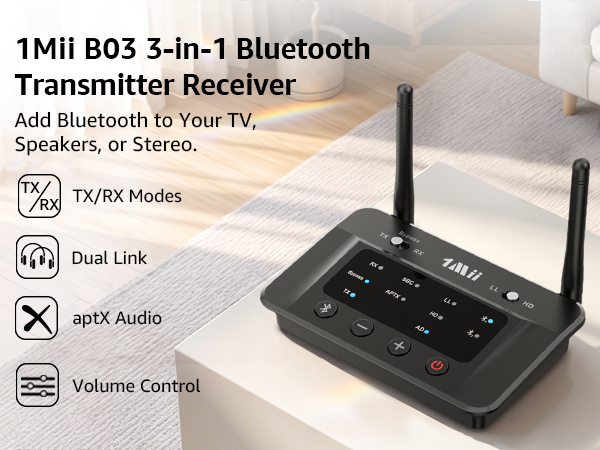
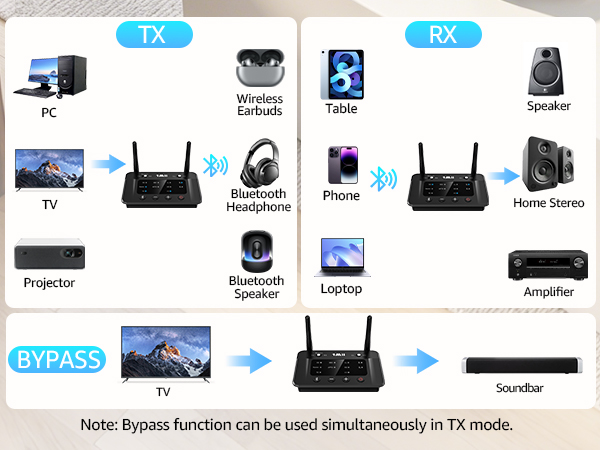
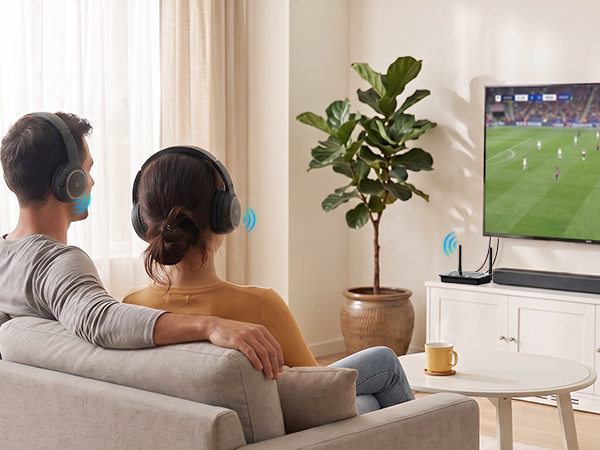
Share Audio with 2 Headphones in TX Mode
Transmit TV or PC audio to two Bluetooth headphones for shared wireless listening.
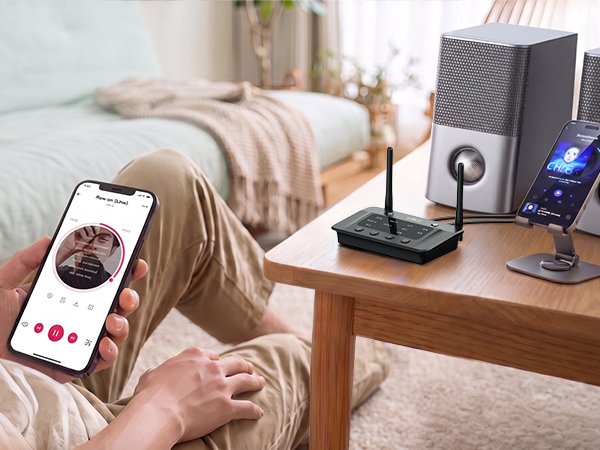
Stream from 2 Devices in Receiver Mode
Connect two phones or tablets and switch audio easily without repeated pairing.
Enjoy Clear, Detailed Sound with aptX
Delivers rich detail and low-latency wireless audio for music, movies, and gaming.
Stable Audio Across Larger Spaces
Enjoy up to 164 ft (50 m) outdoors and 82 ft (25 m) indoors for stable wireless audio.

Transmitter Mode: Quick Setup & Connection Guide
Plug & Pair
Connect B03 to power, then use AUX/RCA/Optical to connect it to your TV. Set B03 and your Bluetooth headphones/speaker to pairing mode.
Pairing Success Tip 1
For a stable connection, please disable your phone’s Bluetooth prior to pairing to avoid potential interference.
Pairing Success Tip 2
Please make sure your headphones are in pairing mode, as this step resolves most setup issues.
TV Settings
To use optical/coaxial output, navigate to "Settings" > "Sound/Audio" > "Sound Output" and select "Optical/Digital." No setup needed for 3.5mm.
How can I reduce audio delay while watching TV?
Use Bluetooth headphones/speakers or Bluetooth receiver that support aptX Adaptive or aptX Low Latency to reduce audio delay. Standard Bluetooth devices may cause noticeable audio and video synchronization delay.
How do I adjust the volume?
You can adjust the volume directly on your Bluetooth headphones if they have built-in volume controls. Otherwise, use the volume buttons on the transmitter.
Does this Bluetooth transmitter work with hearing aids?
No. This product is not compatible with hearing aids. It is designed for Bluetooth headphones, Bluetooth speakers, and Bluetooth receiver.
Can I connect two Bluetooth headphones at the same time?
Yes. The Bluetooth transmitter can connect to two Bluetooth headphones simultaneously, allowing two people to listen to the same TV audio.
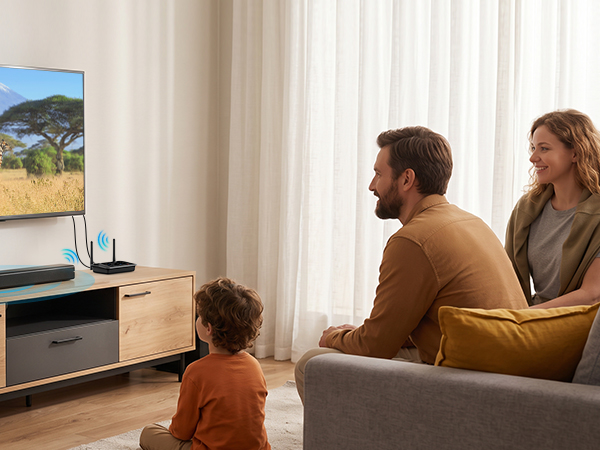
Can I use a soundbar and Bluetooth headphones at the same time?
Yes. Use the bypass output and keep the input and output connection type the same: Optical input to Optical output, or AUX input to AUX output.
SPECIFICATIONS
| Bluetooth Version | 5.3 |
|---|---|
| Audio Options | Optical & 3.5mm AUX |
| Audio Codecs in TX Mode | aptX-Adaptive, aptX-HD, aptX-Low Latency, aptX, SBC |
| Audio Codecs in RX Mode | aptX-Adaptive, aptX-HD, aptX, AAC, SBC |
| Operating Range | 164 ft (50 m) outdoors and 82 ft (25 m) indoors |
| Product Size | 4.96 x 3.74 x 0.98 inch |
| Product Weight | 106 g / 3.74 oz |
| Power Port | Micro-USB |
| Operating Voltage | DC-5V |
| Low Latency Compatible Devices | any aptX-Adaptive or aptX-Low Latency supporting devices |
1Mii Bluetooth Transmitter Receiver
1Mii B03 | 1Mii B03+ | 1Mii B03Pro | 1Mii B03S | 1Mii B03Pro+ |
|---|---|---|---|---|
| Customer Reviews | ||||
| — | — | — | — | — |
| Price | ||||
| — | — | — | — | — |
| Type | ||||
| Bluetooth Transmitter Receiver | Bluetooth Transmitter Receiver | Bluetooth Transmitter Receiver | Bluetooth Transmitter Receiver | Bluetooth Transmitter Receiver |
| Bluetooth Version | ||||
| 5.3 | 5.3 | 5.3 | 5.3 | 5.3 |
| Output | ||||
| AUX/RCA/Optical/Bluetooth | AUX/RCA/Optical/Bluetooth | AUX/RCA/Optical/Bluetooth | AUX/RCA/Optical/Bluetooth | AUX/RCA/Optical/Bluetooth |
| Input | ||||
| AUX/RCA/Optical/Bluetooth | AUX/RCA/Optical/Bluetooth | AUX/RCA/Optical/Bluetooth | AUX/RCA/Optical/Bluetooth | AUX/RCA/Optical/Bluetooth |
| Bluetooth Audio Codec | ||||
| aptX HD/LL/AD/aptX/AAC/SBC | aptX HD/LL/AD/aptX/AAC/SBC | aptX HD/LL/AD/aptX/AAC/SBC | aptX HD/LL/AD/aptX/AAC/SBC | LDAC/aptX HD/LL/aptX/AAC/SBC |
| Volume Control | ||||
| ? | ? | ? | ? | ? |
| Screen Display | ||||
| ? | ? | ? | ? | ? |
| Extra Audiophile DAC | ||||
| ? | ? | ? | ? | ? |
| Support USB Drive Input | ||||
| ? | ? | ? | ? | ? |
Computer Speakers Coming Soon
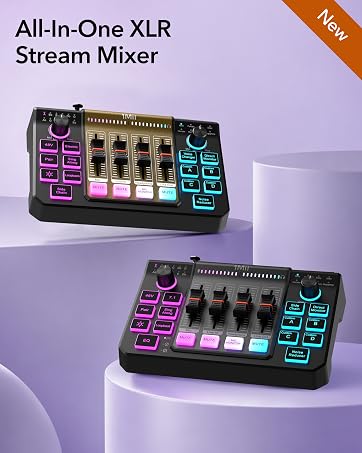
Gaming Audio Mixer Coming Soon
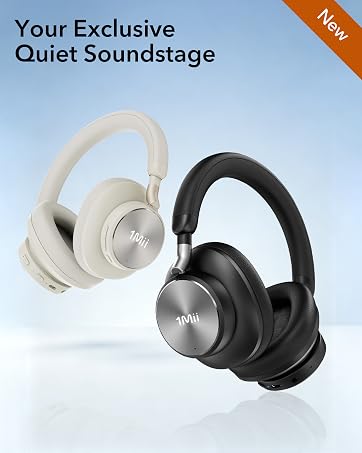
Premium ANC Arrives Soon
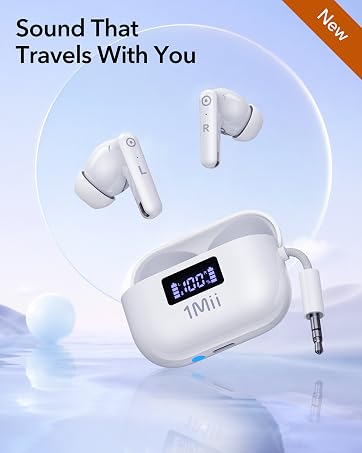
Flight Earbuds Kit Coming Soon
Wireless Gaming Headset
Sound Machine
Noise Cancelling Headphones
![[Upgraded] 1Mii B06Pro Long Range Bluetooth Receiver, HiFi Wireless Audio Adapter, Bluetooth 5.3 ...](//c1.neweggimages.com/sellingpilot/modules/product/a-plus/49bbee7bcb63368ca38340bd1a04be17154c277a499d23977bcd2bd3307b8272.jpg)
Bluetooth Receiver
Bluetooth Transmitter
Bluetooth Transmitter Receiver
Wireless Transmitter Receiver