
Your Browsing History




Any questions? Our AI beta will help you find out quickly.
Simply connect in three steps
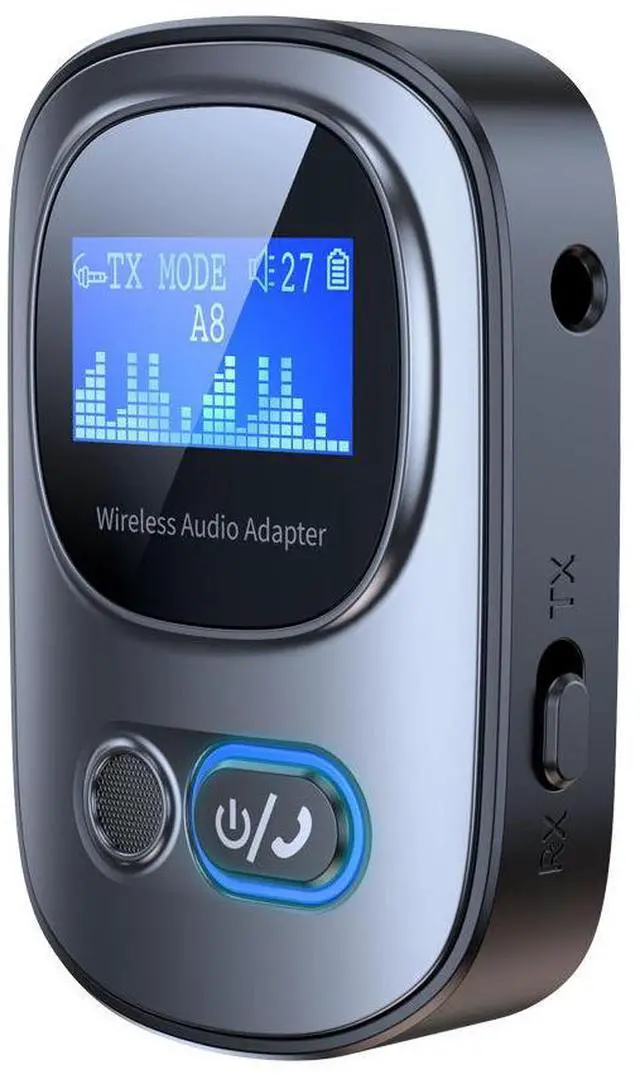
(1)Connect the AUX interface of the product to the device and select thedesired mode:
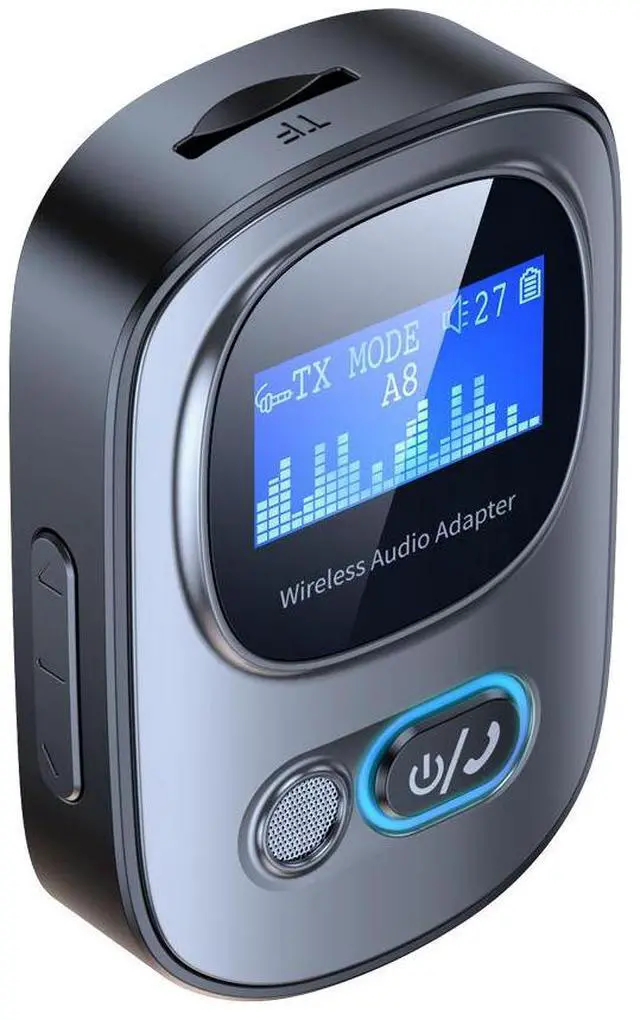
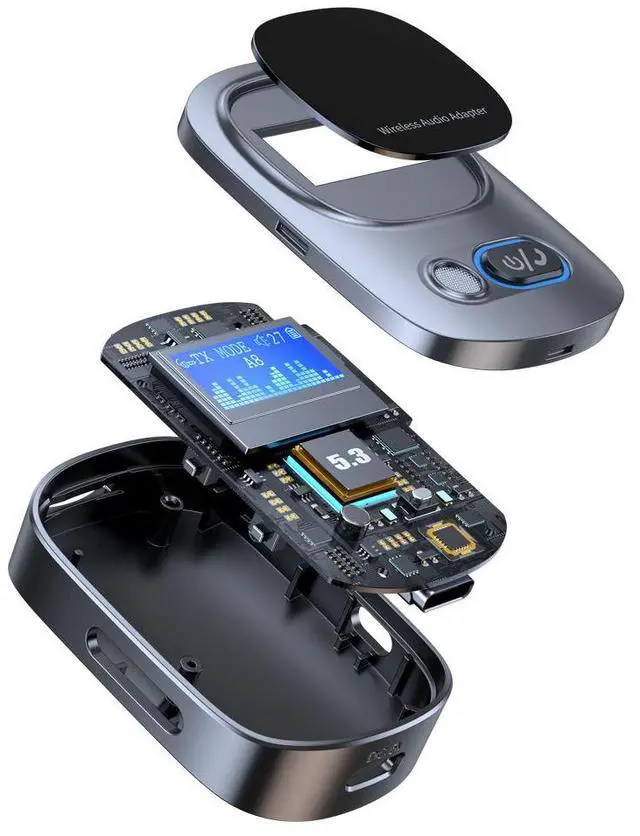
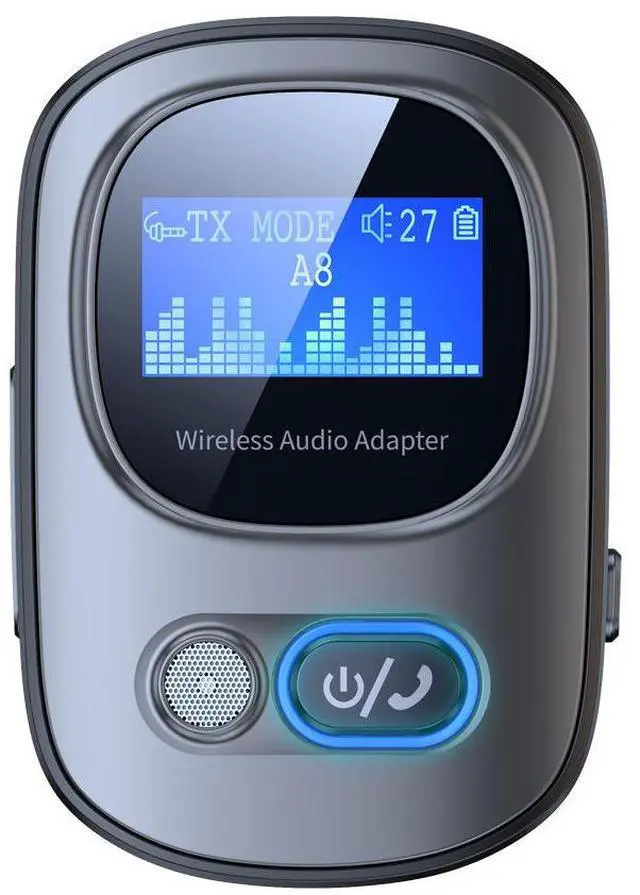
Transmit Mode (TX), Receive Mode (RX)Press and hold the power button for about 3 seconds, and the indicator lisand display screen will light up. The wireless icon above the display screerwill flash, indicating that the product is turned on and in a waiting state fpairing.
(2)Receive mode (RX):
Turn on mobile wireless, search for "T68", and click Connect.Transmission mode (TX):
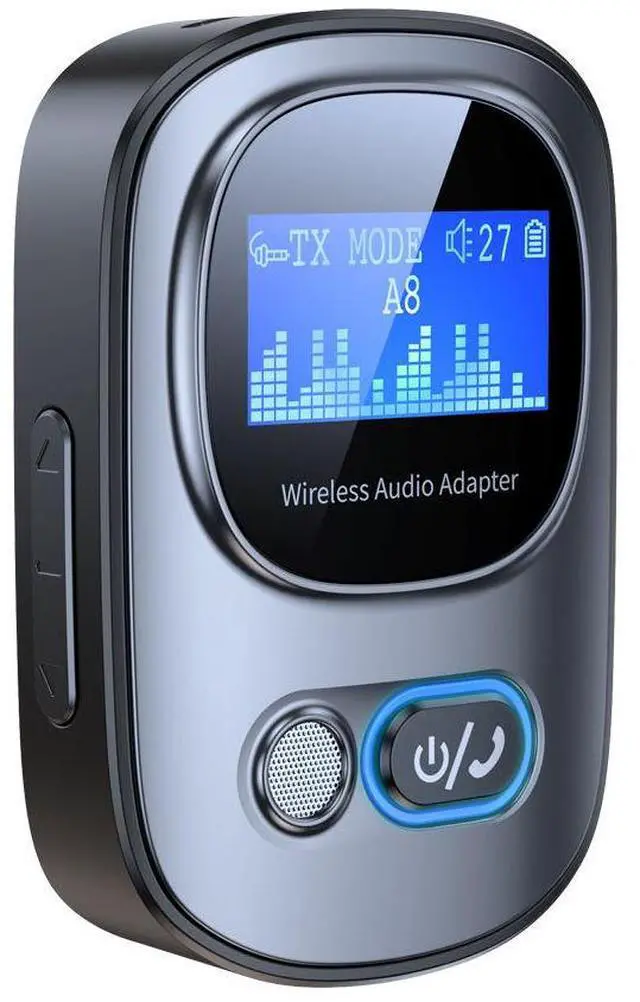
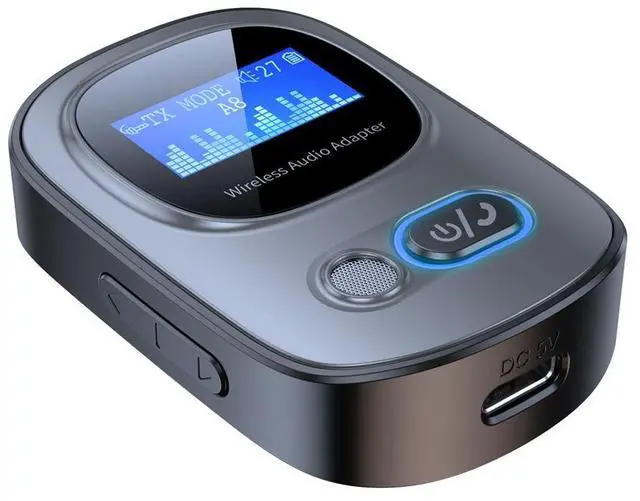
Turn on the wireless headphones/audio system and enter the waiting staThe display screen will display the name of the wireless device to be pairePress the up and down buttons on the left to select the device to be paireand press the phone button to confirm. Pairing is complete.
(3)Receive mode (RX):Voice prompt "Wireless connection successful",wireless icon stops flashing, pairing completedTransmission mode (TX):
Phone name displayed on screen, pairing successful