here!
here!
I’m your shopping assistant for PC builds, upgrades, and everything tech.
Got questions? Ask away!
Start a conversation
here!
I’m your shopping assistant for PC builds, upgrades, and everything tech.
Got questions? Ask away!
Start a conversation



Any questions? Ask CelesteSM will help you find out quickly.
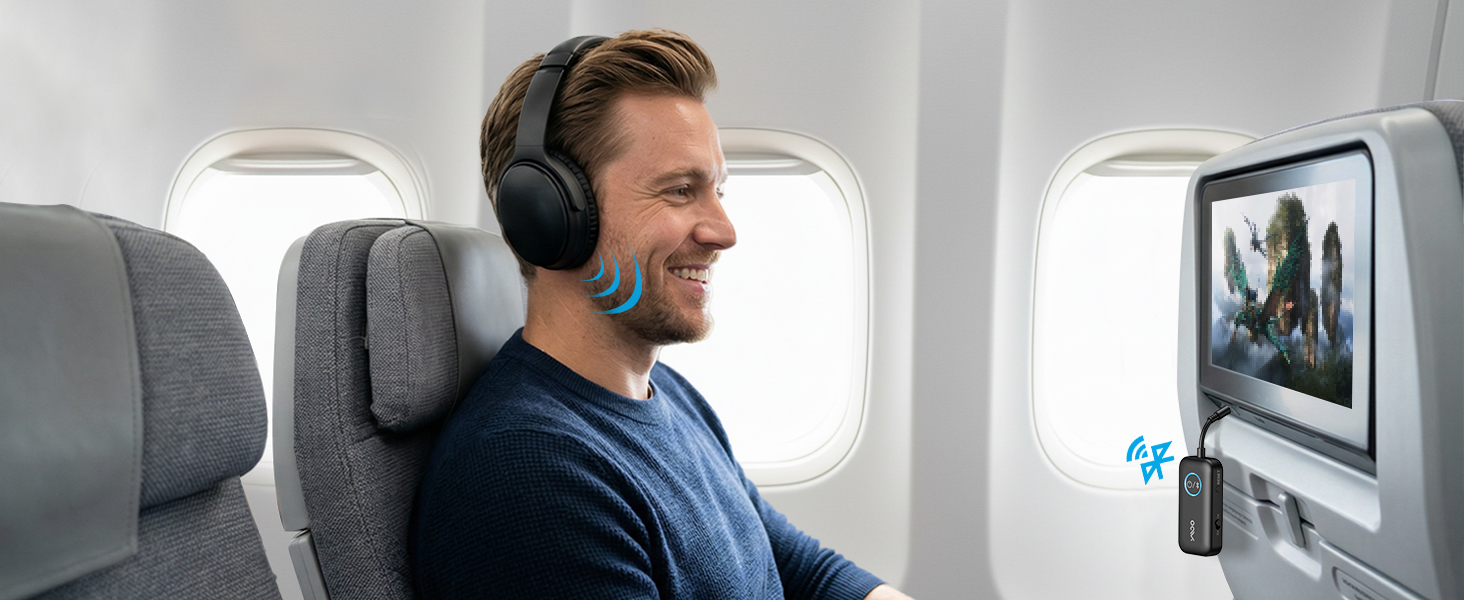
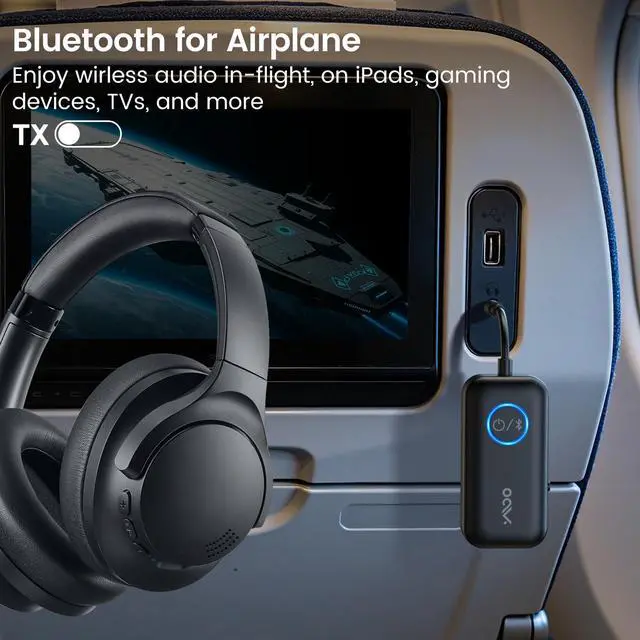
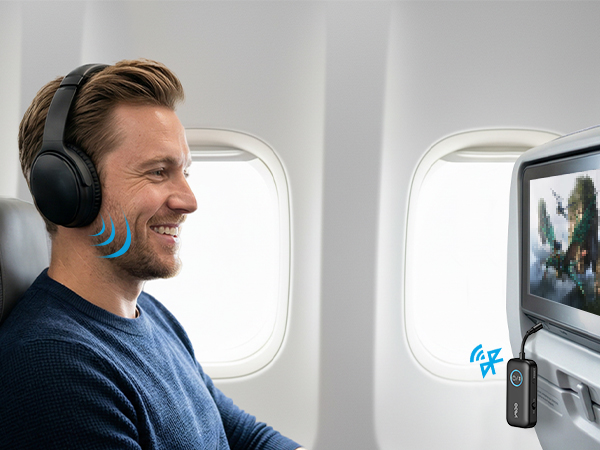
Enjoy seamless, high-quality audio on every flight, turning travel into a relaxing experience.
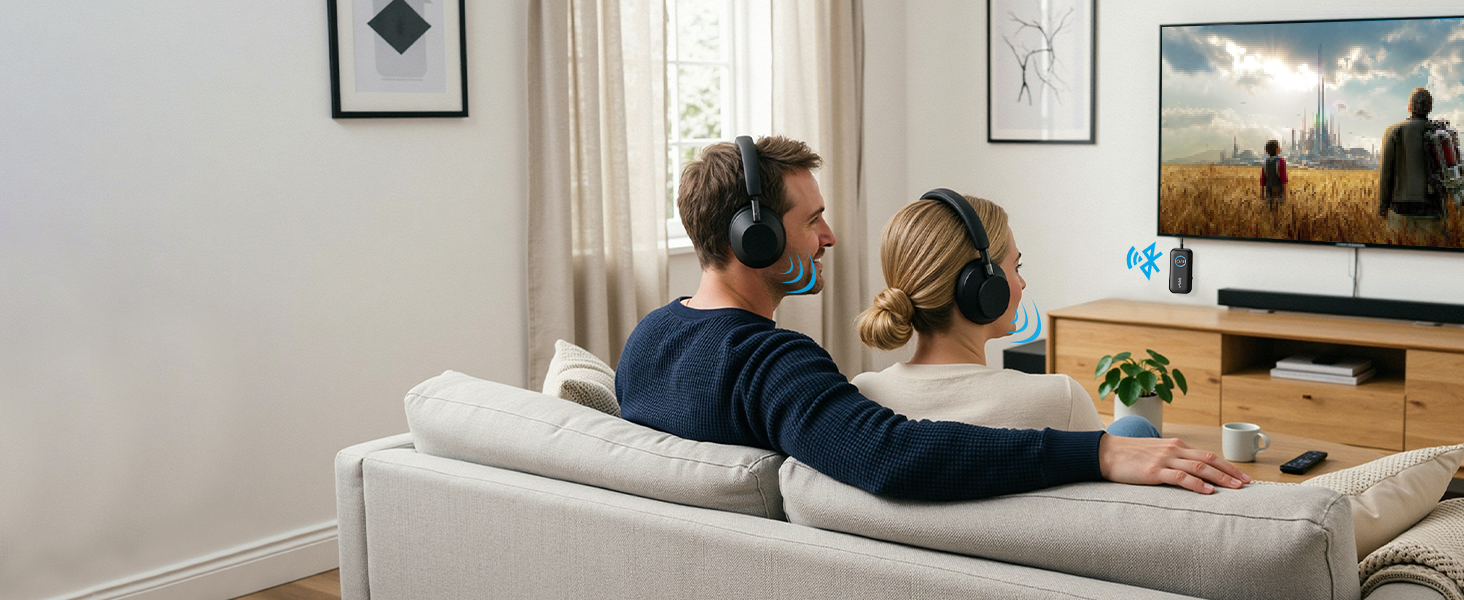
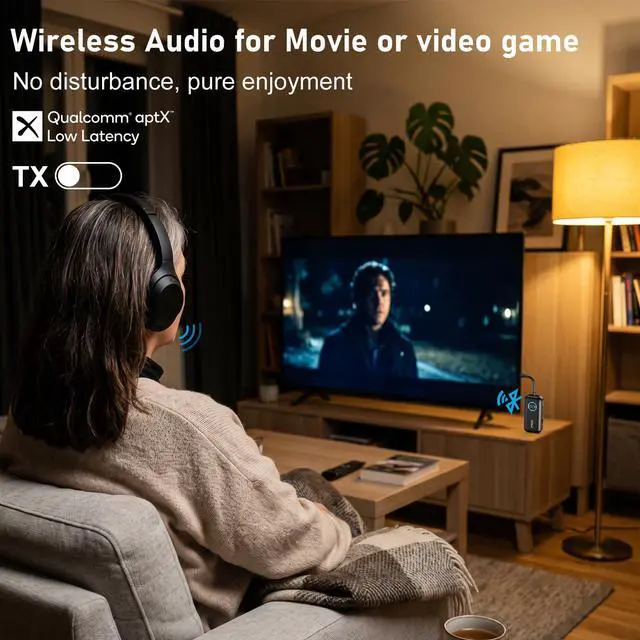
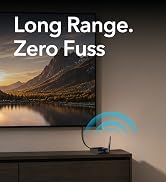
Less than 40ms latency. Premium audio for games and movies.

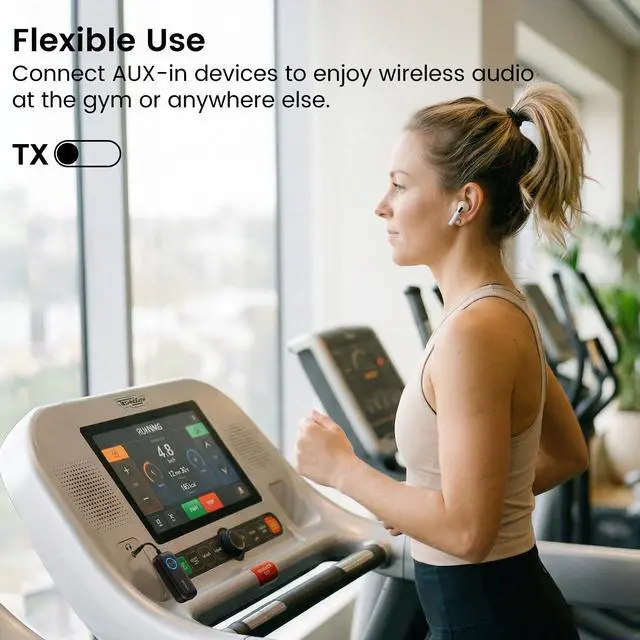
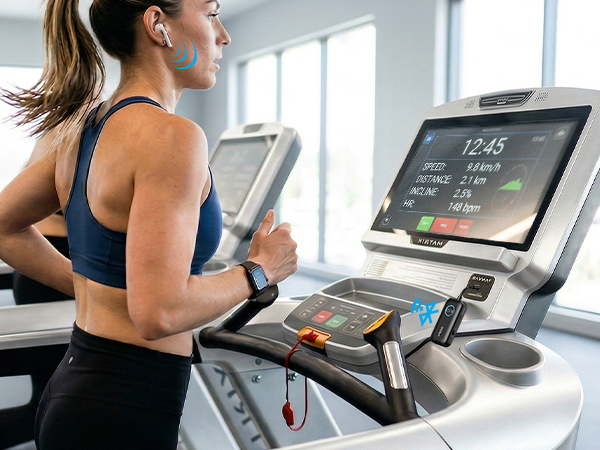
Say goodbye to wired earbuds and hello to total wireless freedom for your fitness routine.
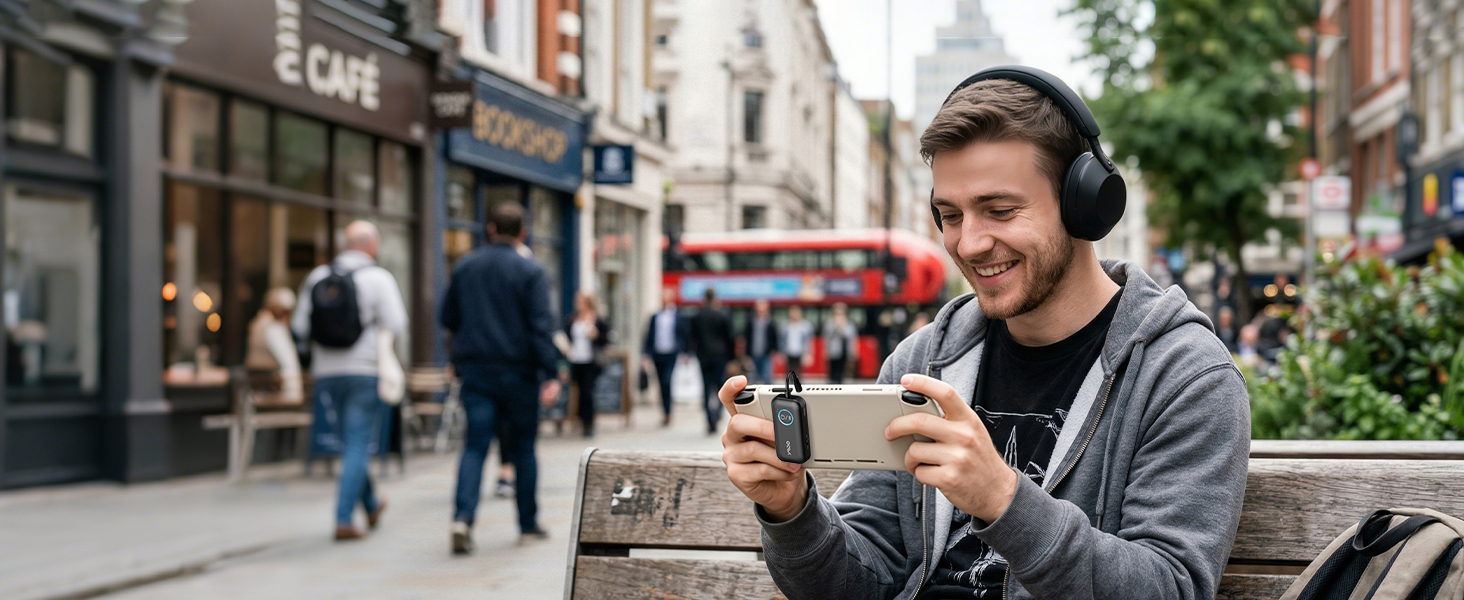
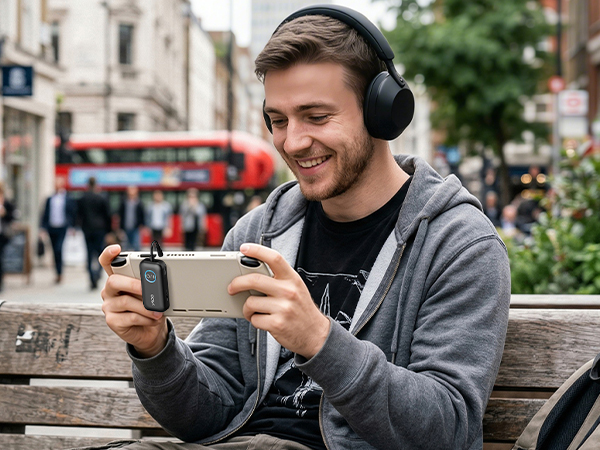
Immerse yourself in lag-free, wireless gaming with our audio adapter.
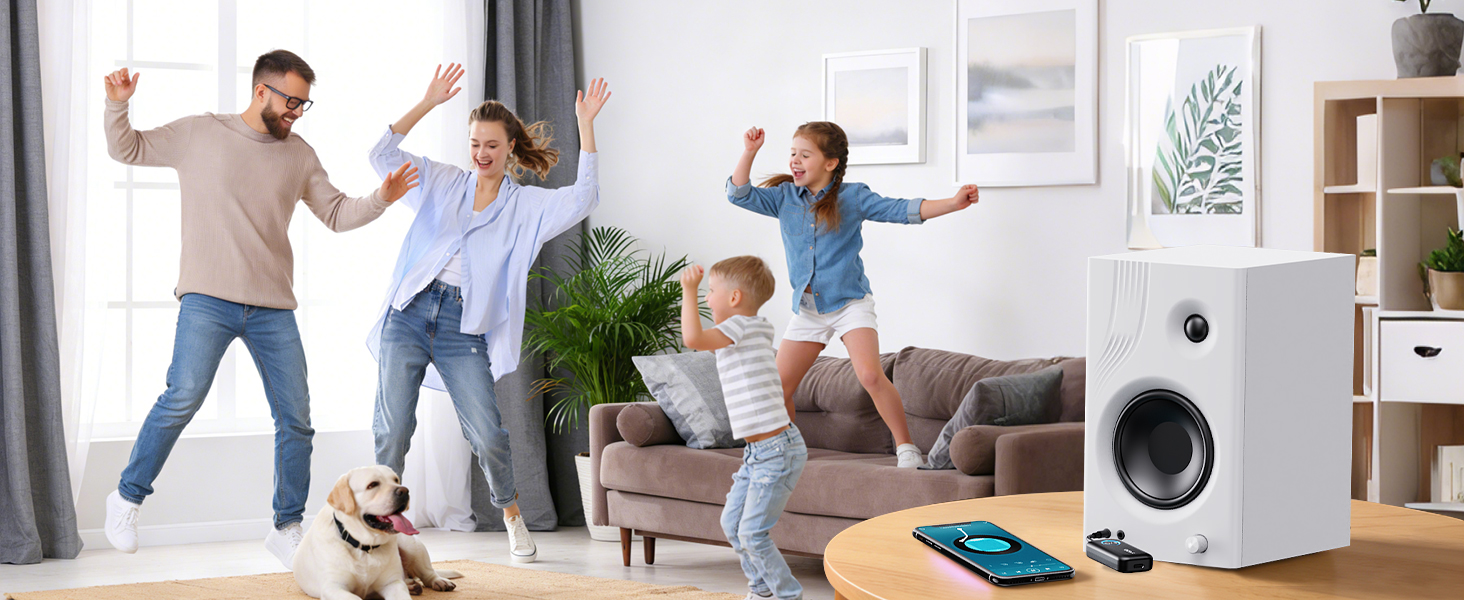
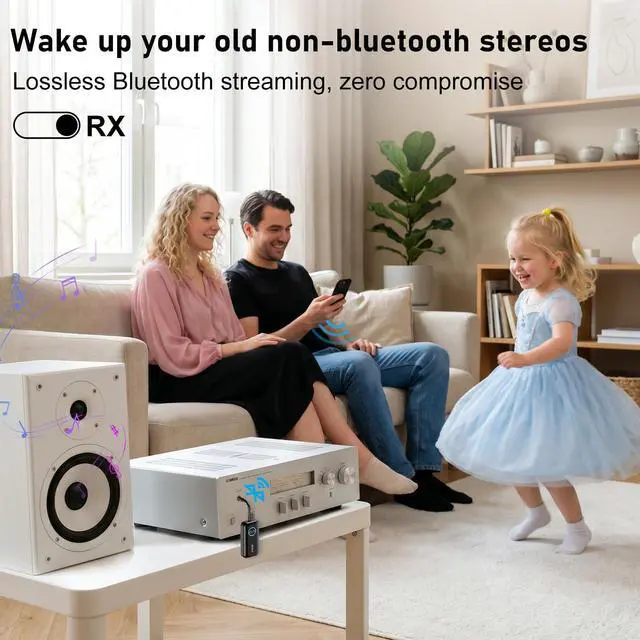
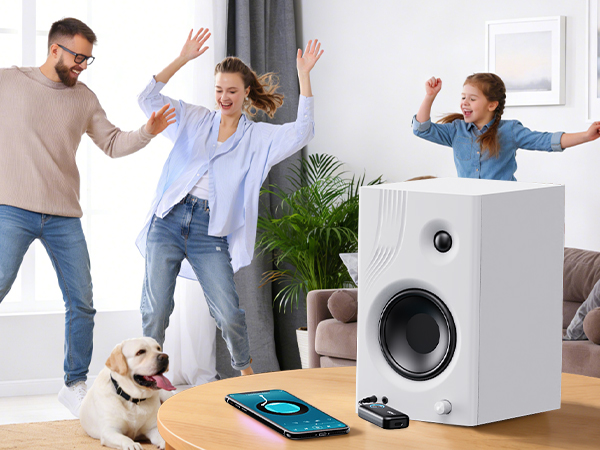
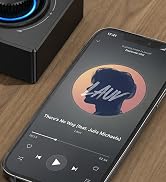
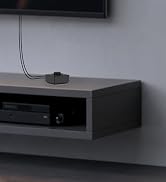
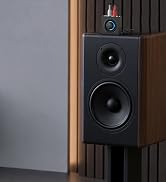
Stream music to your home speakers. Ditch the tangled cords for immersive, high-quality sound.
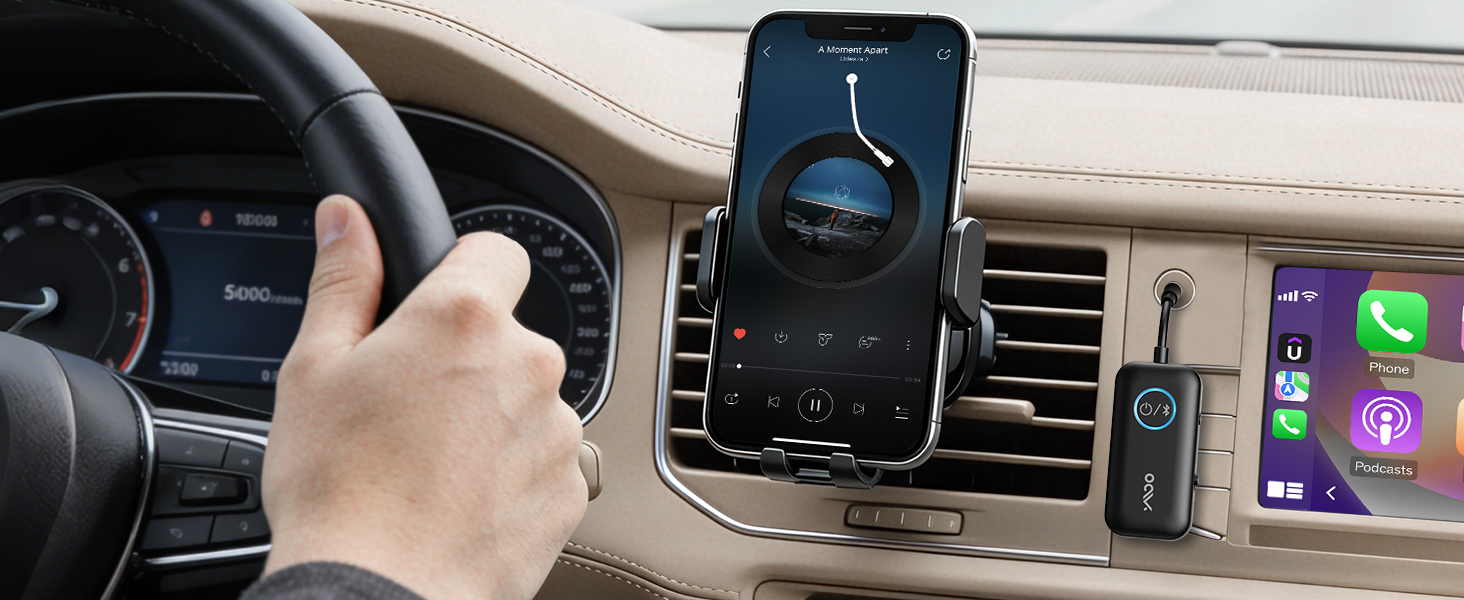
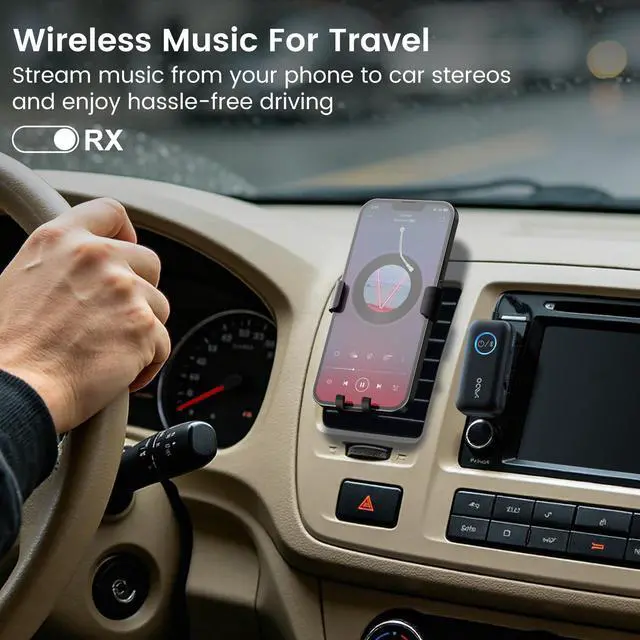
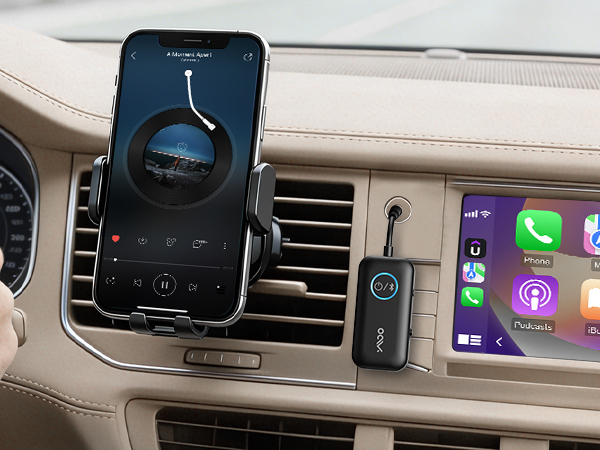
Enjoy wireless audio without the hassle of wires, for a safer, more comfortable drive.
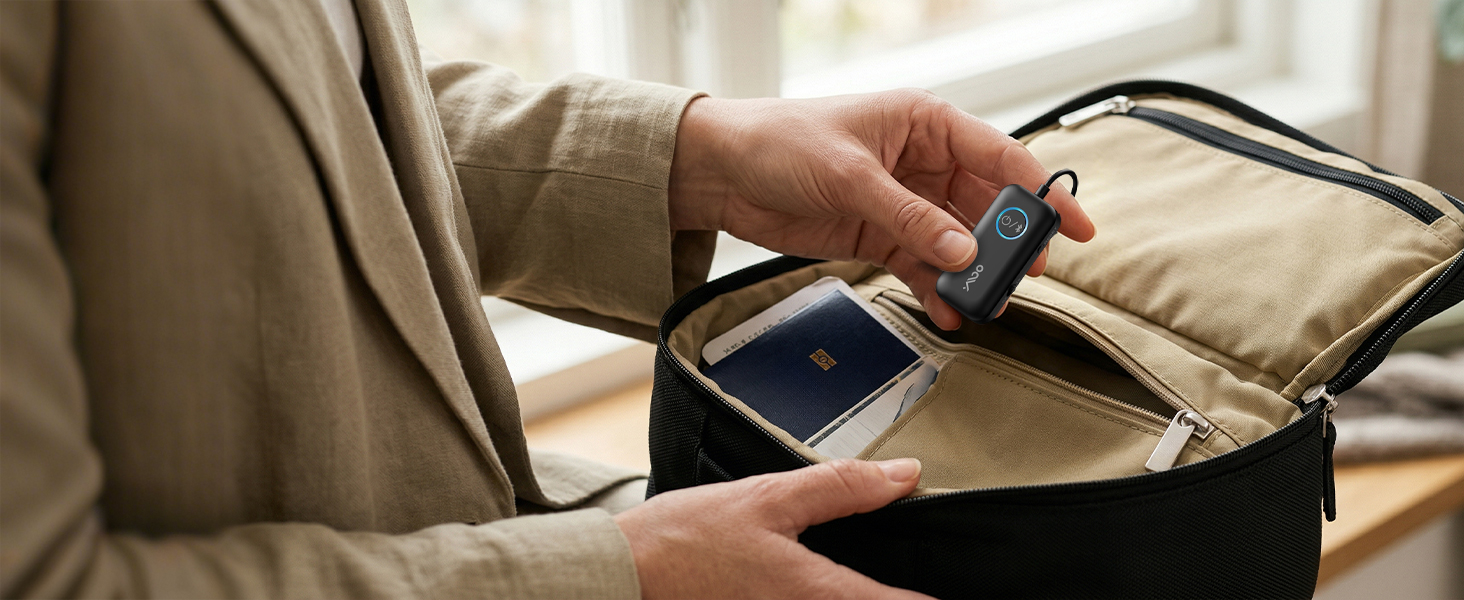
Take it anywhere—flights, road trips, gym sessions, and more—without adding extra bulk to your bag.
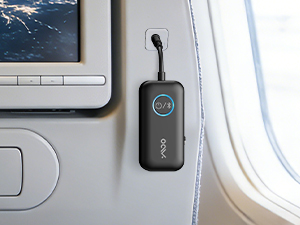
Plug the B06T2 into the airplane or TV's headphone jack (AUX).
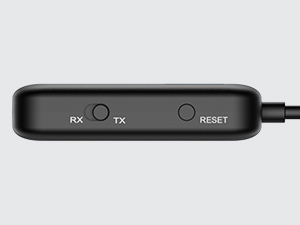
Slide to TX mode, press and hold the power button for 2s to enter paring mode(LED flashing red and blue)
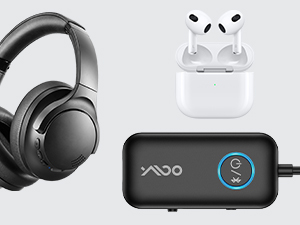
Put your Bluetooth headphones into pairing mode as well (not just powered on).
Wait for the pairing to succeed (LED stops flashing)
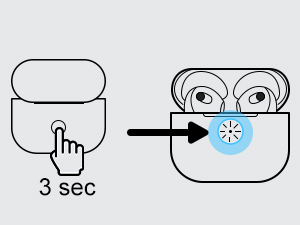
Make sure the headphones are in pairing mode - this solves 95% of setup problems.
Turn off Bluetooth on your phone or tablet to prevent reconnection.
Enjoy seamless, high-quality audio on every flight, turning travel into a relaxing experience.
Less than 40ms latency. Premium audio for games and movies.
Say goodbye to wired earbuds and hello to total wireless freedom for your fitness routine.
Immerse yourself in lag-free, wireless gaming with our audio adapter.
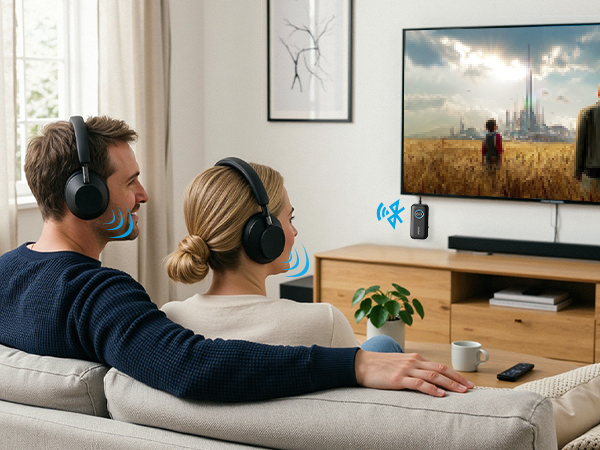
Stream music to your home speakers. Ditch the tangled cords for immersive, high-quality sound.
Enjoy wireless audio without the hassle of wires, for a safer, more comfortable drive.
Take it anywhere—flights, road trips, gym sessions, and more—without adding extra bulk to your bag.
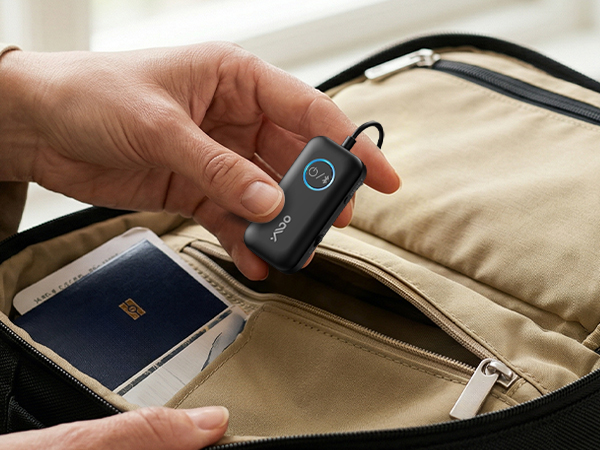
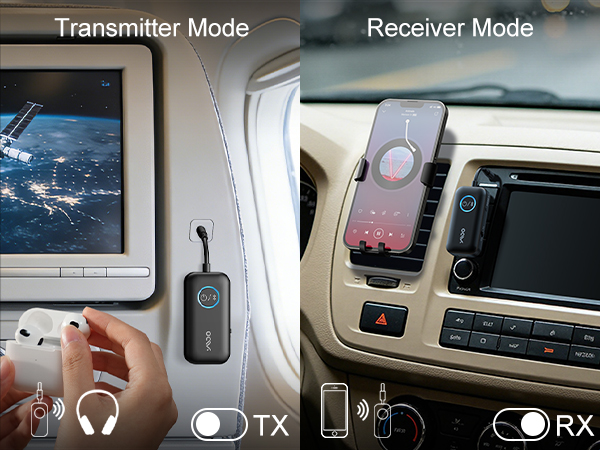
Plug the B06T2 into the airplane or TV's headphone jack (AUX).
Slide to TX mode, press and hold the power button for 2s to enter paring mode(LED flashing red and blue)
Put your Bluetooth headphones into pairing mode as well (not just powered on).
Wait for the pairing to succeed (LED stops flashing)
Make sure the headphones are in pairing mode - this solves 95% of setup problems.
Turn off Bluetooth on your phone or tablet to prevent reconnection.
| Not suitable for guitar/piano | B06T2 is not suitable for use with music instruments such as electronic pianos or guitars. |
|---|---|
| Can it work with Airpods? | It can competible with Airpods. BUT, it is not competible with AirPods Pro, AirPods Gen and AirPods Max |
| About low latency | If you wanna use aptX low latency function, your headphone required also support aptX-Low Latency. Dual Bluetooth headphones connection do NOT get aptX Low Latency |
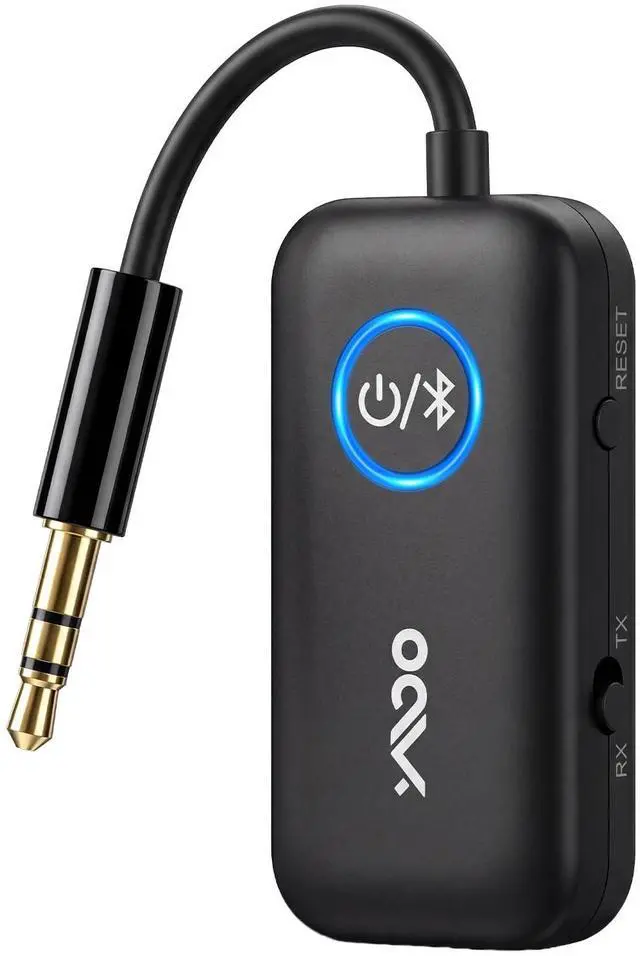
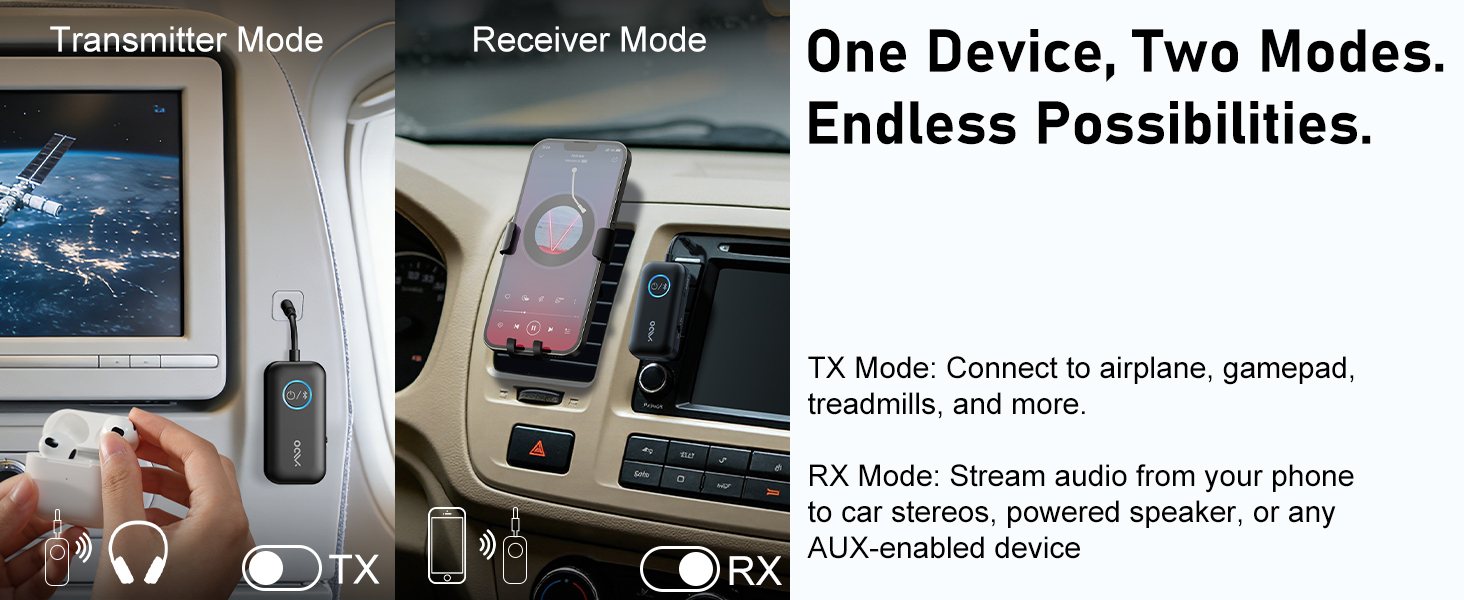
| TX mode | TX mode always using to bluetooth headphones to watching tv. (Please make sure your TV has 3.5mm AUX AUDIO OUT jack or Headphone jack.) |
| RX mode | RX mode always using for old or non-bluetooth speakers,making them bluetooth enable,playing your phone playlist in speaker/car. (Please make sure your wired speaker/soundbar has AUDIO IN jack) |
| Headphones cannot be paired | For tv: if TV‘s bluetooth on,it's hard to be paired because of signal interference.You can turn off TV ,or stay away from TV,and then have a try. In plane: please pair with bluetooth headphones before plane to avoid signal intereference in plane |
| What does the LED means? | Blue means SBC/AAC. White means aptX Low latency. Purple means paired with two bluetooth headphones . Green means aptx adaptive |





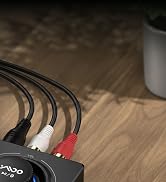



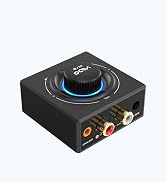
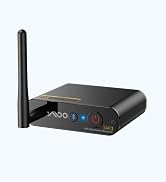
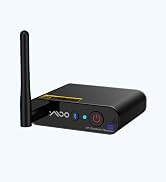
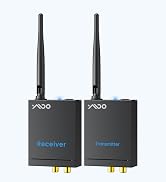
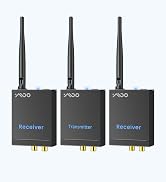
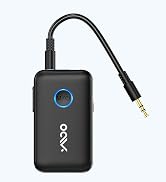
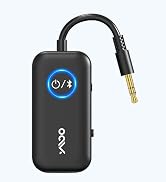
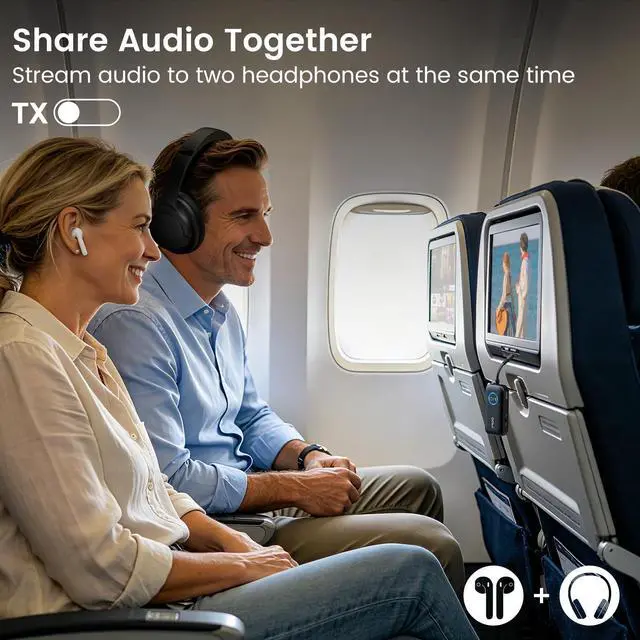
The YMOO B06T2 Bluetooth Transmitter Receiver is a versatile 2-in-1 wireless audio adapter designed for travel and entertainment. In transmitter mode, it connects to non-Bluetooth devices like airplane entertainment systems, TVs, or car stereos via a 3.5mm jack and streams audio wirelessly to two Bluetooth headphones simultaneouslyperfect for sharing movies or music with a travel companion. In receiver mode, it transforms wired speakers or older stereos into Bluetooth-enabled systems by pairing with your smartphone. Featuring Bluetooth 5.3 with aptX-LL low-latency support (under 36ms delay), it delivers lag-free audio ideal for gaming and movies.