




How to pair the watch to my phone?
1. Download GloryFit app on your phone.
2. GloryFit App >Device > Add a new device > Select P66D > Click all the "allow"s and "pair"s that pop up on your phone
The time is incorrect.
Download GloryFit app on your phone > GloryFit App >Device > Add a new device > Select P66D > Click all the "allow"s and "pair"s that pop up on your phone > Now the time and date of the watch will sync with your phone's time and date.
How to enable messages and apps notifications on the watch?
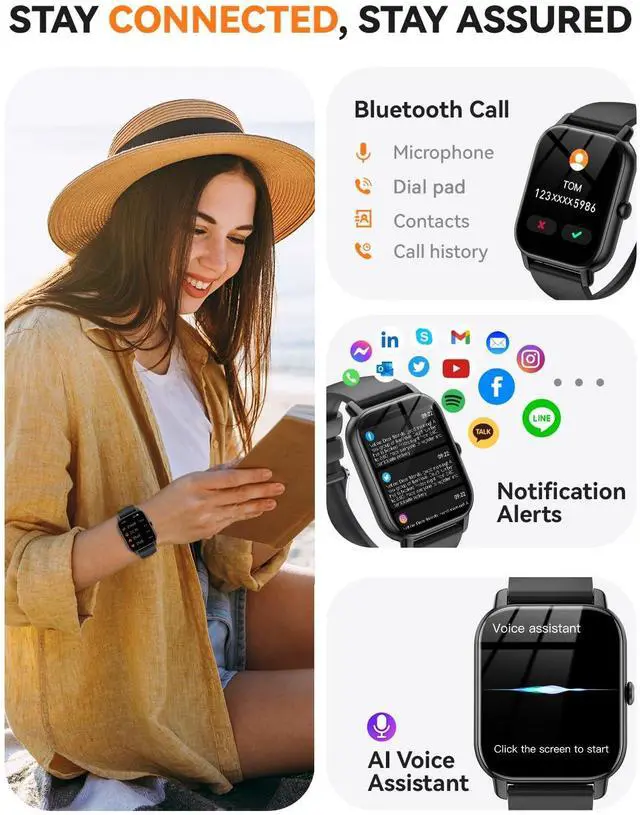
1.Pair the watch to your phone via GloryFit app as FAQ above.
2. Enable notifications for messages and apps you need nofications on your phone settings.
3. Gloryfit app > Device > Enable SMS and apps you want to receive nofications on the watch.
How to change the units of distance, weight, and temperature on the watch?
1. Download GloryFit app on your phone > GloryFit App >Device > Add a new device > Select P66D > Click all the "allow"s and "pair"s that pop up on your phone
2. GloryFit app > Profile > Unit
Step counter is not correct
1. Wear the watch on your wrist and adjust it to fit slightly more snugly.
2. Please keep swinging your arm while walking.
3. Please walk 100 consecutive steps and check if the step count is more accurate now.


How to pair the watch to my phone?
1. Download GloryFit app on your phone.
2. GloryFit App >Device > Add a new device > Select P66D > Click all the "allow"s and "pair"s that pop up on your phone
The time is incorrect.
Download GloryFit app on your phone > GloryFit App >Device > Add a new device > Select P66D > Click all the "allow"s and "pair"s that pop up on your phone > Now the time and date of the watch will sync with your phone's time and date.
How to enable messages and apps notifications on the watch?
1.Pair the watch to your phone via GloryFit app as FAQ above.
2. Enable notifications for messages and apps you need nofications on your phone settings.
3. Gloryfit app > Device > Enable SMS and apps you want to receive nofications on the watch.
How to change the units of distance, weight, and temperature on the watch?
1. Download GloryFit app on your phone > GloryFit App >Device > Add a new device > Select P66D > Click all the "allow"s and "pair"s that pop up on your phone
2. GloryFit app > Profile > Unit
Step counter is not correct
1. Wear the watch on your wrist and adjust it to fit slightly more snugly.
2. Please keep swinging your arm while walking.
3. Please walk 100 consecutive steps and check if the step count is more accurate now.