








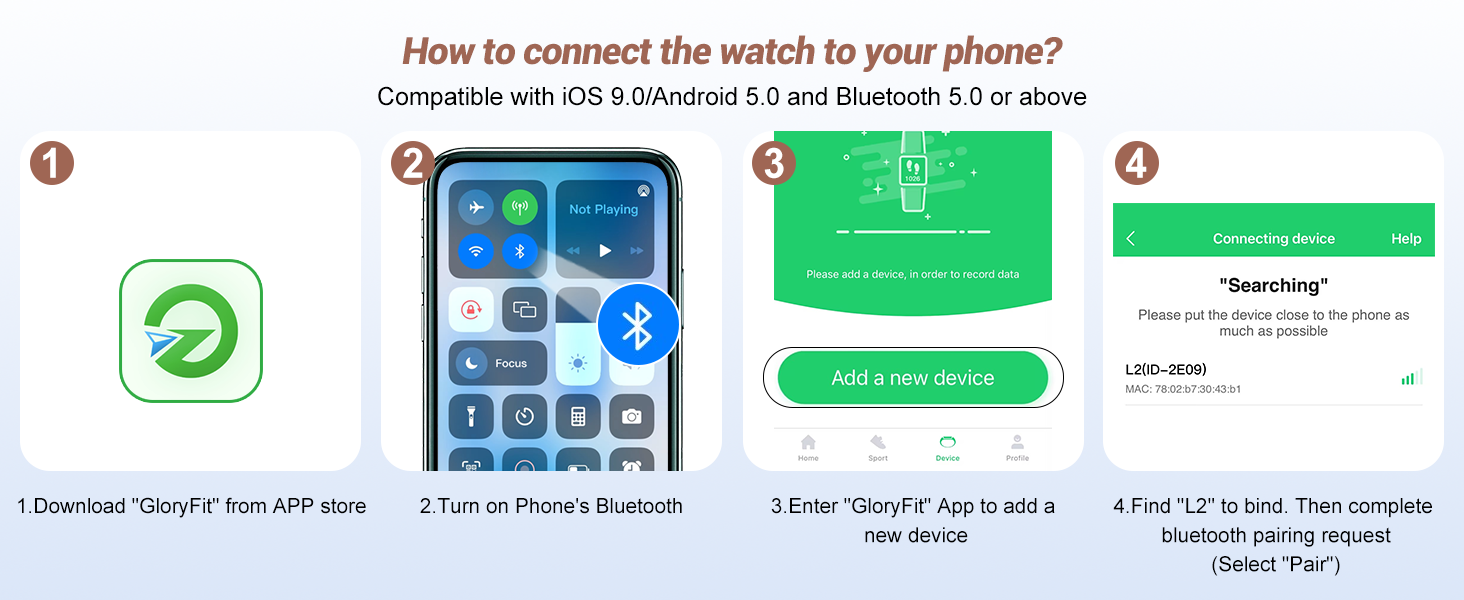
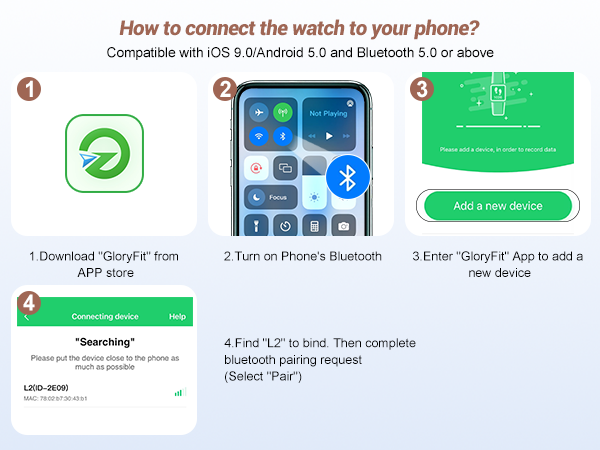
How to connect the watch to my phone?
1. Enable the Bluetooth function of your phone. Then download the GloryFit App.
2. Connect the watch and your phone in the "Device" page of GloryFit APP.
3. If the connection failed, try restarting the watch and phone's Bluetooth.
Smart Phone System Requirements
The GloryFit App of watch can work with Bluetooth 4.0 + and most iOS 9.0+ & Android 6.0+ smartphones (For smartphones only, not for PC, laptops or tablets)
How to improve the accuracy of the watch's data tracking?
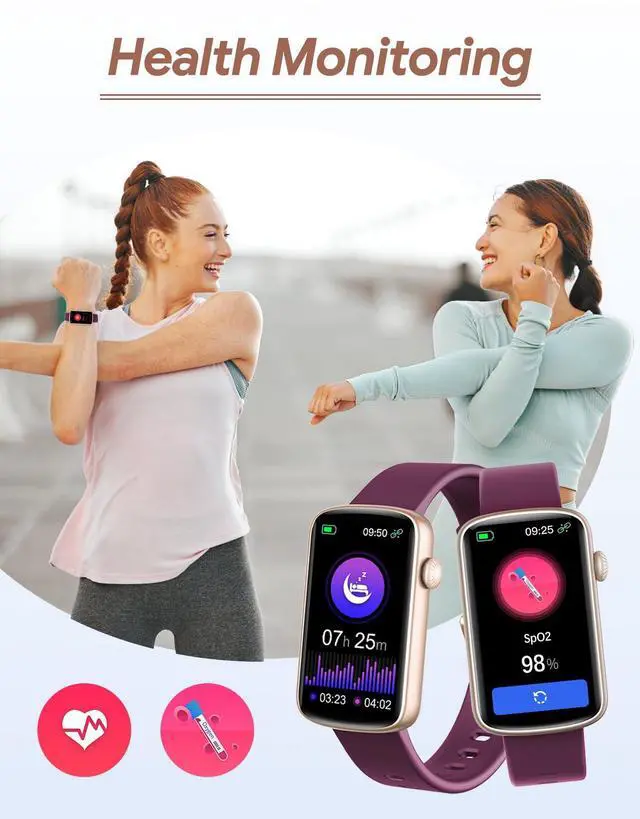
1. Please provide accurate gender, age, height, and weight information in the GloryFit app. (GloryFit app -> Profile)
2. Wear the watch on wrist horizontally and not too tight or too loose, a finger’s width under your wrist bone.
How to improve the accuracy of the sleep data?
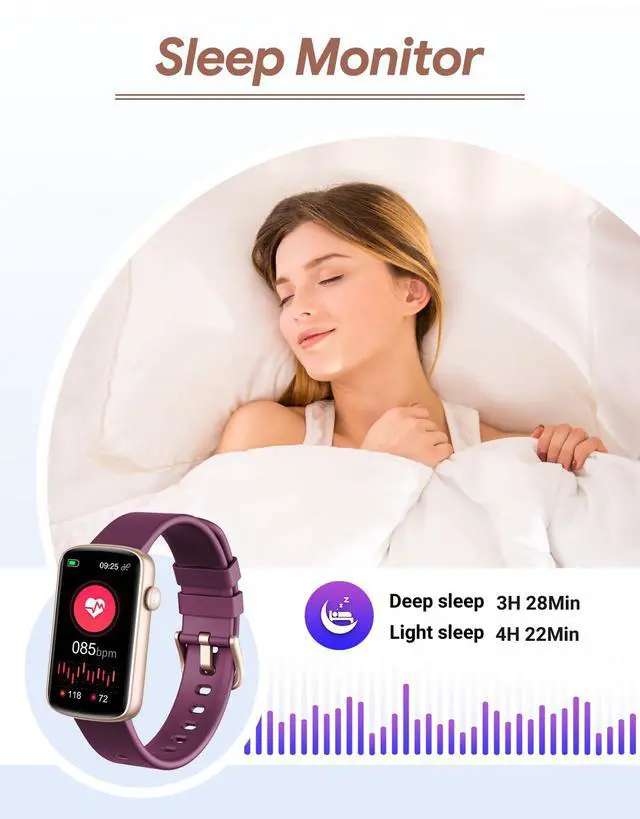
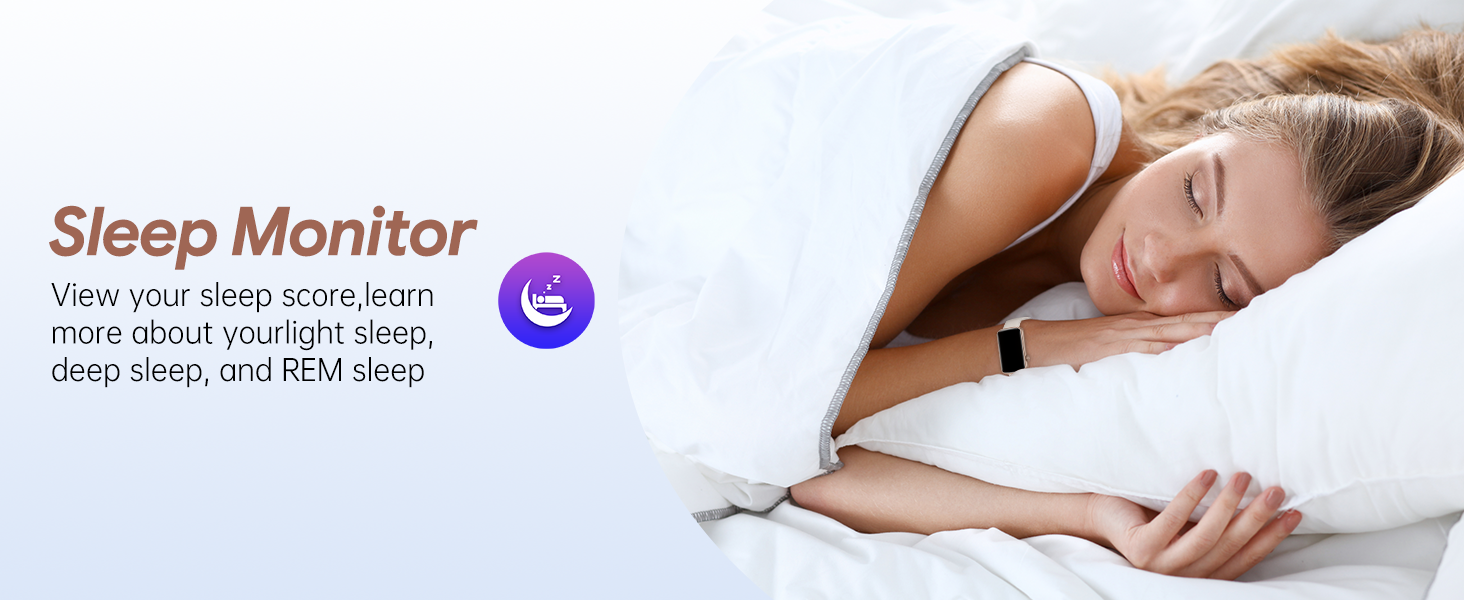
It judges your sleep status from your wrist action or body movement. If you don't move your body / wrist and more than half an hour, the watch will judge that you are sleeping.
*Sleep time which is less than three hours will not be tracked.
How to set up the alarm clocks?
1. Install the app “Gloryfit” in your smartphone.
2. Find “Add a new device” button in the app, then find the watch L2B, click it to finish the binding.
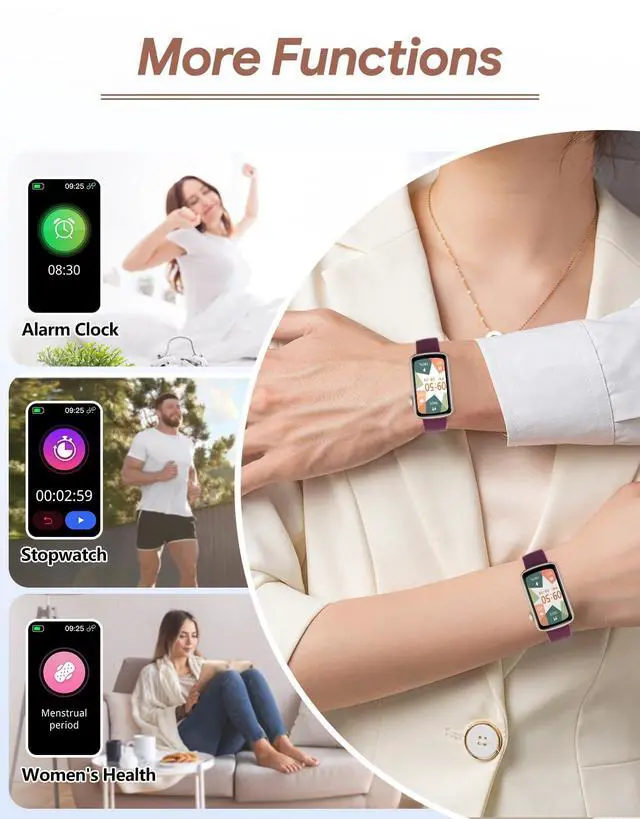
3. Then go to “Device” page > Click “Smart alarm clock” > “Add to”.




How to connect the watch to my phone?
1. Enable the Bluetooth function of your phone. Then download the GloryFit App.
2. Connect the watch and your phone in the "Device" page of GloryFit APP.
3. If the connection failed, try restarting the watch and phone's Bluetooth.
Smart Phone System Requirements
The GloryFit App of watch can work with Bluetooth 4.0 + and most iOS 9.0+ & Android 6.0+ smartphones (For smartphones only, not for PC, laptops or tablets)
How to improve the accuracy of the watch's data tracking?
1. Please provide accurate gender, age, height, and weight information in the GloryFit app. (GloryFit app -> Profile)
2. Wear the watch on wrist horizontally and not too tight or too loose, a finger’s width under your wrist bone.
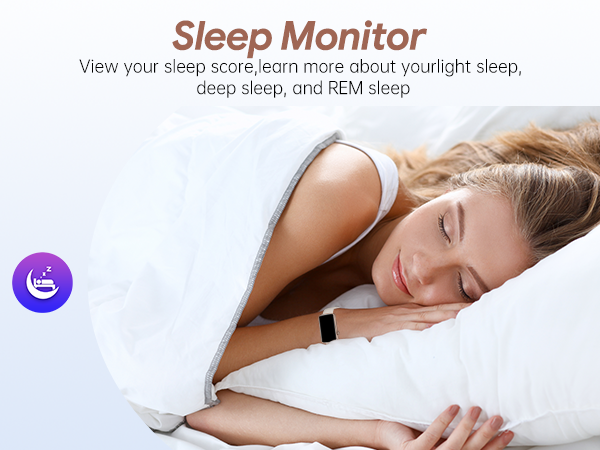
How to improve the accuracy of the sleep data?
It judges your sleep status from your wrist action or body movement. If you don't move your body / wrist and more than half an hour, the watch will judge that you are sleeping.
*Sleep time which is less than three hours will not be tracked.
How to set up the alarm clocks?
1. Install the app “Gloryfit” in your smartphone.
2. Find “Add a new device” button in the app, then find the watch L2B, click it to finish the binding.
3. Then go to “Device” page > Click “Smart alarm clock” > “Add to”.