








Tiwain KJ67 Smart Watch
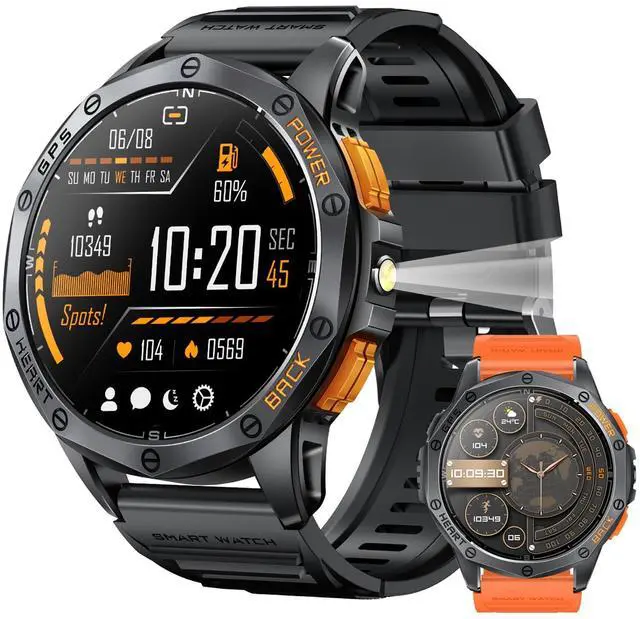
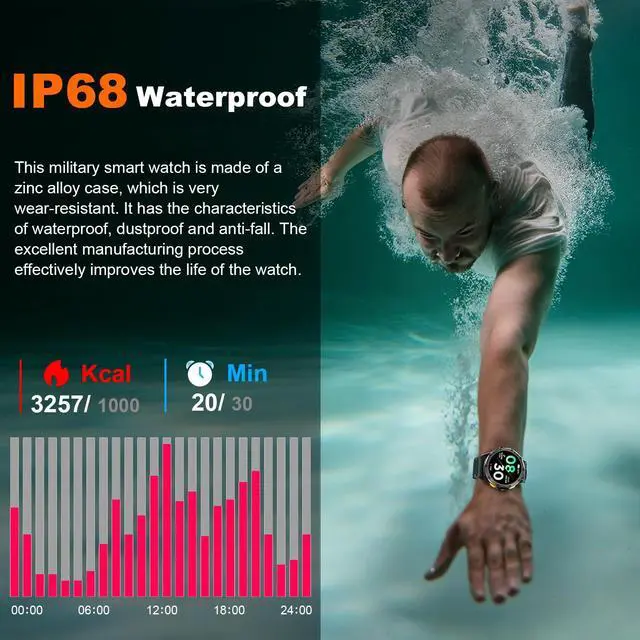
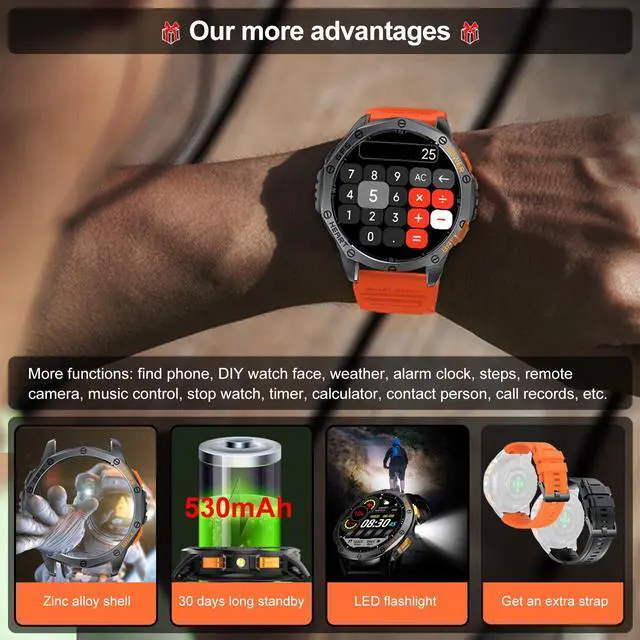
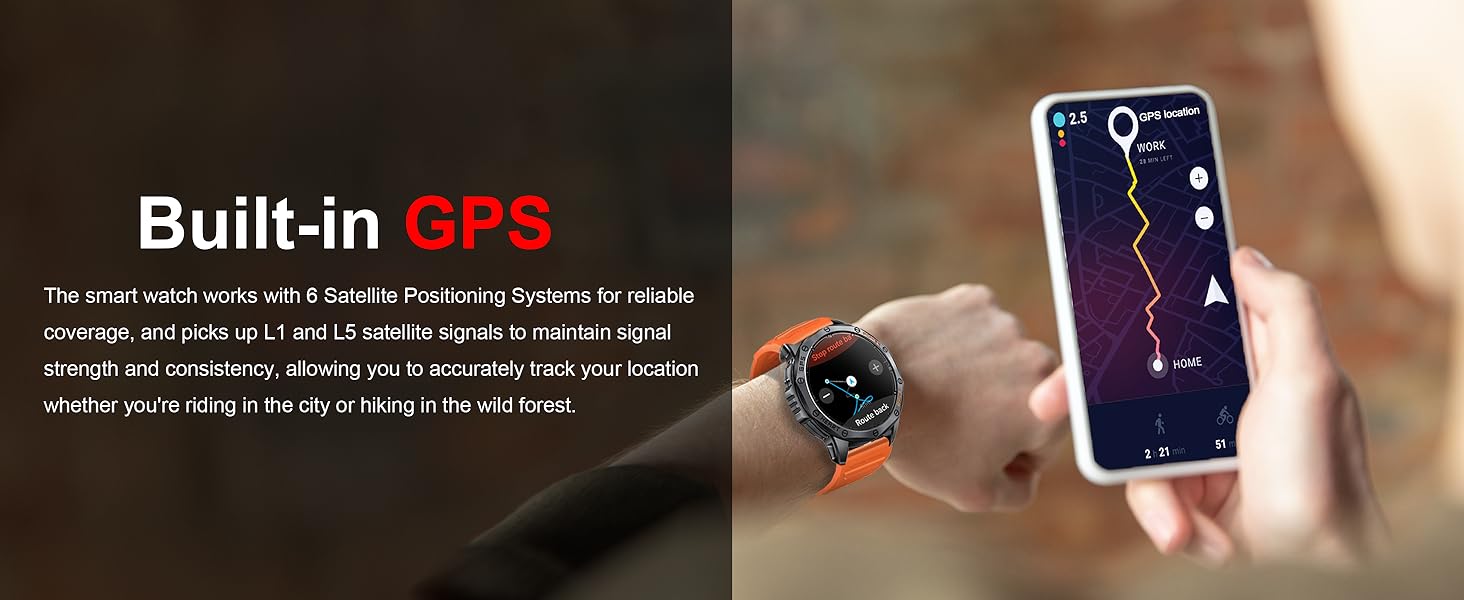
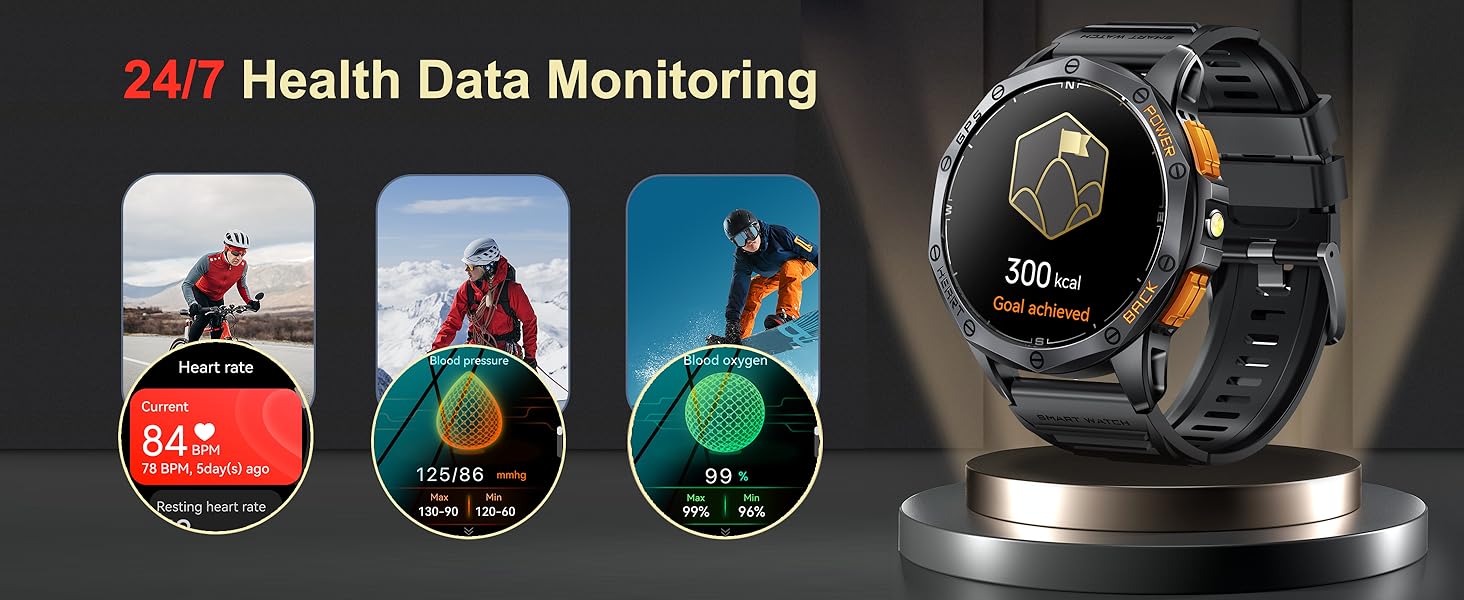
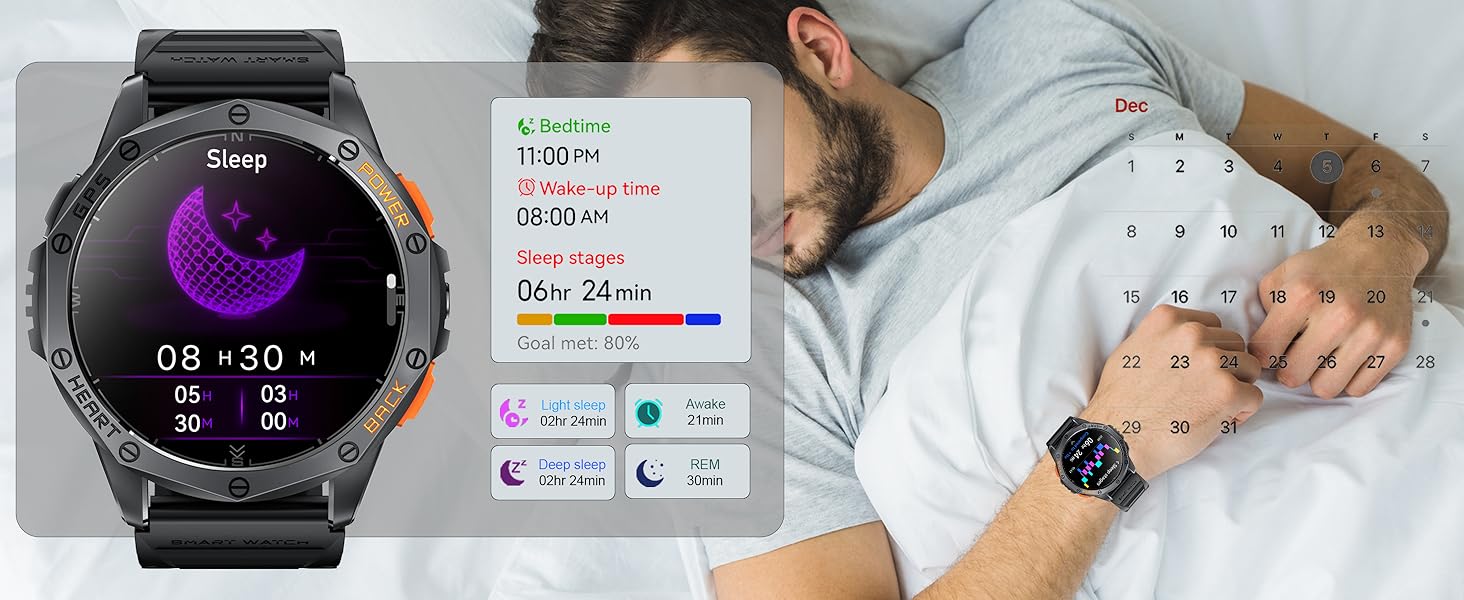
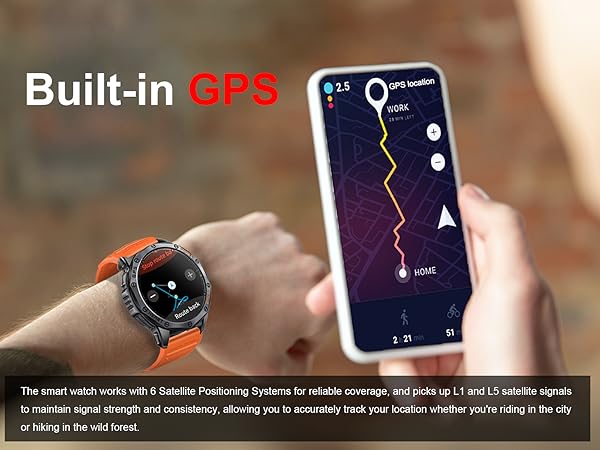
This new and uniquely designed smart watch has military-grade quality, and the watch has a built-in GPS module, which can be positioned independently and accurately. This smart watch suitable for men and women has a 530mAh large battery, which allows you to charge it once and use it for 10-15 days.

How to connect the Tiwain smartwatch to your phone
Merchant VideoWhy Can’t I Answer Calls via My Watch?
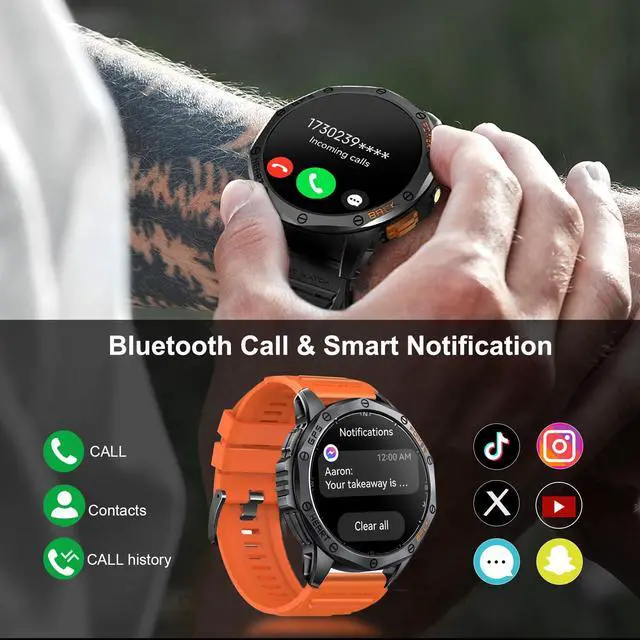
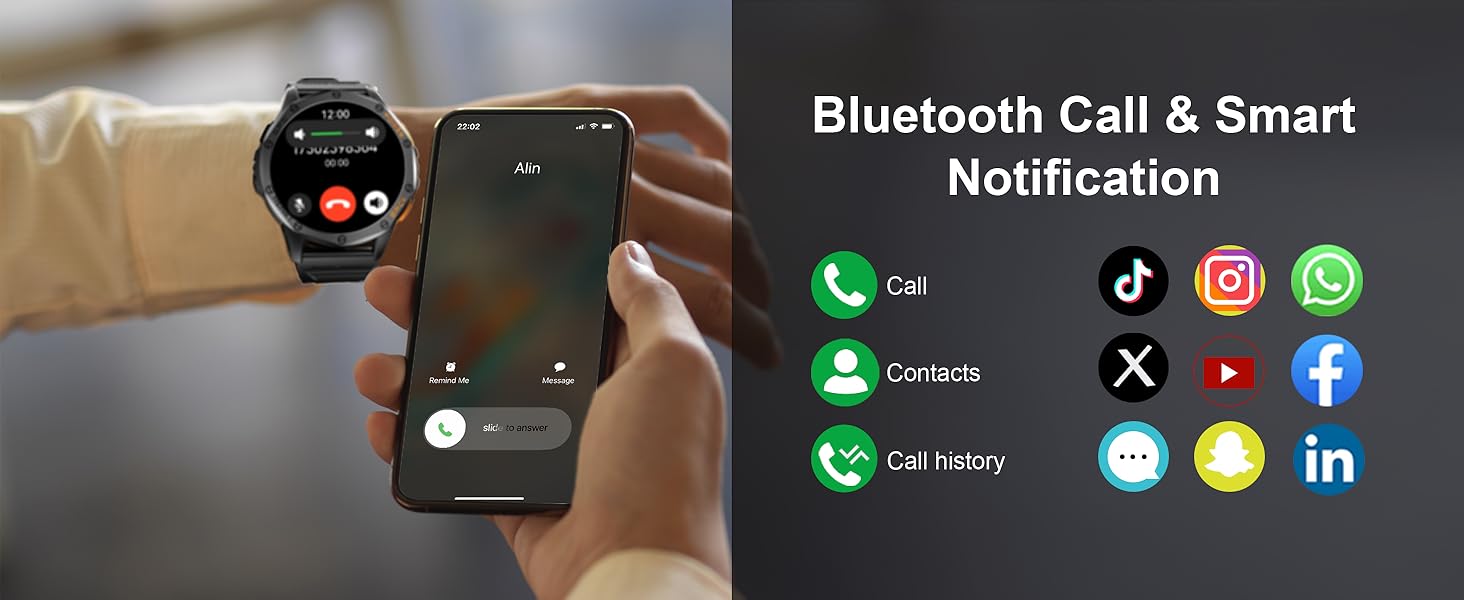
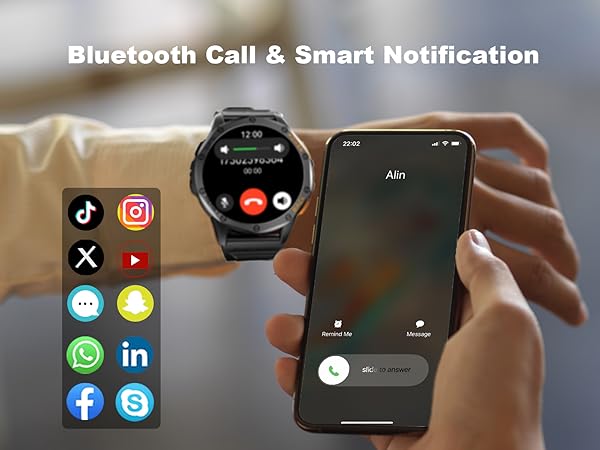
1?Download the "GloryFitPro" APP and add your watch as a device in the app.
2?Swipe down from the watch’s home screen to open the quick menu.
3?Tap the “Phone” icon—it will turn blue and display “Bluetooth calling on”.
Why Is All Phone Audio Playing Through My Watch?
Adjust audio output settings easily:
Go to Settings > "Sound & Vibration" on your watch to manage media audio preferences.
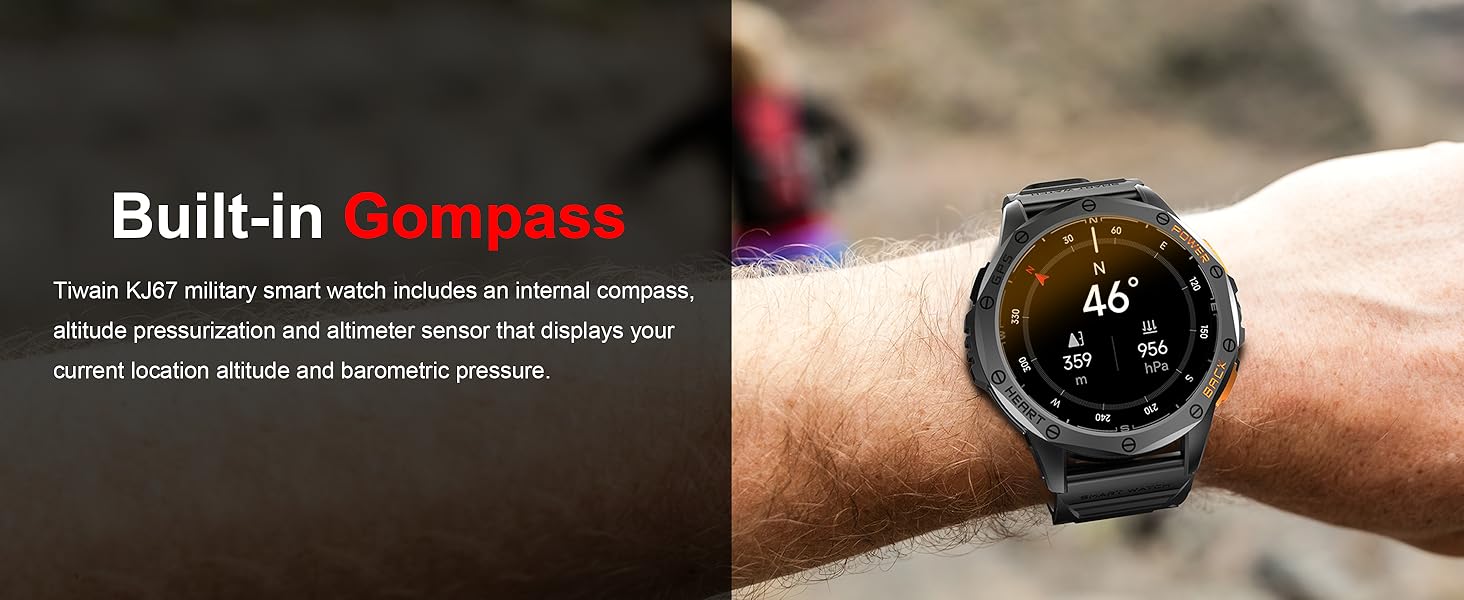
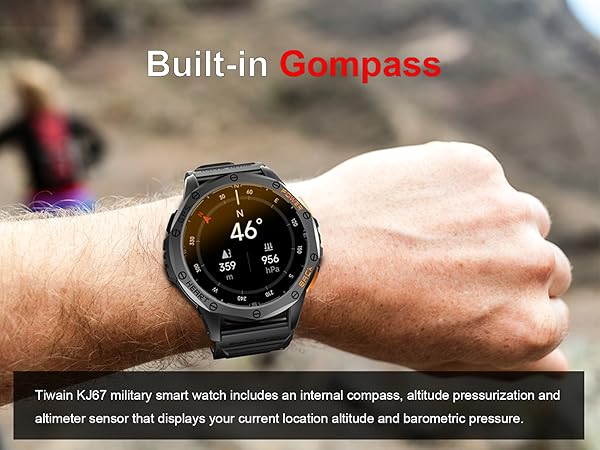
How to Use the Altitude & Barometer Features?
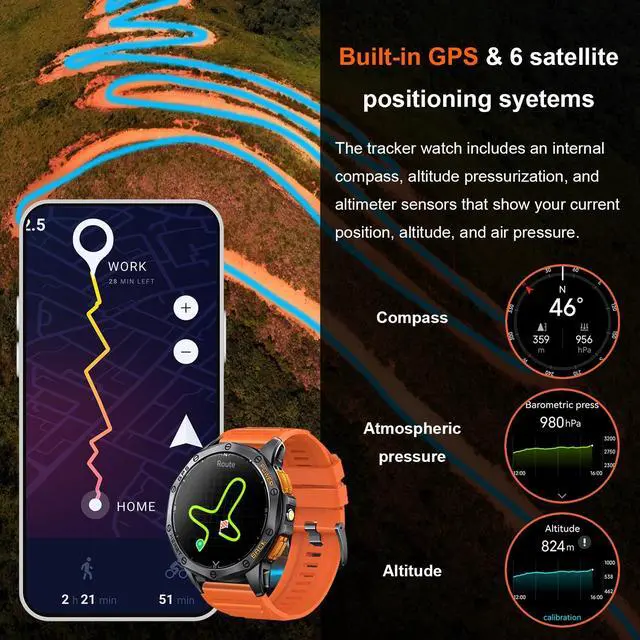
Altitude and barometer data auto-update when you open the app! For first-time setup: Simply tap the “Calibration” button at the bottom of the app once. No repeat calibration needed!
How to Set Up Quick-Access Shortcuts?
Select “Down Button Settings” ? Choose “Altitude Barometer” ?“Compass” or your preferred function.
Does the Watch Support Vibration Alerts?
Yes! The KJ67 Smartwatch supports customizable vibration alerts.

Tiwain Smart Watches for Men
Tiwain focuses on the research and development and production of high-tech digital products.

Tiwain focuses on the research and development and production of high-tech digital products, including wireless audio, smart IoT, virtual reality and digital accessories. We are committed to producing the best quality products by selecting high-quality materials, shortening intermediate links and improving efficiency, so that customers can obtain high-quality products, the ultimate user experience and a green and low-carbon life.
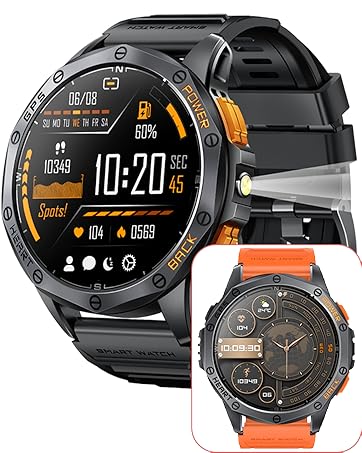
GPS Smart Watch for Men
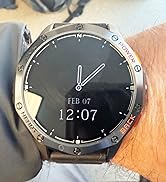
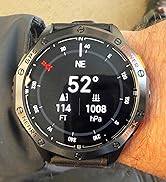
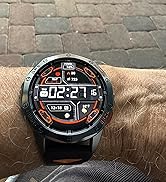
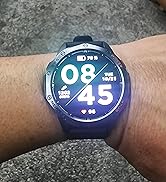
Real On-Wrist Look
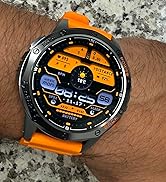
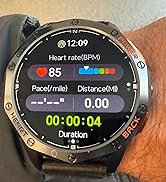
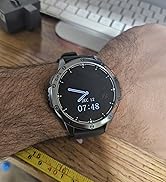
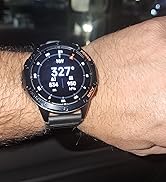
Real On-Wrist Look
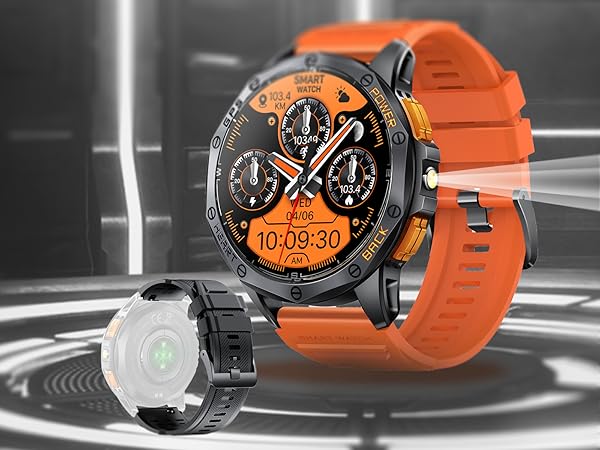
Tiwain KJ67 Smart Watch
This new and uniquely designed smart watch has military-grade quality, and the watch has a built-in GPS module, which can be positioned independently and accurately. This smart watch suitable for men and women has a 530mAh large battery, which allows you to charge it once and use it for 10-15 days.

How to connect the Tiwain smartwatch to your phone
Merchant VideoWhy Can’t I Answer Calls via My Watch?
1?Download the "GloryFitPro" APP and add your watch as a device in the app.
2?Swipe down from the watch’s home screen to open the quick menu.
3?Tap the “Phone” icon—it will turn blue and display “Bluetooth calling on”.
Why Is All Phone Audio Playing Through My Watch?
Adjust audio output settings easily:
Go to Settings > "Sound & Vibration" on your watch to manage media audio preferences.
How to Use the Altitude & Barometer Features?
Altitude and barometer data auto-update when you open the app! For first-time setup: Simply tap the “Calibration” button at the bottom of the app once. No repeat calibration needed!
How to Set Up Quick-Access Shortcuts?
Select “Down Button Settings” ? Choose “Altitude Barometer” ?“Compass” or your preferred function.
Does the Watch Support Vibration Alerts?
Yes! The KJ67 Smartwatch supports customizable vibration alerts.
Tiwain Smart Watches for Men
Tiwain focuses on the research and development and production of high-tech digital products.
Tiwain focuses on the research and development and production of high-tech digital products, including wireless audio, smart IoT, virtual reality and digital accessories. We are committed to producing the best quality products by selecting high-quality materials, shortening intermediate links and improving efficiency, so that customers can obtain high-quality products, the ultimate user experience and a green and low-carbon life.
GPS Smart Watch for Men
Real On-Wrist Look
Real On-Wrist Look