

GPS Tracking Smartwatch with App
How many NickWatches can I add to my NickWatch app account?
There’s no limit. You can add as many NickWatches as you like.
How do I charge my child’s NickWatch?
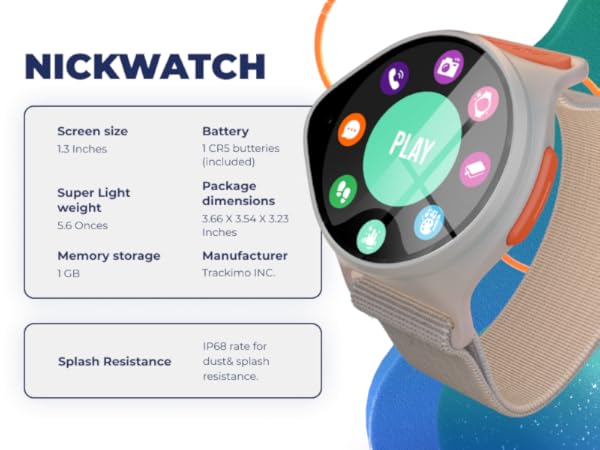
Your kid’s NickWatch comes with a 2-pin USB magnetic charger. Simply place the watch on the magnetic platform for easy charging.
Do I need to buy a SIM card for my child’s NickWatch?
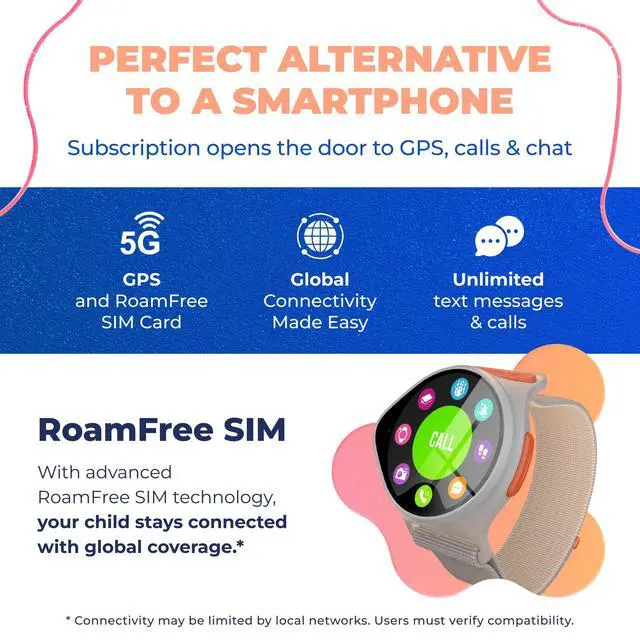
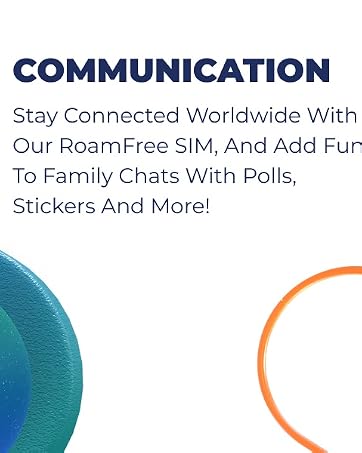
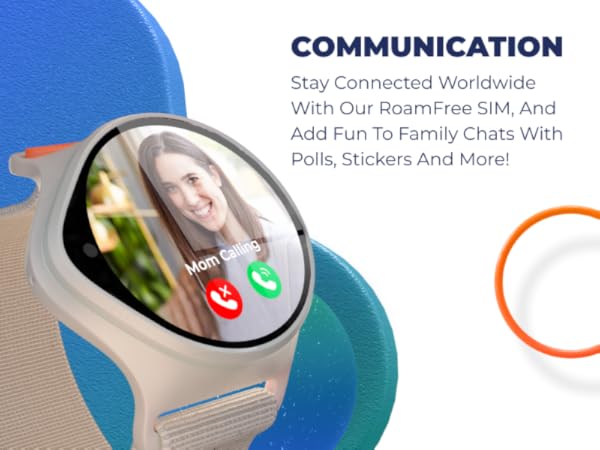
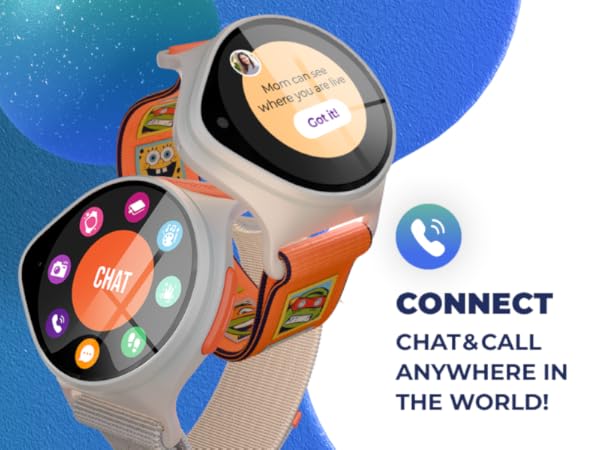
Nope! The NickWatch contains an embedded SIM card, which is activated through your Data Pack. This embedded SIM enables all communication and data features, which also enables your child’s NickWatch to go global.
Do I need to adjust the SIM card when traveling out of the country?
You’re asking all the right questions—but good news! NickWatch is now travel-ready out of the box. Roaming is enabled by default, so your watch should work globally without any changes. Just pack your bags and go (and don’t forget to send
Can I use my own SIM on my child’s NickWatch?
Unfortunately, no. Our SIM card is extra special and is built-in and non-removeable.
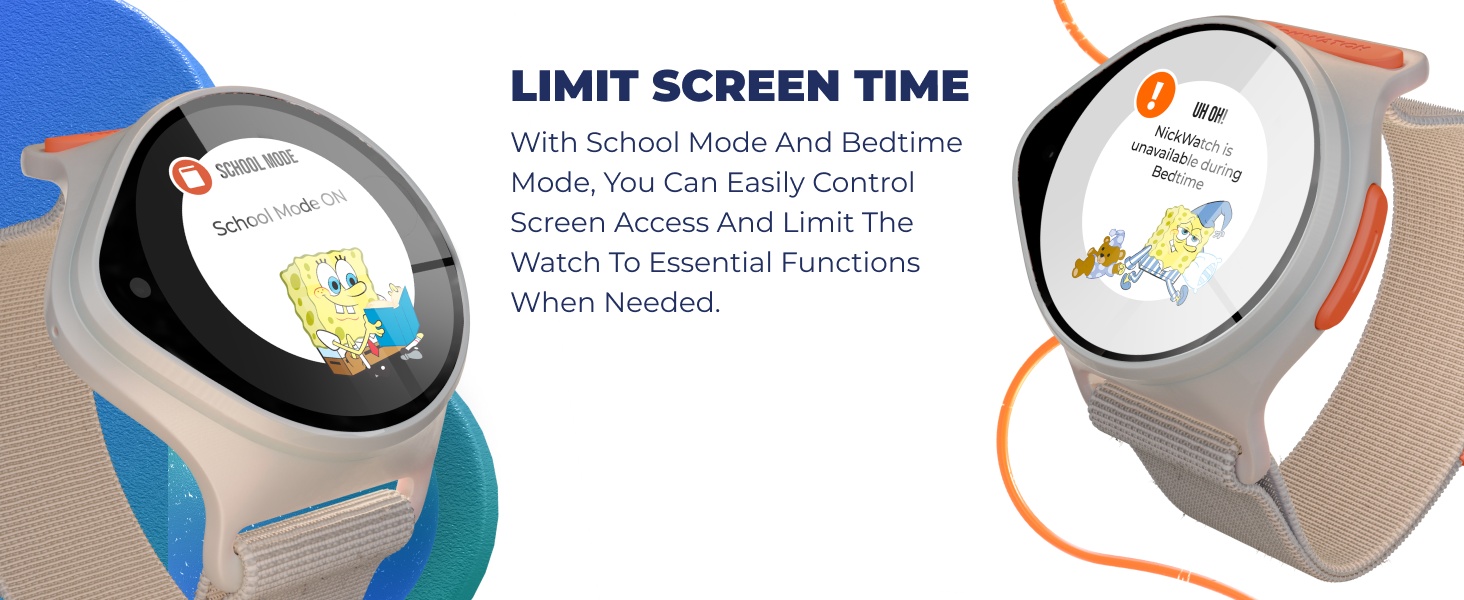
What is the difference between School Mode and Bedtime Mode?
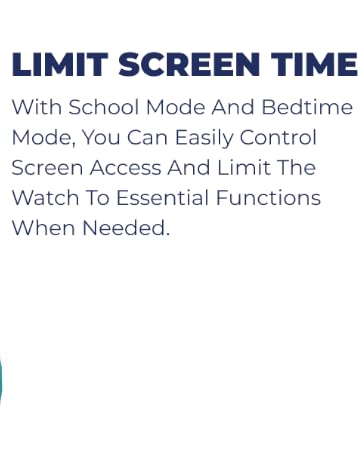
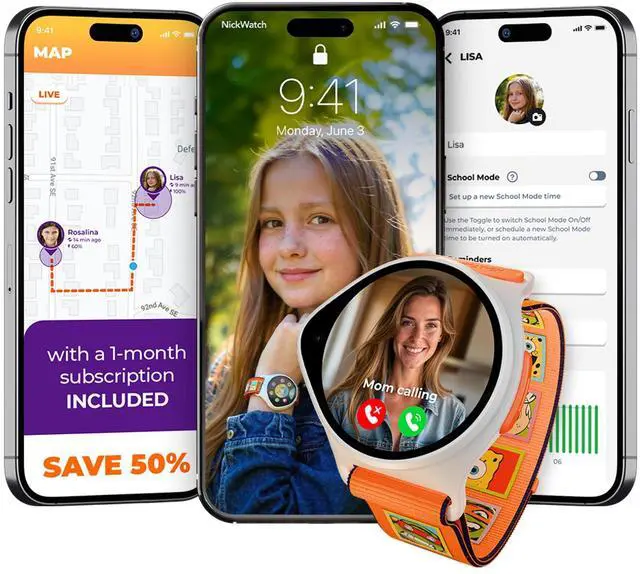
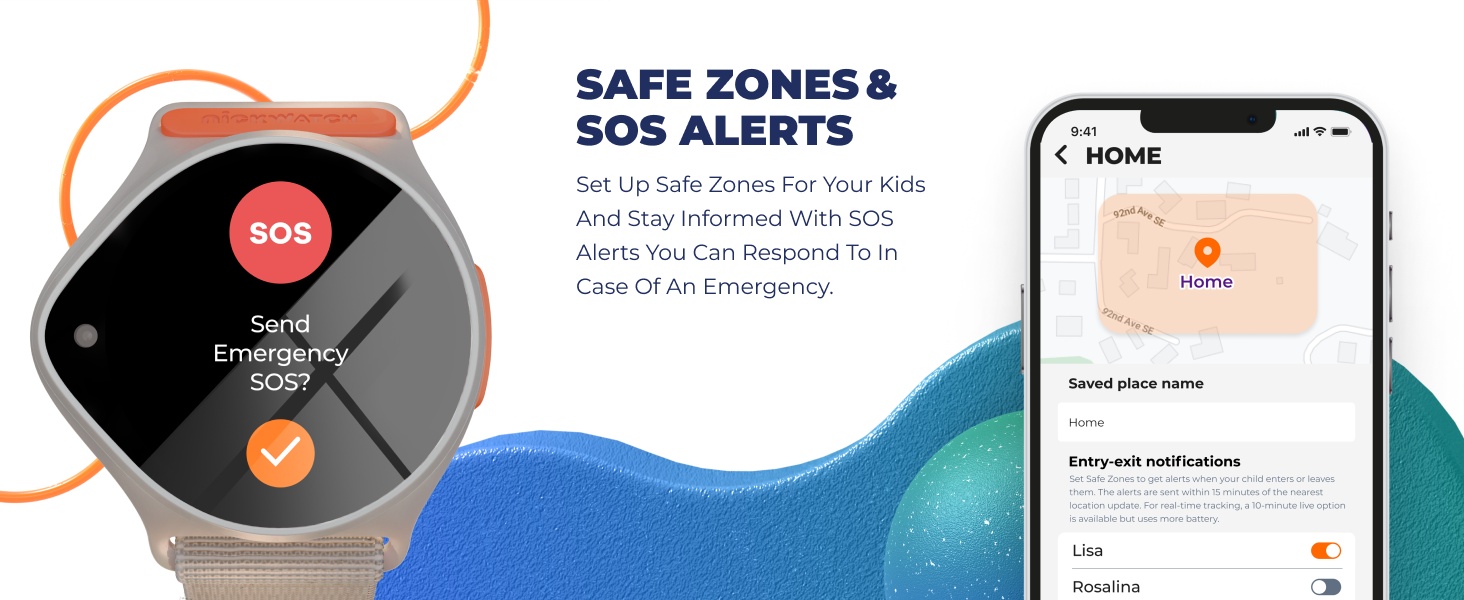
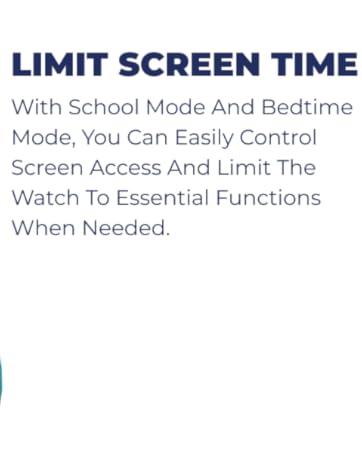
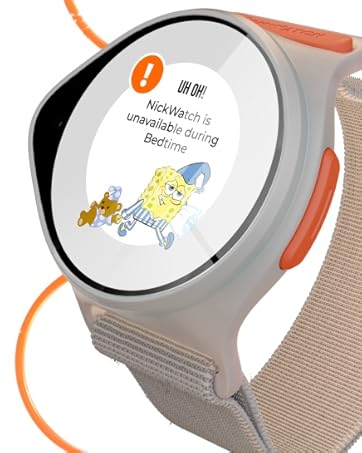
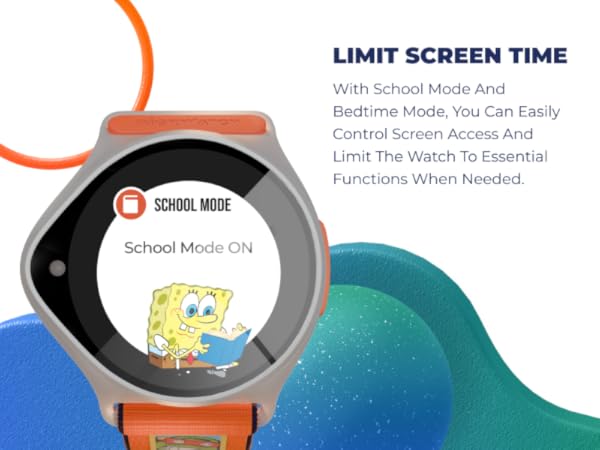
School Mode restricts calls and messages (let’s avoid those classroom distractions), while Bedtime Mode disables entertainment options on the watch, but still allows chat and calls, to help kiddos wind down for the night.
Can I call the watch without being a part of the family ring?
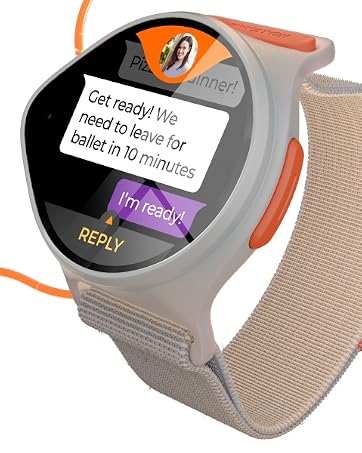
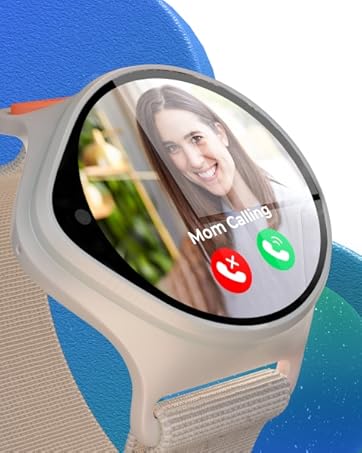
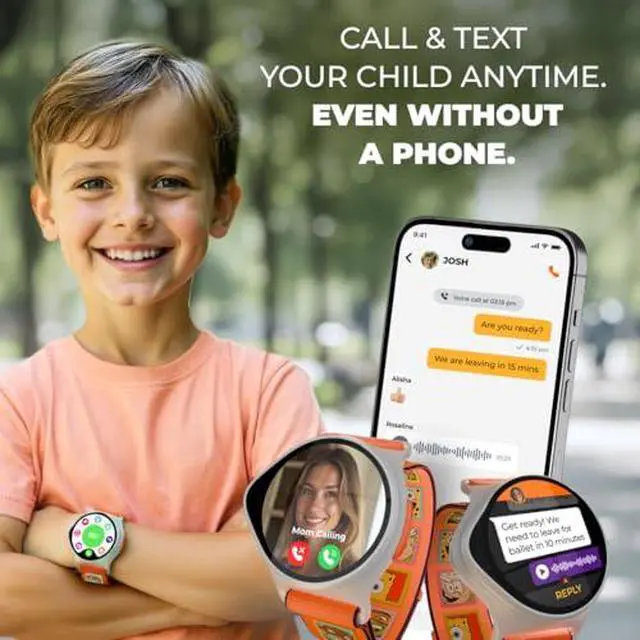
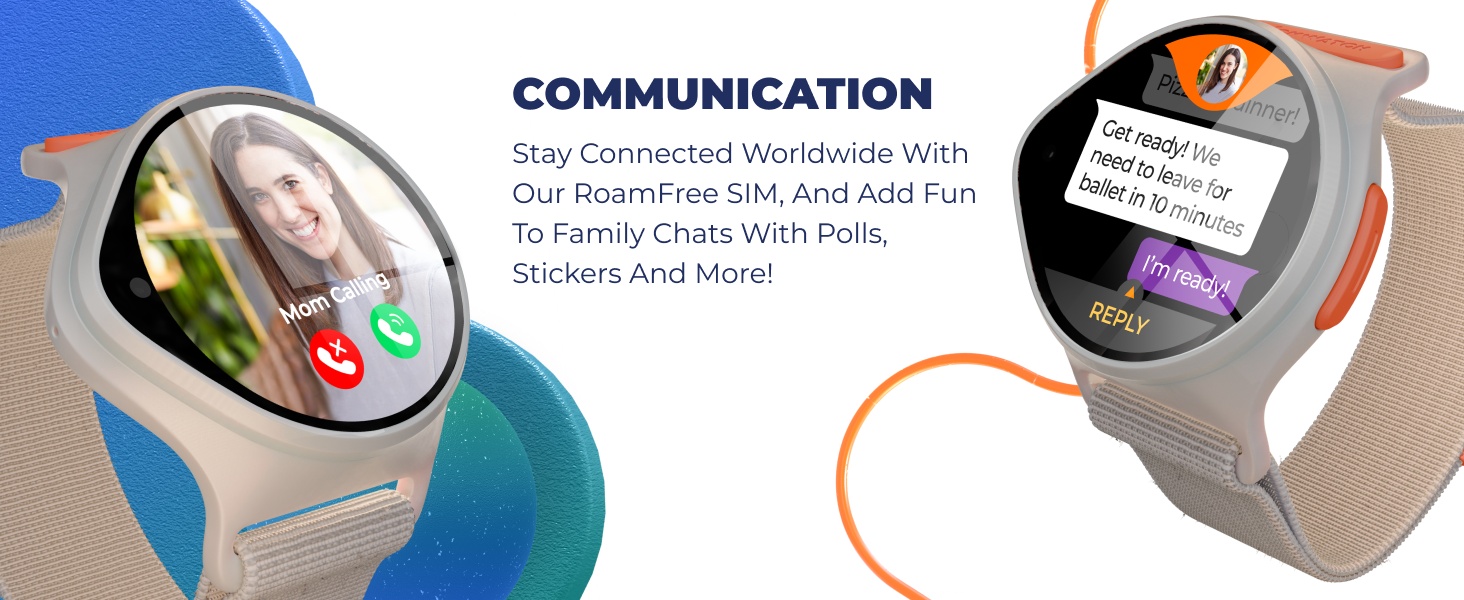
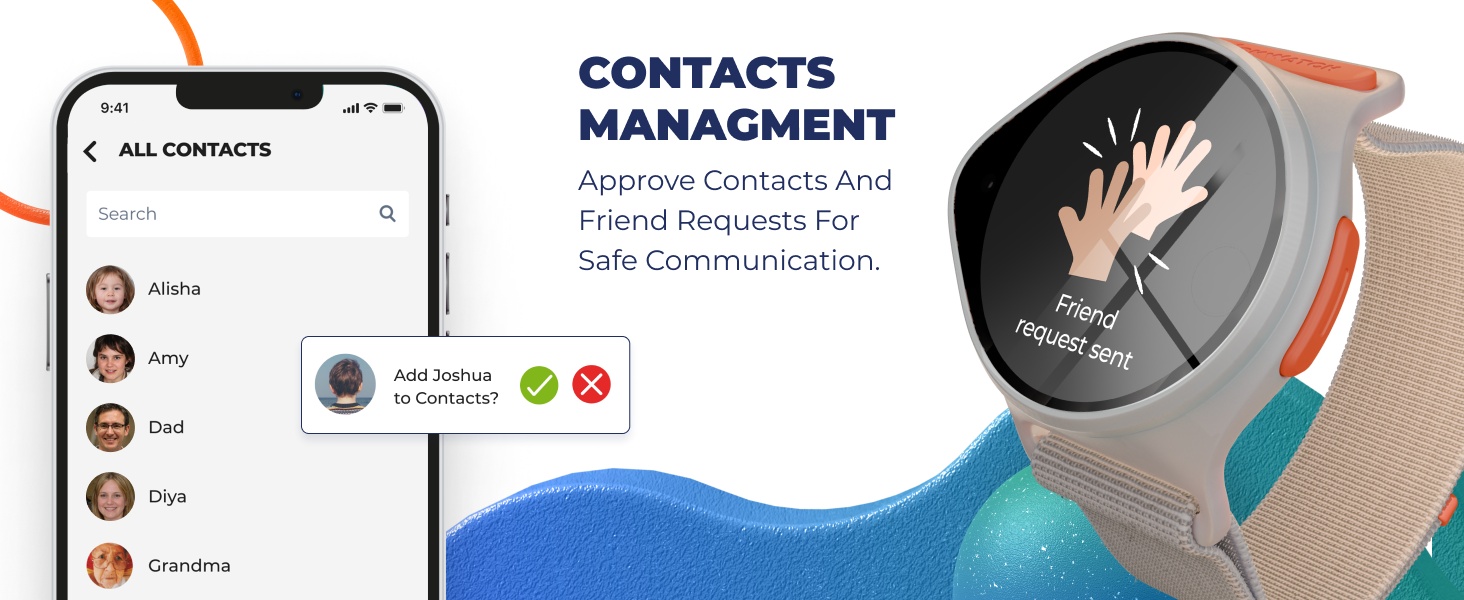
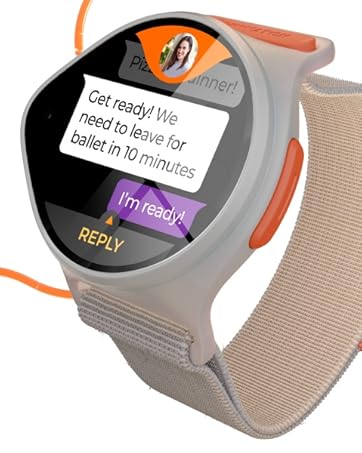
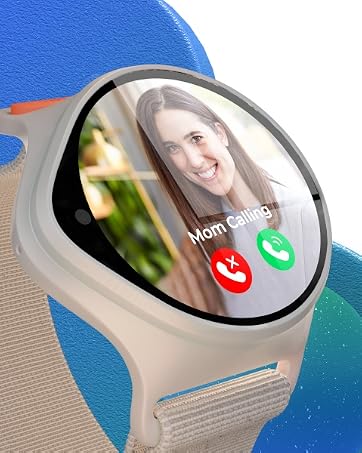
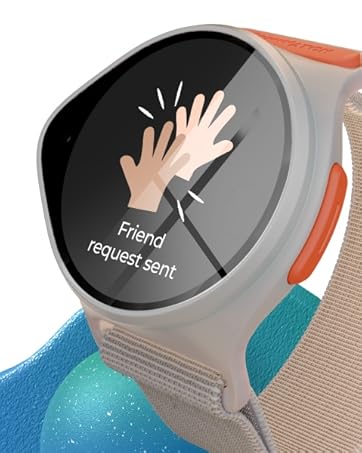
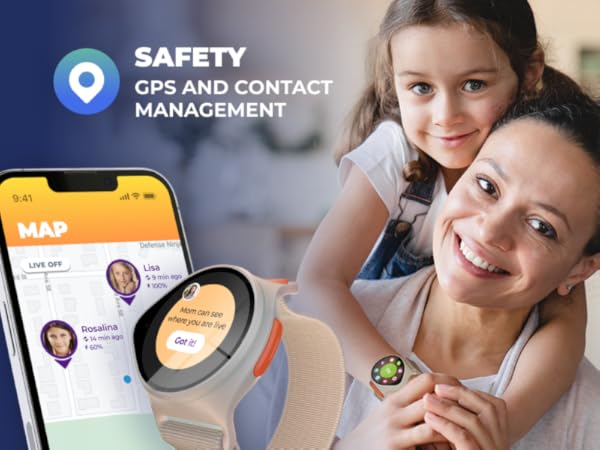
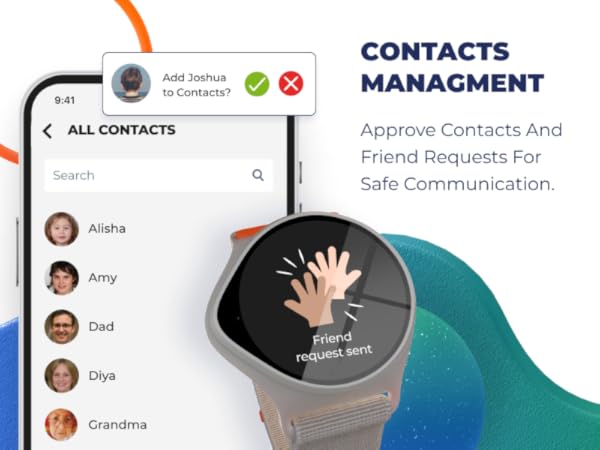
No, to contact the watch, you must have the NickWatch app and be part of the family ring, which consists of pre-approved contacts.
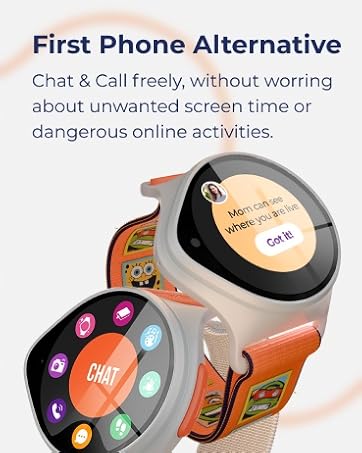
Can my child use their NickWatch to communicate with strangers?
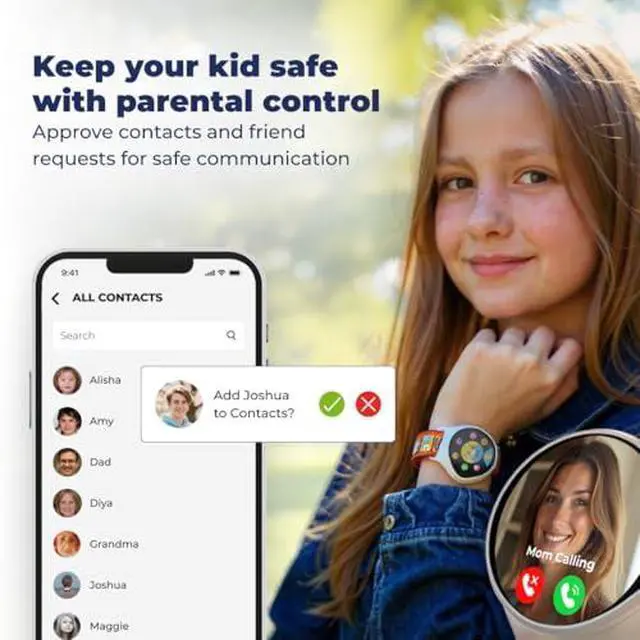
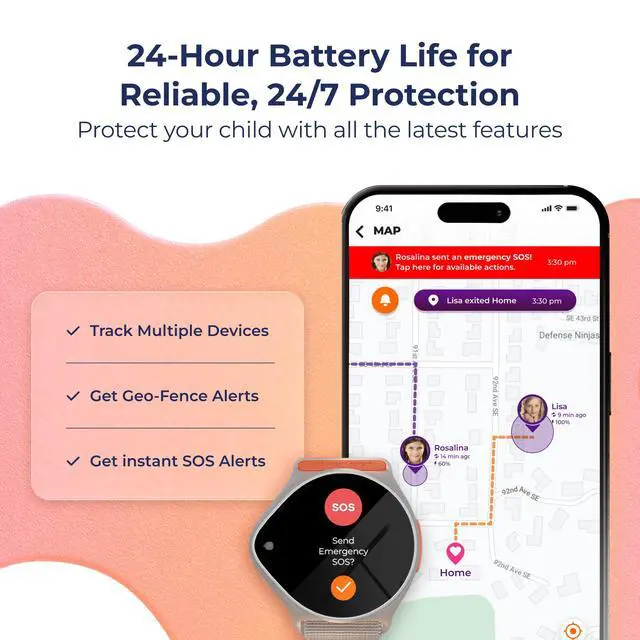
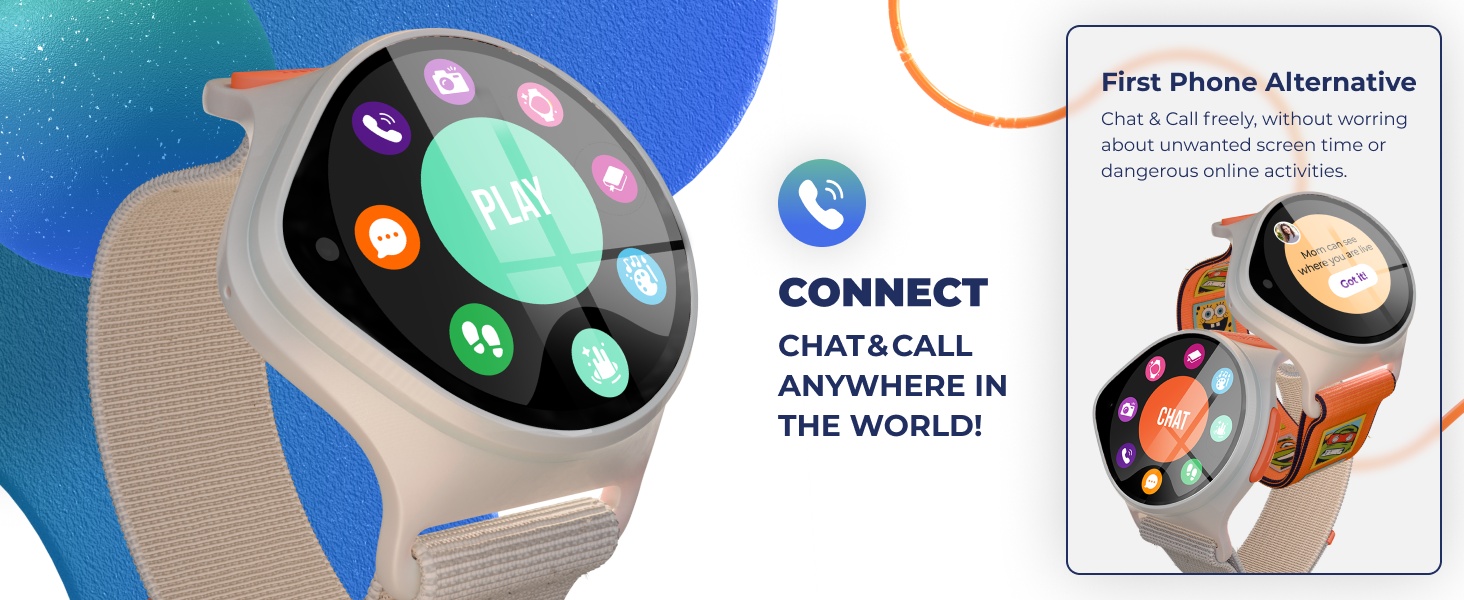
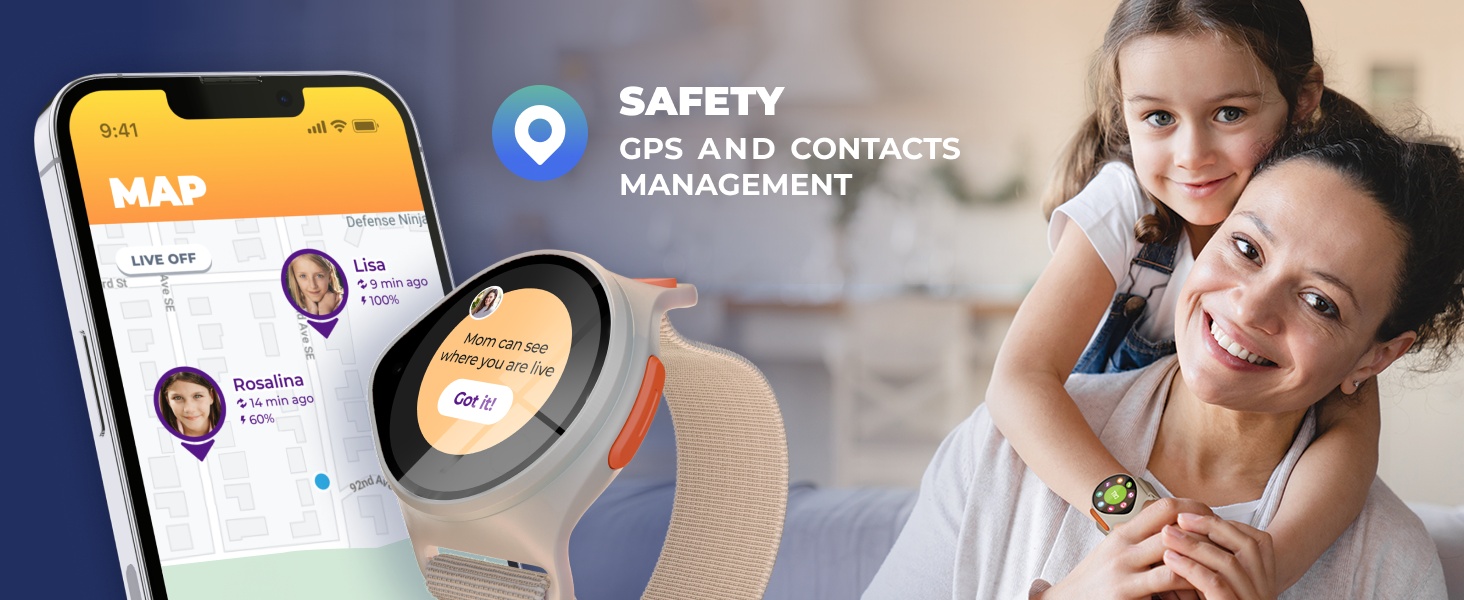
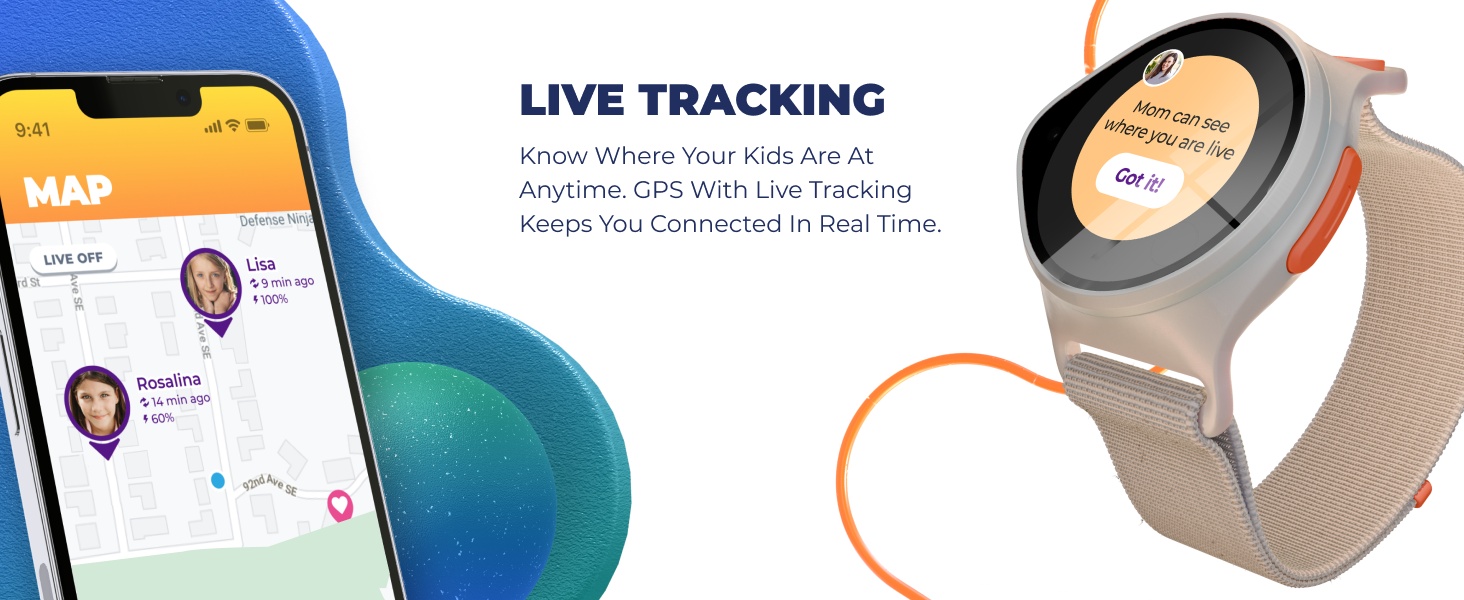
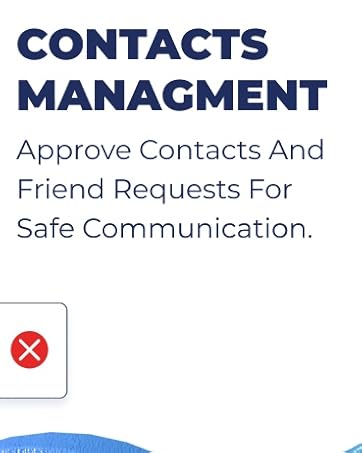
Absolutely not. Your child will only be able to communicate with trusted contacts approved by the family ring administrator in your NickWatch app. Safety is the priority.



GPS Tracking Smartwatch with App
How many NickWatches can I add to my NickWatch app account?
There’s no limit. You can add as many NickWatches as you like.
How do I charge my child’s NickWatch?
Your kid’s NickWatch comes with a 2-pin USB magnetic charger. Simply place the watch on the magnetic platform for easy charging.
Do I need to buy a SIM card for my child’s NickWatch?
Nope! The NickWatch contains an embedded SIM card, which is activated through your Data Pack. This embedded SIM enables all communication and data features, which also enables your child’s NickWatch to go global.
Do I need to adjust the SIM card when traveling out of the country?
You’re asking all the right questions—but good news! NickWatch is now travel-ready out of the box. Roaming is enabled by default, so your watch should work globally without any changes. Just pack your bags and go (and don’t forget to send
Can I use my own SIM on my child’s NickWatch?
Unfortunately, no. Our SIM card is extra special and is built-in and non-removeable.
What is the difference between School Mode and Bedtime Mode?
School Mode restricts calls and messages (let’s avoid those classroom distractions), while Bedtime Mode disables entertainment options on the watch, but still allows chat and calls, to help kiddos wind down for the night.
Can I call the watch without being a part of the family ring?
No, to contact the watch, you must have the NickWatch app and be part of the family ring, which consists of pre-approved contacts.
Can my child use their NickWatch to communicate with strangers?
Absolutely not. Your child will only be able to communicate with trusted contacts approved by the family ring administrator in your NickWatch app. Safety is the priority.