here!
here!
I’m your shopping assistant for PC builds, upgrades, and everything tech.
Got questions? Ask away!
Start a conversation
here!
I’m your shopping assistant for PC builds, upgrades, and everything tech.
Got questions? Ask away!
Start a conversation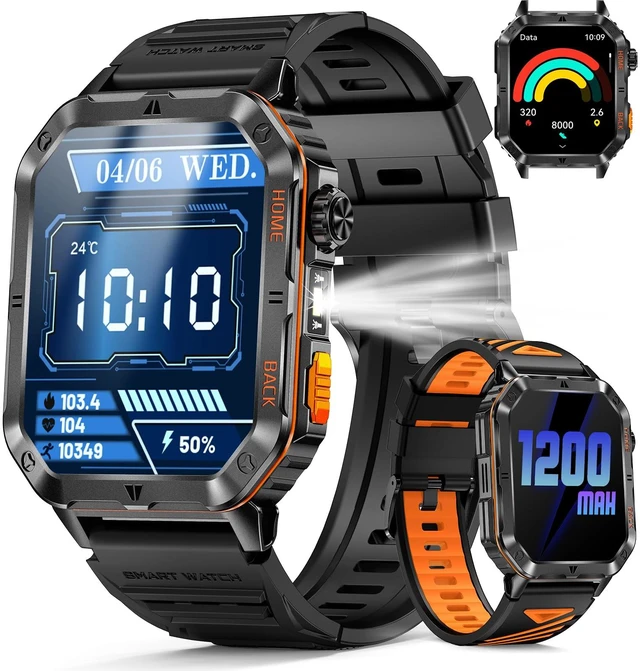



Any questions? Ask CelesteSM will help you find out quickly.
| The watch will not charge? | If your watch is not charging, please try the following: Check and clean the charging port to remove dust or debris. Make sure the charging cable is properly connected and powered. If the watch has not been used for a long time, charge it for 1–2 hours to reactivate the battery. Confirm that the charging icon appears on the screen. If needed, restart the watch. |
|---|---|
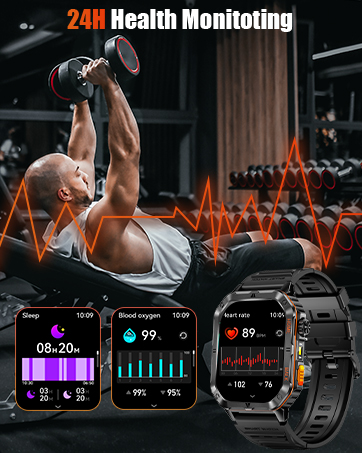
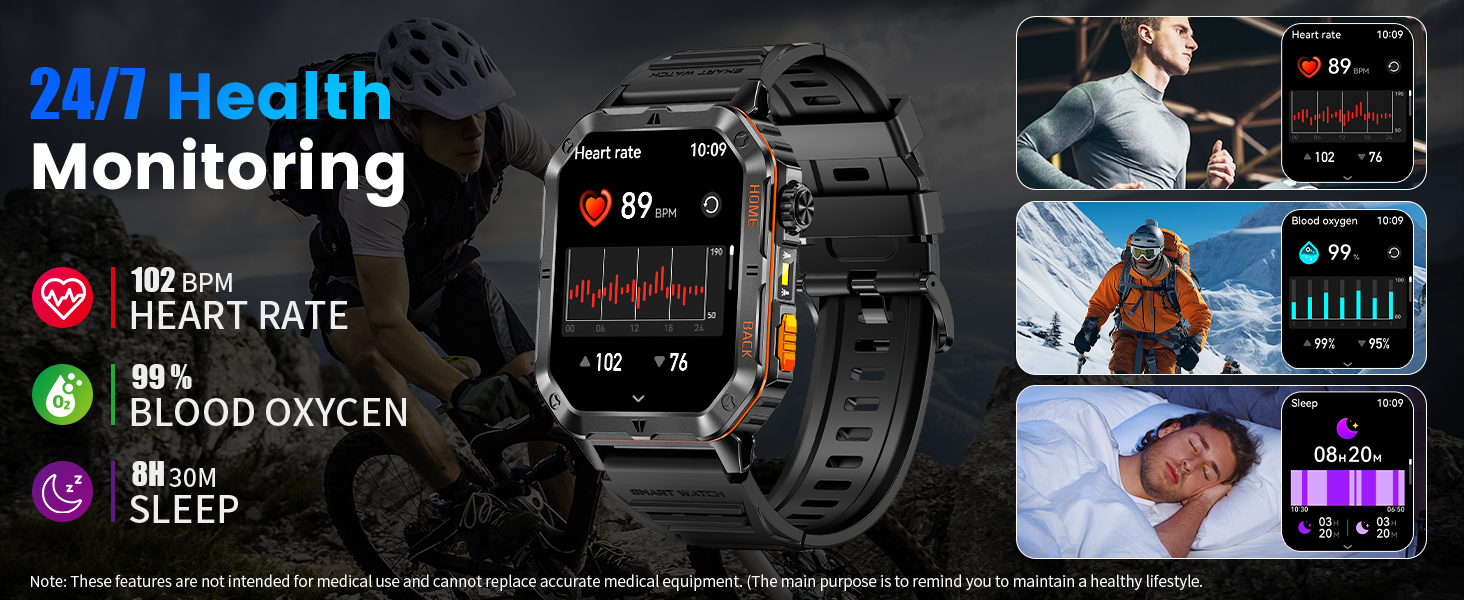
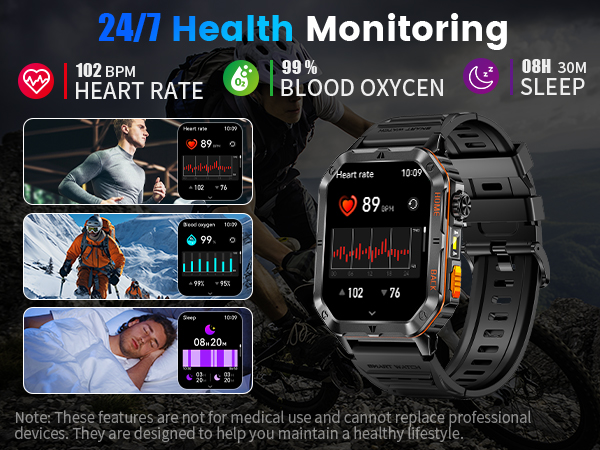
| Health & Activity Tracking | This smartwatch tracks heart rate and sleep patterns throughout the day. All data is recorded in the companion app to help you better understand your daily activity and rest habits.(Note: Data is for reference only and not intended for medical use) |
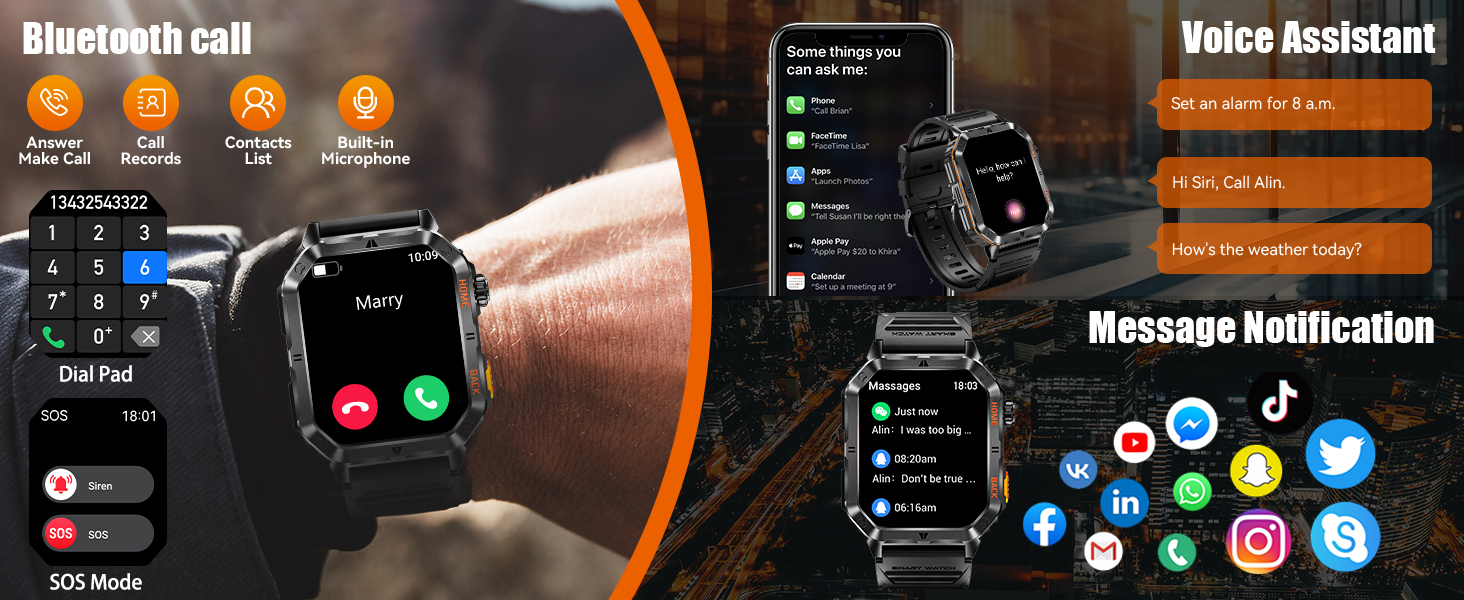
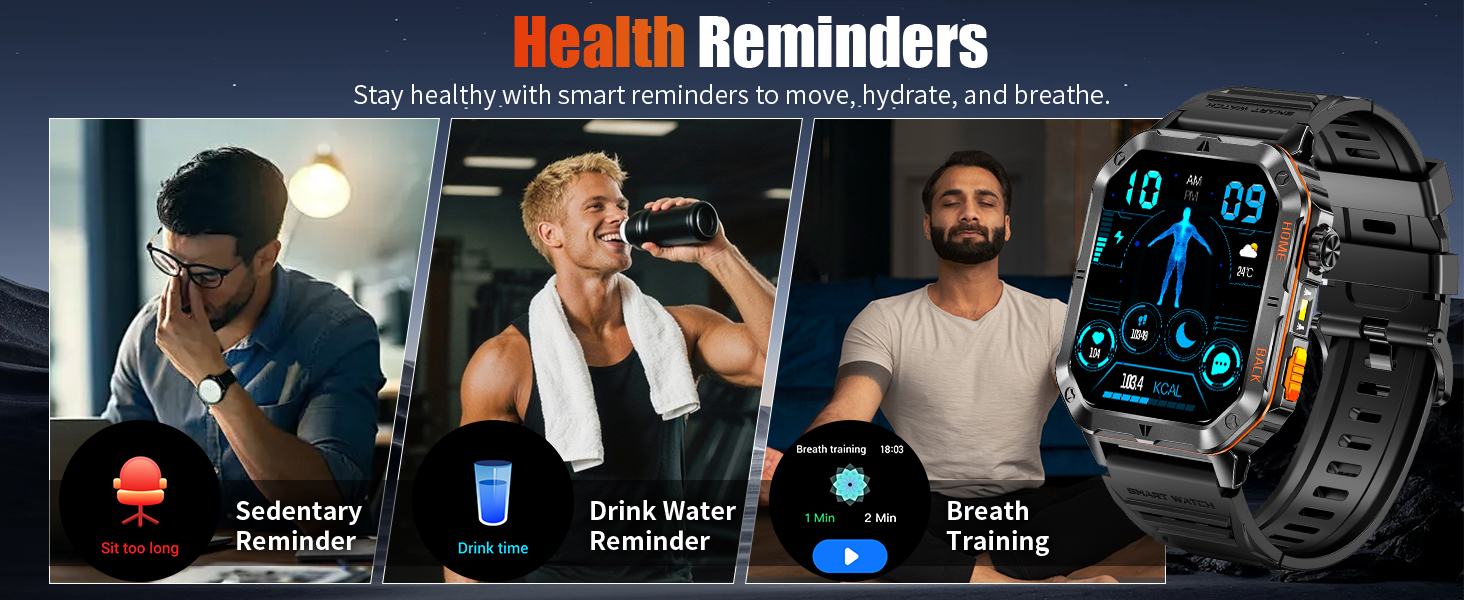
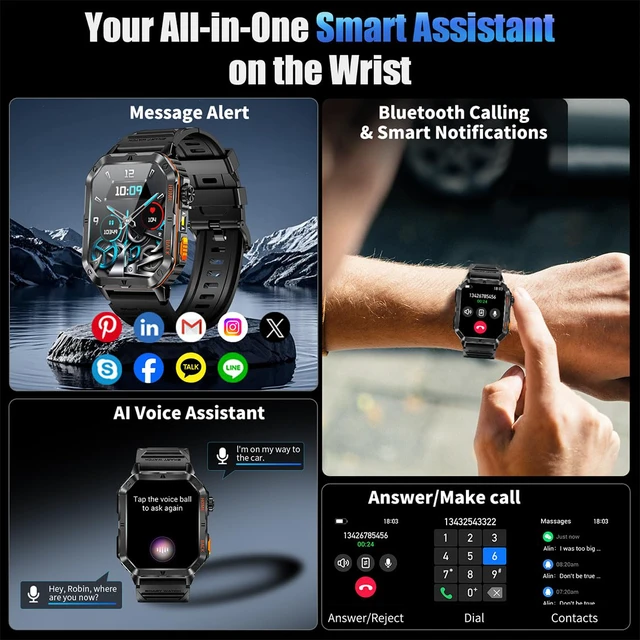
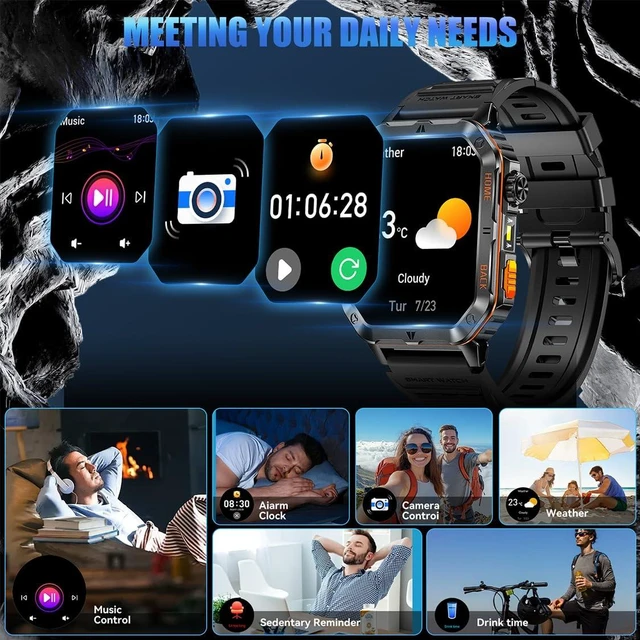
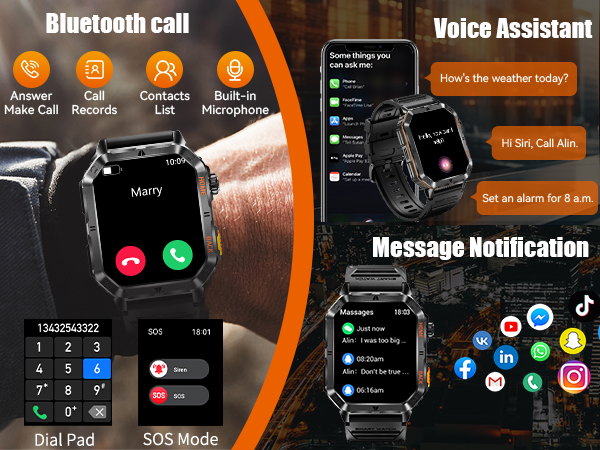
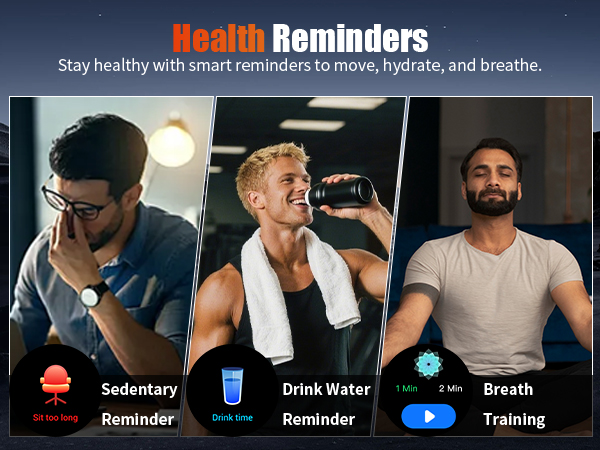
| Smart Notifications | Receive notifications for incoming calls, text messages, and popular apps such as Facebook, WhatsApp, Instagram, and Messenger. You can also set alarms, sedentary reminders, and hydration reminders to support your daily routine. |
| Bluetooth Calling | When connected to the app and your smartphone’s Bluetooth settings, you can make and receive calls directly from your watch.(If you prefer audio through your phone, you can turn off “Media Audio” in the Bluetooth settings) |
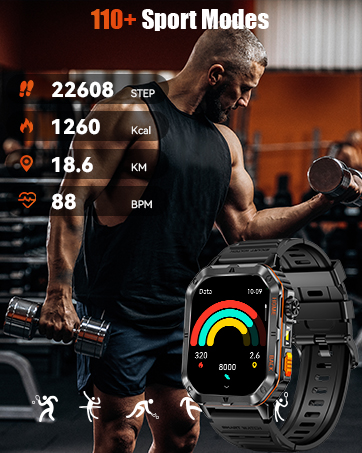
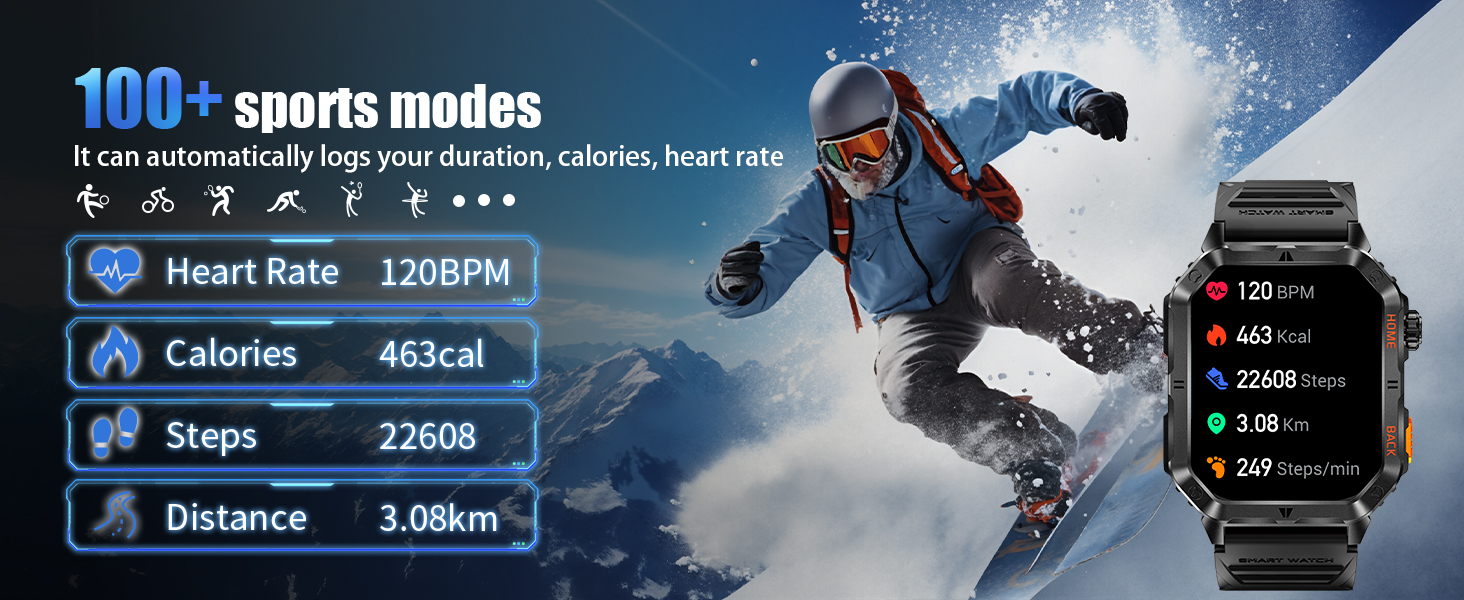
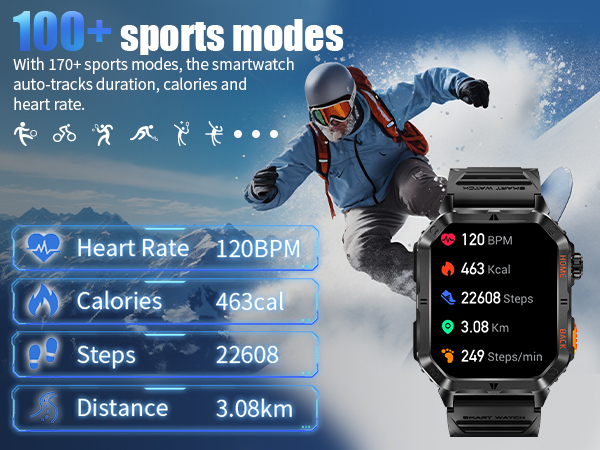
| 110+ Sports Modes | Supports over 110 built-in sports modes to track steps, distance, calories, and other workout data. You can also set exercise goals and review your activity records in the app to better understand your daily fitness progress. Note: The data provided is for reference only. If you notice significant deviations in the readings, please feel free to contact our technical support team, and we will be happy to assist you. |
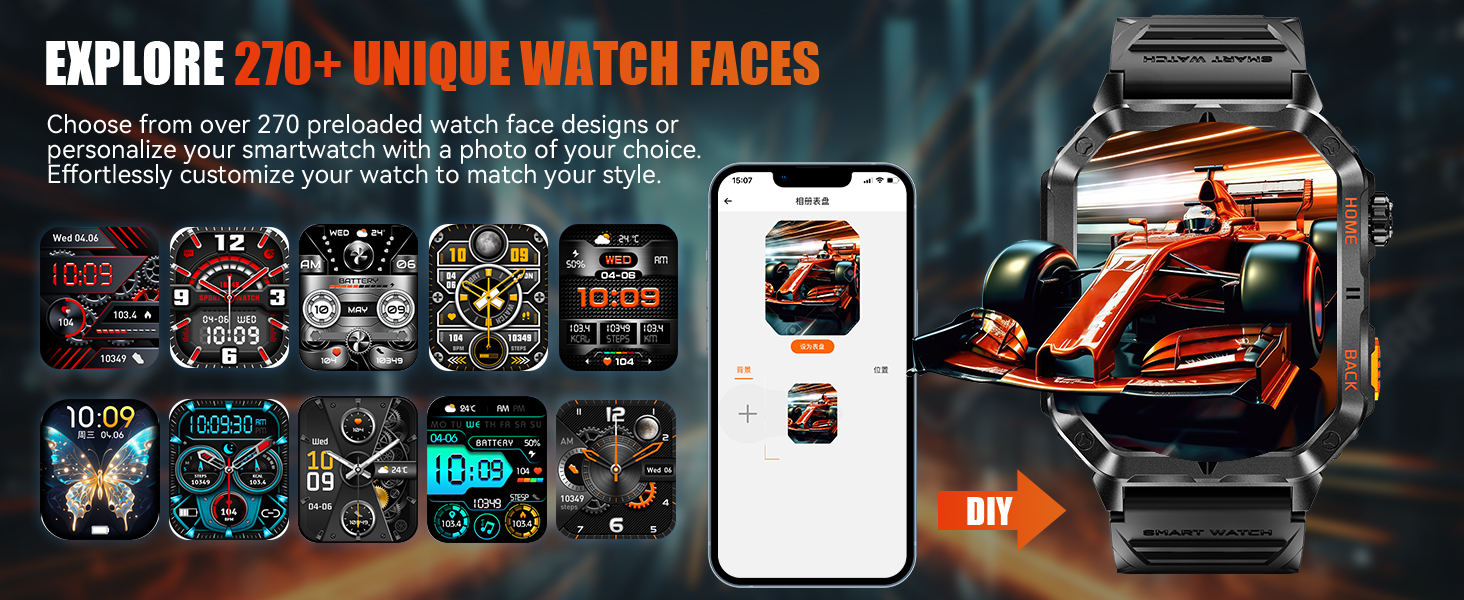
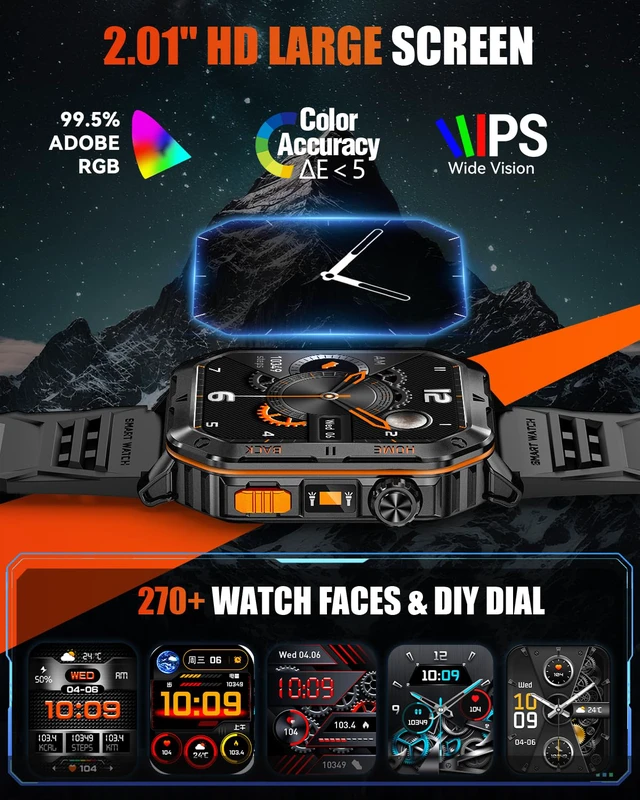
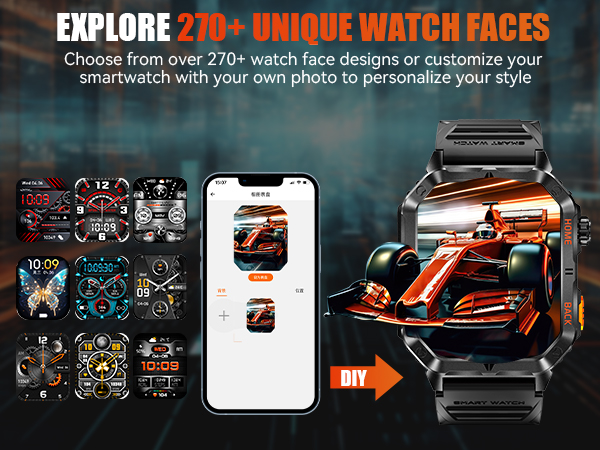
| Custom Watch Faces | Choose from multiple built-in watch faces or upload your favorite photos through the app to personalize your display. |
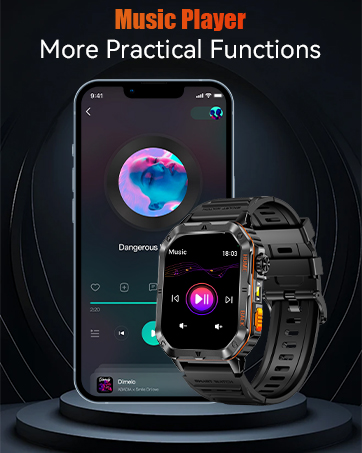
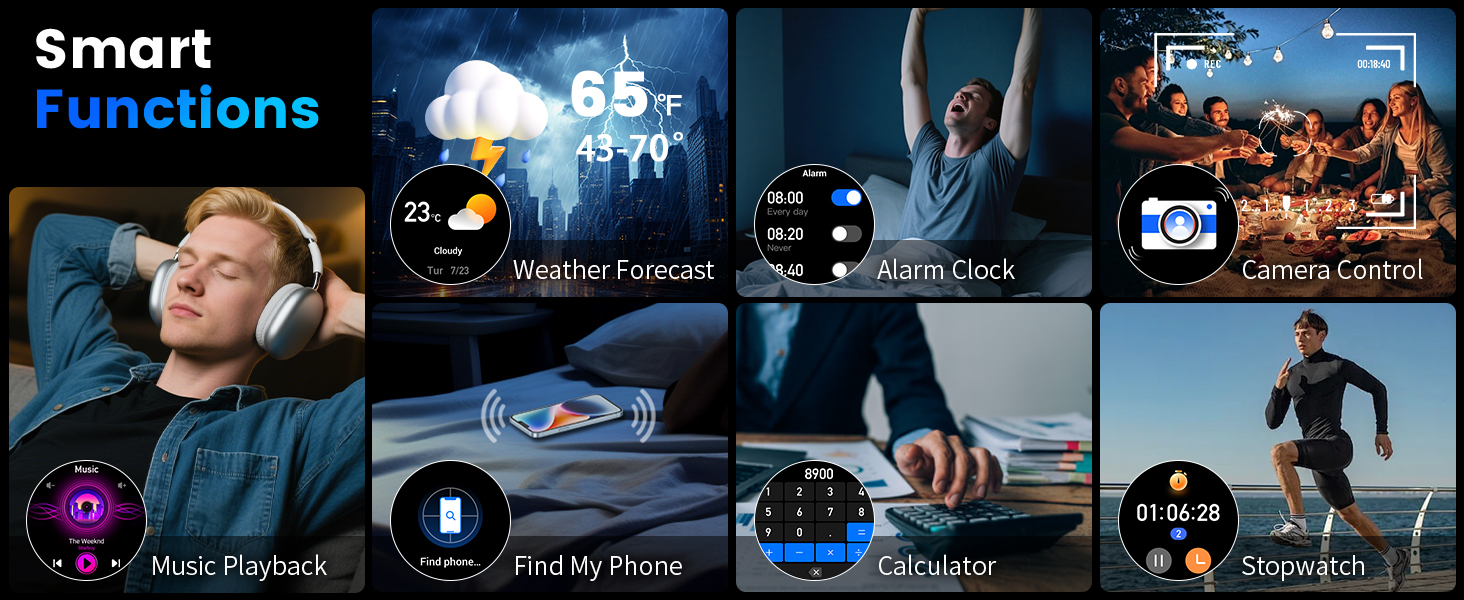
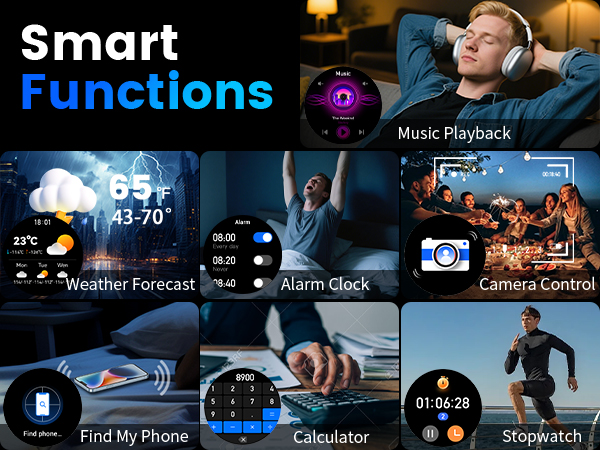
| Essential Daily Tools | Includes practical features such as a calculator, voice assistant, contact storage, password lock, music control, remote camera control, alarm clock, stopwatch, and timer. |
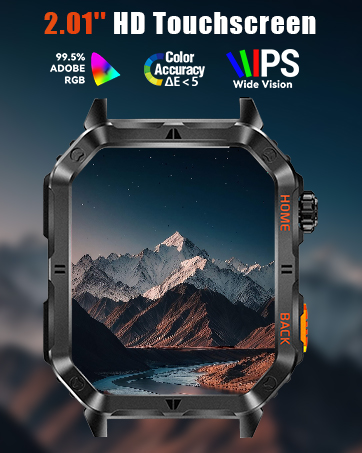
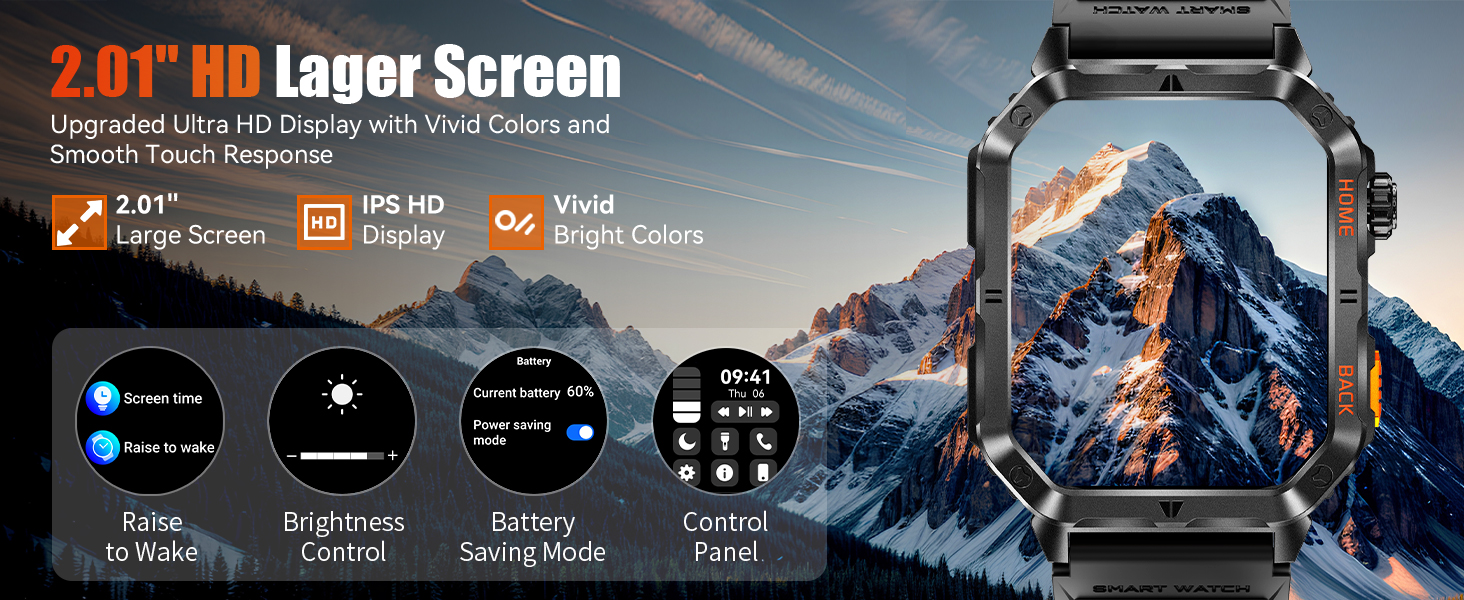
| Basic Functions | Supports time display, date, 12/24-hour format, weather updates, raise-to-wake screen, and language settings. |
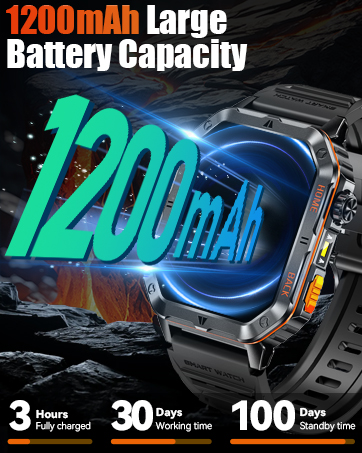
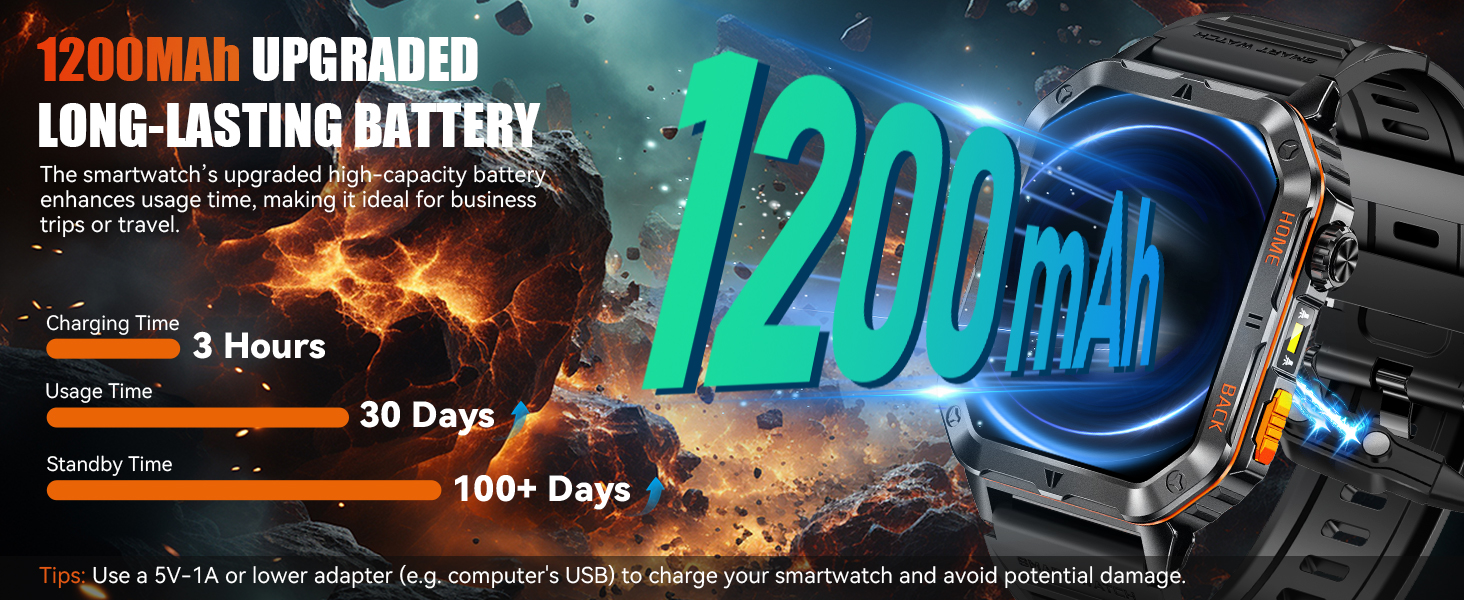
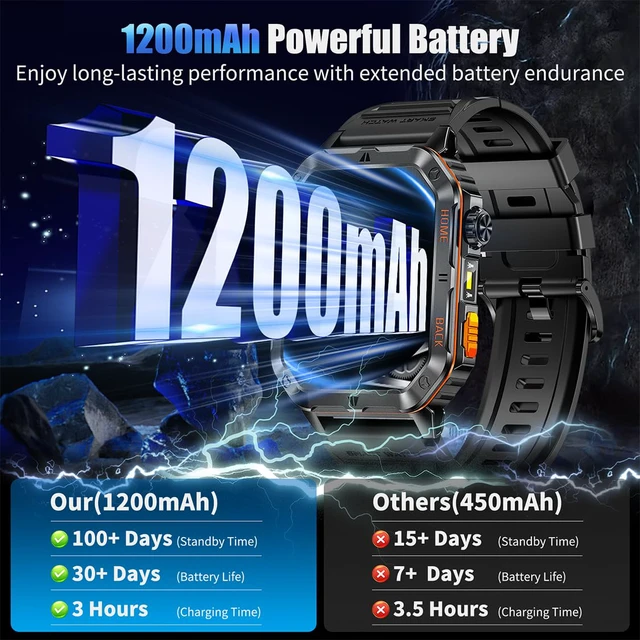
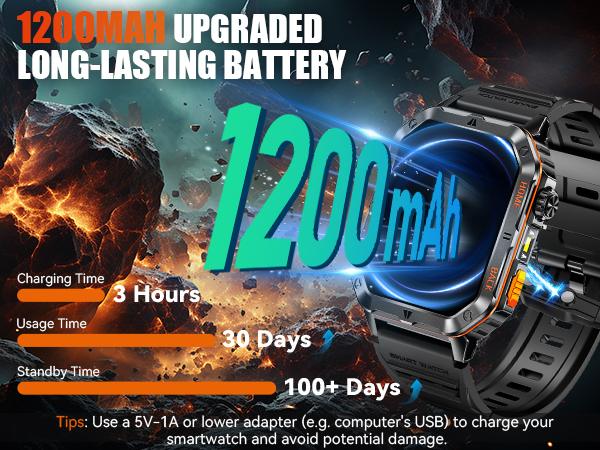
| Battery Usage Tips | Battery life varies depending on usage. Frequent calls, music playback, and maintaining high screen brightness may reduce battery usage time. |
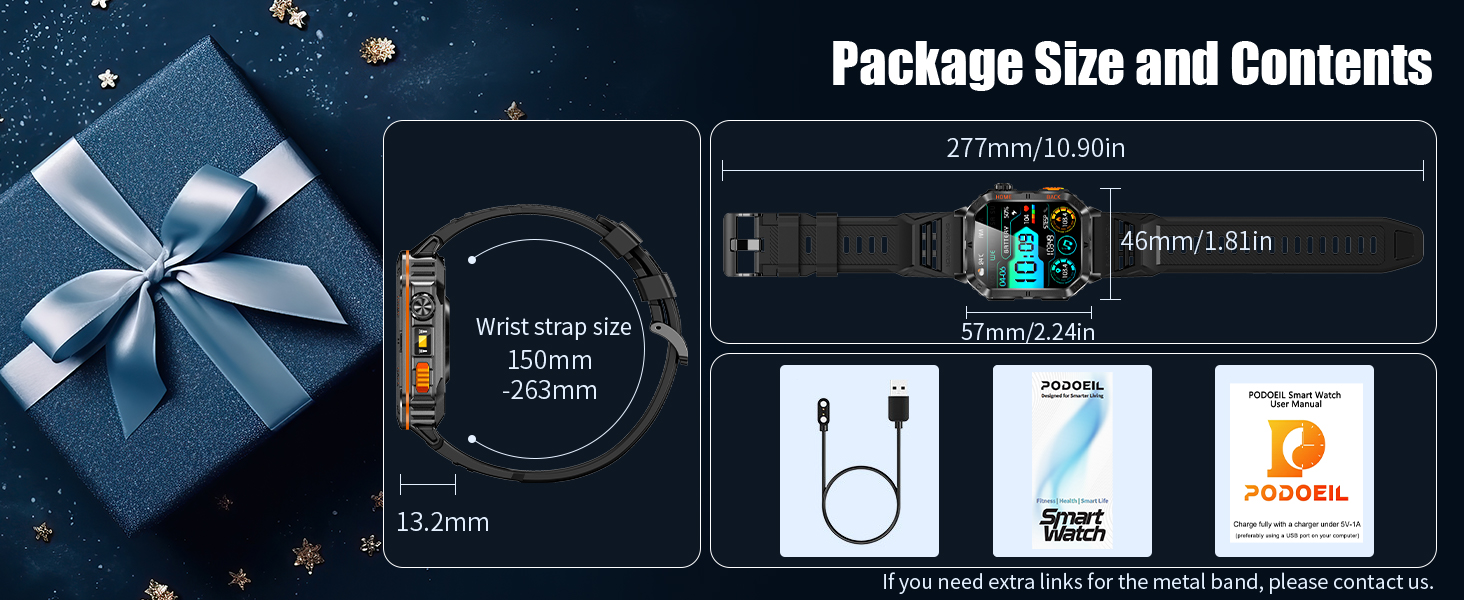
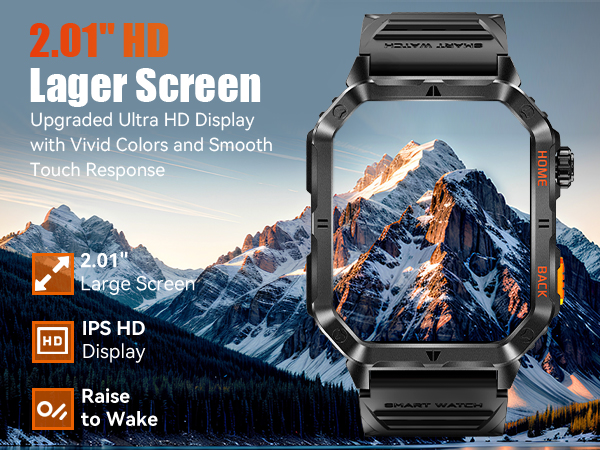
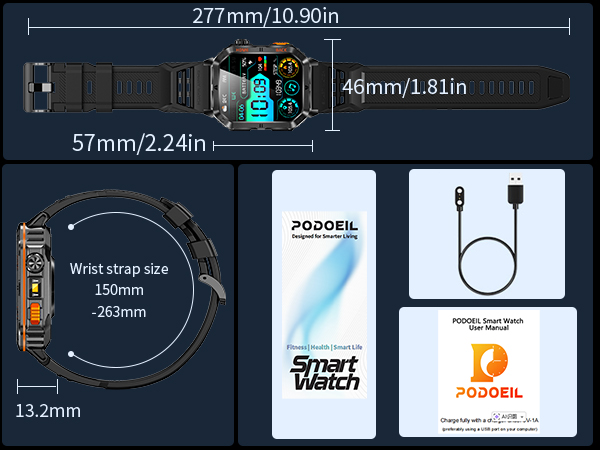
| Men's Smart Watch Size | Case Size: 57 × 46 × 13.2 mm Weight: 64 g Band Width: 22 mm Fits Wrist Size: 169–242 mm Designed for a bold, sporty look suitable for everyday wear and outdoor activities. |
1. Download the "FitCloudPro" app: Search for and download "FitCloudPro" in the app store.
2. Turn on Bluetooth: Enable Bluetooth in your phone settings to ensure the smart watch can be detected.
3. Connect the smart watch: Open the app, select "Add Peripheral Now", choose "MT62" to bind, and agree to the connection request on the smart watch.
4. Set audio mode: Swipe down on the smart watch screen, select the "Phone" icon, and choose the audio mode as needed.
If you want the sound to come out of your phone/headset, follow the steps in the video.
This video shows how to customize your smartwatch watch face Easily change styles and match your personal preferences
If you're experiencing issues with receiving message notifications, please click on the video link for detailed setup instructions.
This video shows how to set up the weather forecast on your smartwatch Learn how to connect your phone and get weather updates on your wrist
This video shows how to change units on your smartwatch You can easily switch between metric and imperial for temperature distance and weight