




 here!
here!
I’m your shopping assistant for PC builds, upgrades, and everything tech.
Got questions? Ask away!
Start a conversation
here!
I’m your shopping assistant for PC builds, upgrades, and everything tech.
Got questions? Ask away!
Start a conversation



Any questions? Ask CelesteSM will help you find out quickly.
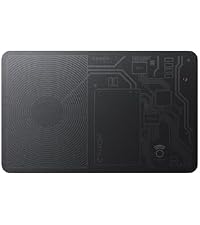 Tracker Air | Black | V1 | 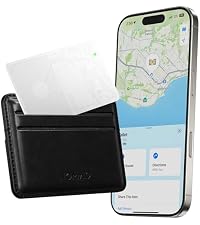 Tracker Air | White | V1 | 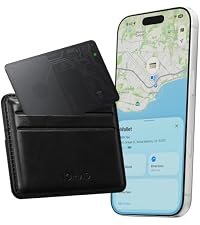 Tracker Air | Black | V2 | 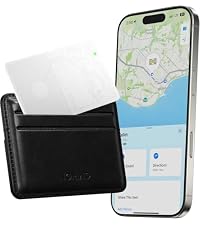 Tracker Air | White | V2 | 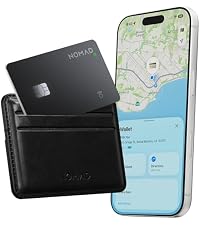 Tracker Pro | Black |  Tracker Pro | White |  Tracker | Black | Google | |
|---|---|---|---|---|---|---|---|
Customer Reviews | — | — | — | — | — | — | — |
Price | — | — | — | — | — | — | — |
5 Month Battery | ? | ? | ? | ? | ? | ? | ? |
7 Month Battery | ? | ? | ? | ? | ? | ? | ? |
16 Month Battery | ? | ? | ? | ? | ? | ? | ? |
Rechargeable | ? | ? | ? | ? | ? | ? | ? |
Compatible w/ Apple Find My | ? | ? | ? | ? | ? | ? | ? |
Compatible w/ Google Find Hub | ? | ? | ? | ? | ? | ? | ? |
Will Tracking Card fit in my wallet?
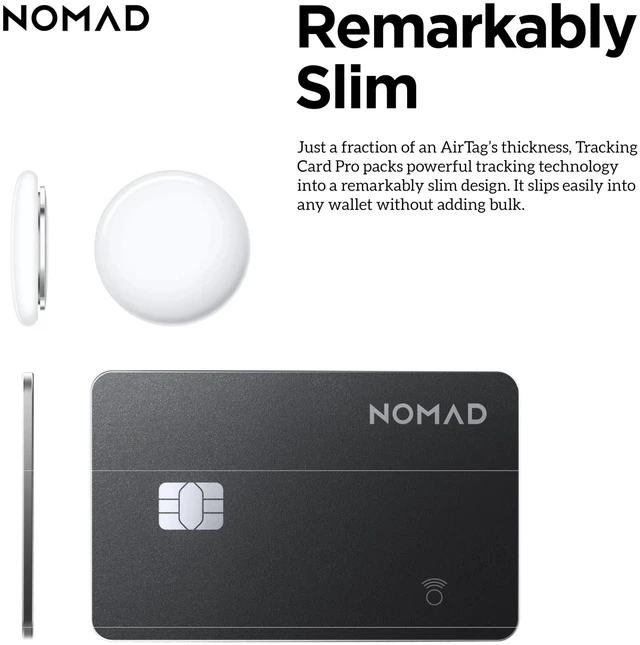
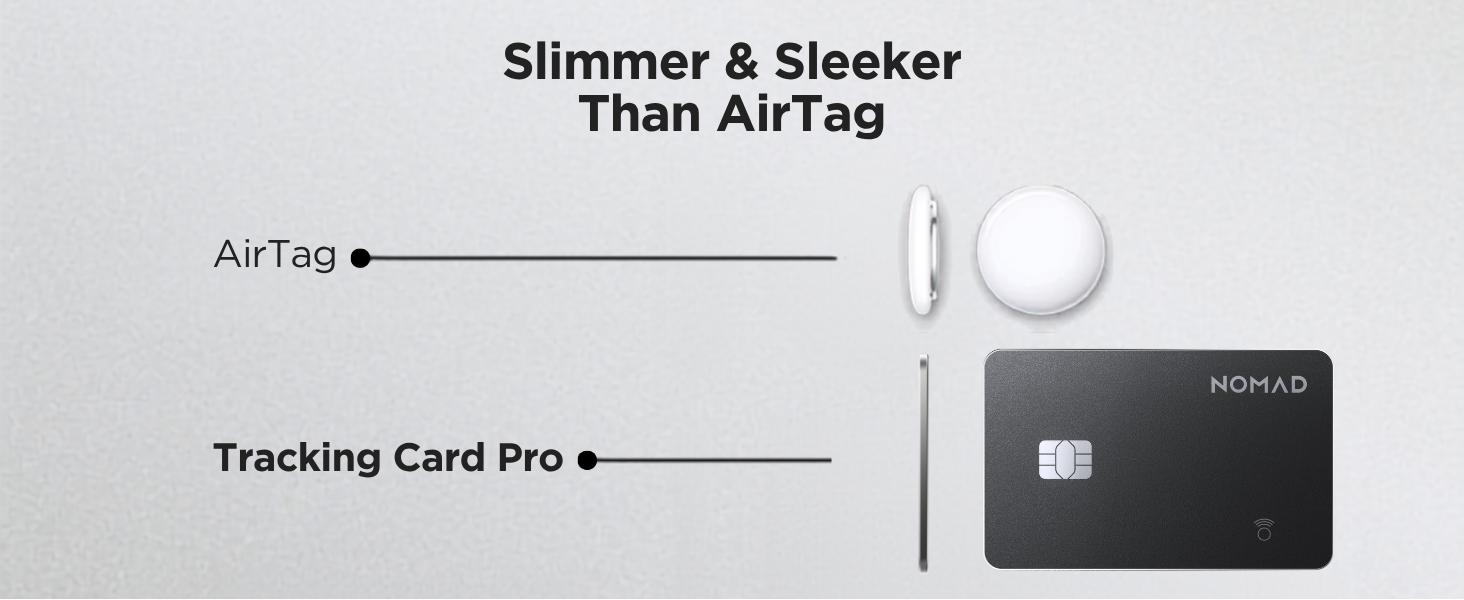
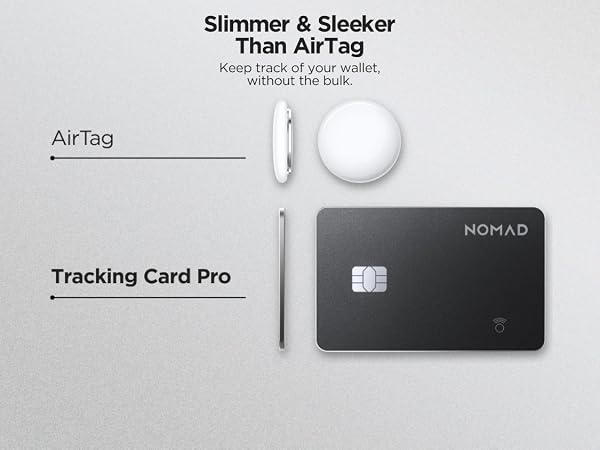
Tracking Card’s ultra-slim design will fit in most wallets.
Will it demagnetize my credit cards?
Tracking Card does not have magnets and will not demagnetize or affect your credit cards. It has enough metal to attach to MagSafe chargers and receive a charge.
Does Tracking Card support precision finding?
Tracking Card can track items up to 150ft away, but it doesn't have the Ultra Wide Band technology found in AirTags and therefore doesn't support precision tracking.
Will Tracking Card work with RFID-blocking wallets?
Most RFID-blocking wallets contain metal components, which can interfere with Bluetooth connections. Since Tracking Card relies on Bluetooth, it will likely experience interference when used with RFID-blocking accessories.
How do I charge Tracking Card? How do I know that it’s fully charged?
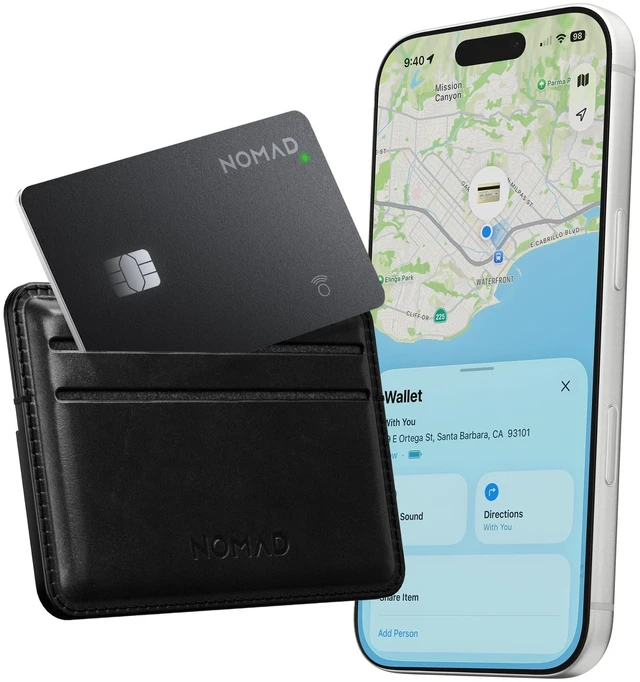
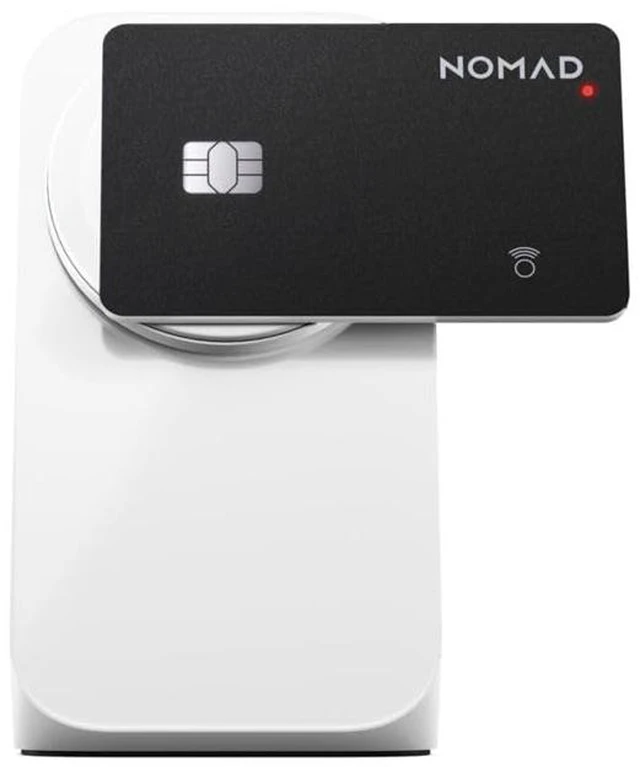
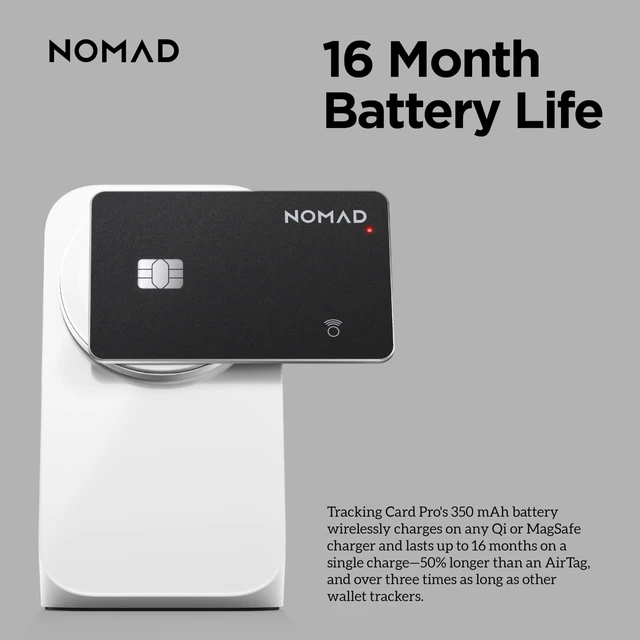
To charge Tracking Card, place it on any Qi or MagSafe charger. The small circular light on the top right corner will turn green once fully charged. To check the battery percentage, navigate to the device in your Find My app.
How to Pair Nomad Tracking Card?
Press and hold the button for 5 seconds to turn it on. Open the Find My app, select Items > Add New Item (+) > Add Other Item. When Nomad Card appears, tap to connect and set a custom name and icon.
Do I Need to Charge Before Use?
Fully charge Nomad Card before use. Align the coil graphic on Nomad Card with the center of your wireless charger. The light will be red while charging and turn green when fully charged.
How Do I Perform a Factory Reset on My Tracking Card?
Turn on Nomad Card and double-click the button: it will beep and flash 3 times. Then press and hold the button; after 2 seconds you’ll hear a ticking sound and see the LED flash. Keep holding for about 8 seconds until it beeps and flashes 3 times.
Tracker Air | Black | V1 | Tracker Air | White | V1 | Tracker Air | Black | V2 | Tracker Air | White | V2 | Tracker Pro | Black | Tracker Pro | White | Tracker | Black | Google |
|---|---|---|---|---|---|---|
| Customer Reviews | ||||||
| — | — | — | — | — | — | — |
| Price | ||||||
| — | — | — | — | — | — | — |
| 5 Month Battery | ||||||
| ? | ? | ? | ? | ? | ? | ? |
| 7 Month Battery | ||||||
| ? | ? | ? | ? | ? | ? | ? |
| 16 Month Battery | ||||||
| ? | ? | ? | ? | ? | ? | ? |
| Rechargeable | ||||||
| ? | ? | ? | ? | ? | ? | ? |
| Compatible w/ Apple Find My | ||||||
| ? | ? | ? | ? | ? | ? | ? |
| Compatible w/ Google Find Hub | ||||||
| ? | ? | ? | ? | ? | ? | ? |
Will Tracking Card fit in my wallet?
Tracking Card’s ultra-slim design will fit in most wallets.
Will it demagnetize my credit cards?
Tracking Card does not have magnets and will not demagnetize or affect your credit cards. It has enough metal to attach to MagSafe chargers and receive a charge.
Does Tracking Card support precision finding?
Tracking Card can track items up to 150ft away, but it doesn't have the Ultra Wide Band technology found in AirTags and therefore doesn't support precision tracking.
Will Tracking Card work with RFID-blocking wallets?
Most RFID-blocking wallets contain metal components, which can interfere with Bluetooth connections. Since Tracking Card relies on Bluetooth, it will likely experience interference when used with RFID-blocking accessories.
How do I charge Tracking Card? How do I know that it’s fully charged?
To charge Tracking Card, place it on any Qi or MagSafe charger. The small circular light on the top right corner will turn green once fully charged. To check the battery percentage, navigate to the device in your Find My app.
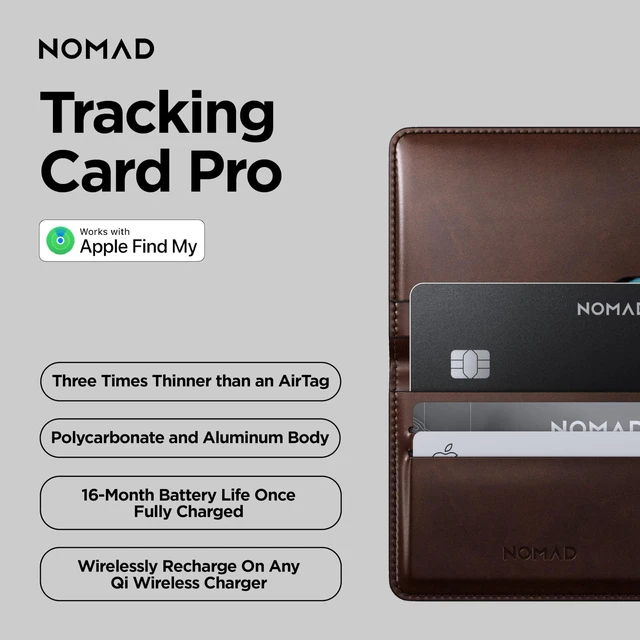
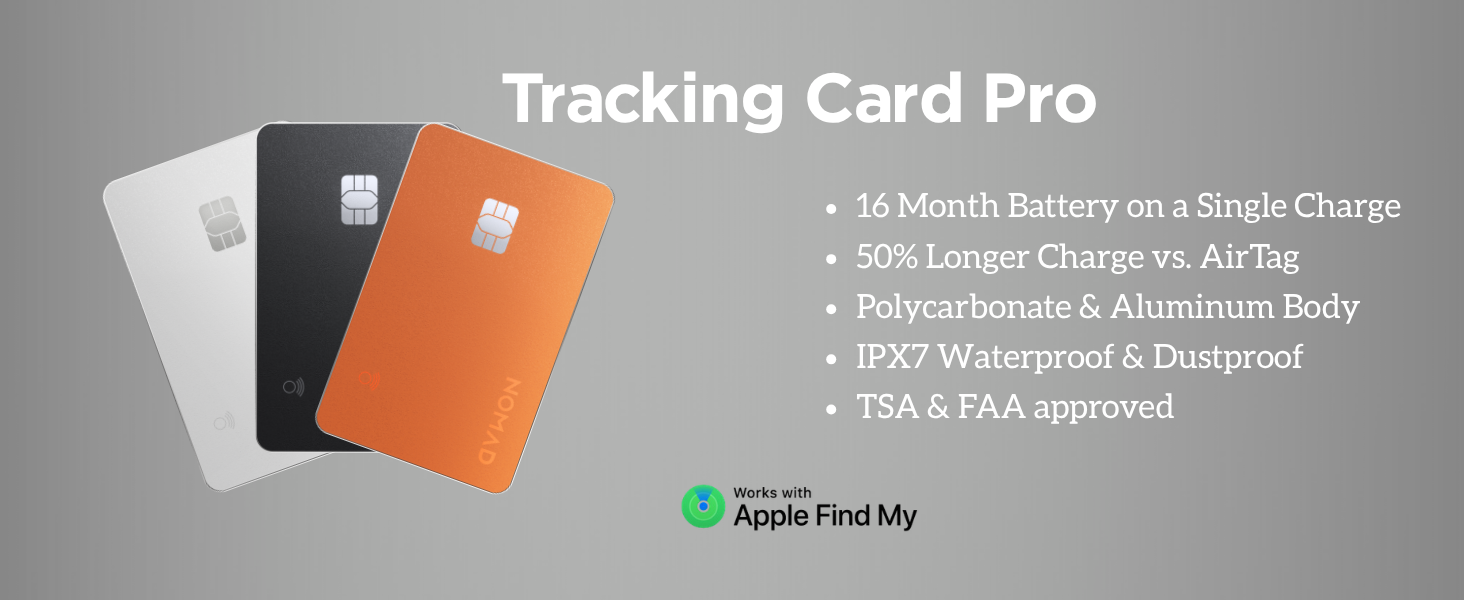
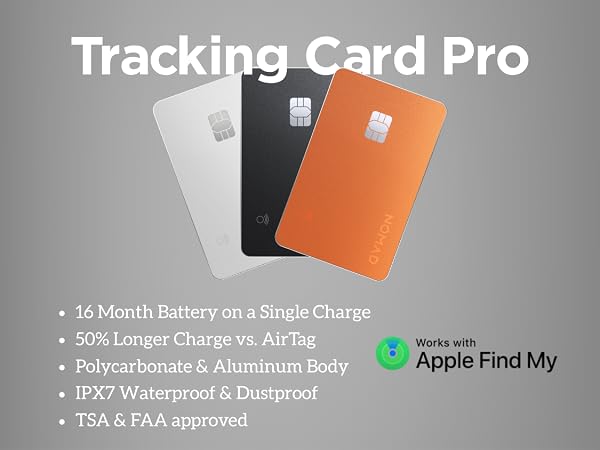
| Design | Polycarbonate and aluminum body | IPX7 waterproof and dust proof |
|---|---|
| Dimensions | 86mm x 54mm x 2.5mm | 3x thinner than an AirTag |
| Technical | Works with Apple's native Find My app | Wirelessly recharge on any Qi or MagSafe charger |
| Battery Life | Tracking Card Pro will have 16 month battery on a single charge. Recharge at anypoint to ensure you never lose what matters most. |
How to Pair Nomad Tracking Card?
Press and hold the button for 5 seconds to turn it on. Open the Find My app, select Items > Add New Item (+) > Add Other Item. When Nomad Card appears, tap to connect and set a custom name and icon.
Do I Need to Charge Before Use?
Fully charge Nomad Card before use. Align the coil graphic on Nomad Card with the center of your wireless charger. The light will be red while charging and turn green when fully charged.
How Do I Perform a Factory Reset on My Tracking Card?
Turn on Nomad Card and double-click the button: it will beep and flash 3 times. Then press and hold the button; after 2 seconds you’ll hear a ticking sound and see the LED flash. Keep holding for about 8 seconds until it beeps and flashes 3 times.


