




 here!
I’m your shopping assistant for PC builds, upgrades, and everything tech.
Got questions? Ask away!
Start a conversation
here!
I’m your shopping assistant for PC builds, upgrades, and everything tech.
Got questions? Ask away!
Start a conversation



Any questions? Ask CelesteSM will help you find out quickly.
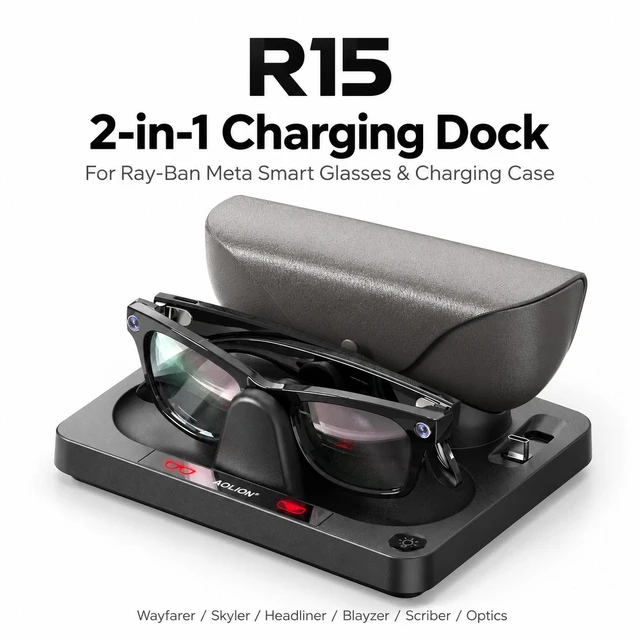
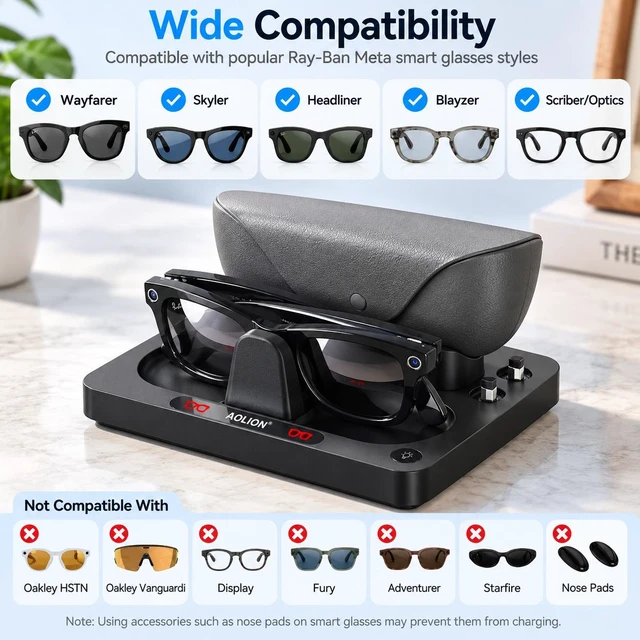
Compatible Models:Wayfarer, Skyler,Headliner/Blayzer/Scriber/Optics
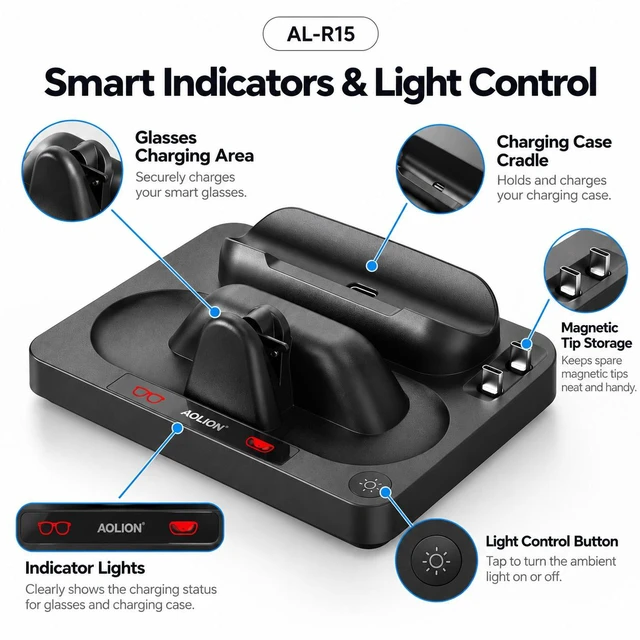
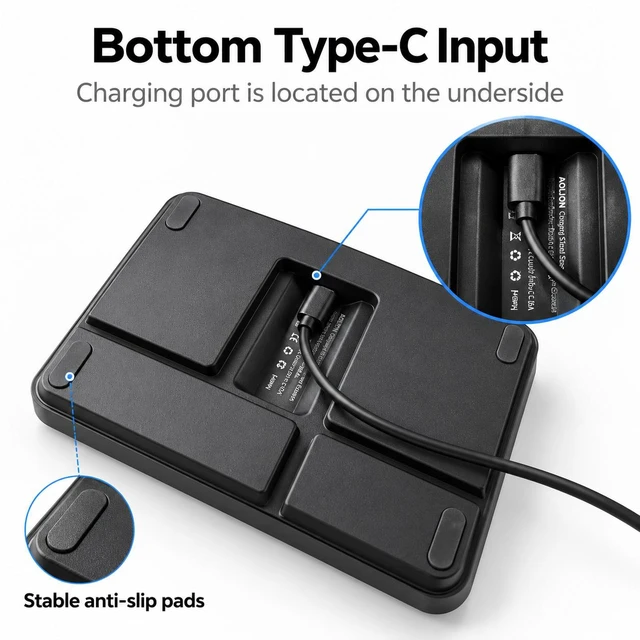
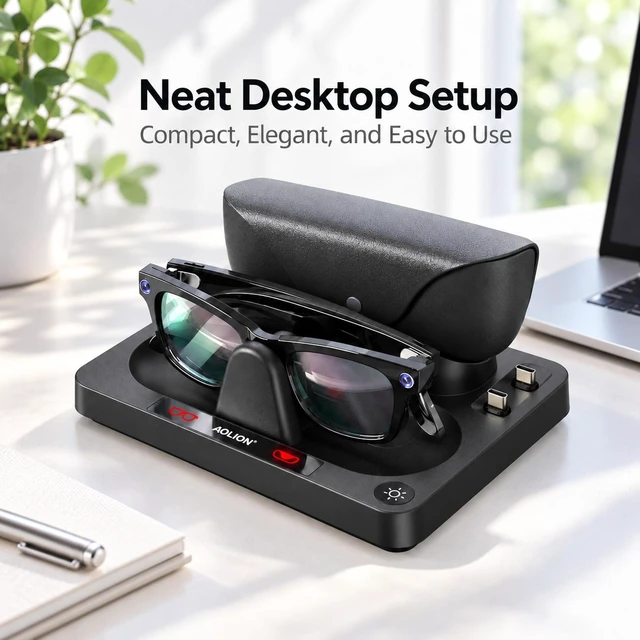
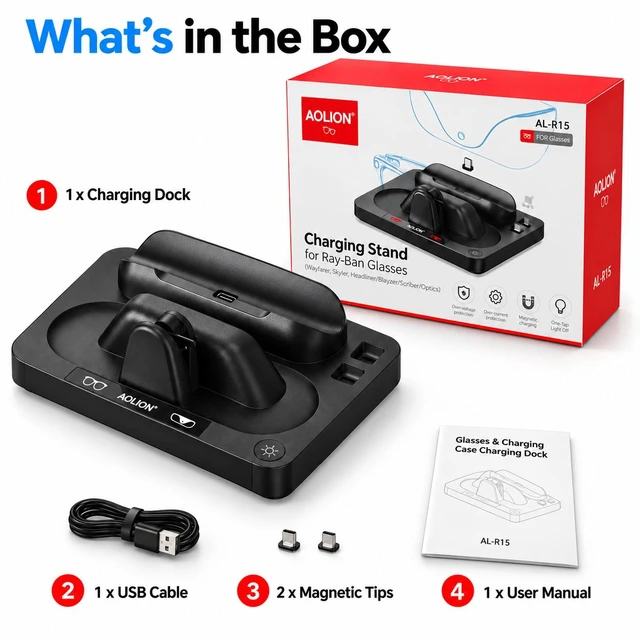
This product is a dedicated charging dock designed for Meta Al Ray-Ban Smart Glasses and its matching charging case. It is equipped with a Type-C power input port, one set of Pogo PIN charging output for the glasses, and a magnetic Type-C output port for the charging case. Featuring an exquisite and unique appearance with simple and convenient operation, it is built-in multiple charging safety protection circuits.
Product Features
1.Exclusively compatible with Ray-Ban Meta series AI smart glasses and its matching charging case.
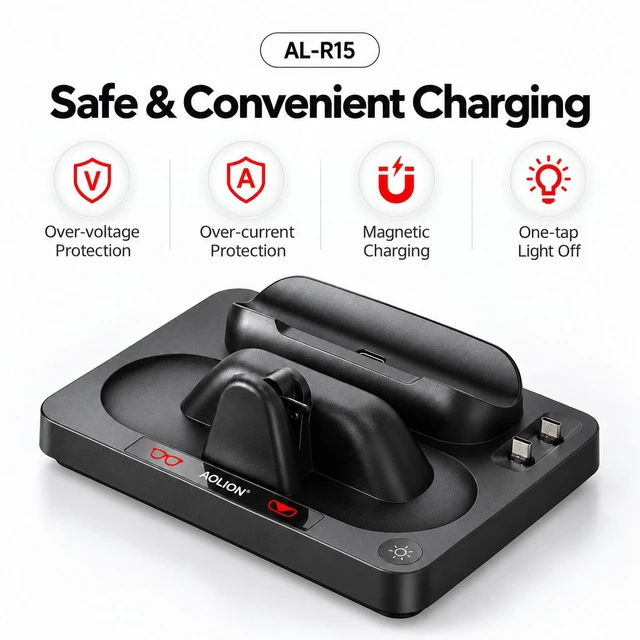
2.Built-in multi-layer charging safety protection against overvoltage, undervoltage, overcurrent and short circuit.
3.Equipped with dual-color smart charging indicator lights for clear and intuitive charging status display.
4.Compatible with all models of Ray-Ban Meta smart glasses for versatile usage.
5.Supports Ray-Ban Meta Gen1 and Gen2 smart glasses as well as their charging cases.
6.Compact and exquisite body with stylish unique appearance, saving desktop space when placed.
User Instructions
1.Power Supply Requirement: Please use a certified A-to-C data cable paired with a 5V/2A adapter or PD standard power supply.
2.Dock Connection & Charging Instructions:
2.1 Plug the Type-C power cable into the Type-C charging input port on the rear of the dock. The dock logo light turns steady on; red and green lights flash alternately during self-test. Once self-test completes, the lights turn off and the dock enters standby mode.
2.2 Charging Smart Glasses: Align Ray-Ban Meta glasses with the Pogo pin charging port of the dock and place them in position. Red indicator = charging in progress; Green indicator = trickle charging maintenance mode.
2.3 Charging Charging Case: First insert the magnetic Type-C charging tip into the glasses charging case, then insert the charging case (with magnetic tip attached) onto the dock. Red indicator = charging in progress; Green indicator = trickle charging maintenance mode.
3Touch Light Control: Long press to turn off all lights; short press to turn on all lights.
Notes:
Please note that we do not sell glasses or wristbands; we only sell accessories such as charging docks.
If no charging response occurs when placing glasses on the dock, take out the glasses and re-align to make firm contact with the Pogo pin contacts.
If the battery enters protection mode due to deep discharge after long-term idle storage, it requires around 3 minutes of initial trickle pre-charging after connecting to the dock before normal fast charging resumes.


