

Your Browsing History
- Free 30-day Returns
$59.99

Meet Your Seller

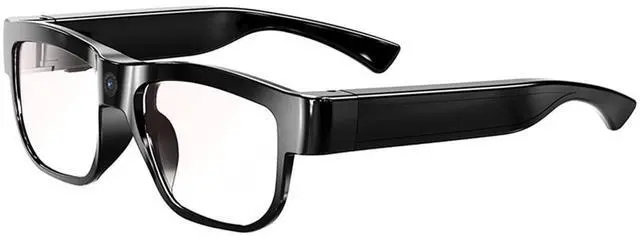
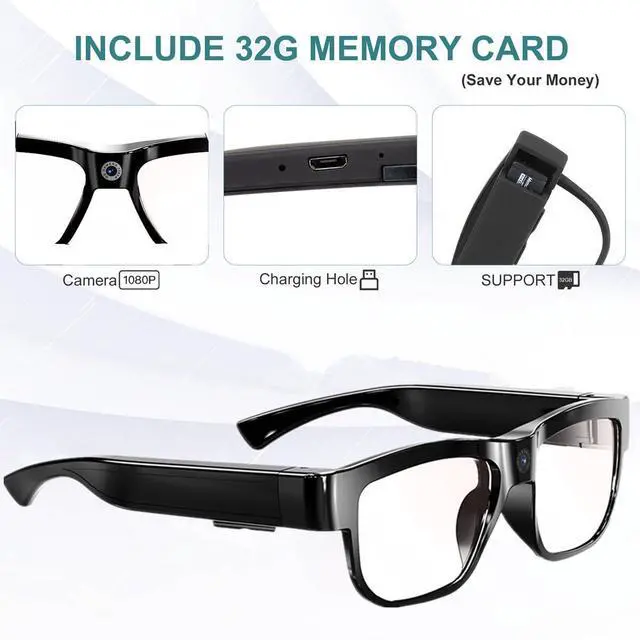


Camera Glasses Video Glasses HD Smart Glasses Recording Outdoor Sport Glasses with Camera Wearable Eyeglass Built-in 32G Memory Card only Open on Computer
Limited time offer, ends 09/29 By JadeEssence Shop
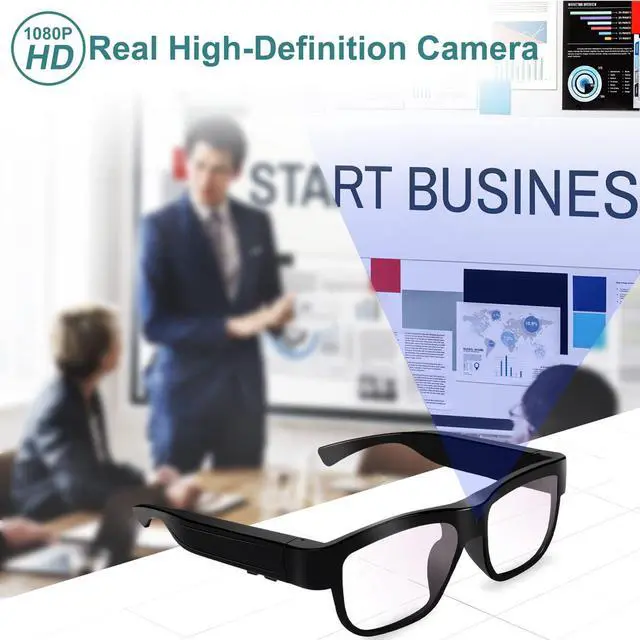
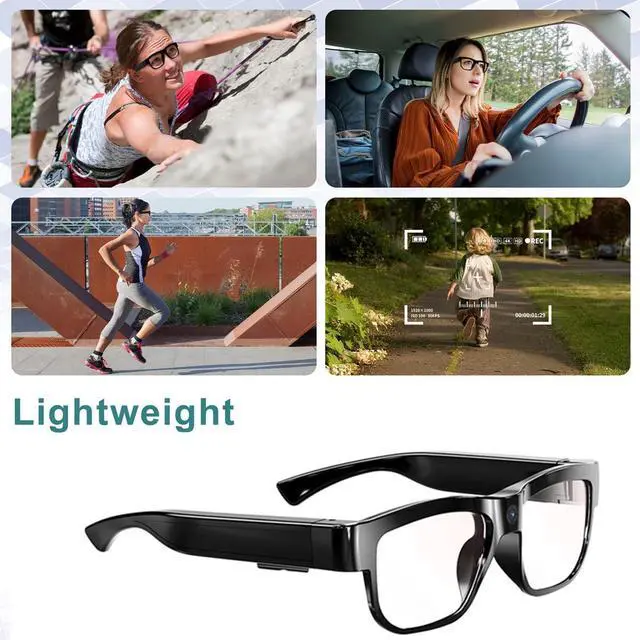
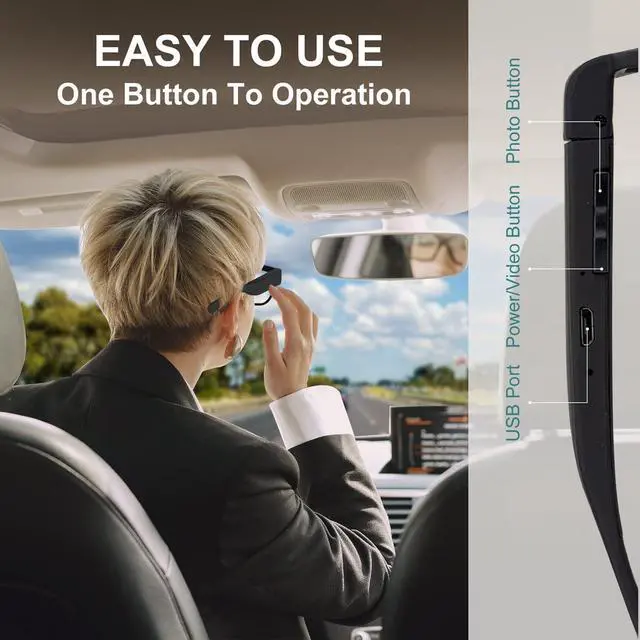
- Application: Desktop computer or laptop computer (with a USB port). If your laptop has a Type-C port, you will first need to obtain a card reader, then remove the SD card to view the video on a computer. The video cannot be opened on a phone. Note: If your MAC or desktop computer cannot open the video, please try using a different video player. HD 1080P Camera: The glasses with a camera can capture beautiful landscapes while hiking, driving, or watching live events. You can connect the camera glasses to your computer (the video cannot be opened on a phone). When the storage capacity is full, it will overwrite the previous video or picture. Simple to operate with one-button start. Just press the button on the side of the video camera glasses to begin recording
+
+
Overview
Specs
Reviews

Any questions? Our AI mode will help you find out quickly.
Try me now
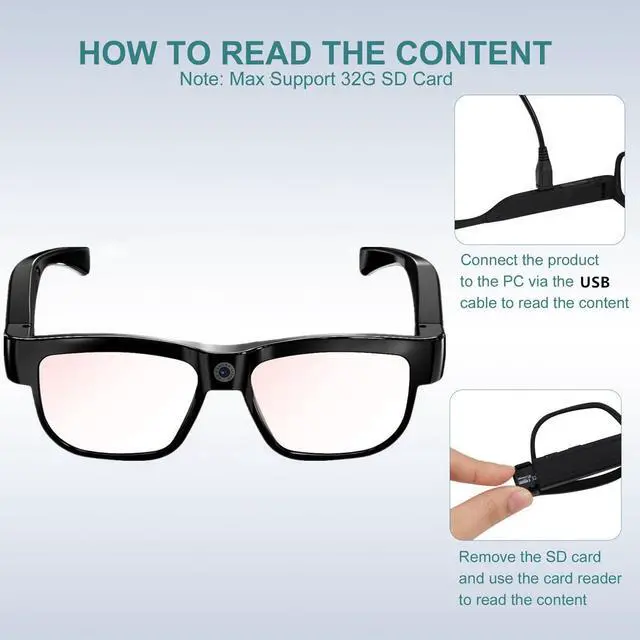
Application: Desktop computer or laptop computer (with a USB port). If your laptop has a Type-C port, you will first need to obtain a card reader, then remove the SD card to view the video on a computer. The video cannot be opened on a phone.
Note: If your MAC or desktop computer cannot open the video, please try using a different video player.
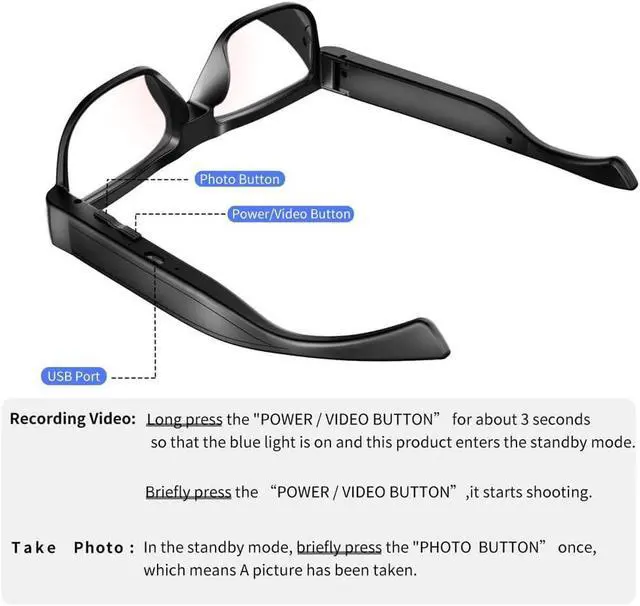
HD 1080P Camera: The glasses with a camera can capture beautiful landscapes while hiking, driving, or watching live events. You can connect the camera glasses to your computer (the video cannot be opened on a phone). When the storage capacity is full, it will overwrite the previous video or picture. Simple to operate with one-button start. Just press the button on the side of the video camera glasses to begin recording
Note: If your MAC or desktop computer cannot open the video, please try using a different video player.
HD 1080P Camera: The glasses with a camera can capture beautiful landscapes while hiking, driving, or watching live events. You can connect the camera glasses to your computer (the video cannot be opened on a phone). When the storage capacity is full, it will overwrite the previous video or picture. Simple to operate with one-button start. Just press the button on the side of the video camera glasses to begin recording
Warranty & Returns
Warranty, Returns, And Additional Information
Warranty
- Please contact the Seller directly for warranty information. Warranty information may also be found on the Manufacturer's website.
- CONTACT
Return Policies
- Return for refund within: 30 days
- Return for replacement within: 30 days
- This item is covered by JadeEssence Shop Return Policy
Manufacturer Contact Info
- For a directory of all our manufacturers, please click below.
- Manufacturers Directory
LOADING...