

Your Browsing History

Meet Your Seller

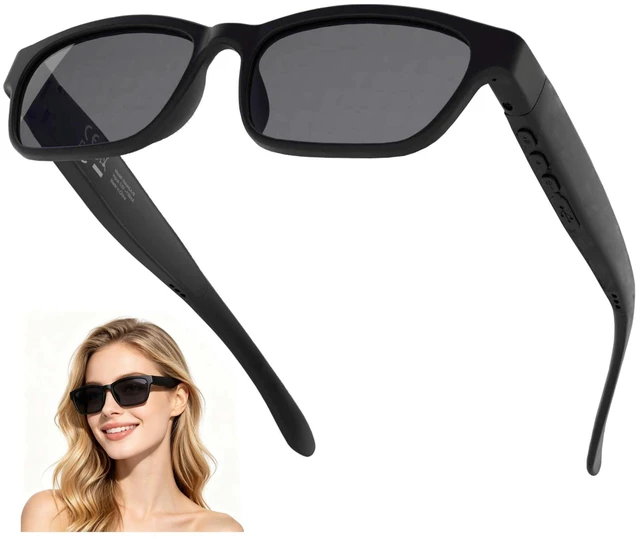



Smart Bluetooth Glasses for Men Women Audio Polarized Glasses with Bluetooth Headphones Speaker Mic, UV Protection, Voice Assistant (Black Lens)
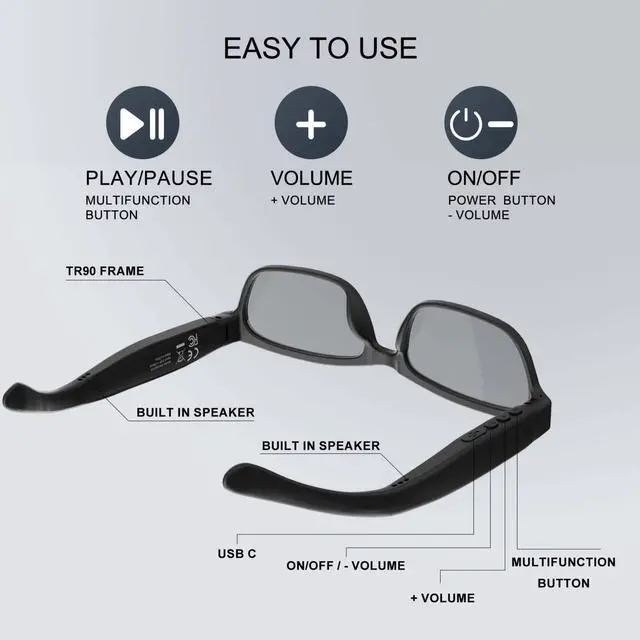
- Polarized smart Bluetooth glasses: high-quality clear calls, listen to music and voice navigation, adjust the volume and switch to the next track. The open-ear speaker design lets you perceive your surroundings while listening to music. Voice controlled: press the glasses multifunction button for 1.5 seconds to wake up and access the phone's voice assistant. Easily say Siri, Cortana, or Google Now, and have it follow instructions to make phone calls or inquire about the latest weather, traffic updates, etc. Long battery: rechargeable Bluetooth glasses can listen continuously for 10 hours each time they are fully charged. Bluetooth range: 30 feet. Polarized lens. Bluetooth 5.3. Lightweight and comfortable to wear: weight 35 grams including lens. Flexible material frame, comfortable to wear. Pairing method between Bluetooth glasses and mobile phone: 1. After the glasses are turned off, press and hold the power button for 3 seconds (for about 3 seconds, do not let go) until the red and green light flash alternately and the glasses enter Bluetooth pairing mode. 2. Turn on Bluetooth on your mobile phone, find "Vision 6A" in the drop-down list and click to select "Vision 6A". A pop-up window appears; click confirm pairing. Volume turn-up operation reminder: after Bluetooth pairing, first turn up the volume of your paired mobile phone, then turn up the volume of your Bluetooth glasses by pressing the glasses volume button+
+
+
Overview
Specs
Reviews

Any questions? Our AI mode will help you find out quickly.
Try me now
Polarized smart
Bluetooth glasses: high-quality clear calls, listen to music and voice navigation, adjust the volume and switch to the next track. The open-ear speaker design lets you perceive your surroundings while listening to music.
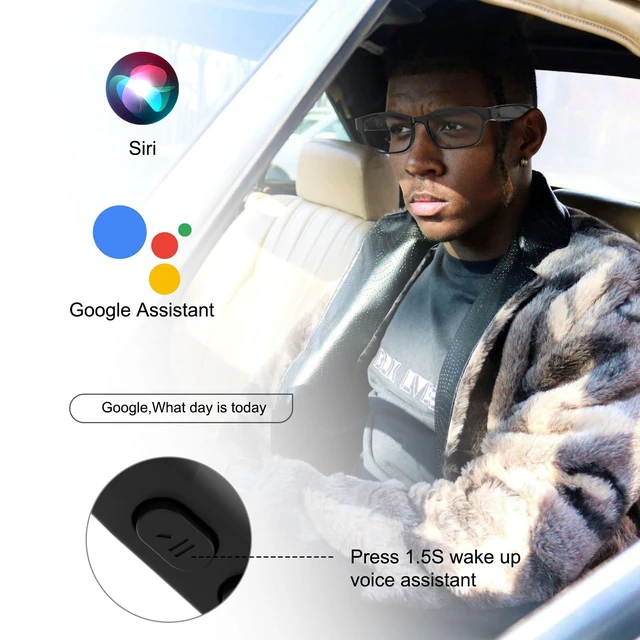
Voice controlled: press the glasses multifunction button for 1.5 seconds to wake up and access the phone's voice assistant. Easily say Siri, Cortana, or Google Now, and have it follow instructions to make phone calls or inquire about the latest weather, traffic updates, etc.
Long battery: rechargeable Bluetooth glasses can listen continuously for 10 hours each time they are fully charged.
Bluetooth range: 30 feet. Polarized lens. Bluetooth 5.3.
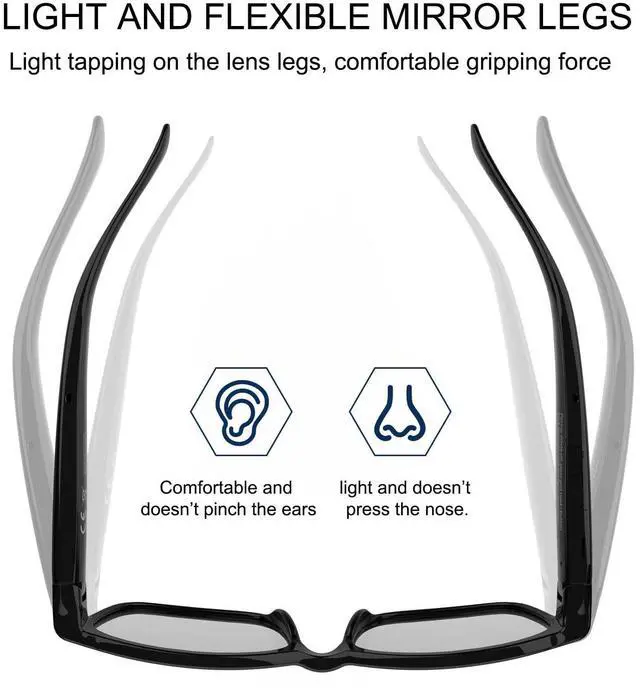
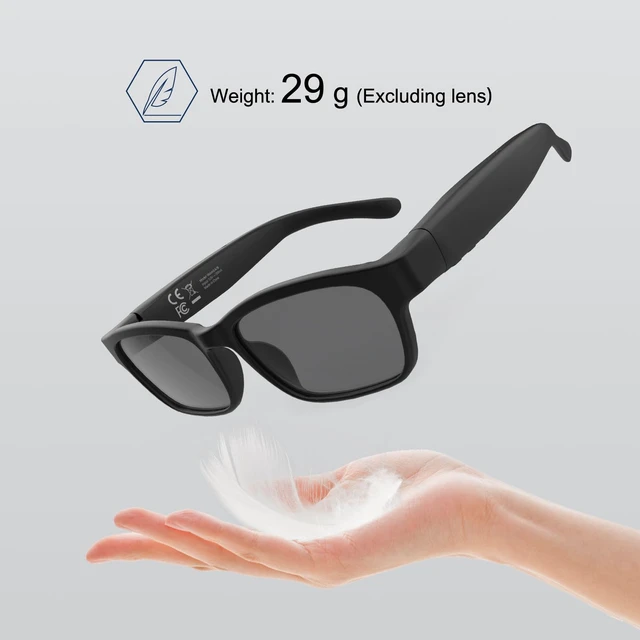
Lightweight and comfortable to wear: weight 35 grams including lens. Flexible material frame, comfortable to wear. Pairing method between
Bluetooth glasses and mobile phone:
1. After the glasses are turned off, press and hold the power button for 3 seconds (for about 3 seconds, do not let go) until the red and green light flash alternately and the glasses enter Bluetooth pairing mode.
2. Turn on Bluetooth on your mobile phone, find "Vision 6A" in the drop-down list and click to select "Vision 6A". A pop-up window appears; click confirm pairing.
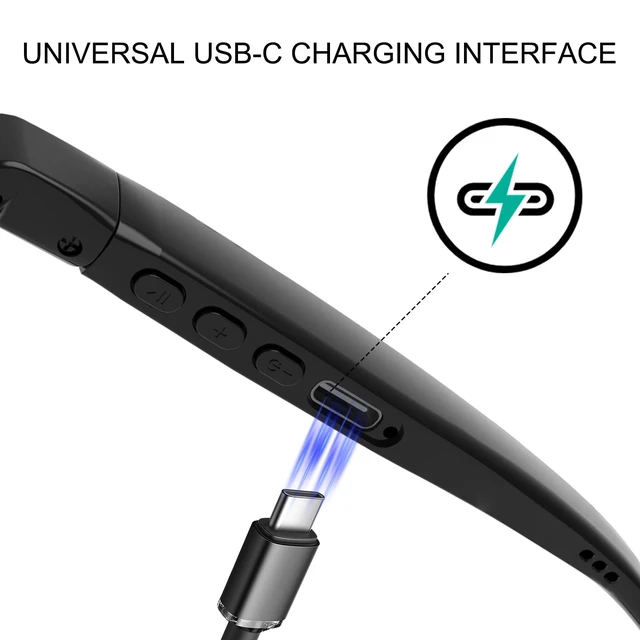
Volume turn-up operation reminder: after Bluetooth pairing, first turn up the volume of your paired mobile phone, then turn up the volume of your Bluetooth glasses by pressing the glasses volume button+
Bluetooth glasses: high-quality clear calls, listen to music and voice navigation, adjust the volume and switch to the next track. The open-ear speaker design lets you perceive your surroundings while listening to music.
Voice controlled: press the glasses multifunction button for 1.5 seconds to wake up and access the phone's voice assistant. Easily say Siri, Cortana, or Google Now, and have it follow instructions to make phone calls or inquire about the latest weather, traffic updates, etc.
Long battery: rechargeable Bluetooth glasses can listen continuously for 10 hours each time they are fully charged.
Bluetooth range: 30 feet. Polarized lens. Bluetooth 5.3.
Lightweight and comfortable to wear: weight 35 grams including lens. Flexible material frame, comfortable to wear. Pairing method between
Bluetooth glasses and mobile phone:
1. After the glasses are turned off, press and hold the power button for 3 seconds (for about 3 seconds, do not let go) until the red and green light flash alternately and the glasses enter Bluetooth pairing mode.
2. Turn on Bluetooth on your mobile phone, find "Vision 6A" in the drop-down list and click to select "Vision 6A". A pop-up window appears; click confirm pairing.
Volume turn-up operation reminder: after Bluetooth pairing, first turn up the volume of your paired mobile phone, then turn up the volume of your Bluetooth glasses by pressing the glasses volume button+
Warranty & Returns
Warranty, Returns, And Additional Information
Warranty
- Please contact the Seller directly for warranty information. Warranty information may also be found on the Manufacturer's website.
- CONTACT
Return Policies
- Return for refund within: 30 days
- Return for replacement within: 30 days
- This item is covered by HuiXu South Artware Return Policy
Manufacturer Contact Info
- For a directory of all our manufacturers, please click below.
- Manufacturers Directory
LOADING...