Your Browsing History
Meet Your Seller
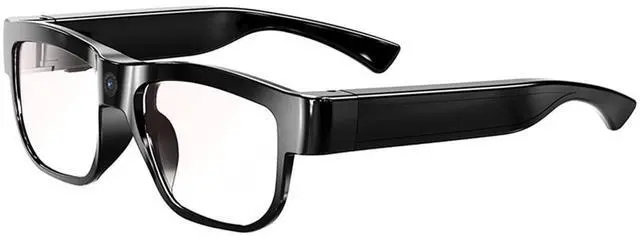
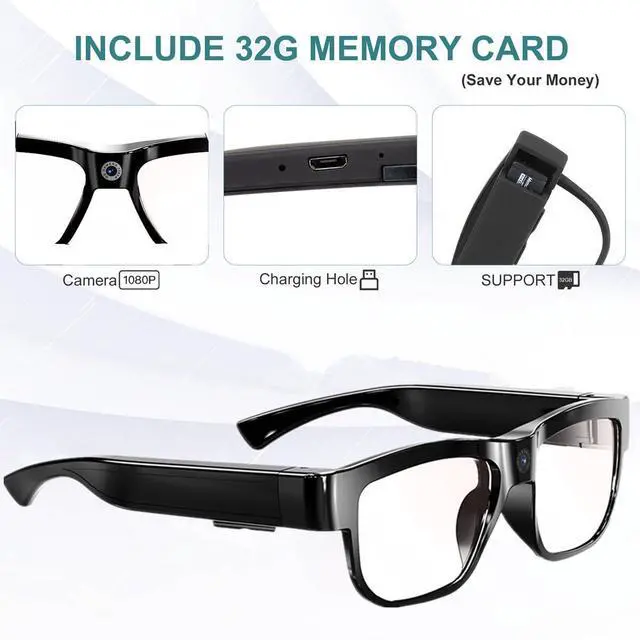
Camera Glasses Video Glasses HD Smart Glasses Recording Outdoor Sport Glasses with Camera Wearable Eyeglass Built-in 32G Memory Card only Open on Computer
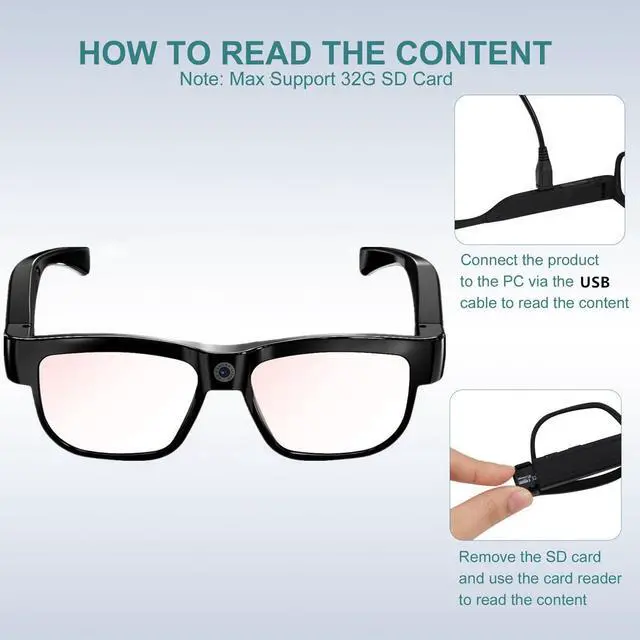
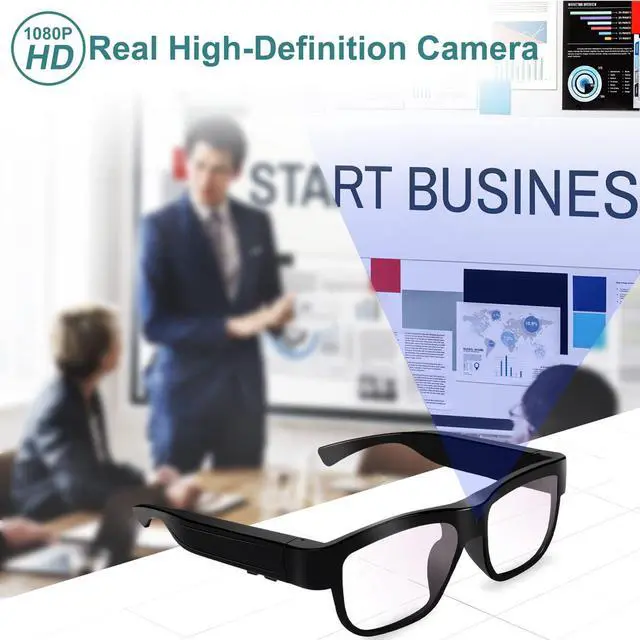
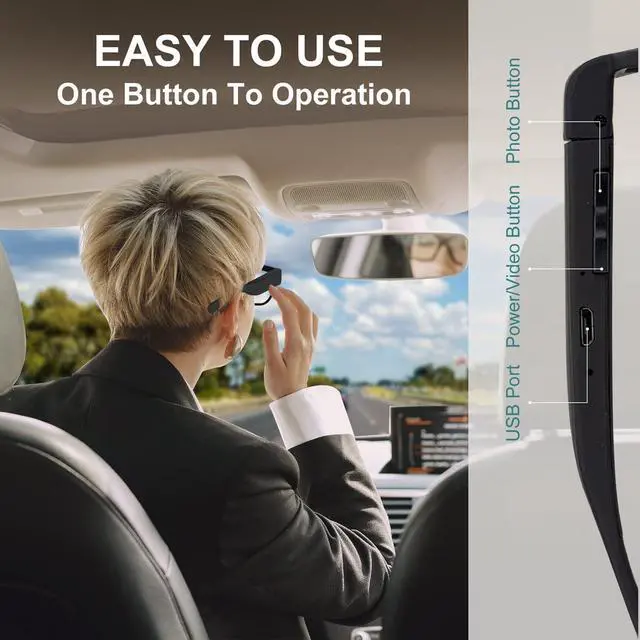
- Application equipment: Desktop computer or Laptop computer (with the USB port). If your Laptop has a Type-c port, you first need to buy a Card reader, then take out the SD card to read video on the computer. The video can't open on phone. NOTICE: If your MAC or Desktop computer can't open the video, please try to change to another video player. HD 1080P Camera: The Glasses with camera can record the beautiful landscape in hiking, driving, and watching live matches. You can connect the camera glasses to your computer (the video can't be open on phone). When the capacity is full, it will cover the former video/picture. Easy To Use, One Button To Start. Just press the button on the side of the Video Camera Glasses, and you can start recording

+
+
Overview
Specs
Reviews
Any questions? Our AI mode will help you find out quickly.
Try me now
Application equipment: Desktop computer or Laptop computer (with the USB port). If your Laptop has a Type-c port, you first need to buy a Card reader, then take out the SD card to read video on the computer. The video can't open on phone.
NOTICE: If your MAC or Desktop computer can't open the video, please try to change to another video player.
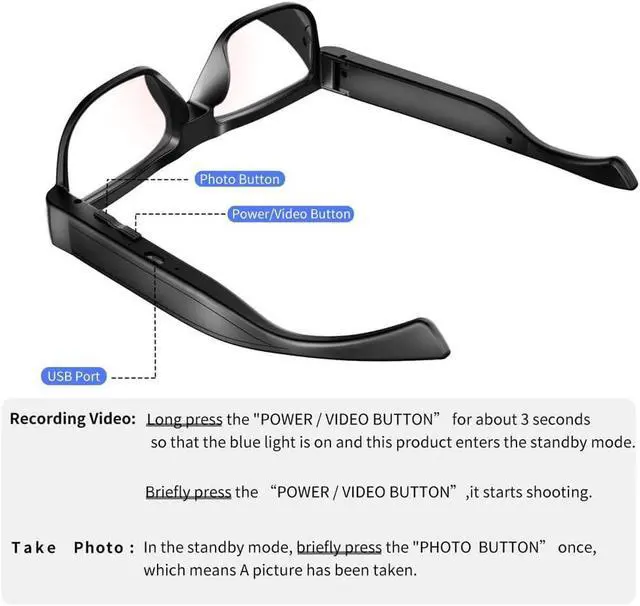
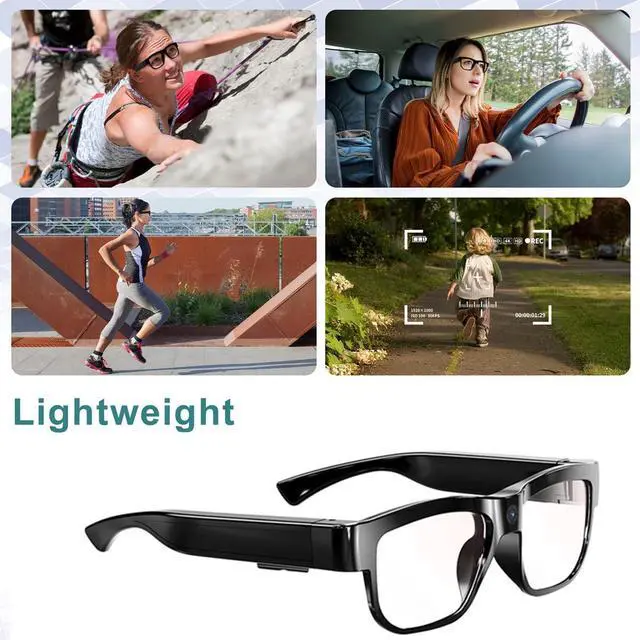
HD 1080P Camera: The Glasses with camera can record the beautiful landscape in hiking, driving, and watching live matches. You can connect the camera glasses to your computer (the video can't be open on phone). When the capacity is full, it will cover the former video/picture. Easy To Use, One Button To Start. Just press the button on the side of the Video Camera Glasses, and you can start recording
NOTICE: If your MAC or Desktop computer can't open the video, please try to change to another video player.
HD 1080P Camera: The Glasses with camera can record the beautiful landscape in hiking, driving, and watching live matches. You can connect the camera glasses to your computer (the video can't be open on phone). When the capacity is full, it will cover the former video/picture. Easy To Use, One Button To Start. Just press the button on the side of the Video Camera Glasses, and you can start recording
Warranty & Returns
Warranty, Returns, And Additional Information
Warranty
- Please contact the Seller directly for warranty information. Warranty information may also be found on the Manufacturer's website.
- CONTACT
Return Policies
- Return for refund within: 30 days
- Return for replacement within: 30 days
- This item is covered by Vast Sun Tech Return Policy
Manufacturer Contact Info
- For a directory of all our manufacturers, please click below.
- Manufacturers Directory
LOADING...