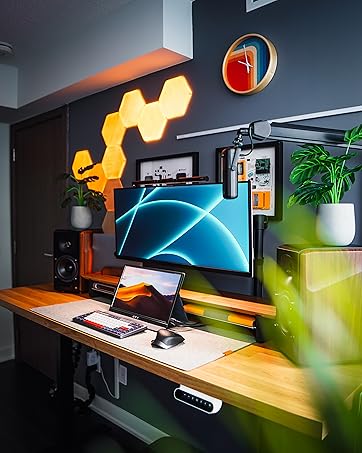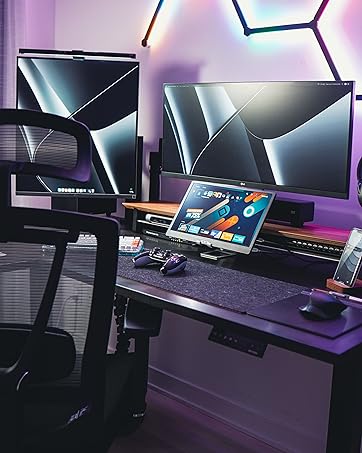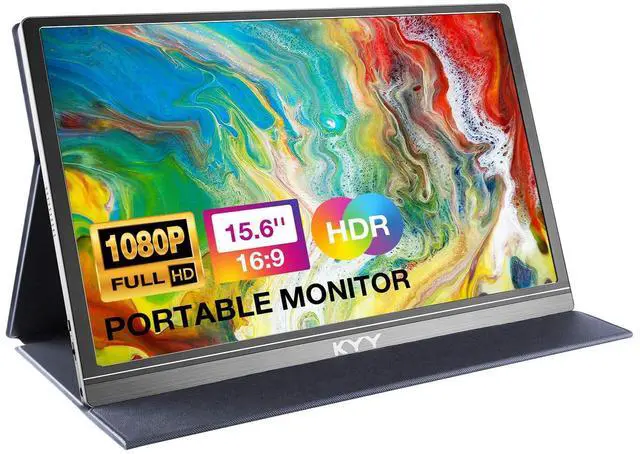
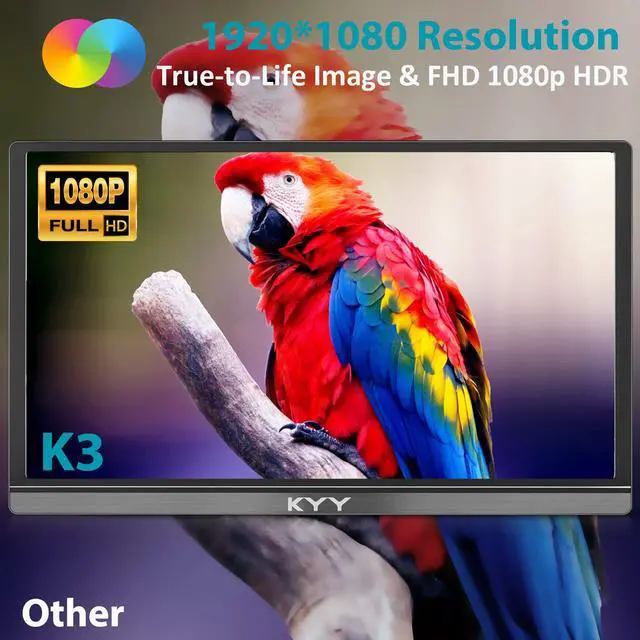
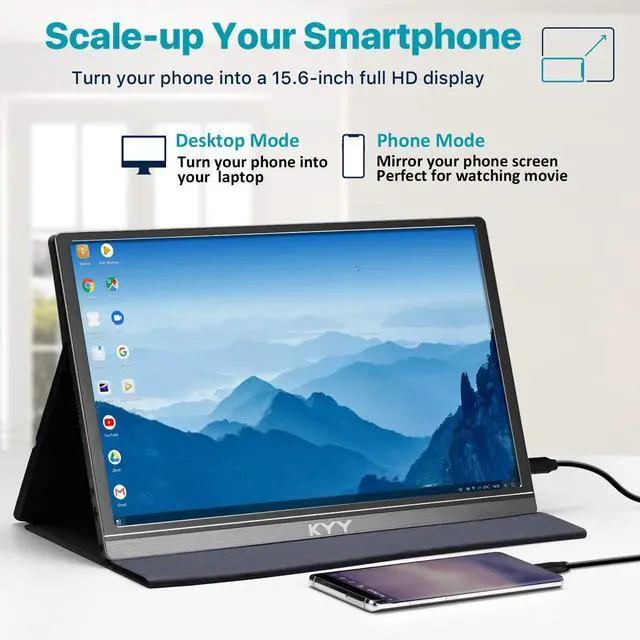
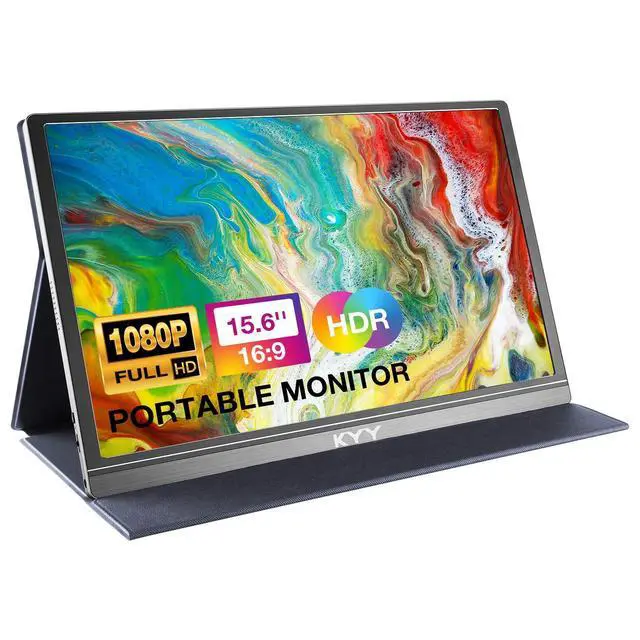
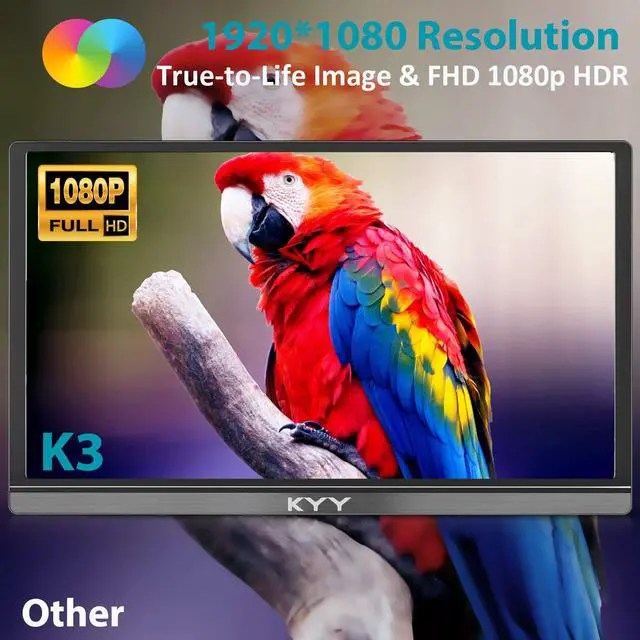
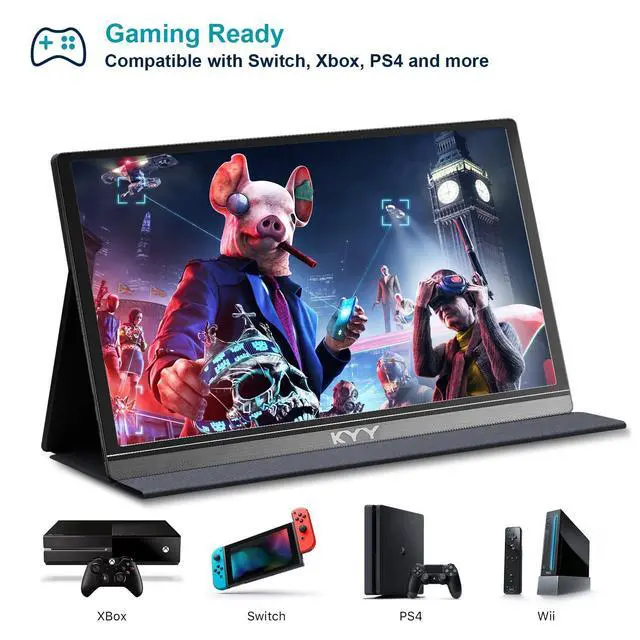
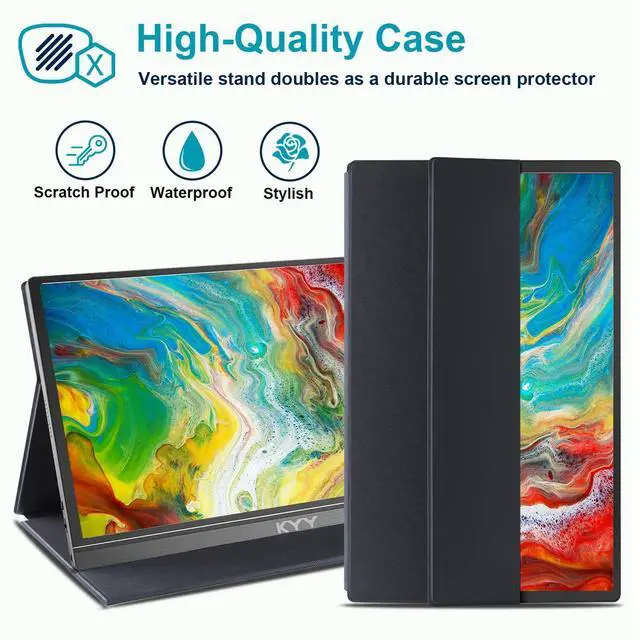
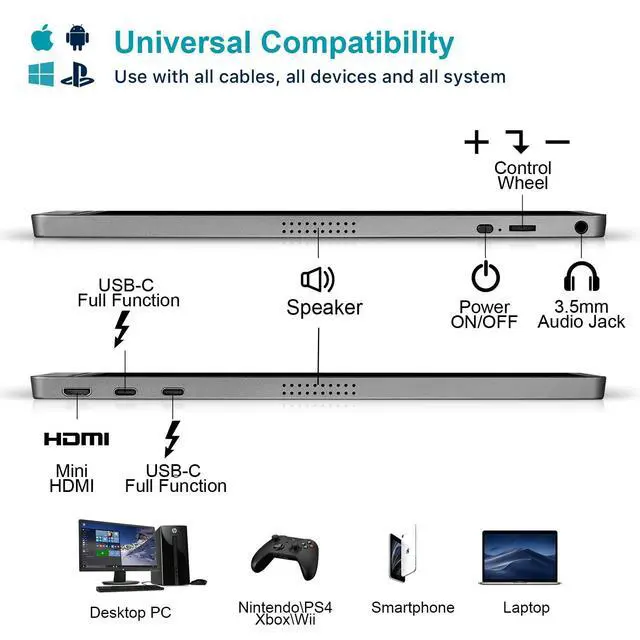
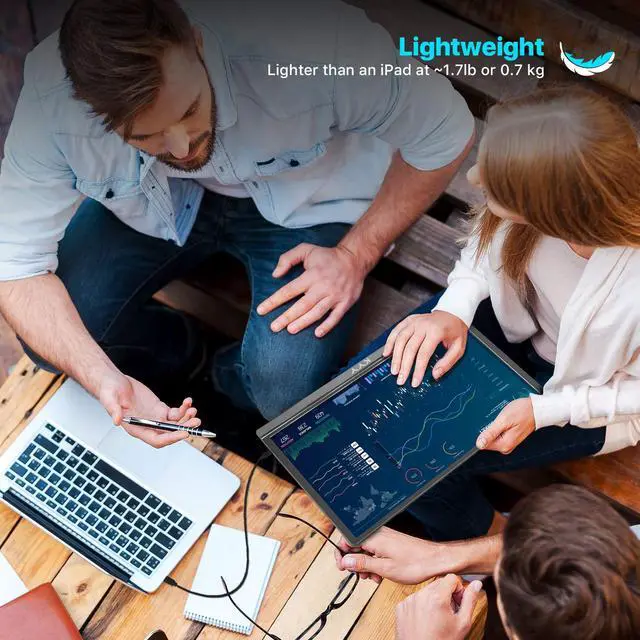
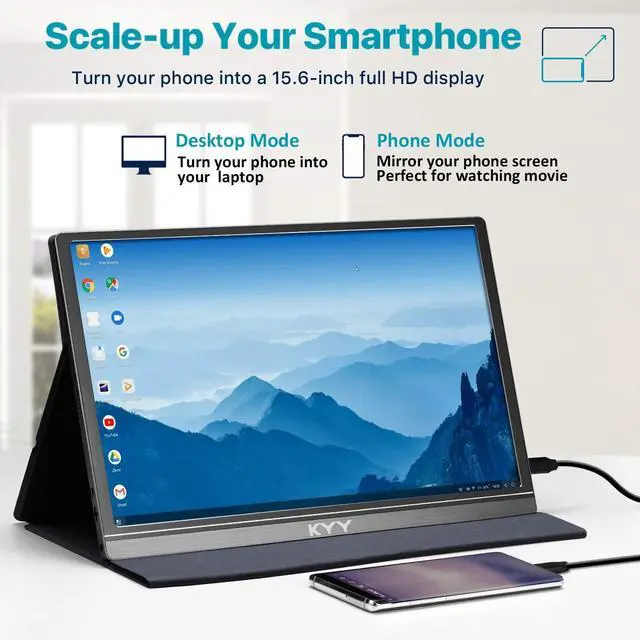



ABOUT KYY:
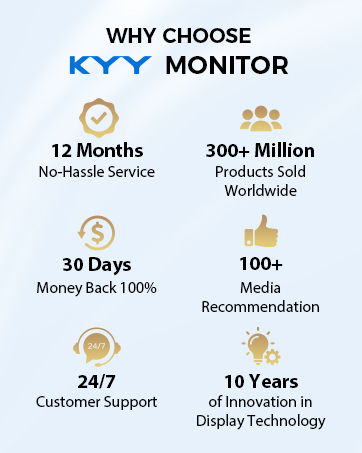
- Launched in 2015, KYY quickly became a leading brand on portable monitor, and has garnered praise from most users and influencers. KYY focuses on easy portability, high-quality, and wide connectivity, offers a quick connection between devices.
- KYY's vision is to provide the innovative solutions that are affordable, user-friendly, and purposeful, to create a better world, connecting with devices, connecting with love.
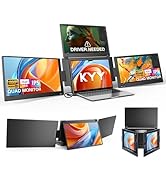
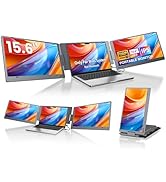
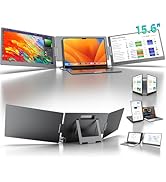
2026 New Arrivals
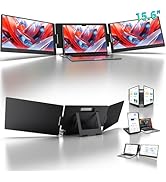
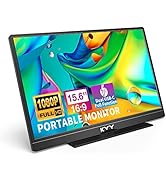
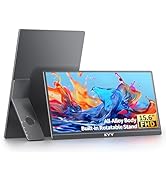
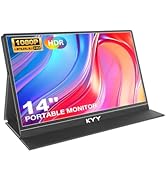
Most Popular
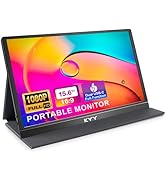
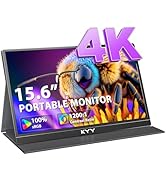
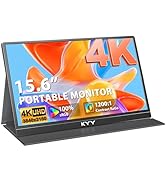
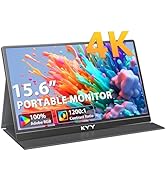
Now on Sale



What should I know before buying this monitor?
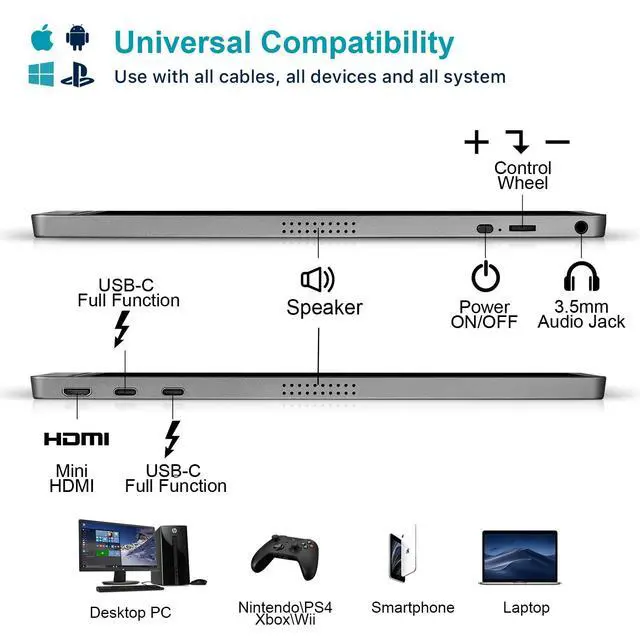
1. Phones without full-featured Type-C port need an adapter to connect.
2. Laptops without full-featured Type-C port need connected via HDMI & USB C to USB A cable.
3. Not suppot Bluetooth, Wireless and WIFI connection. No Battery. Not Touchscreen.
What is each cable used for?
1, USB C to USB A cable, only for power supply.
2, USB C to USB C cable, for power supply & video output together.
3, MINI HDMI to HDMI cable, only for video output.
Note: For HDMI connection, pls use USB C to USB A cable to power up the monitor.
Will any USB C to USB C cables work with this display?
The USB C to USB C cable should be the USB C 3.1 Version one, which supports video ouput. Or the monitor will fail to be connected.
I have charged the monitor for several hours. Why does it fail to turn on and show "no signal"?
KYY portable monitor does not come with a built-in battery.
Please connect the monitor with your device (like laptop, PC, Switch etc.) via [USB C to USB C cable] or [MINI HDMI to HDMI cable] & [USB C to USB A cable] for usage.
How to connect the monitor with my iPhone (before iPhone15 series)? Connect Iphone 15/16/17 series via single USBC cable
[KYY monitor- USB C to USB A cable- External Power Supply]
[KYY monitor- MINI HDMI to HDMI cable- Lightning to HDMI Adapter(not included)- iPhone]
[Lightning to HDMI Adapter- Apple Charging Cable(not included)- External Power Supply]
KYY Portable Monitor Series
 NEW X90G (Black) 1080P |  NEW X90D (Grey) 1080P |  NEW X90E (Grey) 1080P |  K1302R w/ Built-in Stand |  K5 Black (4K Monitor) |  K3-2 Black (Latest) 1080P |  K5-3 Black (14 in) 1080P | |
|---|---|---|---|---|---|---|---|
Customer Reviews | — | — | — | — | — | — | — |
Price | — | — | — | — | — | — | — |
Compatibility | Mac/Wins/Linux/Android(Driver) | Mac/Wins/Linux/Android(Driver) | Window ONLY (NO Driver Needed) | Full Function Type-C&HDMI Port | Full Function Type-C&HDMI Port | Full Function Type-C&HDMI Port | Full Function Type-C&HDMI Port |
Screen Size | 15.6inch x 3 | 15.6inch x 2 | 15.6inch x 2 | 15.6inch | 15.6inch | 15.6inch | 14inch |
Resolution | 1920 x 1080 | 1920 x 1080 | 1920 x 1080 | 1920 x 1080 | 3840 x 2160 | 1920 x 1080 | 1920 x 1080 |
Brightness | 400cd/m² | 350cd/m² | 400cd/m² | 350cd/m² | 400cd/m² | 300cd/m² | 350cd/m² |
Color Gamut | 85% NTSC | 72% NTSC | 85% NTSC | 72% NTSC | 100% sRGB | 72% NTSC | 72% NTSC |
Contrast Ratio | 1200:1 | 1200:1 | 1200:1 | 1200:1 | 1200:1 | 1000:1 | 1500:1 |
Panel Type | IPS LCD | IPS LCD | IPS LCD | IPS LCD | IPS LCD | IPS LCD | IPS LCD |
Input Interface | Type-C Port*2 | Type-C Port*2 | Type-C Port*2 | Type-C Port*2 Mini-HDMI Port*1 | Type-C Port*2 Mini-HDMI Port*1 | Type-C Port*2 Mini-HDMI Port*1 | Type-C Port*2 Mini-HDMI Port*1 |
Speaker | / | / | / | Built-in Dual Speakers | Built-in Dual Speakers | Built-in Dual Speakers | Built-in Dual Speakers |
One Cable Connection | ? | ? | ? | ? | ? | ? | ? |


What should I know before buying this monitor?
1. Phones without full-featured Type-C port need an adapter to connect.
2. Laptops without full-featured Type-C port need connected via HDMI & USB C to USB A cable.
3. Not suppot Bluetooth, Wireless and WIFI connection. No Battery. Not Touchscreen.
What is each cable used for?
1, USB C to USB A cable, only for power supply.
2, USB C to USB C cable, for power supply & video output together.
3, MINI HDMI to HDMI cable, only for video output.
Note: For HDMI connection, pls use USB C to USB A cable to power up the monitor.
Will any USB C to USB C cables work with this display?
The USB C to USB C cable should be the USB C 3.1 Version one, which supports video ouput. Or the monitor will fail to be connected.
I have charged the monitor for several hours. Why does it fail to turn on and show "no signal"?
KYY portable monitor does not come with a built-in battery.
Please connect the monitor with your device (like laptop, PC, Switch etc.) via [USB C to USB C cable] or [MINI HDMI to HDMI cable] & [USB C to USB A cable] for usage.
How to connect the monitor with my iPhone (before iPhone15 series)? Connect Iphone 15/16/17 series via single USBC cable
[KYY monitor- USB C to USB A cable- External Power Supply]
[KYY monitor- MINI HDMI to HDMI cable- Lightning to HDMI Adapter(not included)- iPhone]
[Lightning to HDMI Adapter- Apple Charging Cable(not included)- External Power Supply]
KYY Portable Monitor Series
NEW X90G (Black) 1080P | NEW X90D (Grey) 1080P | NEW X90E (Grey) 1080P | K1302R w/ Built-in Stand | K5 Black (4K Monitor) | K3-2 Black (Latest) 1080P | K5-3 Black (14 in) 1080P |
|---|---|---|---|---|---|---|
| Customer Reviews | ||||||
| — | — | — | — | — | — | — |
| Price | ||||||
| — | — | — | — | — | — | — |
| Compatibility | ||||||
| Mac/Wins/Linux/Android(Driver) | Mac/Wins/Linux/Android(Driver) | Window ONLY (NO Driver Needed) | Full Function Type-C&HDMI Port | Full Function Type-C&HDMI Port | Full Function Type-C&HDMI Port | Full Function Type-C&HDMI Port |
| Screen Size | ||||||
| 15.6inch x 3 | 15.6inch x 2 | 15.6inch x 2 | 15.6inch | 15.6inch | 15.6inch | 14inch |
| Resolution | ||||||
| 1920 x 1080 | 1920 x 1080 | 1920 x 1080 | 1920 x 1080 | 3840 x 2160 | 1920 x 1080 | 1920 x 1080 |
| Brightness | ||||||
| 400cd/m² | 350cd/m² | 400cd/m² | 350cd/m² | 400cd/m² | 300cd/m² | 350cd/m² |
| Color Gamut | ||||||
| 85% NTSC | 72% NTSC | 85% NTSC | 72% NTSC | 100% sRGB | 72% NTSC | 72% NTSC |
| Contrast Ratio | ||||||
| 1200:1 | 1200:1 | 1200:1 | 1200:1 | 1200:1 | 1000:1 | 1500:1 |
| Panel Type | ||||||
| IPS LCD | IPS LCD | IPS LCD | IPS LCD | IPS LCD | IPS LCD | IPS LCD |
| Input Interface | ||||||
| Type-C Port*2 | Type-C Port*2 | Type-C Port*2 | Type-C Port*2 Mini-HDMI Port*1 | Type-C Port*2 Mini-HDMI Port*1 | Type-C Port*2 Mini-HDMI Port*1 | Type-C Port*2 Mini-HDMI Port*1 |
| Speaker | ||||||
| / | / | / | Built-in Dual Speakers | Built-in Dual Speakers | Built-in Dual Speakers | Built-in Dual Speakers |
| One Cable Connection | ||||||
| ? | ? | ? | ? | ? | ? | ? |

ABOUT KYY:
- Launched in 2015, KYY quickly became a leading brand on portable monitor, and has garnered praise from most users and influencers. KYY focuses on easy portability, high-quality, and wide connectivity, offers a quick connection between devices.
- KYY's vision is to provide the innovative solutions that are affordable, user-friendly, and purposeful, to create a better world, connecting with devices, connecting with love.
2026 New Arrivals
Most Popular
Now on Sale