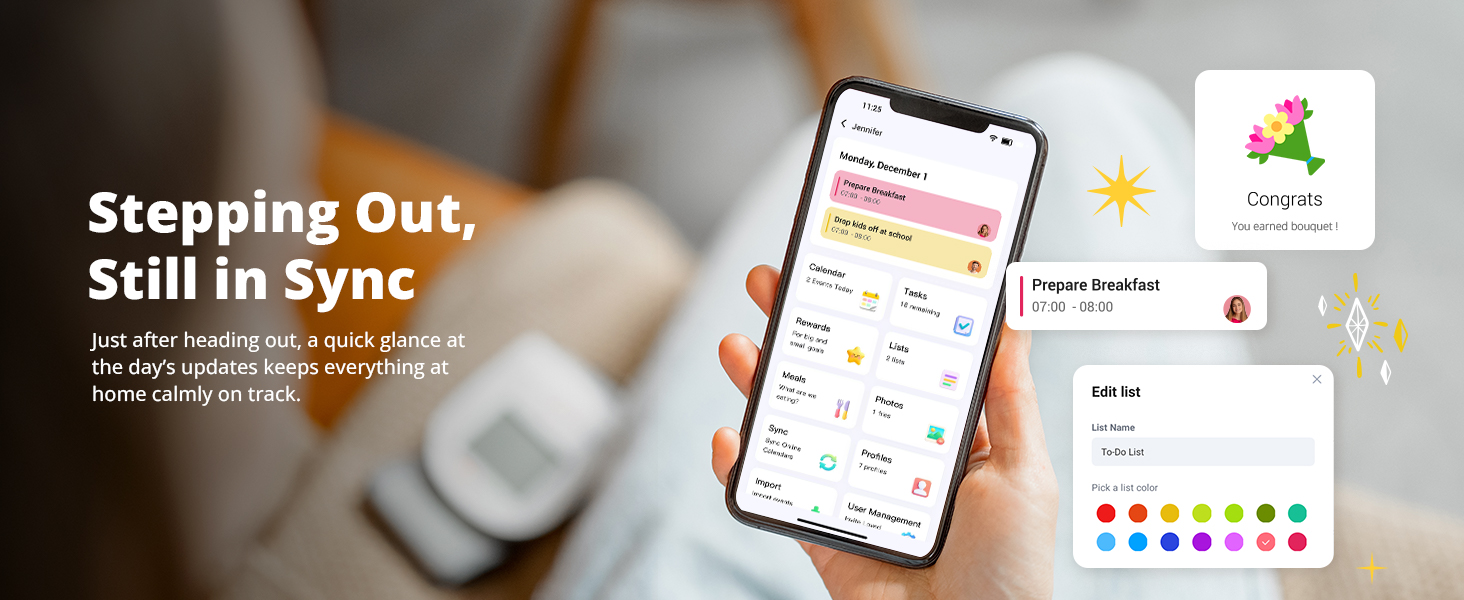
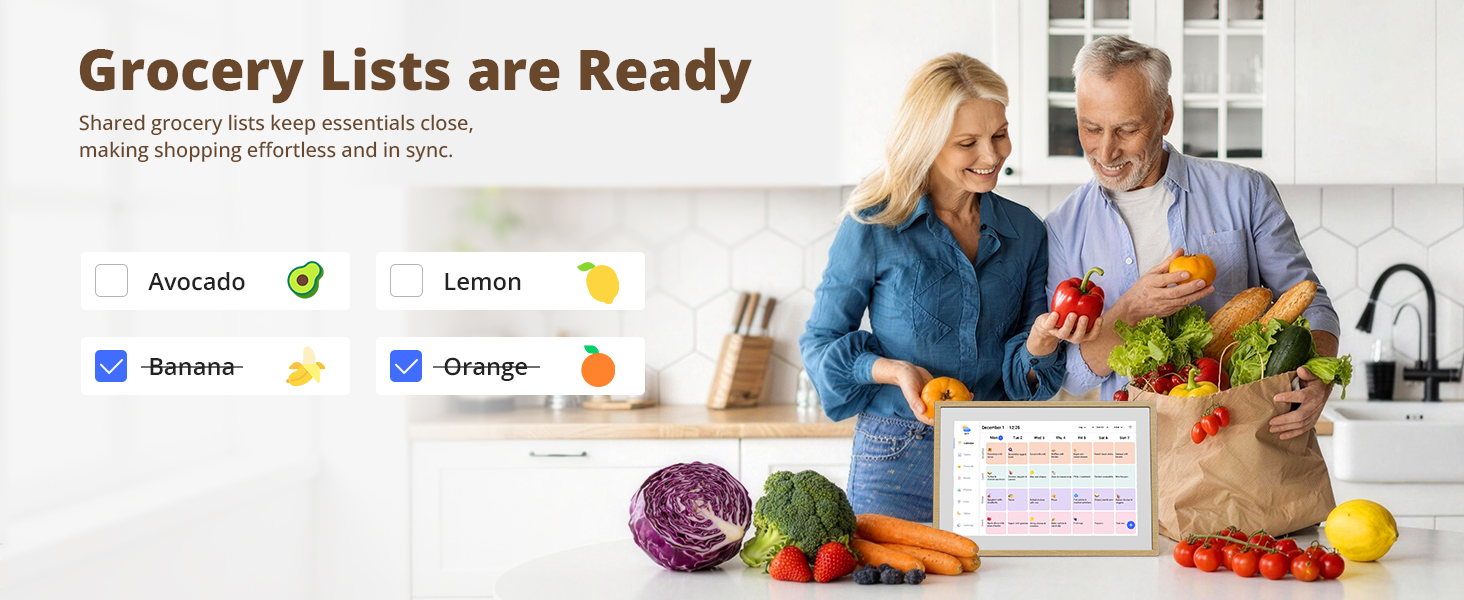
here!
here!
I’m your shopping assistant for PC builds, upgrades, and everything tech.
Got questions? Ask away!
Start a conversation
here!
I’m your shopping assistant for PC builds, upgrades, and everything tech.
Got questions? Ask away!
Start a conversation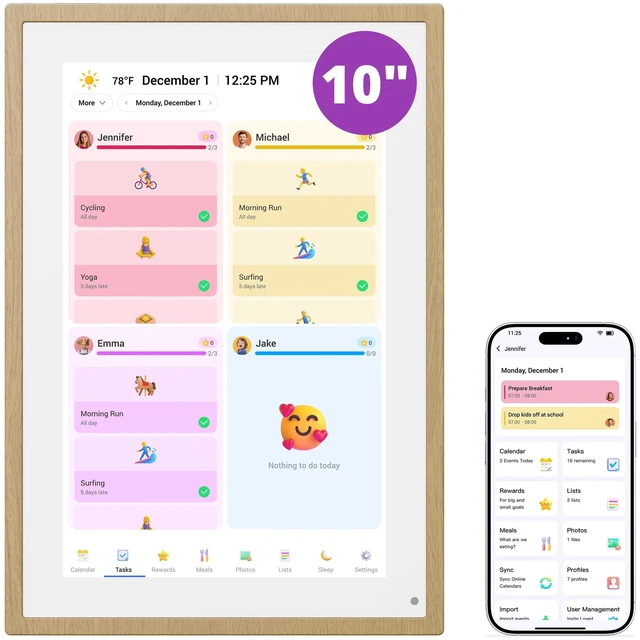
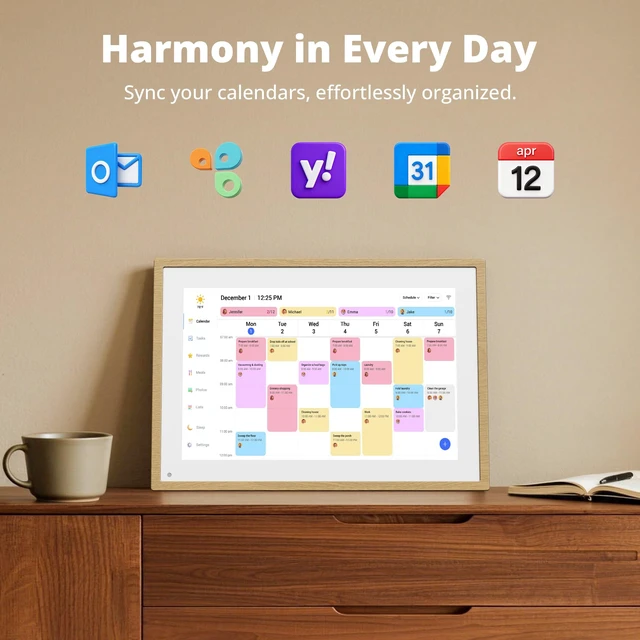
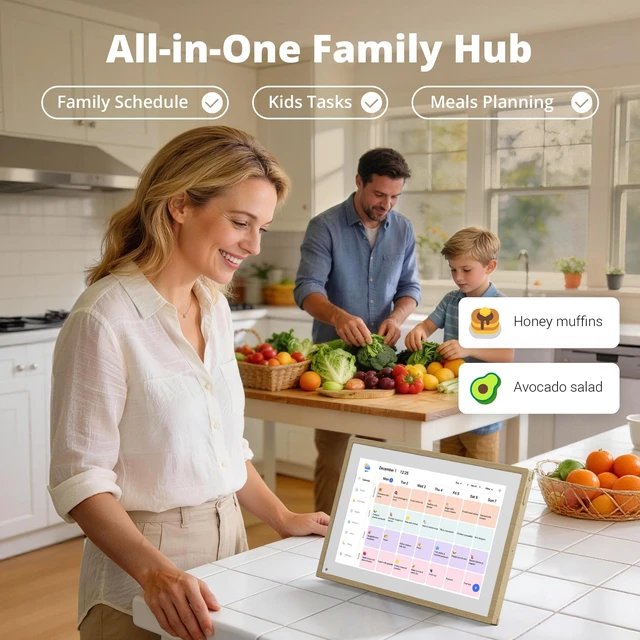
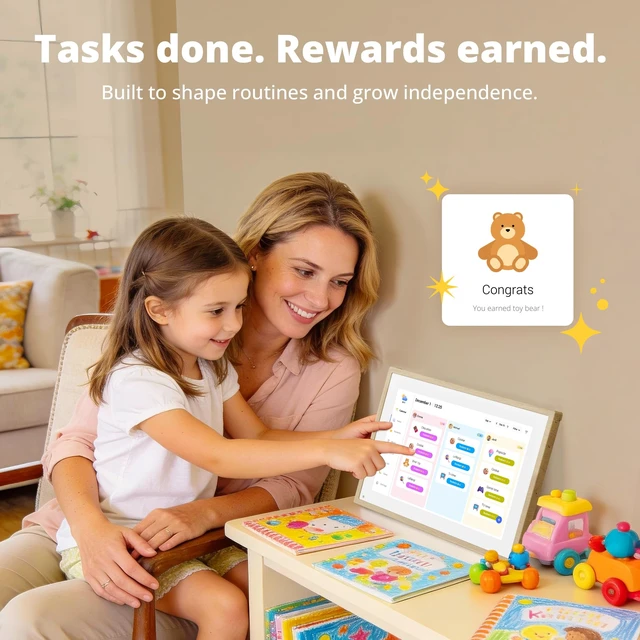
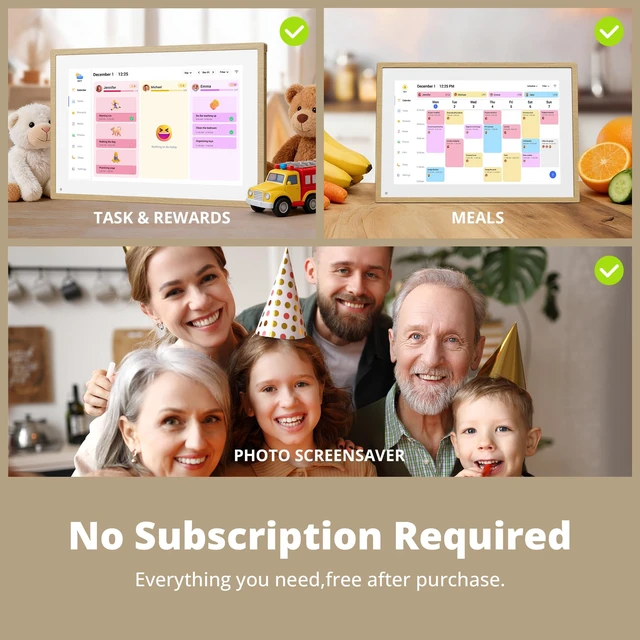
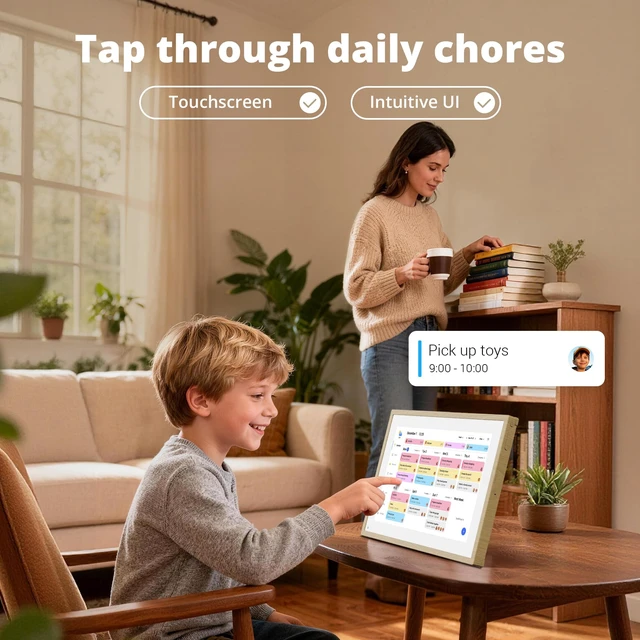
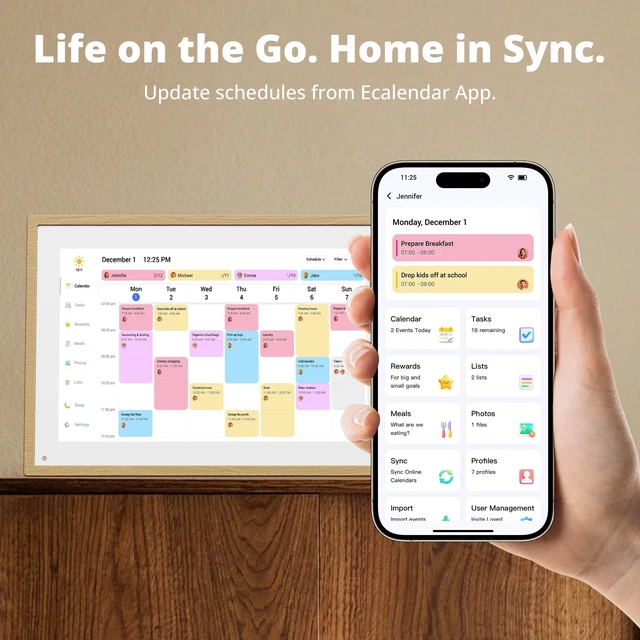



Any questions? Ask CelesteSM will help you find out quickly.
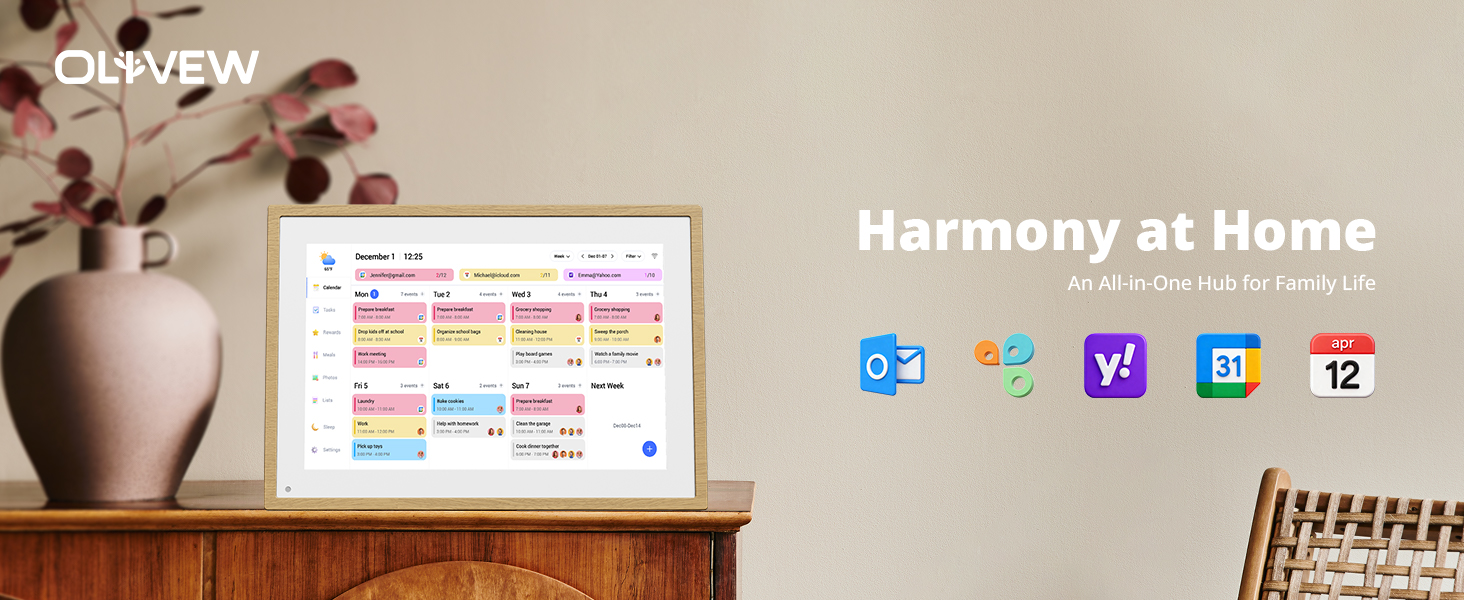
My calendar is not synchronizing. What should I do?
1. Ensure that you have a stable internet connection;
2. Manually trigger a synchronization in the settings section;
3. Verify that you are logged in with the correct eCalendar account;
4. Contact support if the issue.
I'm having trouble logging in. What should I do?
1. Ensure that you are using the correct email address and password;
2. If you have forgotten your password, reset it using the "Forgot Password" option;
3. Check your internet connection;
4. Contact support if the issue persist.
iCloud Calendar won't sync completely all events. What should I do?
1. Please make sure the version of the frame is the latest version 3.10.3, Please click Frame Settings>About>Version (check for updates).
2. Please check whether the WiFi interface of the frame shows the "connected" status.
My calendar is not synchronizing. What should I do?
1. Ensure that you have a stable internet connection;
2. Manually trigger a synchronization in the settings section;
3. Verify that you are logged in with the correct eCalendar account;
4. Contact support if the issue.
I'm having trouble logging in. What should I do?
1. Ensure that you are using the correct email address and password;
2. If you have forgotten your password, reset it using the "Forgot Password" option;
3. Check your internet connection;
4. Contact support if the issue persist.
iCloud Calendar won't sync completely all events. What should I do?
1. Please make sure the version of the frame is the latest version 3.10.3, Please click Frame Settings>About>Version (check for updates).
2. Please check whether the WiFi interface of the frame shows the "connected" status.