here!
I’m your shopping assistant for PC builds, upgrades, and everything tech.
Got questions? Ask away!
Start a conversation
here!
I’m your shopping assistant for PC builds, upgrades, and everything tech.
Got questions? Ask away!
Start a conversation



Any questions? Ask CelesteSM will help you find out quickly.
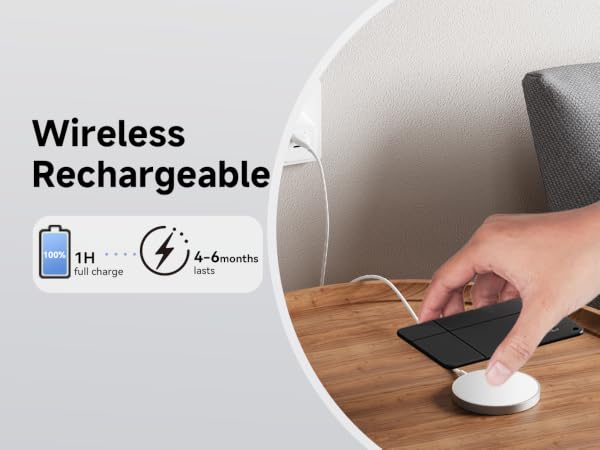
After pairing the tracker card for the first time, please fully charge it before use.
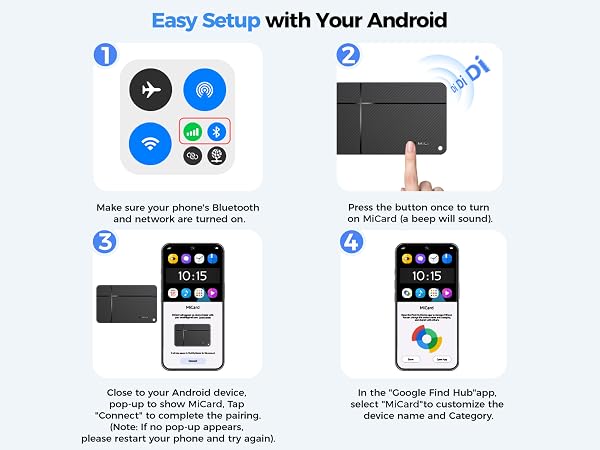
| Question 1 | What preparatory steps do I need to take before adding the tracker? |
|---|---|
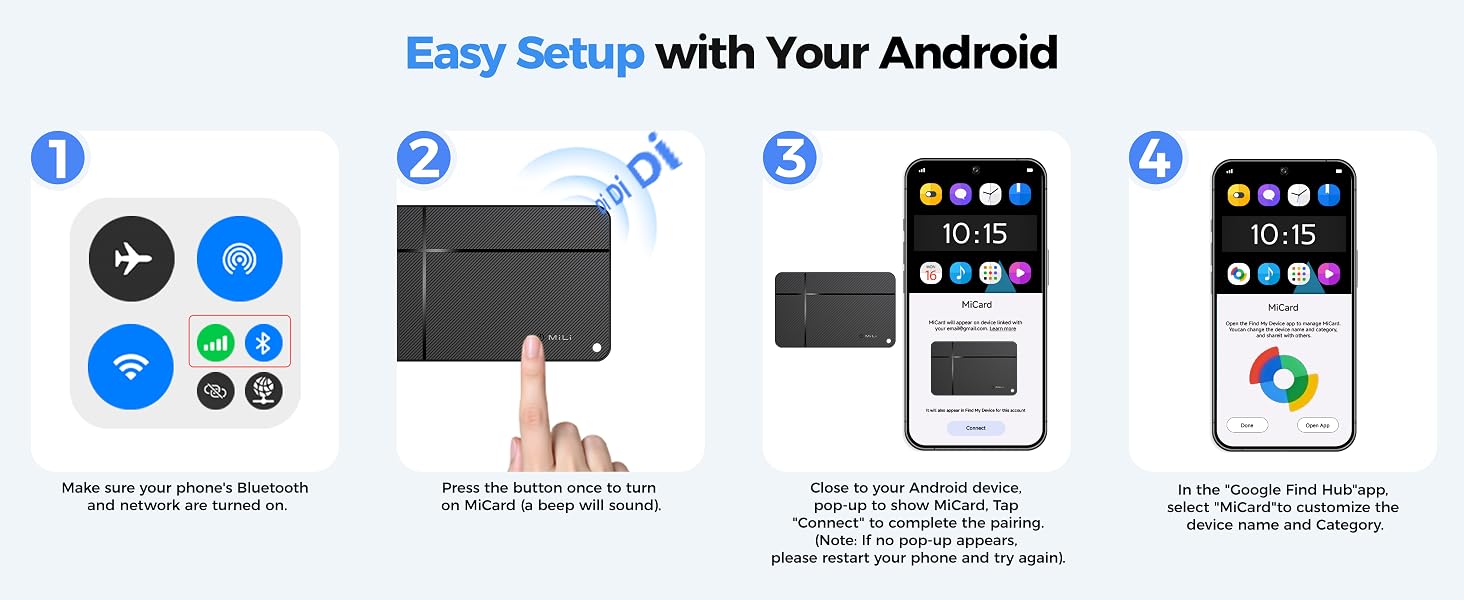
| Answer 1 | You need to download Google Find Hub, make sure your phone's bluetooth turn on and network turn on. At the same time, please make sure that the system location and service permissions are turned on. |
| Question 2 | Do I need to log in with my Google account during use? |
| Answer 2 | yes, we recommend using a frequently used Google account when pairing. If multiple Google accounts are signed in on your Android phone (for example, a personal account and a secondary account). When you first add the tracker card, Google Find Hub uses the Google account that is currently selected on your phone to associate with the device. |
| Question 3 | How often does it need to be charged? |
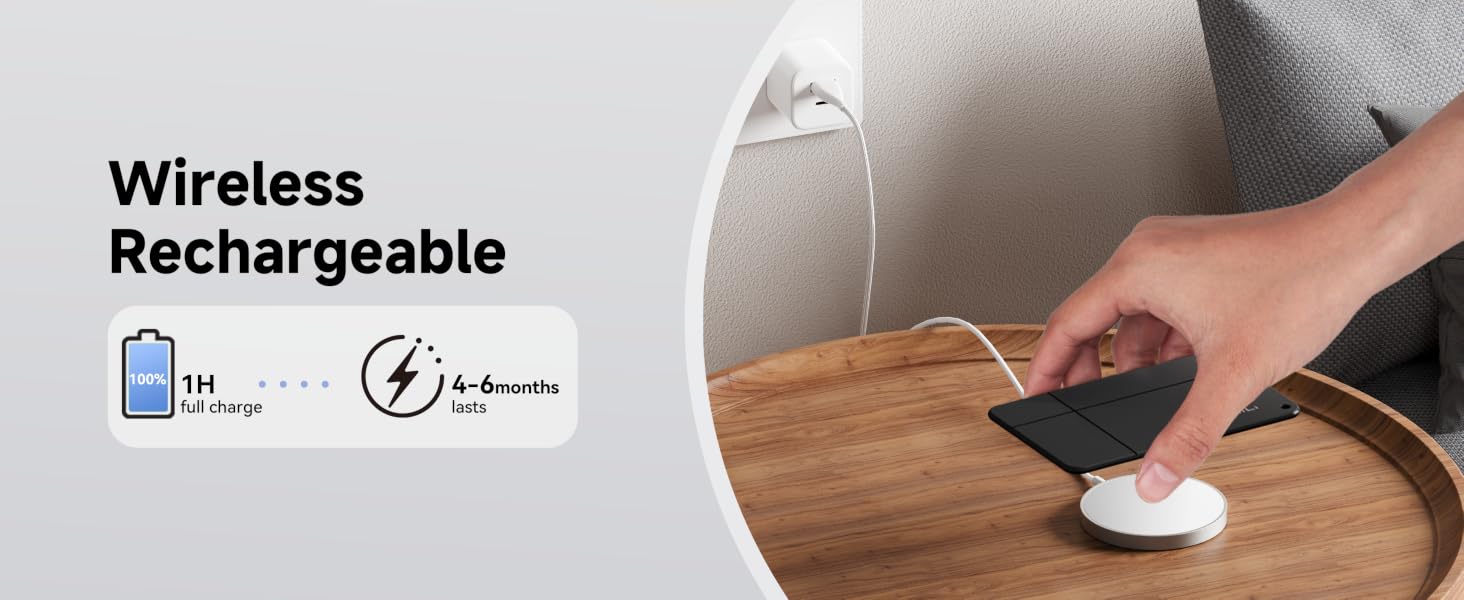
| Answer 3 | After pairing the tracker card for the first time, please fully charge it before use. Each full charge lasts 4-6 months. The battery lifespan is up to 5 years. The battery life may be slightly affected by the frequency of using audio playback and navigation functions. |
| Power On | Press the button once to turn on the device (a beep will sound). |
| Power Off | Press and hold the button for 5 seconds (two short beeps will sound). |
| Factory Reset | Press 6 times rapidly when you hear a long beep, the device will be reset. |
MiLi Wallet Finder/Wallet Tracker/Bluetooth Tracking Card for Android
Key Features:
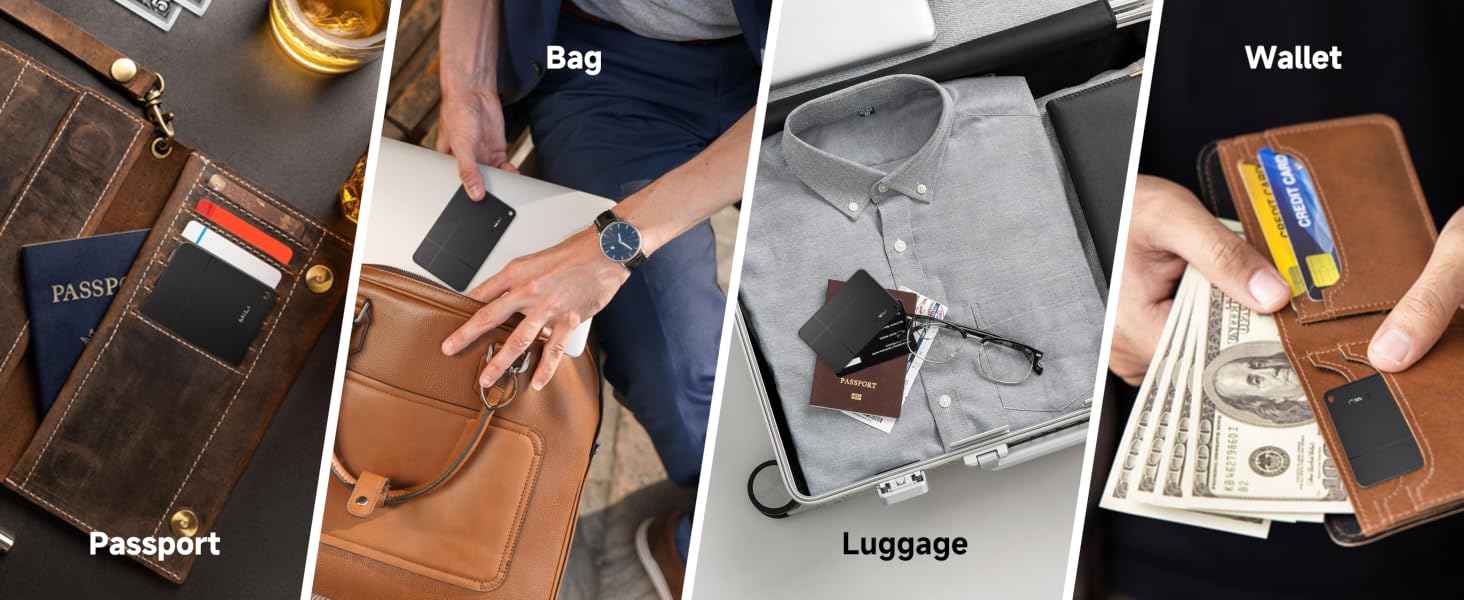
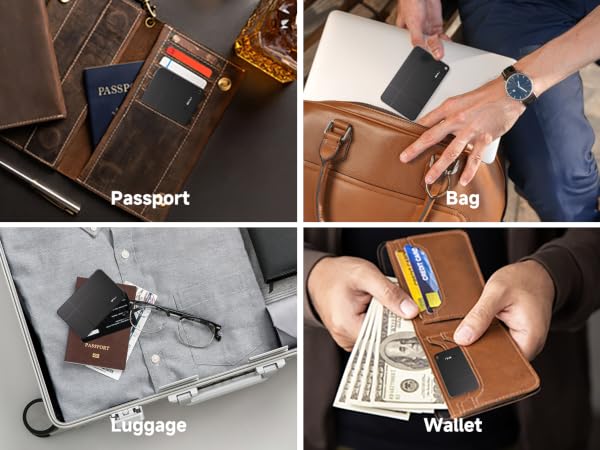
Wallet Tracker for Android: The Android version MiCard is a Bluetooth wallet finder that is slim enough to slip into your wallet, handbag, backpack, etc. to keep track of your valuable belongings.
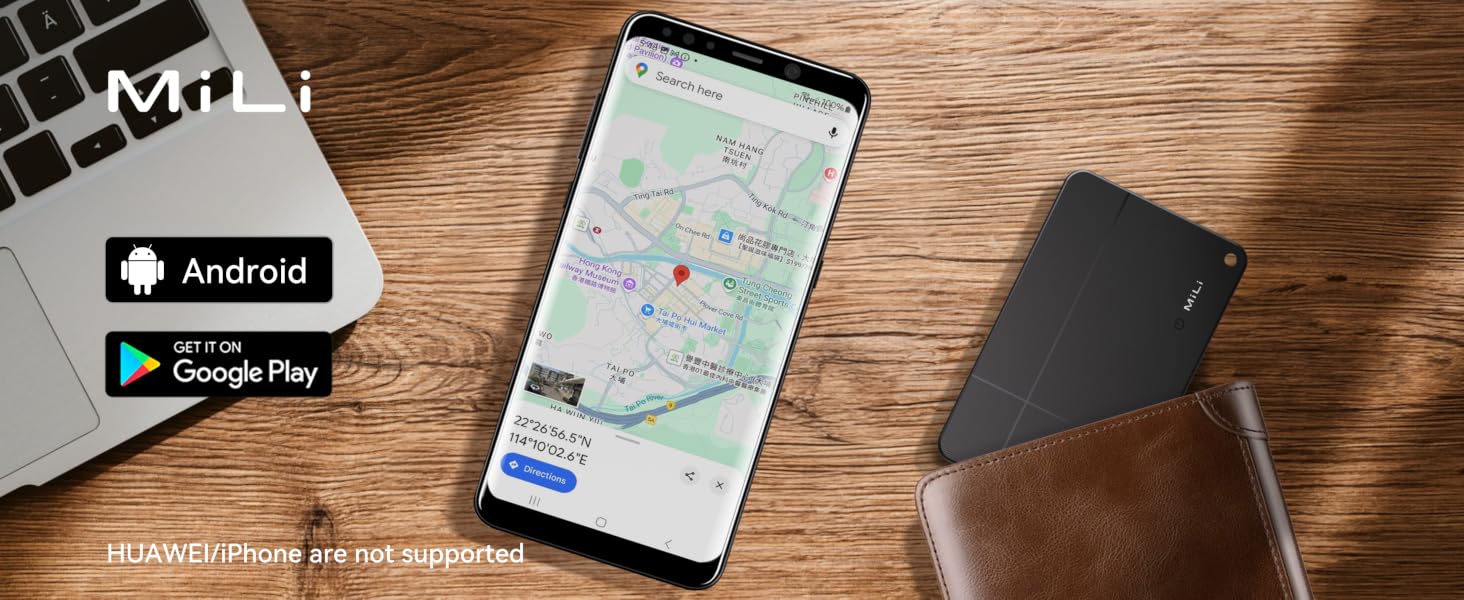
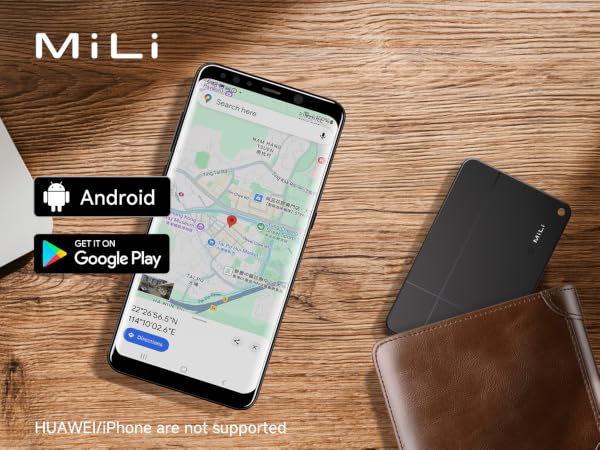
Compatible with Android devices ONLY: This MiLi tracking card is ONLY compatible with Google Find My Device (Find Hub) App on smartphones with Android operation system version 9 and above.
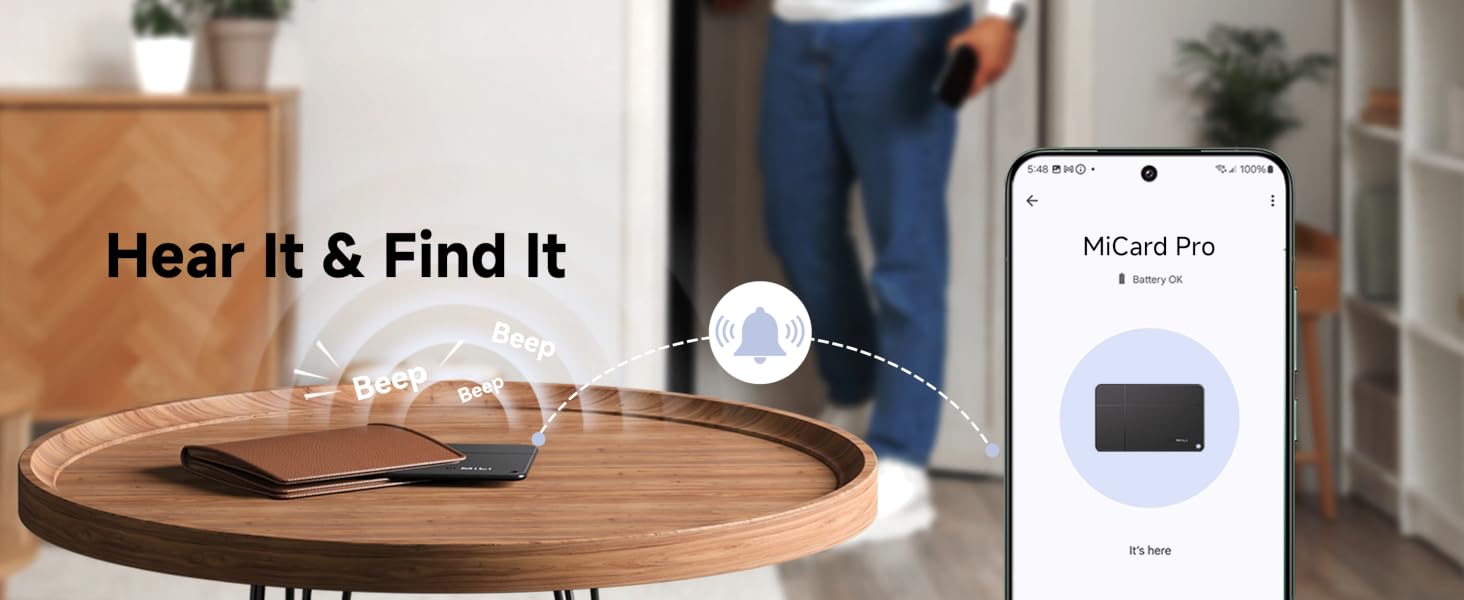
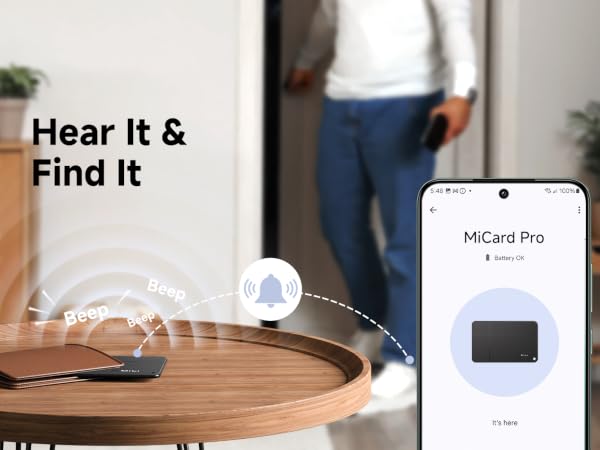
Item Finder that Plays Sound: When looking for your item within Bluetooth range, you can activate sound playing on Google Find My Device (Find Hub) app to locate it easily.
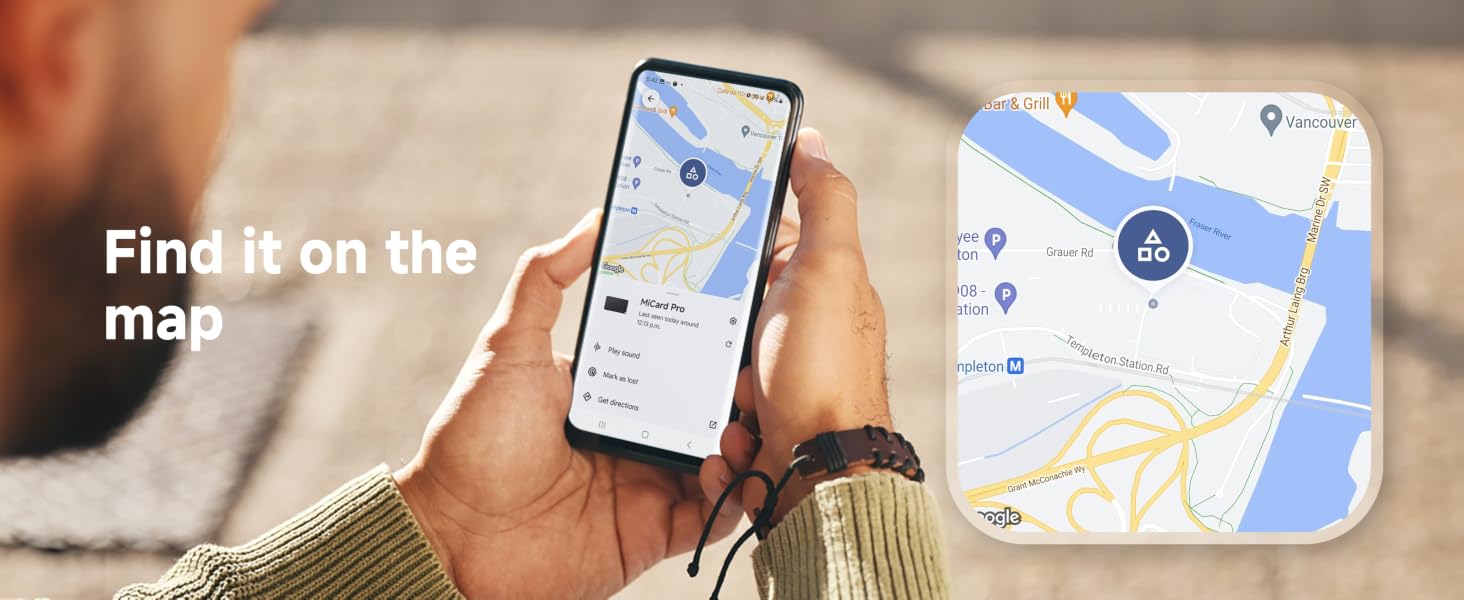
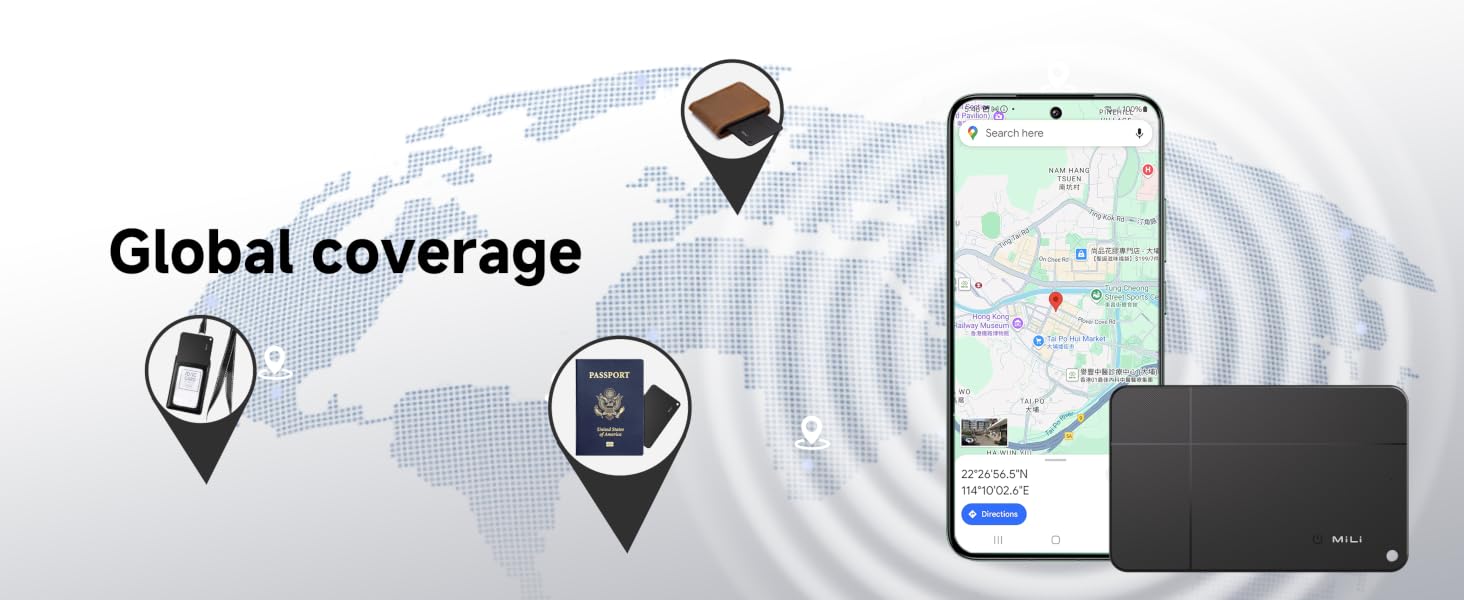
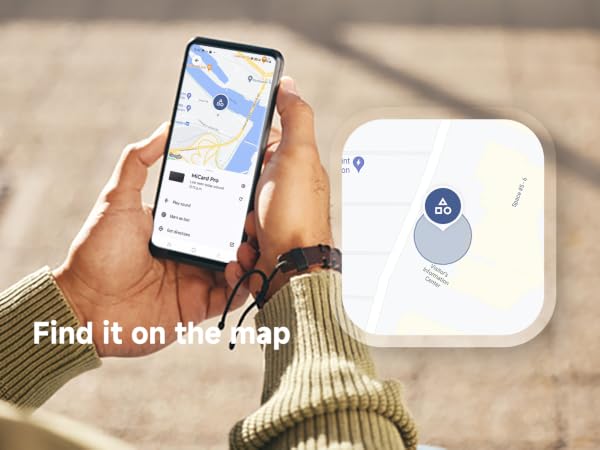
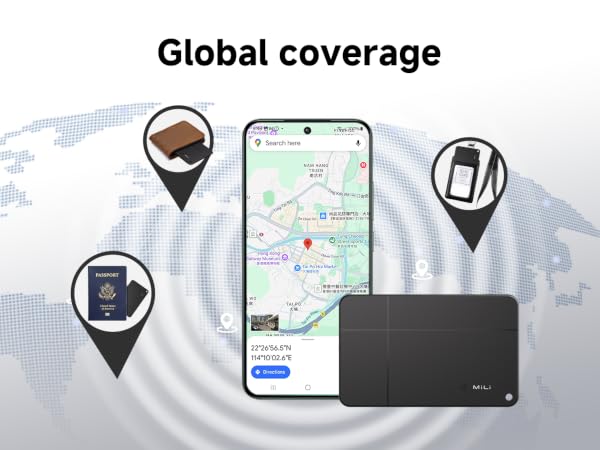
Remote Tracking: When out of Bluetooth range, the android network will keep updating the location of your item so you can check its last known location and retrieve it easily.
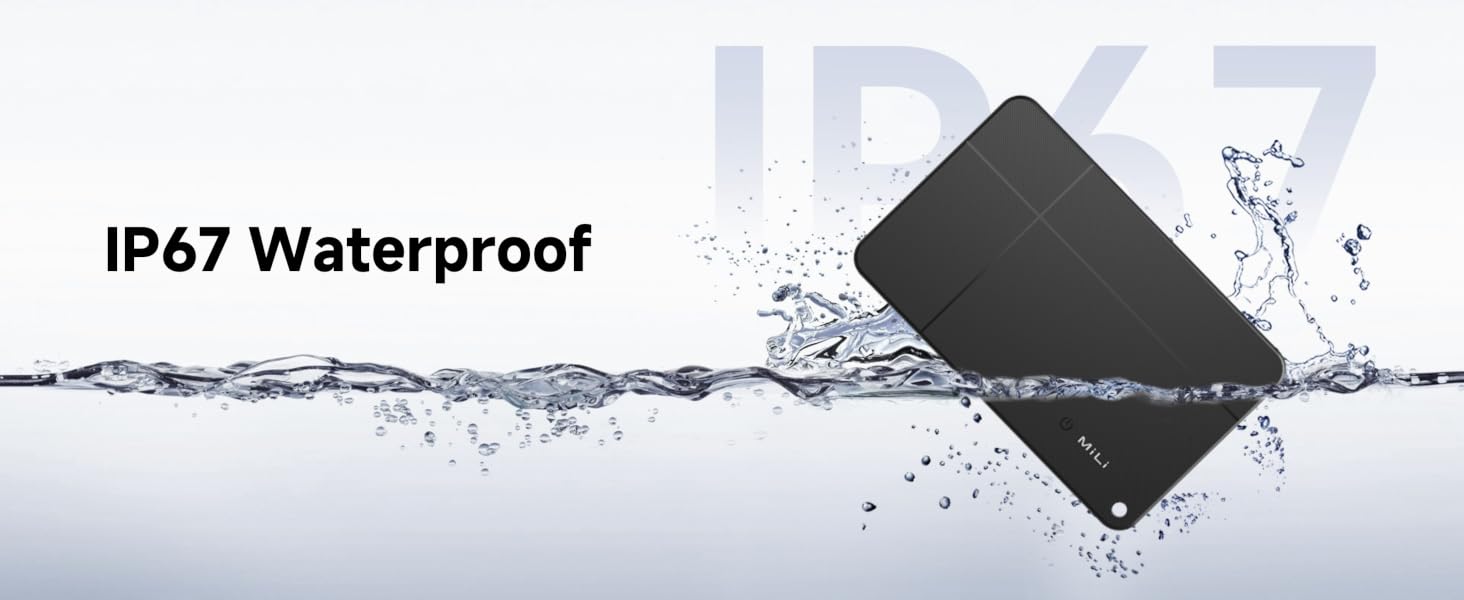
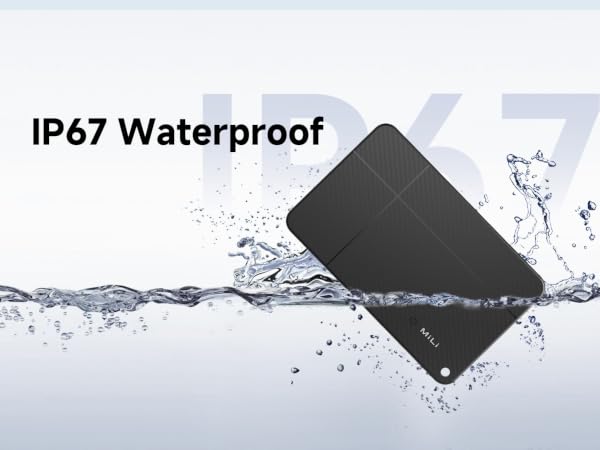
IP67 Waterproof: No worries about water splashes, rainy days, or accidental immersion. This item locator withstands up to 30 mins at 3ft depth underwater.
5-Year Battery: The Android version MiCard has a built-in battery that is wireless rechargeable with a lifespan of up to 5 years.
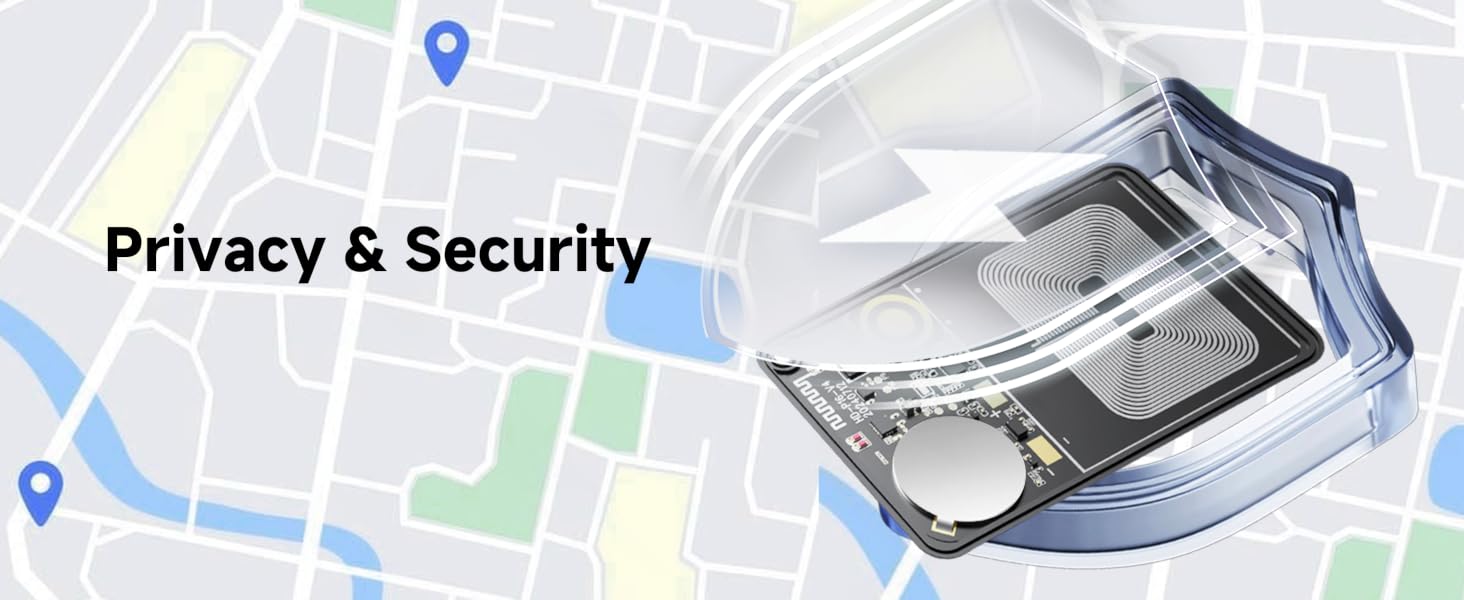
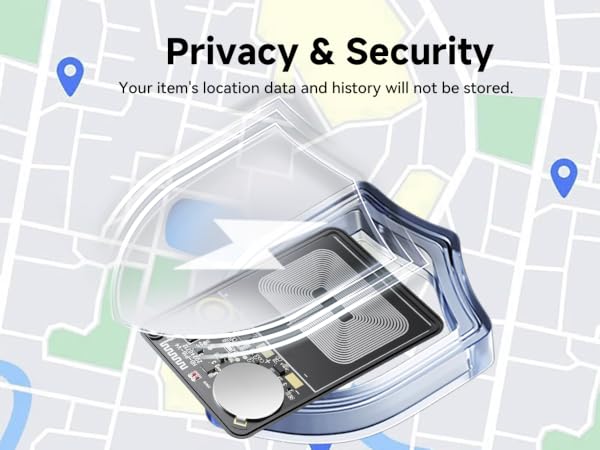
Privacy Protection: All communication with the Find My network is anonymous and encrypted. The location data and history will never be stored on the gps tracker. Your privacy is well protected.
What's in the box
MiCard (for Android ONLY) x 1
User Manual x 1