






Reliable & Innovative
ROATEE is dedicated to creating high-quality calculators designed to support students and professionals. We focus on providing educational tools that help students achieve excellent results while meeting the practical needs of users. We are committed to sustainability, ensuring that they are not only practical and efficient, but also environmentally responsible.
Construction Calculator
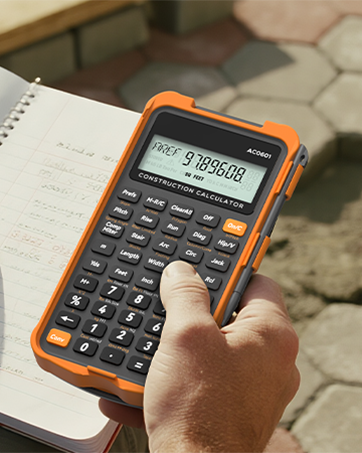
Construction Calculator with Writingpad
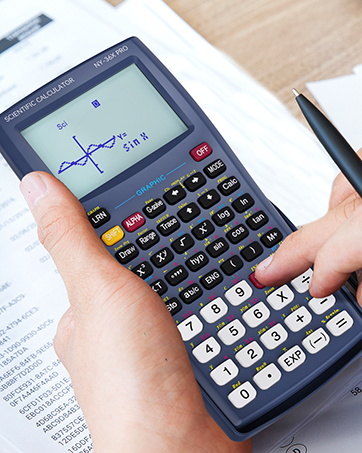
ROATEE Graphing Calculators

Scientific Calculator with pad
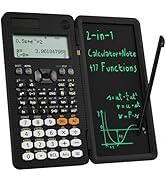
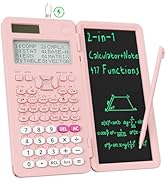
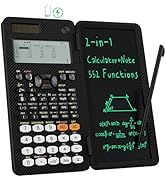
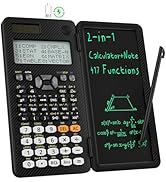
High school & College
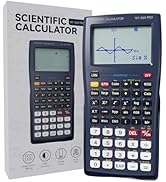
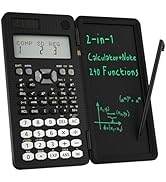
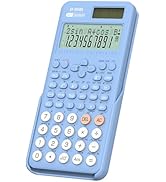
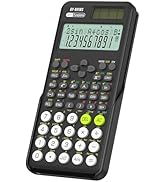
High school & Middle school
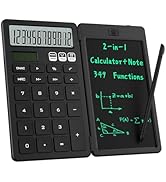
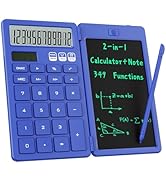
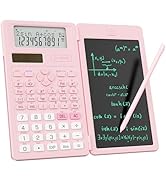
Middle school

Why Choose Us
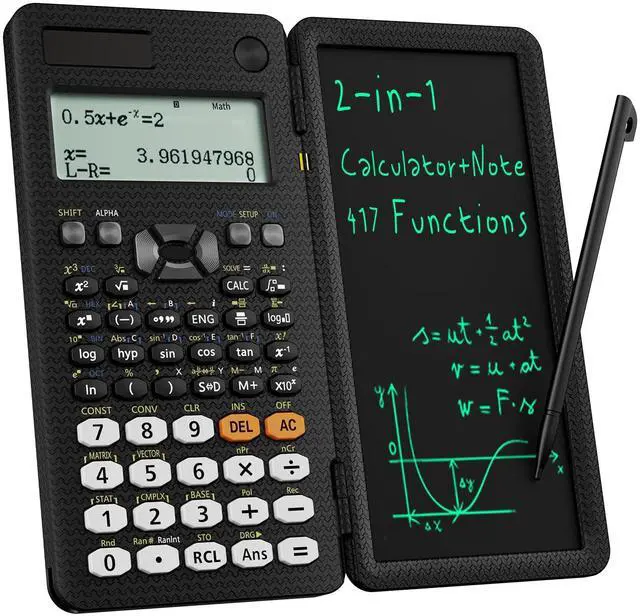
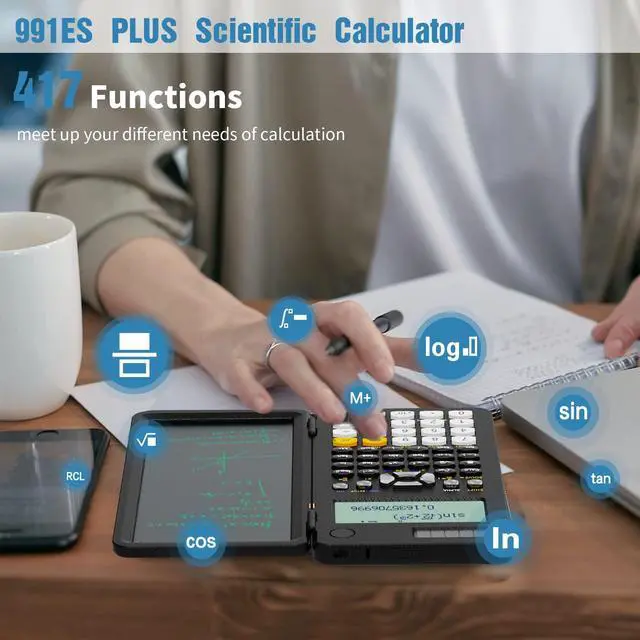
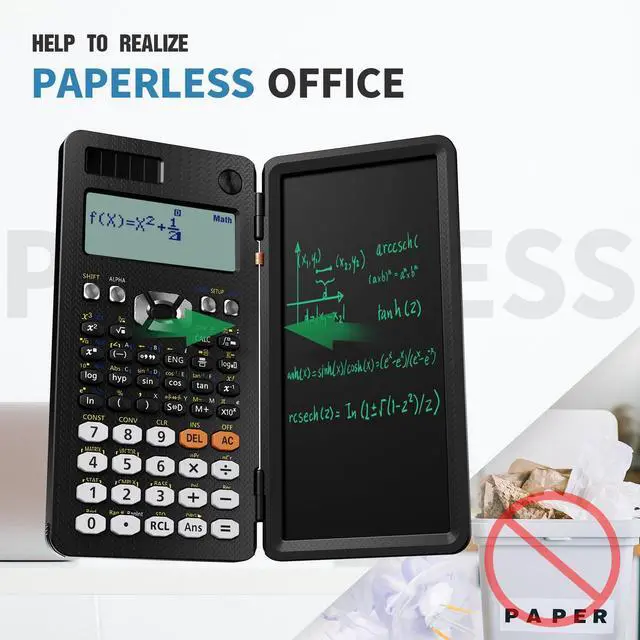
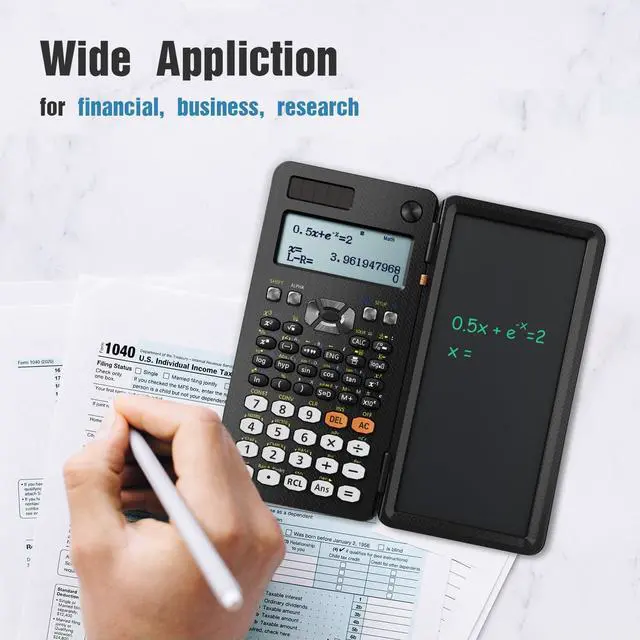
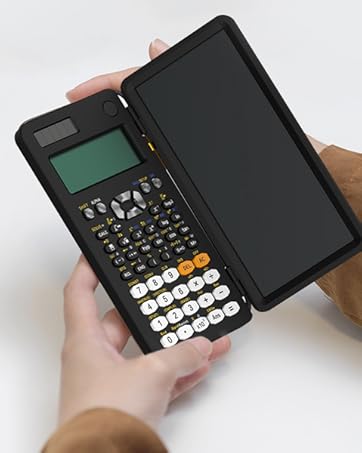
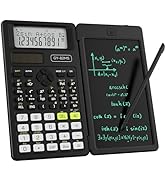
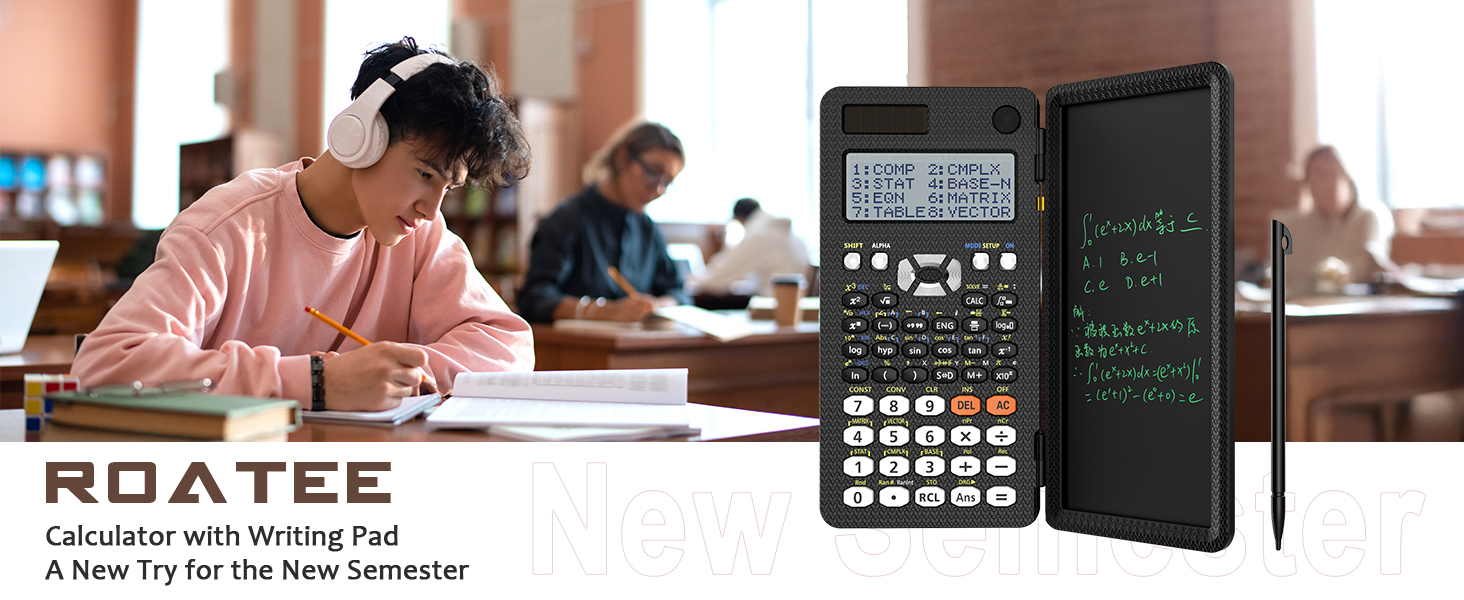
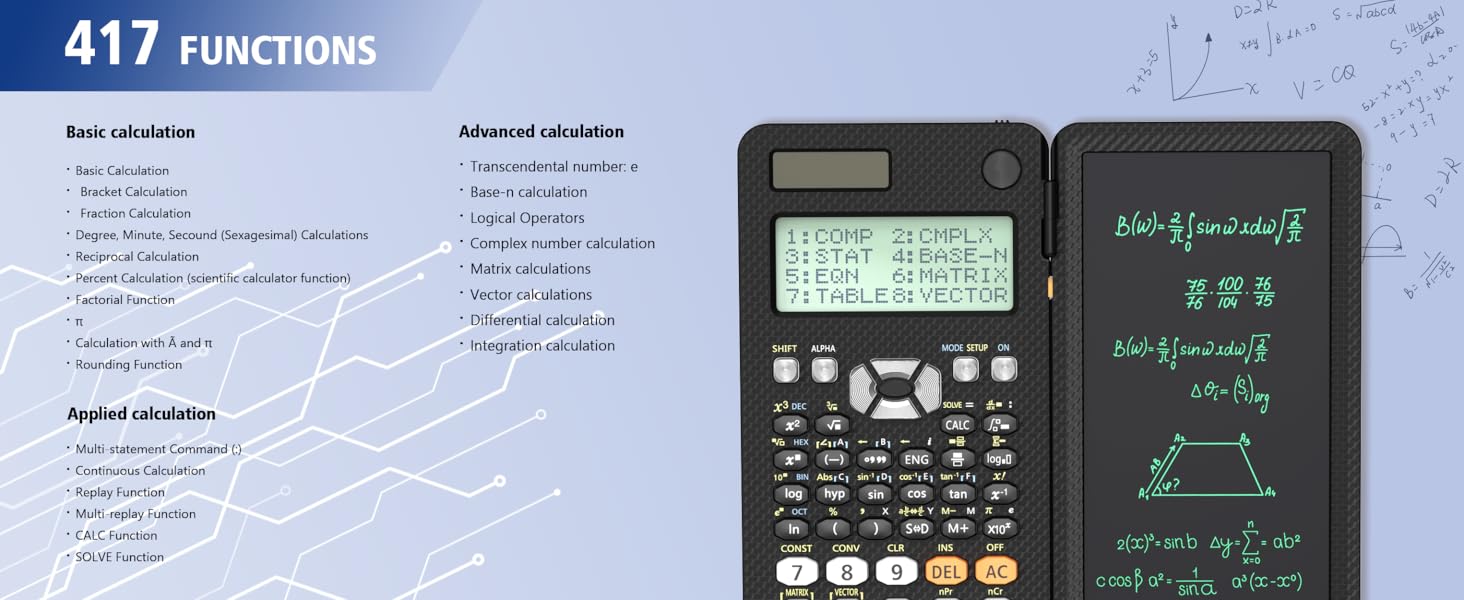
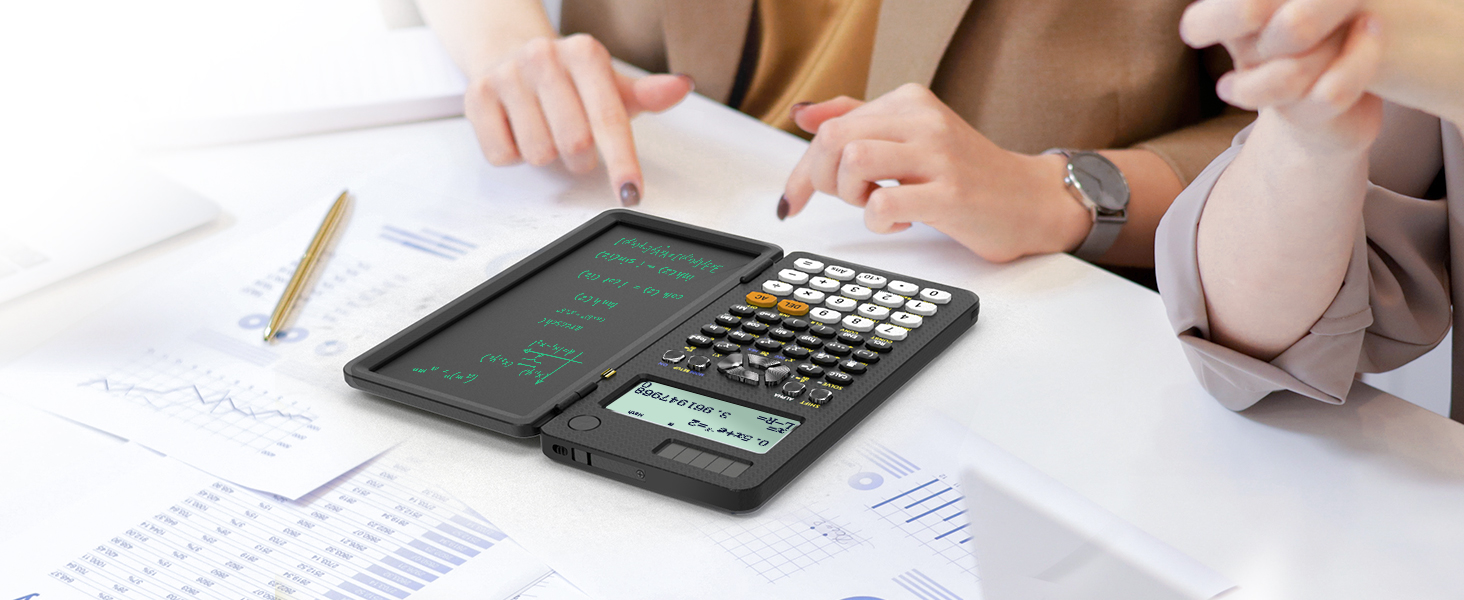
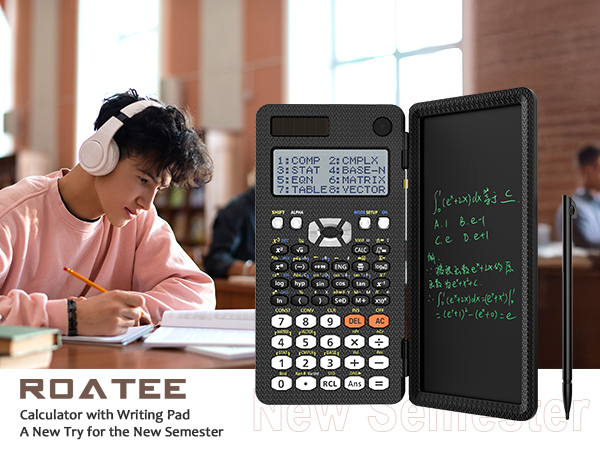
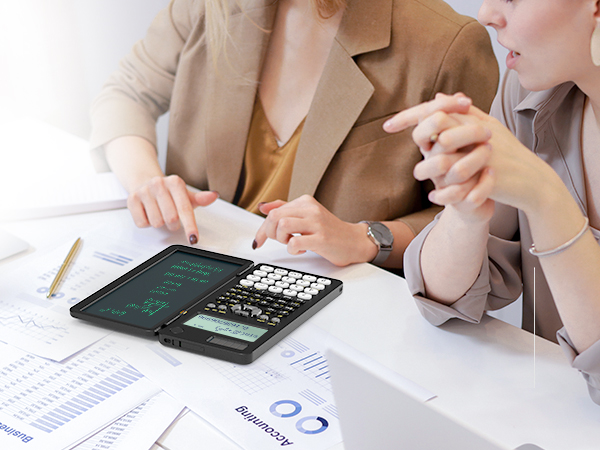
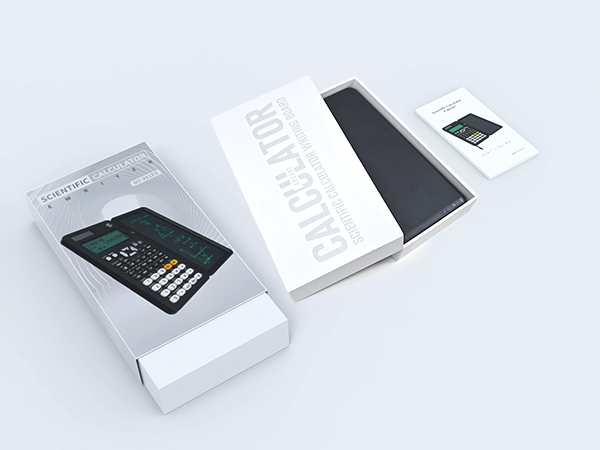
Our scientific calculator for school and business intergrates calculation and notebook with a stylus pen. The lcd writing tablet enables you to take notes during the calculation, which do great help for study and work
About Product Quality
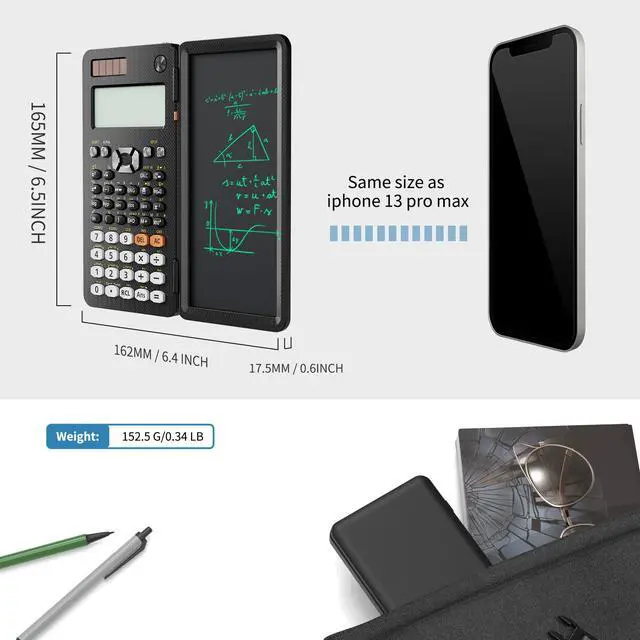
The body of this scientific calculator undergoes rigorous quality tests. Due to the design of anti-drop body, no need to worry about the damage by accidentally falling and it has only weighs 5 ounces can be easily put in your pocket, which is convenient for business and school
Go Green Now
Our products are ClimatePartner Carbon Neutral Certified
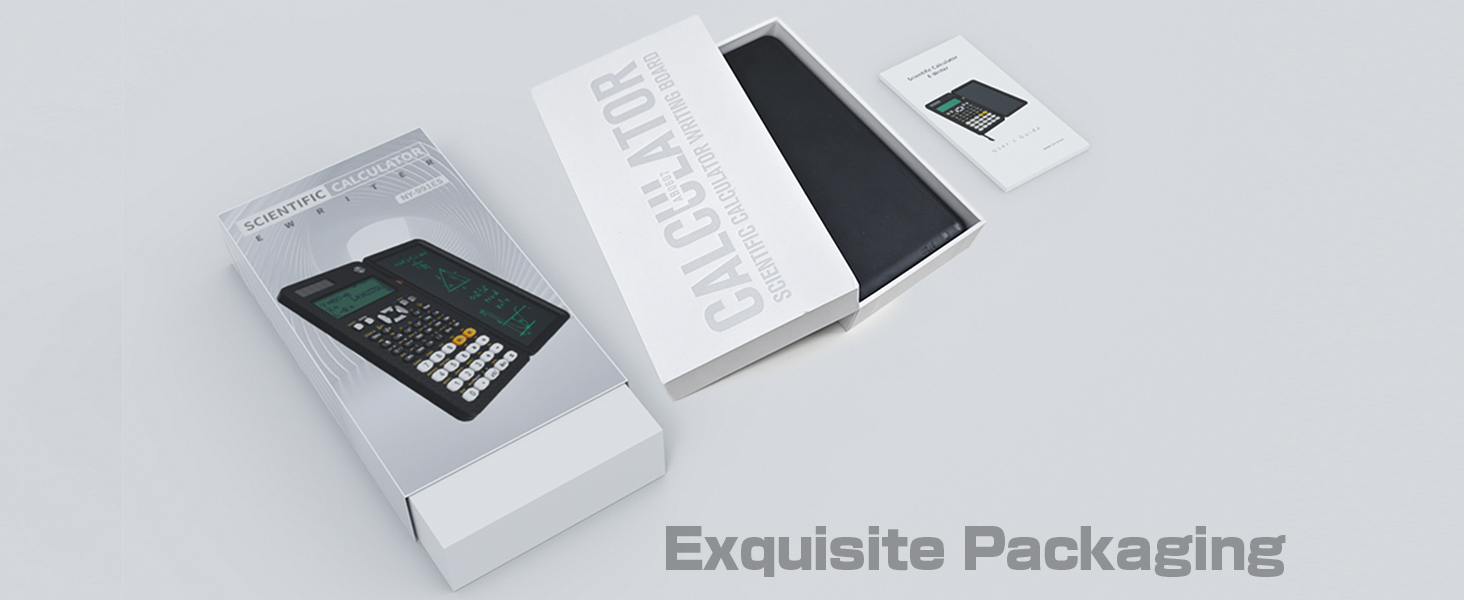


991ES Calculator for Highschool
Merchant Video
ClimatePartner Carbon Neutral Certified
Green Commitment, Trusted Quality
Trusted Environmental Standards
Through ClimatePartner, our carbon management system has achieved globally recognized certification, ensuring our environmental efforts are transparent, credible, and ongoing. Choose us with confidence, knowing every dollar spent helps protect the planet.
Four calculators for your choose,meet up your different needs of calculation.
 991 ES-Black | 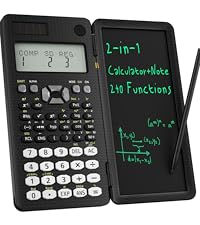 82 MS-Black | 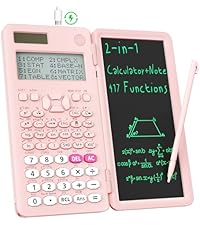 991 ES-MAX-Pink | 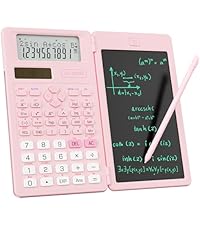 82MS-Pink-Slim |  Graphing Scientific | 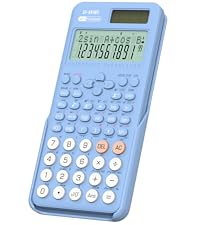 Sliding Cover Calculator | 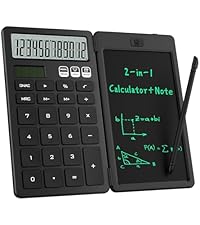 Desk Calculator | |
|---|---|---|---|---|---|---|---|
Customer Reviews | — | — | — | — | — | — | — |
Price | — | — | — | — | — | — | — |
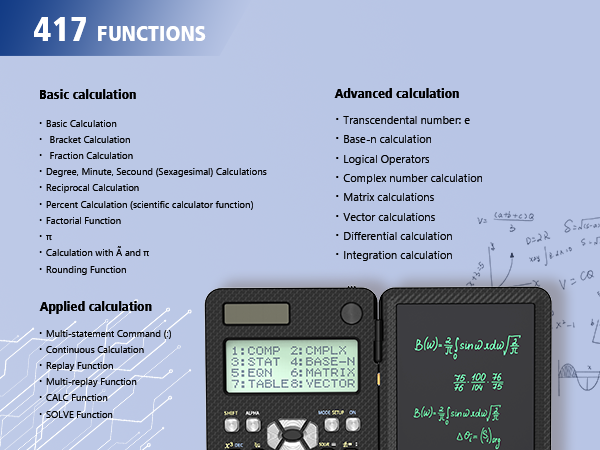
Functions | 417 Functions | 240 Functions | 417 Functions | 240Functions | 360 Functions | 401 Functions | Basic Calculator Functions |
Suit | Engineer/College/High School | High/Middle School Student | Engineer/College/High School | High/Middle School Student | Engineer/College/High School | High/Middle School Student | Middle School Student |
Rechargeable | ? | ? | ? | ? | ? | ? | ? |
Calculating & Writing | ? | ? | ? | ? | ? | ? | ? |
Lock & Unlock Design | ? | ? | ? | ? | ? | ? | ? |
Foldable | ? | ? | ? | ? | ? | ? | ? |
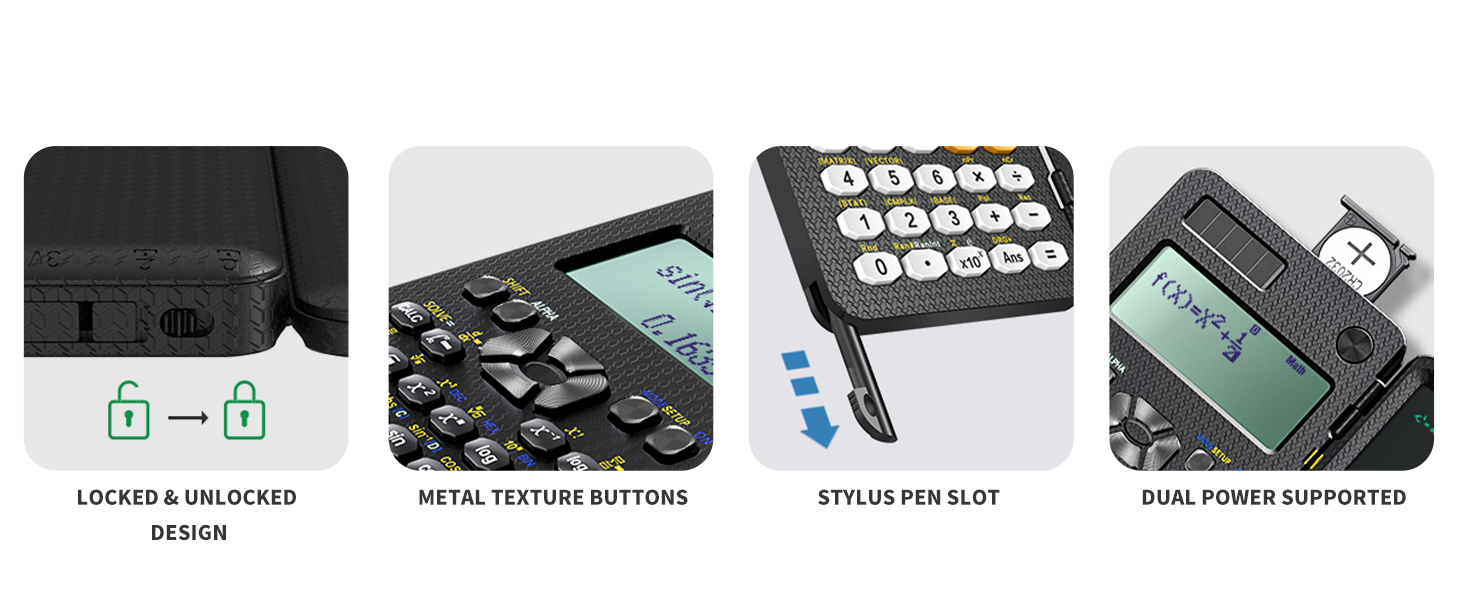
Dual Power | ? | ? | ? | ? | ? | ? | ? |
Stylus Pen | ? | ? | ? | ? | ? | ? | ? |
How to take the pen out?
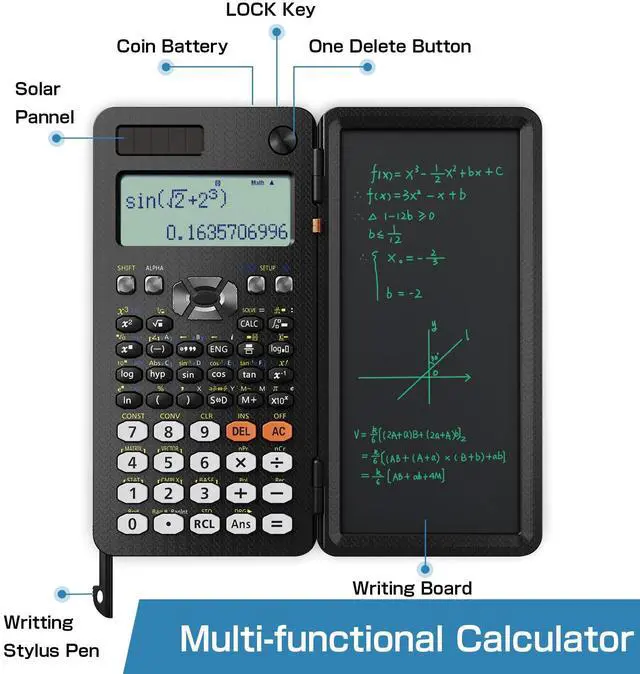
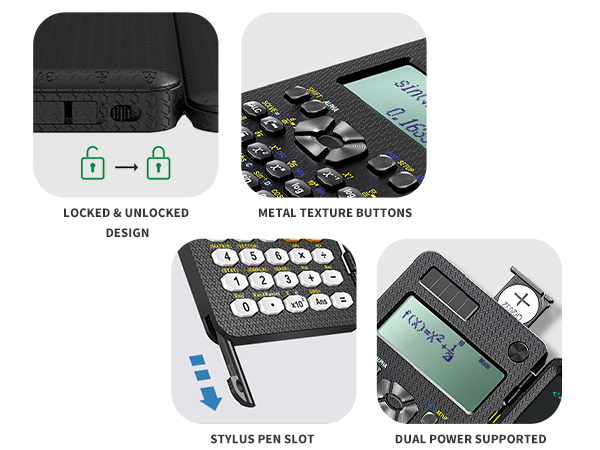
The pen is built in the left lower corner of the calculator,you can slide it out.Please NOTE:It might be a little tight to take it out at the first time.
How to clear up the writing tablet?
Turn the button to the unlocked position, so you can erase the notes on the screen by pressing the clear button.
How do you change the setting from fractions to obtain a decimal answer?
You can change the results through the key 'S?D'; Or you can configure calculator setting: 1. Press the button 'SHIFT'. 2. Press the button 'MODE'. 3. Choose 1 or 2 to set the mode of fraction or decimal. MthIO for fraction, LineIO for decimal.

991ES Calculator for Highschool
Merchant Video
Green Commitment, Trusted Quality
Trusted Environmental Standards
Through ClimatePartner, our carbon management system has achieved globally recognized certification, ensuring our environmental efforts are transparent, credible, and ongoing. Choose us with confidence, knowing every dollar spent helps protect the planet.
Four calculators for your choose,meet up your different needs of calculation.
991 ES-Black | 82 MS-Black | 991 ES-MAX-Pink | 82MS-Pink-Slim | Graphing Scientific | Sliding Cover Calculator | Desk Calculator |
|---|---|---|---|---|---|---|
| Customer Reviews | ||||||
| — | — | — | — | — | — | — |
| Price | ||||||
| — | — | — | — | — | — | — |
| Functions | ||||||
| 417 Functions | 240 Functions | 417 Functions | 240Functions | 360 Functions | 401 Functions | Basic Calculator Functions |
| Suit | ||||||
| Engineer/College/High School | High/Middle School Student | Engineer/College/High School | High/Middle School Student | Engineer/College/High School | High/Middle School Student | Middle School Student |
| Rechargeable | ||||||
| ? | ? | ? | ? | ? | ? | ? |
| Calculating & Writing | ||||||
| ? | ? | ? | ? | ? | ? | ? |
| Lock & Unlock Design | ||||||
| ? | ? | ? | ? | ? | ? | ? |
| Foldable | ||||||
| ? | ? | ? | ? | ? | ? | ? |
| Dual Power | ||||||
| ? | ? | ? | ? | ? | ? | ? |
| Stylus Pen | ||||||
| ? | ? | ? | ? | ? | ? | ? |
How to take the pen out?
The pen is built in the left lower corner of the calculator,you can slide it out.Please NOTE:It might be a little tight to take it out at the first time.
How to clear up the writing tablet?
Turn the button to the unlocked position, so you can erase the notes on the screen by pressing the clear button.
How do you change the setting from fractions to obtain a decimal answer?
You can change the results through the key 'S?D'; Or you can configure calculator setting: 1. Press the button 'SHIFT'. 2. Press the button 'MODE'. 3. Choose 1 or 2 to set the mode of fraction or decimal. MthIO for fraction, LineIO for decimal.
Reliable & Innovative
ROATEE is dedicated to creating high-quality calculators designed to support students and professionals. We focus on providing educational tools that help students achieve excellent results while meeting the practical needs of users. We are committed to sustainability, ensuring that they are not only practical and efficient, but also environmentally responsible.
Construction Calculator
Construction Calculator with Writingpad
ROATEE Graphing Calculators
Scientific Calculator with pad
High school & College
High school & Middle school
Middle school
Why Choose Us
Our scientific calculator for school and business intergrates calculation and notebook with a stylus pen. The lcd writing tablet enables you to take notes during the calculation, which do great help for study and work
About Product Quality
The body of this scientific calculator undergoes rigorous quality tests. Due to the design of anti-drop body, no need to worry about the damage by accidentally falling and it has only weighs 5 ounces can be easily put in your pocket, which is convenient for business and school
Go Green Now
Our products are ClimatePartner Carbon Neutral Certified