here!
here!
I’m your shopping assistant for PC builds, upgrades, and everything tech.
Got questions? Ask away!
Start a conversation
here!
I’m your shopping assistant for PC builds, upgrades, and everything tech.
Got questions? Ask away!
Start a conversation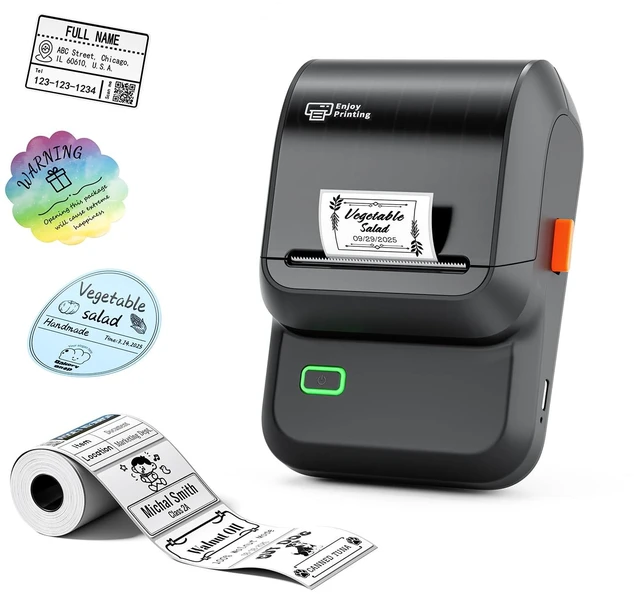



Any questions? Ask CelesteSM will help you find out quickly.
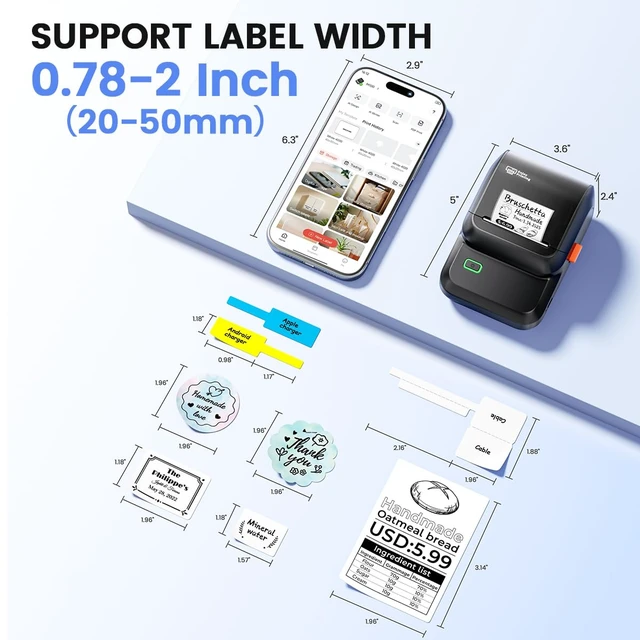
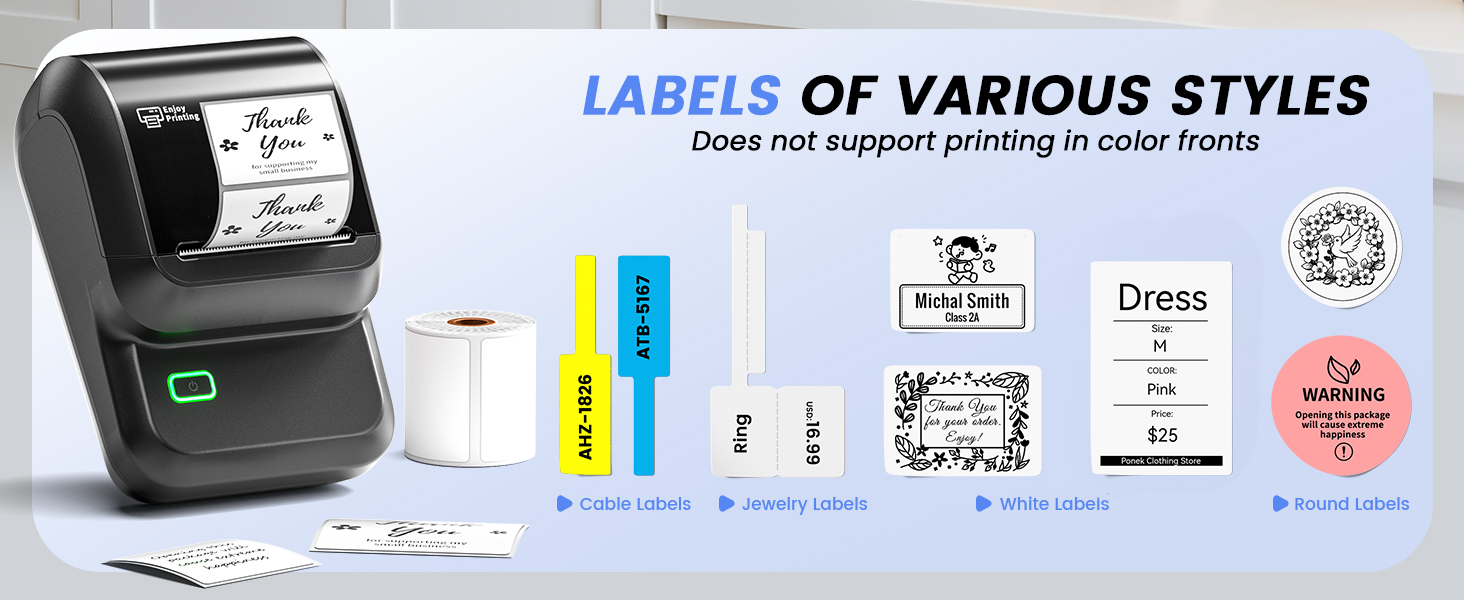
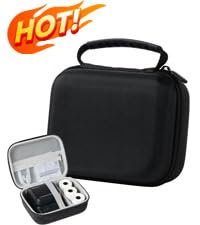 Label Maker CASE | 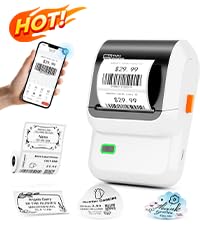 Ponek Label Maker | 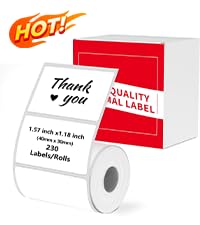 Label for 1.57'' x 1.18'' | 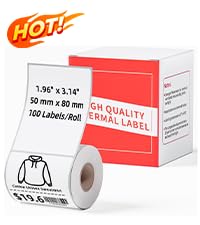 Label for 1.96'' x 3.14'' | 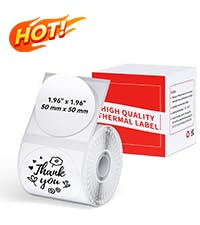 Label for 1.96" x 1.96" |  Label for 1.96" x 1.96" |  Label [3x230 pcs] | |
|---|---|---|---|---|---|---|---|
Customer Reviews | — | — | — | — | — | — | — |
Price | — | — | — | — | — | — | — |
Corlor | Black | White | White | White | White | Green | White |
Labels | - | 100 | 230 | 100 | 140 | 140 | 690 |
Waterproof | ? | ? | ? | ? | ? | ? | ? |
Oilproof | ? | ? | ? | ? | ? | ? | ? |
Strong adhesion | ? | ? | ? | ? | ? | ? | ? |
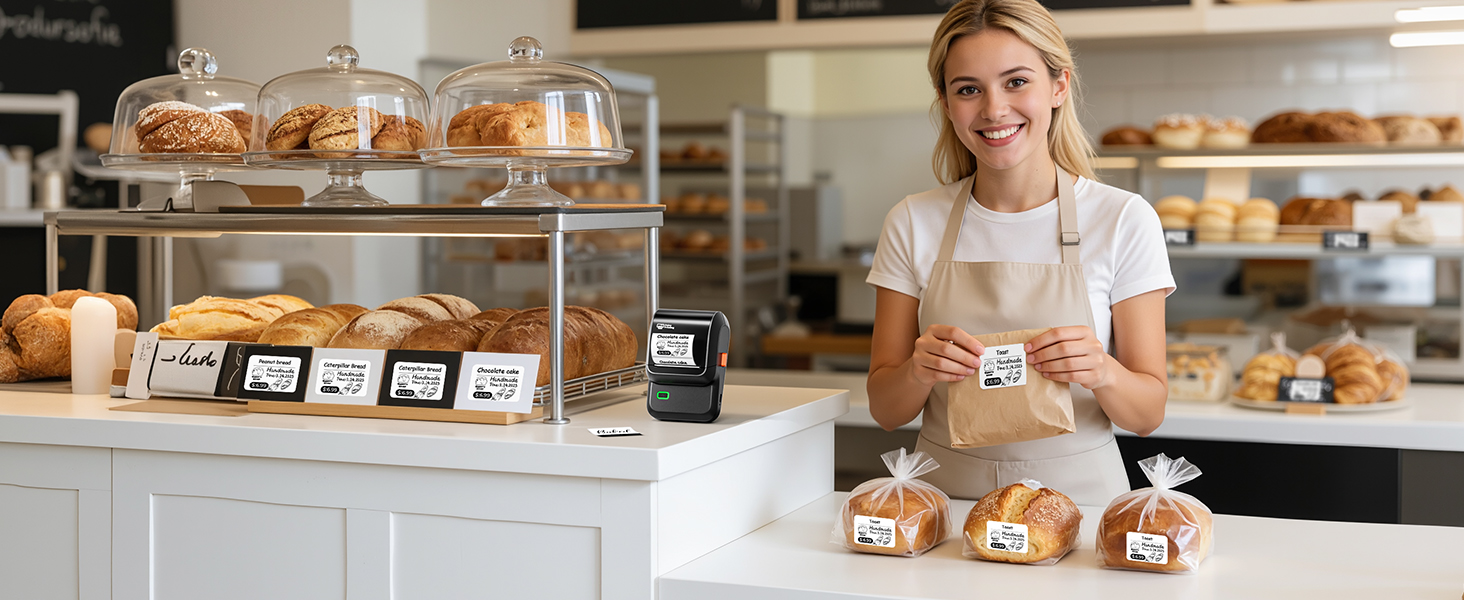
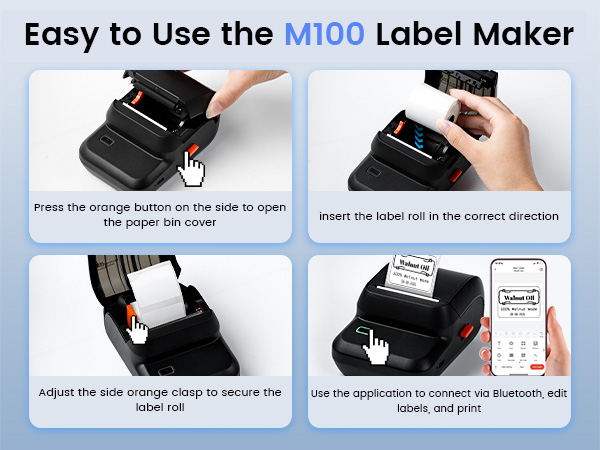
What can you do if the printout blank?
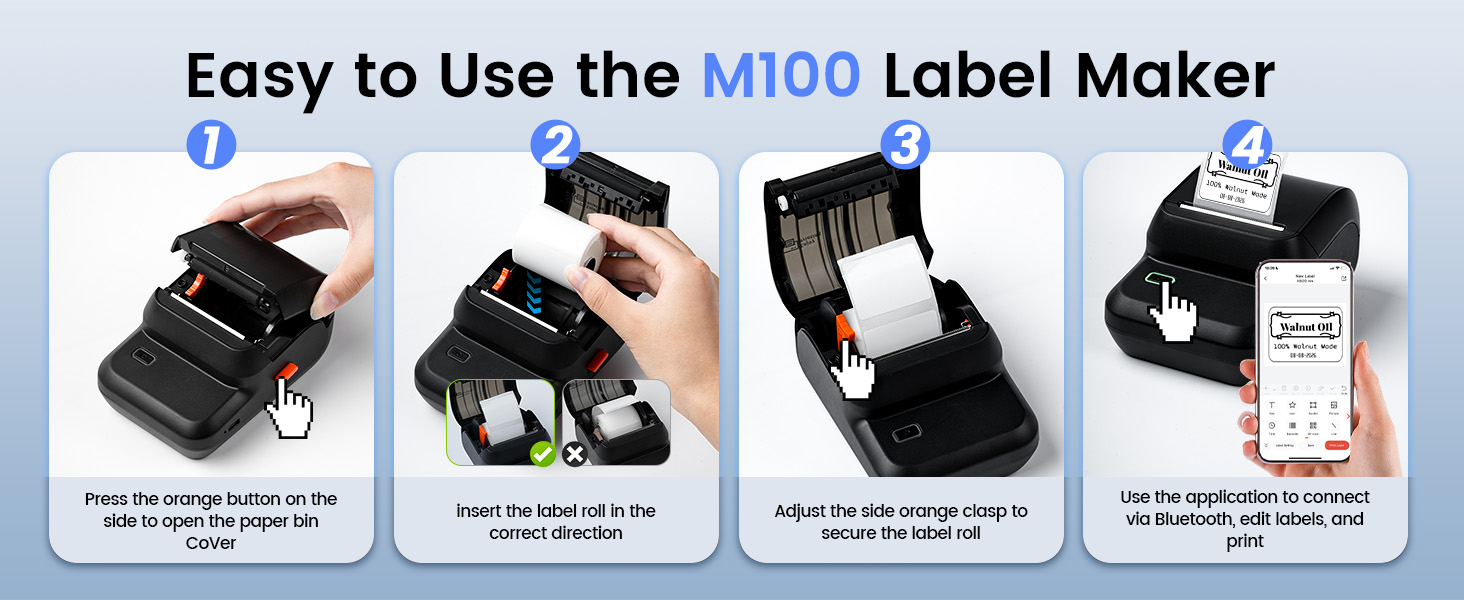
Check whether the print paper is installed correctly, the print surface needs to be face to face with the thermal head.If you encounter a problem with blank pages being printed, please try loading the paper in the opposite direction
How to Resolve Printing Offset & Paper Skip?
1.Ensure the app’s label size matches the actual one; measure with a ruler (e.g., pick 40x30mm template for 40x30mm labels)
2.Check app template settings to confirm correct paper type,such as gap, black mark or continuous paper
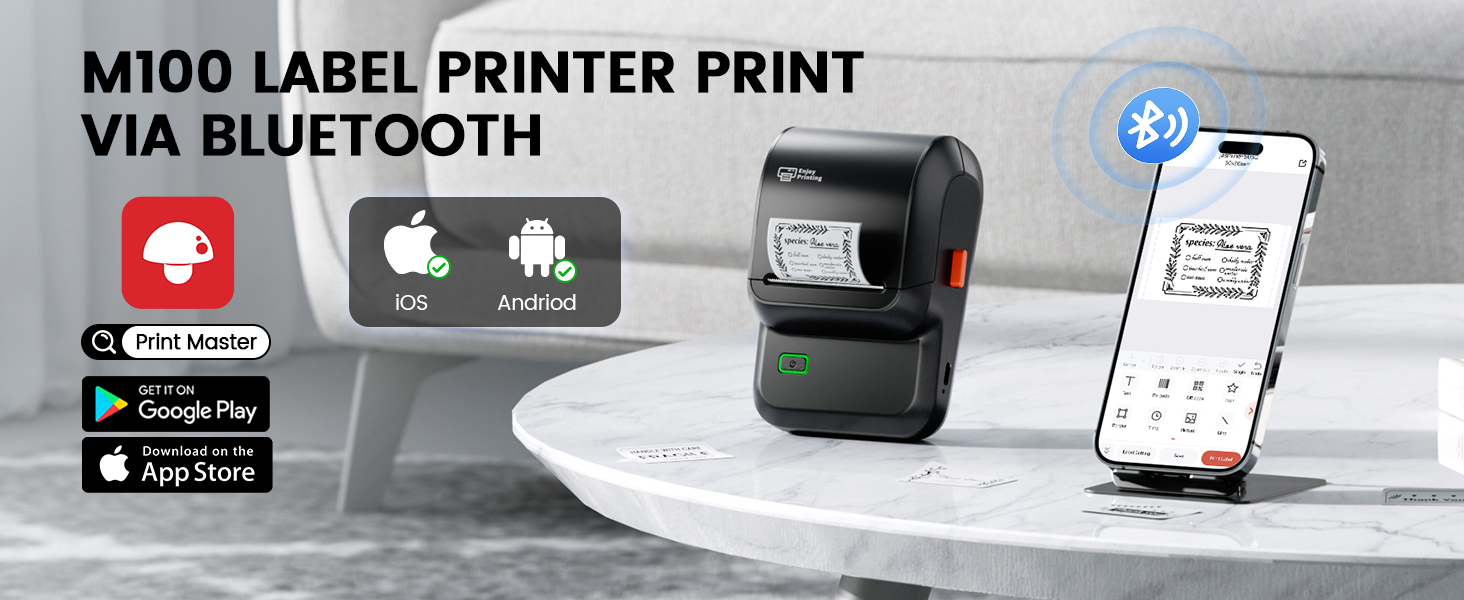
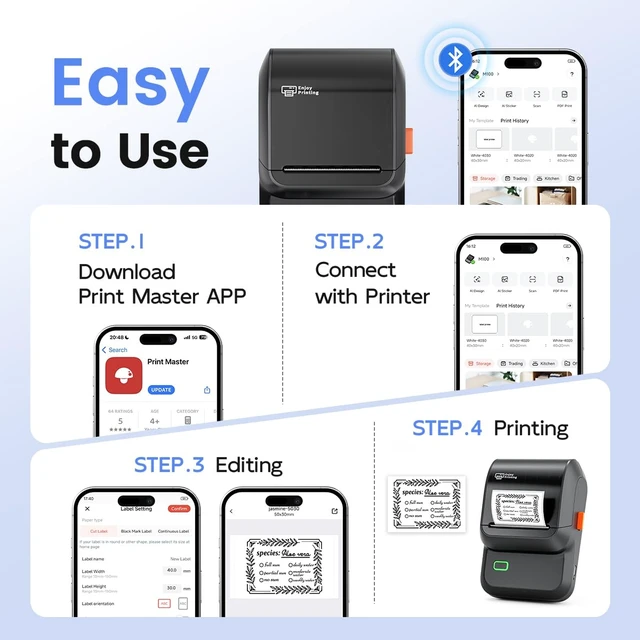
How to set up M100 label maker to connect Bluetooth?
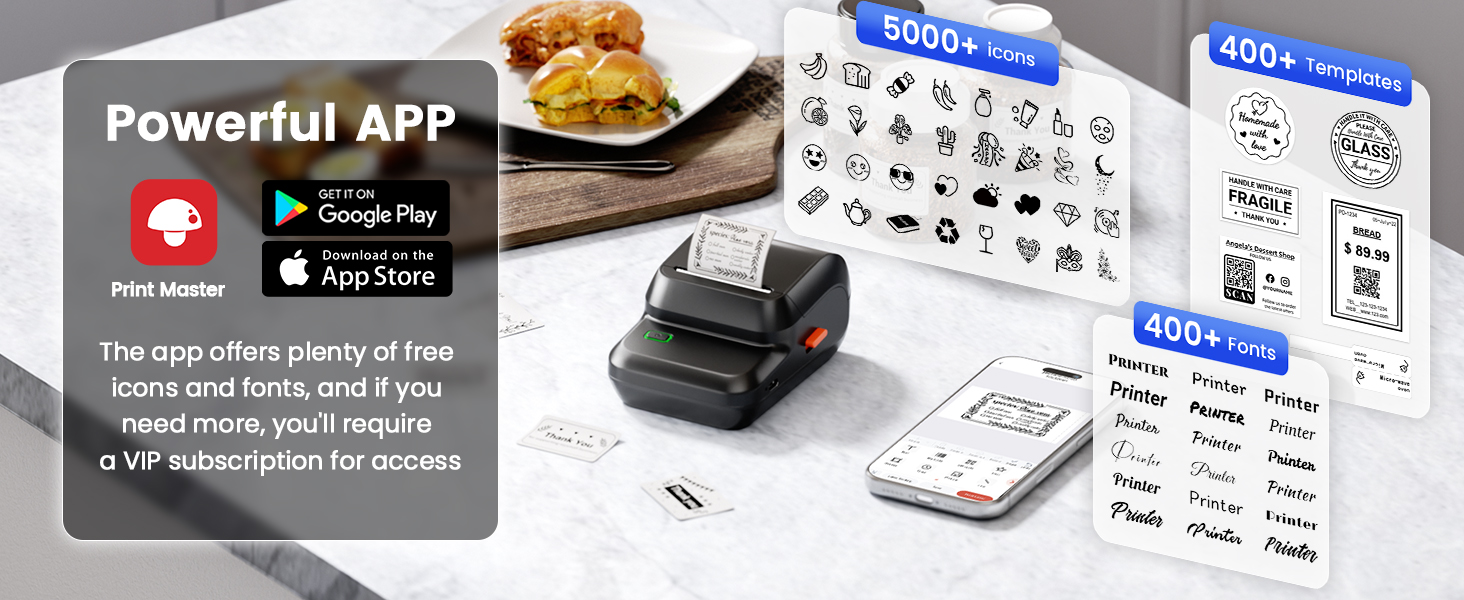
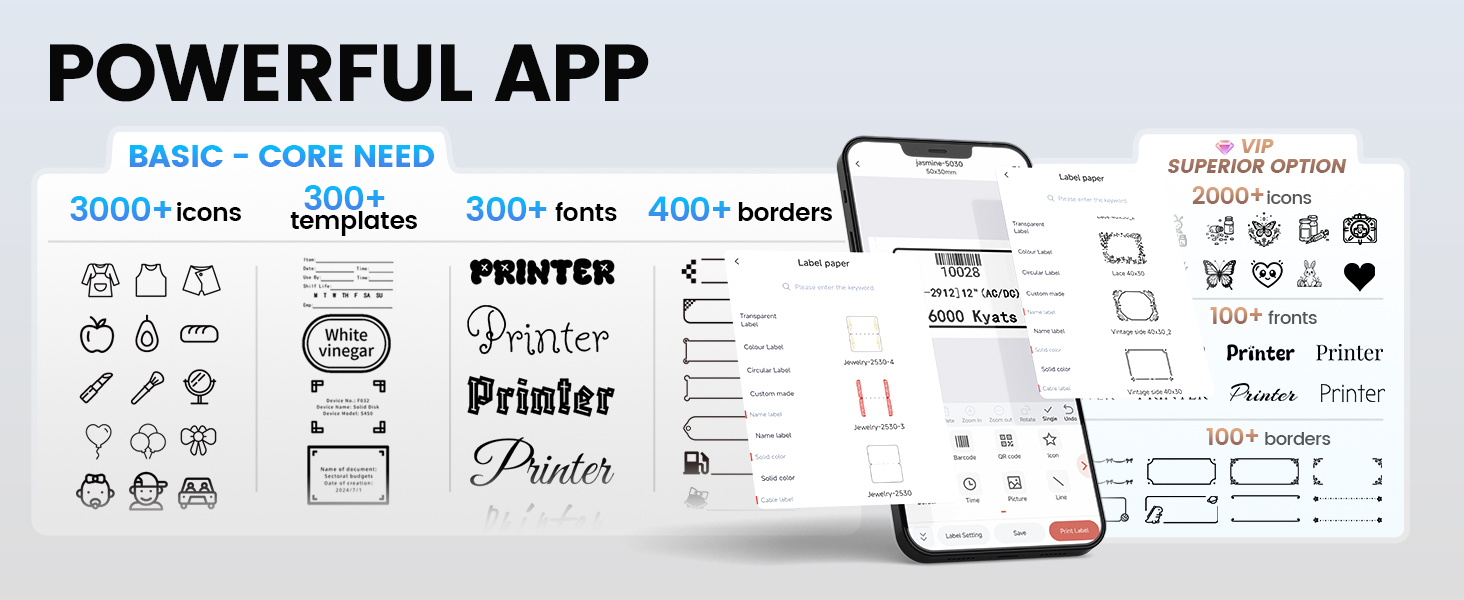
1. Download the "Print Master" app from the Apple Store or Google Play
2. Turn on Bluetooth on your phone, long press to turn on the M100 label printer, and open the "Print Master" app to link to Bluetooth
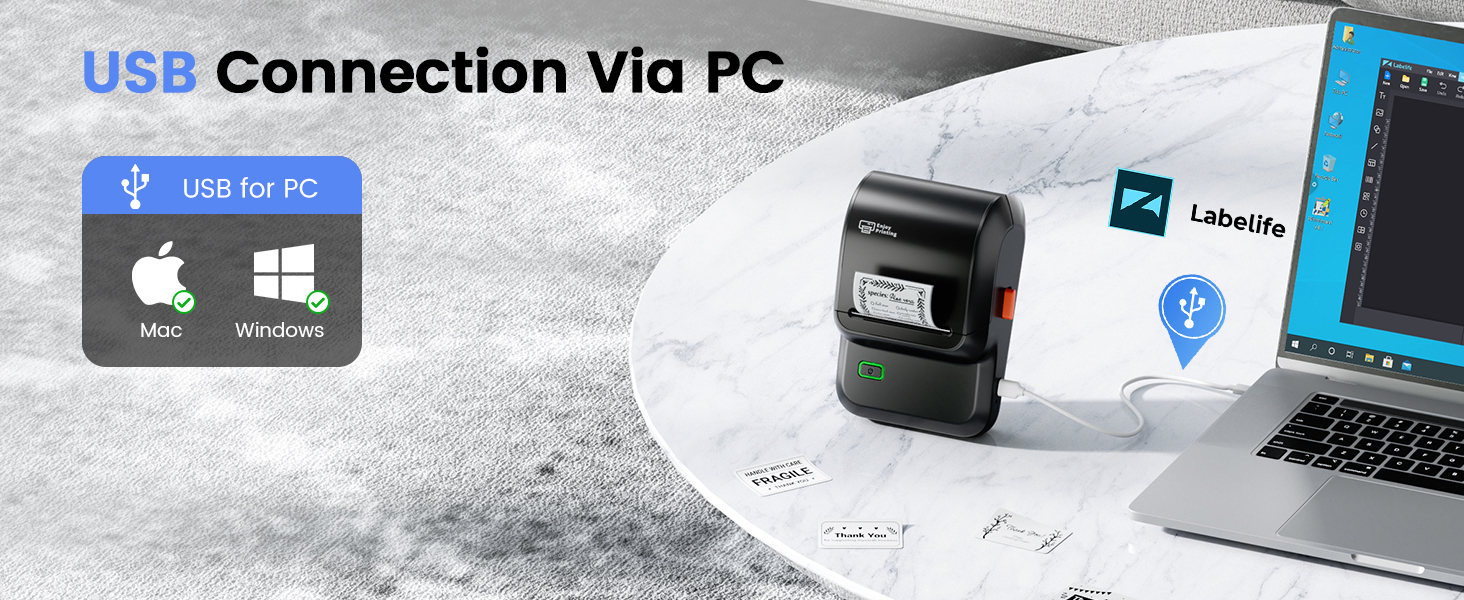
How to set up M100 label printer on computer via USB?
1. Power on the printer and connect it to the computer via a USB cable
2. Visit "Labelife",Install the M100 Driver and "Labelife" APP
If the machine cannot detect the paper, what should I do?
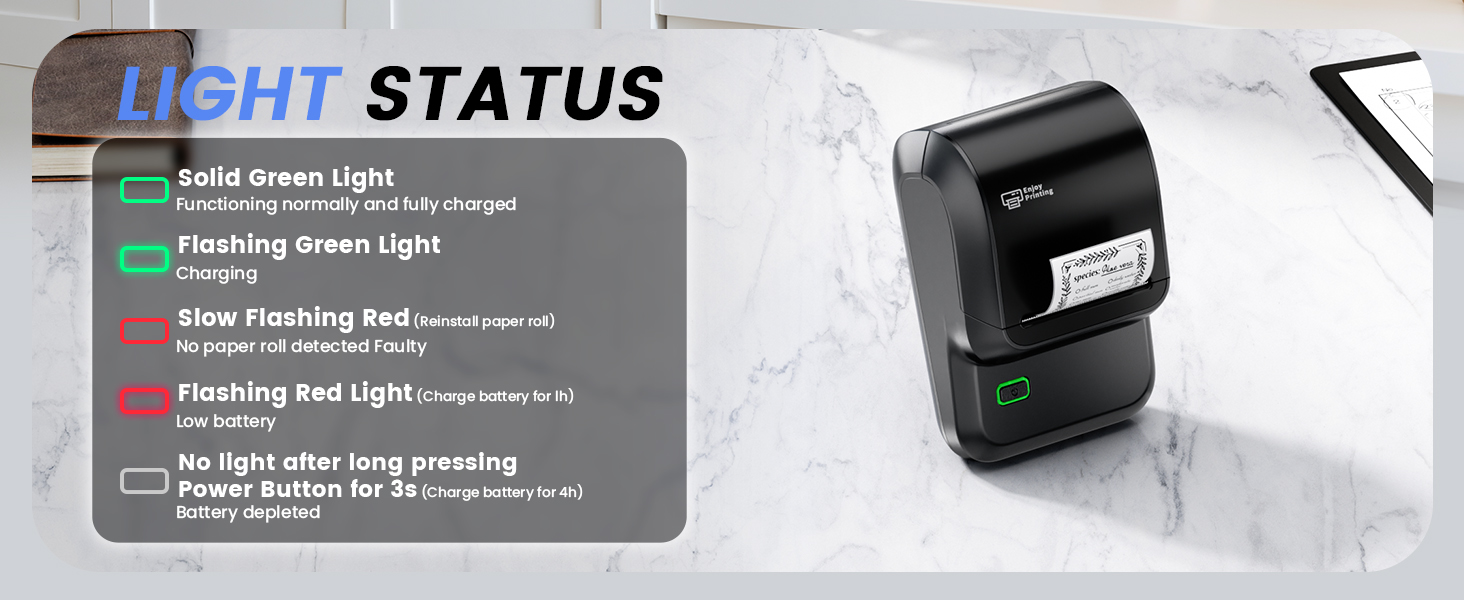
1.After removing labels, hold the power button 10 seconds while powered on until it turns off then on
2.Close the cover without paper and follow the app instructions to complete the paper-out learning process
Label Maker CASE | Ponek Label Maker | Label for 1.57'' x 1.18'' | Label for 1.96'' x 3.14'' | Label for 1.96" x 1.96" | Label for 1.96" x 1.96" | Label [3x230 pcs] |
|---|---|---|---|---|---|---|
| Customer Reviews | ||||||
| — | — | — | — | — | — | — |
| Price | ||||||
| — | — | — | — | — | — | — |
| Corlor | ||||||
| Black | White | White | White | White | Green | White |
| Labels | ||||||
| - | 100 | 230 | 100 | 140 | 140 | 690 |
| Waterproof | ||||||
| ? | ? | ? | ? | ? | ? | ? |
| Oilproof | ||||||
| ? | ? | ? | ? | ? | ? | ? |
| Strong adhesion | ||||||
| ? | ? | ? | ? | ? | ? | ? |

What can you do if the printout blank?
Check whether the print paper is installed correctly, the print surface needs to be face to face with the thermal head.If you encounter a problem with blank pages being printed, please try loading the paper in the opposite direction
How to Resolve Printing Offset & Paper Skip?
1.Ensure the app’s label size matches the actual one; measure with a ruler (e.g., pick 40x30mm template for 40x30mm labels)
2.Check app template settings to confirm correct paper type,such as gap, black mark or continuous paper
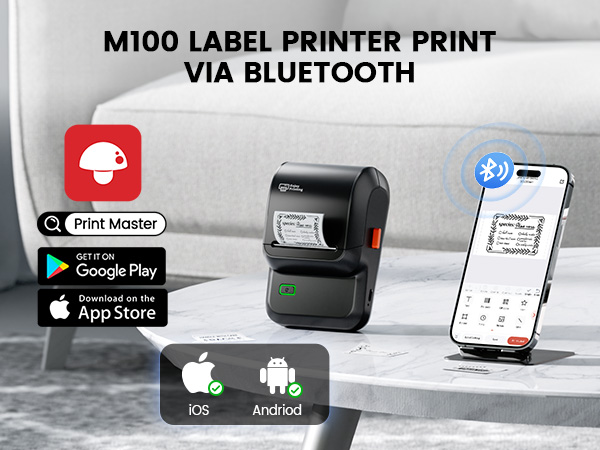
How to set up M100 label maker to connect Bluetooth?
1. Download the "Print Master" app from the Apple Store or Google Play
2. Turn on Bluetooth on your phone, long press to turn on the M100 label printer, and open the "Print Master" app to link to Bluetooth
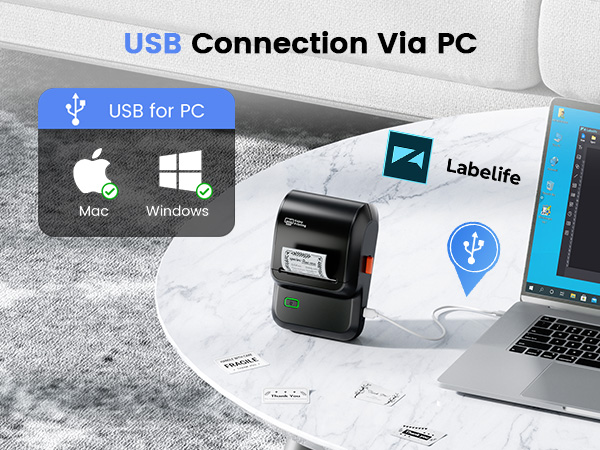
How to set up M100 label printer on computer via USB?
1. Power on the printer and connect it to the computer via a USB cable
2. Visit "Labelife",Install the M100 Driver and "Labelife" APP
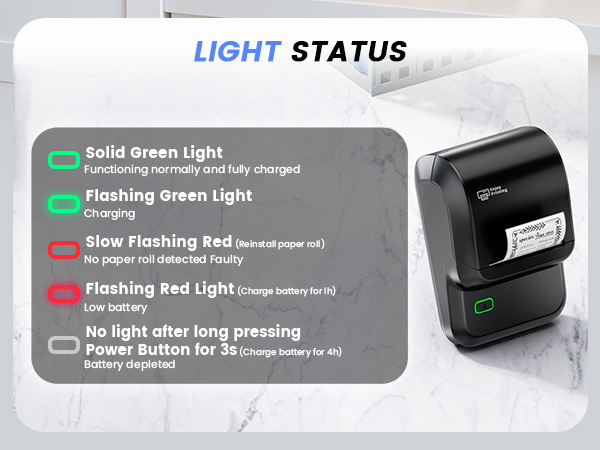
If the machine cannot detect the paper, what should I do?
1.After removing labels, hold the power button 10 seconds while powered on until it turns off then on
2.Close the cover without paper and follow the app instructions to complete the paper-out learning process