Meet Your Seller
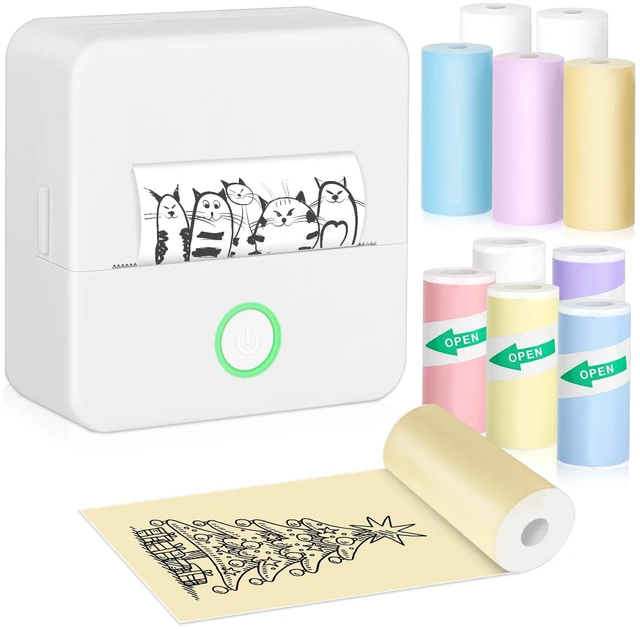
Sticker Printer, Portable Thermal Printer with 10 Rolls Paper, Sticker Printer Machine, Print Pod Mini Sticker Printers for Notes, Photos, Journals, DIY, Gift for Kids, Compatible with Android & iOS
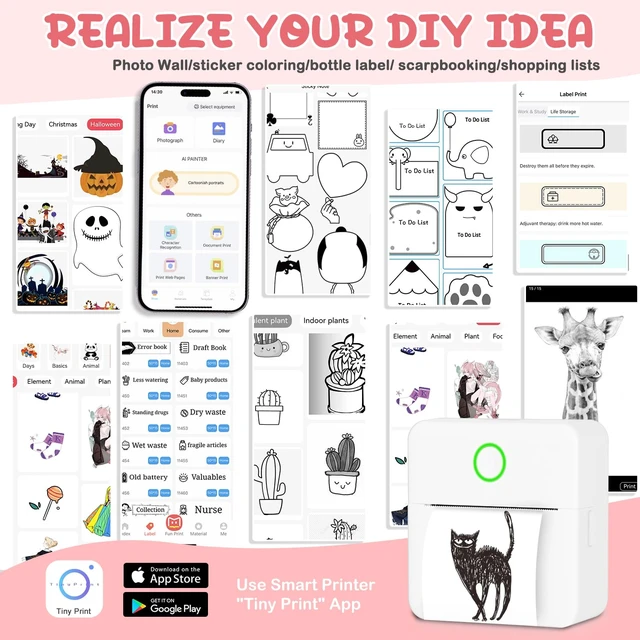
- Wireless Bluetooth Connection The sticker printer for iphone support wireless BT 4.0 Download with "Tiny Print" app, compatible with Android and IOS cell phone to connect with mini pocket printer easily and quickly in seconds. It's easy to operate, please check the instructions and follow.
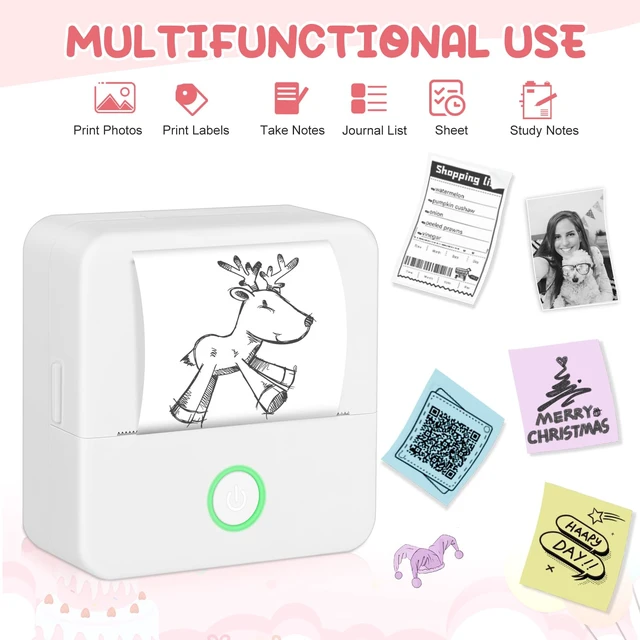
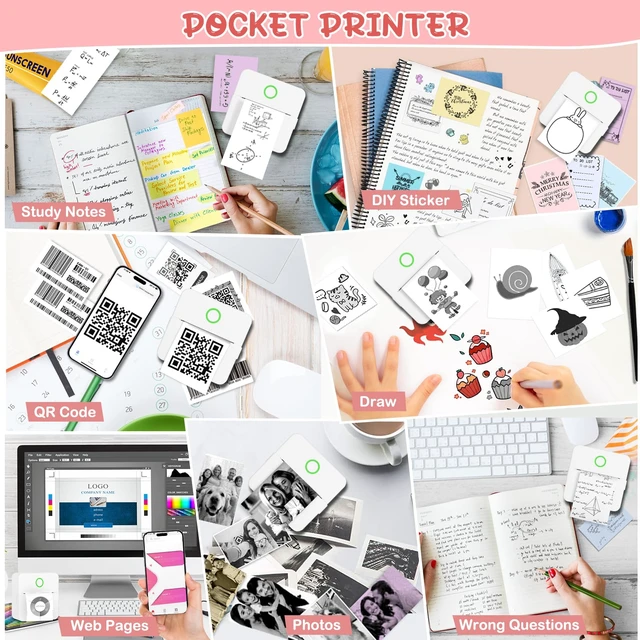
- Multifunctional Pocket Printer Only print black and white. Bluetooth thermal printer for printing photos, To-do list, labels, journal, scrapbook, QR codes, etc. This portable thermal printer have abundant templates, graphics, themes and hand drawn printing to meet more creative needs. Importantly, all everything in APP is free forever. Hurry up to enjoy your printing journey!
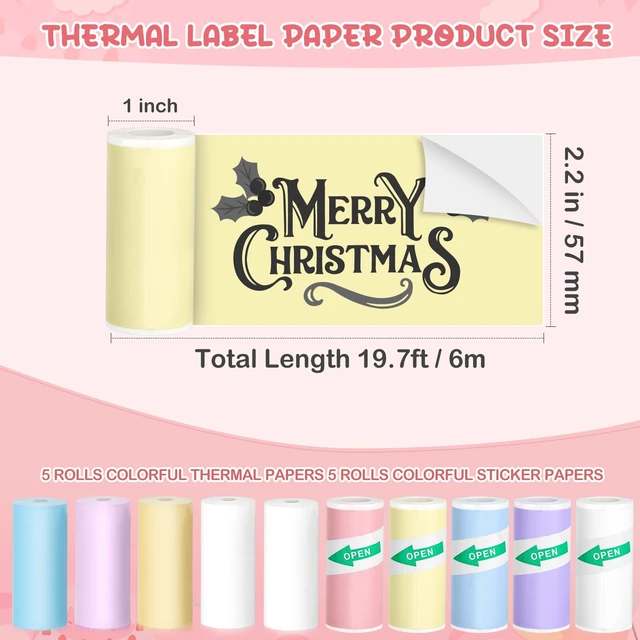
- 10 Rolls of Colors Paper & Sticker Thermal Printing Paper Mini thermal printer equipped with 5 rolls of thermal printing paper (3 rolls of colors paper + 2 roll of white thermal paper + 4 roll of colourful self-adhesive stickers +1 self-adhesive printable sticker) size: Width 2.24"(57mm) x diameter 0.98" (25mm). Equipped with a high-quality thermal print head that generates patterns on thermal paper by heating without using ink. 203DPI high-resolution black and white images can be printed more clearly.
Any questions? Ask CelesteSM will help you find out quickly.
Description:
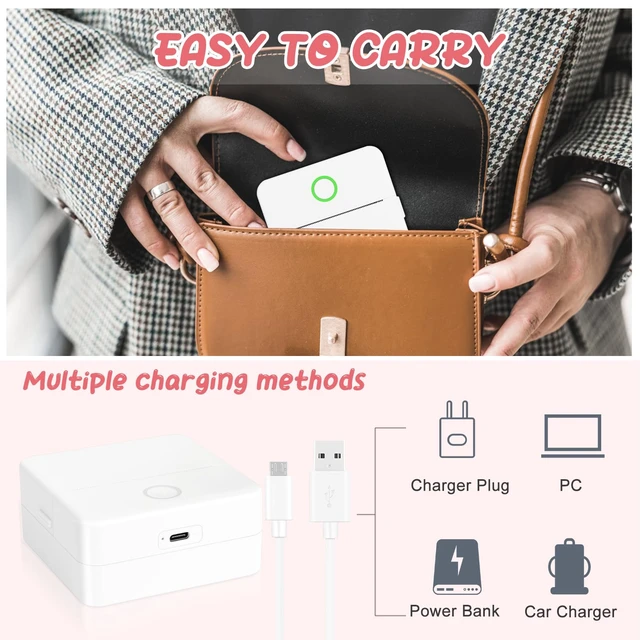
Small size with built-in 1200mAh battery that you can take it anywhere, easy to carry, USB bluetooth printer
High quality print roller, clear print and stable performance
Mini printer use 203dpi high resolution printing head and 5V interface, which makes your printing quality more outstanding
Use this mobile printer to take notes, journal, or any DIY craft
The thermal printing principle eliminates the need for ribbon ink printing, let you imagine the joy of printing
Specification:
Interface: Bluetooth
Print media: thermal paper
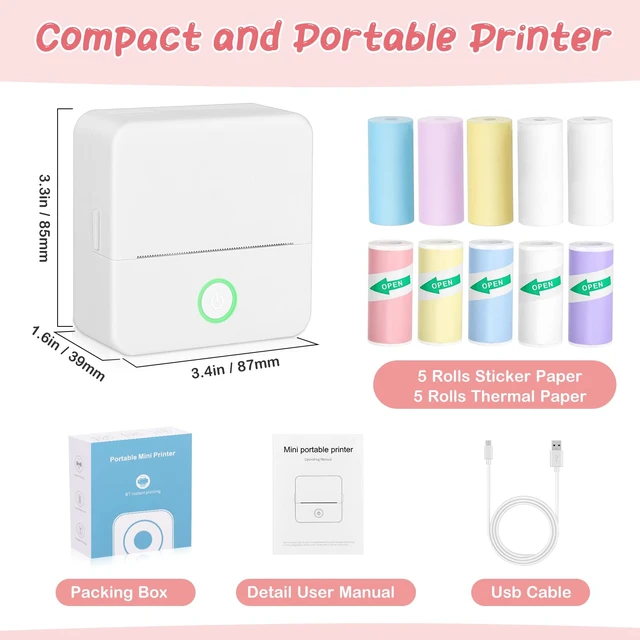
Dimensions: 8.4x4.x8.4cm/3.3x1.8x3.3inch
Power supply: built-in 1200mAh battery
Printing format: 57x25mm/2.24x0.98
inch:57x25mm/2.24x0.98inch
Package Includes:
1 Piece Thermal Printer
1 Piece Data Cable
1 Piece User Manual
10 Consumable paper
Operation steps
1please charge it before use it
2,long press the power key 3 seconds to boot
3, Double click on the power button to get a QR code paper,there have bluetooth name and pin number
4, scan the QR code ,download the app software
5, open the software ,and register it
6,search the bluetooth and connect it
7, choose pciture or receipt to try print it
Warranty & Returns
Warranty, Returns, And Additional Information
Warranty
- Please contact the Seller directly for warranty information. Warranty information may also be found on the Manufacturer's website.
- CONTACT
Return Policies
- Return for refund within: 30 days
- Return for replacement within: 30 days
- This item is covered by YOUCAILI Return Policy
Manufacturer Contact Info
- For a directory of all our manufacturers, please click below.
- Manufacturers Directory