here!
here!
I’m your shopping assistant for PC builds, upgrades, and everything tech.
Got questions? Ask away!
Start a conversation
here!
I’m your shopping assistant for PC builds, upgrades, and everything tech.
Got questions? Ask away!
Start a conversation
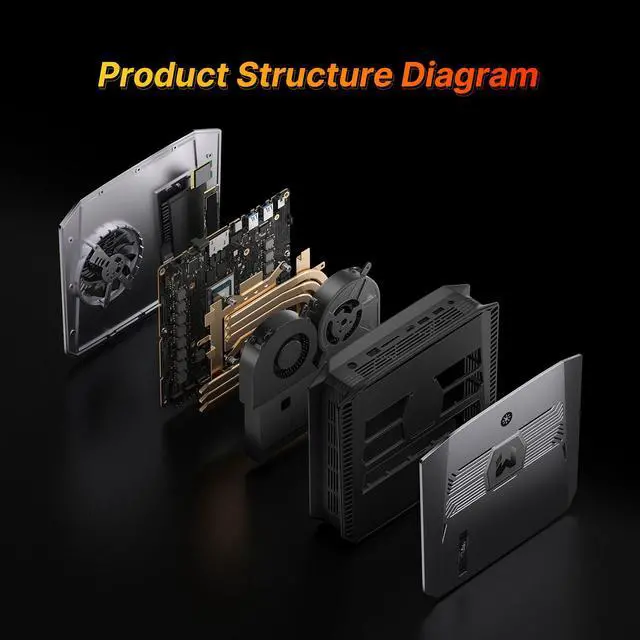
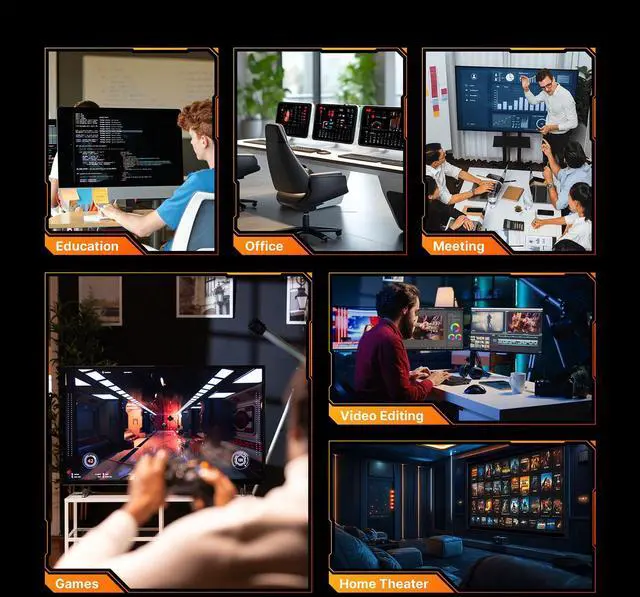
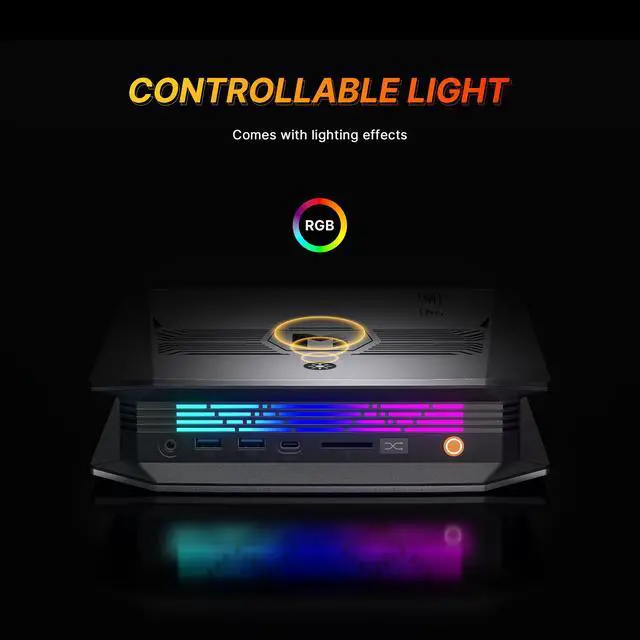



Any questions? Ask CelesteSM will help you find out quickly.
|
CPU |
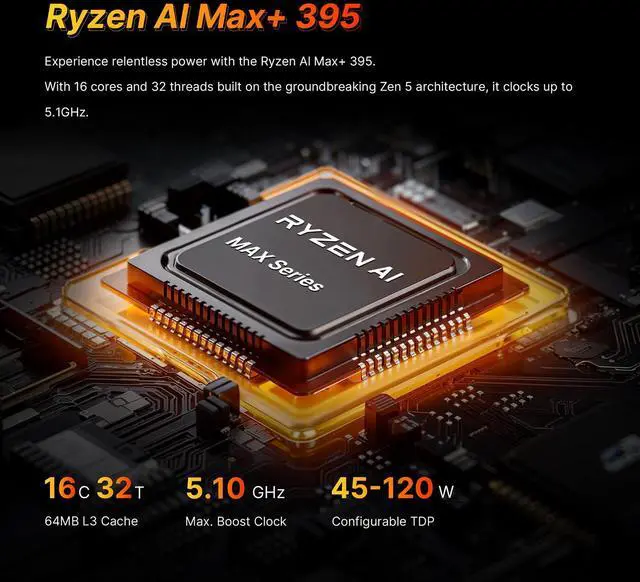
AMD Ryzen Al Max+ 395,16C/32T,Up to 5.1GHz |
|---|---|
|
Memory |
128GB LPDDR5X on borad |
|
WiFi |
M.2 KEY E 2230 WIFI (Include) |
|
Ethernet |
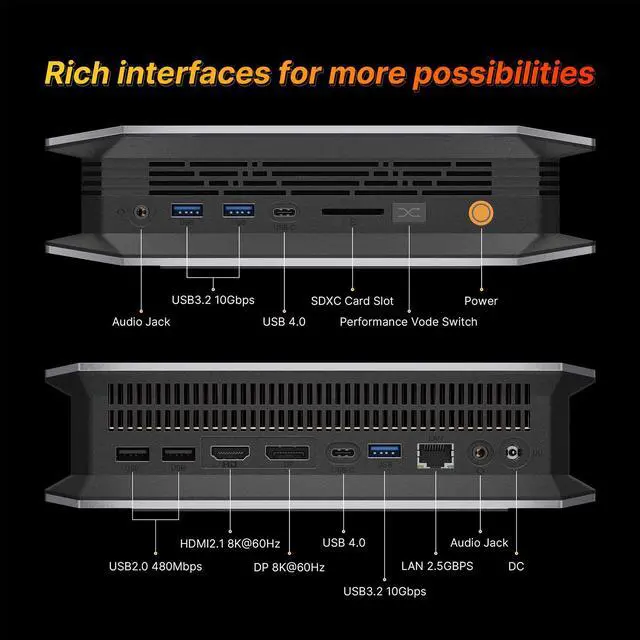
RJ45 LAN x1 (2.5 Gigabit Etheret Port, RTL8125BG) |
|
GPU |
Radeon 8060S Graphics (Graphics Frequency 2900MHz) |
|---|---|
|
Storge |
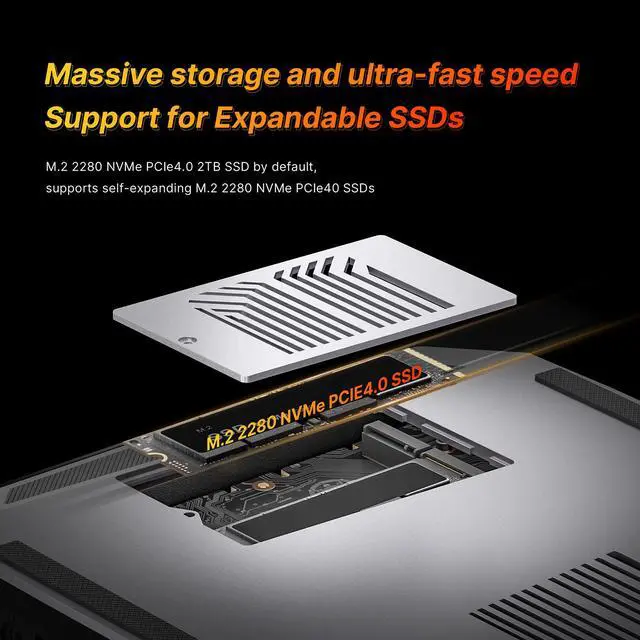
2TB M.22280 NVMe PCIE4.0 SSD |
|
Storage Expansion |
M.22280 NVMe PCIE4.0 SSD |
|
Adapter |
20V-12A Certification |


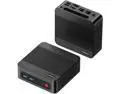
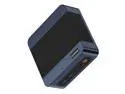
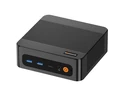
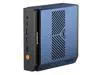
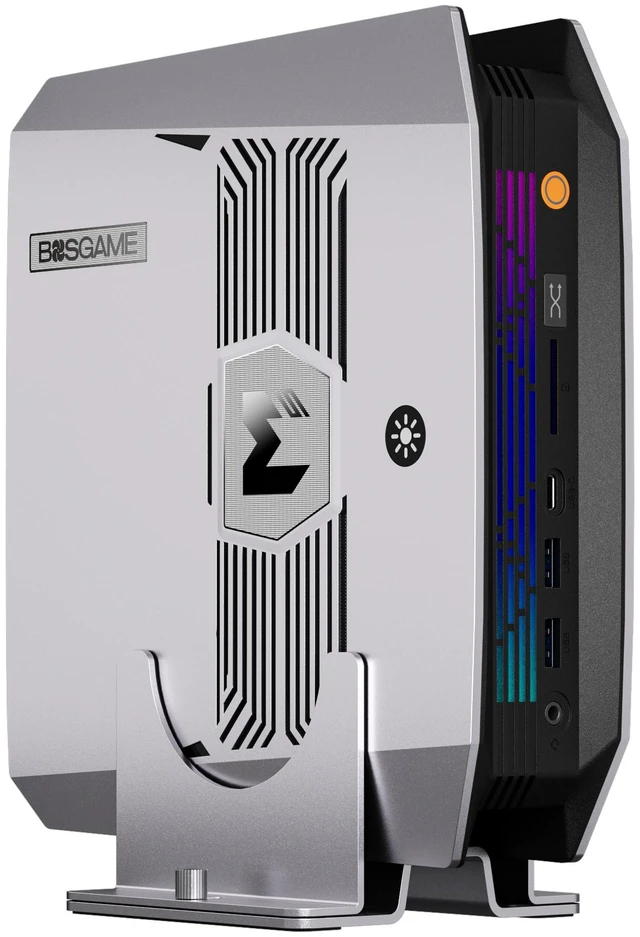
The BOSGAME M5 AI Mini PC is a compact Windows 11 Pro workstation built for local AI development, high-end content creation, and multitasking, with an AMD Ryzen AI Max+ 395, 128GB LPDDR5X memory, 2TB PCIe 4.0 SSD, and Radeon 8060S graphics. It suits developers, creators, and power users who need desktop-class performance in a space-saving mini PC.
Q: Should I buy the BOSGAME M5 or a Ryzen AI 9 HX 370 mini PC?
A: Choose the BOSGAME M5 if you want substantially more CPU headroom, much stronger integrated graphics, and the option to run larger local AI models because this configuration includes the Ryzen AI Max+ 395, Radeon 8060S graphics, and 128GB unified LPDDR5X memory. Choose a Ryzen AI 9 HX 370 mini PC if your priority is a lower purchase price, lower power draw, and more mainstream office or light creator workloads. Across official AMD positioning and third-party testing, the Max+ 395 platform is treated as a higher class product than HX 370 systems, especially for GPU-heavy work, local AI, and memory-intensive tasks.
Q: Is the BOSGAME M5 a better fit than a Mac mini or Mac Studio for local AI and GPU-heavy work?
A: Pick the BOSGAME M5 when you need a Windows-based mini PC with 128GB memory for local AI workflows, broader PC software compatibility, and stronger emphasis on GPU memory capacity in a compact desktop format. Pick a Mac mini or Mac Studio when your workflow is centered on macOS apps, Apple media engines, or Apple Silicon-optimized software. External testing shows Apple systems can lead in some CPU and AI software scenarios, while AMD positions the Max+ 395 platform around large-memory local AI use and strong integrated graphics, so the better choice depends more on software stack and model size than on a single benchmark.
Q: Should I choose the 128GB BOSGAME M5 or a lower-memory Strix Halo mini PC?
A: Choose this 128GB BOSGAME M5 if your workloads are memory-bound, such as larger local LLMs, big datasets, heavier multitasking, or creator workflows that benefit from more shared system and graphics memory. Choose a lower-memory Strix Halo system if your workloads fit comfortably in 32GB to 64GB and you want to reduce cost. The main advantage of this BOSGAME configuration is not just the processor but the unusually large 128GB unified memory pool, which is repeatedly highlighted by AMD and community discussions as a practical reason to step up.
Q: Is the BOSGAME M5 a better buy than a mini PC with OCuLink or a desktop GPU option?
A: Choose the BOSGAME M5 if you want a compact all-in-one system with very strong integrated graphics and no need to add an external GPU enclosure. Choose an OCuLink-equipped mini PC or a small desktop if your plan includes future graphics upgrades, higher gaming ceilings, or CUDA-dependent workloads. The BOSGAME M5 is the better fit for users who want high performance from the built-in Radeon 8060S and large memory out of the box, while expandable platforms make more sense for buyers who expect their graphics needs to grow later.
Q: Should I get the BOSGAME M5 or a gaming laptop with the same Ryzen AI Max+ 395 chip?
A: Choose the BOSGAME M5 if you want the same processor class in a stationary system that can usually sustain performance more easily, offers more desktop-style connectivity, and avoids the compromises of a battery-powered design. Choose a laptop with Ryzen AI Max+ 395 if portability matters more than sustained desktop use. Reviews of Strix Halo systems and the Bosgame M5 consistently frame the mini PC form factor as a better match for buyers who want this chip's performance without the thermal and mobility trade-offs of a portable device.
Q: Is this mini PC a good choice for AI development, 3D work, and heavy multitasking?
A: Yes, it is better suited to demanding workstation-style use than a typical office mini PC. The key reason is its unusually high memory capacity for this category: 128GB LPDDR5X, paired with a 16-core Ryzen AI Max+ 395, 2TB PCIe 4.0 SSD, and Radeon 8060S integrated graphics. That makes it a stronger fit for local AI experimentation, large datasets, many browser tabs, virtual machines, code tools, and creator workloads than mainstream mini PCs that usually ship with 16GB to 32GB memory. The trade-off is that its graphics are integrated, so buyers focused on top-end AAA gaming or GPU-heavy professional rendering should compare it against a small desktop with a discrete GPU.
Q: Can it replace a full-size office desktop for meetings, spreadsheets, coding, and multiple monitors?
A: Yes. For office and productivity use, this is more than enough. It includes Windows 11 Pro, 128GB memory, fast NVMe storage, Wi-Fi 7, 2.5GbE, and enough display output for up to four 8K displays through HDMI 2.1, DisplayPort 1.4, and two USB4 ports. Retail Q&A on comparable mini desktops repeatedly focuses on operating system support and multi-monitor use, which are common buying concerns in this category. Compared with those systems, this BOSGAME model is unusually strong for desk setups that need many displays and high headroom for multitasking.
Q: Is it a good travel work device?
A: It is portable for a workstation, but it is not the most convenient travel device. As a mini PC, it is much smaller than a tower and can move between offices or project sites more easily, but it still needs external power, a monitor, and peripherals. Its 240W power supply also suggests a higher-performance setup than the ultra-light mini PCs people use mainly for simple hotel-desk office work. It makes more sense as a compact fixed workstation than as a carry-every-day travel computer.
Q: What are the main trade-offs versus a similar mini PC like an ASUS NUC or Lenovo IdeaCentre Mini?
A: The BOSGAME M5's main advantage is performance headroom: far more memory, a newer high-end AMD platform, dual USB4, faster networking, and stronger suitability for AI or creator workloads. The main trade-offs are that its 128GB LPDDR5X memory is onboard rather than socketed, so buyers should not assume memory upgrades later, and the graphics are still integrated rather than a replaceable discrete GPU. By contrast, retail Q&A for comparable mini PCs often centers on whether RAM, SSD, or graphics can be upgraded. For buyers who want a compact system with maximum built-in memory today, the BOSGAME is stronger; for buyers who prioritize future component swapping, a more modular mini desktop may be safer.
Q: Is it good for gaming, or should I buy a desktop with a dedicated GPU instead?
A: It can handle gaming better than many office-oriented mini PCs because it uses Radeon 8060S integrated graphics and a high-end AMD processor, but it is still an iGPU system. That means it is a reasonable choice for mixed work-and-play use, light-to-moderate gaming, esports, and users who want one compact machine for productivity plus some gaming. If gaming is your main goal, especially for consistently high settings in modern AAA titles, a desktop with a dedicated graphics card is the safer buy.
Q: Is the BOSGAME M5 a good choice for local AI and memory-heavy workloads?
A: Yes, if your priority is running large local models or other memory-heavy workloads in a compact system. The main decision reason discussed on Reddit is the combination of Ryzen AI Max+ 395 and 128GB unified LPDDR5X memory, which gives this class of mini PC unusually high memory capacity for local AI use. The trade-off is that you are buying a specialized compact workstation, not the best value option for every quantized-model or budget-focused setup.
Q: Who is the BOSGAME M5 actually suitable for?
A: It is most suitable for buyers who want a very small desktop for AI development, content creation, heavy multitasking, or a multi-display workstation. Based on the product specs and the way Reddit and YouTube discussions frame it, the M5 fits users who specifically want high CPU performance, large onboard memory, fast storage, and strong integrated graphics in a compact form. It is less suitable for buyers who only need a basic office mini PC or who want a system with user-replaceable RAM.
Q: What are the main trade-offs of buying the BOSGAME M5 instead of a larger desktop or modular alternative?
A: The main trade-offs are upgrade flexibility and value flexibility. The M5 gives you a compact all-in-one mini PC with 128GB onboard memory, integrated Radeon 8060S graphics, and dual USB4, but the memory is onboard rather than socketed, so future RAM upgrades are not part of the value proposition. Buyers comparing it with larger or more modular systems repeatedly focus on whether the premium for the compact form factor is worth paying.
Q: Can the BOSGAME M5 replace a full-size workstation for creators and power users?
A: For some users, yes, especially if you want a compact machine for 4K or 8K media work, multiple displays, local AI, and general high-performance desktop tasks without adding a discrete GPU. Its 16-core processor, 128GB memory, 2TB SSD, and four-display support make it viable as a primary desk machine. The limitation is that it still uses integrated graphics, so buyers who need maximum GPU scalability or future internal expansion may prefer a larger desktop.
Q: Is there any caution to consider before buying the BOSGAME M5 early?
A: Yes. Reddit discussion includes early-owner reports of startup and display-output problems, so this is not a risk-free early-adopter purchase. If you buy it, the strongest case is for users who specifically need this hardware profile now: Ryzen AI Max+ 395, 128GB memory, compact size, and strong I/O. If reliability, mature firmware, or long-term service confidence matter more than being early, waiting for broader owner feedback is the safer decision.