




 here!
I’m your shopping assistant for PC builds, upgrades, and everything tech.
Got questions? Ask away!
Start a conversation
here!
I’m your shopping assistant for PC builds, upgrades, and everything tech.
Got questions? Ask away!
Start a conversation Top Rated

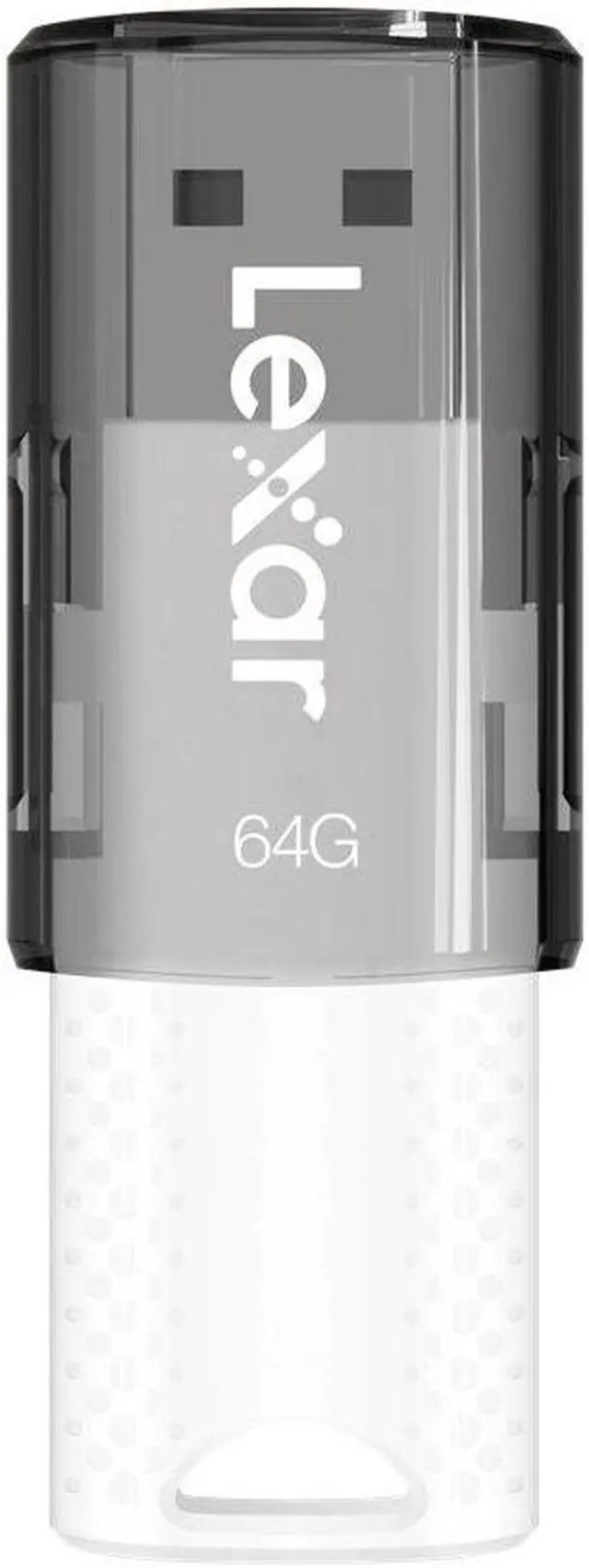
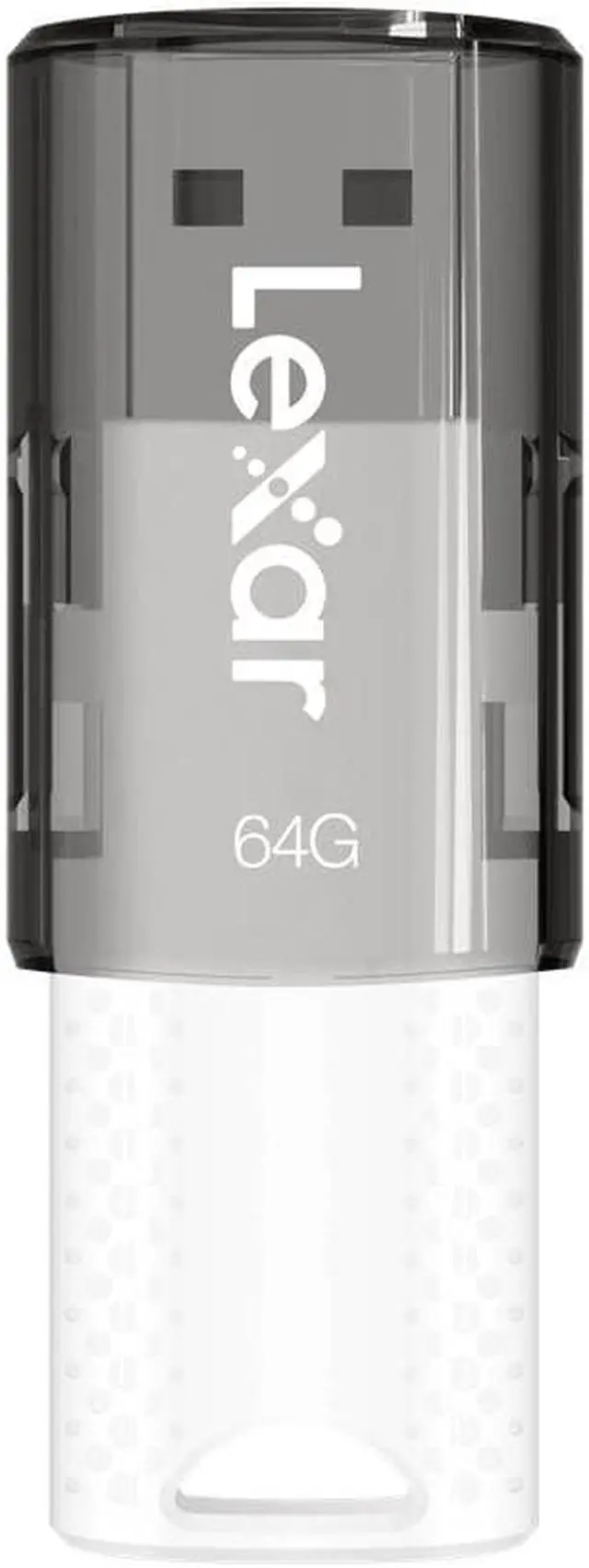
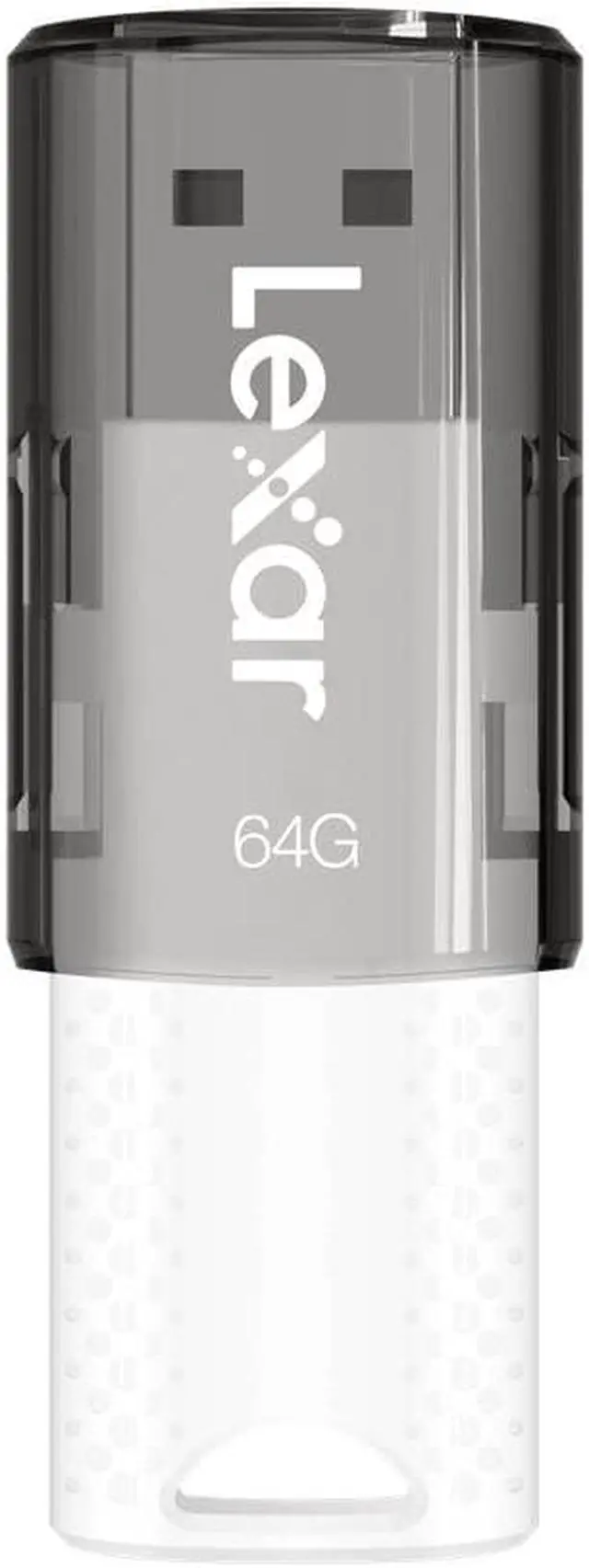
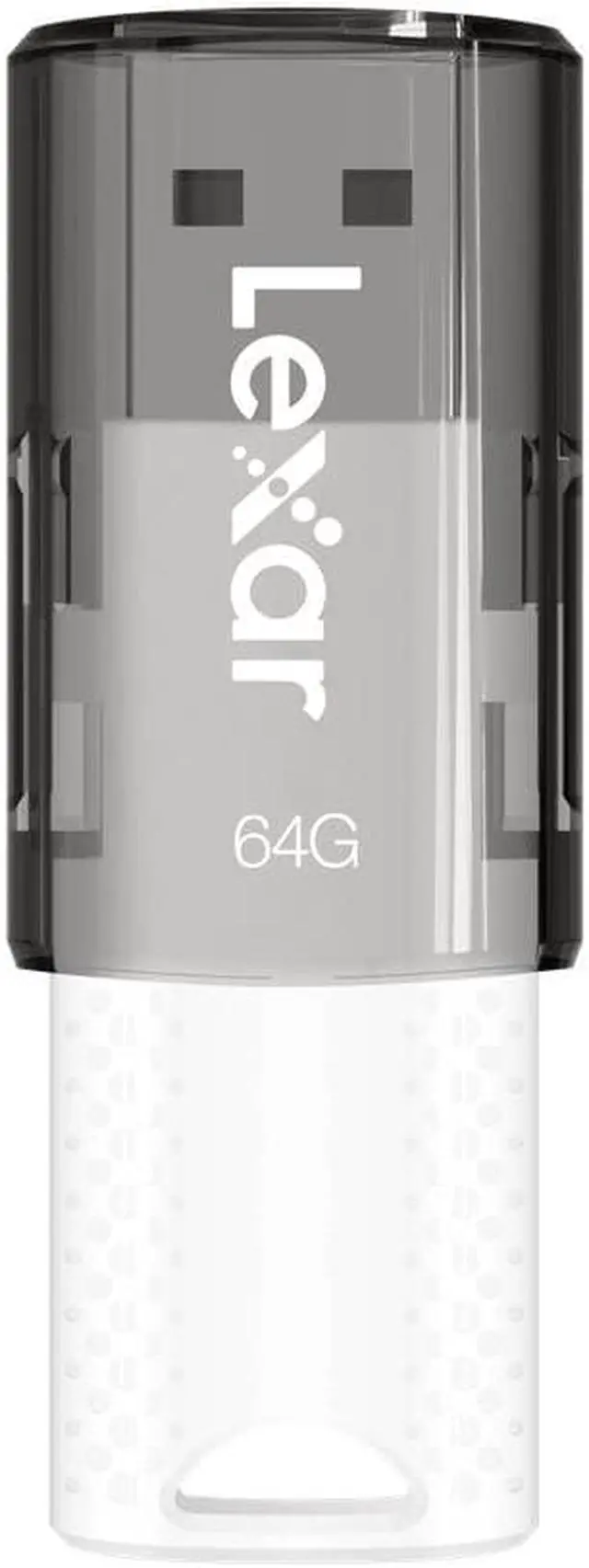
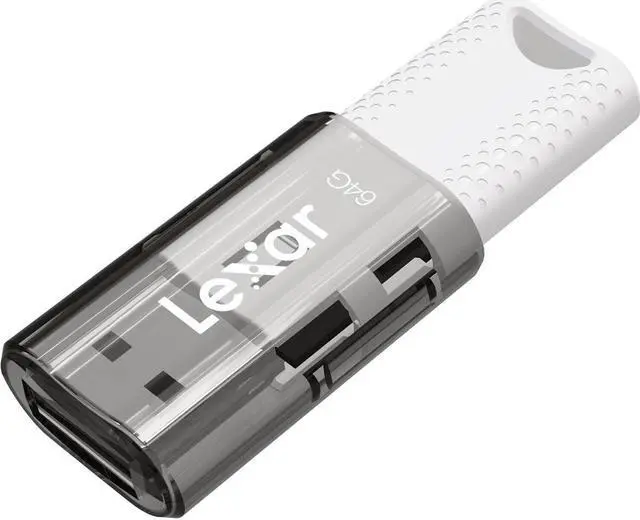
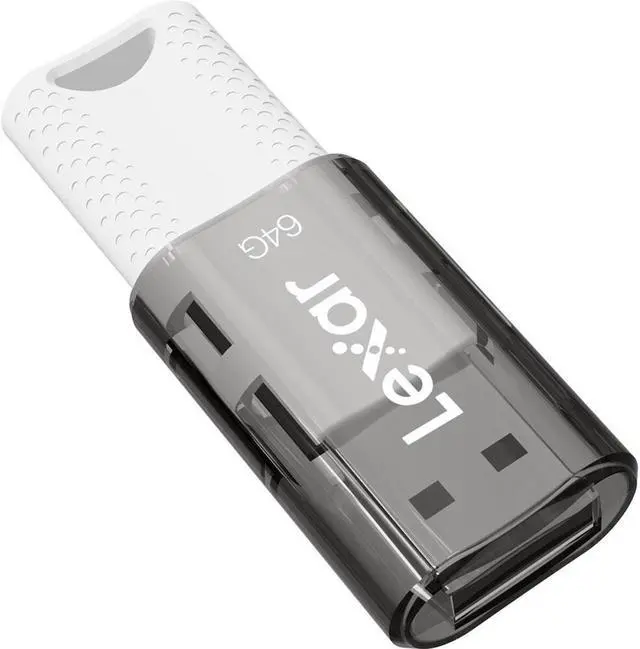
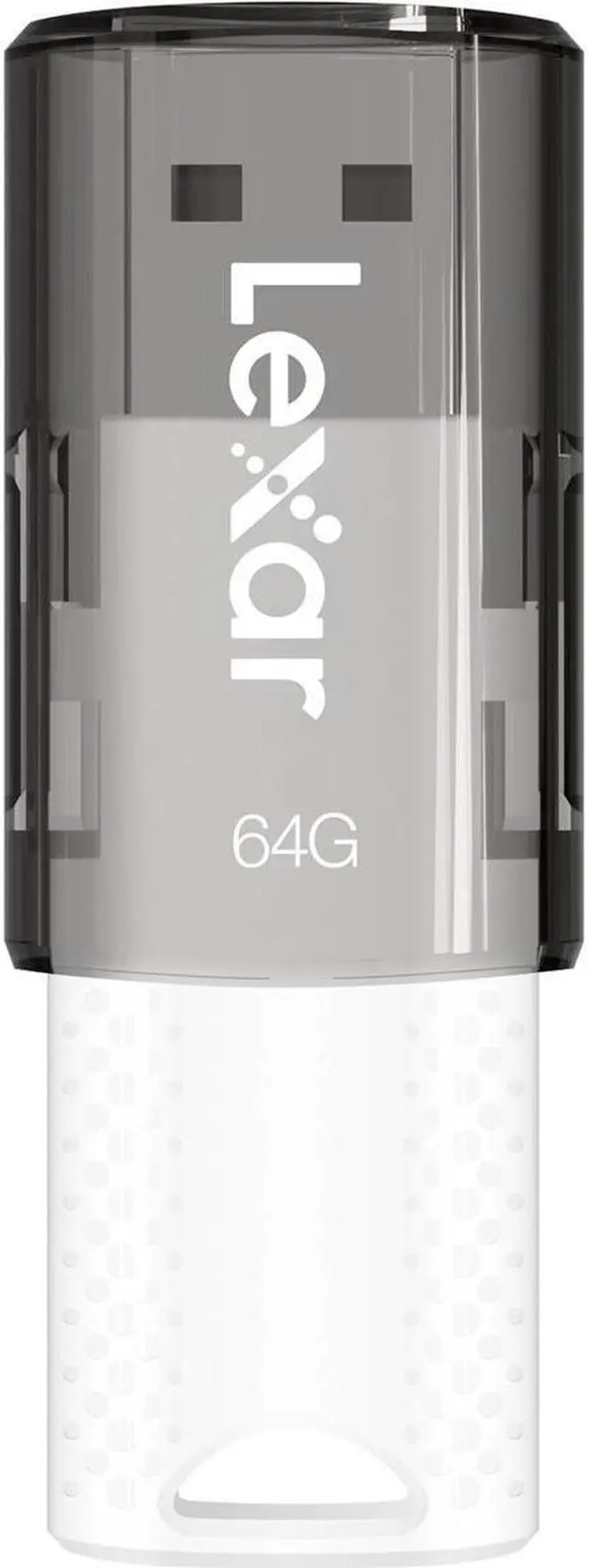
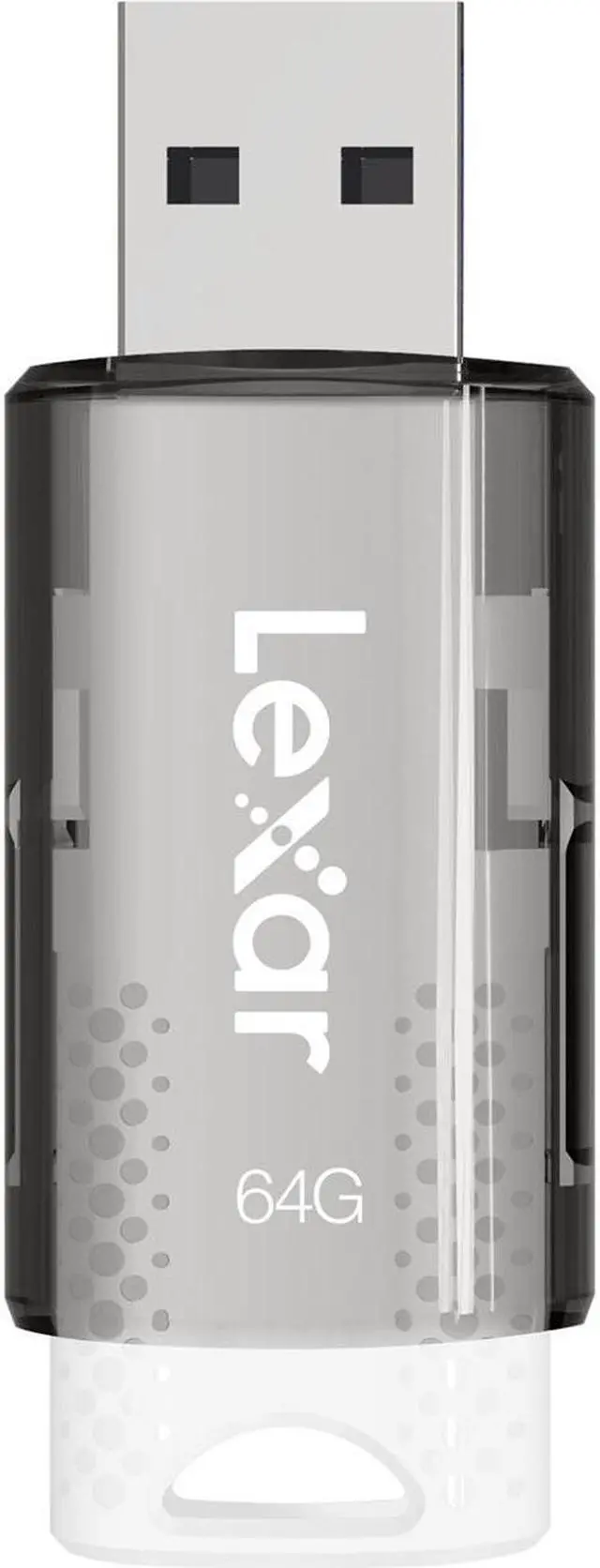
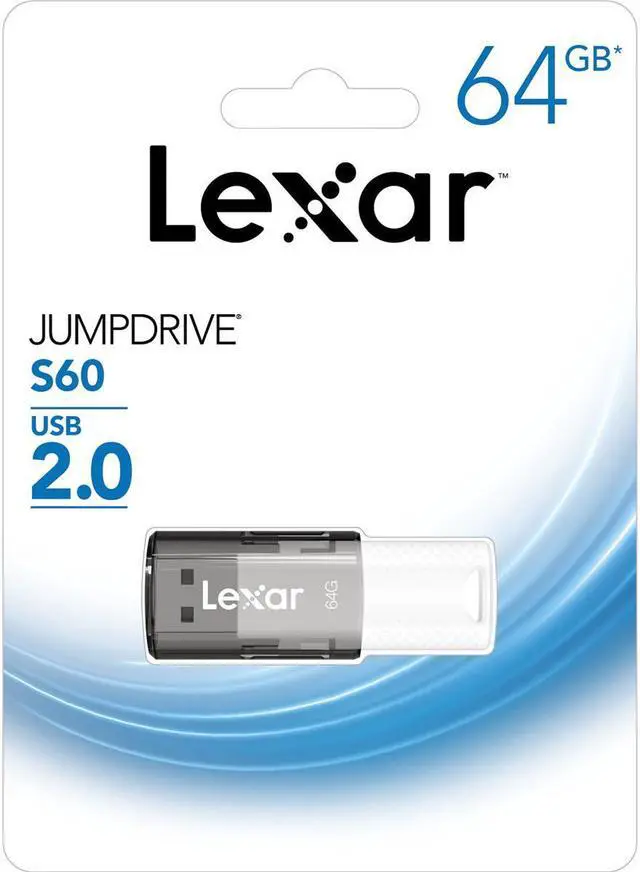


The Lexar JumpDrive S60 is a 64GB USB 2.0 flash drive with a protective sliding cover, suited to PC and Mac users who want portable storage for everyday photos, videos, and files.
| Attribute | Value |
|---|---|
| Best For | Portable storage and transfer of photos, videos, and files |
| Capacity | 64 GB of USB flash storage |
| Interface And Form Factor | USB Type-A interface; 2.15 × 0.80 × 0.37 in |
| Read And Write Performance | Read speed: 30 MB/s; write speed: up to 40 MB/s |
| Features And Color | Temperature-proof; white |
| Portability | Item weight: 0.02 lb |
| Model Identifiers | Lexar JumpDrive S60; model LJDS060064G-BNBNU |
Q: Lexar JumpDrive S60 64GB vs S80 64GB: which should I choose?
A: Choose the JumpDrive S80 if faster file transfers are your priority: Lexar lists USB 3.2 Gen 1 speeds of up to 150 MB/s read and 60 MB/s write for its 64GB model. Choose the S60 for 64GB of storage with a protective sliding cover and USB 2.0 interface.
Q: Lexar JumpDrive S60 64GB vs V40 64GB: what’s different?
A: Both are 64GB USB 2.0 drives with USB-A connectors and PC/Mac compatibility. Choose the S60 for its protective sliding cover; choose the V40 for its key-chain hole, designed for attaching the drive to a key ring or bag.
Q: Should I get the Lexar JumpDrive S60 64GB or 32GB?
A: Choose the S60 64GB if you want twice the stated capacity for storing files on one drive. The 32GB S60 offers the same USB 2.0 interface and protective sliding-cover design in a smaller capacity option.
Q: Will this flash drive work with both Windows PCs and Macs?
A: Yes. The Lexar JumpDrive S60 is listed as compatible with PC and Mac systems. It connects through USB-A, so the computer also needs a compatible USB-A port; a USB-C-only computer requires an appropriate adapter.
Q: Can I use it to store and transfer photos, videos, and work files?
A: Yes. It has 64GB of stated capacity and is designed to store and transfer files, including photos and videos. Actual usable space is lower than the stated capacity, and a connected device must support USB-A storage.
Q: Will it plug directly into a laptop that only has USB-C ports?
A: No. This model has a USB-A connector. A laptop with only USB-C ports needs a compatible USB-C-to-USB-A adapter or hub.
Q: Is it a good choice for moving large files frequently?
A: It uses USB 2.0, and the product listing does not specify read or write speeds. It can store and transfer files, but buyers who regularly move large files and need a stated transfer speed should check the speed specifications before choosing.
Q: Is the Lexar JumpDrive S60 64GB suitable for occasional file storage or backup?
A: It may suit occasional transfers and secondary backups: the product is a 64GB USB 2.0 drive, and Reddit commenters describe using Lexar USB drives for infrequent backups. Keep another copy of important files; those personal reports do not guarantee reliability.
Q: Is it a good choice for frequently transferring large files?
A: Probably not the best fit if you often move large files. This model uses USB 2.0, and Reddit commenters discussing Lexar USB drives suggest considering an external HDD or SSD for frequent transfers of large files.
Q: Do user reports establish that the JumpDrive S60 is reliable?
A: No. One Reddit commenter reported using an S60 for about three years without issues, while other comments describe mixed experiences with Lexar drives. These are individual reports, not a reliability guarantee; keep a separate copy of important files.


