


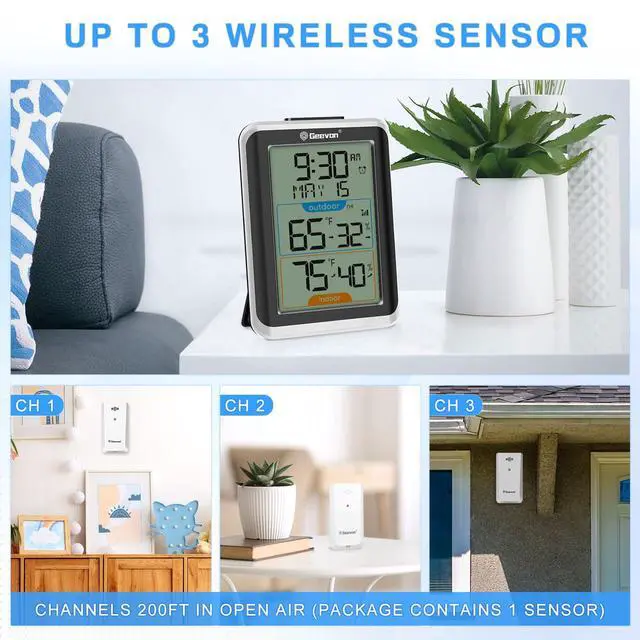


Display unit and outdoor sensor must be within 200ft (60m) of each other.
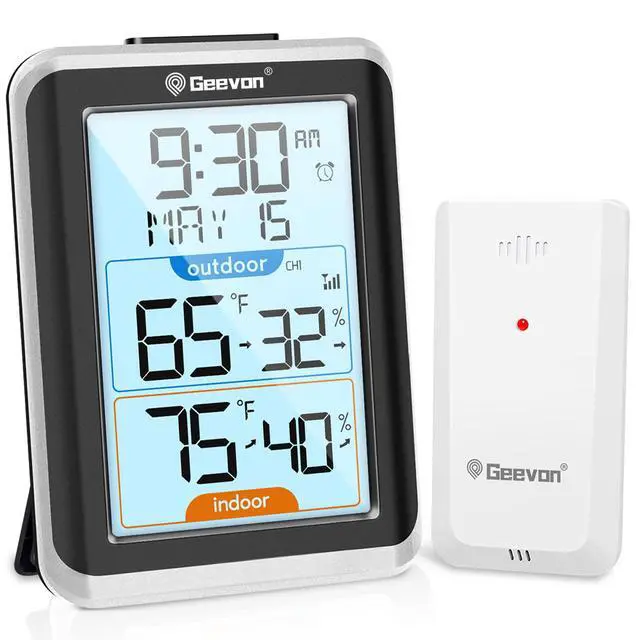
Multifunctional Indoor Outdoor Thermometer

History Records & Monitor Trends
Display 24-hour max and min humidity and temperature logs and trend indicators to keep you informed of changes in the environment around the sensor

Practical and Essential for Life
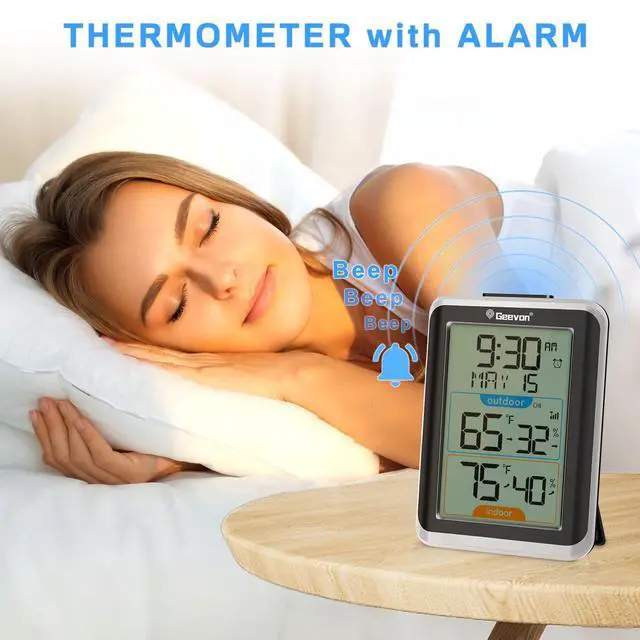
Not only can it be used as a regular indoor/outdoor thermometer, it can also be used as an alarm clock with time and snooze functions
Know More About Our Thermometer

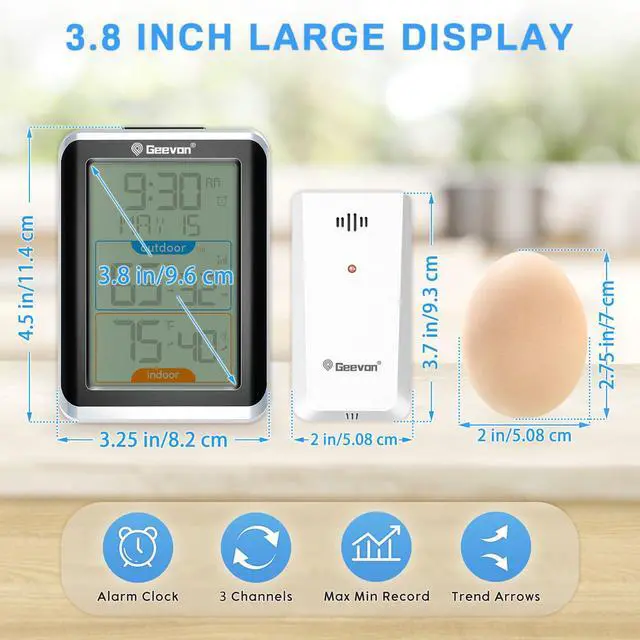
Large Display
The large 3.8” LCD display with large digits is easy to read

Stable Base
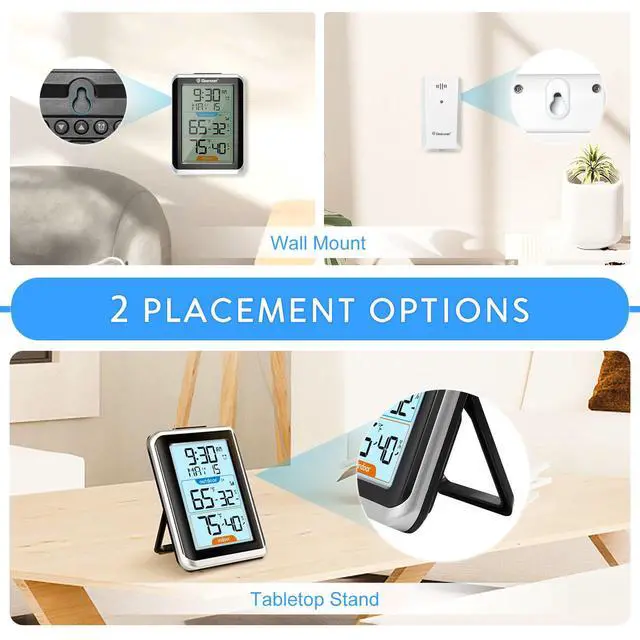
No matter how or where you place the alarm clock, it will not fall over

Easy Operation
Intuitive setup buttons make it easy to use for children, seniors and the elderly

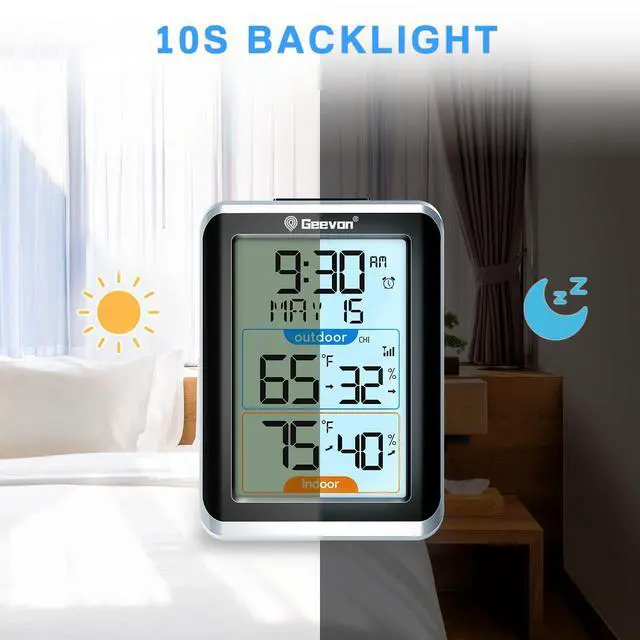
10s Backlight
Press the top “SNOOZE” button and the backlight will remain on for 10 seconds


What should I do if the outdoor sensor does not respond after installing the battery?
We recommend trying a new battery first. Do not mix new and old batteries.
Why can't the outdoor sensor connect to the main unit?
Electronic devices (TVs, computers, microwaves, radios, etc.), large metal objects, thick walls, metal surfaces, or other objects that may interfere with wireless communication can disrupt the signal connection.
What should I do if the outdoor sensor is not connected to the main unit?
First, check if there are any interfering devices in your home, and ensure that the sensor channel and the main unit channel are set to the same channel. Finally, press and hold the “Signal” button for 3 seconds to manually connect the signal.
Why is there a temperature error?
The outdoor sensor should not be placed in direct sunlight or in areas prone to rain, as this can affect the accuracy of the outdoor temperature. We recommend placing the device in a shaded area.
What should I do if there is an error in the outdoor temperature?
After confirming there are no other interfering devices in the home, remove the batteries from the main unit and sensor, place the devices side by side indoors, and hold down the “Signal” button for 3 seconds to manually connect the signal.


- We bring consumers top-quality products at a very competitive high-cost performance without sacrificing functionality or quality.
- We design, manufacture, sell, and support our own product line to our customers directly.
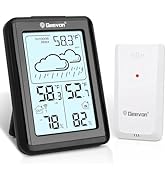
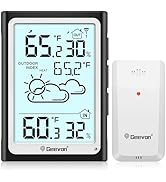
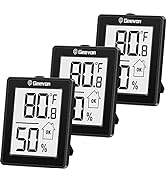
Indoor/Outdoor Thermometer
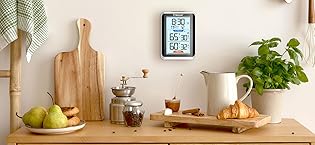
- Monitor temperature and humidity easily with 200 ft/60 m wireless range, 3-sensor support, and 24-hour trend tracking.
- Battery-powered sensors mount both indoors and outdoors.
- Combines an alarm clock, calendar and wall-mounted home decor.

- Track temperature and humidity in 3 areas at once (kids' room, kitchen, office, etc.) with this wireless weather station.
- Keep your family safe with the 3.8-inch backlit display and mold/moisture/heat index alert feature.
- Durable ABS design combines with simple 4-button controls for a simple and compact fit in any space.
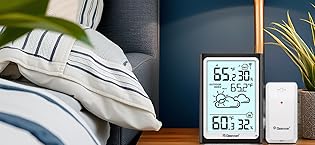
- Large display thermometer with clear and easy to read numbers, perfect for older eyes.
- Keep track of 3 areas (living room, basement, garden) at once with easy 3-channel monitoring.
- Customize your view with 3 backlight levels (battery or USB powered) and let the smart light sensor adjust the brightness automatically.
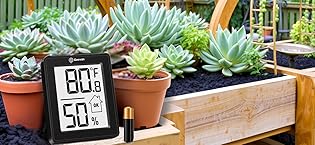
- The 2.5-inch LCD thermometer can be slipped into your pocket or mounted in your kitchen, nursery, wine cellar, or greenhouse (desktop/wall/magnet) for instant readout
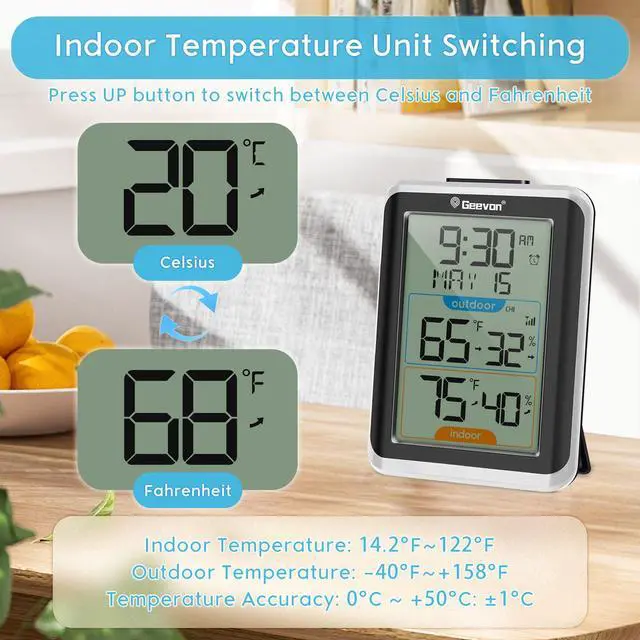
- Refreshes in 10 seconds and tracks temperature (-40°C to 70°C) and humidity (10% to 99% RH).
- Air Comfort Indicator maintains dryness/humidity with °C/°F switching
What problem are we solving?
We provide customers with lifetime consulting services. If you have any problems or troubles when using Geevon products, please feel free to contact store service. We are 7*24 online.
What makes our products unique?
We design, manufacture, and sell our own product line with high quality. Geevon protects every customer from any loss.
Why do we love what we do?
Your affirmation is the greatest driving force for us. We always take customer experience as a top concern and we will also be responsible for all of our products.


Display unit and outdoor sensor must be within 200ft (60m) of each other.
Multifunctional Indoor Outdoor Thermometer
History Records & Monitor Trends
Display 24-hour max and min humidity and temperature logs and trend indicators to keep you informed of changes in the environment around the sensor
Practical and Essential for Life
Not only can it be used as a regular indoor/outdoor thermometer, it can also be used as an alarm clock with time and snooze functions
Know More About Our Thermometer
Large Display
The large 3.8” LCD display with large digits is easy to read
Stable Base
No matter how or where you place the alarm clock, it will not fall over
Easy Operation
Intuitive setup buttons make it easy to use for children, seniors and the elderly
10s Backlight
Press the top “SNOOZE” button and the backlight will remain on for 10 seconds


What should I do if the outdoor sensor does not respond after installing the battery?
We recommend trying a new battery first. Do not mix new and old batteries.
Why can't the outdoor sensor connect to the main unit?
Electronic devices (TVs, computers, microwaves, radios, etc.), large metal objects, thick walls, metal surfaces, or other objects that may interfere with wireless communication can disrupt the signal connection.
What should I do if the outdoor sensor is not connected to the main unit?
First, check if there are any interfering devices in your home, and ensure that the sensor channel and the main unit channel are set to the same channel. Finally, press and hold the “Signal” button for 3 seconds to manually connect the signal.
Why is there a temperature error?
The outdoor sensor should not be placed in direct sunlight or in areas prone to rain, as this can affect the accuracy of the outdoor temperature. We recommend placing the device in a shaded area.
What should I do if there is an error in the outdoor temperature?
After confirming there are no other interfering devices in the home, remove the batteries from the main unit and sensor, place the devices side by side indoors, and hold down the “Signal” button for 3 seconds to manually connect the signal.
- We bring consumers top-quality products at a very competitive high-cost performance without sacrificing functionality or quality.
- We design, manufacture, sell, and support our own product line to our customers directly.
Indoor/Outdoor Thermometer
- Monitor temperature and humidity easily with 200 ft/60 m wireless range, 3-sensor support, and 24-hour trend tracking.
- Battery-powered sensors mount both indoors and outdoors.
- Combines an alarm clock, calendar and wall-mounted home decor.
- Track temperature and humidity in 3 areas at once (kids' room, kitchen, office, etc.) with this wireless weather station.
- Keep your family safe with the 3.8-inch backlit display and mold/moisture/heat index alert feature.
- Durable ABS design combines with simple 4-button controls for a simple and compact fit in any space.
- Large display thermometer with clear and easy to read numbers, perfect for older eyes.
- Keep track of 3 areas (living room, basement, garden) at once with easy 3-channel monitoring.
- Customize your view with 3 backlight levels (battery or USB powered) and let the smart light sensor adjust the brightness automatically.
- The 2.5-inch LCD thermometer can be slipped into your pocket or mounted in your kitchen, nursery, wine cellar, or greenhouse (desktop/wall/magnet) for instant readout
- Refreshes in 10 seconds and tracks temperature (-40°C to 70°C) and humidity (10% to 99% RH).
- Air Comfort Indicator maintains dryness/humidity with °C/°F switching
What problem are we solving?
We provide customers with lifetime consulting services. If you have any problems or troubles when using Geevon products, please feel free to contact store service. We are 7*24 online.
What makes our products unique?
We design, manufacture, and sell our own product line with high quality. Geevon protects every customer from any loss.
Why do we love what we do?
Your affirmation is the greatest driving force for us. We always take customer experience as a top concern and we will also be responsible for all of our products.