





Our products are designed to enable people to monitor and improve their own health from home. Since our founding invention, the mercury-free digital thermometer, Microlife has been committed to a future of providing effective health and wellness products.
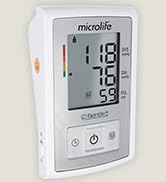
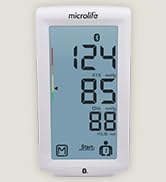
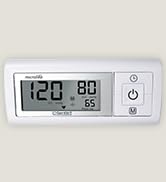
Blood Pressure Monitors
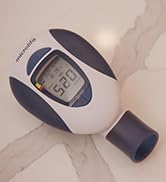
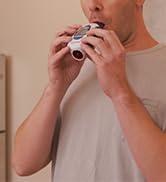

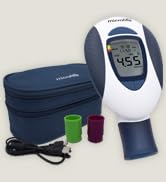
Peak Flow Meter
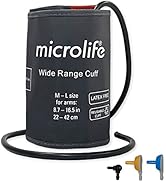
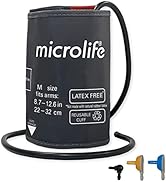
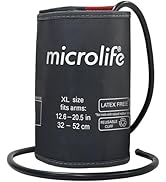
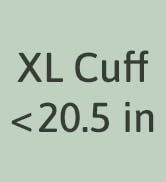
Cuffs in Additional Sizes
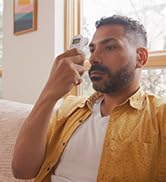
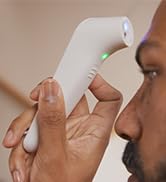
Non-Contact Thermometer

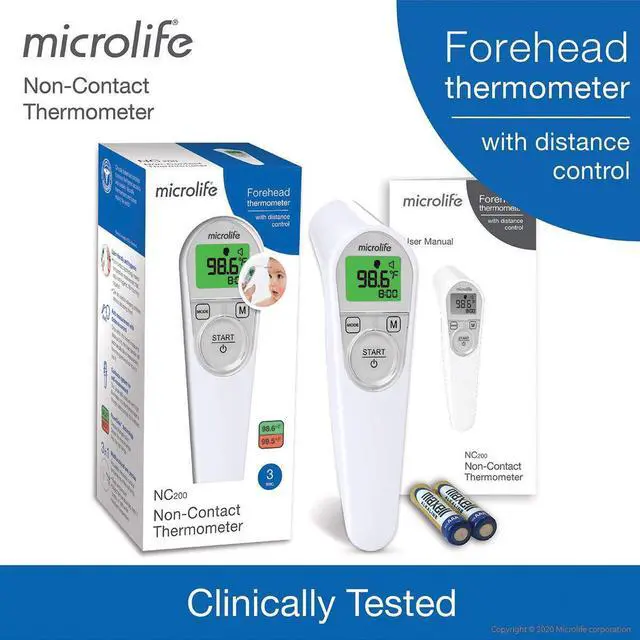
NC200 Non-Contact Thermometer

Accuracy with Distance Control: No More Guesswork
Non Contact thermometers are an easy and convenient option for measuring temperature, but they can be confusing. The NC200's built in distance control features helps you measure temperatures on yourself or others with confidence.
How does distance control work?
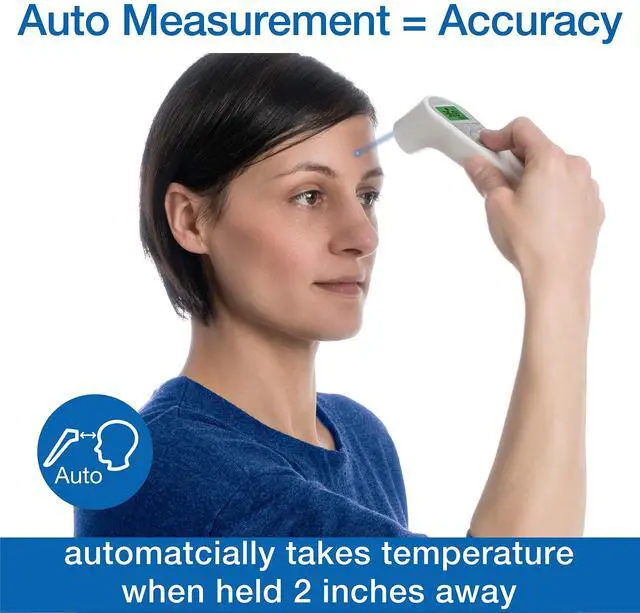
- On yourself: A green self-indicator light helps you align the thermometer to your forehead. A measurement is automatically taken when it is within range.
- On others: A blue guidance light blinks until the thermometer is within 2 inches of the forehead. A measurement is automatically taken when it is within range.
Features

FeverGlow Backlight Technology
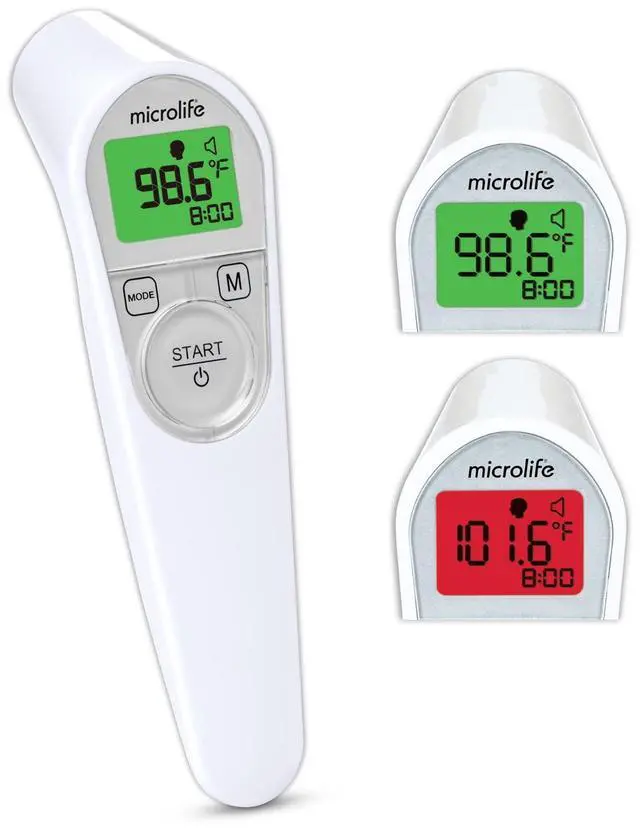
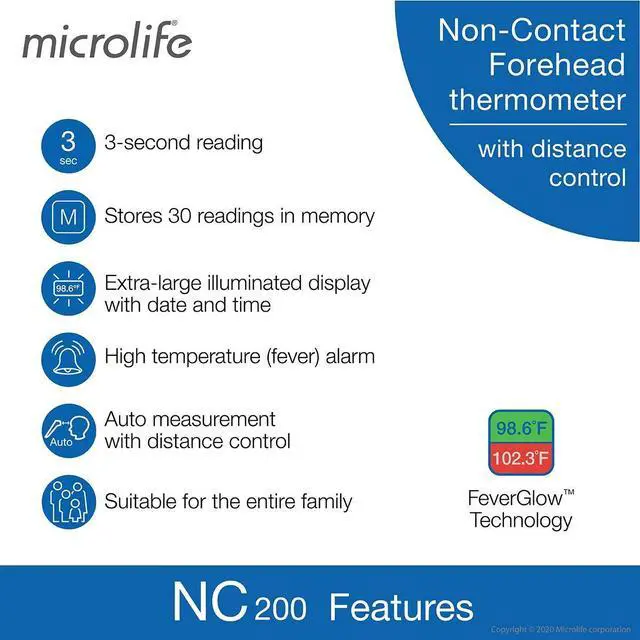
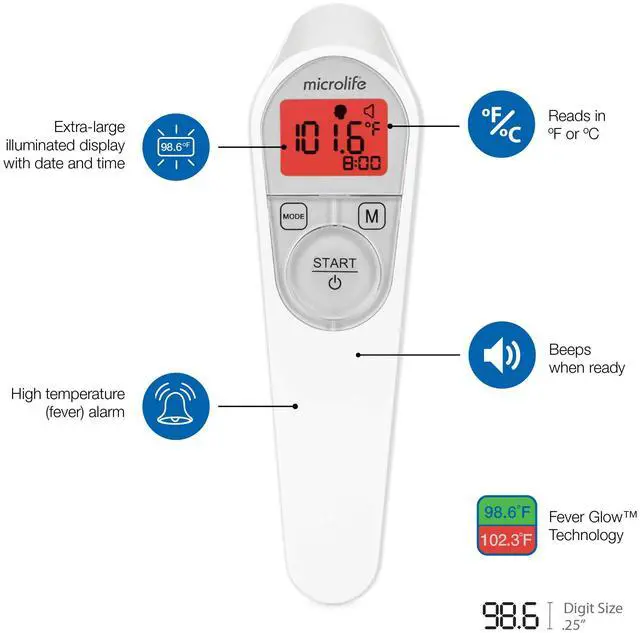
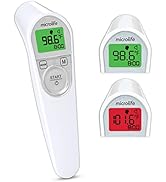
The extra-large backlit screen changes color for instant visual feedback about your measurement.
Backlit temperature indicator:
- Normal: LCD glows green
- High (fever): LCD glows red

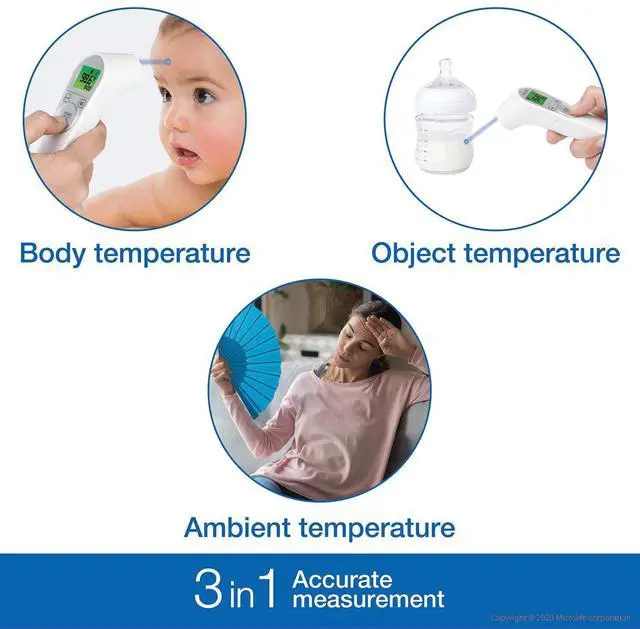
3-in-1: Measures Body, Object and Ambient temperatures
This 3 in 1 multi-use thermometer can be used to measure body, surface, or ambient temperatures. Useful for measuring baby bottles, bathwater, or to check room temperature.

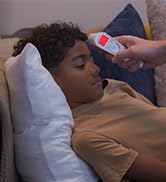
No Need to Disturb a Sleeping Child
The NC200 has additIonal features to help you at night:
- Tracking light: the blue guidance light helps you position the thermometer on the forehead
- Sound control: Silent mode for measurements at night
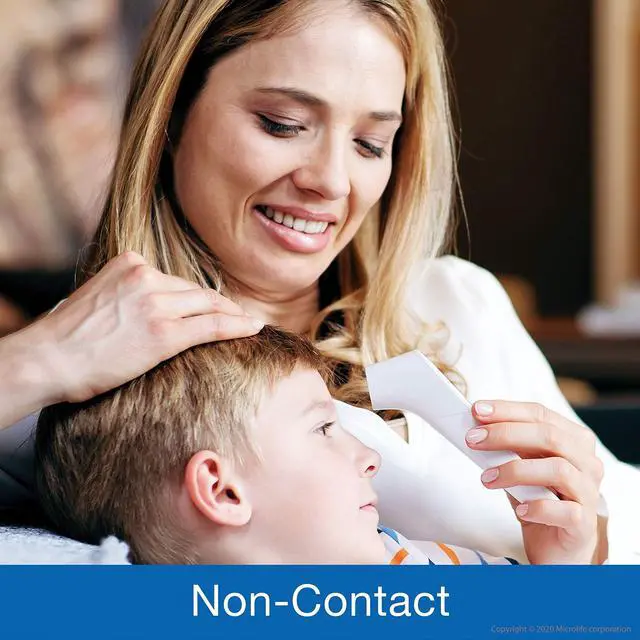
- Non-contact: Great for checking on a sleeping child without disturbing their rest.
- FeverGlow: this color coded backlit LCD provides instant feedback in a dark room.
- 30 Memories: no need to remember your child's last reading
How to Use

How to Take a Measurement (Body)
To measure body temperature, simply:
- With the lens cap off, press “START” and aim the blue distance control light at the center of the forehead.
- Move the thermometer towards the forehead until the distance control light stops blinking (around 2?). When it is within range, it will automatically measure temperature.
- When the measurement is complete, a long beep will sound.

Changing Modes: Body, Object. and Ambient
To change from body to Object/Ambient modes:
- Press "START" to turn the thermometer on.
- Press the mode button once to toggle between body, object and ambient modes.
- When your selection is displayed, press "START" to begin your reading.

Changing the Temperature from F to C
This thermometer can display temperature readings in Fahrenheit or Celsius. To switch the temperature scale between °C and °F:
- With the thermometer off, press and hold the "MODE" button until it beeps, or the sound symbol appears.
- Press the MODE button a second time, and the current temperature setting will appear on the display (°C or °F ).
- Press M to toggle between °F and °C .
- Press the "START" button to confirm your selection.
Box Contents:
- Infrared Forehead Thermometer
- Sensor Protection Cover
- x2 AAA batteries
- English / Spanish Instruction Manual
NC200 Non-Contact Thermometer
Accuracy with Distance Control: No More Guesswork
Non Contact thermometers are an easy and convenient option for measuring temperature, but they can be confusing. The NC200's built in distance control features helps you measure temperatures on yourself or others with confidence.
How does distance control work?
- On yourself: A green self-indicator light helps you align the thermometer to your forehead. A measurement is automatically taken when it is within range.
- On others: A blue guidance light blinks until the thermometer is within 2 inches of the forehead. A measurement is automatically taken when it is within range.
Features
FeverGlow Backlight Technology
The extra-large backlit screen changes color for instant visual feedback about your measurement.
Backlit temperature indicator:
- Normal: LCD glows green
- High (fever): LCD glows red
3-in-1: Measures Body, Object and Ambient temperatures
This 3 in 1 multi-use thermometer can be used to measure body, surface, or ambient temperatures. Useful for measuring baby bottles, bathwater, or to check room temperature.
No Need to Disturb a Sleeping Child
The NC200 has additIonal features to help you at night:
- Tracking light: the blue guidance light helps you position the thermometer on the forehead
- Sound control: Silent mode for measurements at night
- Non-contact: Great for checking on a sleeping child without disturbing their rest.
- FeverGlow: this color coded backlit LCD provides instant feedback in a dark room.
- 30 Memories: no need to remember your child's last reading
How to Use
How to Take a Measurement (Body)
To measure body temperature, simply:
- With the lens cap off, press “START” and aim the blue distance control light at the center of the forehead.
- Move the thermometer towards the forehead until the distance control light stops blinking (around 2?). When it is within range, it will automatically measure temperature.
- When the measurement is complete, a long beep will sound.
Changing Modes: Body, Object. and Ambient
To change from body to Object/Ambient modes:
- Press "START" to turn the thermometer on.
- Press the mode button once to toggle between body, object and ambient modes.
- When your selection is displayed, press "START" to begin your reading.
Changing the Temperature from F to C
This thermometer can display temperature readings in Fahrenheit or Celsius. To switch the temperature scale between °C and °F:
- With the thermometer off, press and hold the "MODE" button until it beeps, or the sound symbol appears.
- Press the MODE button a second time, and the current temperature setting will appear on the display (°C or °F ).
- Press M to toggle between °F and °C .
- Press the "START" button to confirm your selection.
Box Contents:
- Infrared Forehead Thermometer
- Sensor Protection Cover
- x2 AAA batteries
- English / Spanish Instruction Manual
Our products are designed to enable people to monitor and improve their own health from home. Since our founding invention, the mercury-free digital thermometer, Microlife has been committed to a future of providing effective health and wellness products.
Blood Pressure Monitors
Peak Flow Meter
Cuffs in Additional Sizes
Non-Contact Thermometer